Payments and till
22 guides, 34 minutes in all, in the order to watch them.
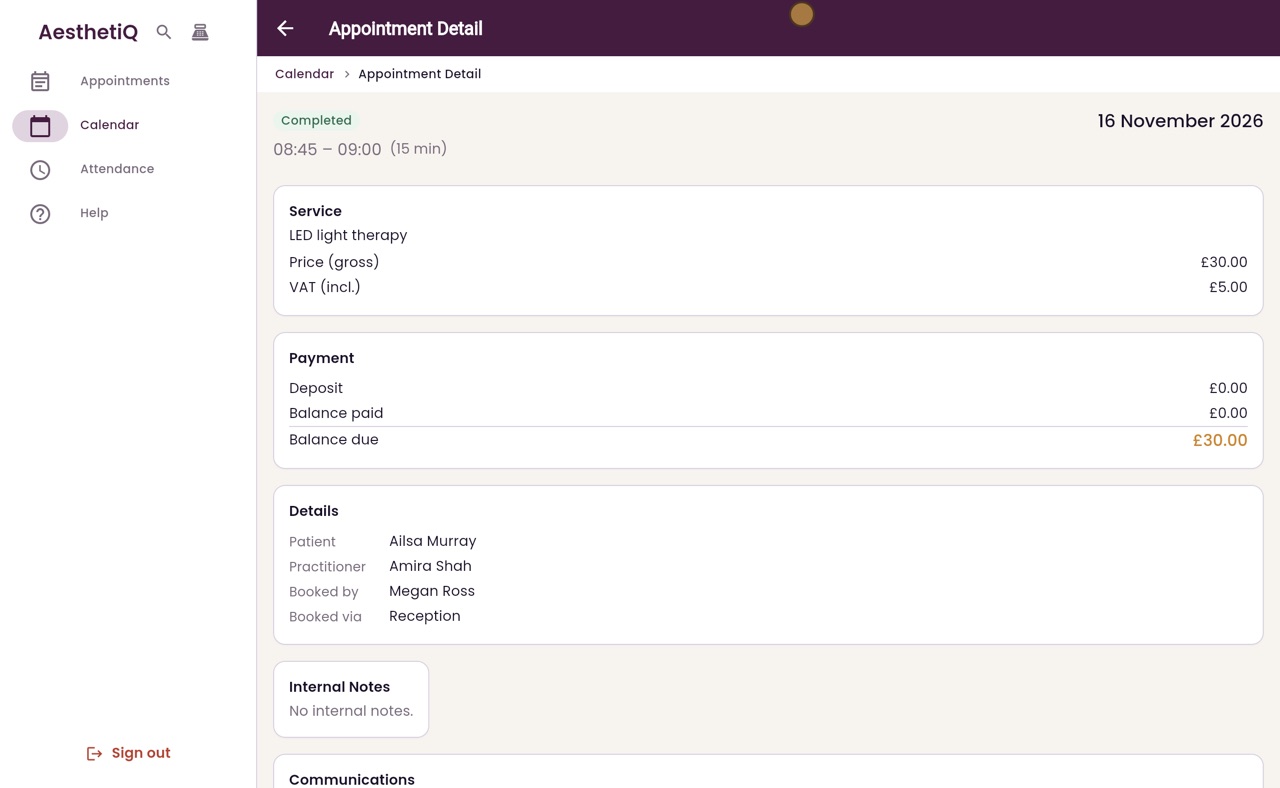
Taking a card payment
Open the appointment, tick Card Terminal and process the payment. The patient taps their card on the clinic's terminal.
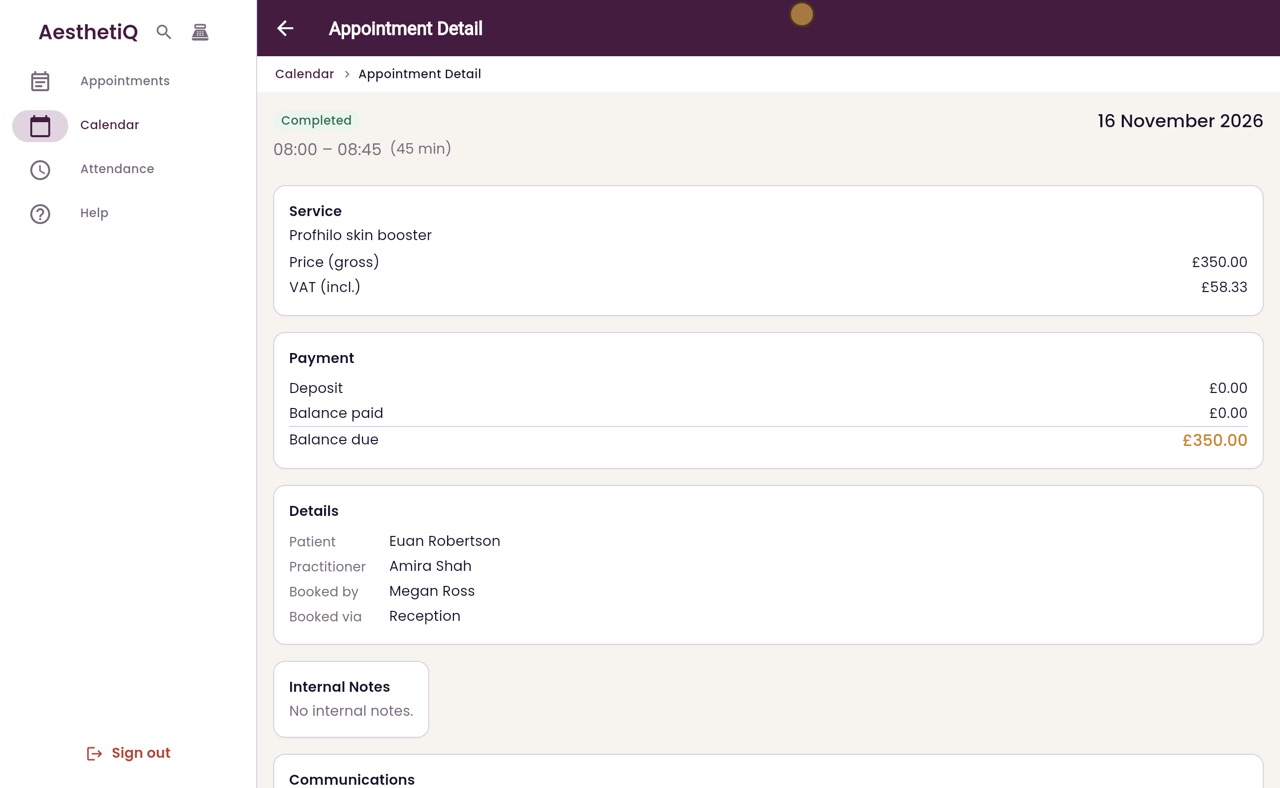
Taking a cash payment
Open the appointment, choose Cash and process the payment. The appointment then shows Paid.
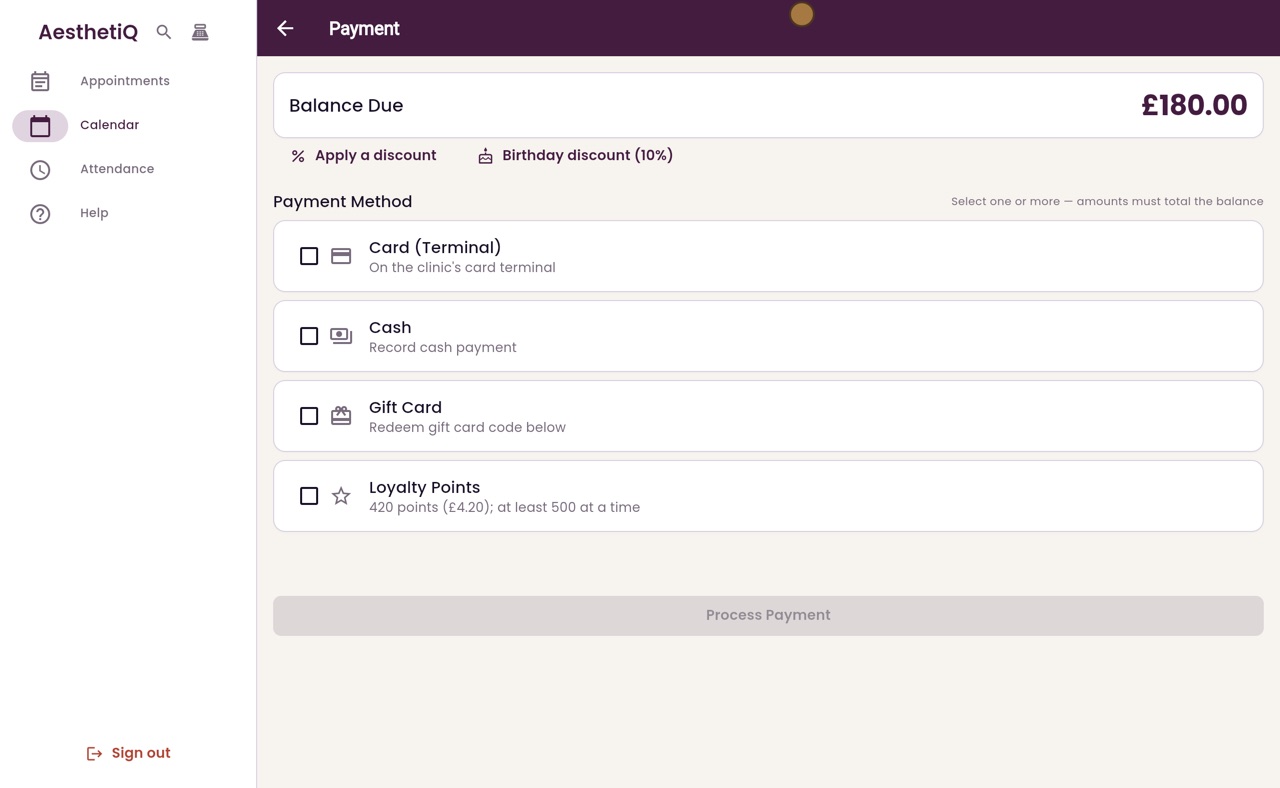
Splitting a payment between card and cash
Tick Card Terminal and Cash, set the card amount, and the cash part fills in with the rest. One Process Payment takes both.
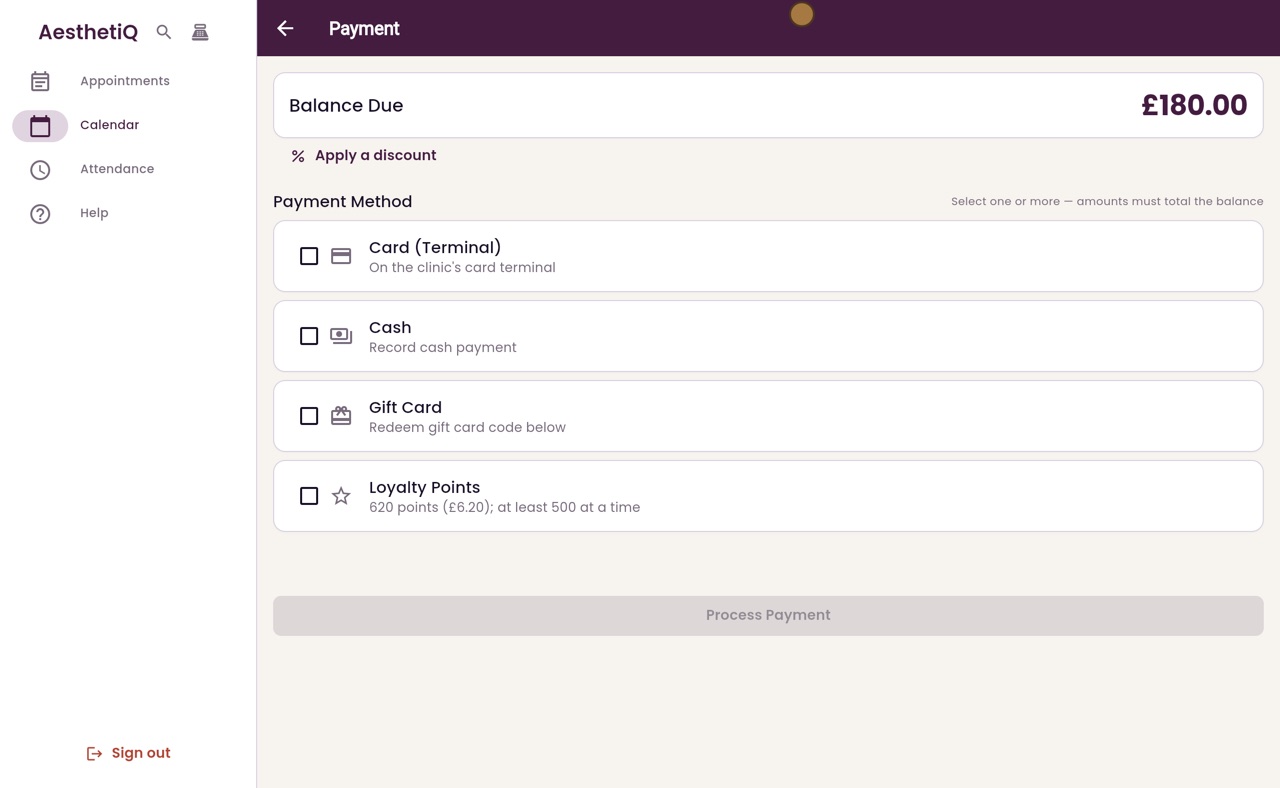
Paying with a gift card
Tick Gift Card, look up the code and redeem it. If the card does not cover the balance, tick another way to pay the rest.
Paying with loyalty points
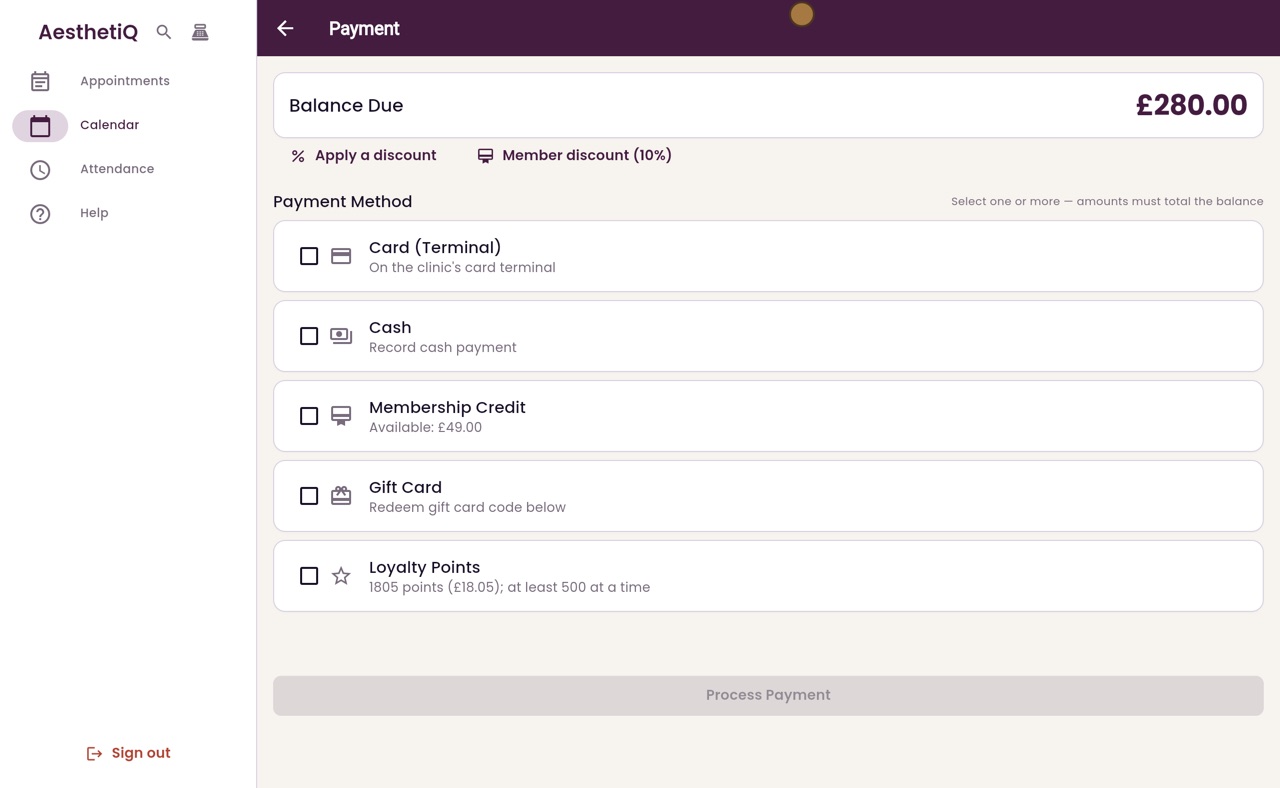
Tick Loyalty Points, set the amount the patient wants to use, and pay the rest another way.
Discounts at checkout
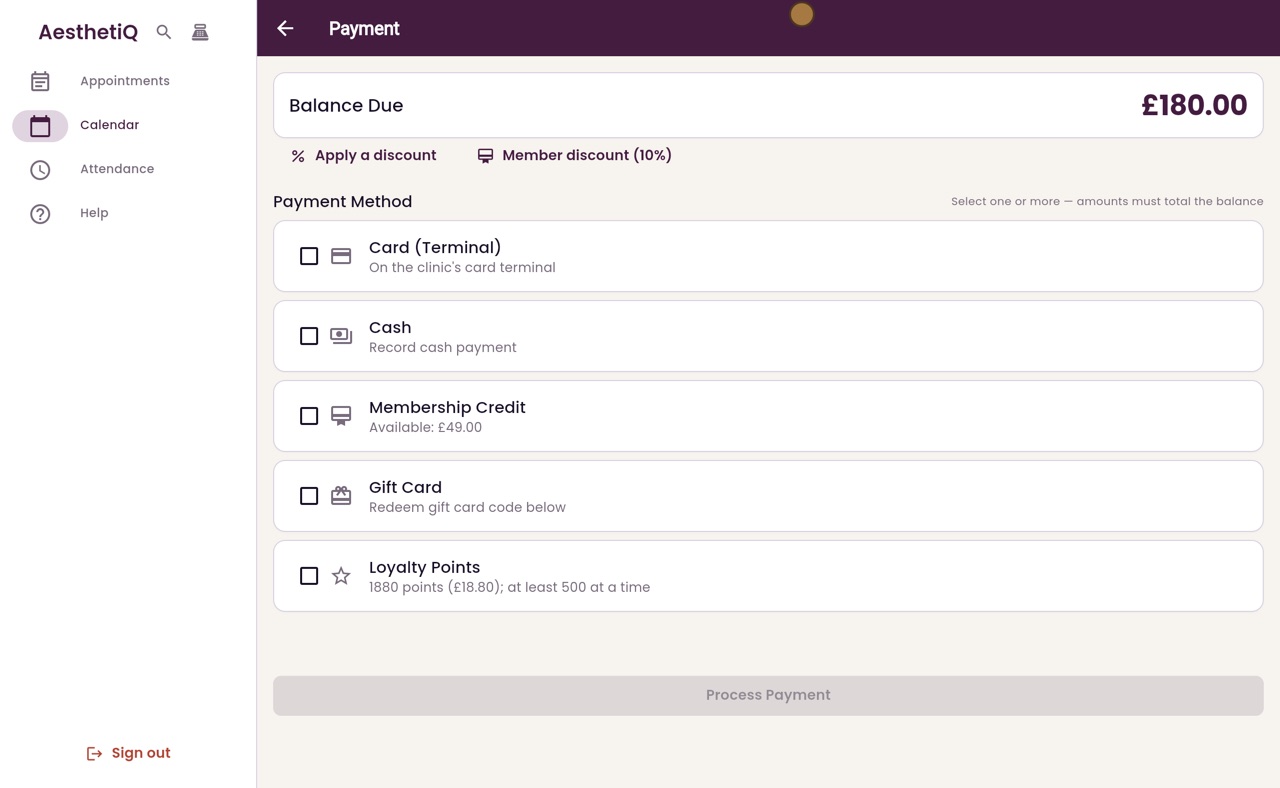
On the Payment screen, click the patient's own discount button, such as Member discount, or Apply a discount for one of the clinic's own discounts. The banner names the discount taken off.
Using a package session
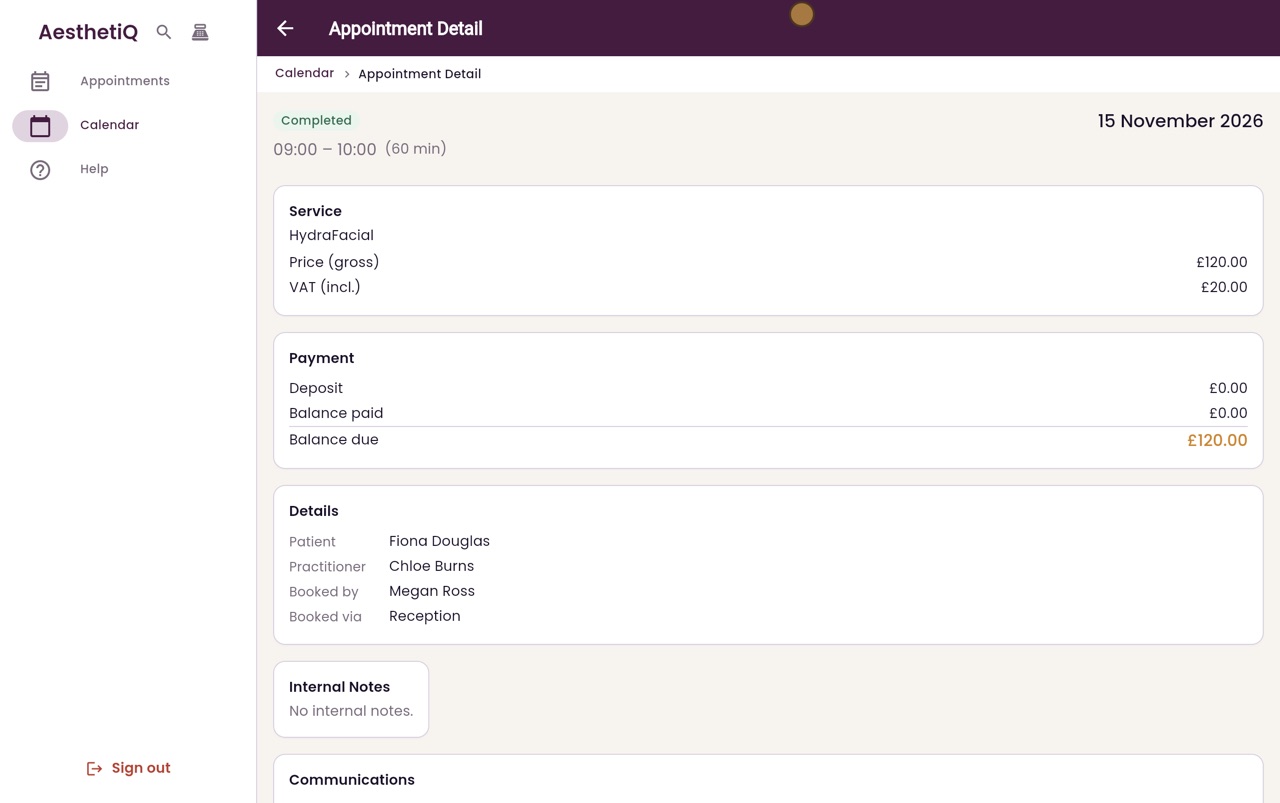
When a patient has a course of treatments, use one session at checkout. The package covers the treatment.
Using membership credit
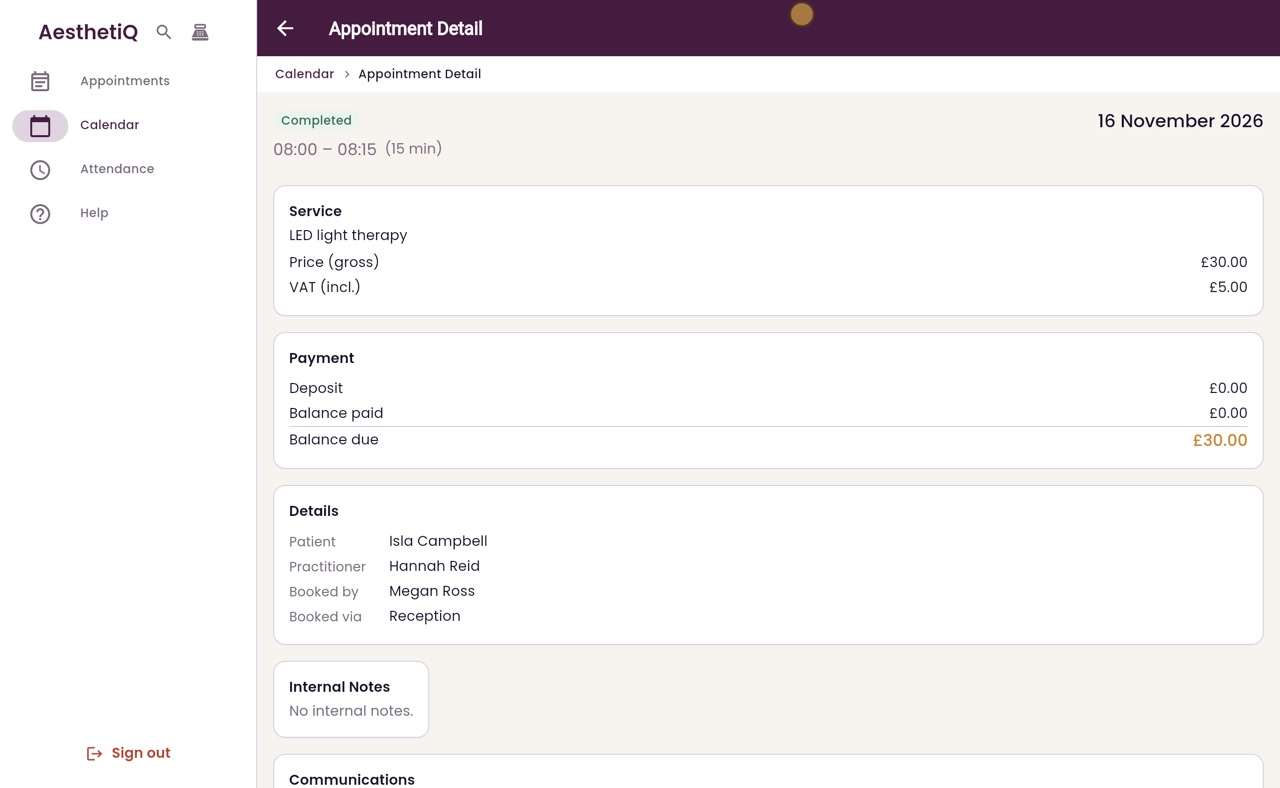
For a member, tick Membership Credit on the Payment screen. The amount comes off their monthly credit.
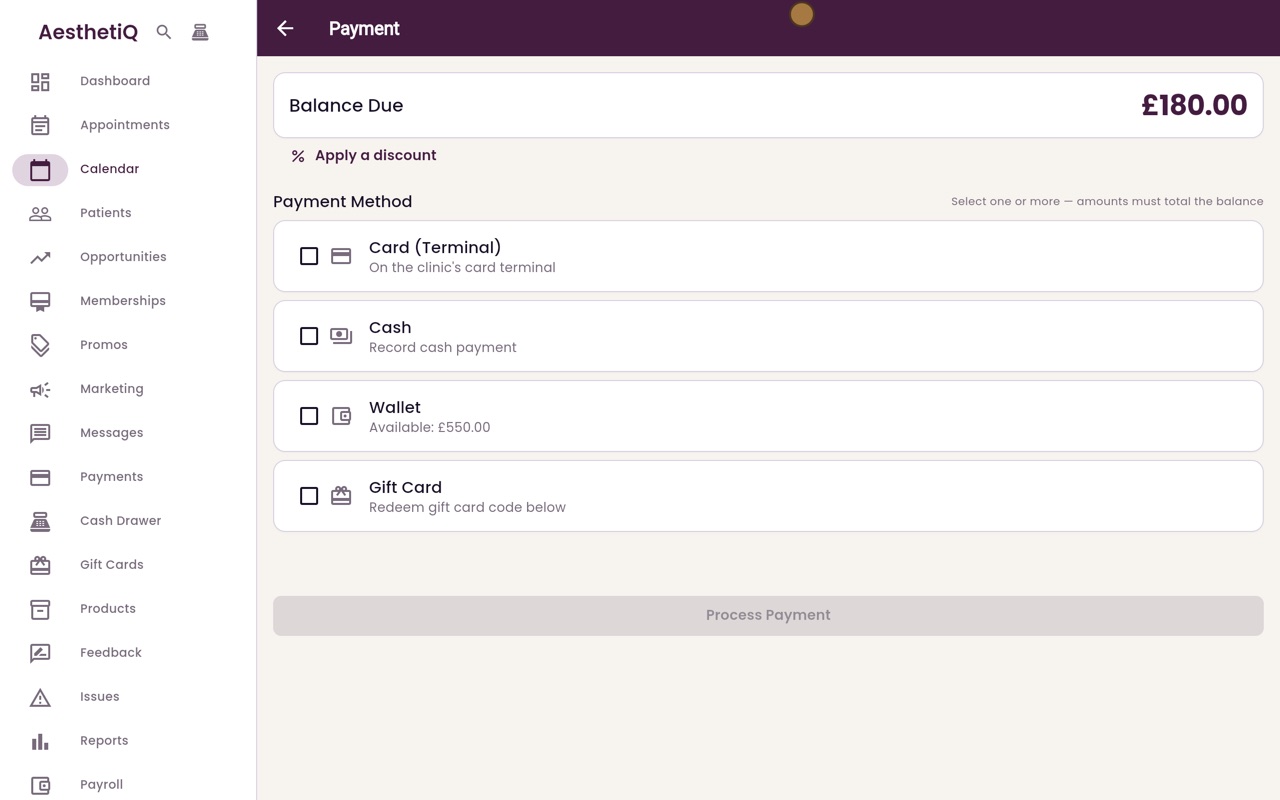
Paying for a visit from the wallet
At checkout, tick Wallet to pay with the patient's prepaid credit. The amount comes off their wallet balance.
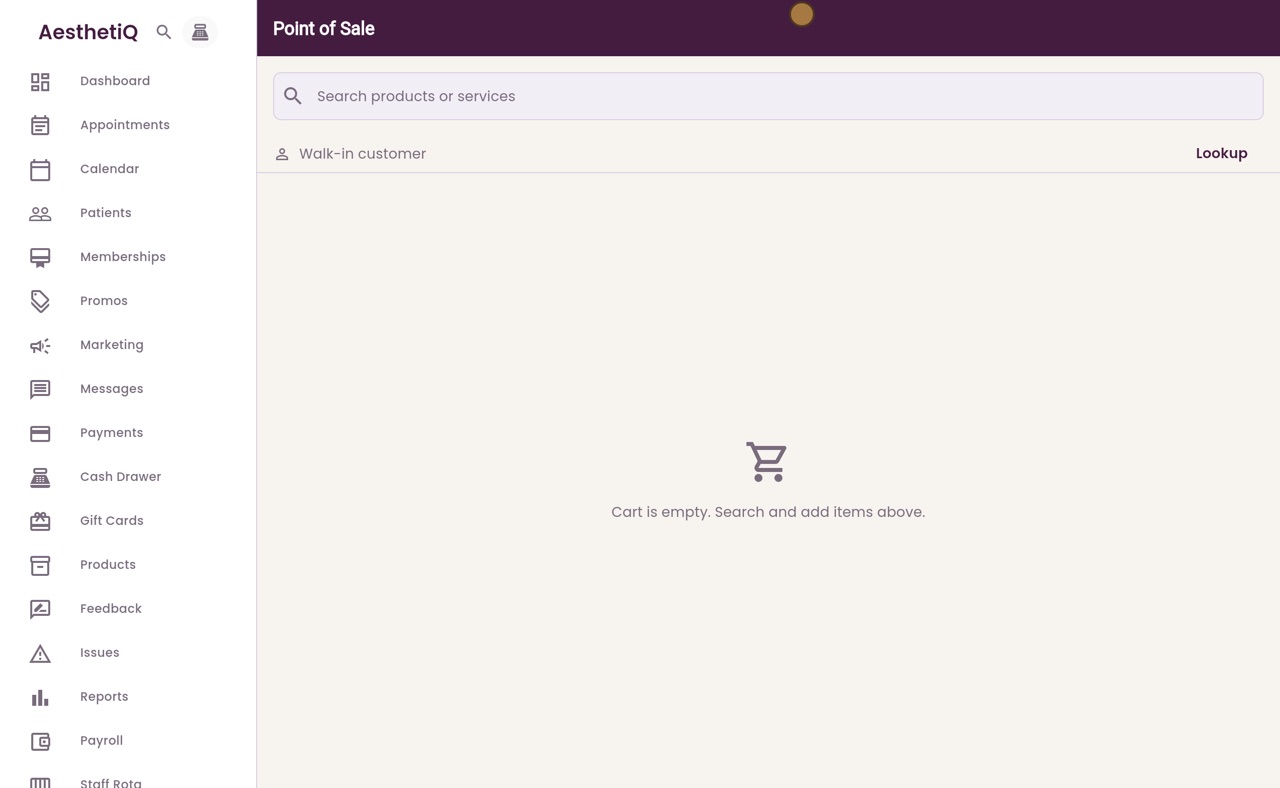
Selling products at the till
Open the till, add the products, and take the payment on the card terminal. The receipt is shown when the sale is complete.
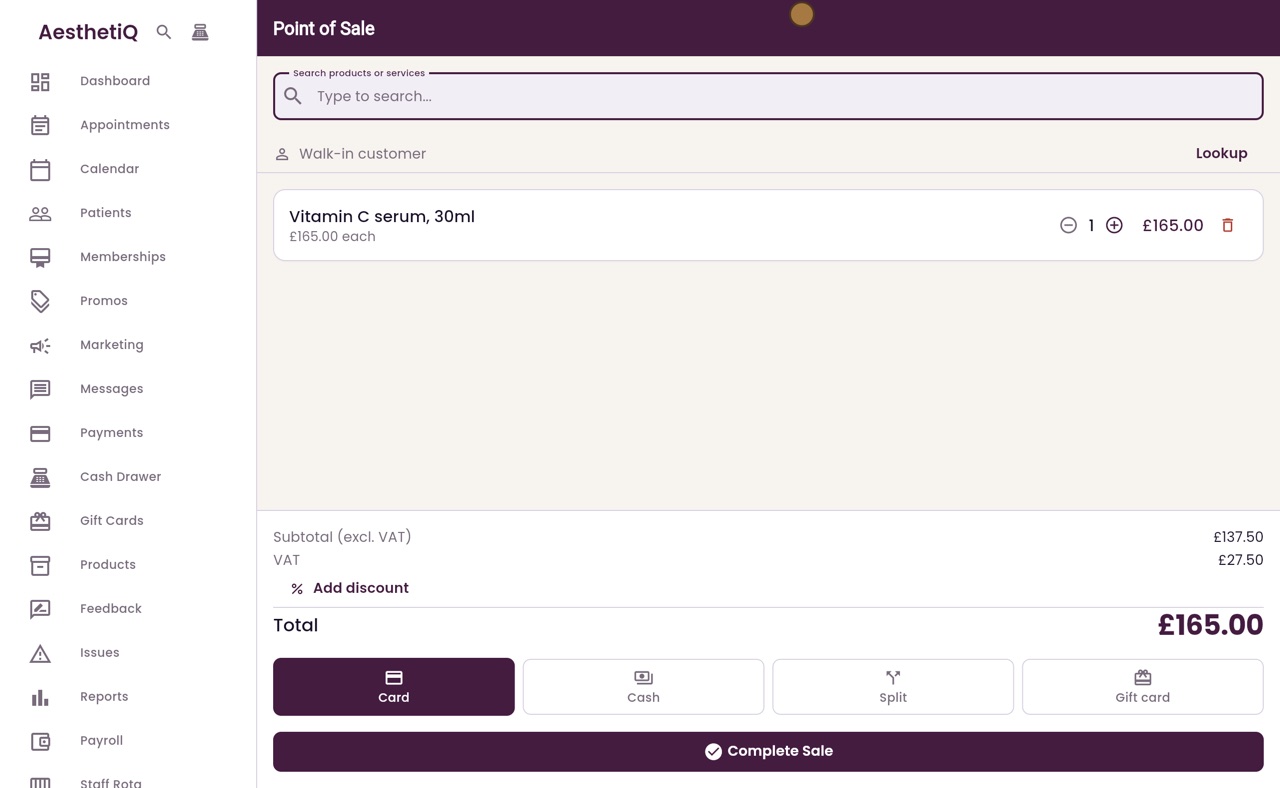
Split payment at the till
Choose Split, type the cash part, and take the rest on the card terminal. One sale records both.
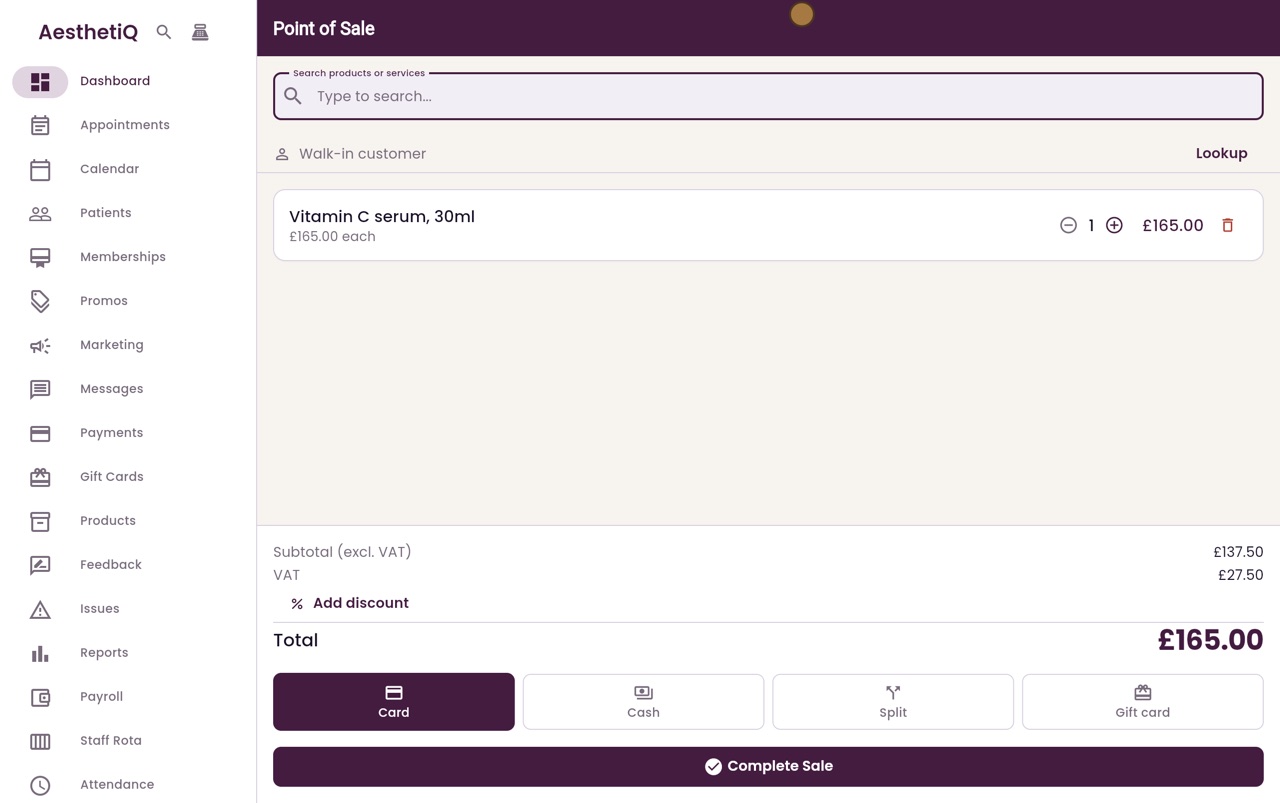
Paying with a gift card at the till
Choose Gift card, look up the card's code, and say how any rest is paid. The receipt shows both parts.
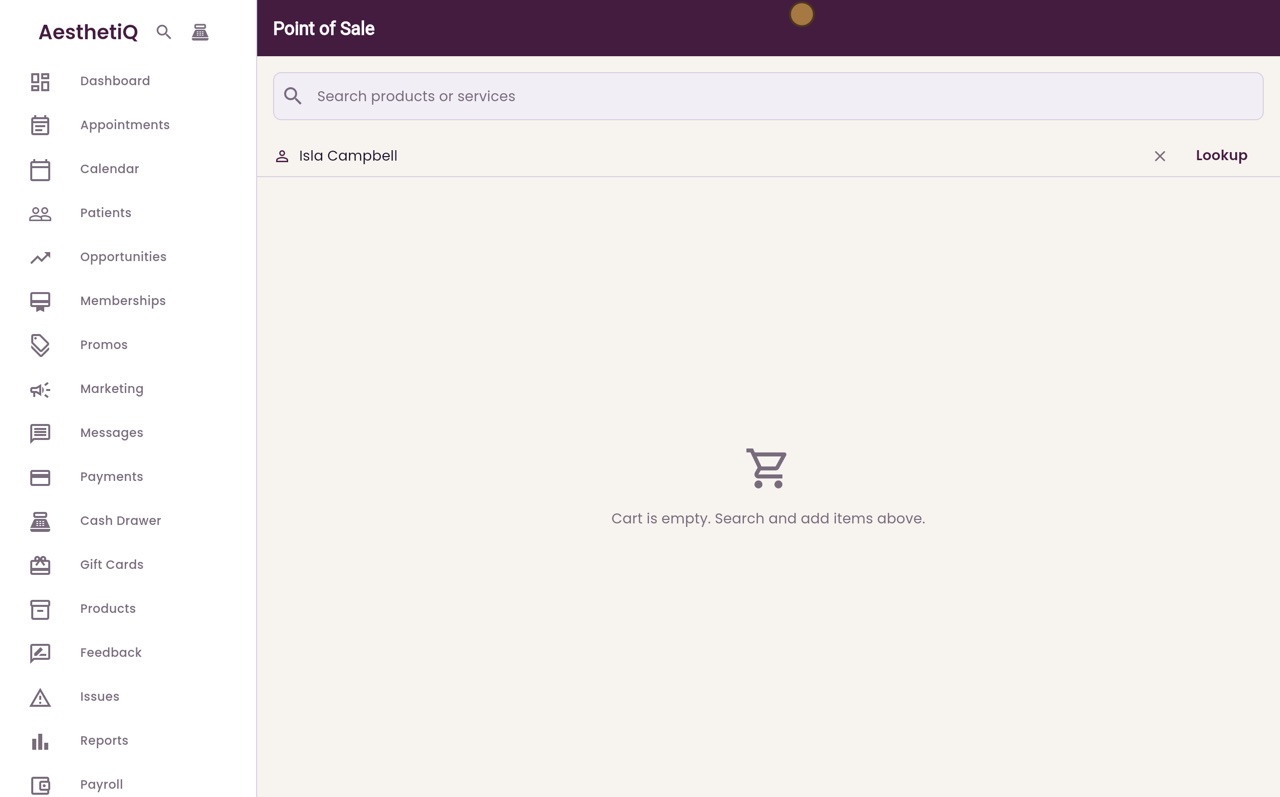
Paying with points at the till
Choose the patient, add the items, and pick Points. Choose how many points to use, and the rest is paid by card or cash.
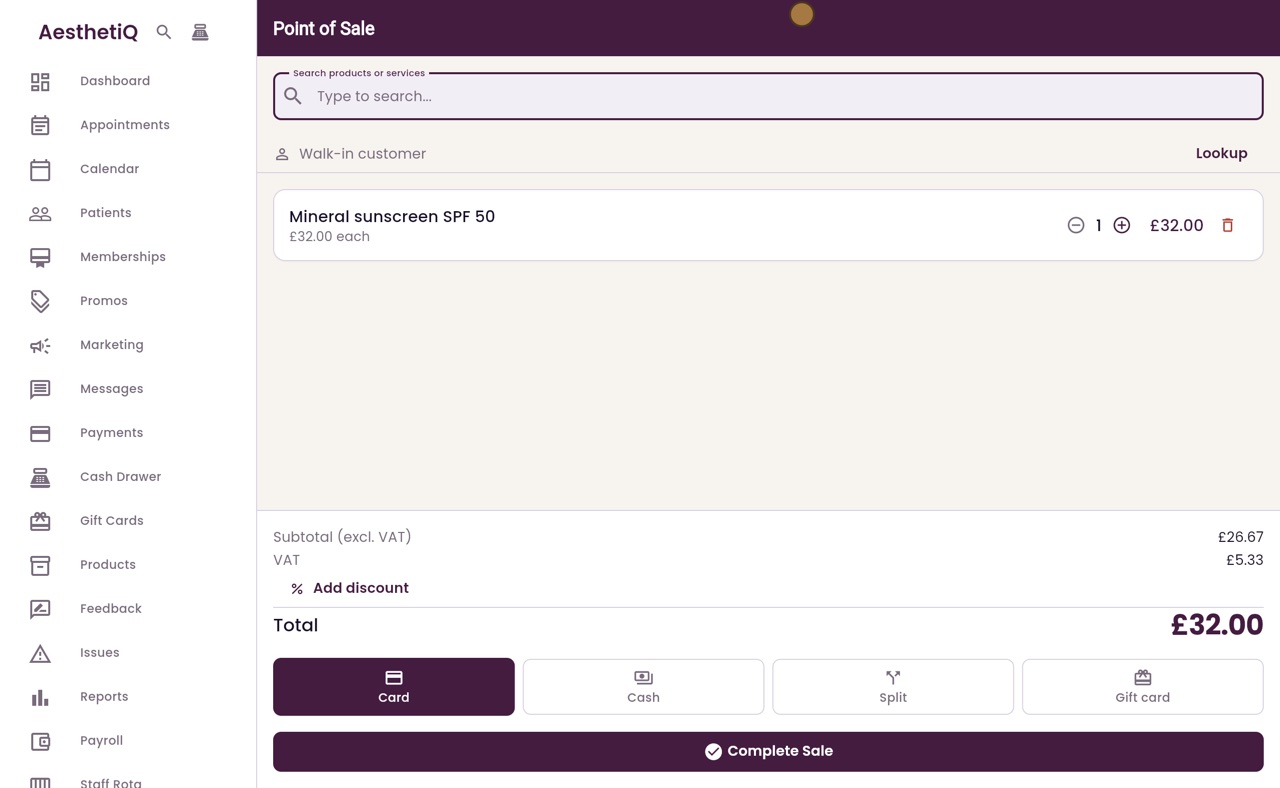
Member and birthday discounts at the till
Pick the patient at the till first. A member sees Member discount, and a patient in their birthday month sees Birthday.
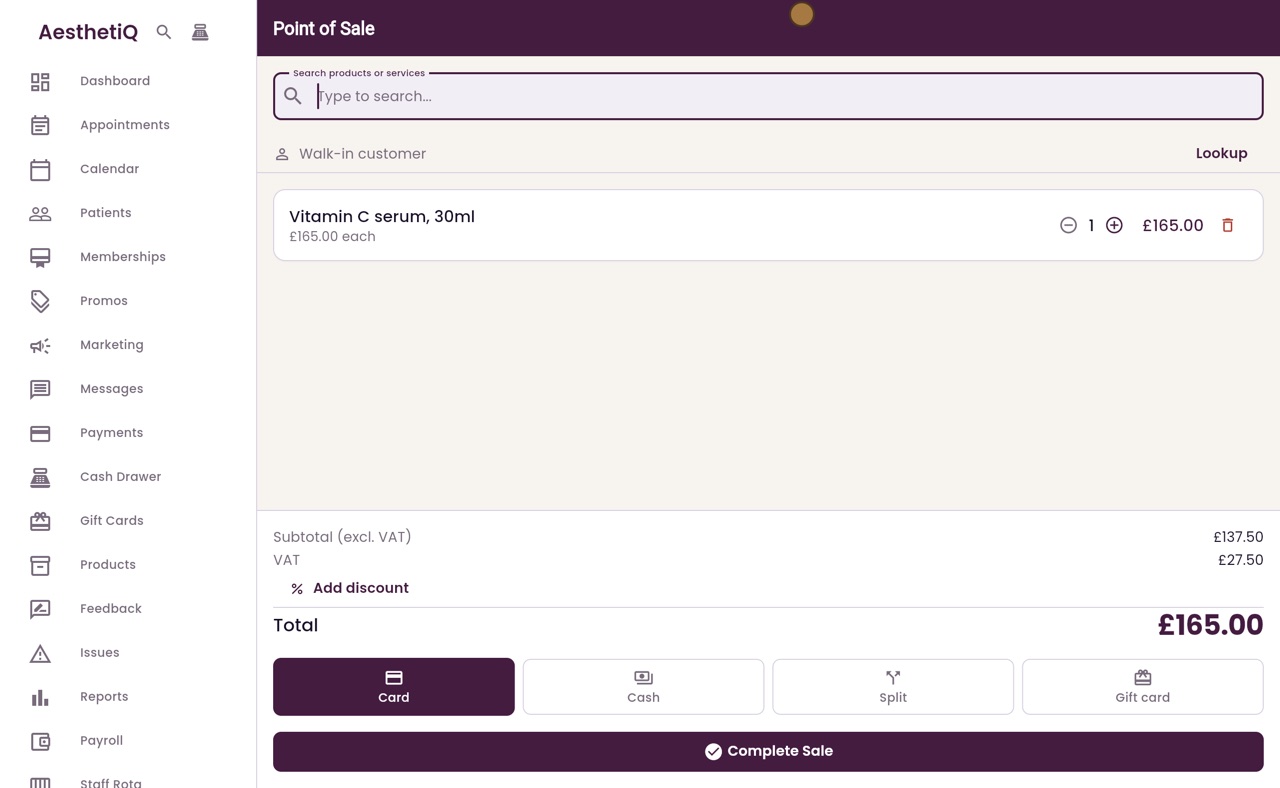
Printing a receipt
When a sale at the till is complete, the receipt appears on screen. Print Receipt sends it to the printer.
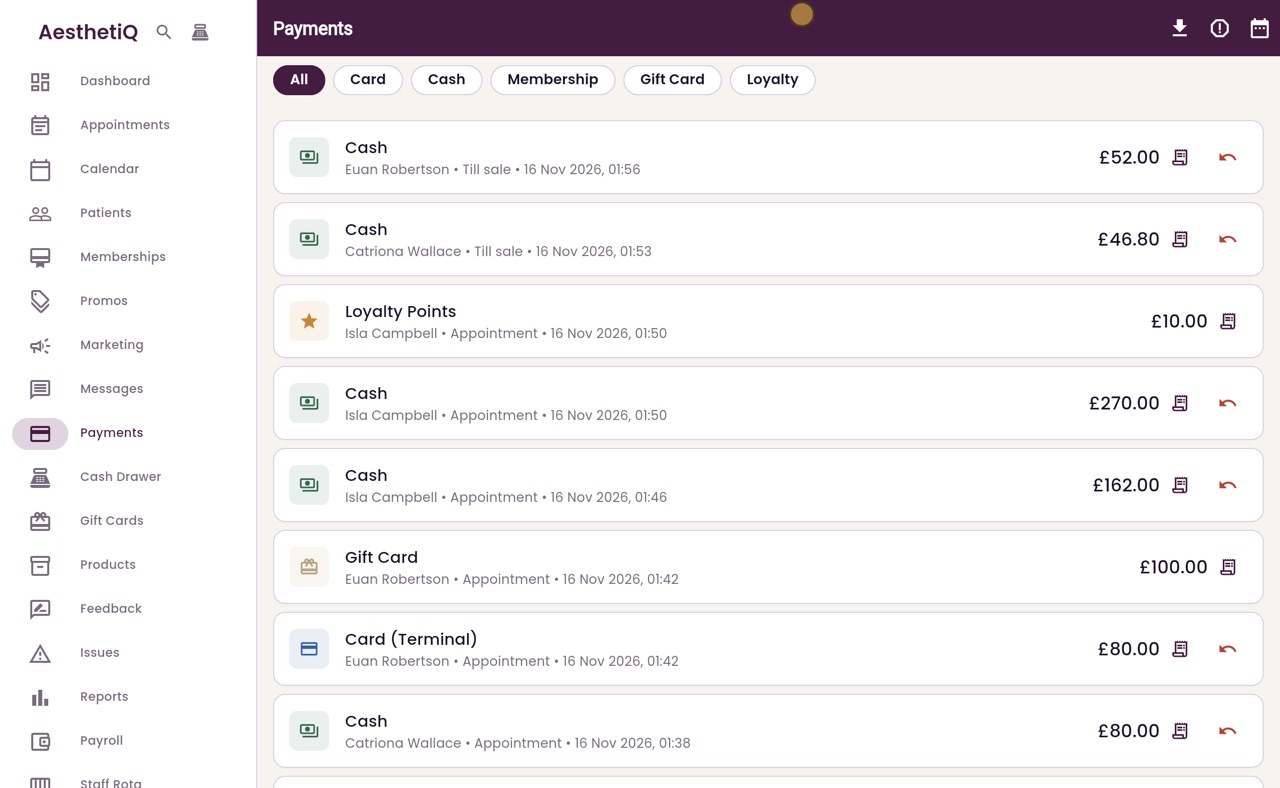
Refunding a payment
Find the payment in the Payments list, click the refund arrow, give a reason and click Refund.
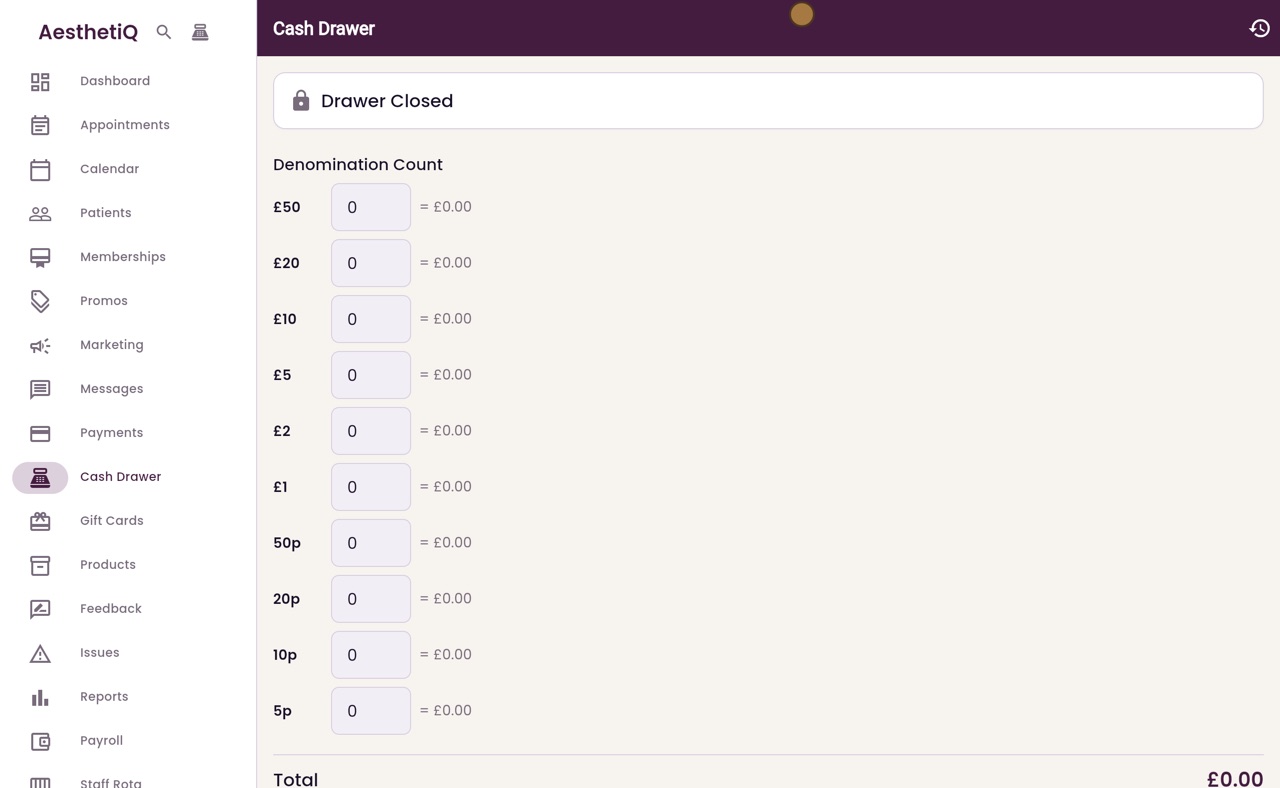
Opening and closing the cash drawer
Count the float into the drawer in the morning and count it again at the end of the day. AesthetiQ shows any difference.
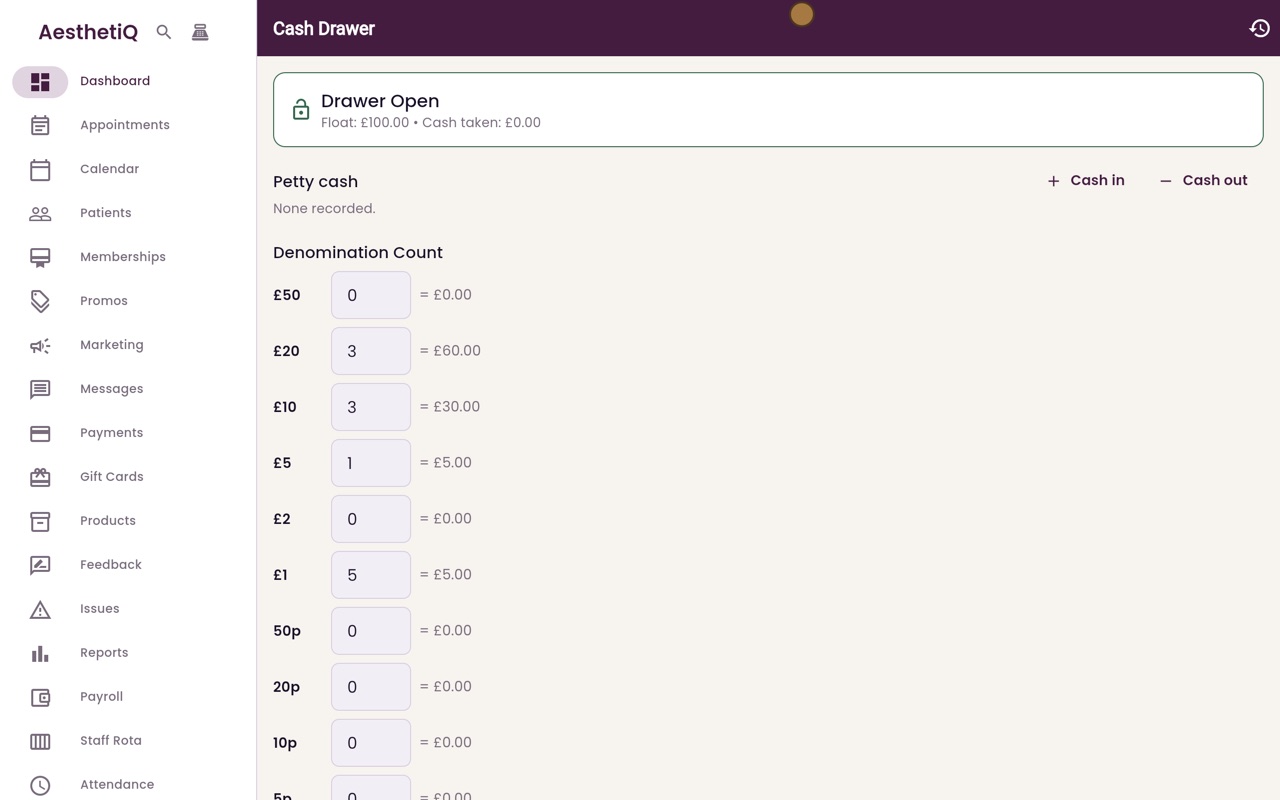
Petty cash in and out
Record cash taken out of the drawer, or put into it, that is not a patient payment, so the end of day count is right.
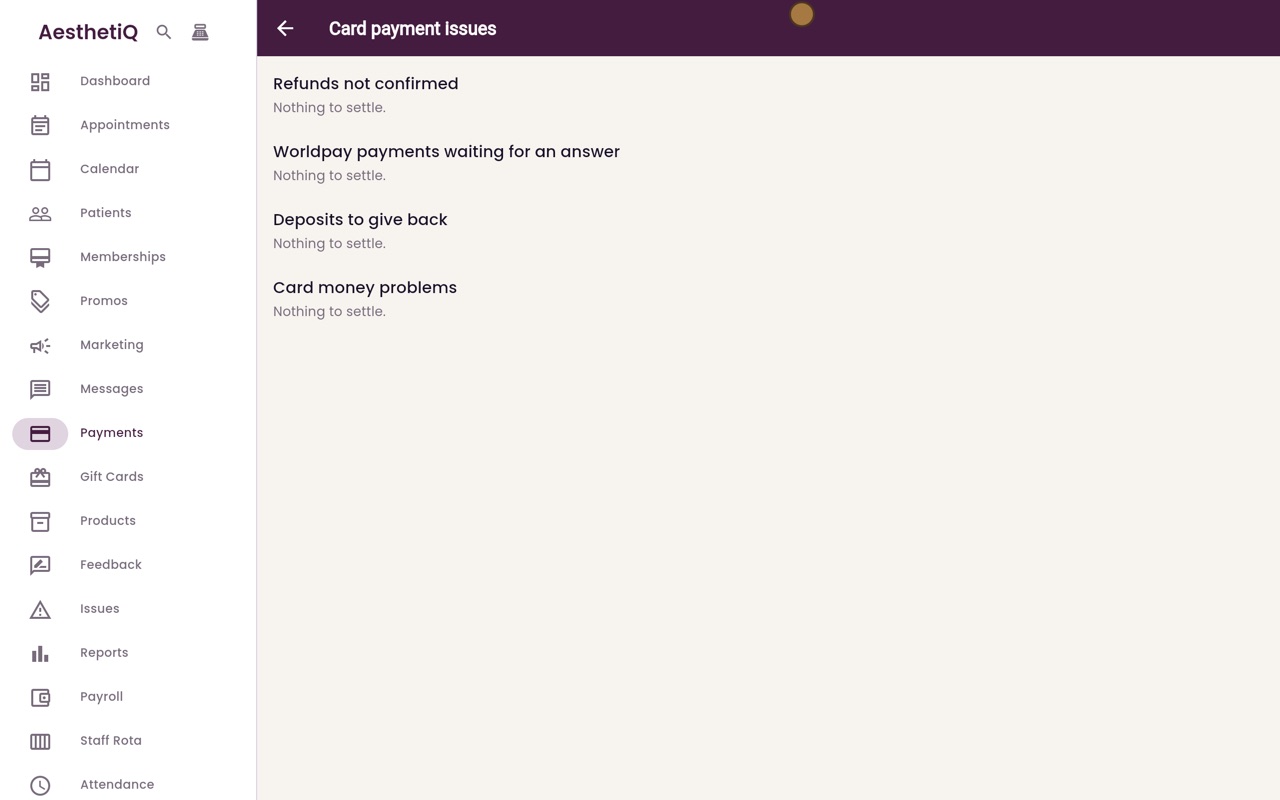
Card payment issues
One screen lists every piece of card money that is not settled yet: unconfirmed refunds, terminal payments with no answer, deposits to give back and card money problems.
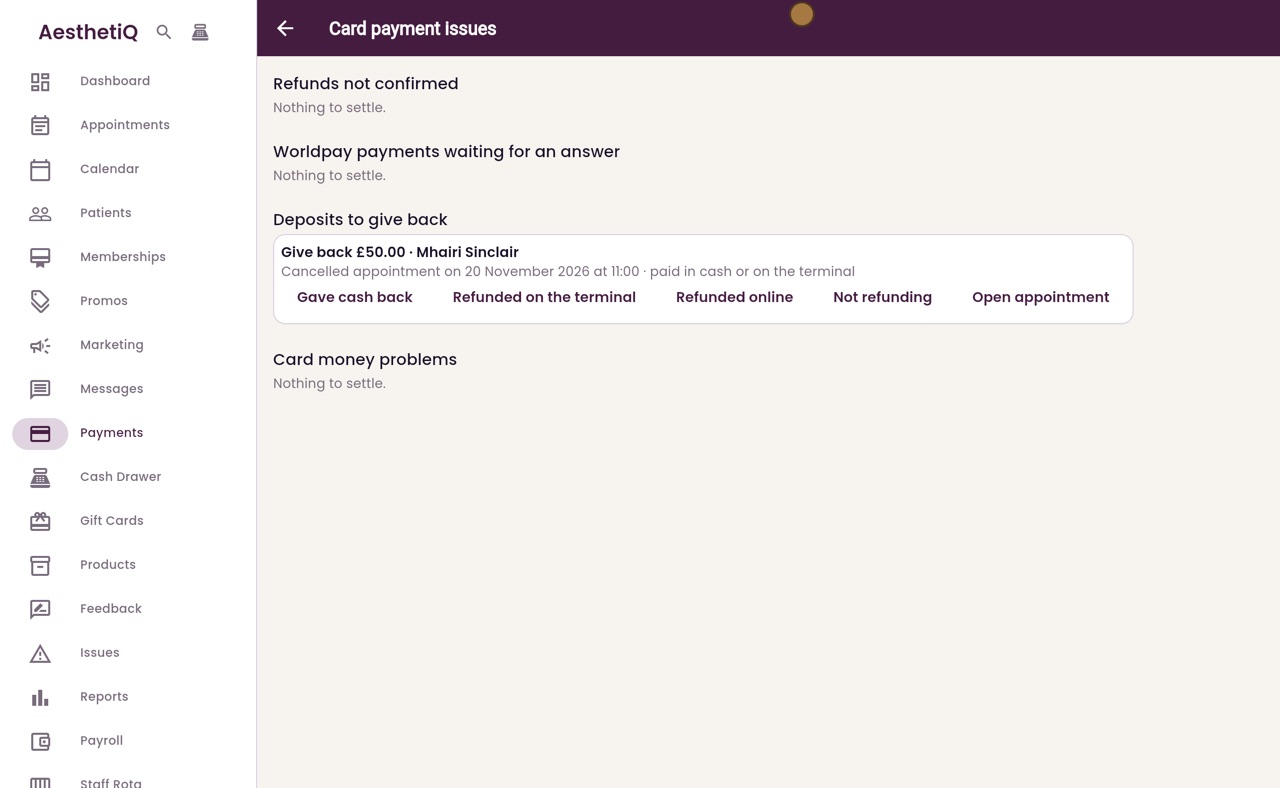
Deposits to give back
A cancelled appointment's deposit paid in cash or on the terminal waits on the Deposits to give back list until you record how it went back.
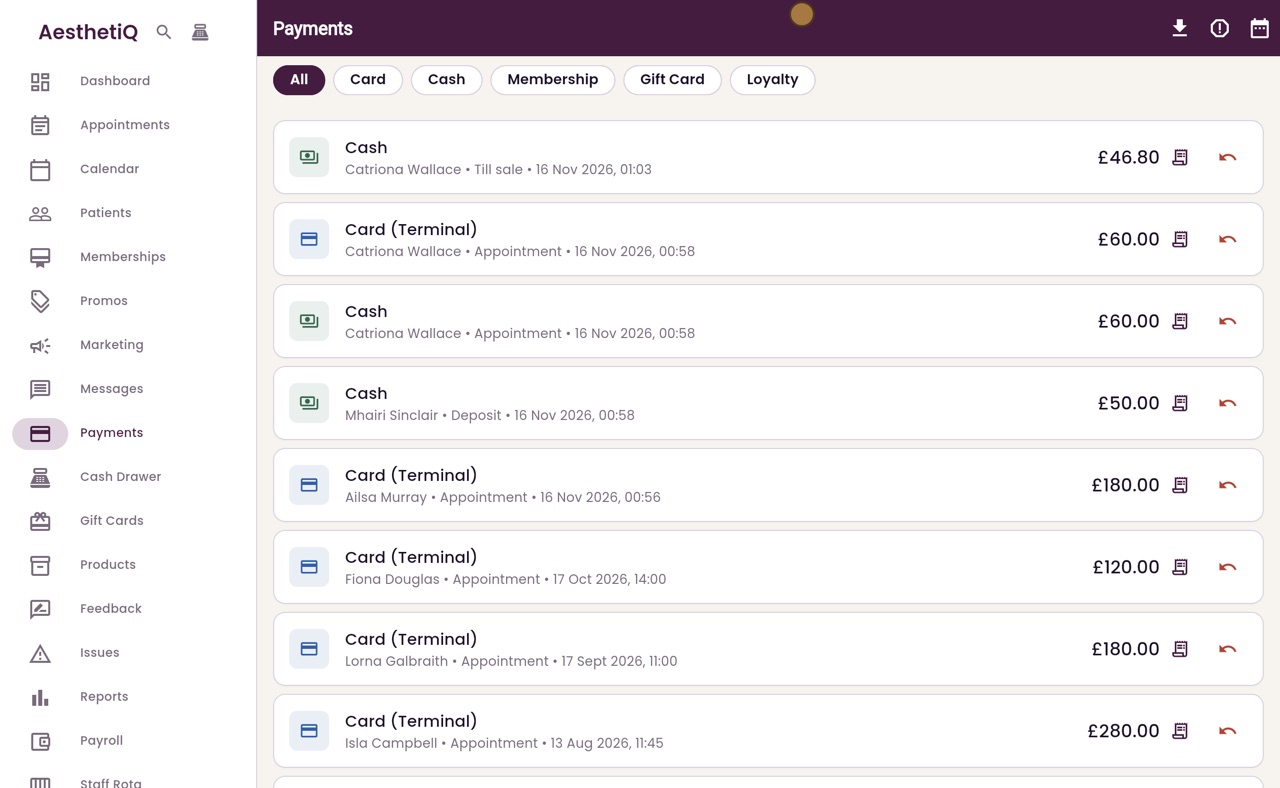
The payments list and export
See every payment taken, narrow the list by how it was paid and by dates, and export it as a CSV file.
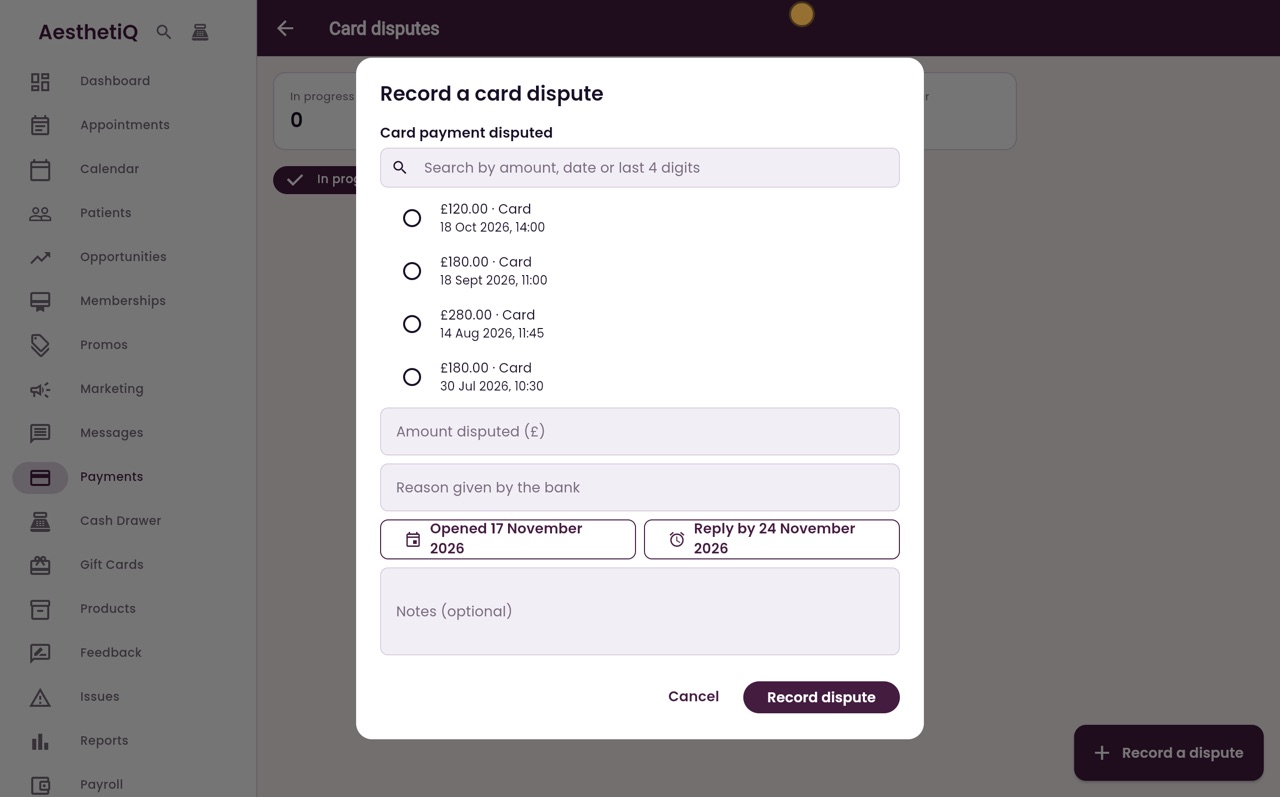
Card disputes (chargebacks)
When a patient's bank disputes a card payment, record it against the payment, attach the evidence you send, and follow it from Open to Evidence sent to Won or Lost.