Medical history and allergies
Record a patient's conditions, medicines, allergies and contraindications. Each record is kept as a new version.
Where
The patient's profile, Medical History tab.
Who
Practitioners, reception and the clinic manager.
Rule
Allergies must be listed, or No known allergies ticked.
Step by step
- 01Libby
Before treatment
Hi, I am Libby. Before any treatment, the clinic needs the patient's medical history: their conditions, medicines and allergies. Here is how to record it.
- 02Ryan
Open Medical History
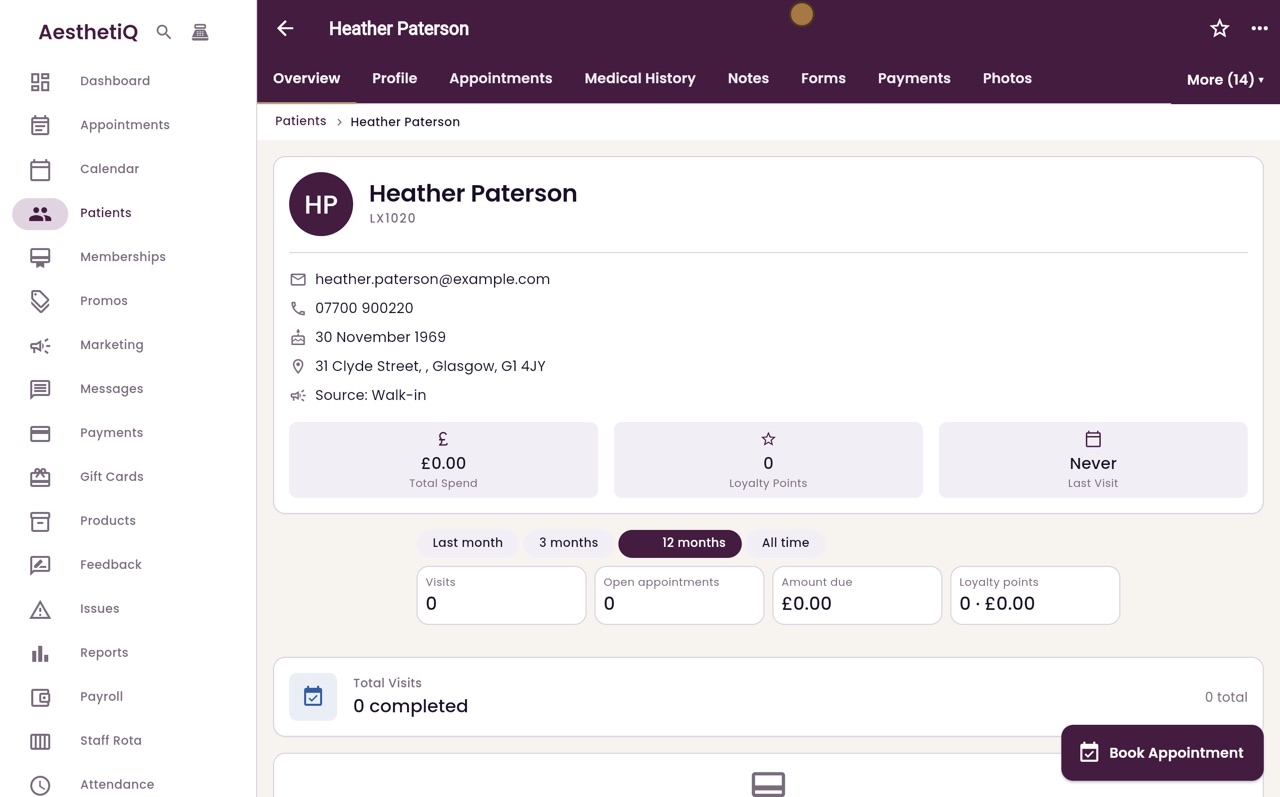
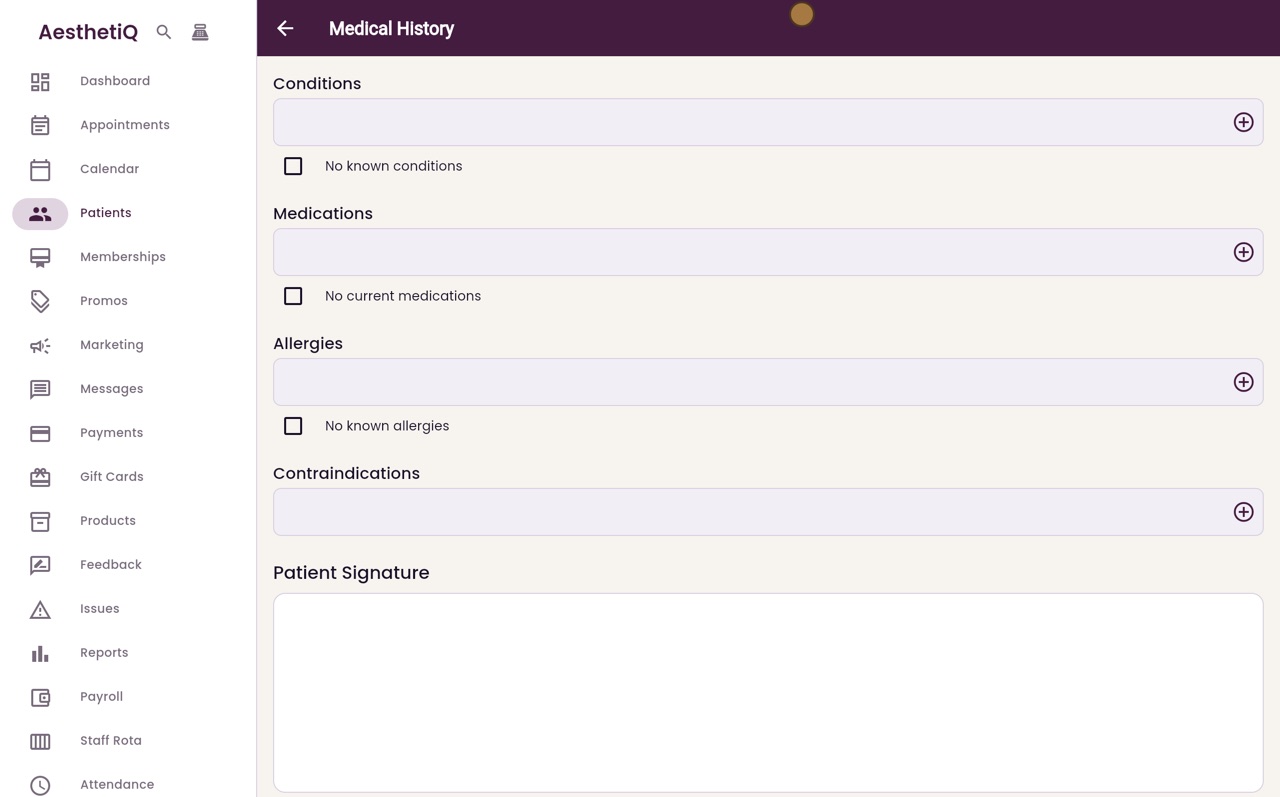
Thanks Libby. On the patient's profile, here Heather Paterson's, click the Medical History tab. Nothing is recorded yet, so click Add Medical History, then Add Record.
- 03Ryan
Conditions
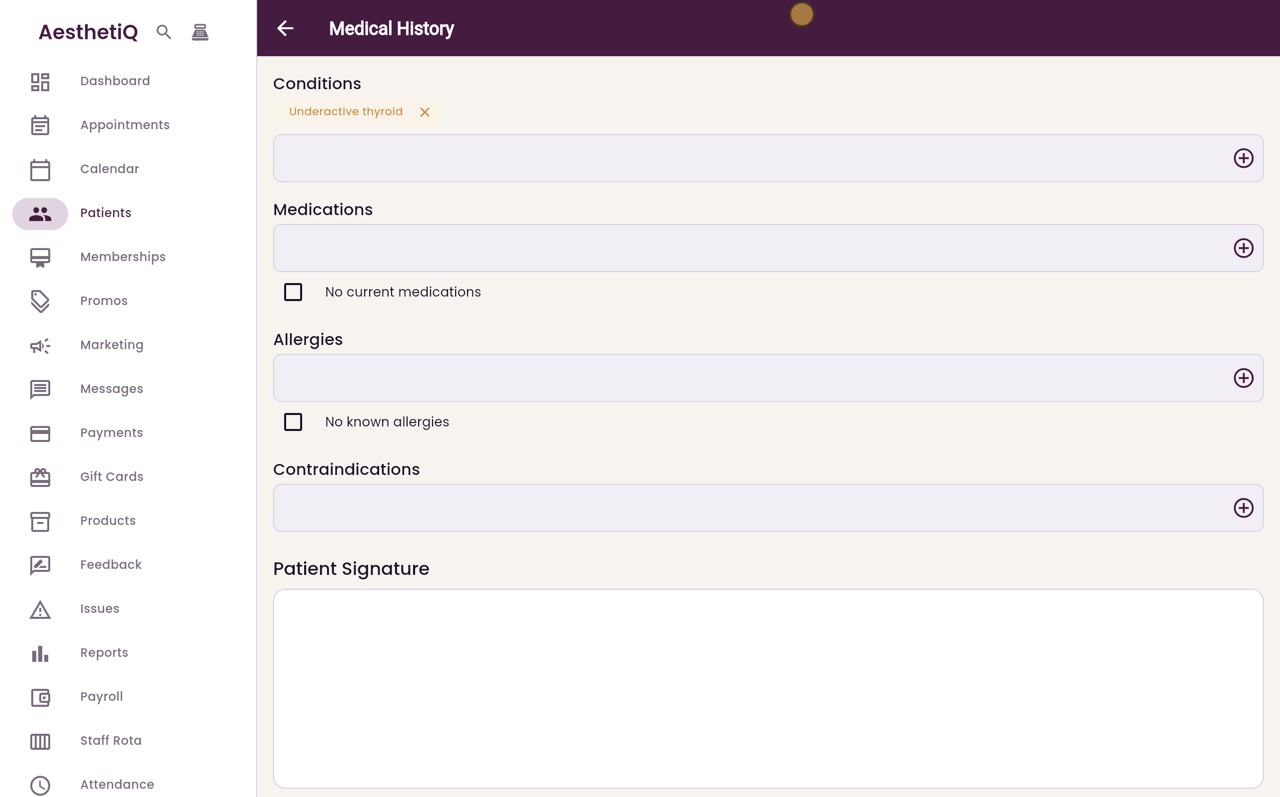
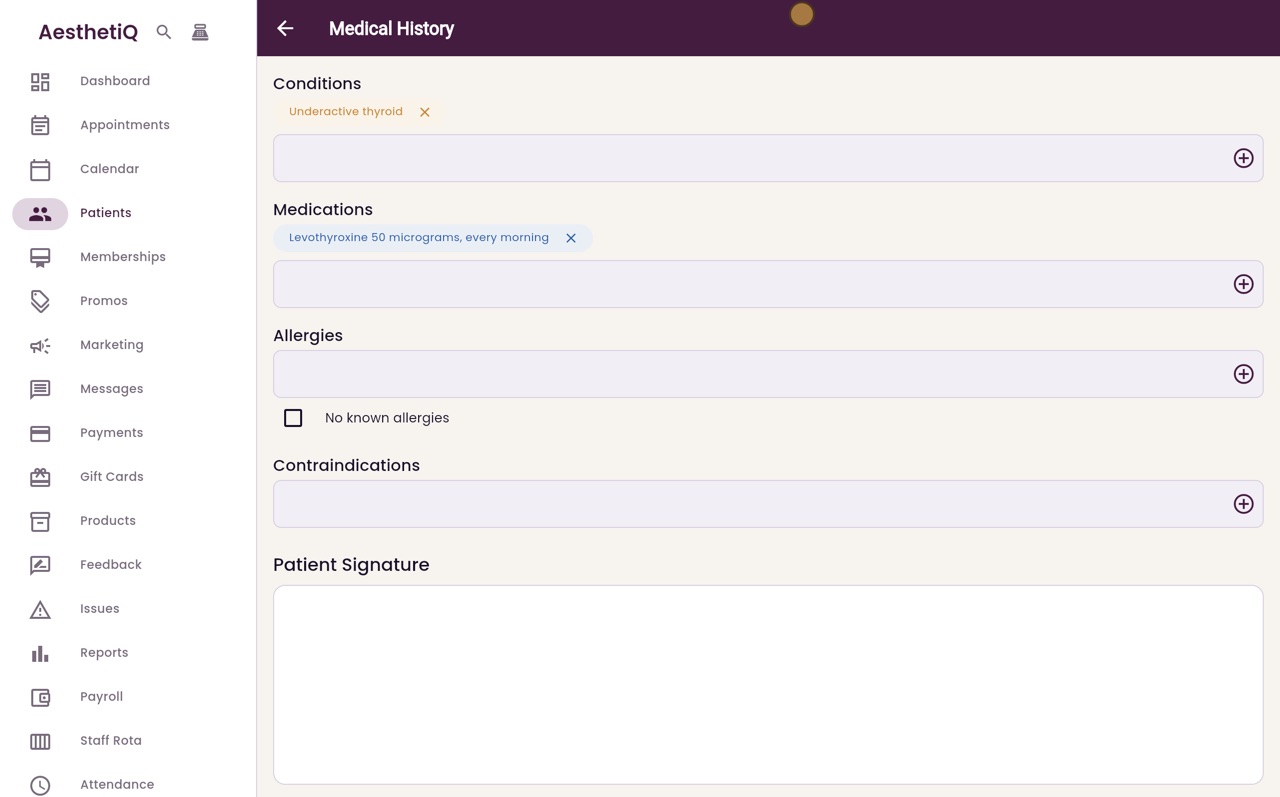
Type each condition and press Enter, or click the plus. Heather has an underactive thyroid.
- 04Ryan
Medicines
Then her medicines, in the same way. She takes levothyroxine every morning.
- 05Ryan
Allergies
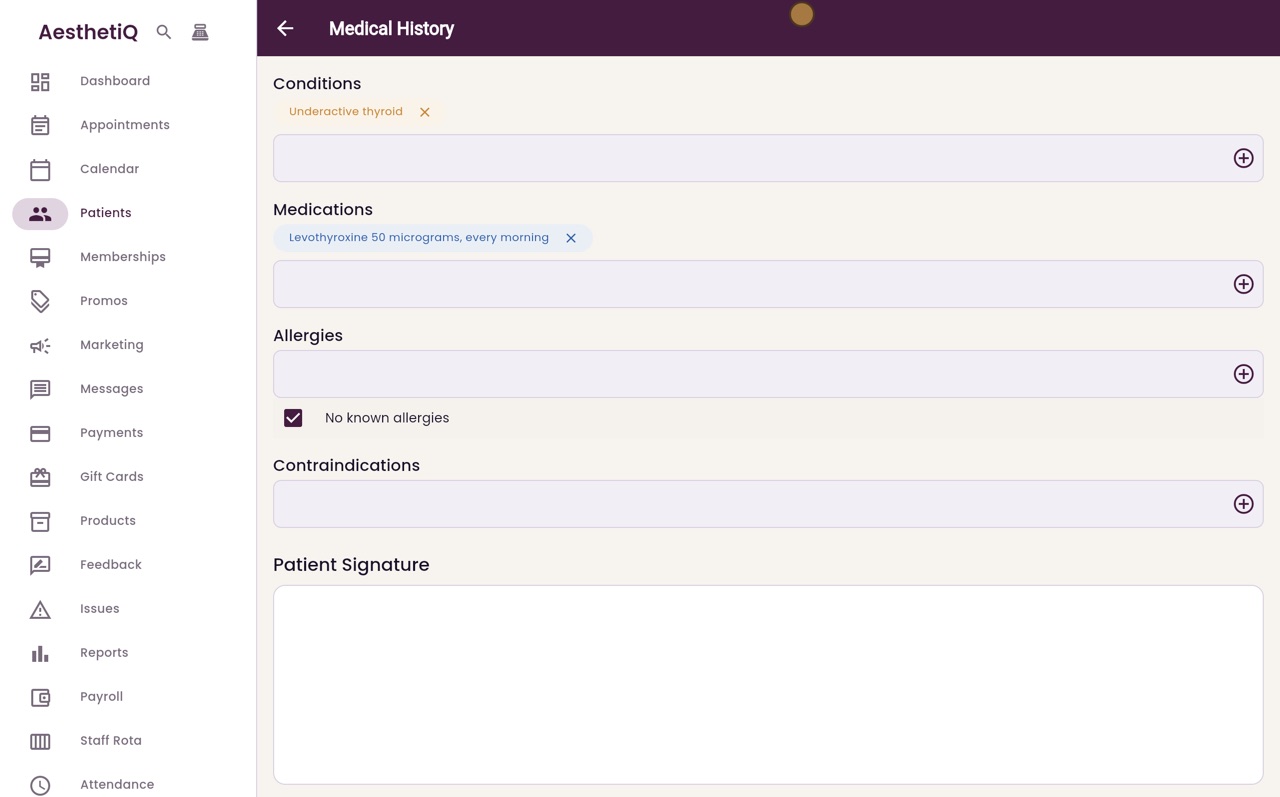
Allergies must always be answered. Type any allergies, or if the patient has none, tick No known allergies. Heather has none.
- 06Ryan
Save Record
Contraindications, such as a recent surgery, go in the last box. Then scroll down and click Save Record.
- 07Ryan
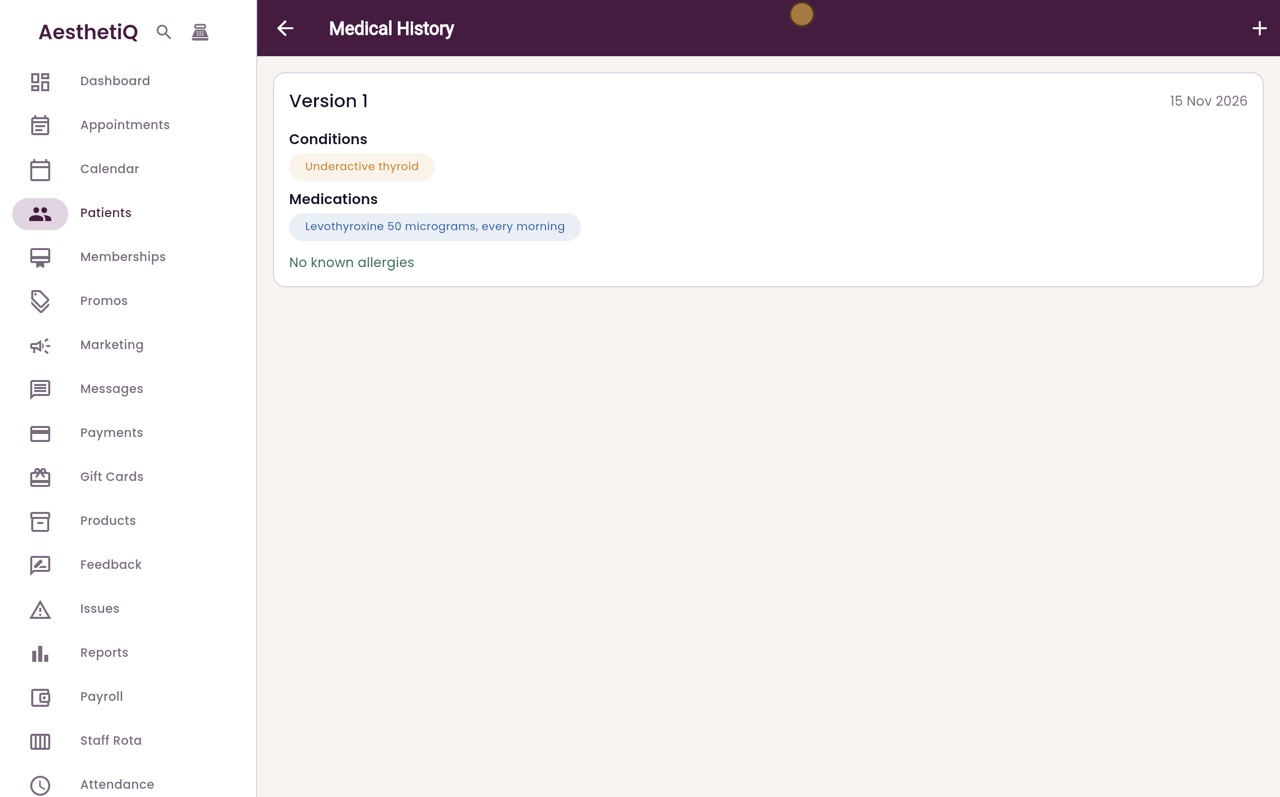
Version 1
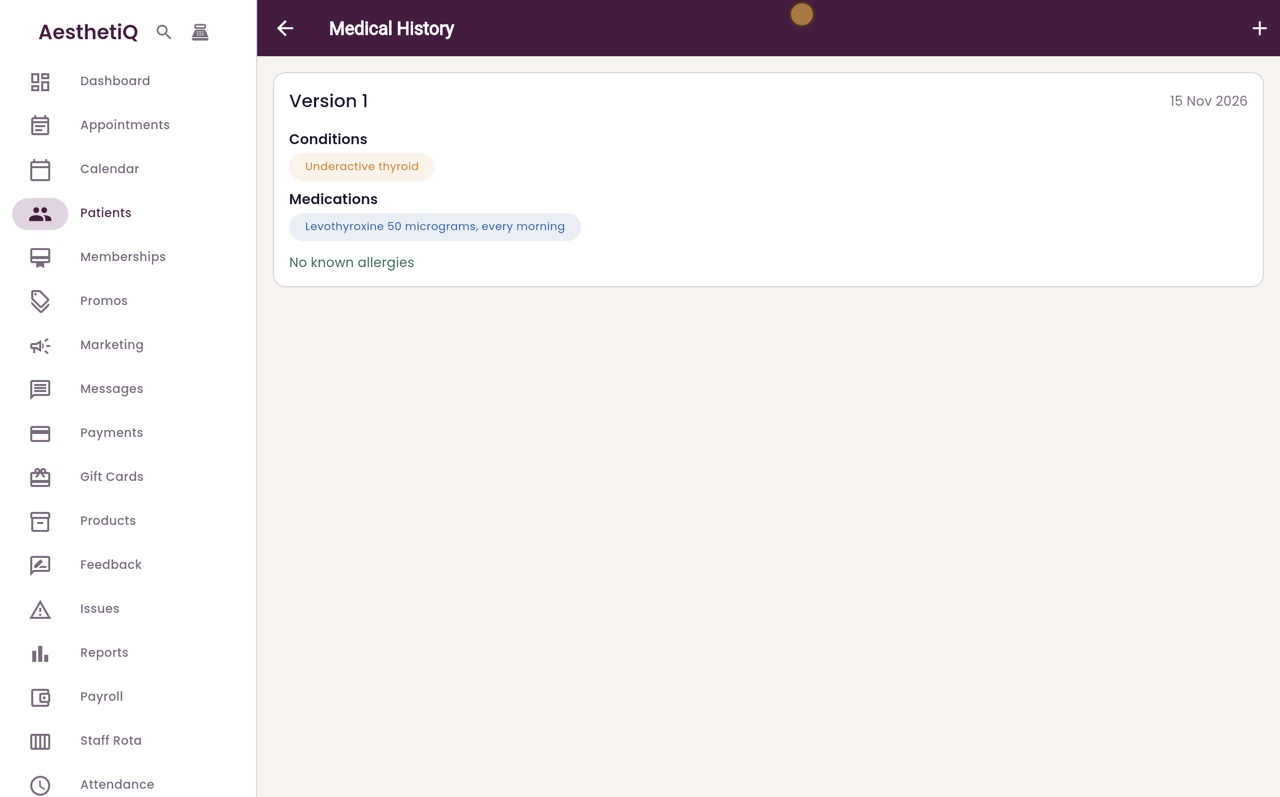
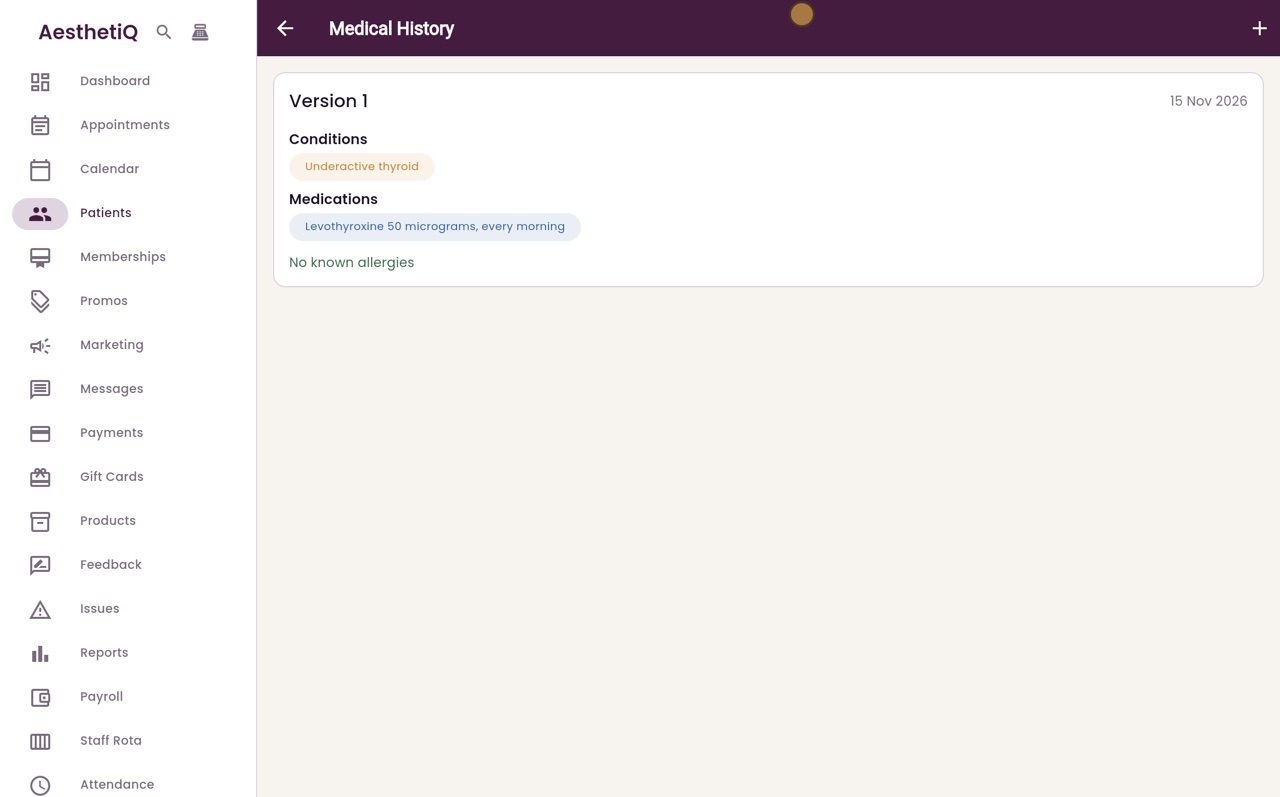
The history is saved as version 1, with today's date. When something changes, add a new record. Earlier versions stay on file.
- 08Libby
Done
That is recording a medical history. If you try to save without answering allergies, AesthetiQ reminds you to add them or tick No known allergies.