Paying for a visit from the wallet
At checkout, tick Wallet to pay with the patient's prepaid credit. The amount comes off their wallet balance.
Where
The appointment, then Take Payment, then Wallet.
Amount
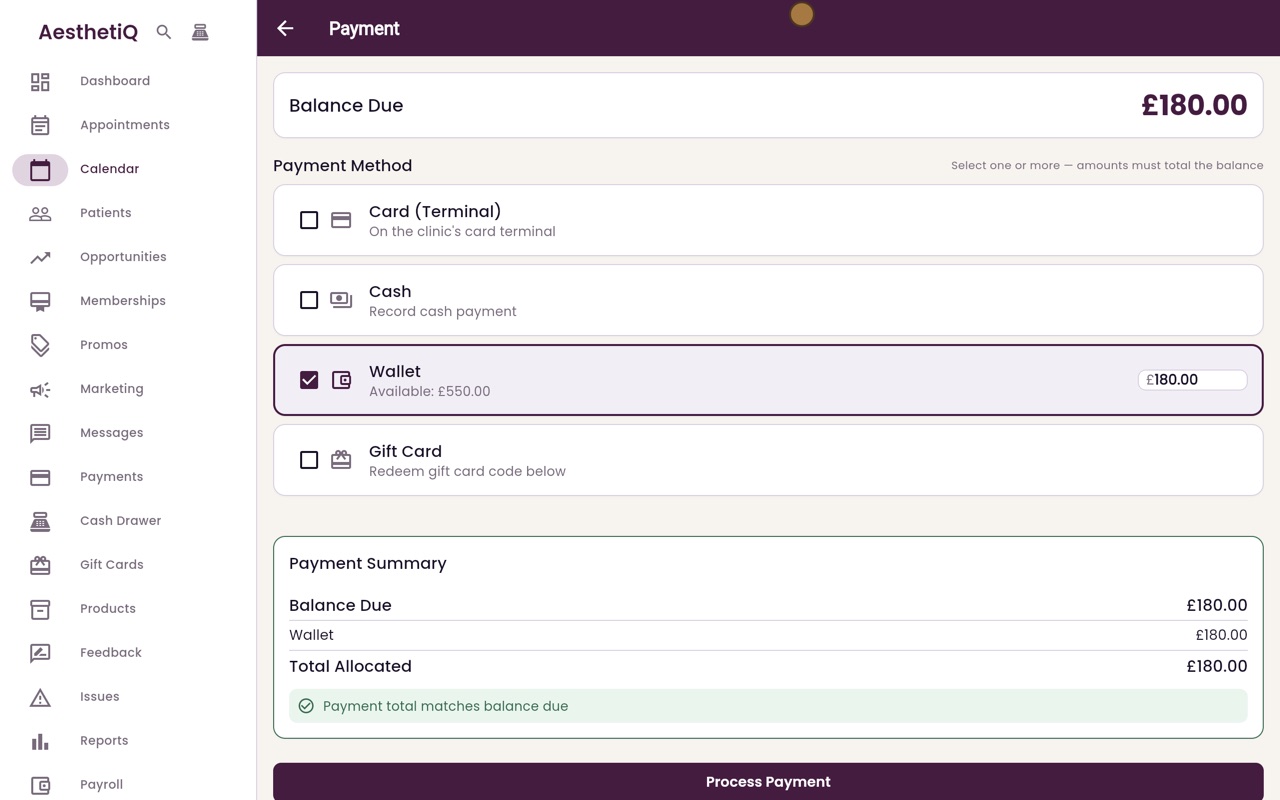
The amount fills in with the balance due, never more than the patient has. Change it to use less.
After
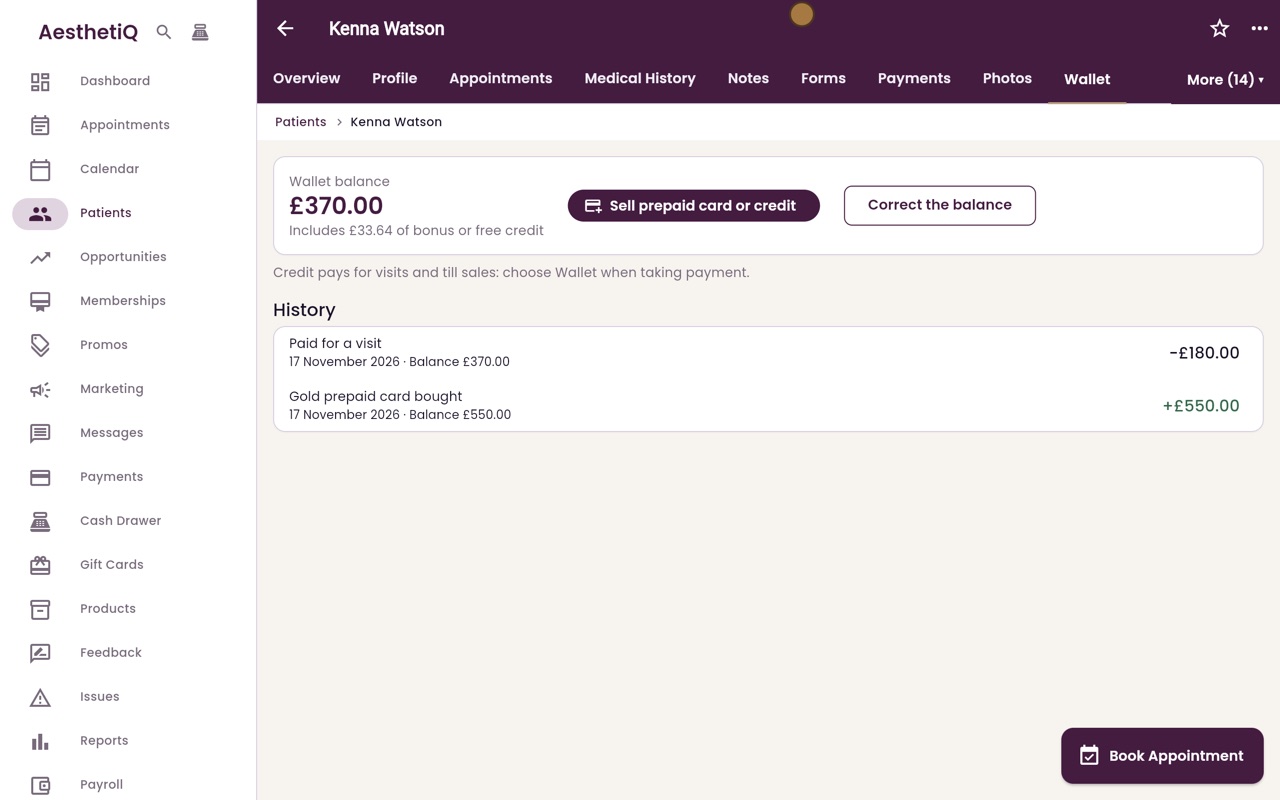
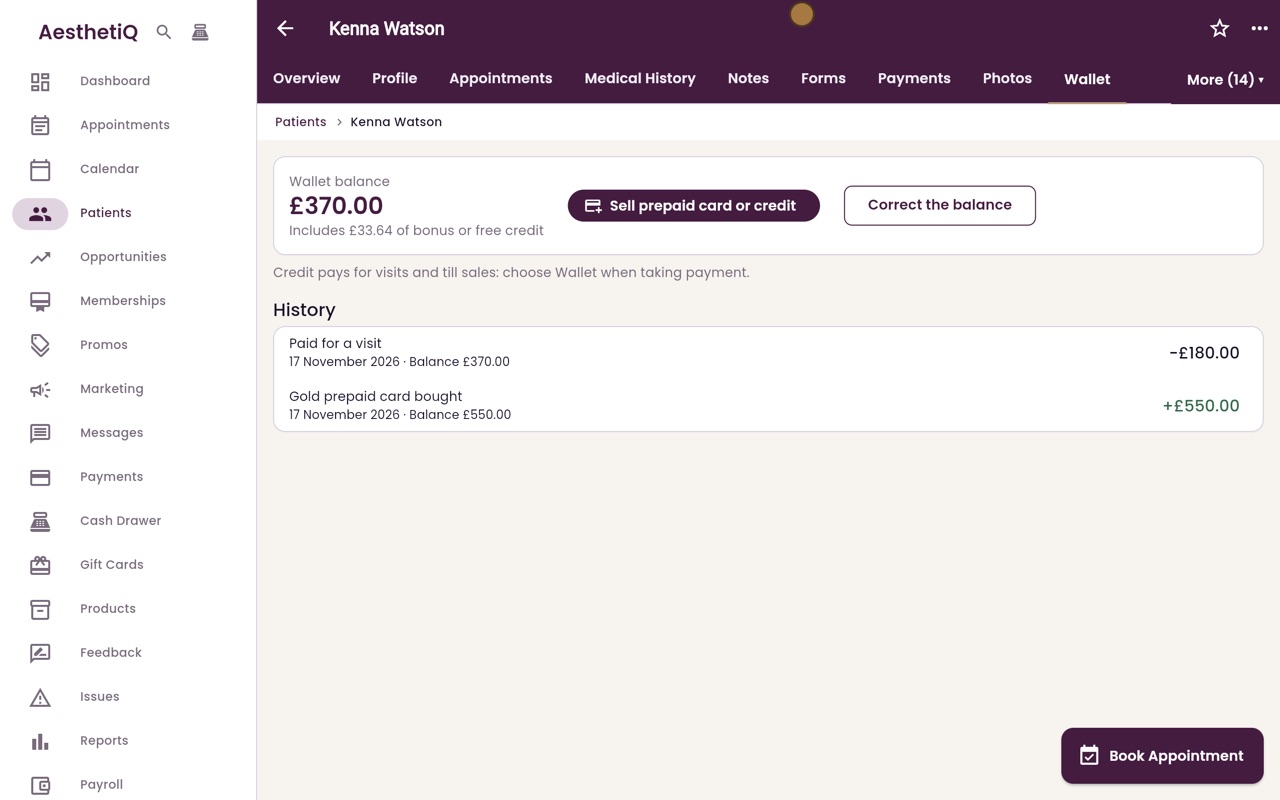
The wallet history shows Paid for a visit, and the new balance.
Step by step
- 01Libby
Credit at checkout
Hi, I am Libby. A patient who bought a prepaid card has credit in their wallet. At checkout, the credit pays for their visit.
- 02Ryan
Open the payment
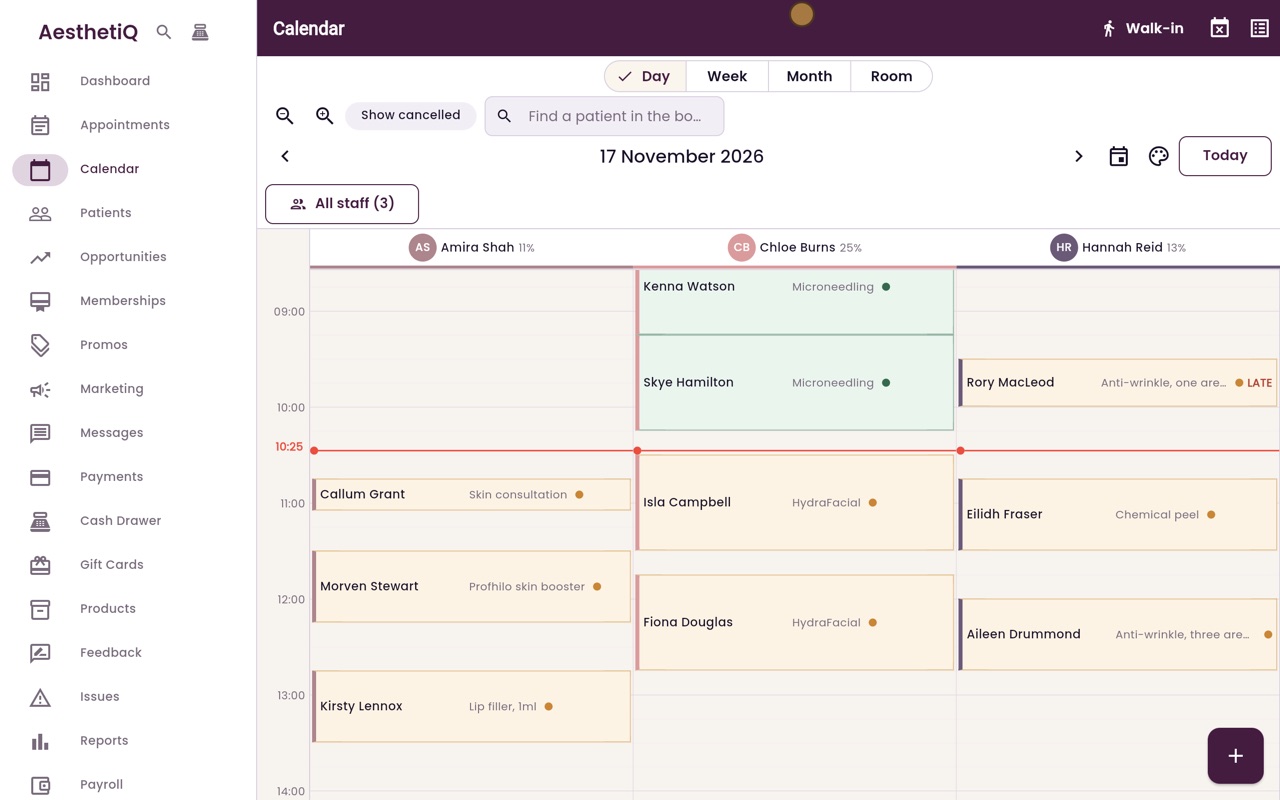
Thanks Libby. Kenna Watson has finished her microneedling with Chloe Burns, and she has credit from a Gold prepaid card. Open her appointment, scroll down and click Take Payment.
- 03Ryan
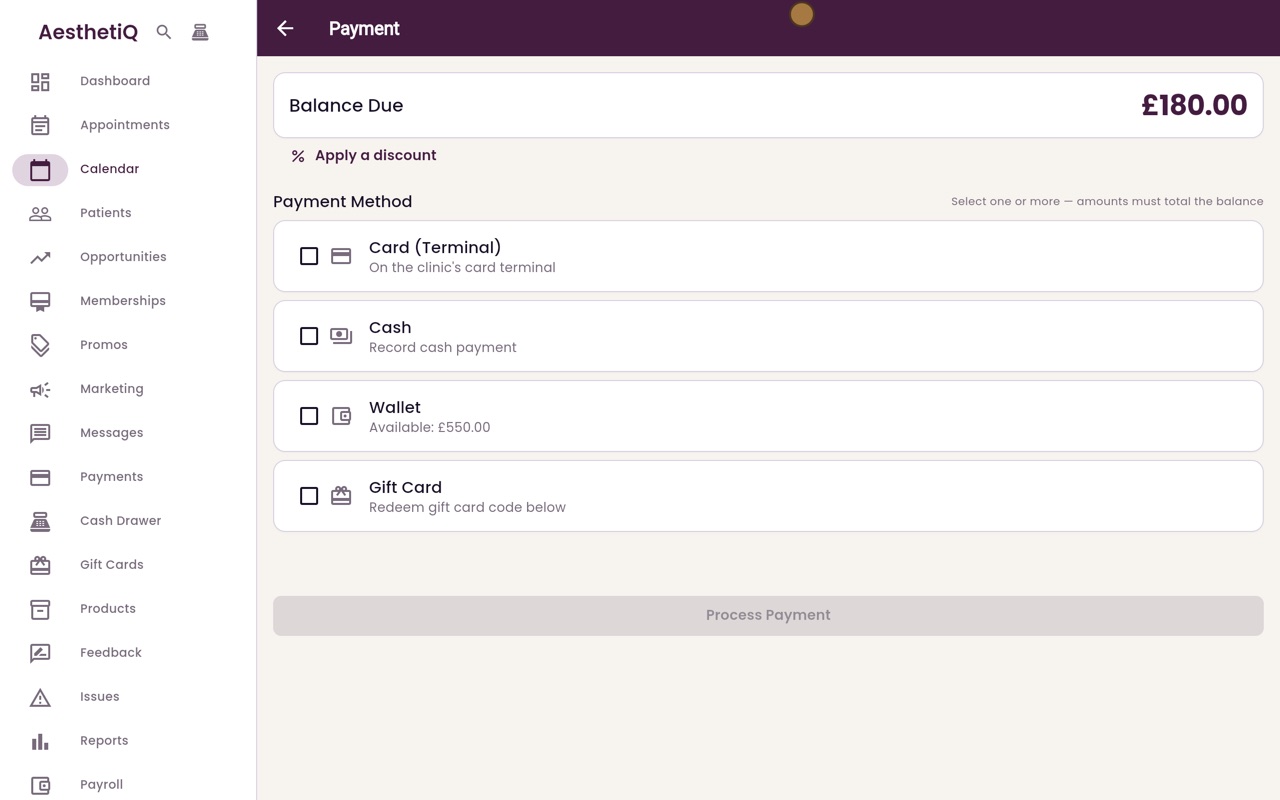
Tick Wallet
One hundred and eighty pounds is due. The Wallet option shows the credit Kenna has available, five hundred and fifty pounds. Tick Wallet, and the amount due fills in, but never more than she has.
- 04Ryan
Process the payment
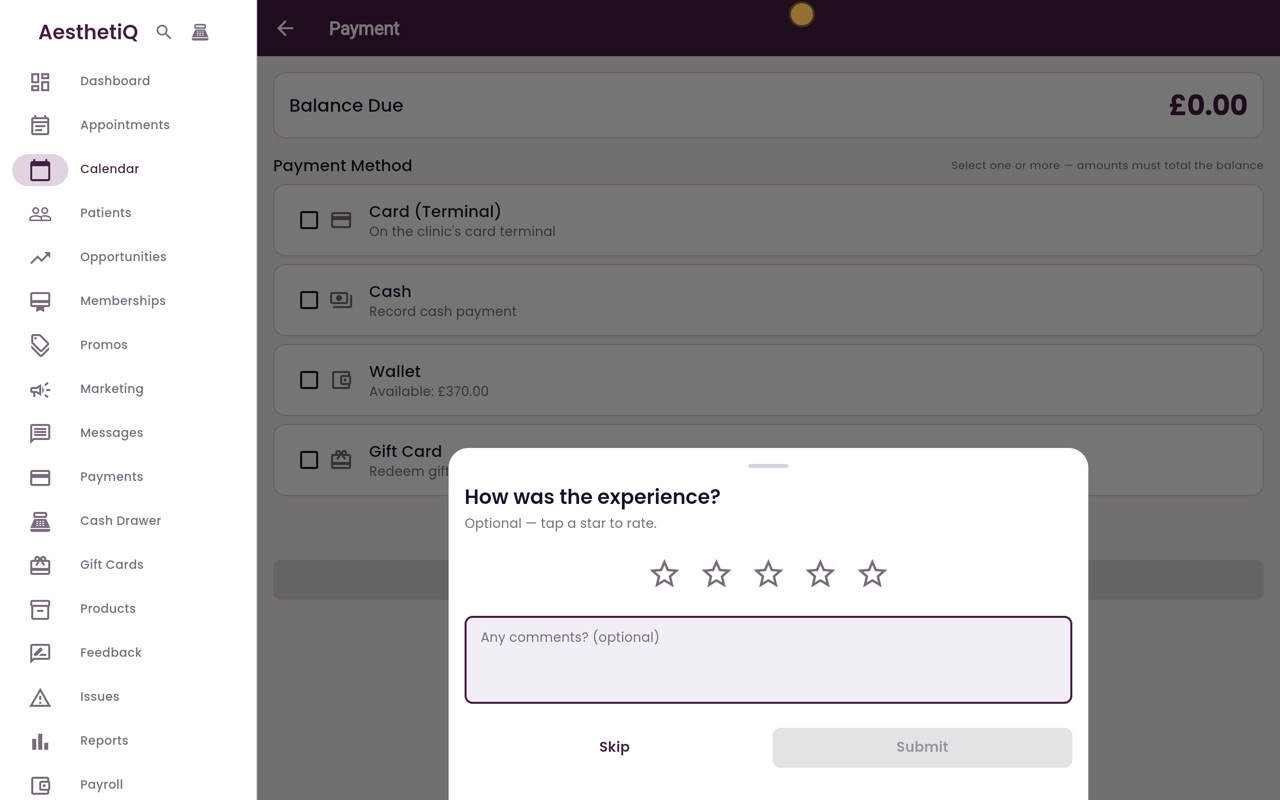
The payment summary shows the wallet paying the whole balance. Click Process Payment. When the payment has gone through, AesthetiQ asks how the visit was.
- 05Ryan
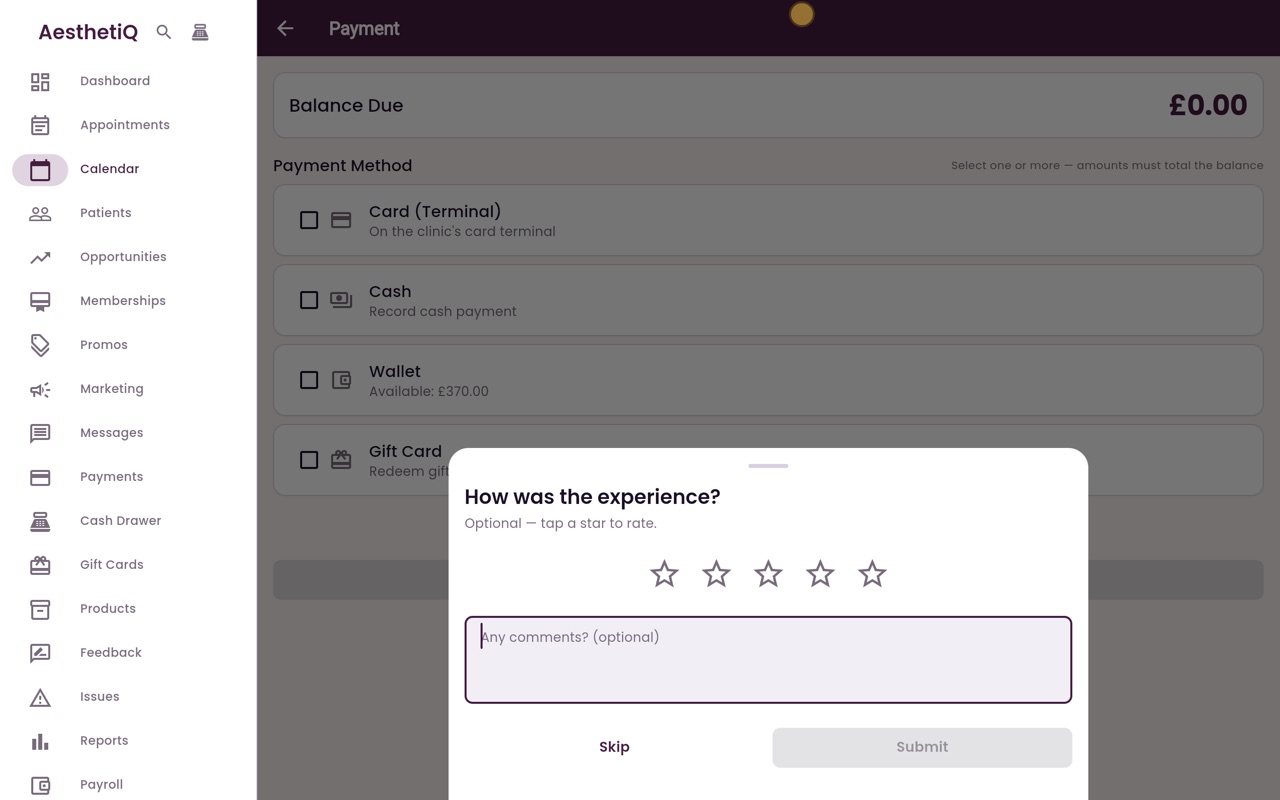
Rating the visit
Kenna can tap a star to rate the visit, or you can click Skip.
- 06Ryan
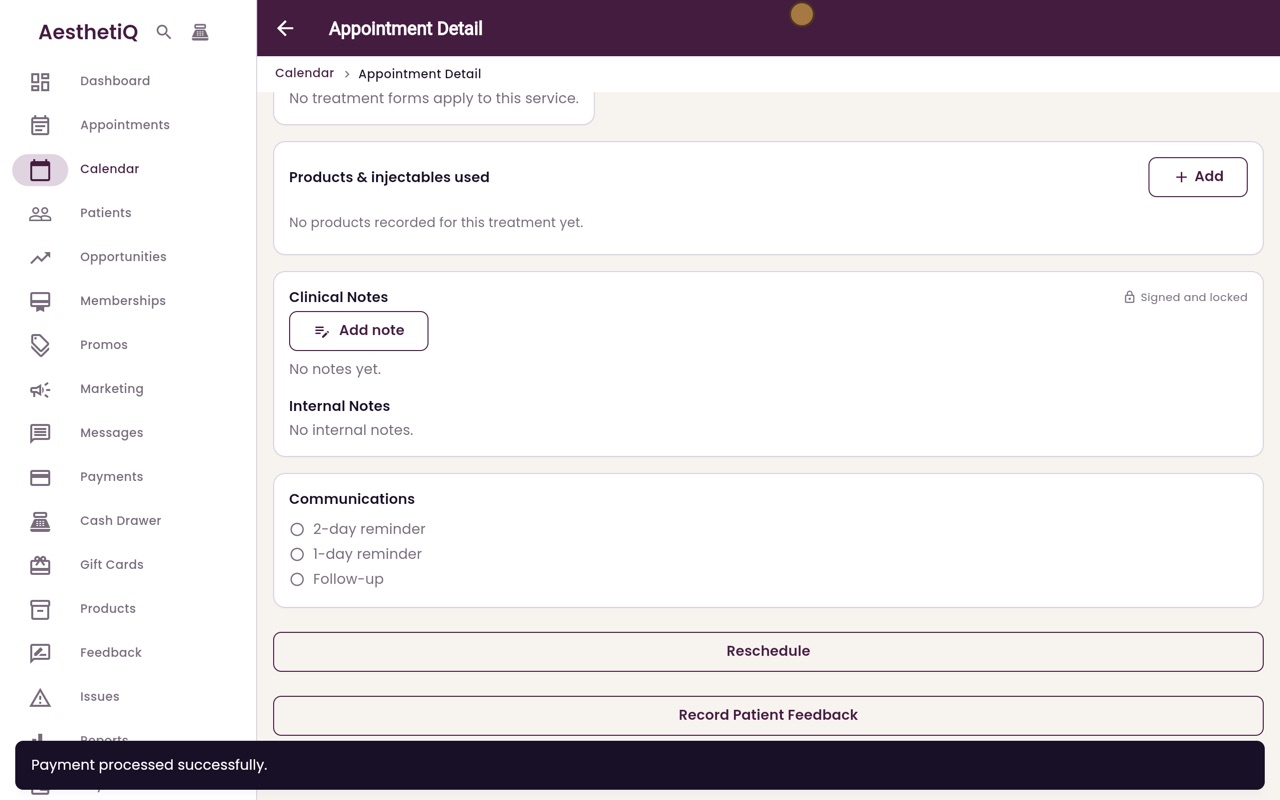
Paid
Click Skip. A message confirms the payment was processed. Take Payment has gone from the appointment, because nothing is left to pay.
- 07Ryan
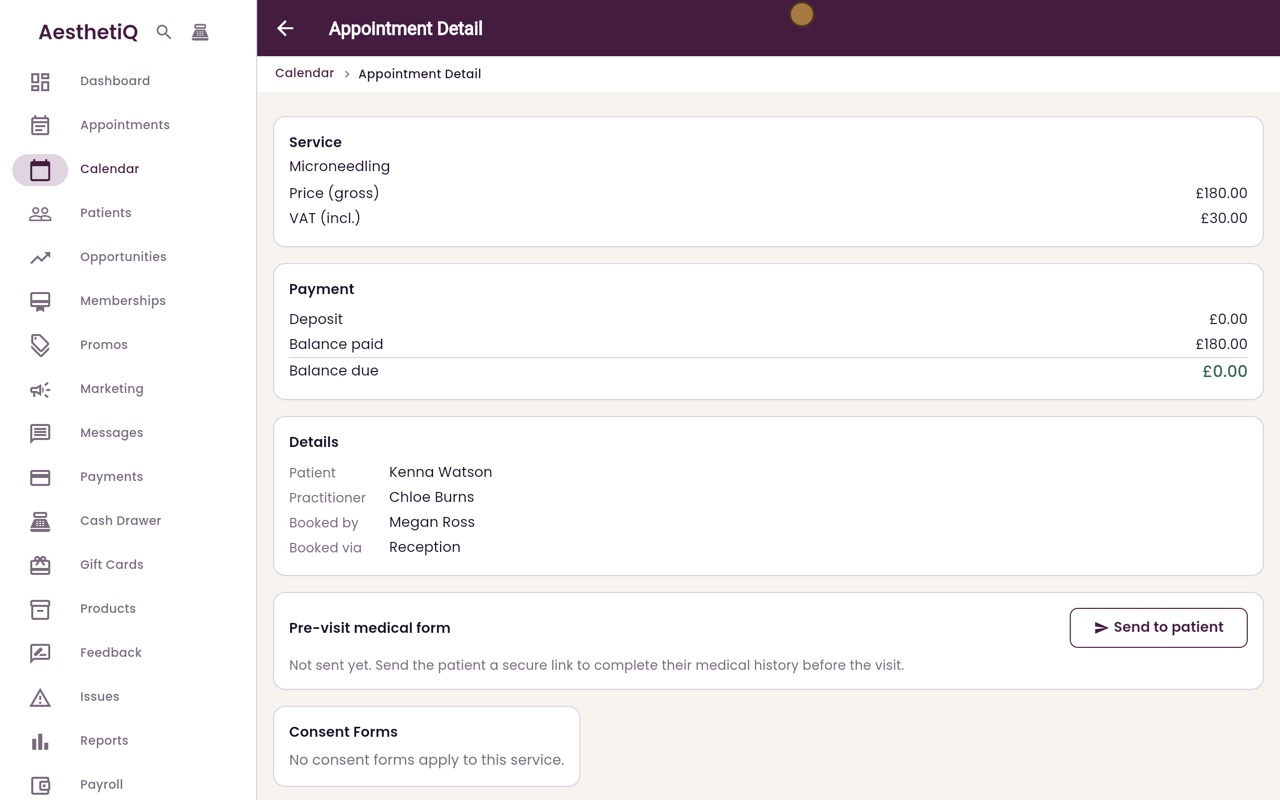
Nothing left to pay
Scroll up to Payment. Balance paid is now one hundred and eighty pounds, and the balance due is zero.
- 08Ryan
Open the wallet
The credit comes off Kenna's wallet. To check it, click Patients in the menu, search for Kenna, and open her record. Then click More, and Wallet.
- 09Ryan
The new balance
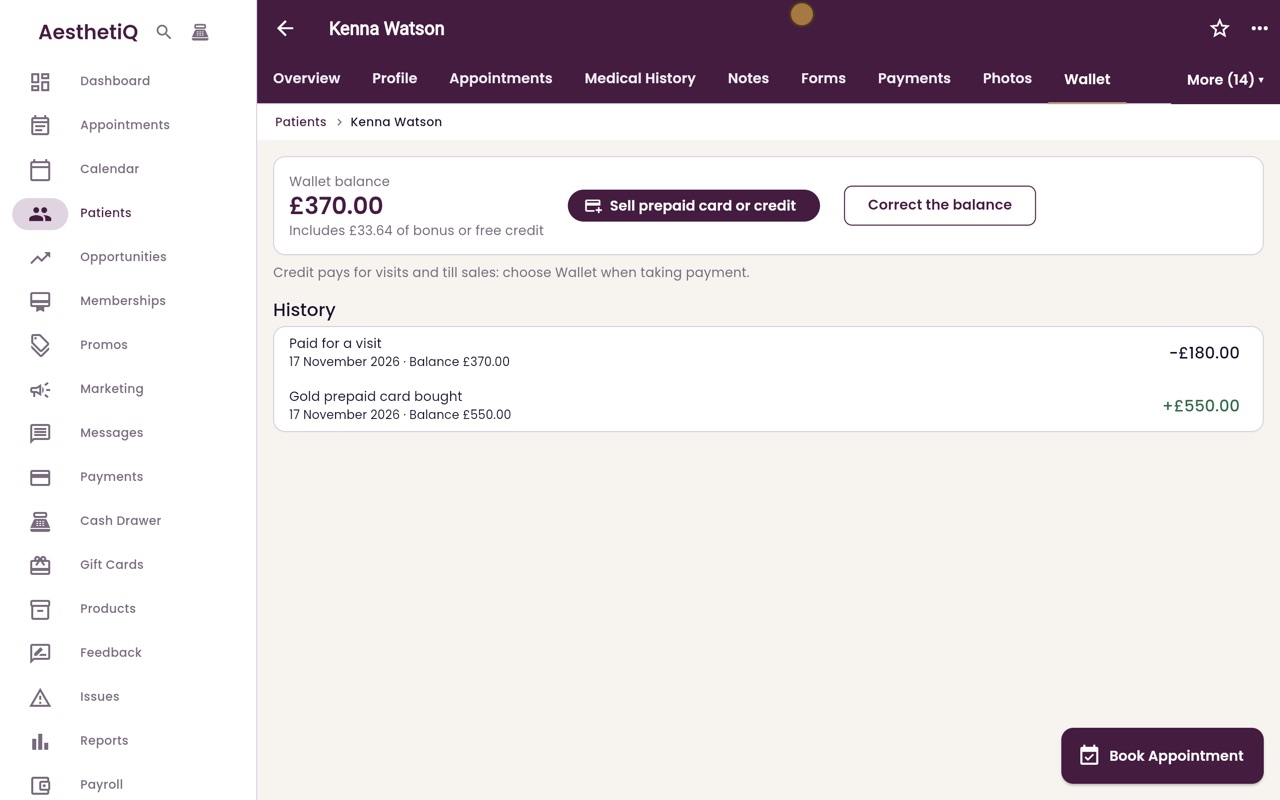
The balance is now three hundred and seventy pounds. The history is newest first, so Paid for a visit, one hundred and eighty pounds, is at the top, above the Gold prepaid card she bought.
- 10Libby
Done
That is paying from the wallet. If the credit does not cover the whole bill, tick another method as well, such as Cash or Card, for the rest.