Help and guides in the app
Short written guides for everyday front desk jobs, one click away in the menu.
Where
Help in the menu, for every role.
Guides
Card payments, checking in, cancellations, consent forms and the end of the day.
Each guide
The steps in order, and what to do if something goes wrong.
Step by step
- 01Libby
Help in the app
Hi, I am Libby. AesthetiQ has short written guides for everyday front desk jobs, so you can check how to do something without leaving the app.
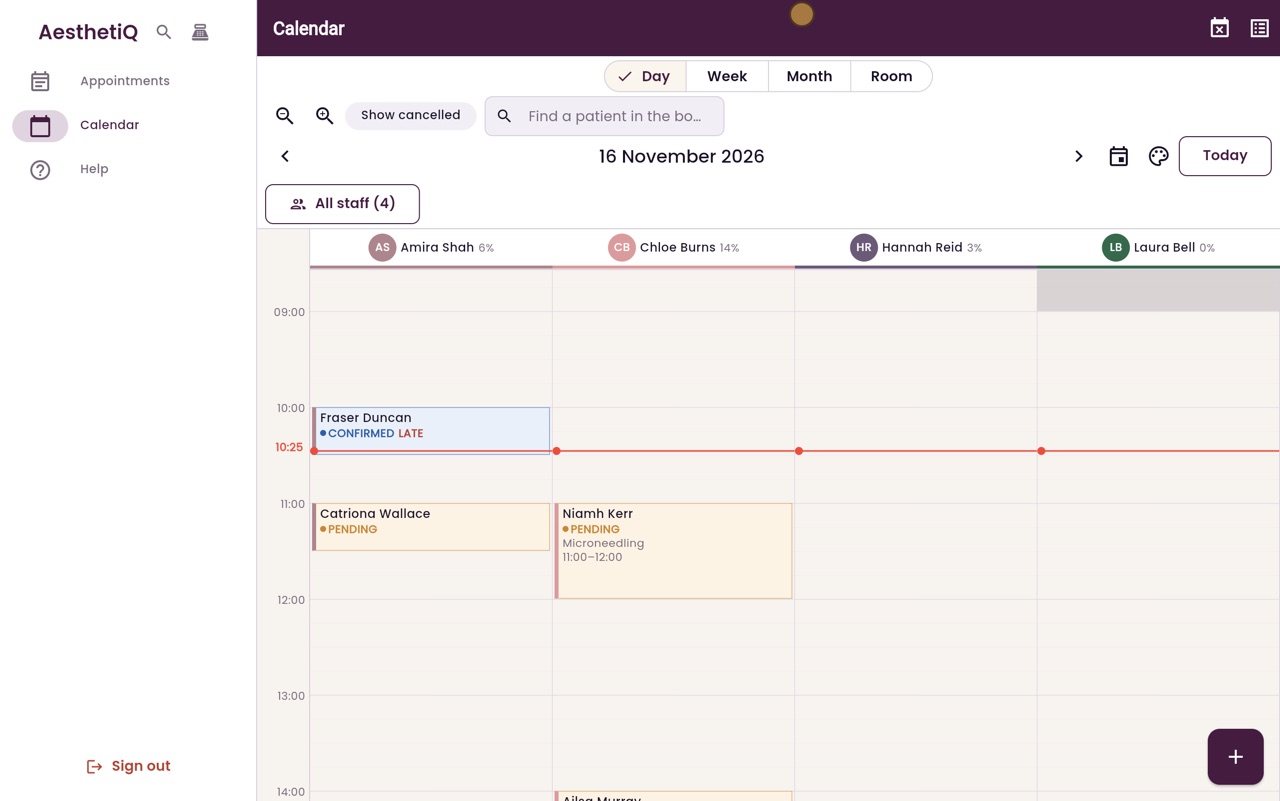
- 02Ryan
Help and guides
Thanks Libby. Click Help in the menu. Help and guides lists the guides: taking a card payment, checking a patient in, cancellations, consent forms, and the end of the day.
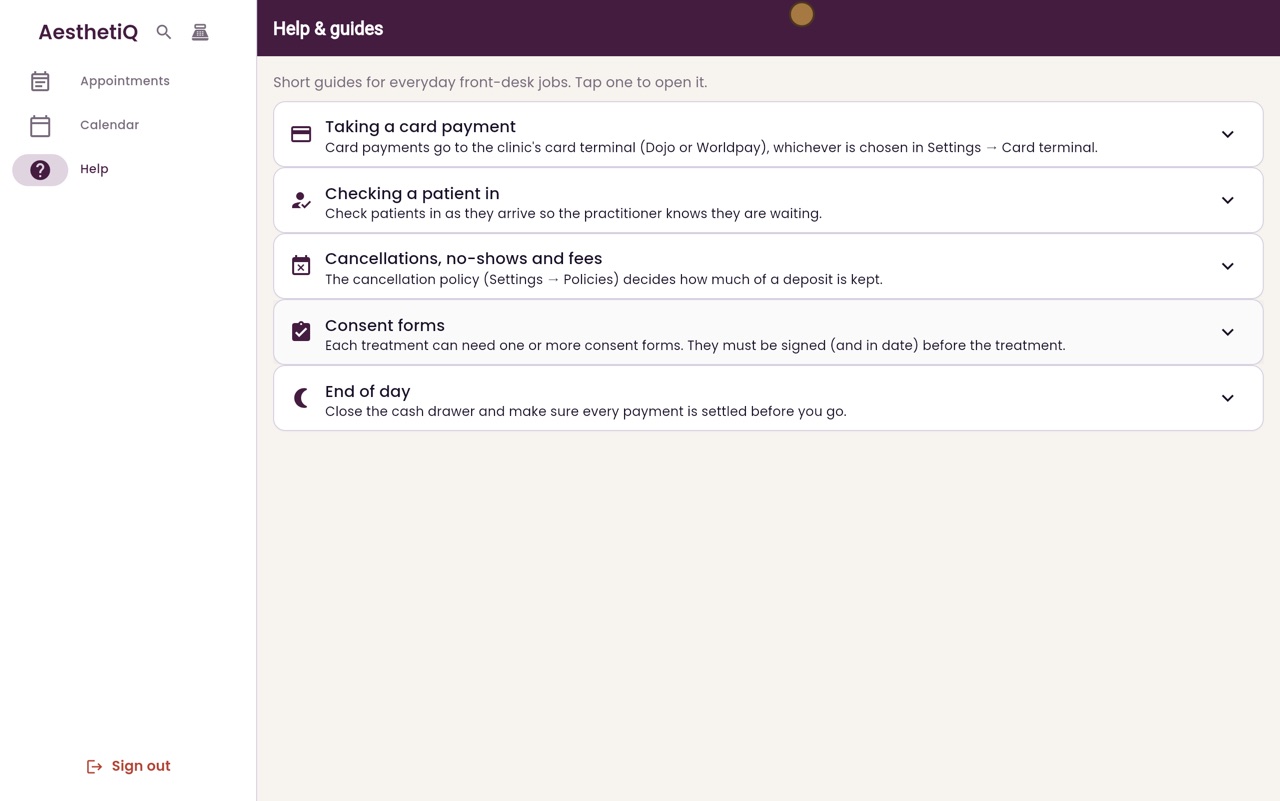
- 03Ryan
Open a guide
Click a guide to open it. Checking a patient in lists the steps in order, and what to do if something goes wrong.
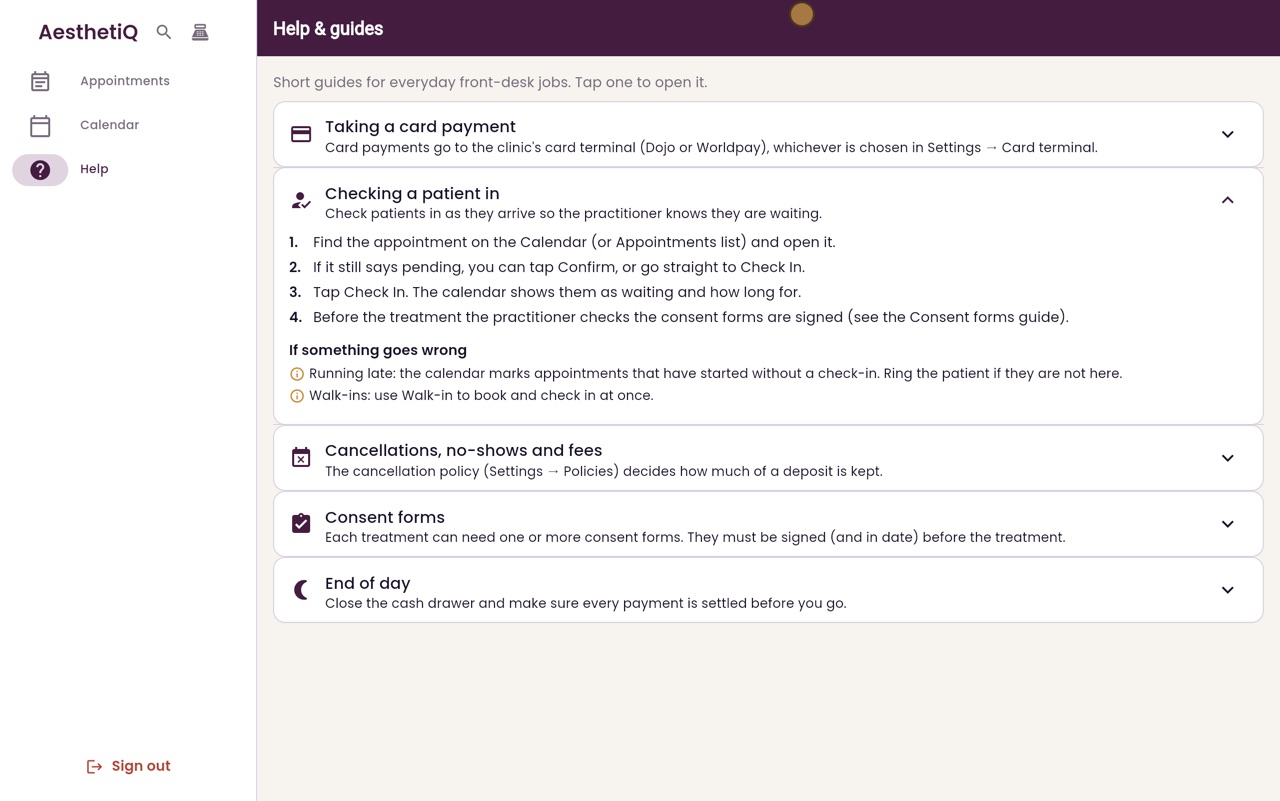
- 04Ryan
Another guide
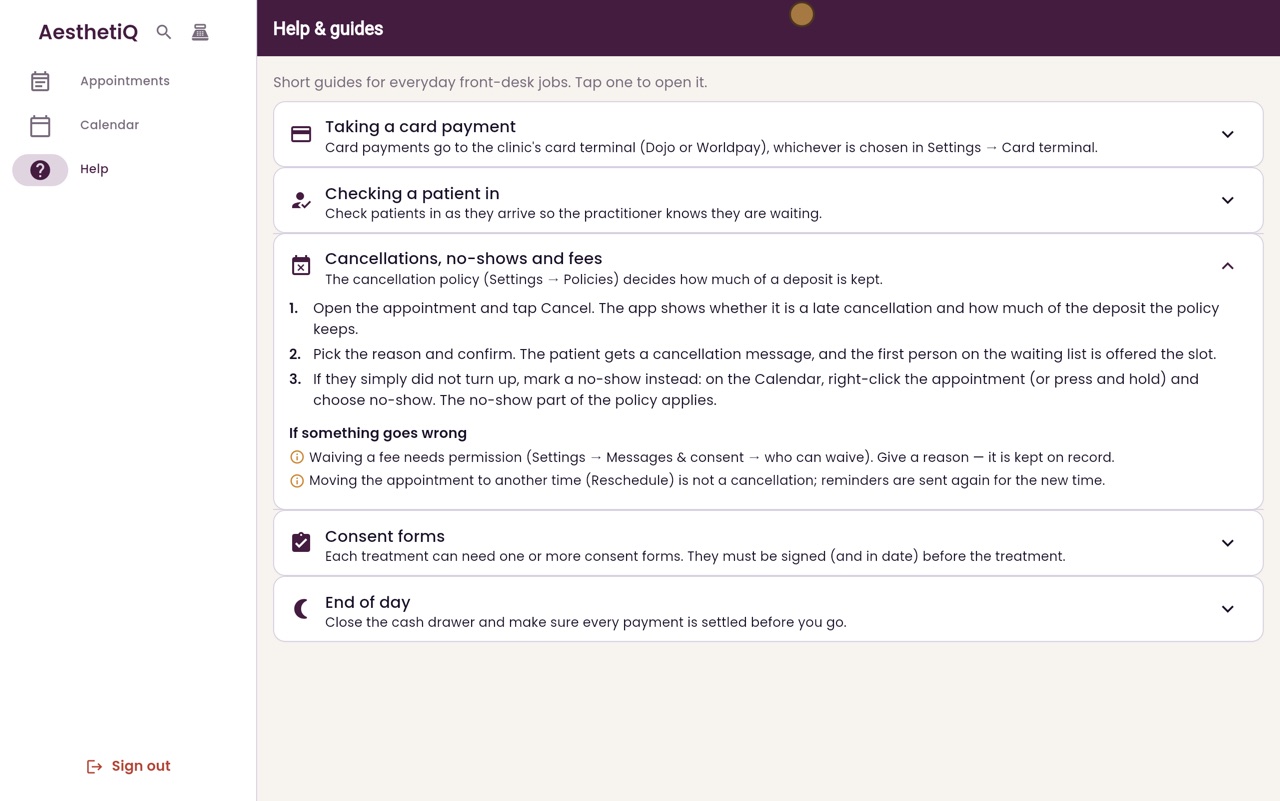
Click it again to close it. Then open Cancellations, no-shows and fees, which explains how much of a deposit is kept when a patient cancels late.
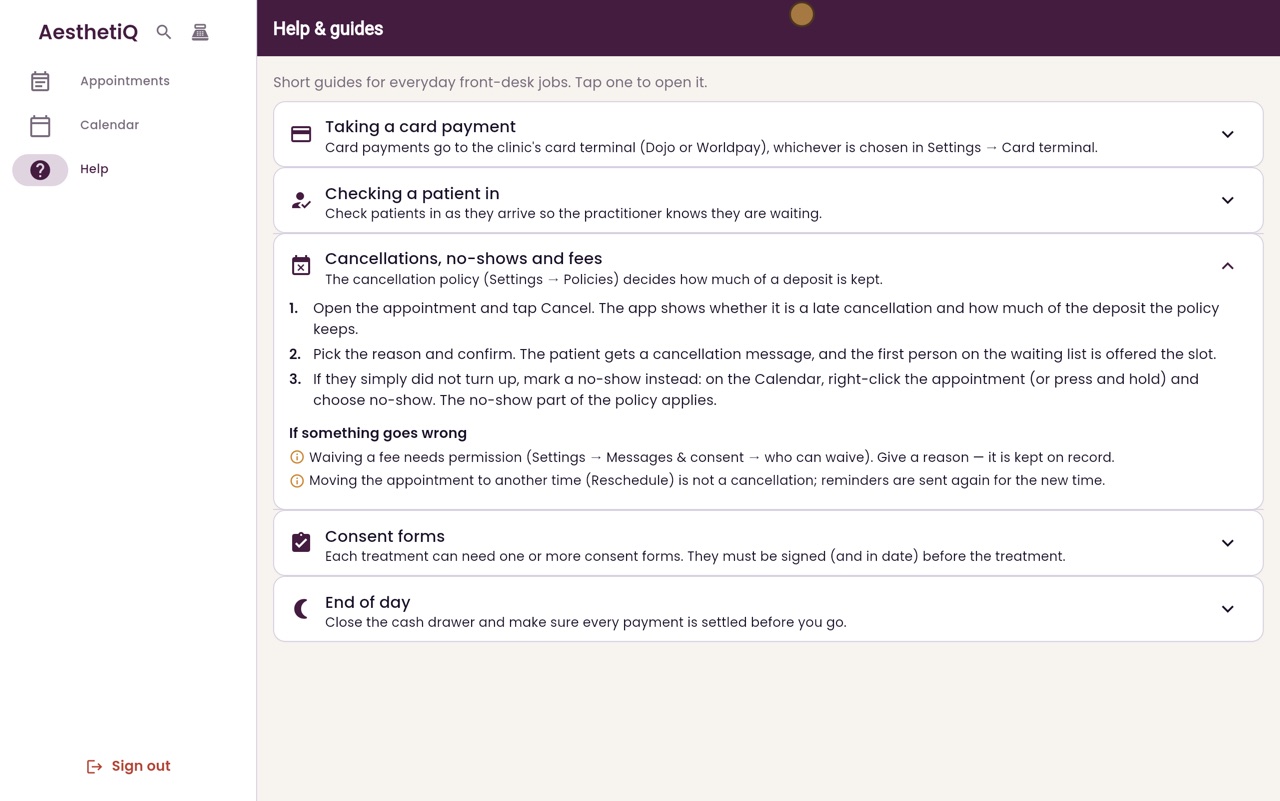
- 05Libby
Done
That is help and guides. Each guide is short, so you can check it even with a patient waiting at the desk.