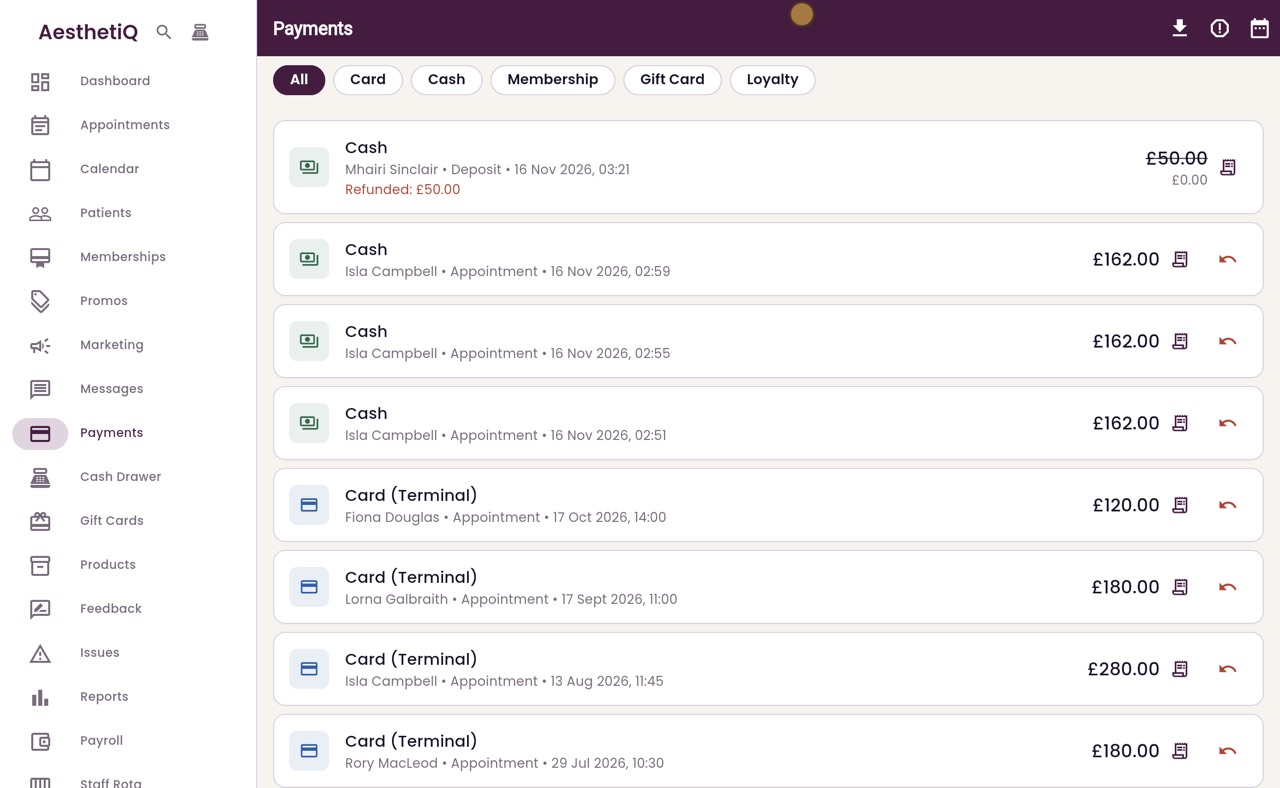
Deposits to give back
A cancelled appointment's deposit paid in cash or on the terminal waits on the Deposits to give back list until you record how it went back.
Where
Payments, then the Card payment issues button at the top right.
Record
Gave cash back, Refunded on the terminal, Refunded online, or Not refunding with a reason.
After
The row leaves the list and the deposit payment shows Refunded.
Step by step
- 01Libby
Deposits to give back
Hi, I am Libby. When a deposit paid in cash or on the card terminal has to go back to the patient, someone gives it back by hand. AesthetiQ lists these deposits, so none is forgotten.
- 02Ryan
Open the list
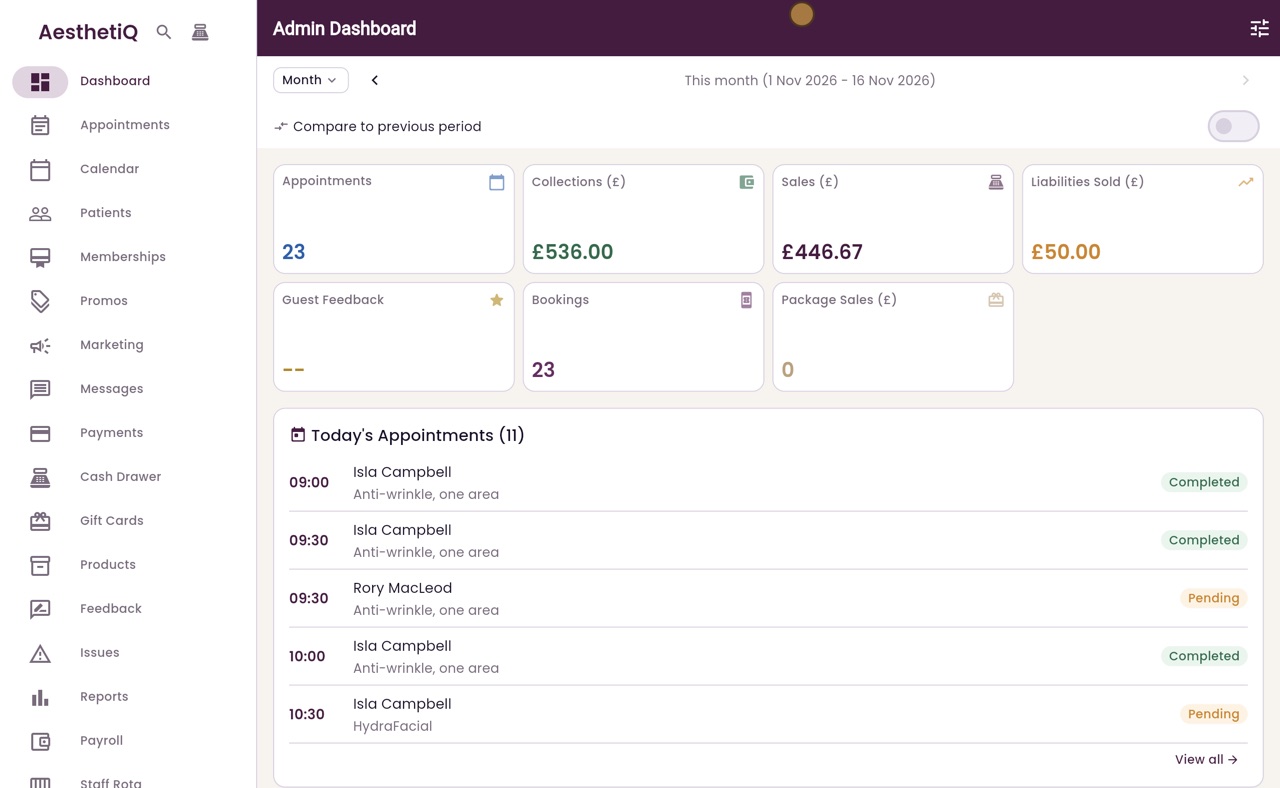
Thanks Libby. Click Payments in the menu, then the Card payment issues button at the top right.
- 03Ryan
Whose deposit
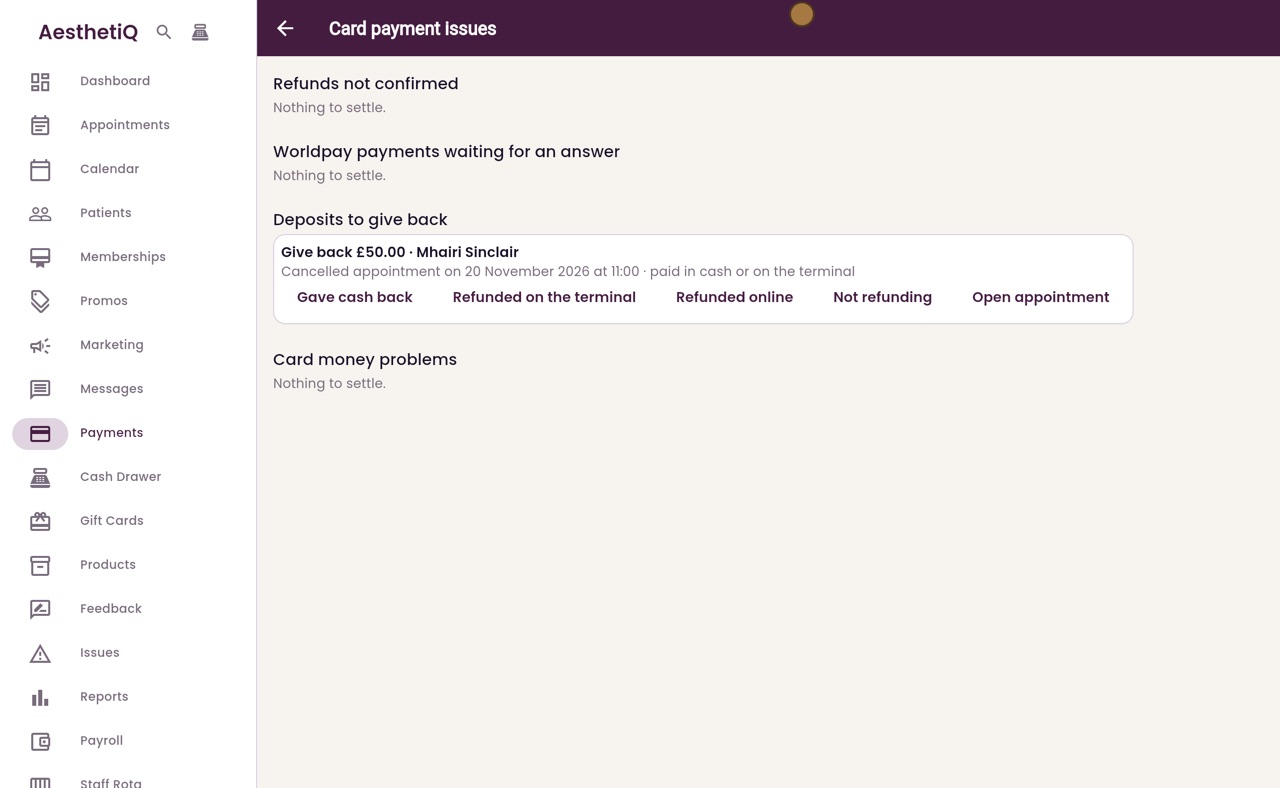
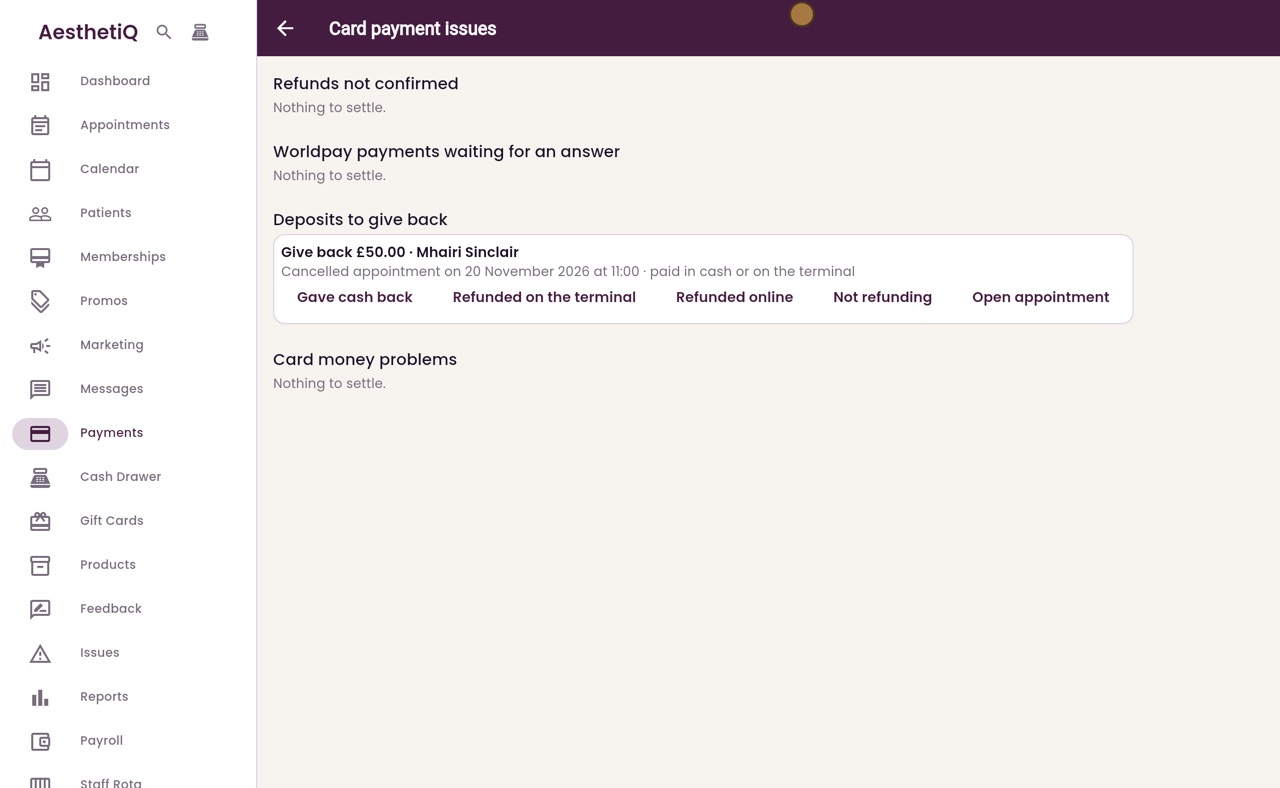
Under Deposits to give back is Mhairi Sinclair. Her appointment on 20 November at eleven o'clock was cancelled, so her fifty pound deposit is to give back.
- 04Ryan
How it went back
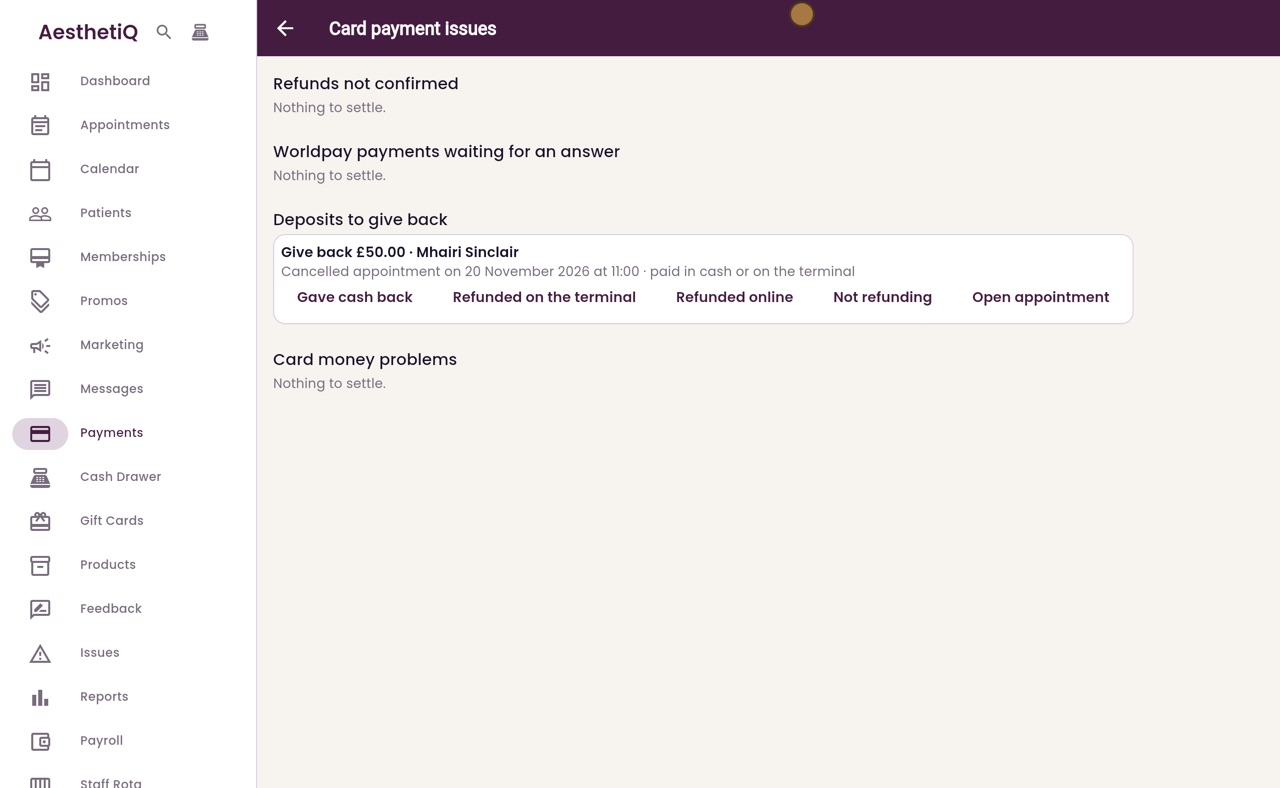
The buttons record how it went back: as cash, on the terminal, or online. Not refunding asks for the reason, and Open appointment shows the appointment.
- 05Ryan
Gave cash back
Mhairi paid in cash, so hand her fifty pounds from the cash drawer, then click Gave cash back.
- 06Ryan
Settled
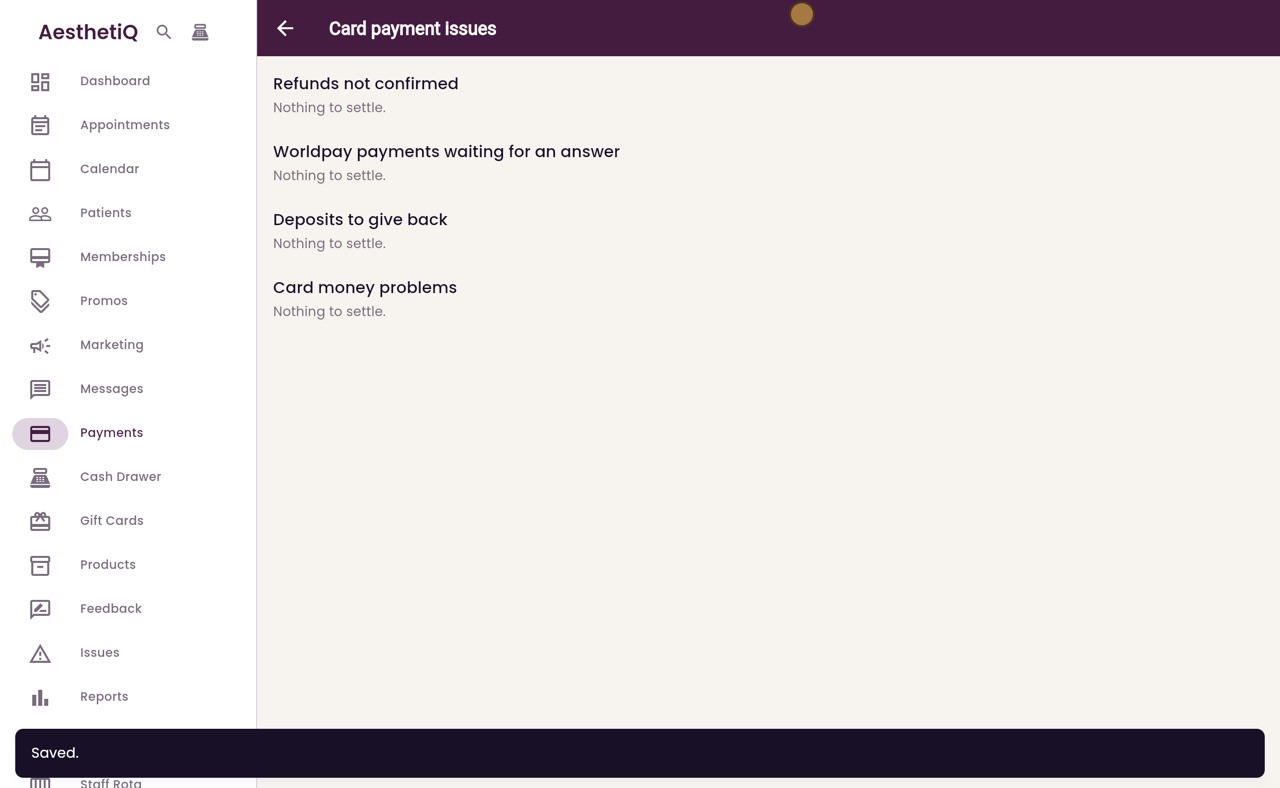
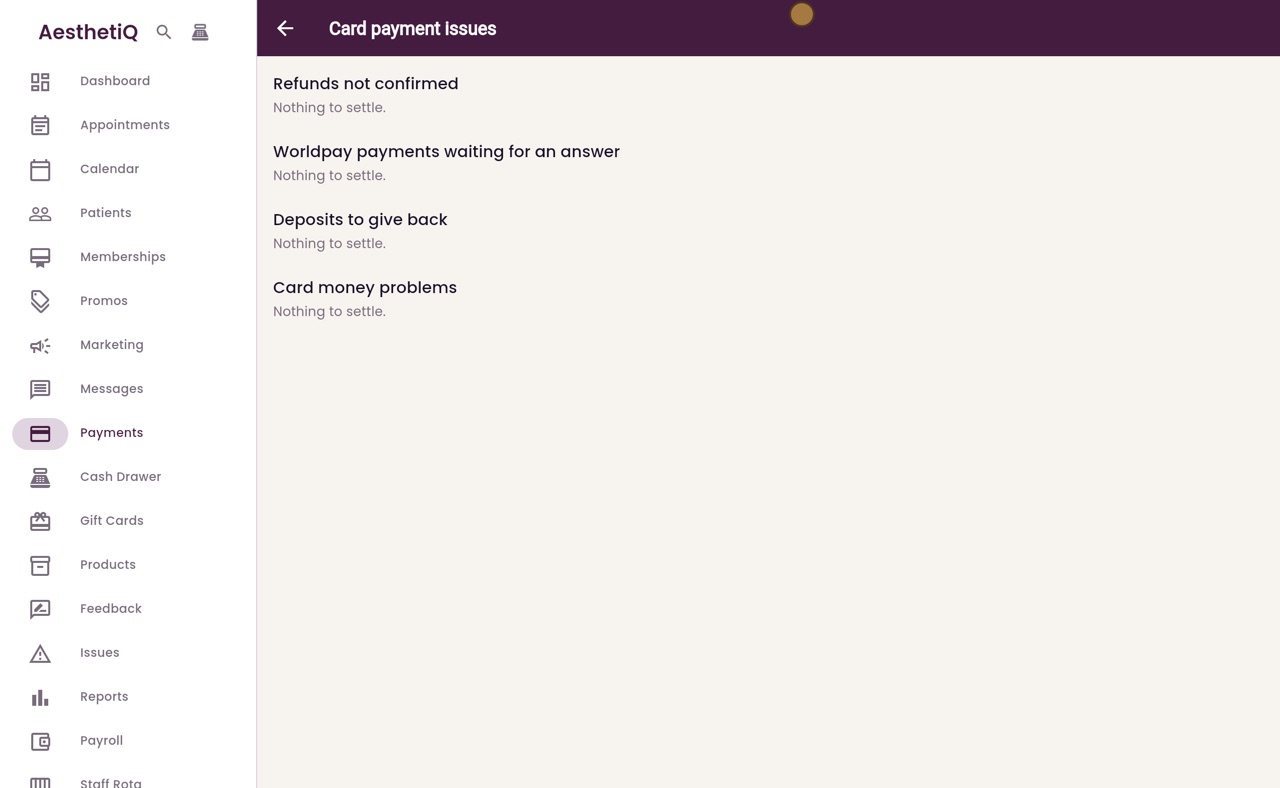
AesthetiQ says Saved, and Deposits to give back now says Nothing to settle.
- 07Ryan
In the payments list
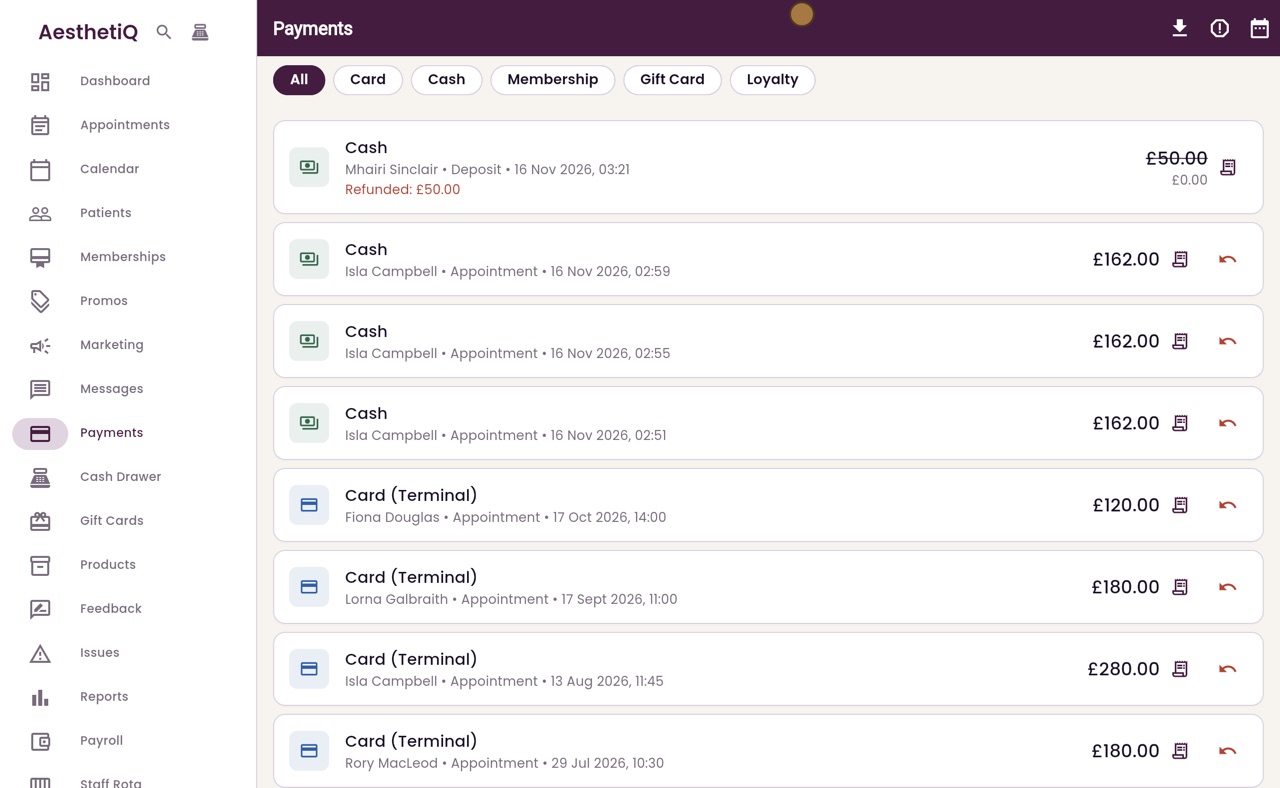
Click Back. In the payments list, Mhairi's cash deposit now shows Refunded, fifty pounds, so the takings are right.
- 08Libby
Done
That is giving back a deposit. Check the list each day, so every patient gets their money back.