Ad tracking links
Give each advert its own link to the booking site, then see the clicks, bookings and takings it brings in.
Where
Marketing, then Ad links.
Who
The clinic manager.
After
The link is copied, ready to paste into the advert.
Step by step
- 01Libby
Ad tracking links
Hi, I am Libby. An ad tracking link shows which adverts bring in bookings. Each advert gets its own link to the booking site, and AesthetiQ counts what comes through it.
- 02Ryan
Open Ad links
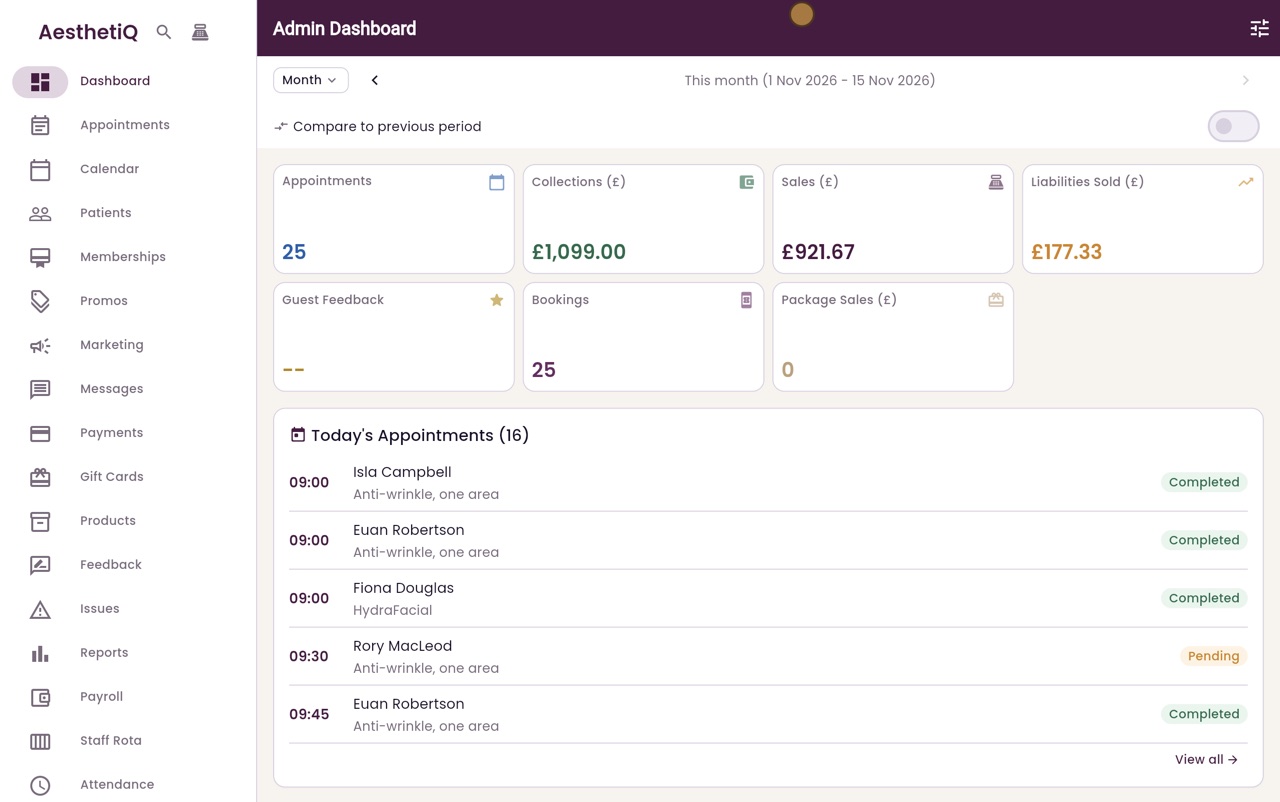
Thanks Libby. Click Marketing in the menu on the left, then Ad links at the top.
- 03Ryan
The links
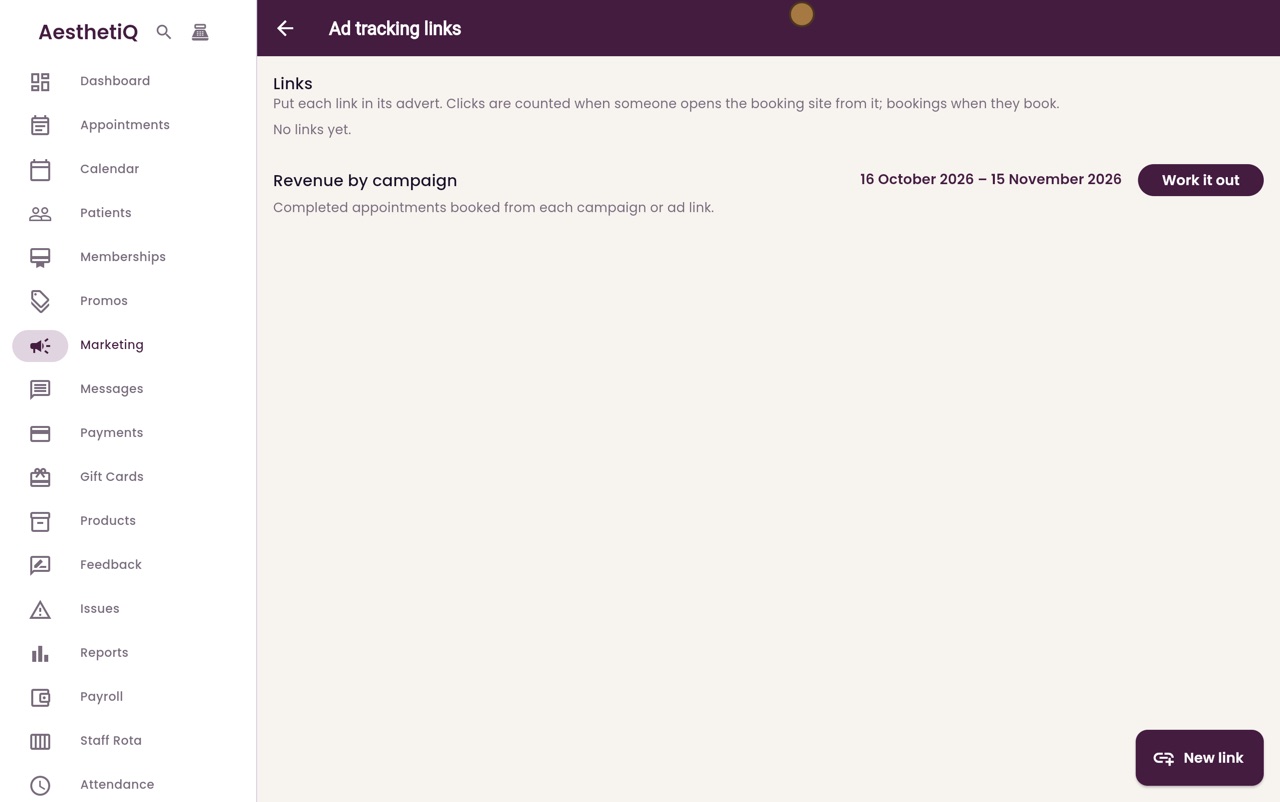
Put each link in its advert. Clicks are counted when someone opens the booking site from it, and bookings when they book. There are no links yet, so click New link.
- 04Ryan
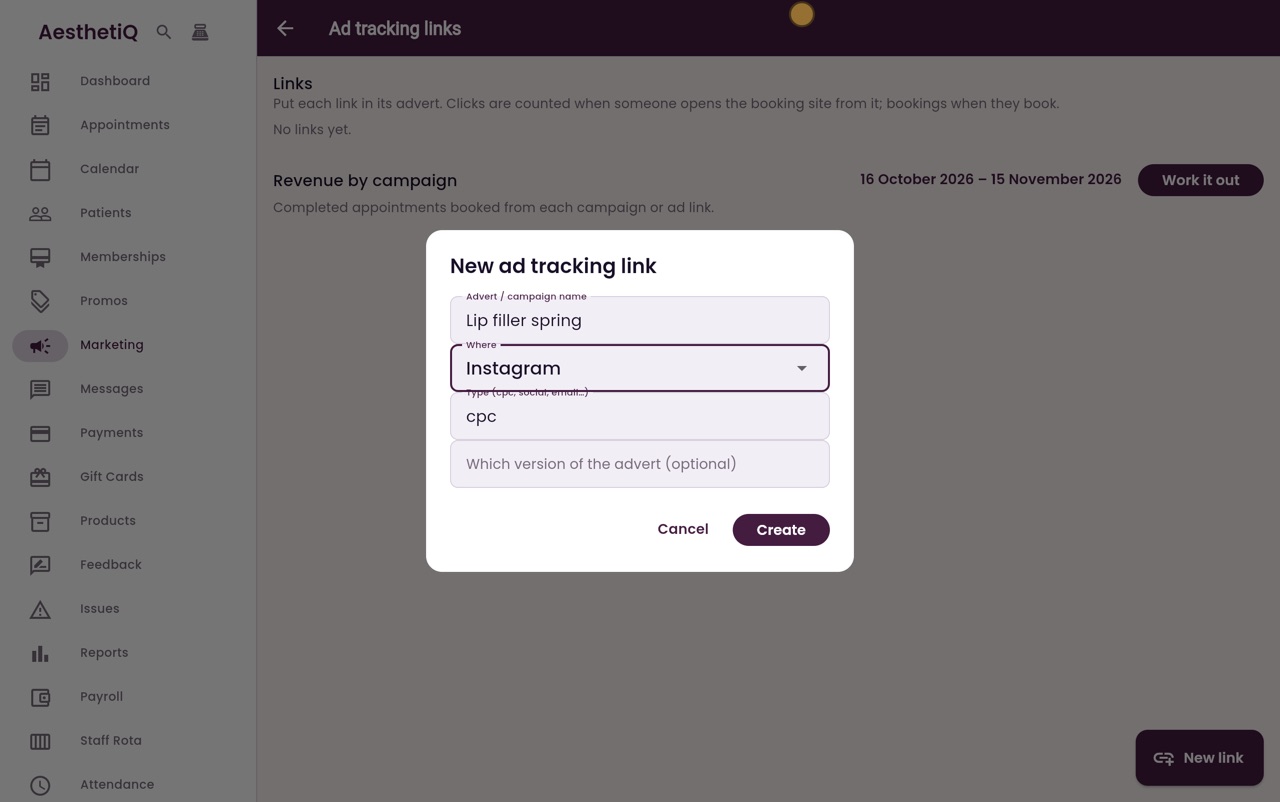
Name and where
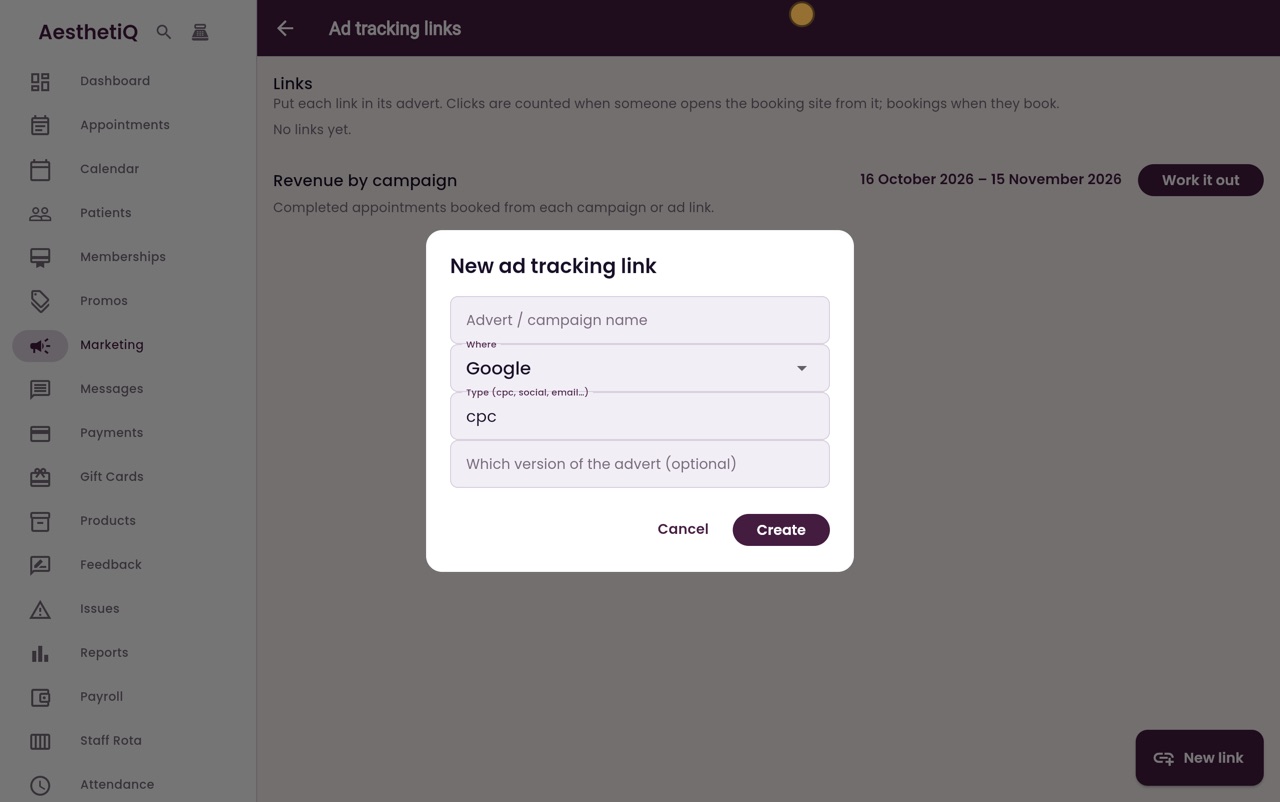
Type the name of the advert, Lip filler spring. Under Where, choose Instagram.
- 05Ryan
Type and create
Type is the kind of advert. It starts as cpc, for paid search adverts. Change it to social. Which version of the advert is optional, for when you test two versions. Click Create.
- 06Ryan
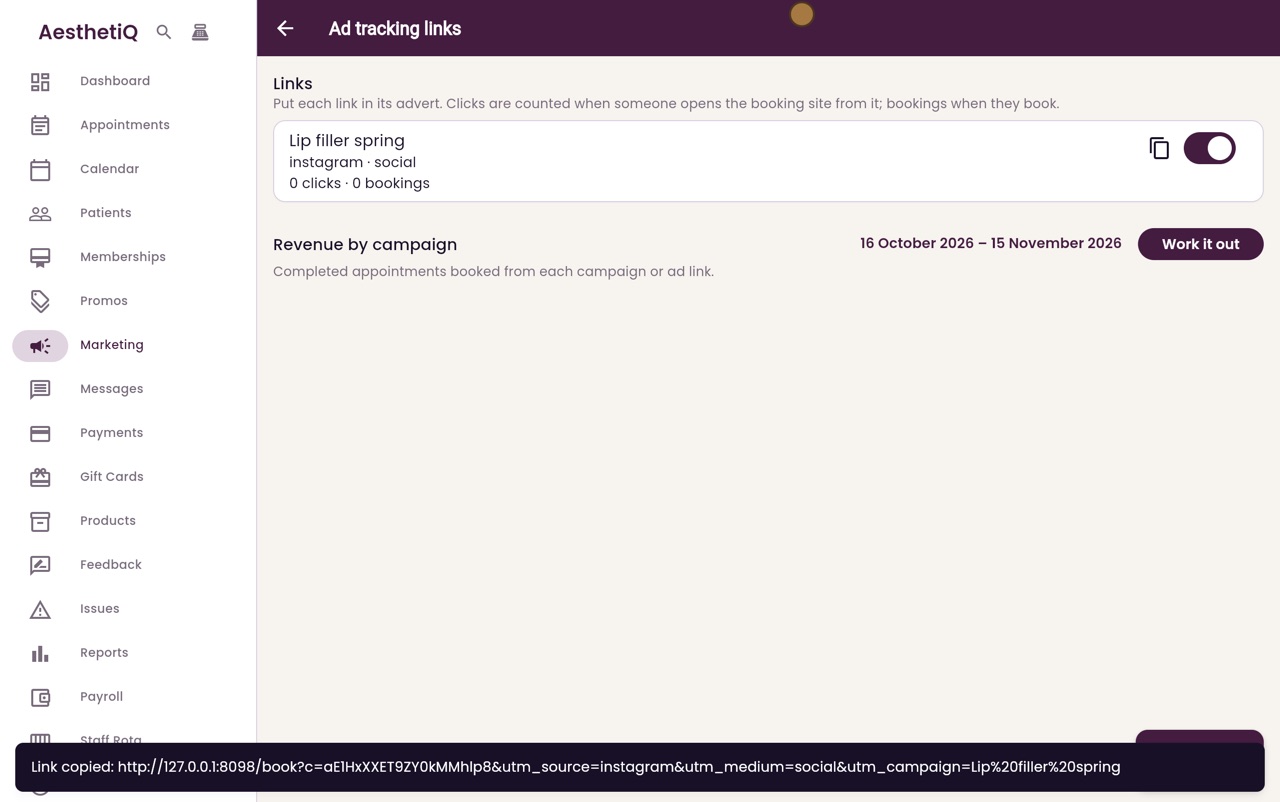
Link copied
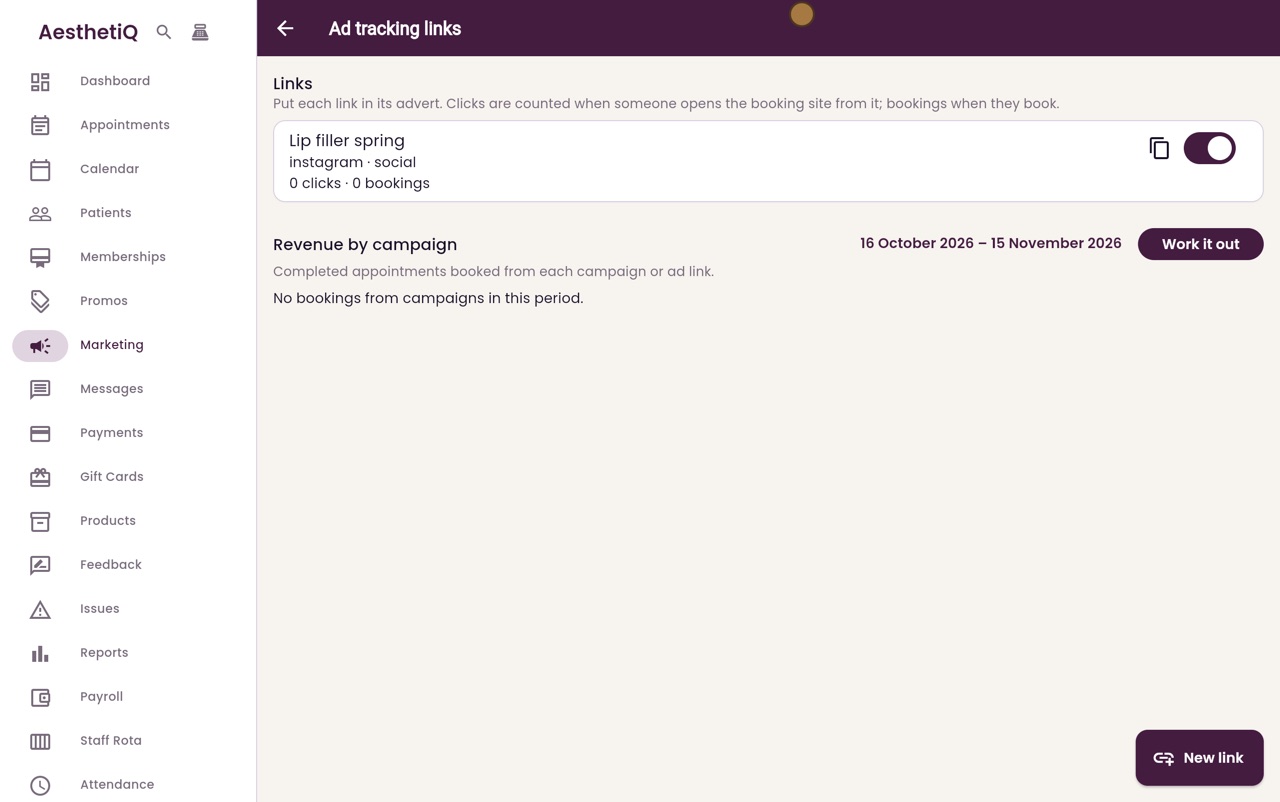
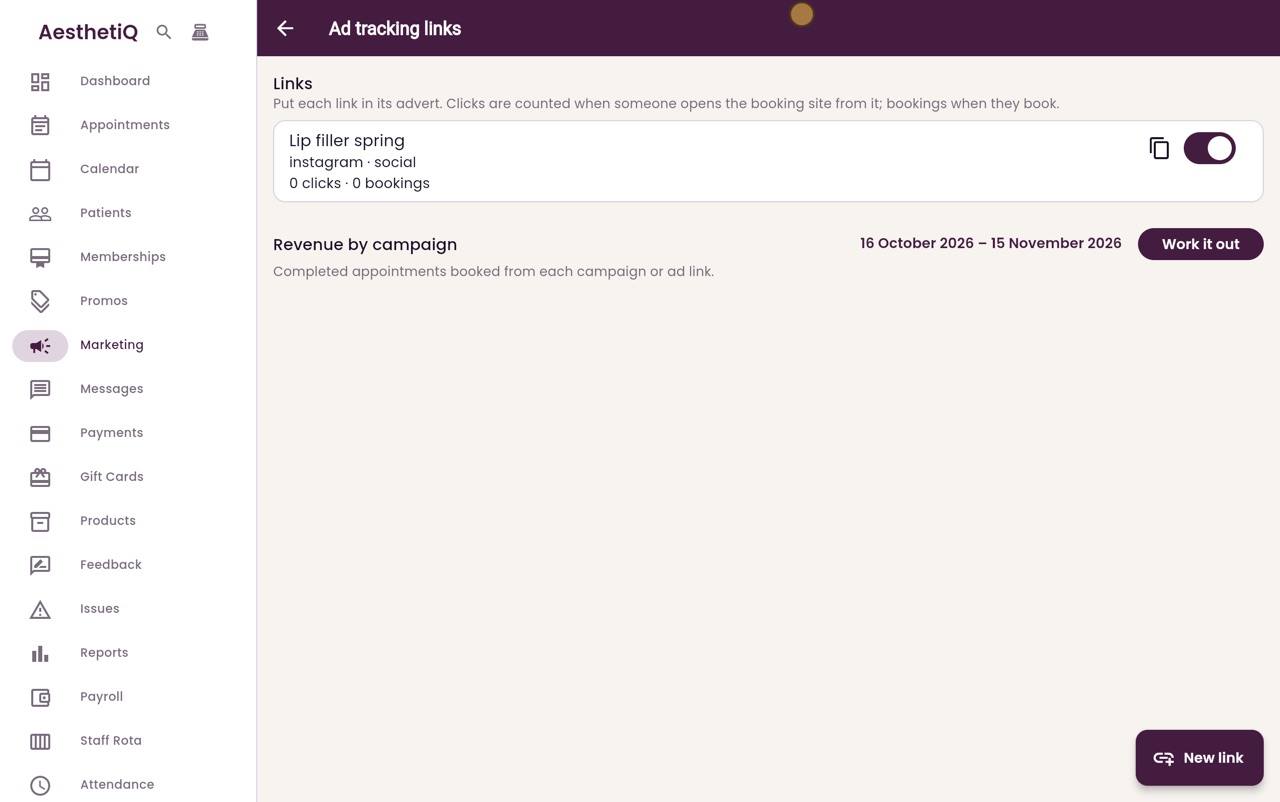
AesthetiQ copies the new link, ready to paste into the advert. The link is now in the list, with no clicks or bookings yet. The copy button copies it again, and the switch turns it off when the advert ends.
- 07Ryan
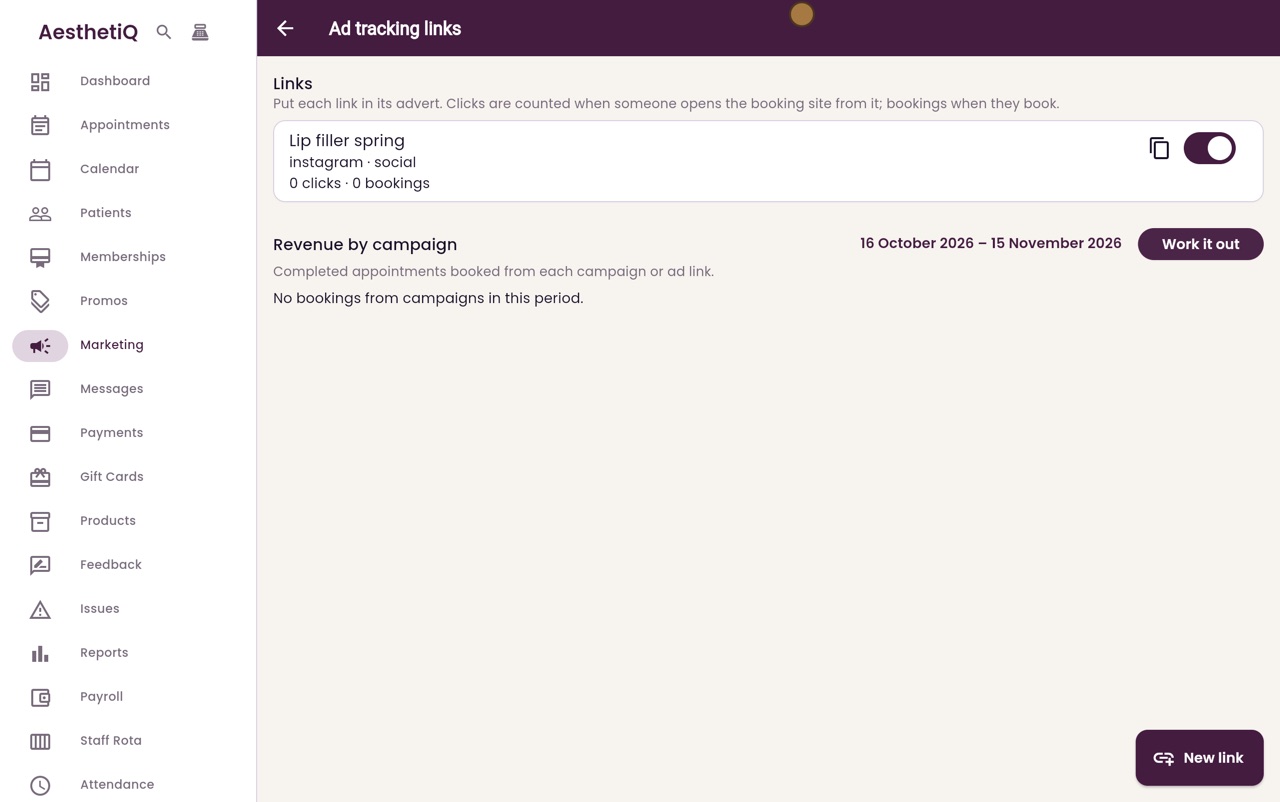
Revenue by campaign
Below is Revenue by campaign, for the dates shown. Click Work it out to see the completed appointments booked from each advert.
- 08Libby
Done
That is an ad tracking link. There are no bookings from adverts yet, so the list is empty. As patients book from your adverts, their bookings and takings appear here.