Stock
7 guides, 12 minutes in all, in the order to watch them.
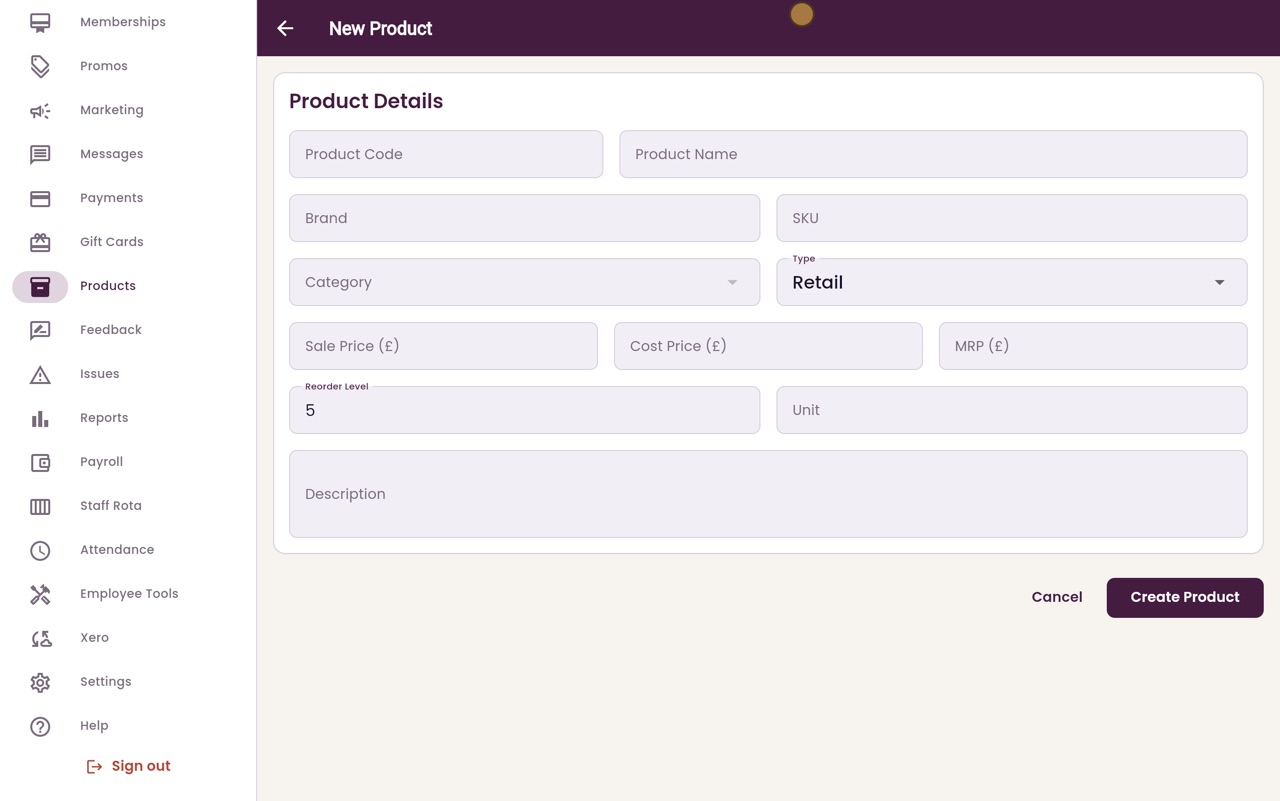
Adding a product to sell
Add a skincare product with its code, prices and reorder level, so it can be sold at the till.
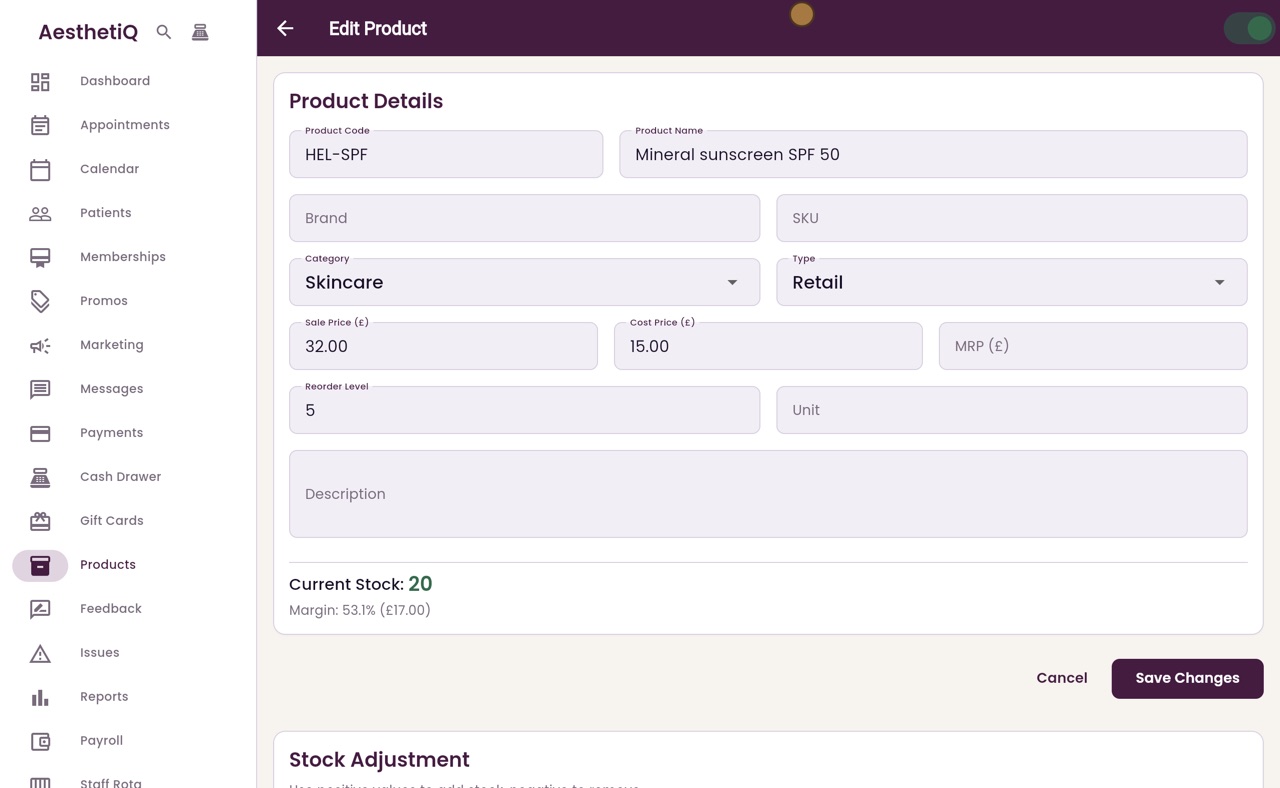
Receiving stock and batch numbers
Add a delivery to stock on the product's page, with its batch number and expiry date. Current Stock goes up straight away.
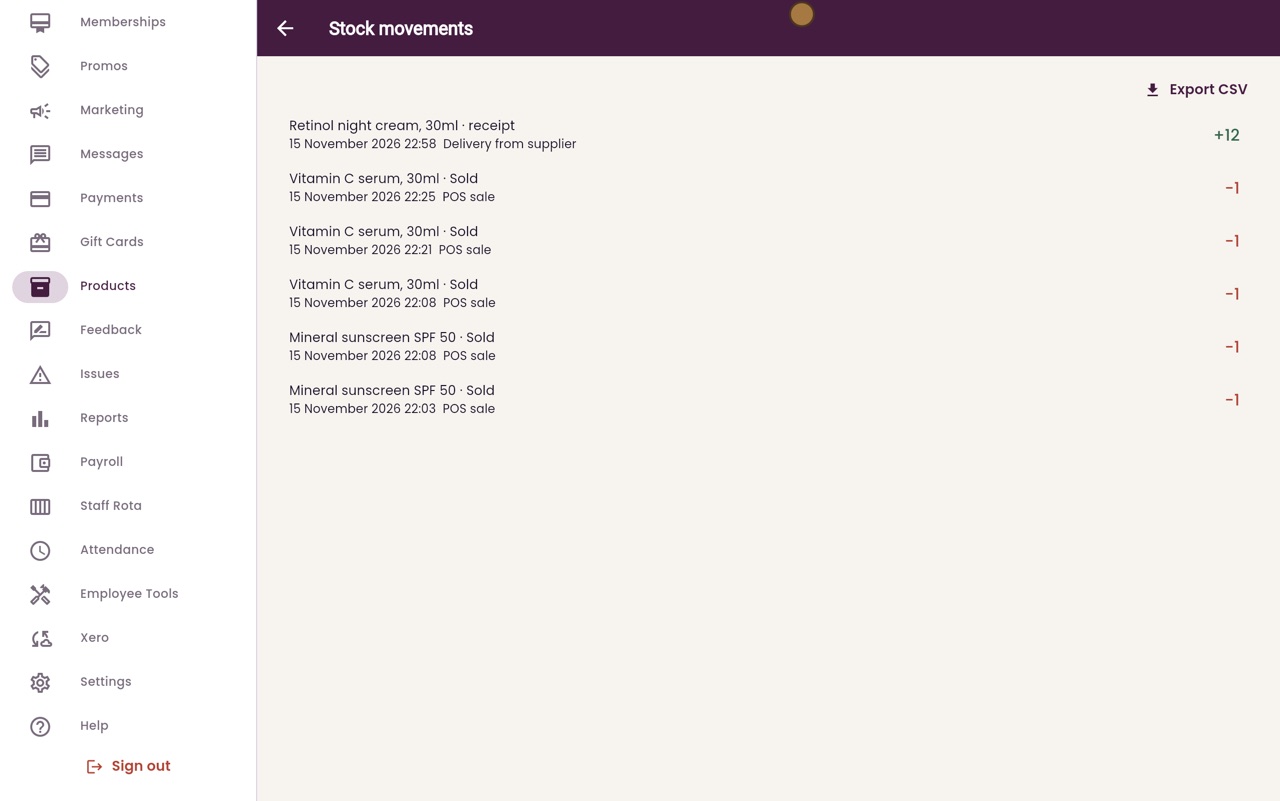
The stock ledger
Every movement of stock in one list: deliveries, sales at the till and adjustments.
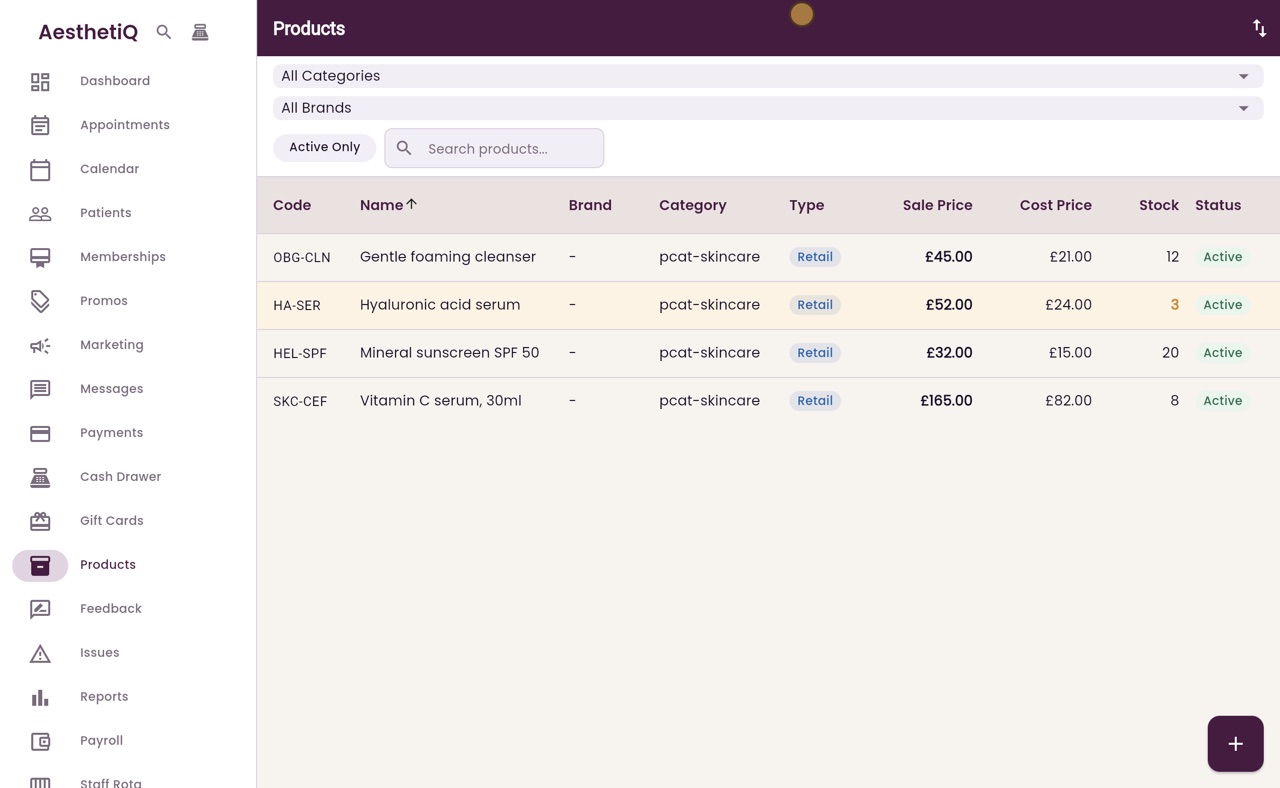
Knowing what to reorder
Products at or below their reorder level are shaded in the Products list, with their stock in orange.
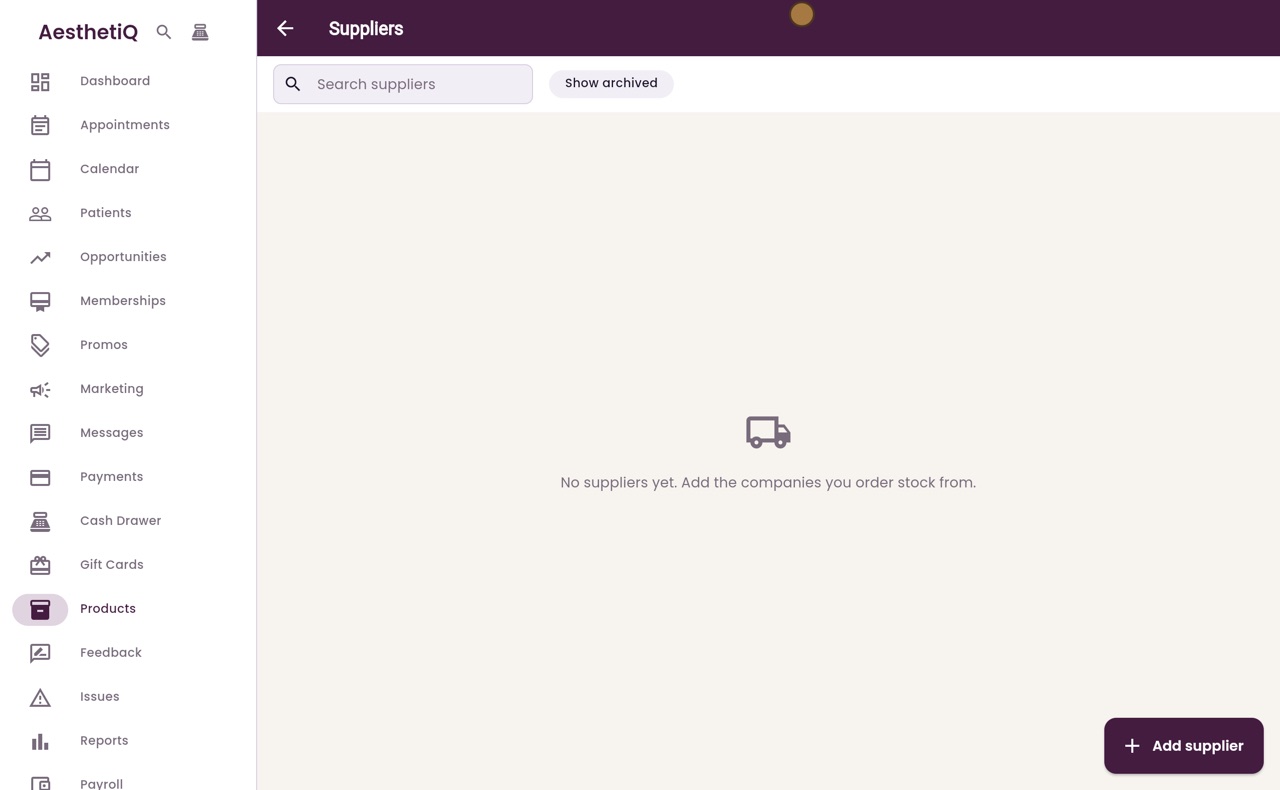
Adding a supplier
Add the companies you buy stock from, with a contact, email, phone, your account number and their address. They are then ready for purchase orders.
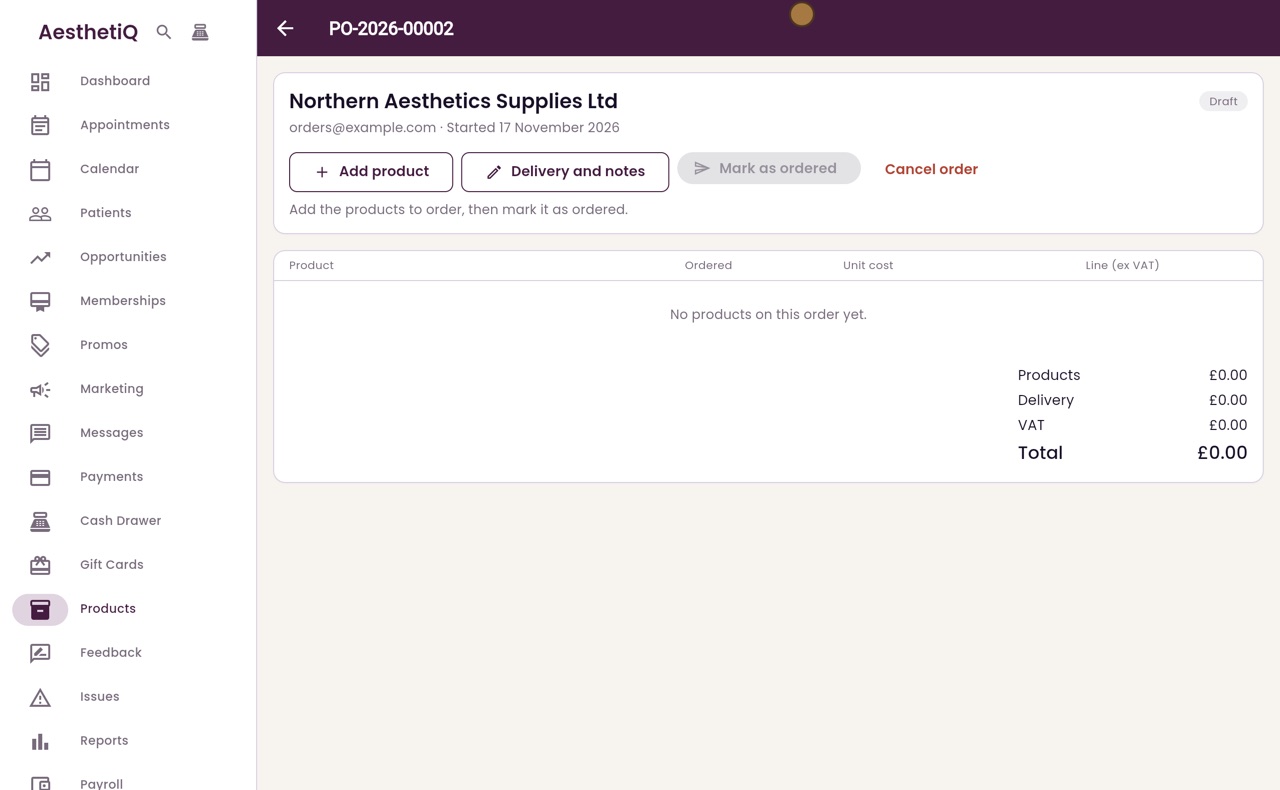
Ordering stock with a purchase order
Order stock from a supplier with a purchase order: add the products, quantities and costs, the delivery charge and date, then mark it as ordered.
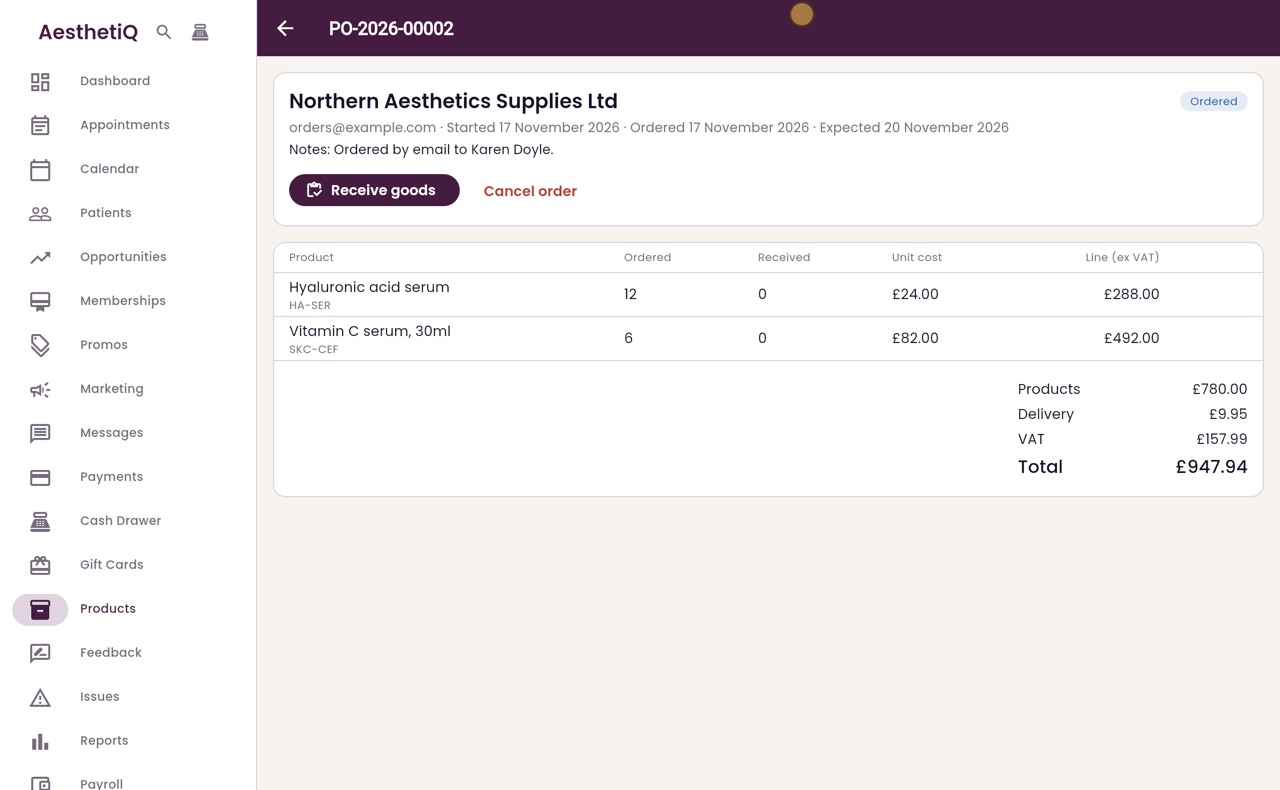
Receiving goods against a purchase order
When a delivery arrives, open its purchase order and click Receive goods. Count what came, add batch numbers and expiry dates, and AesthetiQ adds it to stock.