Signing a patient up to a membership
Sign a patient up from their profile, choose the membership, and take the first month by card on the terminal or in cash.
Where
The patient's profile, Join a membership.
Payment
Card on the terminal, or Cash.
After
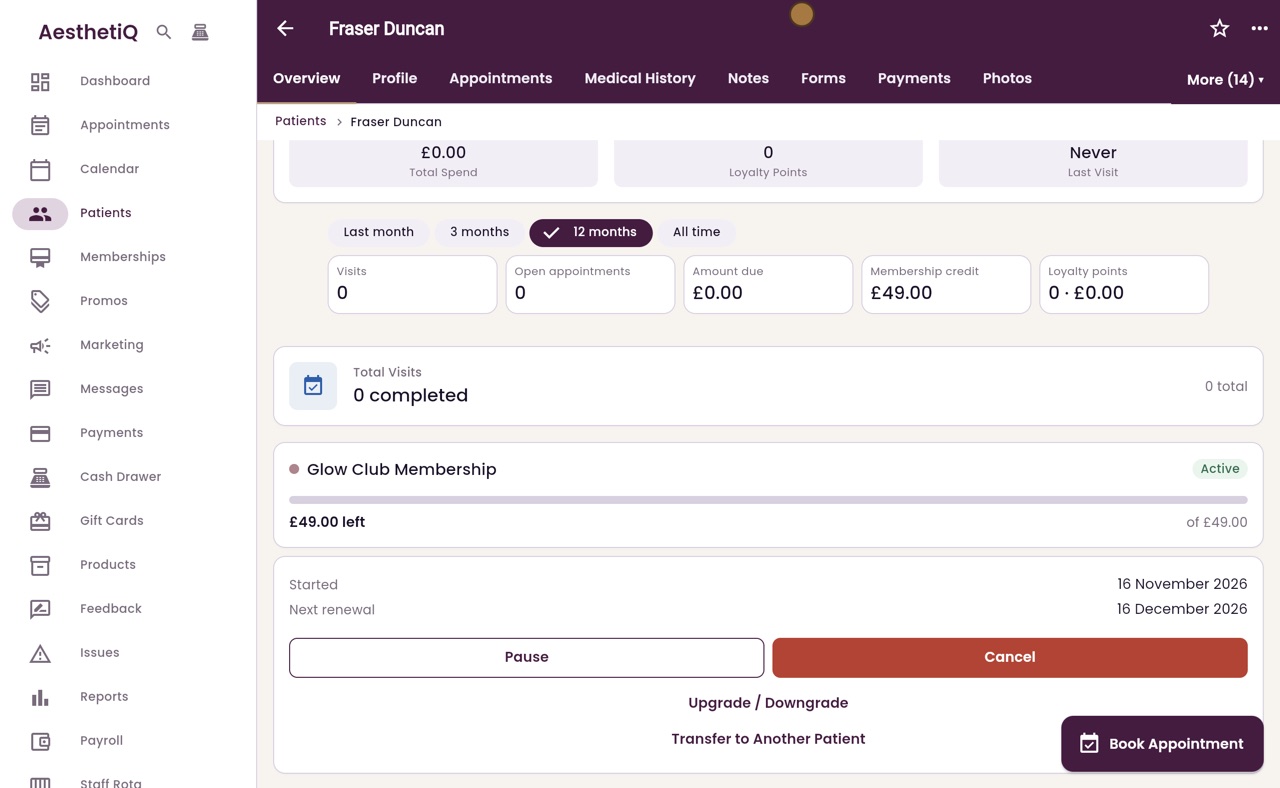
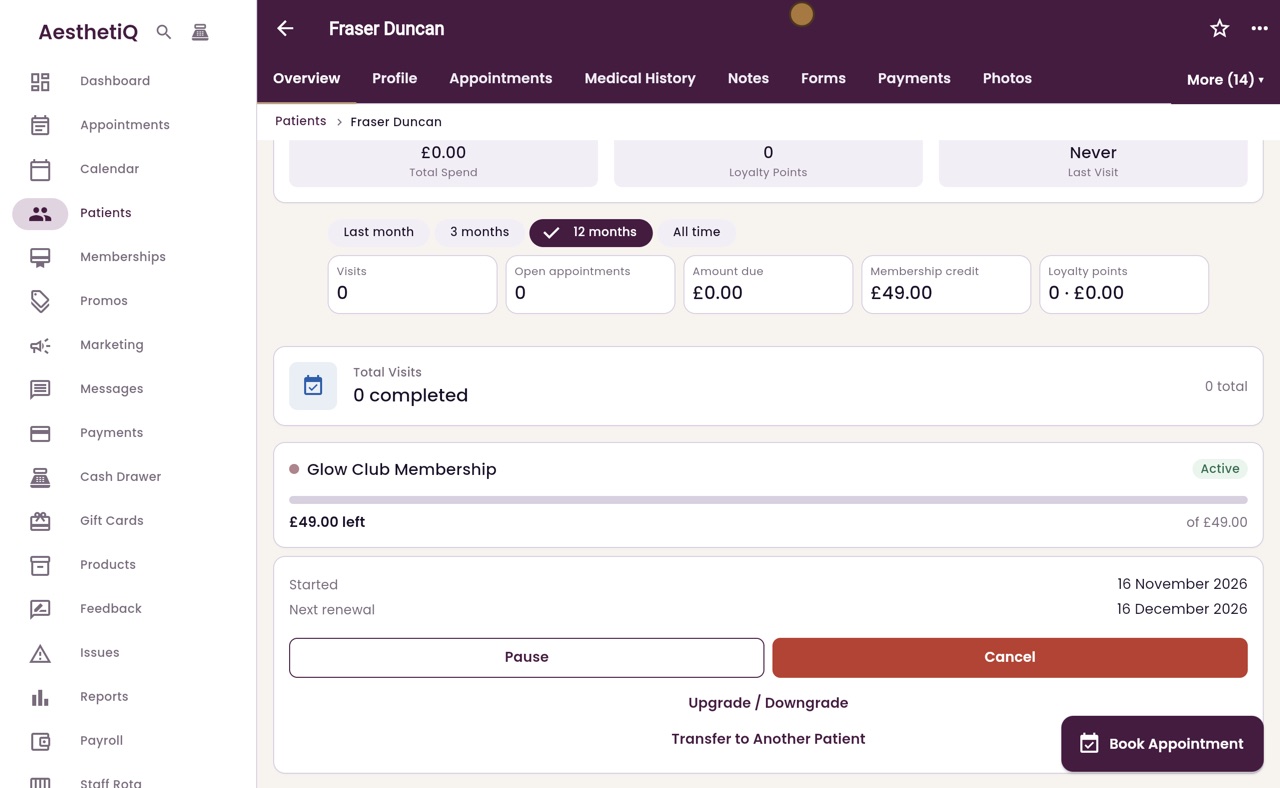
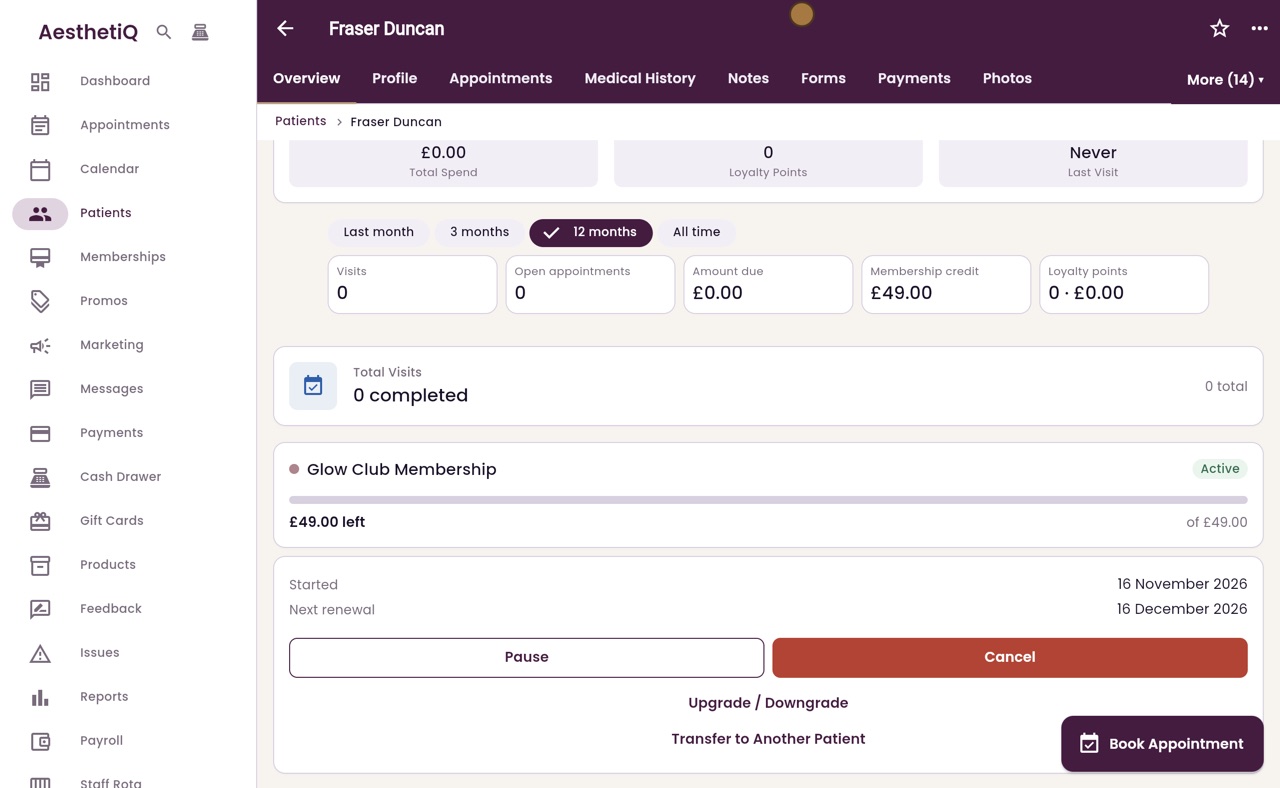
The membership shows Active with its credit and next renewal.
Step by step
- 01Libby
Memberships
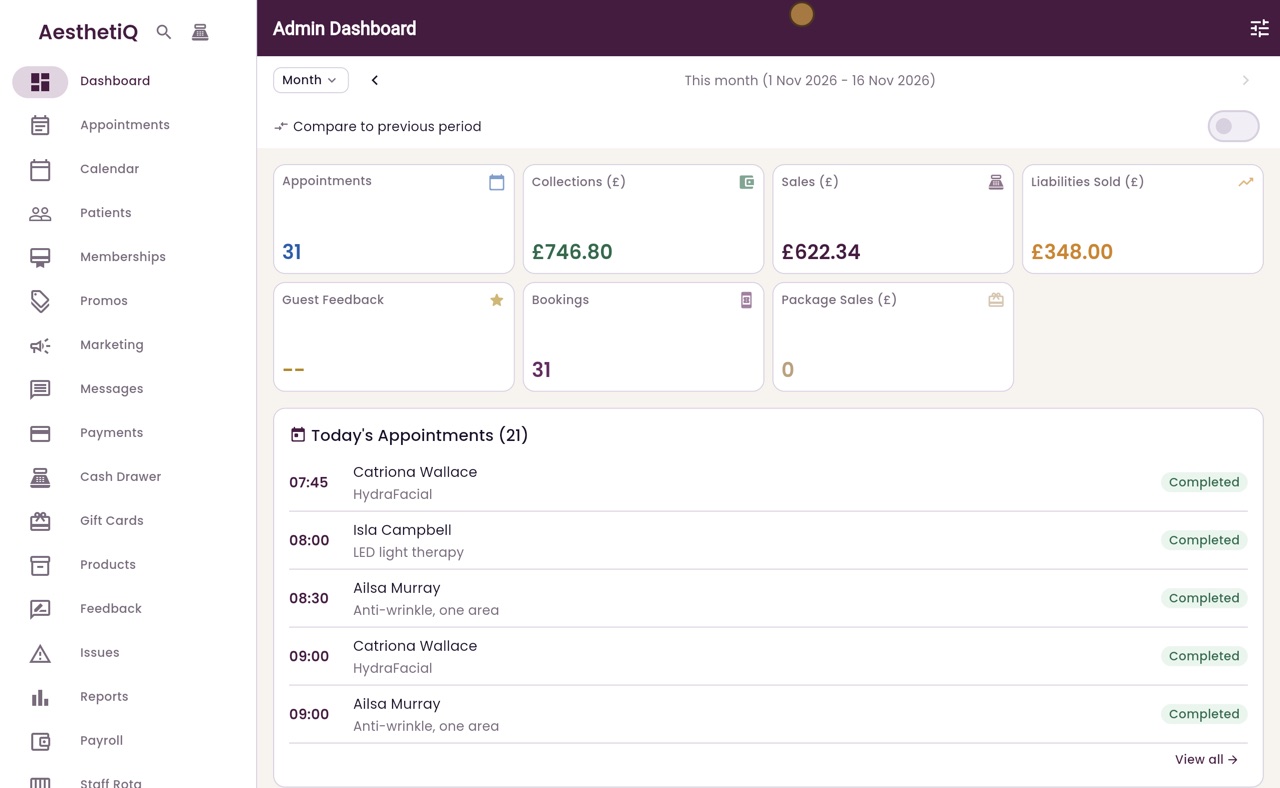
Hi, I am Libby. A membership gives a patient monthly credit and member prices. Here is how to sign a patient up at the desk.
- 02Ryan
Open the patient
Thanks Libby. Fraser Duncan would like to join Glow Club. Click Patients, then his name. Further down his overview it says No Active Membership. Click Join a membership.
- 03Ryan
Choose the membership
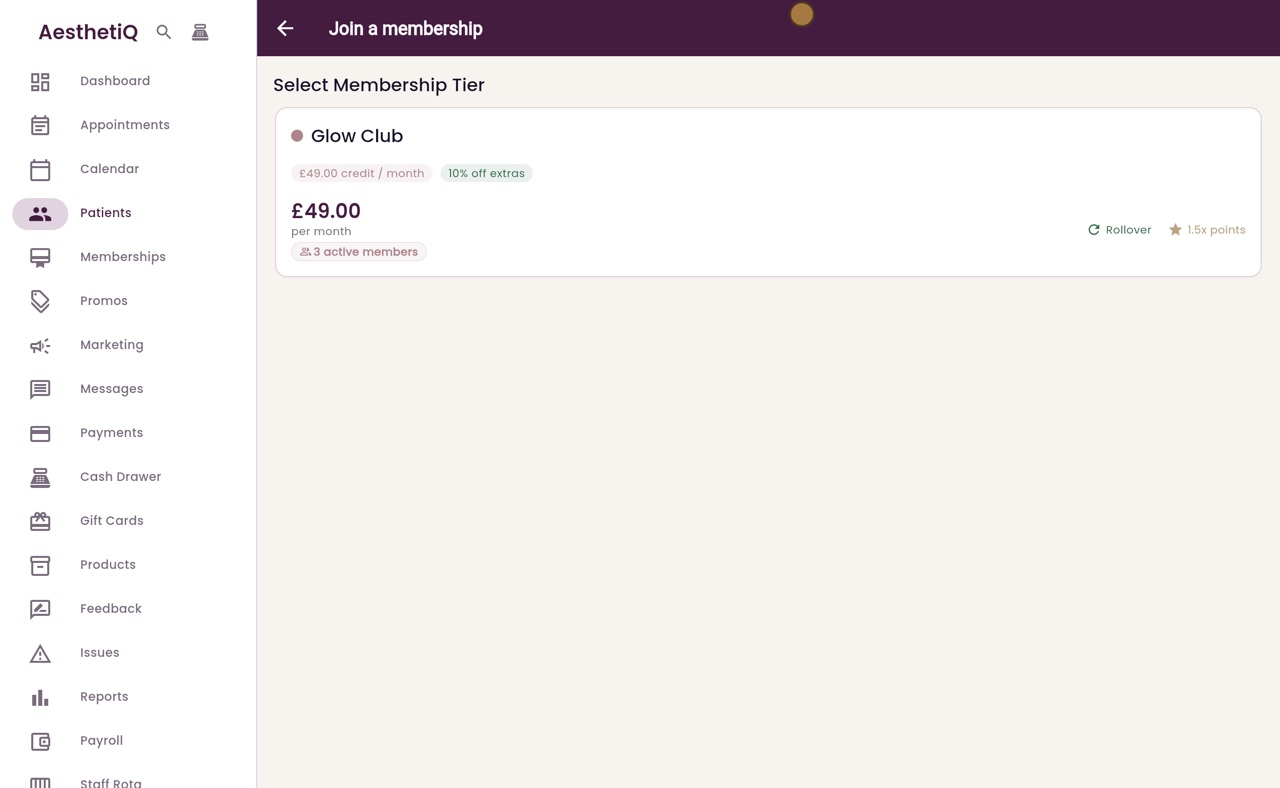
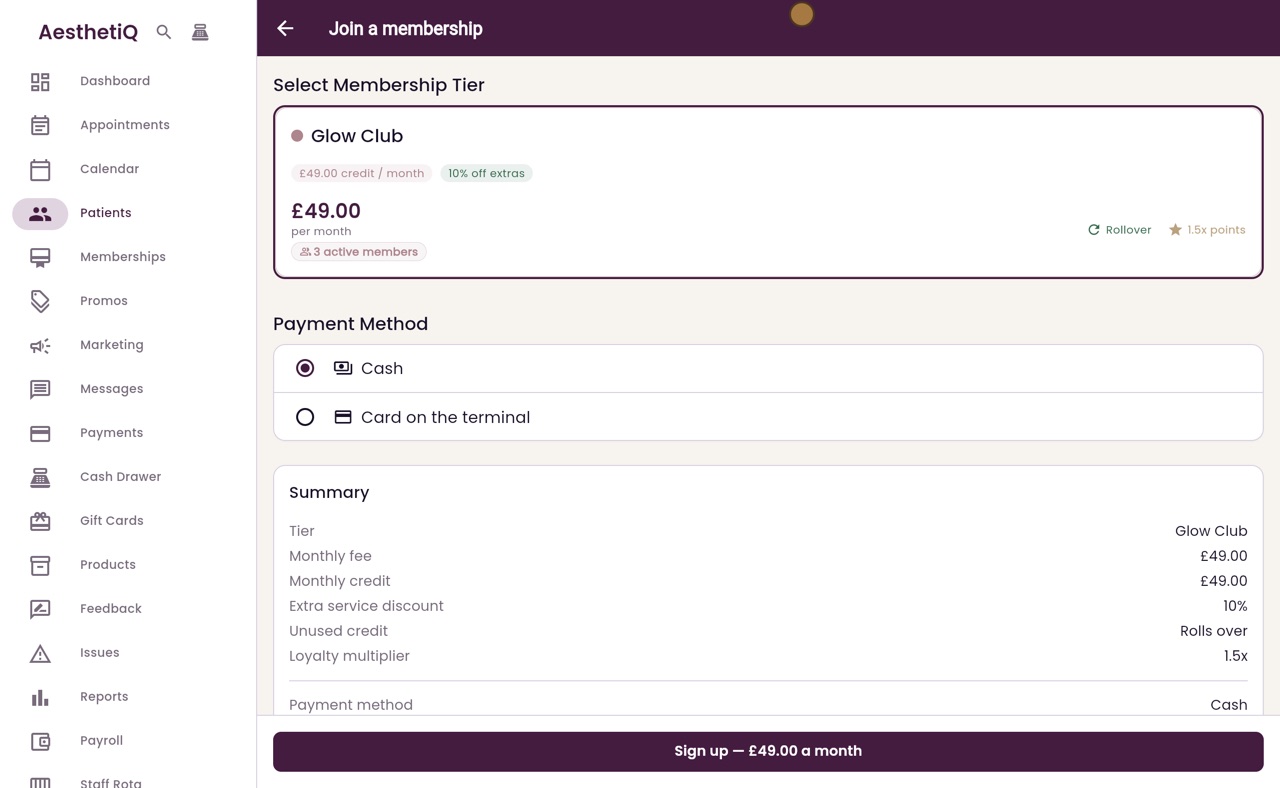
Click the membership he wants. Glow Club is forty nine pounds a month. It gives forty nine pounds of credit each month and ten percent off extras, and the summary below spells it out.
- 04Ryan
Choose how to pay
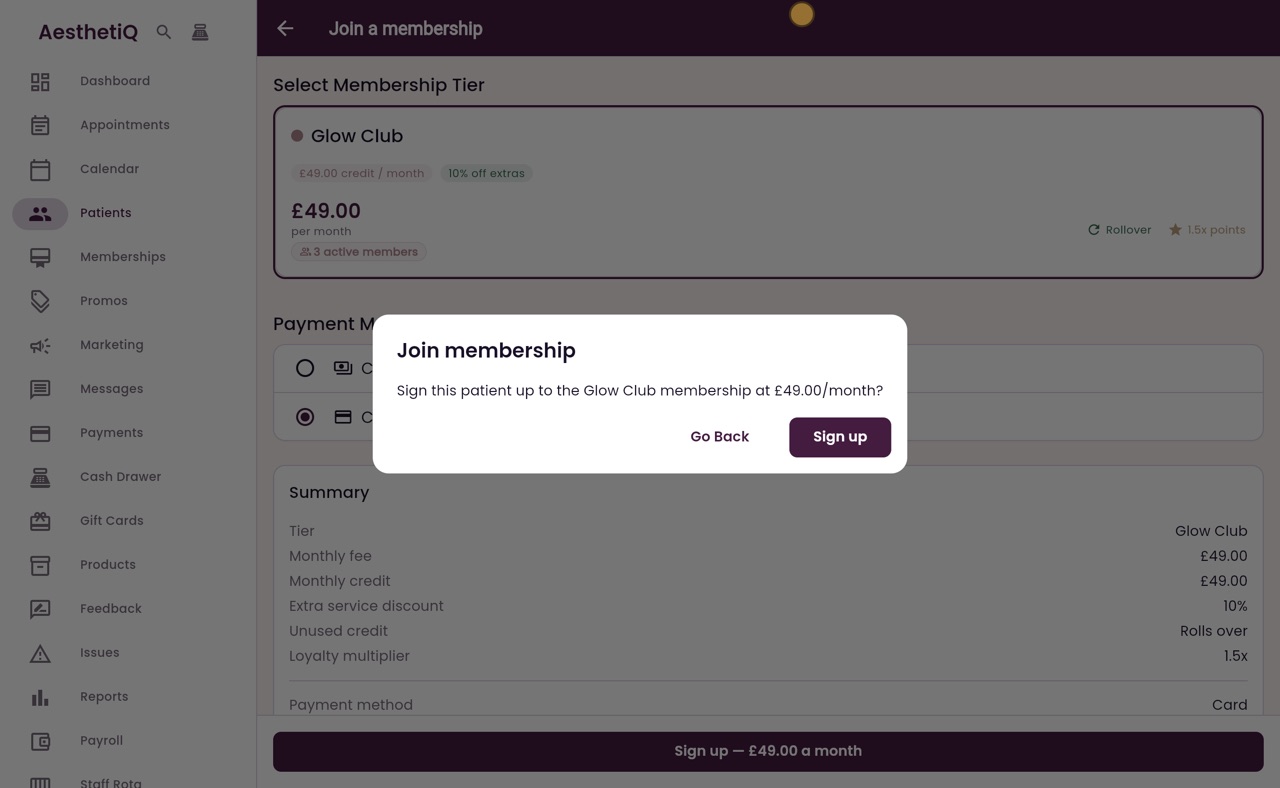
Fraser is paying by card, so choose Card on the terminal, then click the Sign up button at the bottom.
- 05Ryan
Confirm
AesthetiQ asks you to confirm the membership and its monthly price. Click Sign up.
- 06Ryan
Charge on the terminal
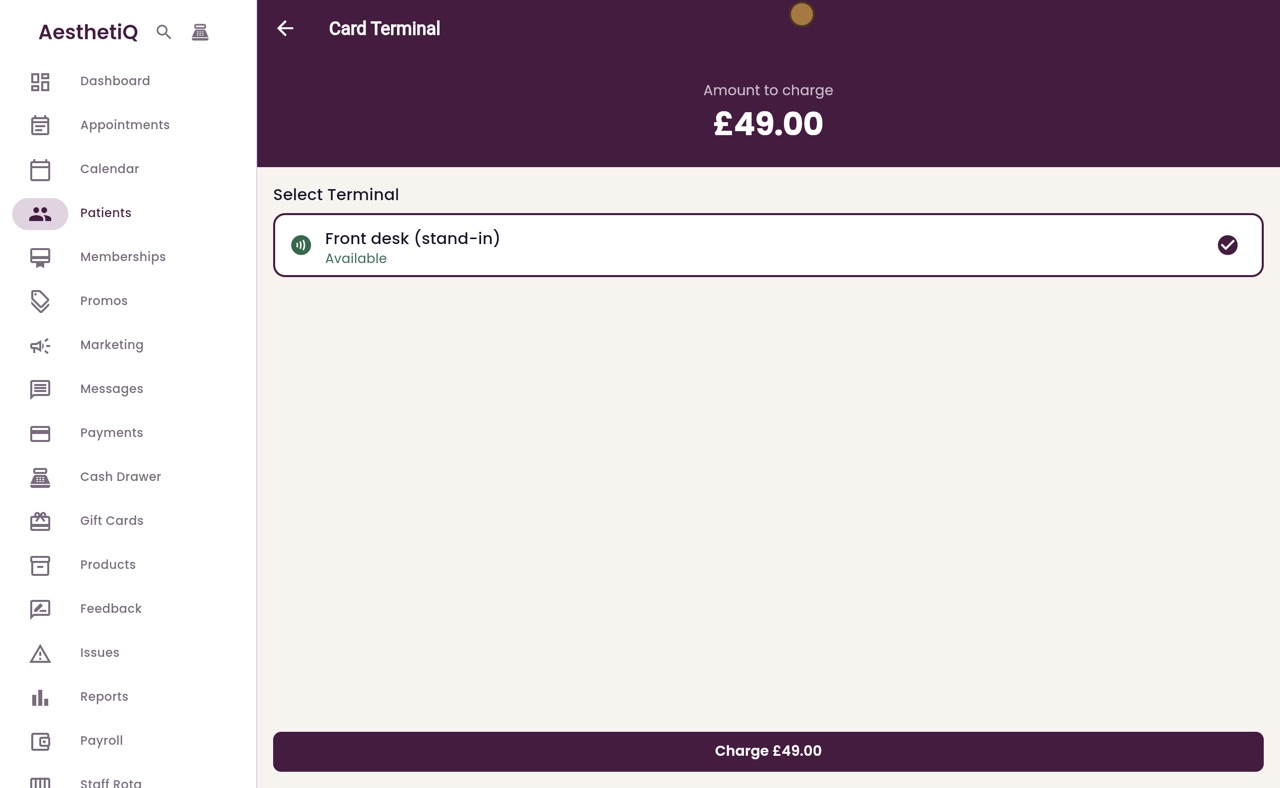
The Card Terminal screen shows forty nine pounds to charge, and the front desk terminal is chosen. Click Charge.
- 07Ryan
The patient taps their card
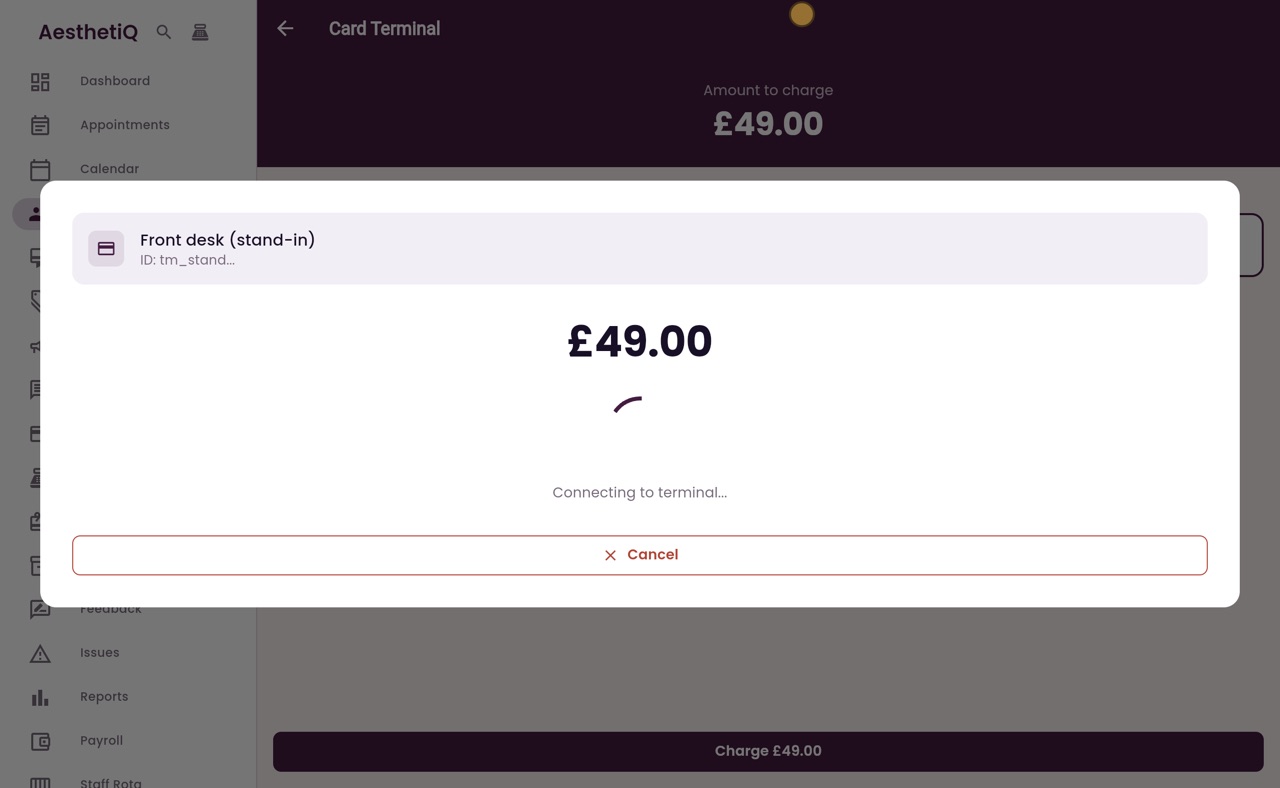
The patient taps their card on the terminal. Once the payment is approved, AesthetiQ saves the membership and goes back to his profile.
- 08Ryan
Membership active
Back on his profile, Glow Club is active. It shows his credit, when it started, the next renewal date, and buttons to pause, cancel, or change the membership.
- 09Libby
Done
That is signing a patient up to a membership. His credit can now be used at checkout for the treatments Glow Club covers.