Business details on receipts and messages
The clinic name, address and contact details used on receipts, invoices and messages to patients.
Where
Settings, then scroll down to Business details.
Details
Name, address, phone, email, website, booking link, VAT number and logo link.
Save
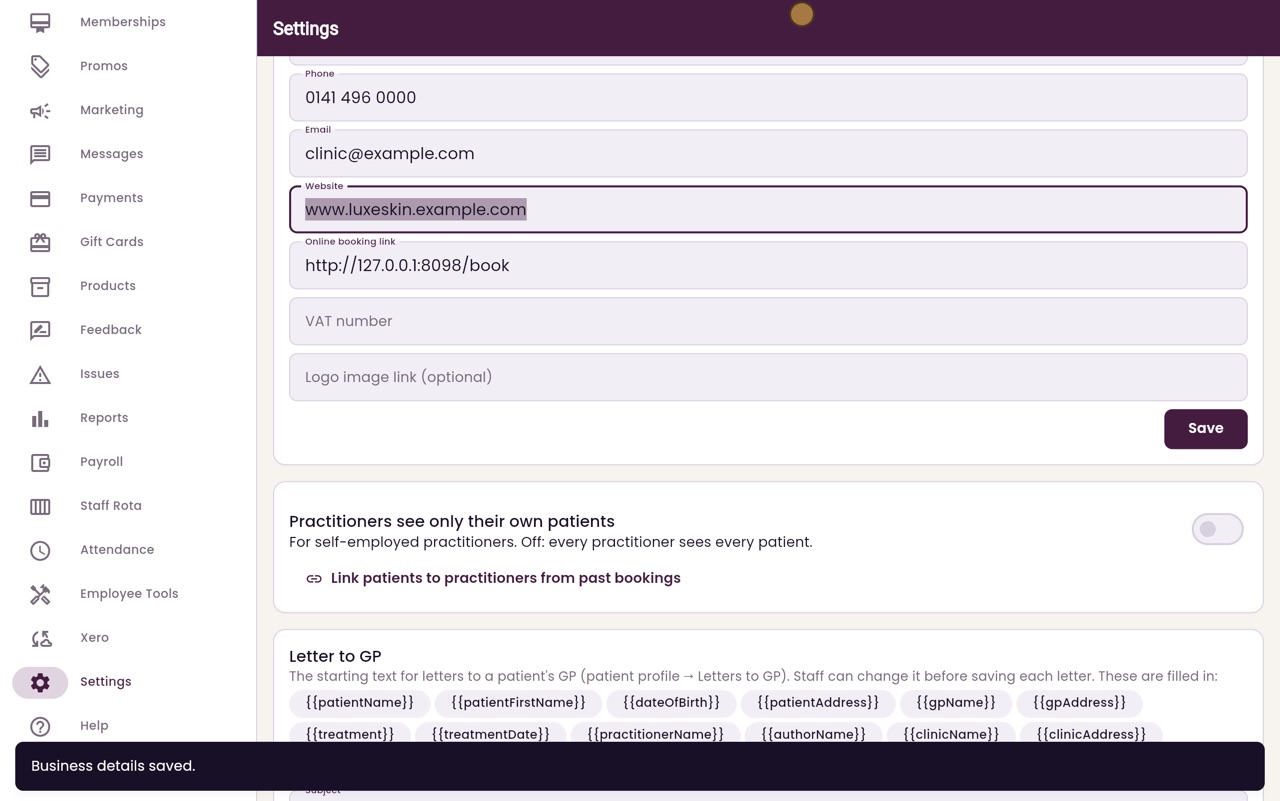
Click the Save button under the business details.
Step by step
- 01Libby
On every receipt
Hi, I am Libby. The clinic's business details are printed on receipts and invoices, and used in the messages patients receive, so keep them up to date.
- 02Ryan
Business details
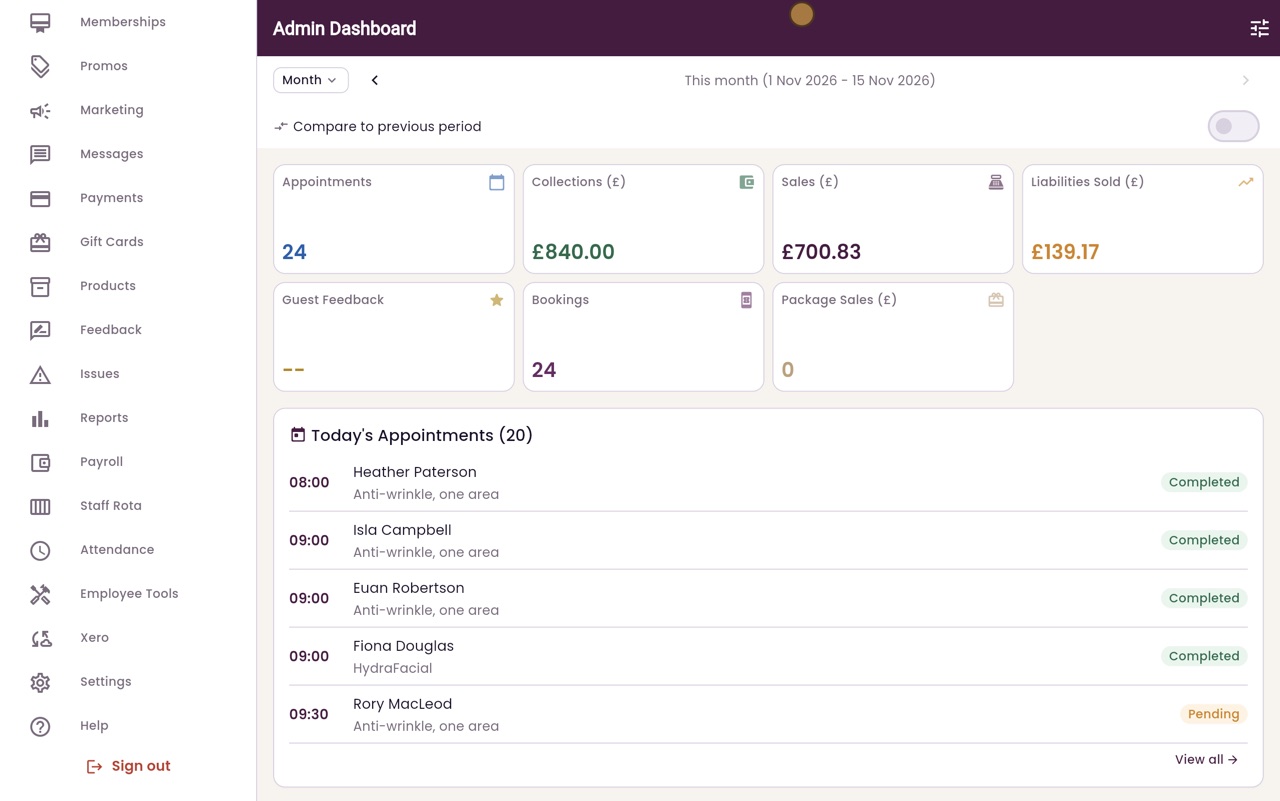
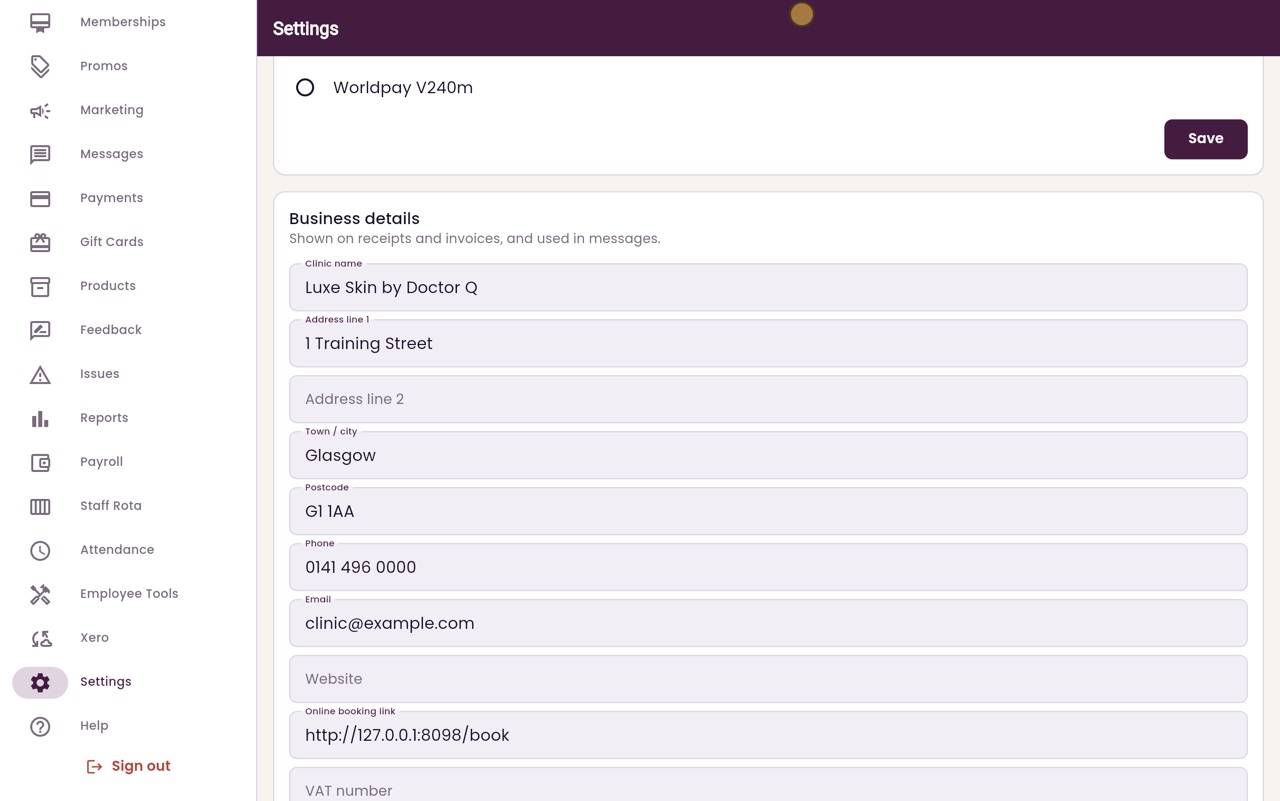
Thanks Libby. Click Settings in the menu, and scroll down to Business details.
- 03Ryan
The details
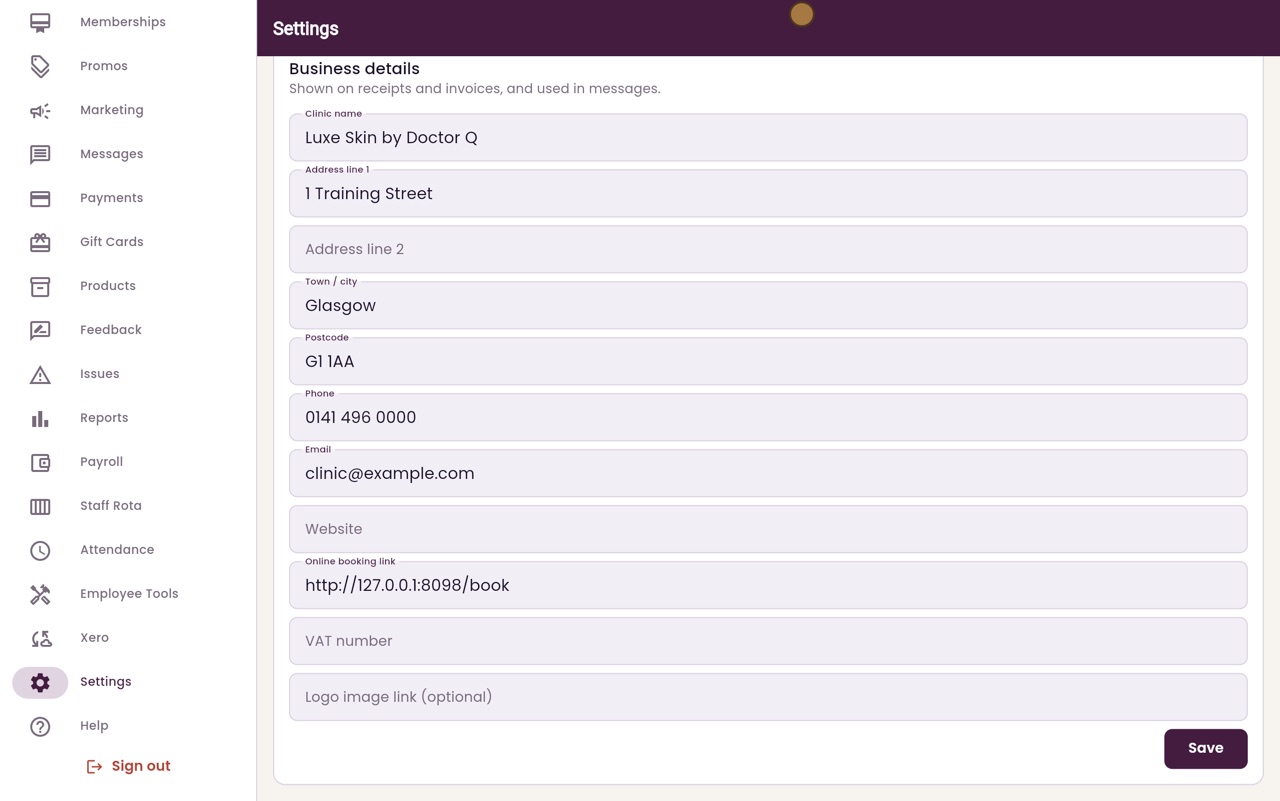
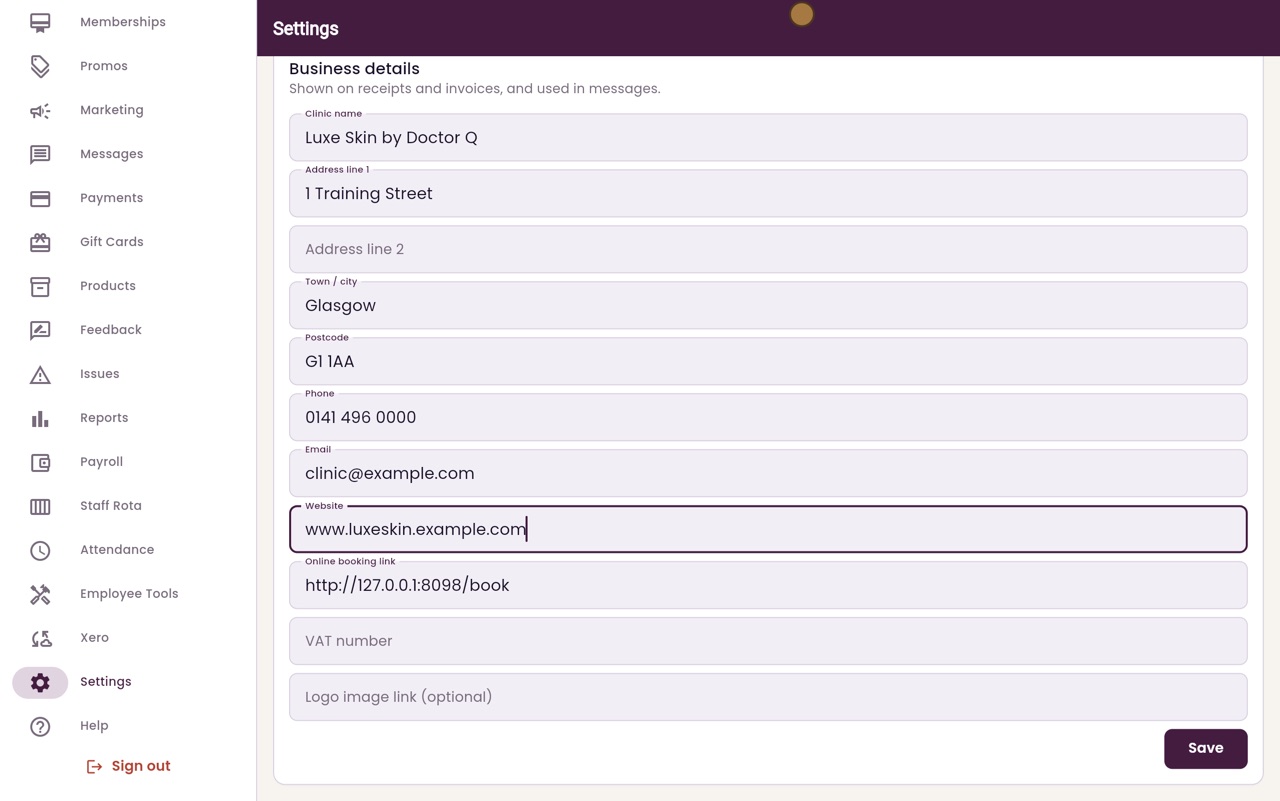
Here are the clinic name, address, phone number and email address. Below them are the website, the online booking link, the VAT number if the clinic is registered for VAT, and a link to the logo.
- 04Ryan
Change a detail
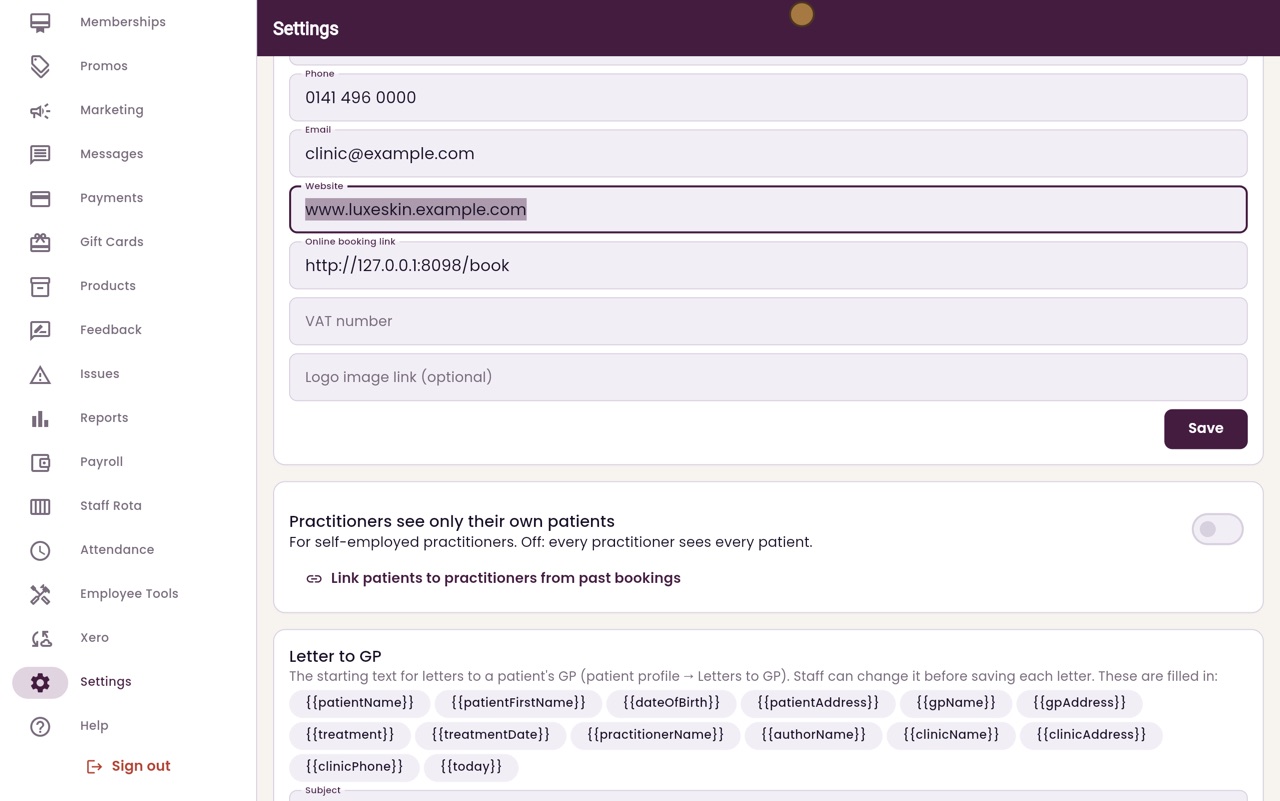
To change a detail, click it and type. Here we add the clinic's website.
- 05Ryan
Save
Click Save, under the business details.
- 06Libby
Done
That is changing the business details. The new details are used on the next receipt, invoice and message.