The patient profile
Everything about one patient in one place: contact details, figures, tabs for each part of the record, and the actions you can take.
Where
Patients, then click the patient's name.
Who
Reception, practitioners and the clinic manager.
Tabs
Overview, Profile, Appointments, Medical History, Notes, Forms, Payments, Photos, and More.
Step by step
- 01Libby
One place for each patient
Hi, I am Libby. The patient profile brings together everything about one patient: their details, appointments, payments and clinical records.
- 02Ryan
Contact details and totals
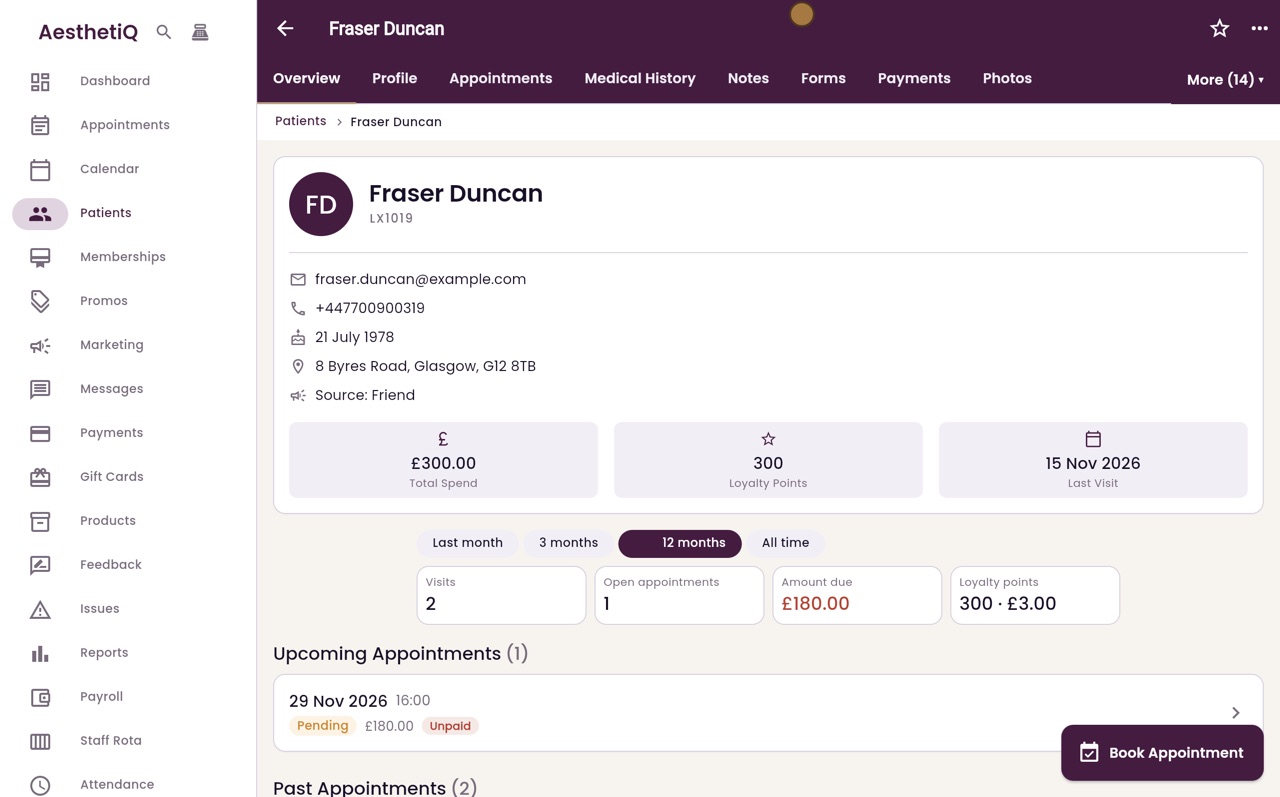
Thanks Libby. This is Fraser Duncan's profile. At the top are his patient code, contact details, date of birth and how he heard about the clinic, with his total spend, loyalty points and last visit.
- 03Ryan
Figures for a period
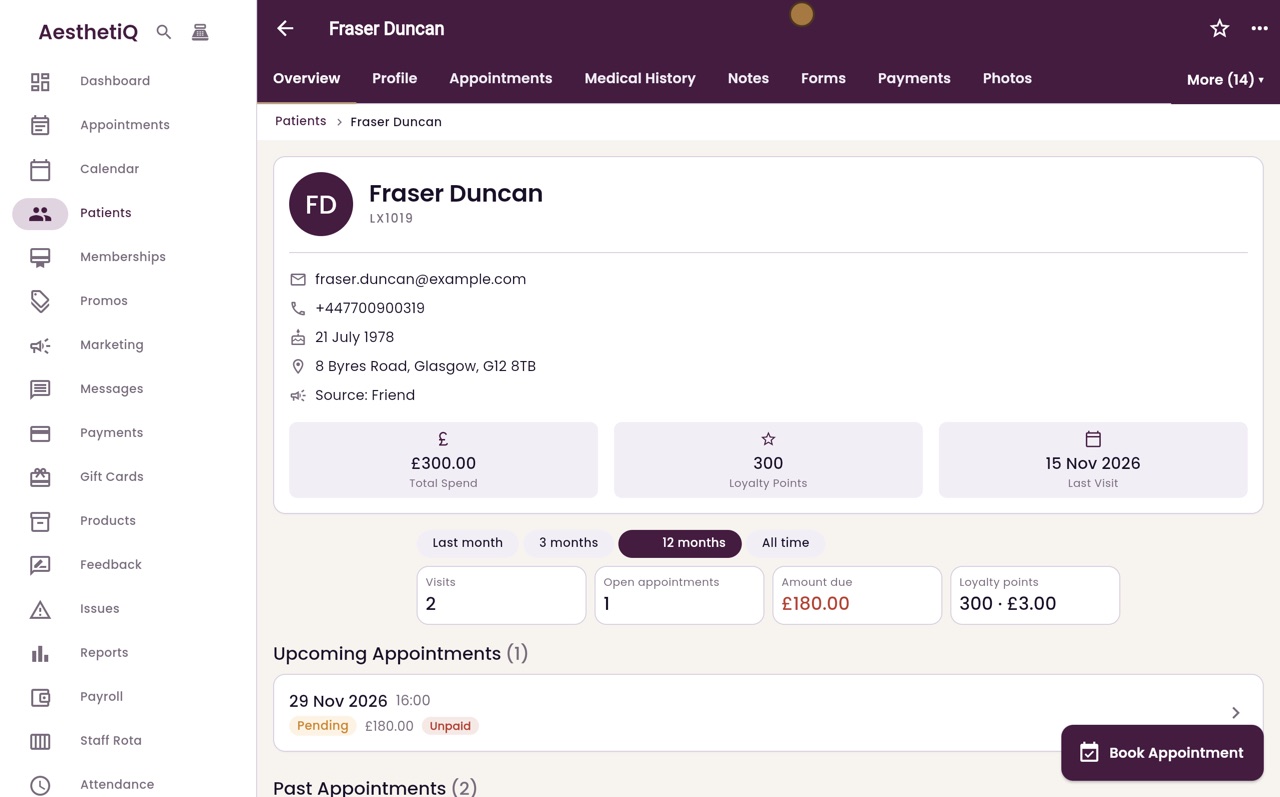
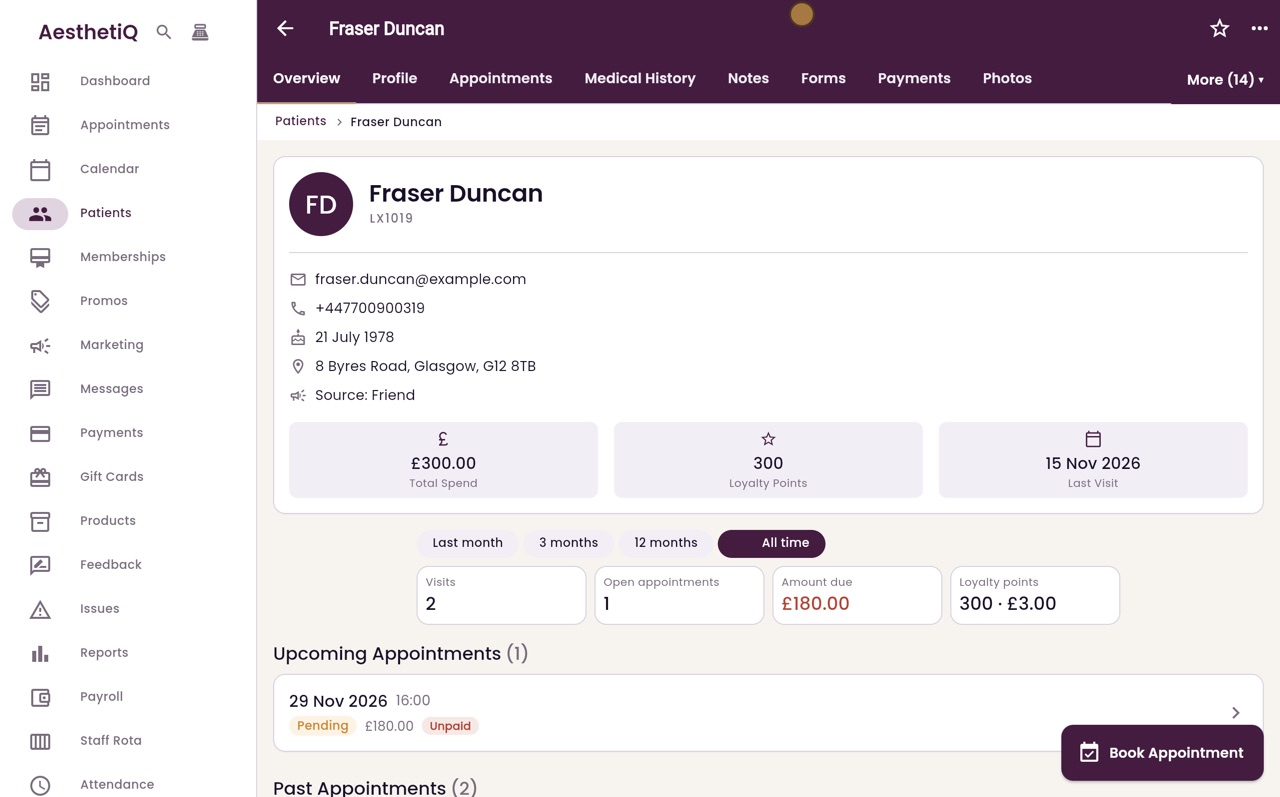
Below are the figures for a chosen period: visits, open appointments, the amount still to pay, and loyalty points. Click All time to count everything.
- 04Ryan
Further down
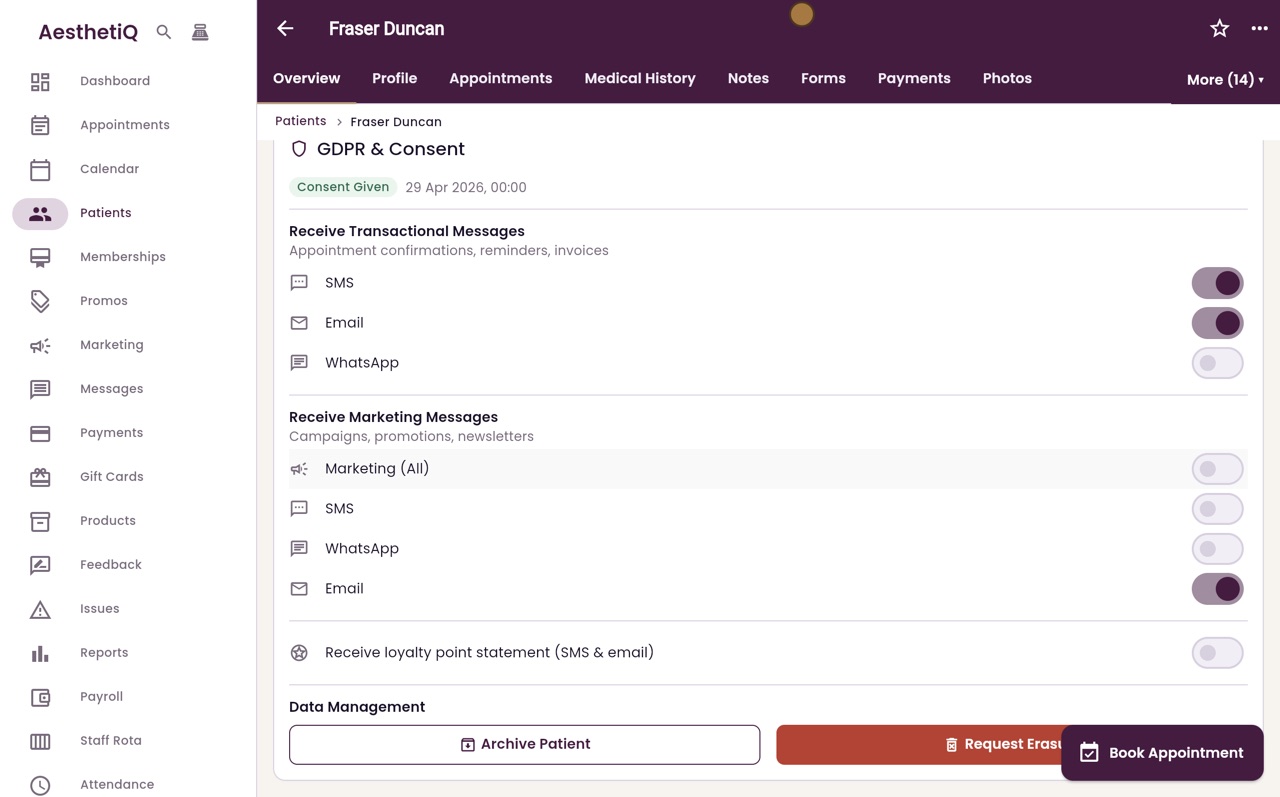
Further down are his upcoming and past appointments, his membership, a referral code, products bought, and the messages he has agreed to receive.
- 05Ryan
The tabs
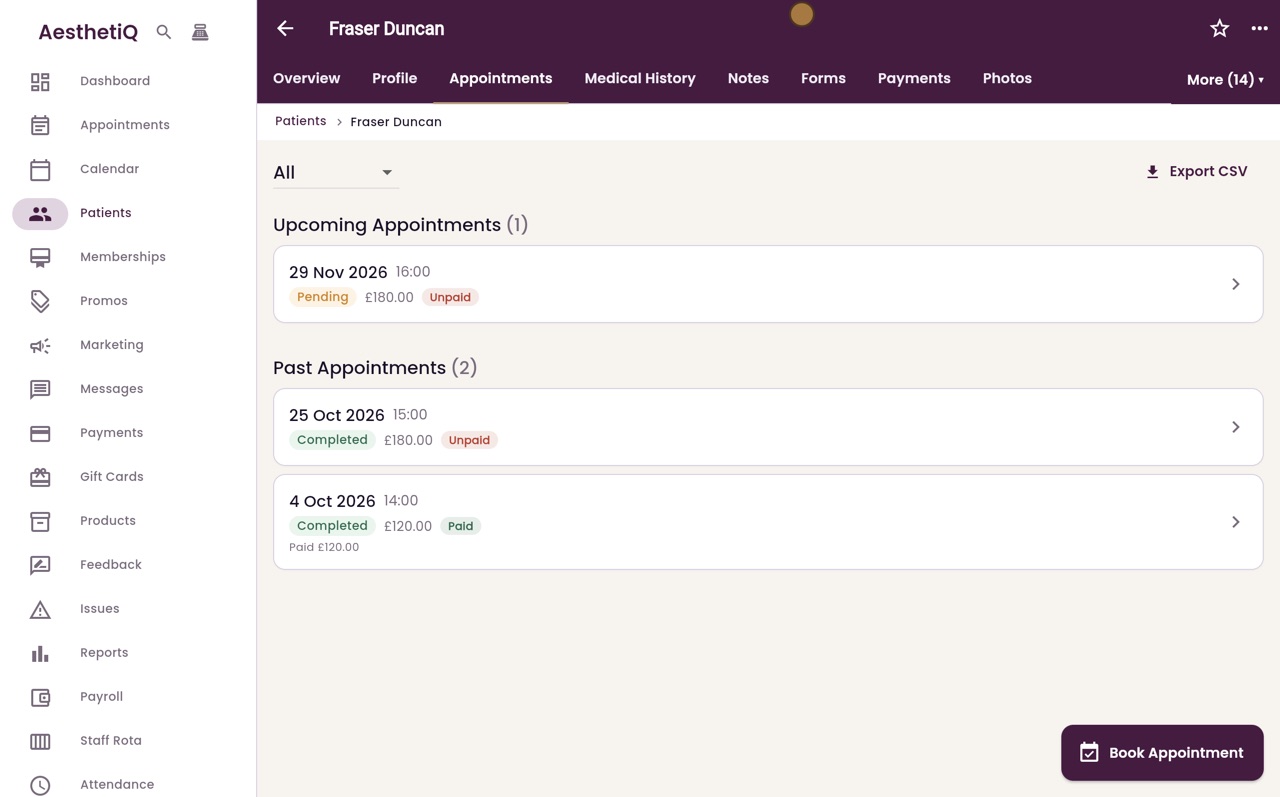
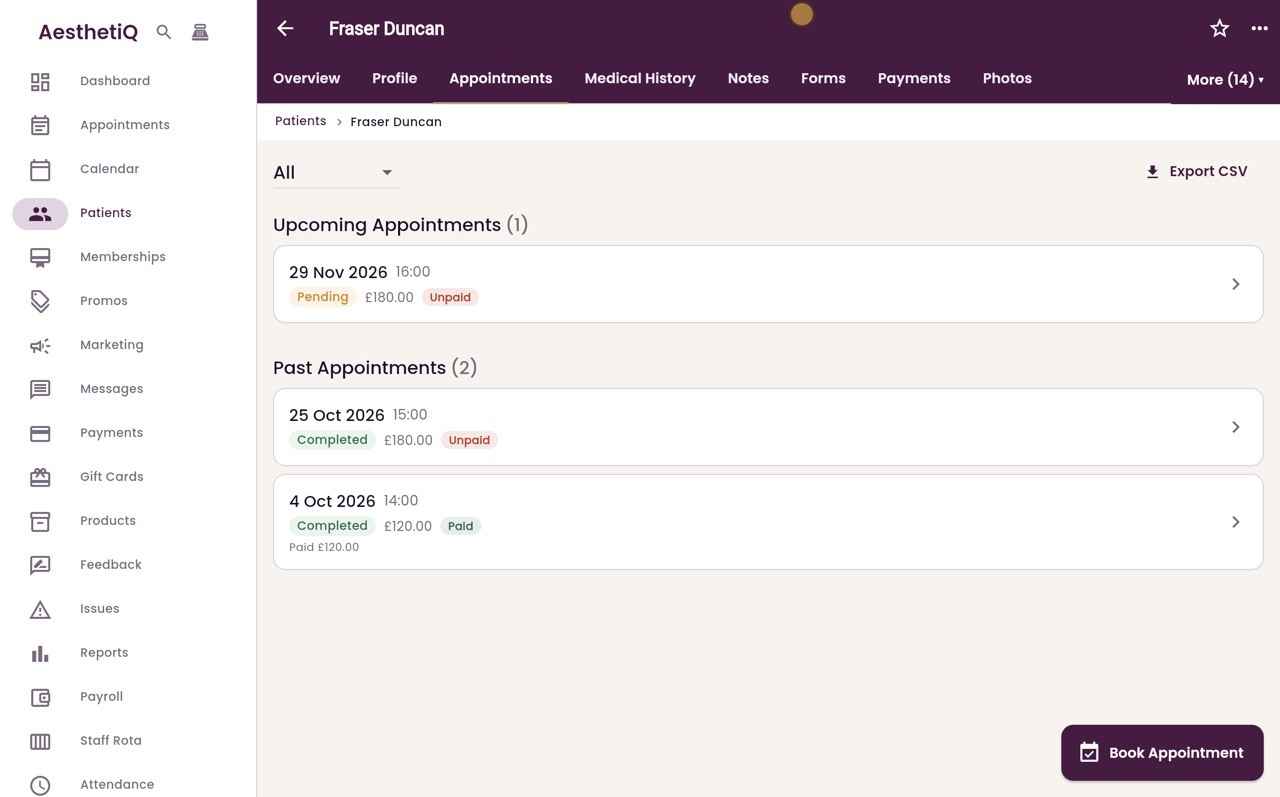
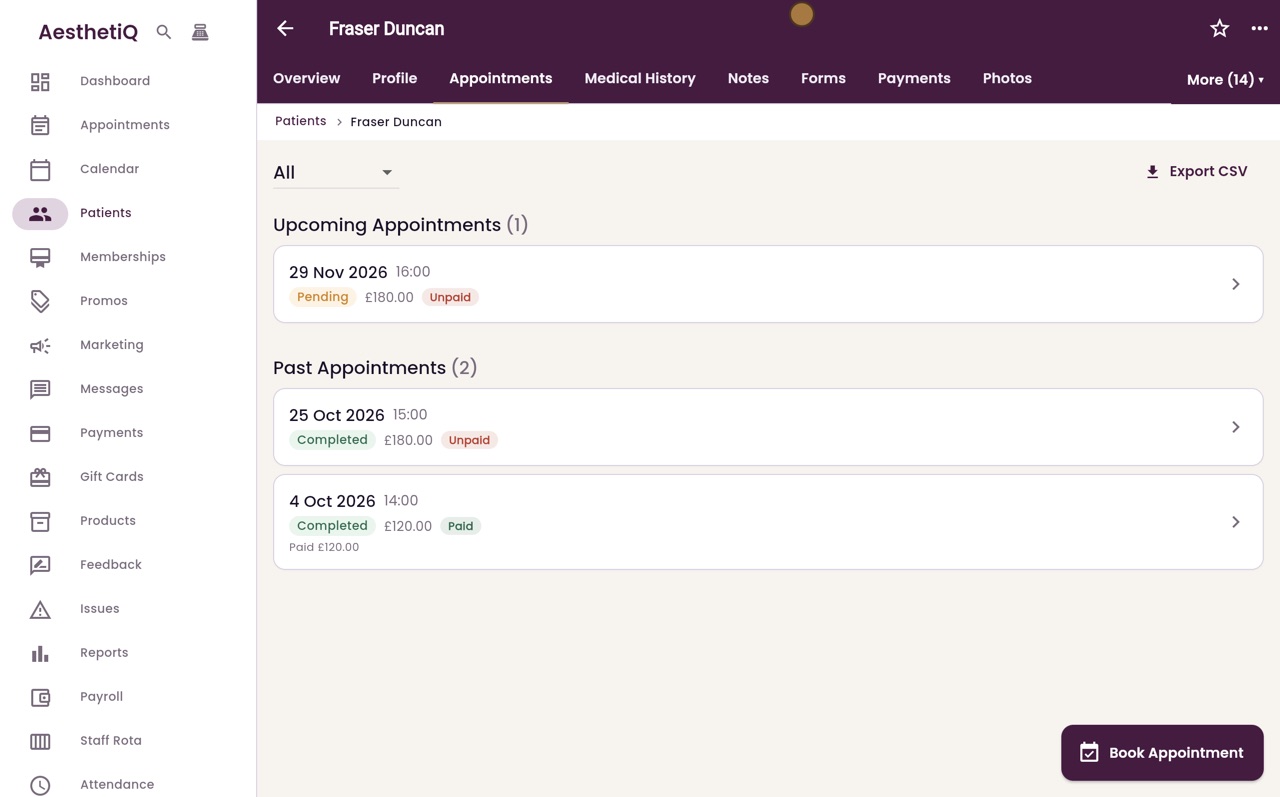
The tabs along the top open each part of the record: Profile, Appointments, Medical History, Notes, Forms, Payments and Photos. Click Appointments to see his visits.
- 06Ryan
More
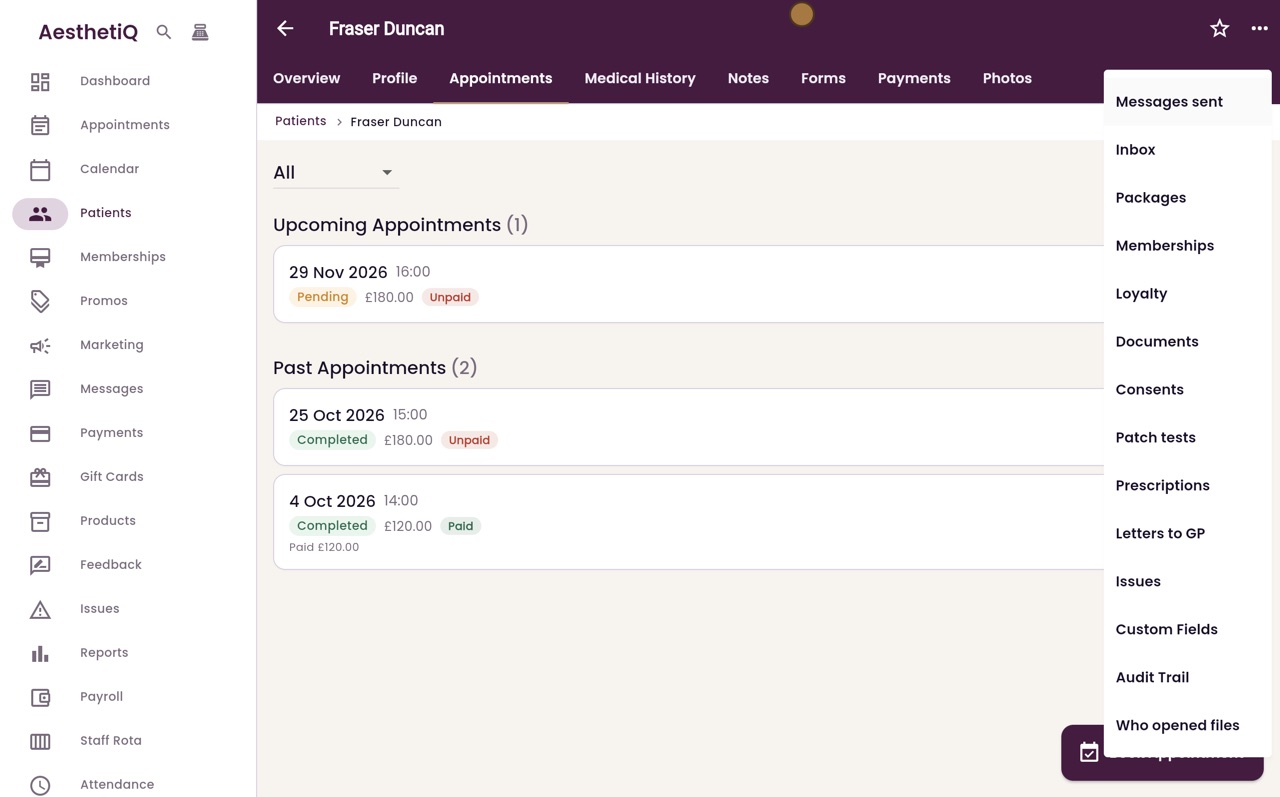
Click More for the rest, such as messages sent, packages, consents, patch tests, prescriptions and letters to the GP.
- 07Ryan
The menu
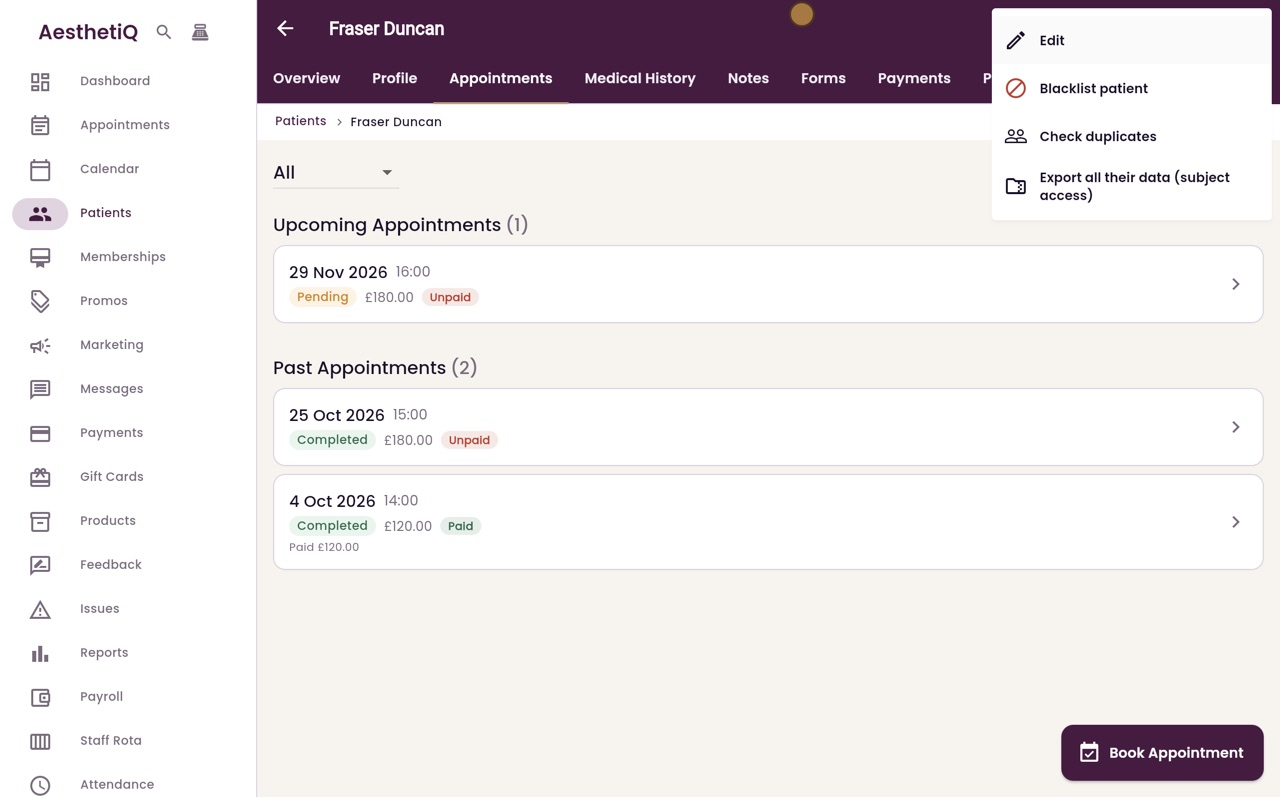
The menu at the top right has Edit, Blacklist patient, Check duplicates, and Export all their data.
- 08Ryan
Book Appointment
And Book Appointment, at the bottom right, books the patient in straight from their profile.
- 09Libby
Done
That is the patient profile. You can also reach it from the search button at the top of the menu, by typing the patient's name.