Erasing a patient's personal details
When a patient asks to be erased, request erasure; it happens seven days later unless an admin cancels it.
Where
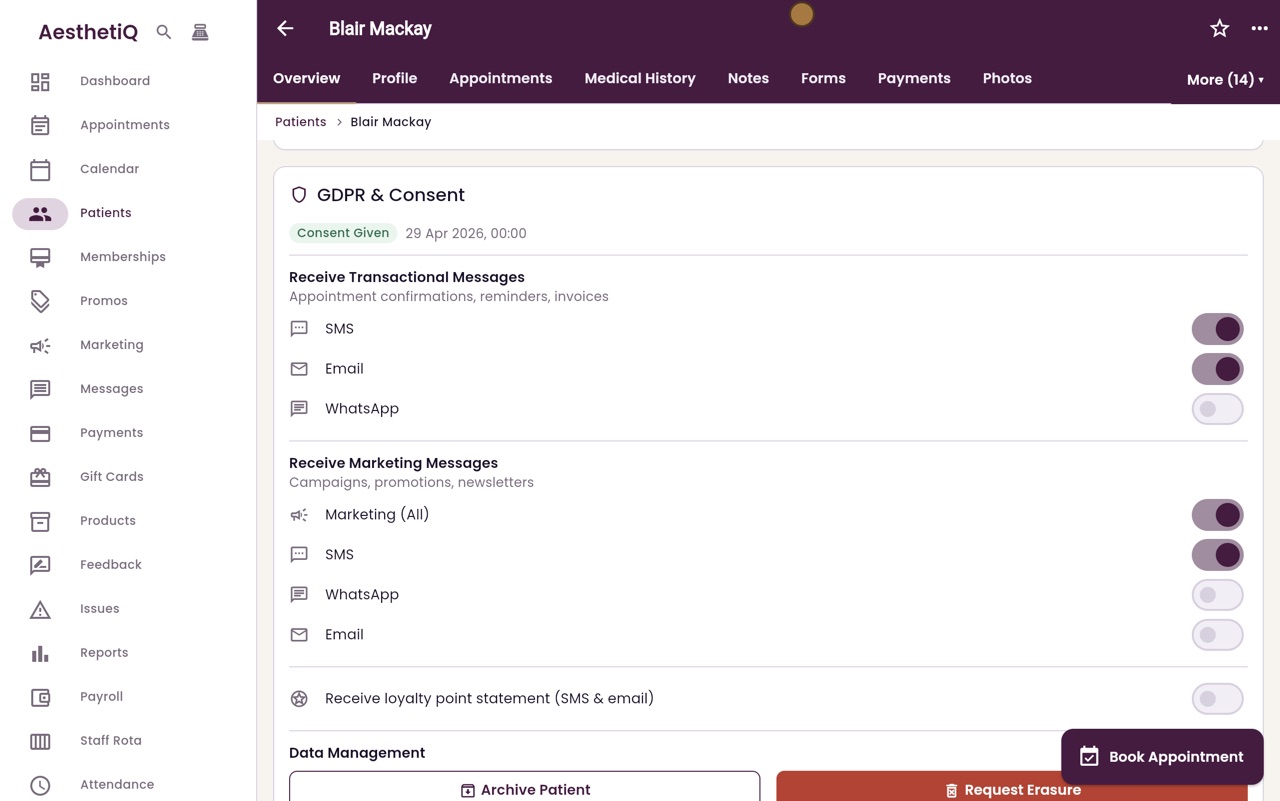
The patient's Overview tab, Data Management, Request Erasure.
Kept
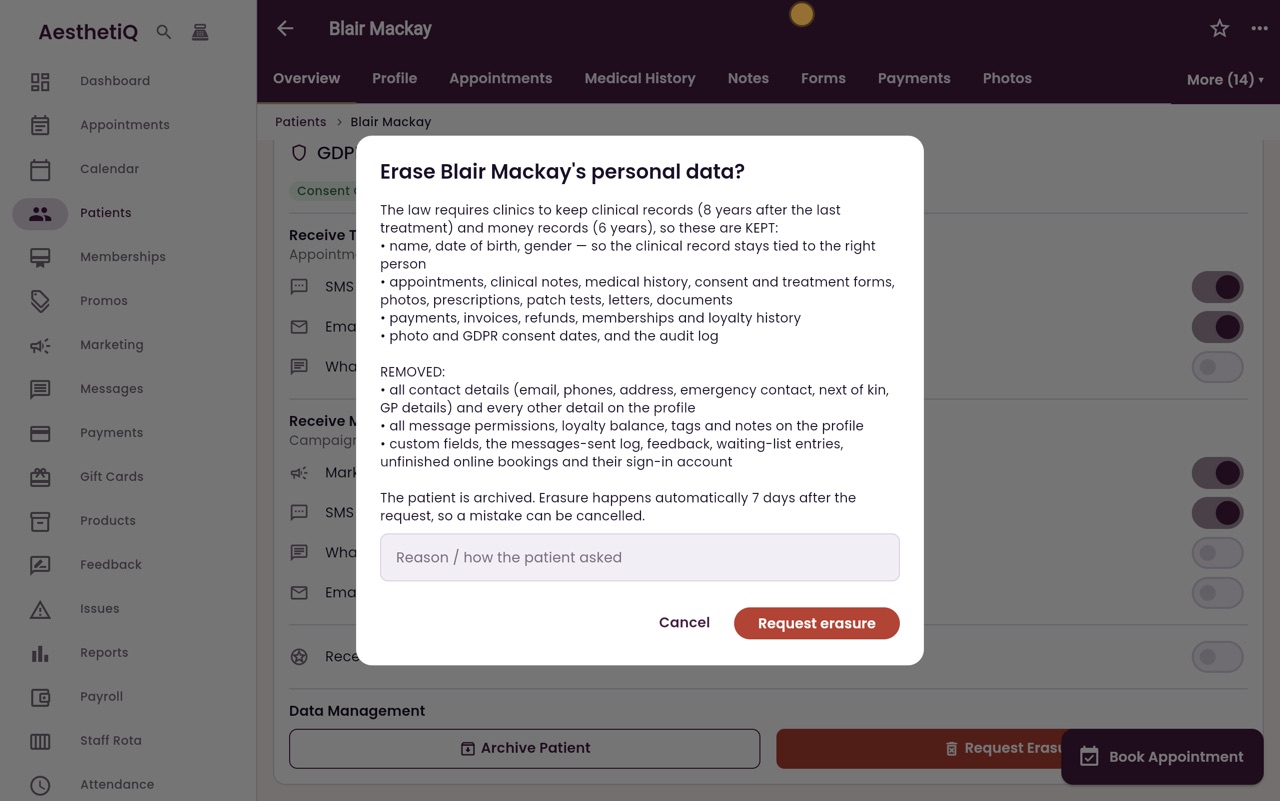
Clinical and money records, as the law requires.
Removed
Contact details and everything else on the profile.
Step by step
- 01Libby
The right to be erased
Hi, I am Libby. A patient can ask the clinic to erase their personal details. AesthetiQ removes what it can, and keeps the records the law says a clinic must hold.
- 02Ryan
Request Erasure
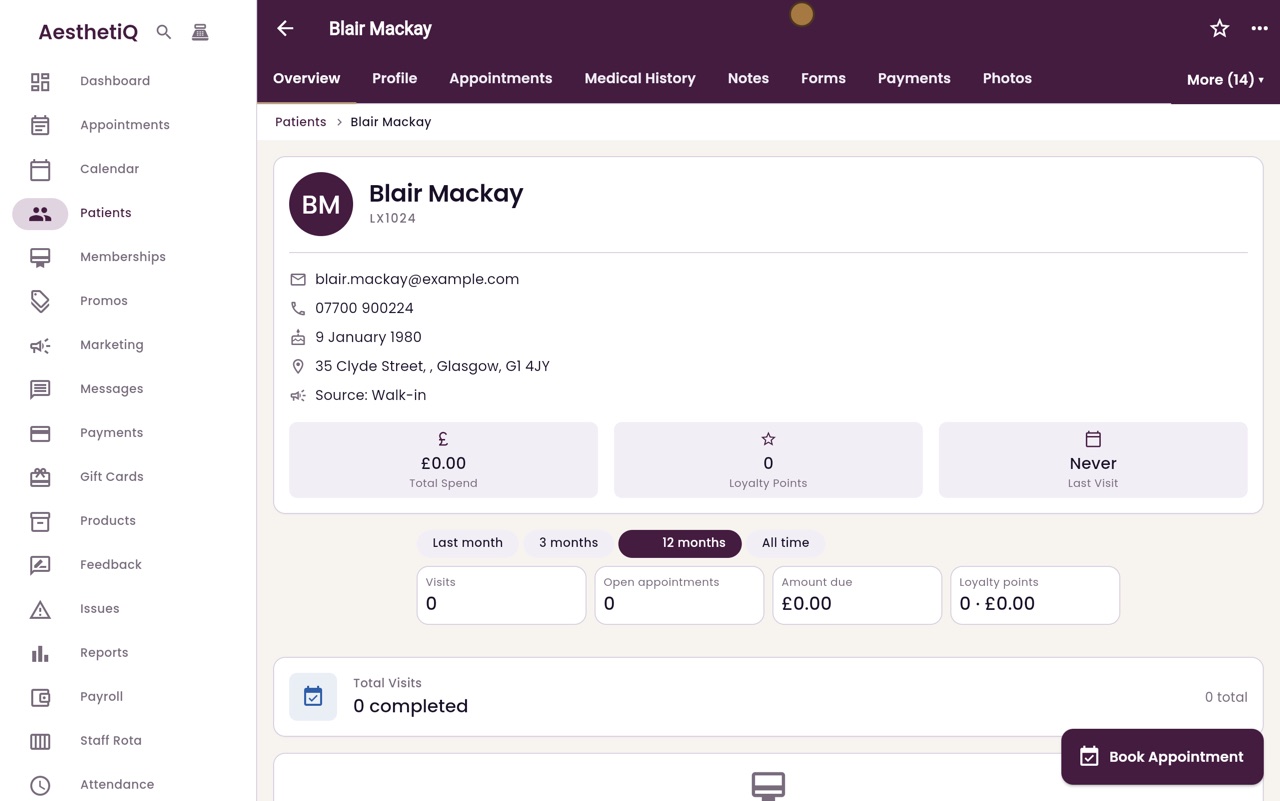
Thanks Libby. Open the patient's profile, here Blair Mackay. On the Overview tab, scroll down to GDPR and Consent. Under Data Management, click Request Erasure.
- 03Ryan
Kept and removed
AesthetiQ lists what is kept and what is removed. Clinical records and money records are kept, as the law requires. Contact details and everything else on the profile are removed.
- 04Ryan
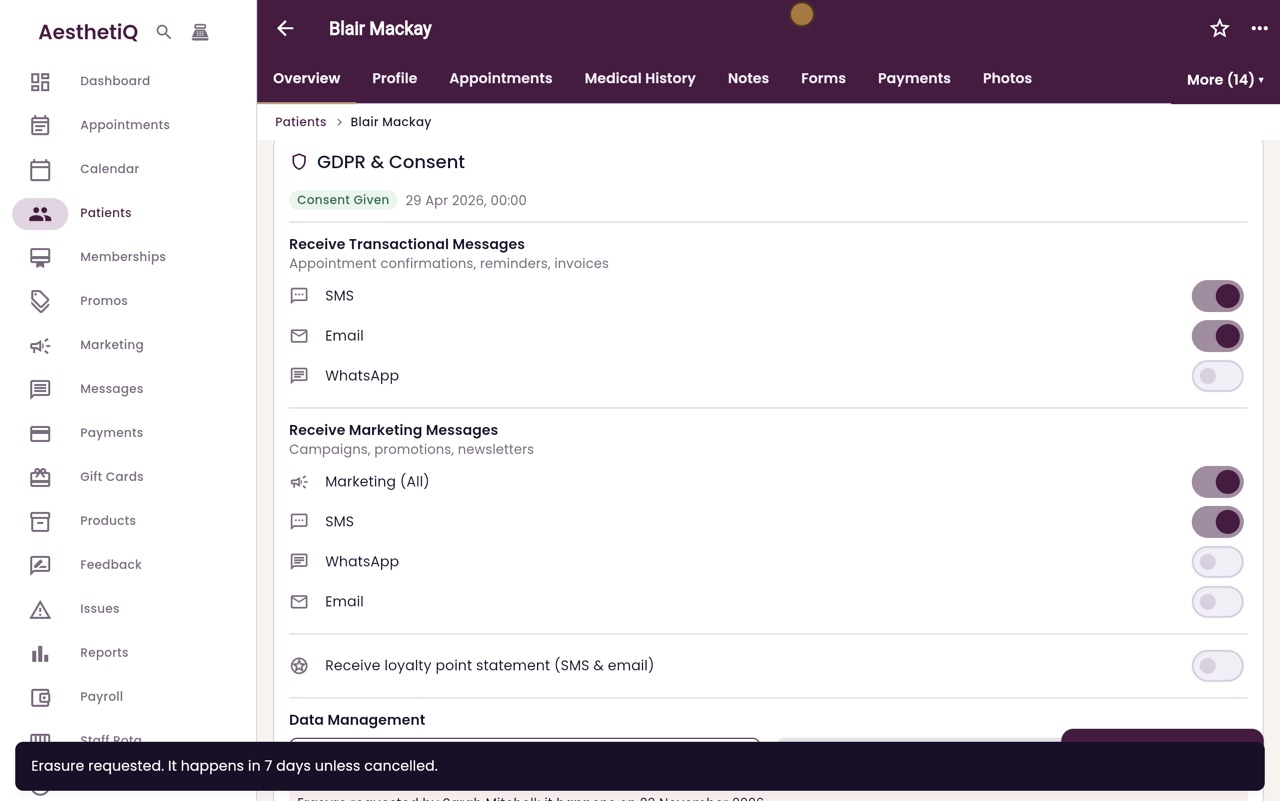
Request erasure
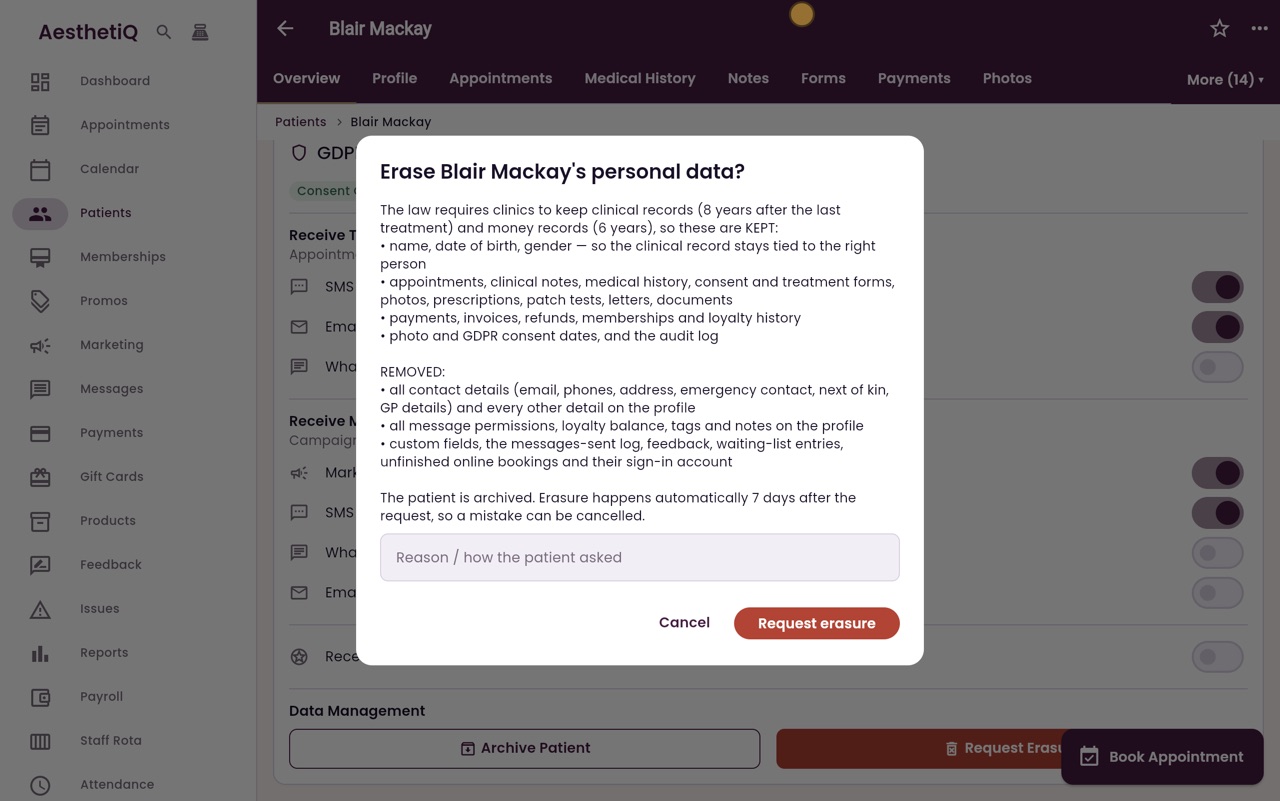
Type how the patient asked. Erasure happens automatically seven days later, so a mistake can still be put right. Click Request erasure.
- 05Ryan
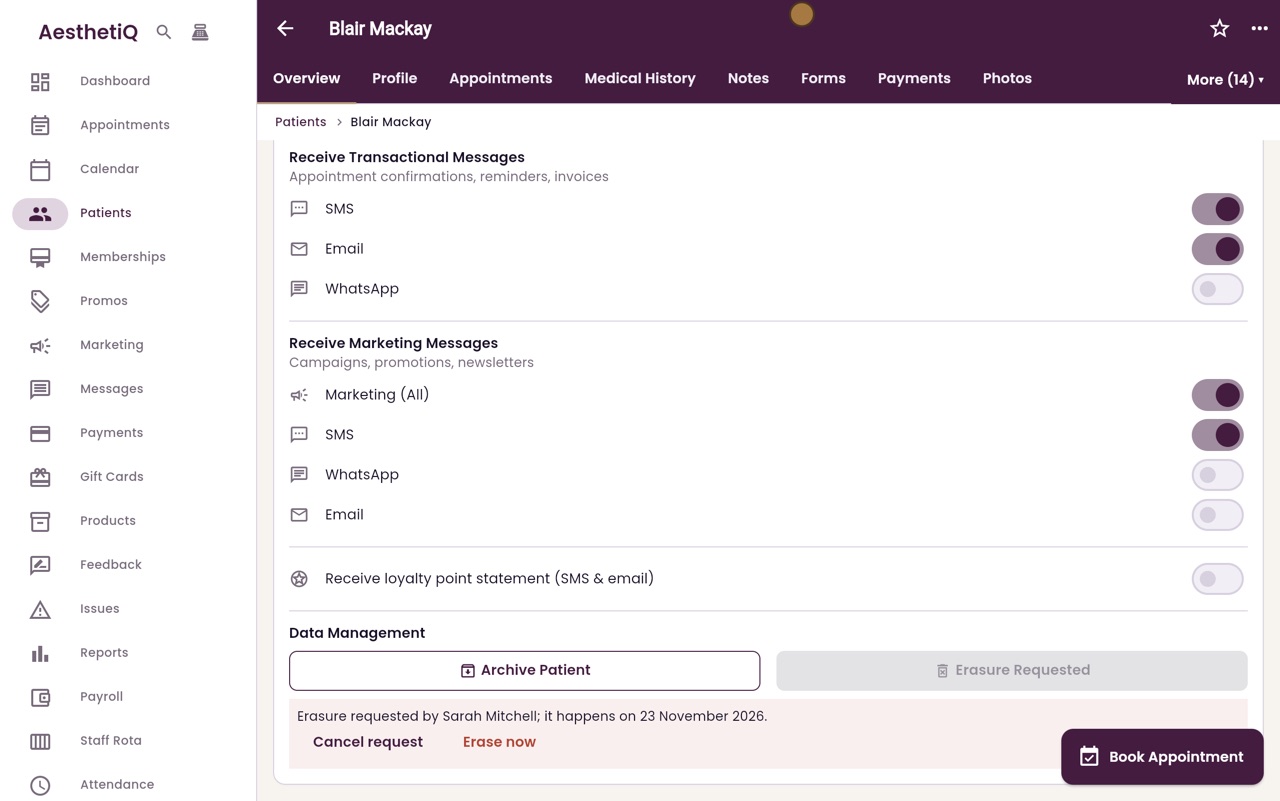
Waiting seven days
A panel shows who asked for the erasure and the date it will happen. An admin can cancel it, or erase now.
- 06Ryan
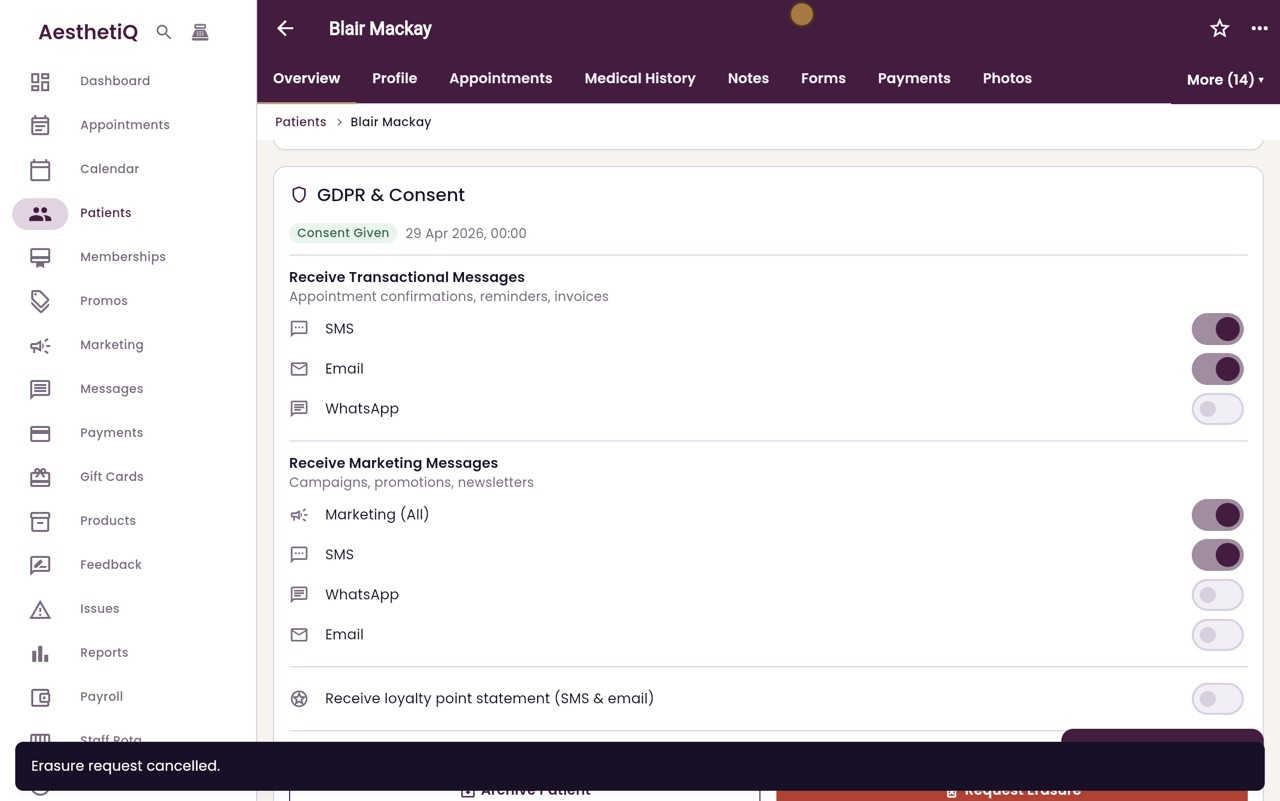
Cancel request
Here, Blair has changed his mind, so click Cancel request. The request is cancelled and nothing is erased.
- 07Libby
Done
That is erasing a patient's personal details. If the patient also asked for a copy of their data, export it before the erasure happens.