Finding a patient
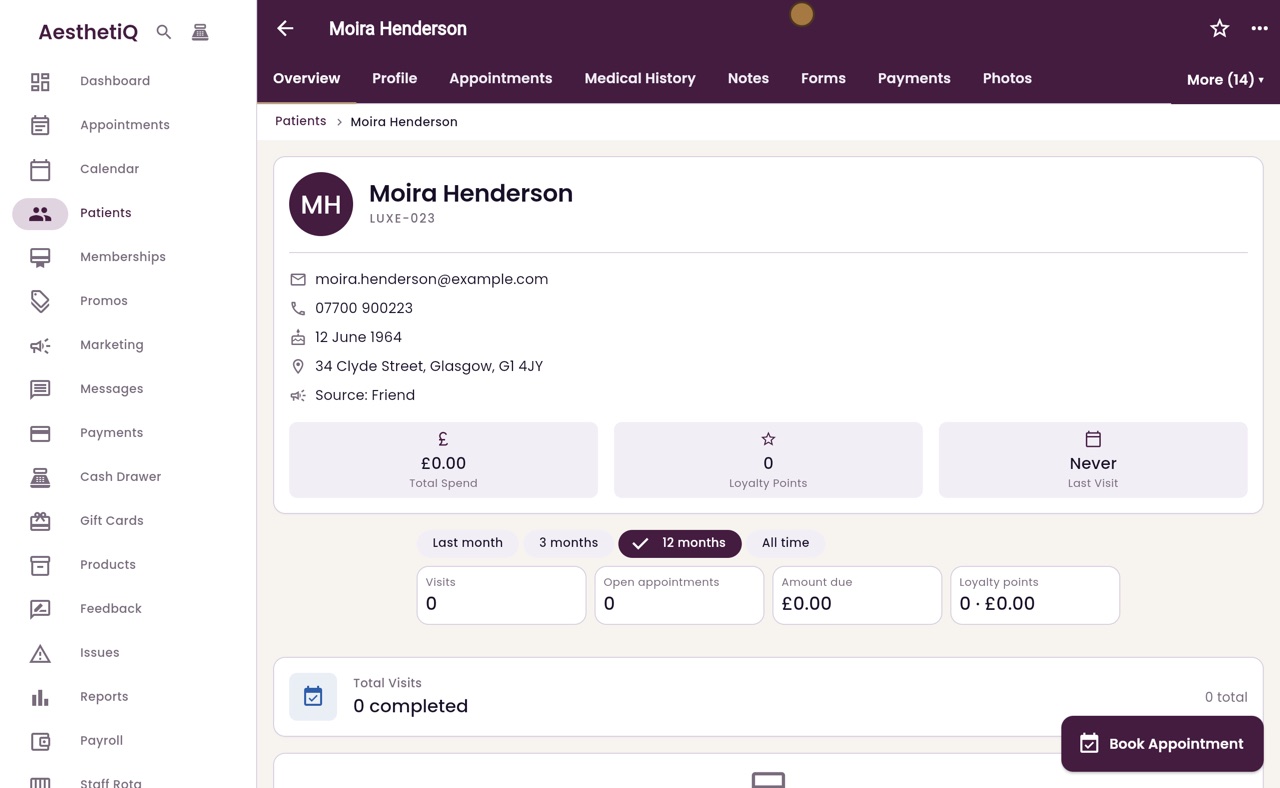
Find a patient by name, the end of their mobile number or their patient code, on the Patients screen or with Control and K from any screen.
Patients screen
Type in the search box; the list narrows as you type.
Quick search
Control and K (Command and K on a Mac) from any screen.
Finds
Full name, surname, the end of a mobile number or the patient code.
Step by step
- 01Libby
Ways to search
Hi, I am Libby. You can find a patient by their name, the end of their mobile number or their patient code. Search on the Patients screen, or use the quick search from any screen.
- 02Ryan
The Patients screen
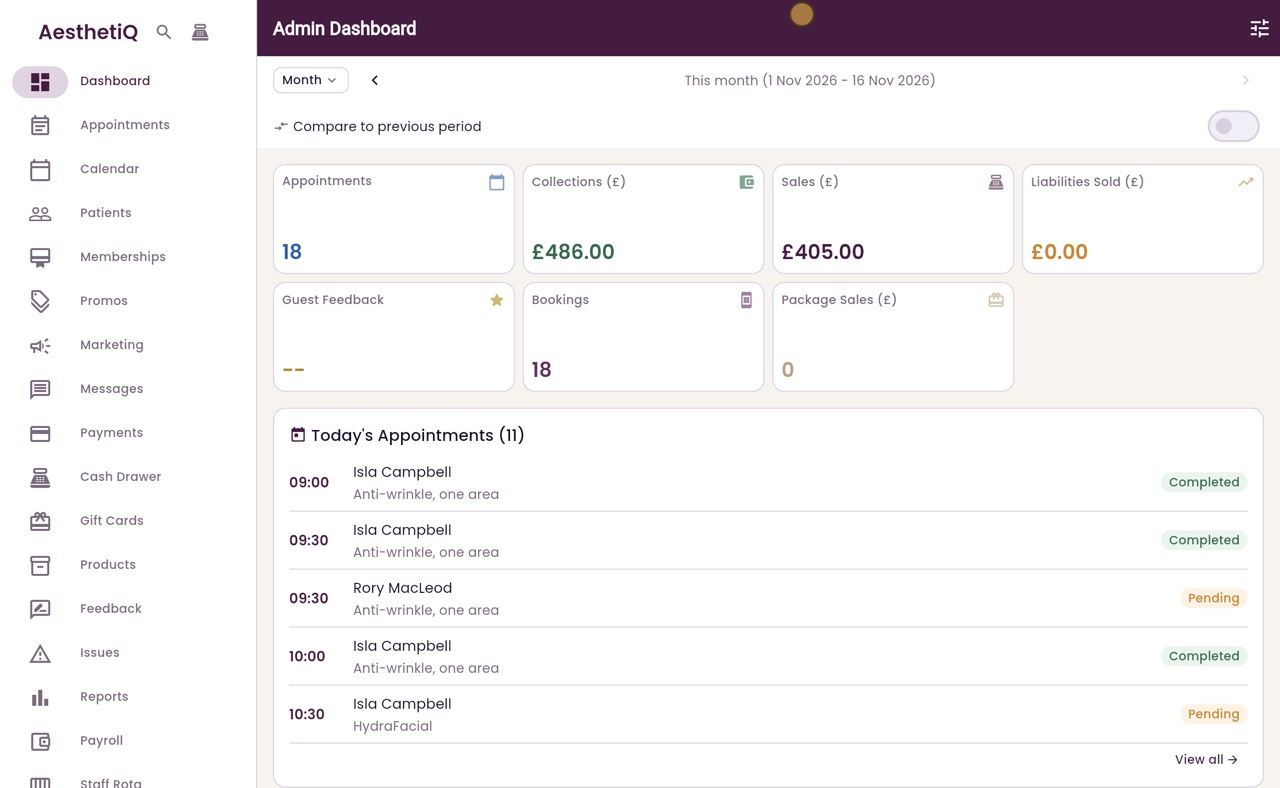
Thanks Libby. Click Patients in the menu. Every patient is listed in surname order, with their mobile number and their next appointment.
- 03Ryan
Search by full name
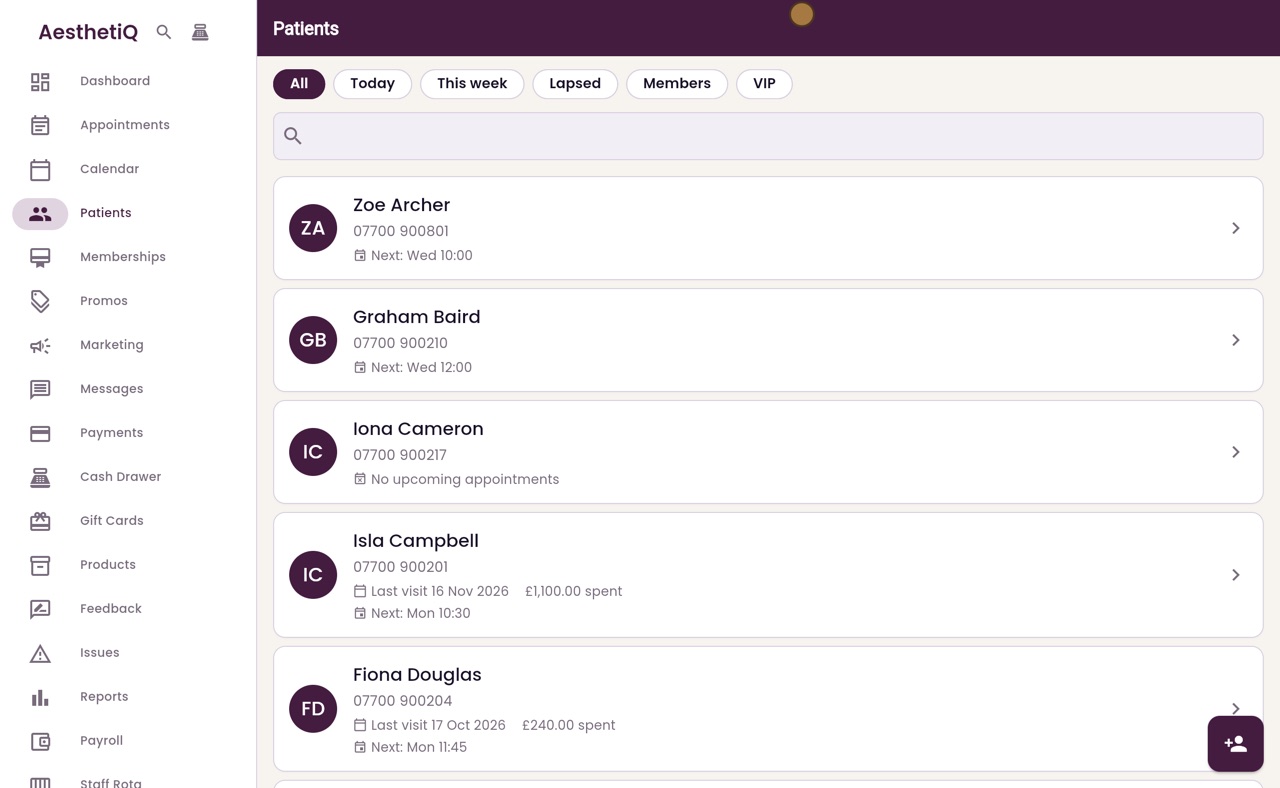
Click the search box and type the patient's name. Here we type her full name, Moira Henderson, and the list narrows to her.
- 04Ryan
Search by surname
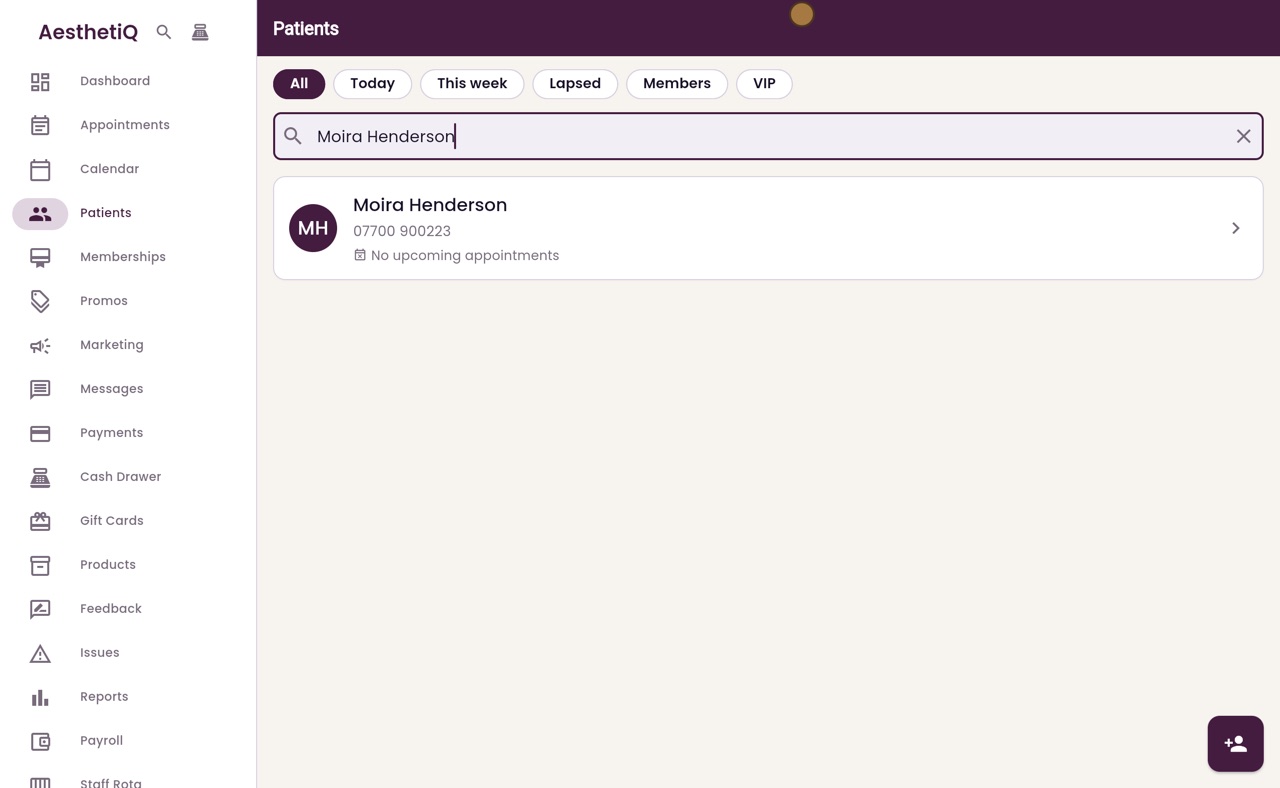
Clear the box with the cross. The surname on its own works too. Here we type Henderson.
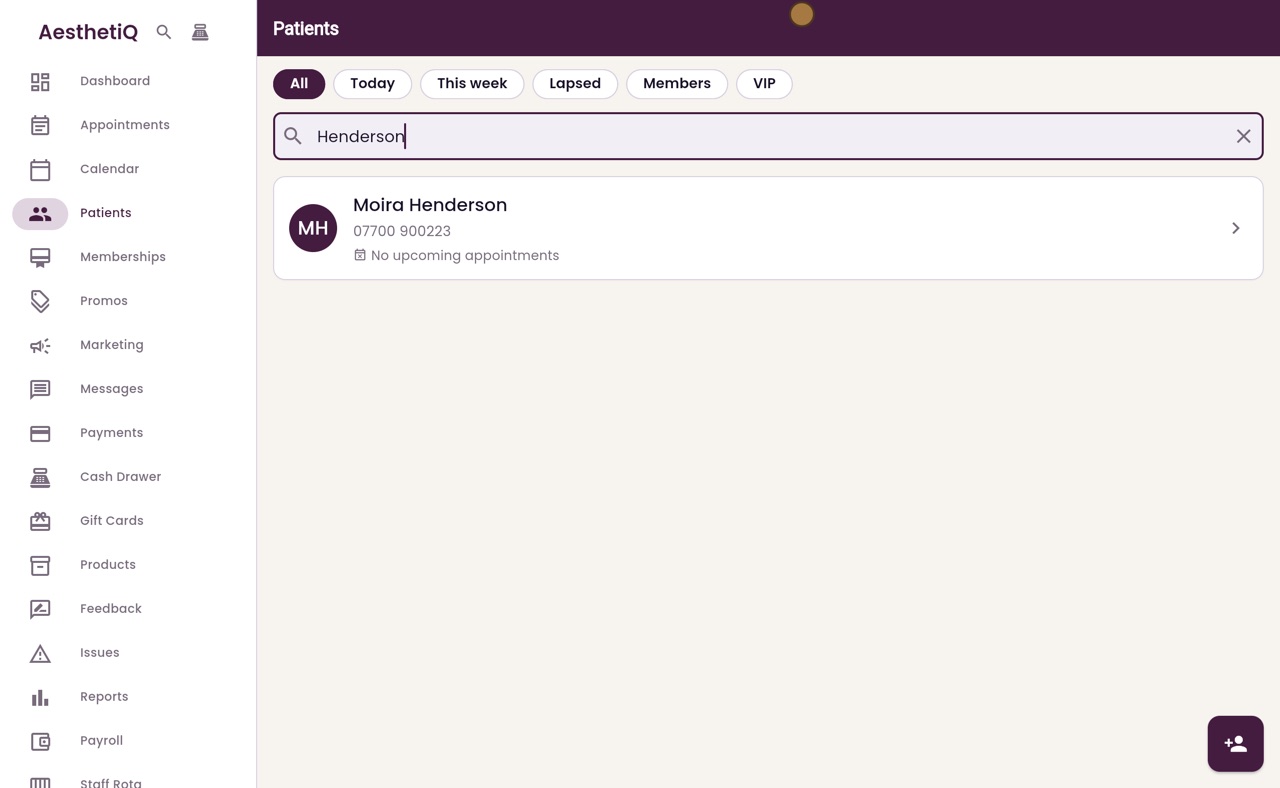
- 05Ryan
Search by mobile number
The end of a mobile number works as well. Here we type 9 0 0 2 2 3, the last six digits of Moira's mobile.
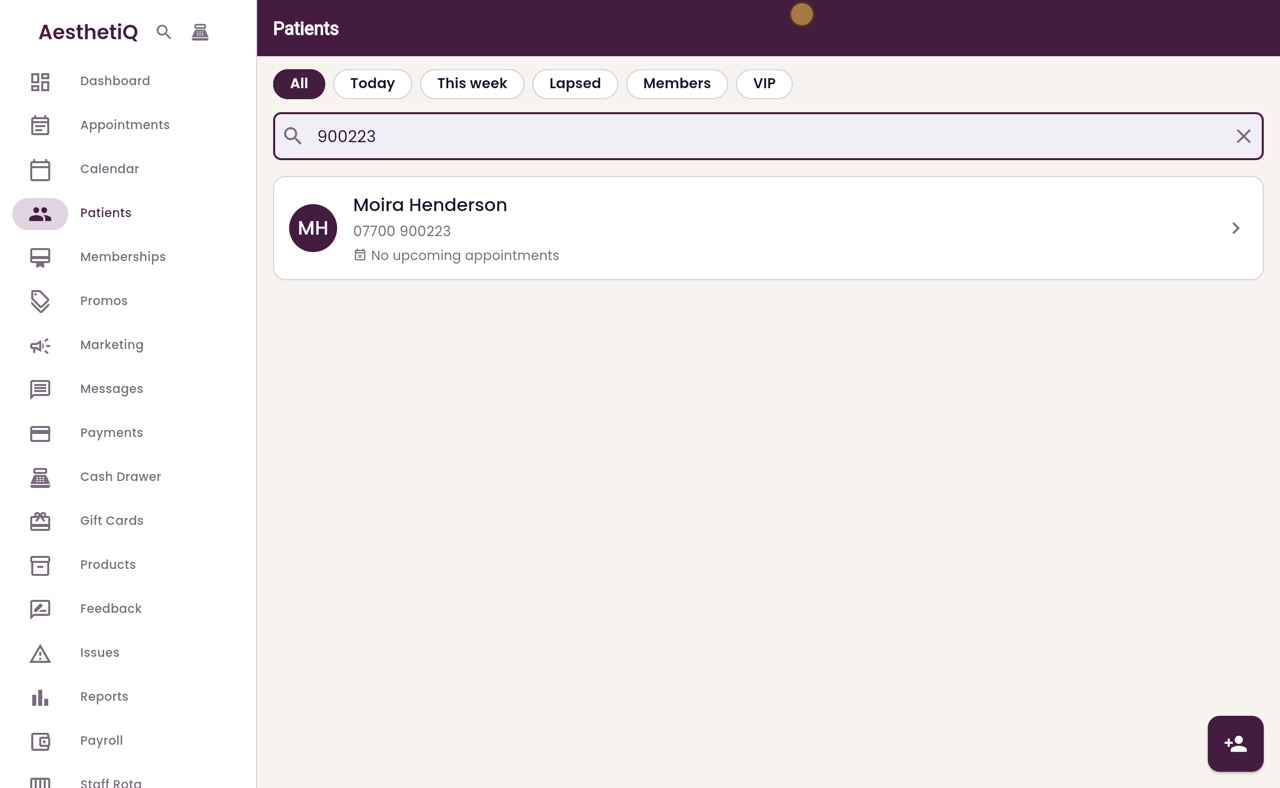
- 06Ryan
Search by patient code
So does the patient code. Here we type her code, LUXE 0 2 3.
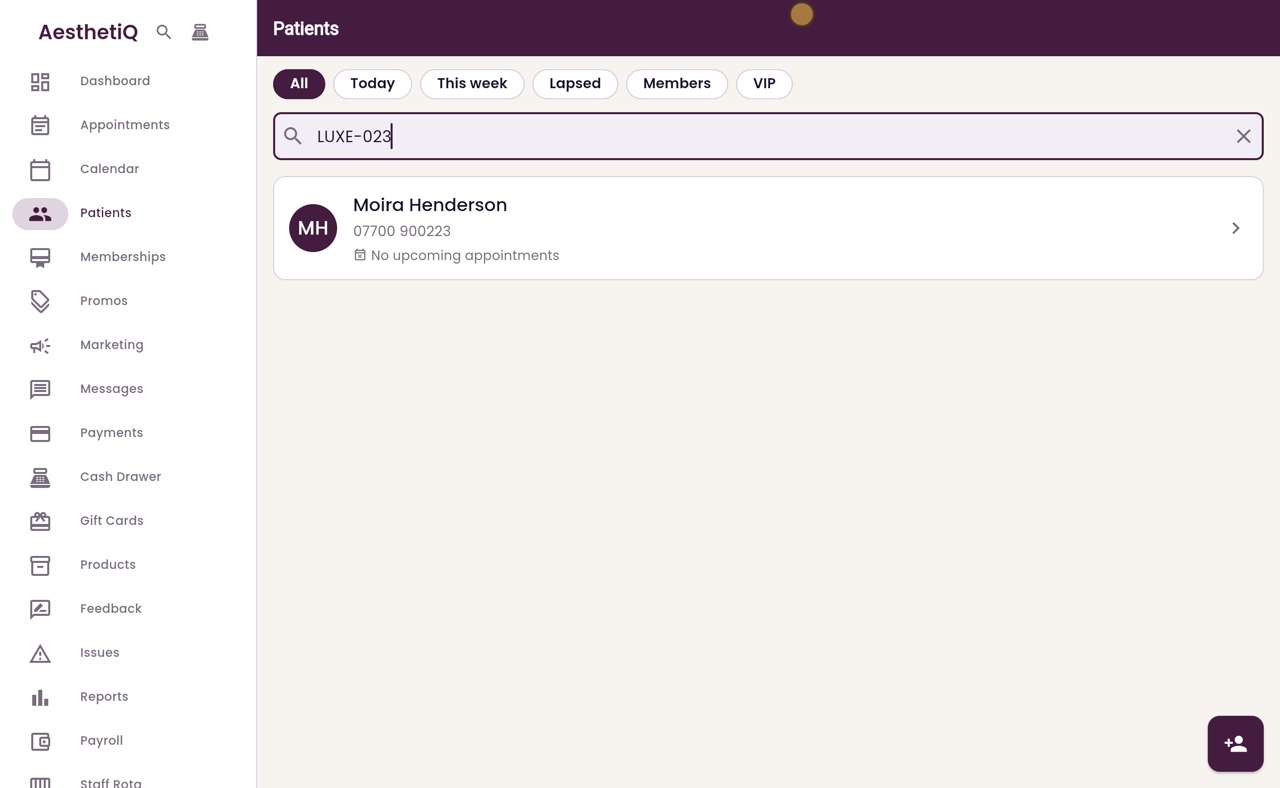
- 07Ryan
The quick search
The quick search works from any screen. Press Control and K together, or Command and K on a Mac. Type her name, here Moira Henderson, and she appears. Click her to open her profile.
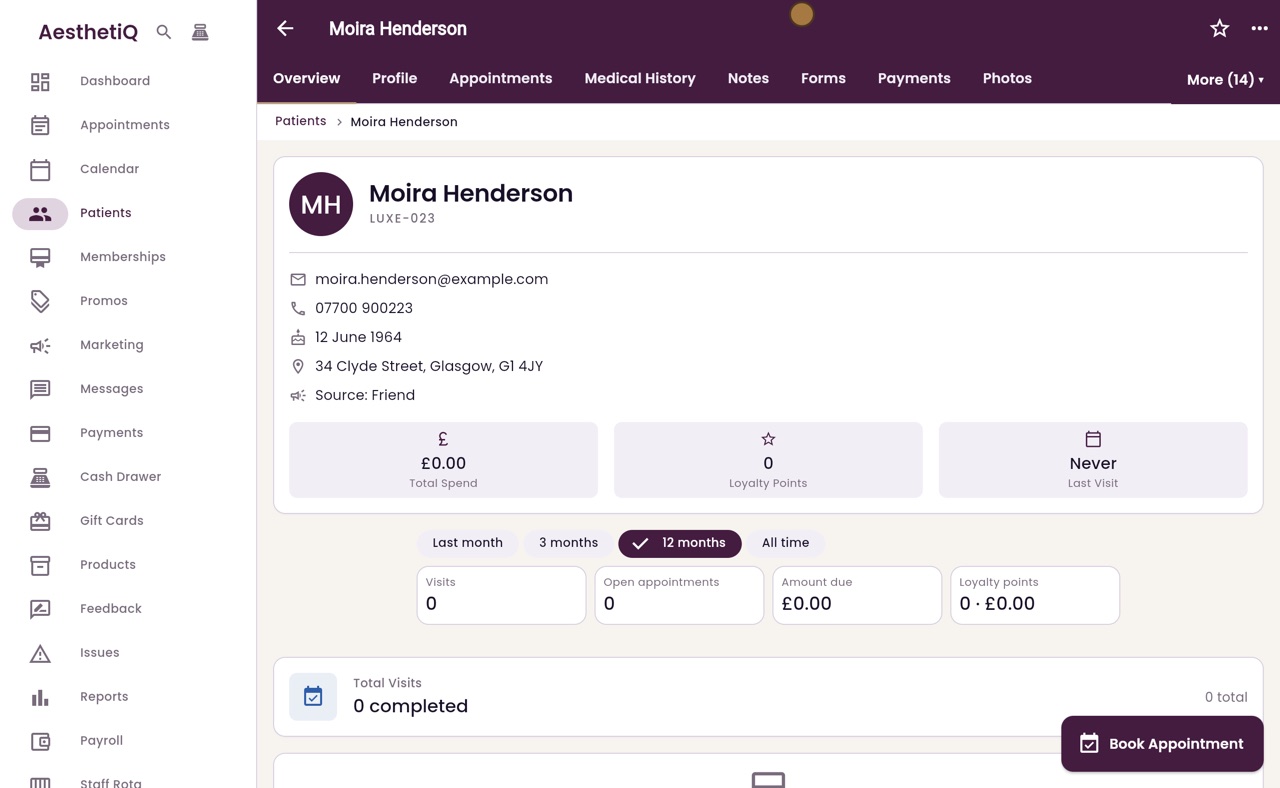
- 08Libby
Done
That is finding a patient. The quick search also finds treatments and screens, so you can jump straight to them.