The pre-visit form patients fill in
What a patient sees when they open the pre-visit medical form link, and how they fill it in and send it.
Where
The link the clinic sends the patient before their appointment.
Who
Patients. Useful for reception to know what patients see.
After
The answers go to the clinic for the practitioner to check.
Step by step
- 01Libby
The pre-visit form
Hi, I am Libby. Before a treatment, the clinic can send the patient a link to a medical form. This is what the patient sees when they open the link on their phone or computer.
- 02Ryan
Conditions and medicines
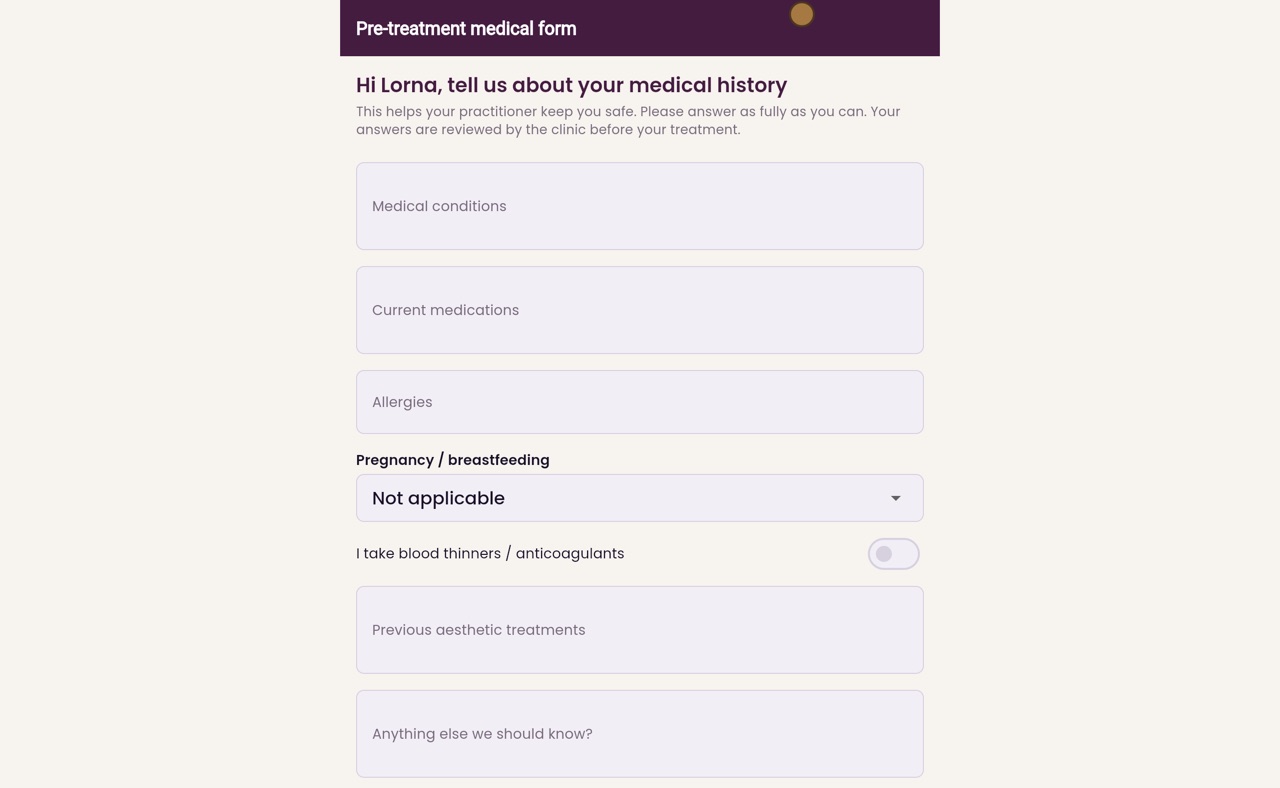
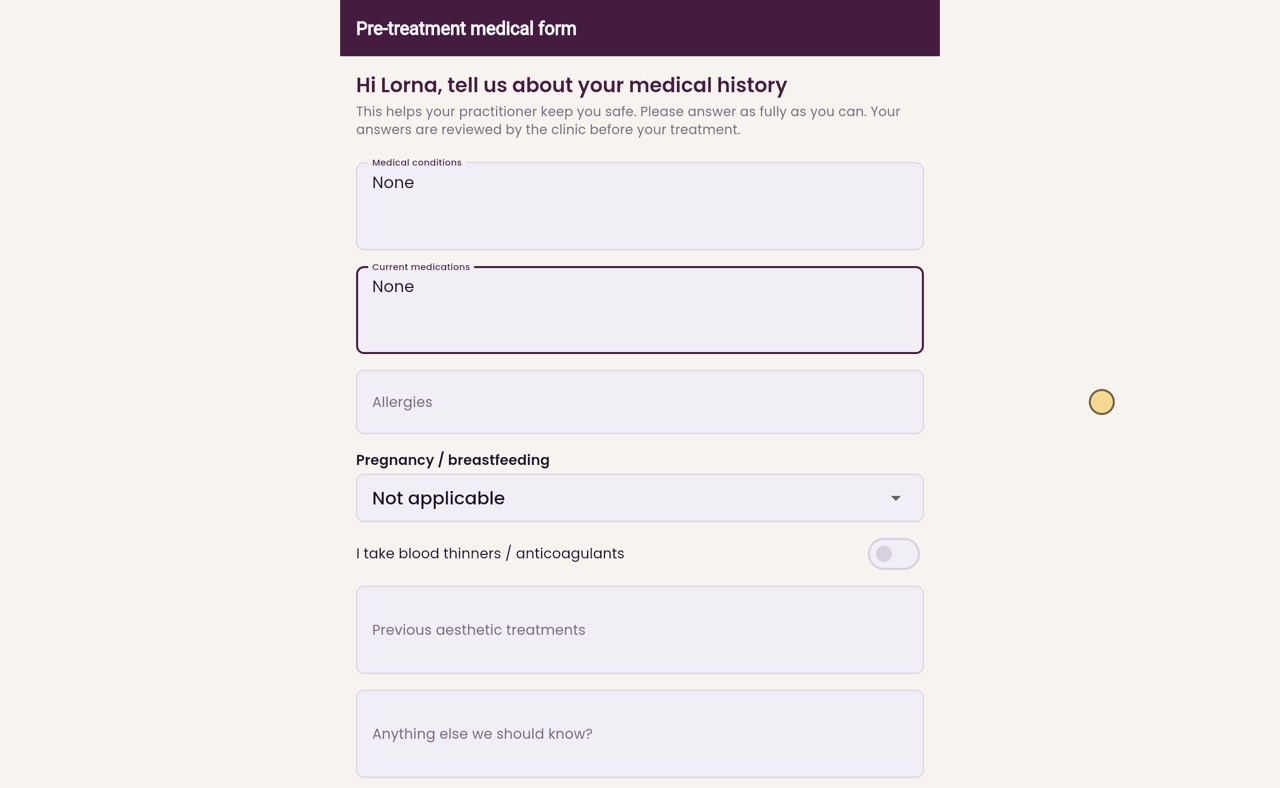
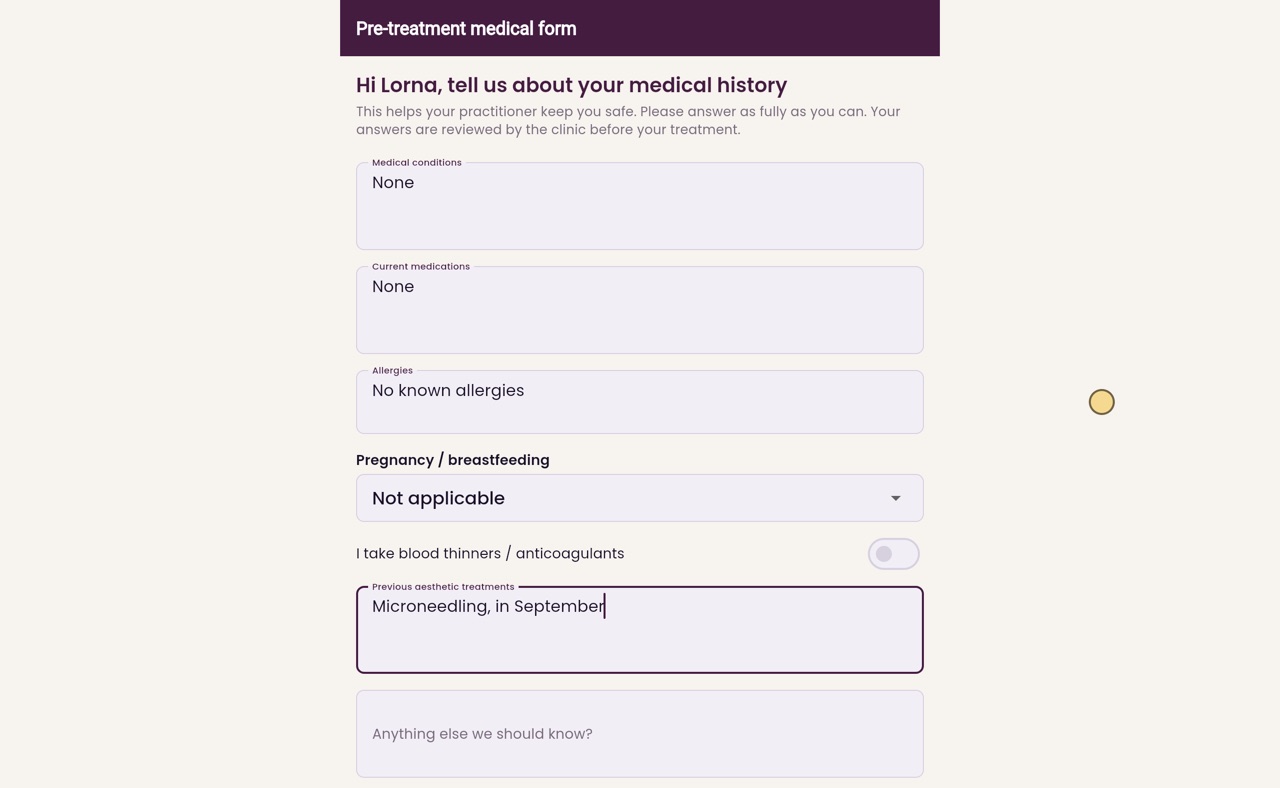
Thanks Libby. The form greets the patient by name, here Lorna, and says the clinic reviews the answers before the treatment. Lorna has no medical conditions and takes no medicines, so she types None in both.
- 03Ryan
Allergies
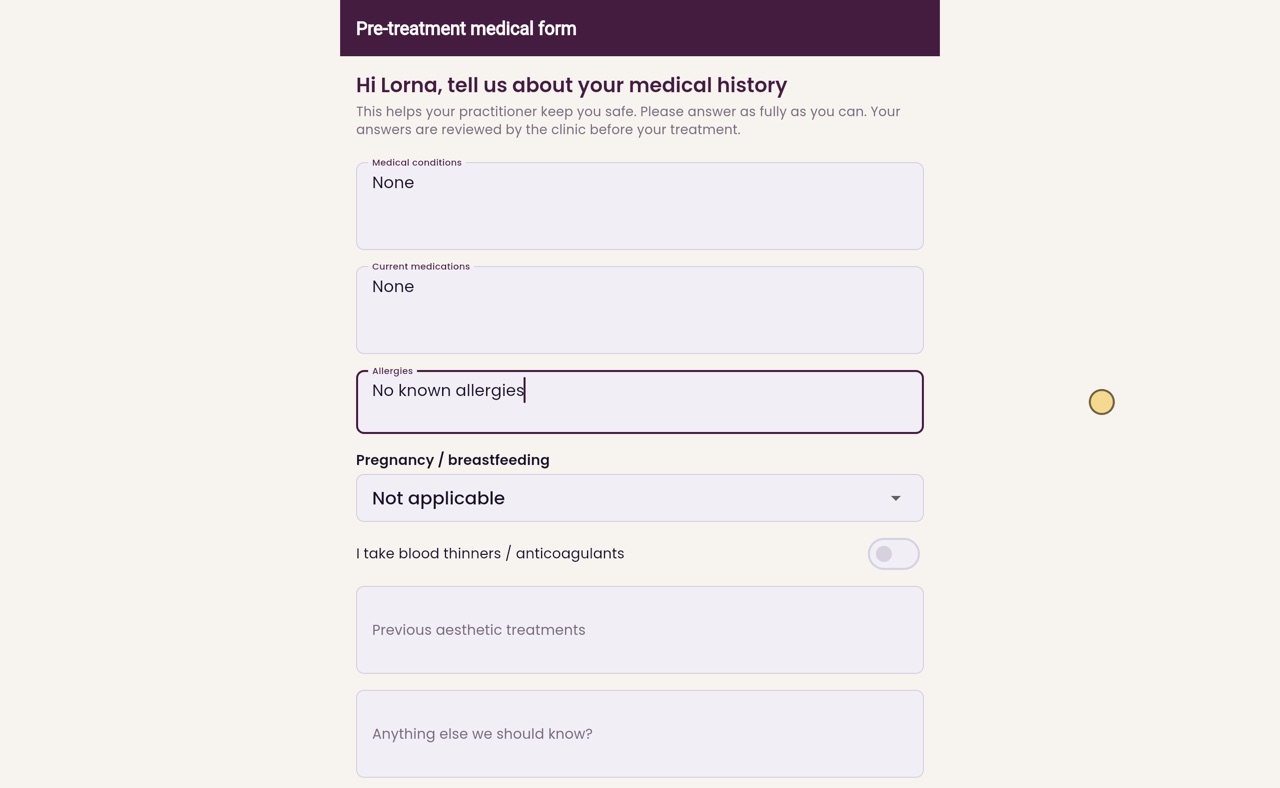
Under Allergies she types No known allergies. Pregnancy or breastfeeding stays on Not applicable, and the switch for blood thinners stays off.
- 04Ryan
Earlier treatments
Next she lists any earlier aesthetic treatments, here microneedling in September. There is also room for anything else the clinic should know.
- 05Ryan
Confirm and send
Last, she ticks the box to confirm the information is accurate, and clicks Submit medical form.
- 06Ryan
Received
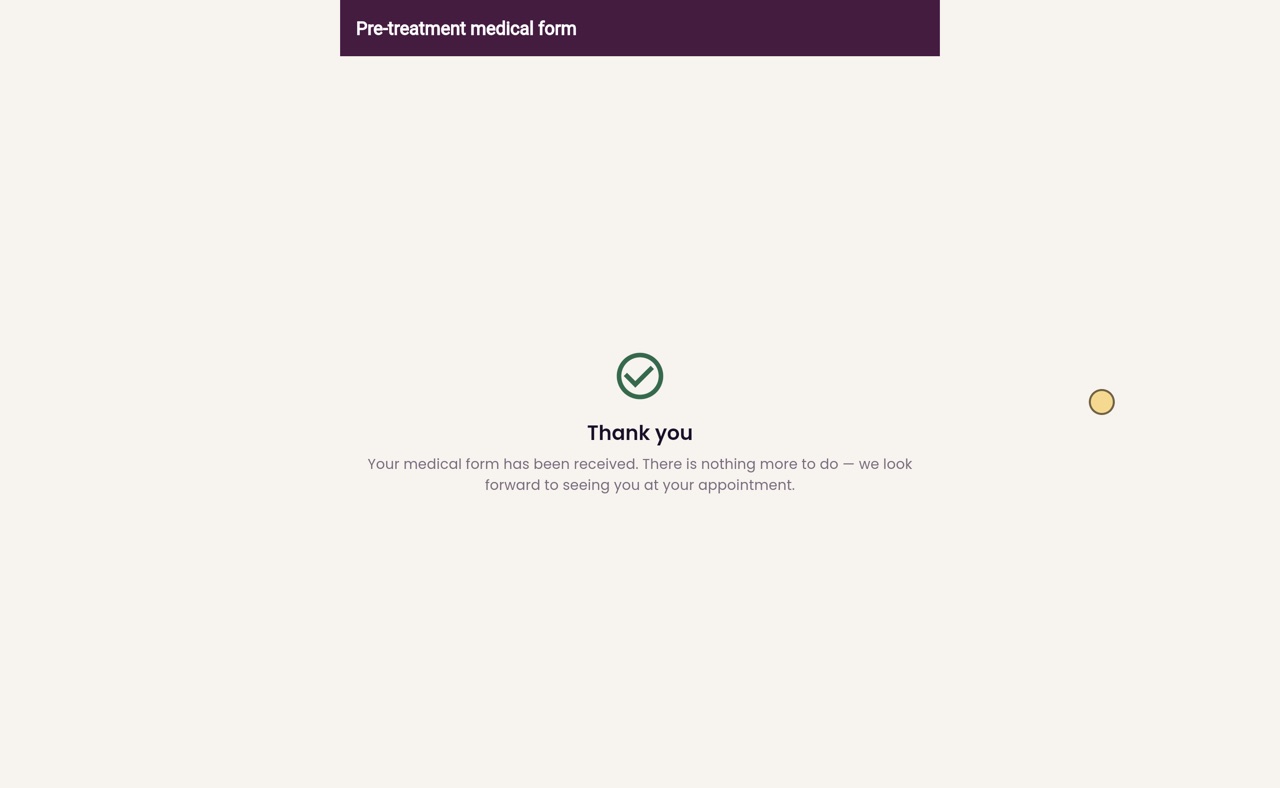
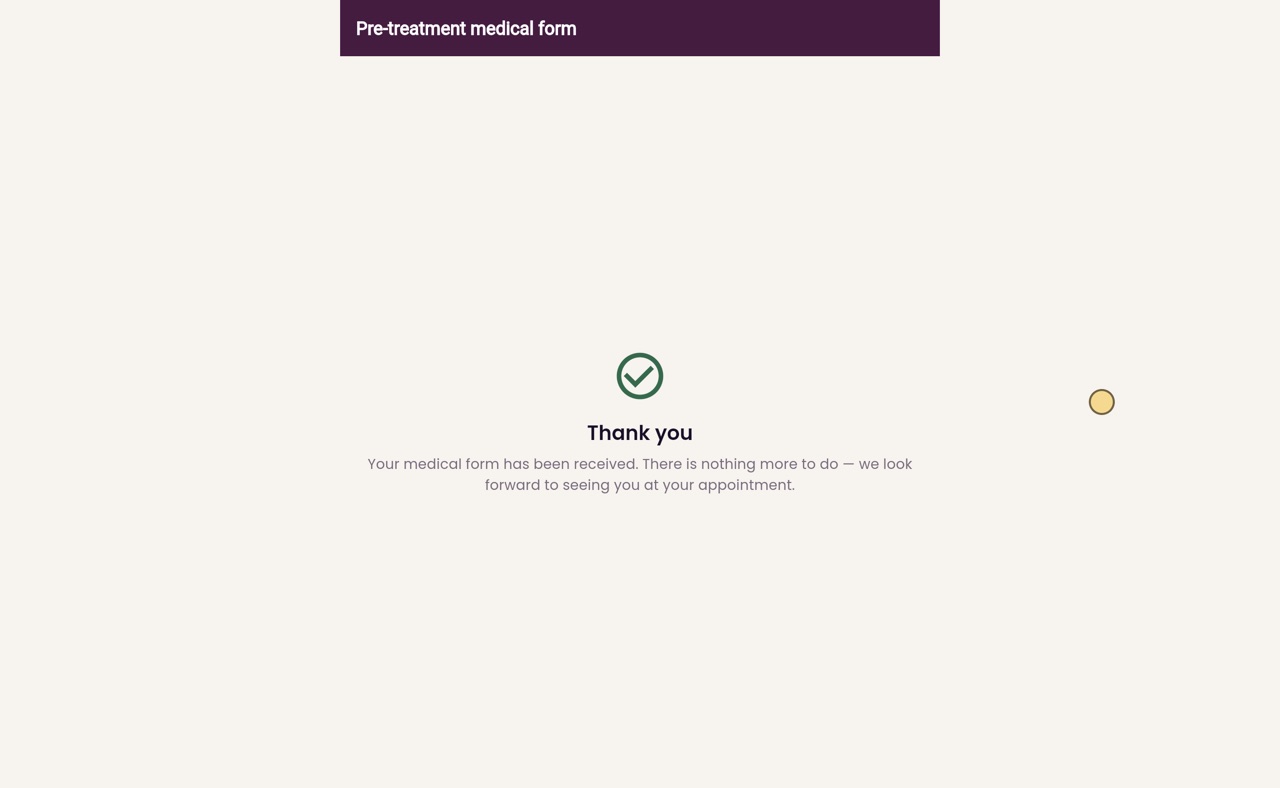
The form has been received, and there is nothing more for Lorna to do. Her answers go to the clinic, for the practitioner to check before her appointment.
- 07Libby
Done
That is the pre-visit form. Reception sends the link from the appointment, so the answers are ready before the patient arrives.