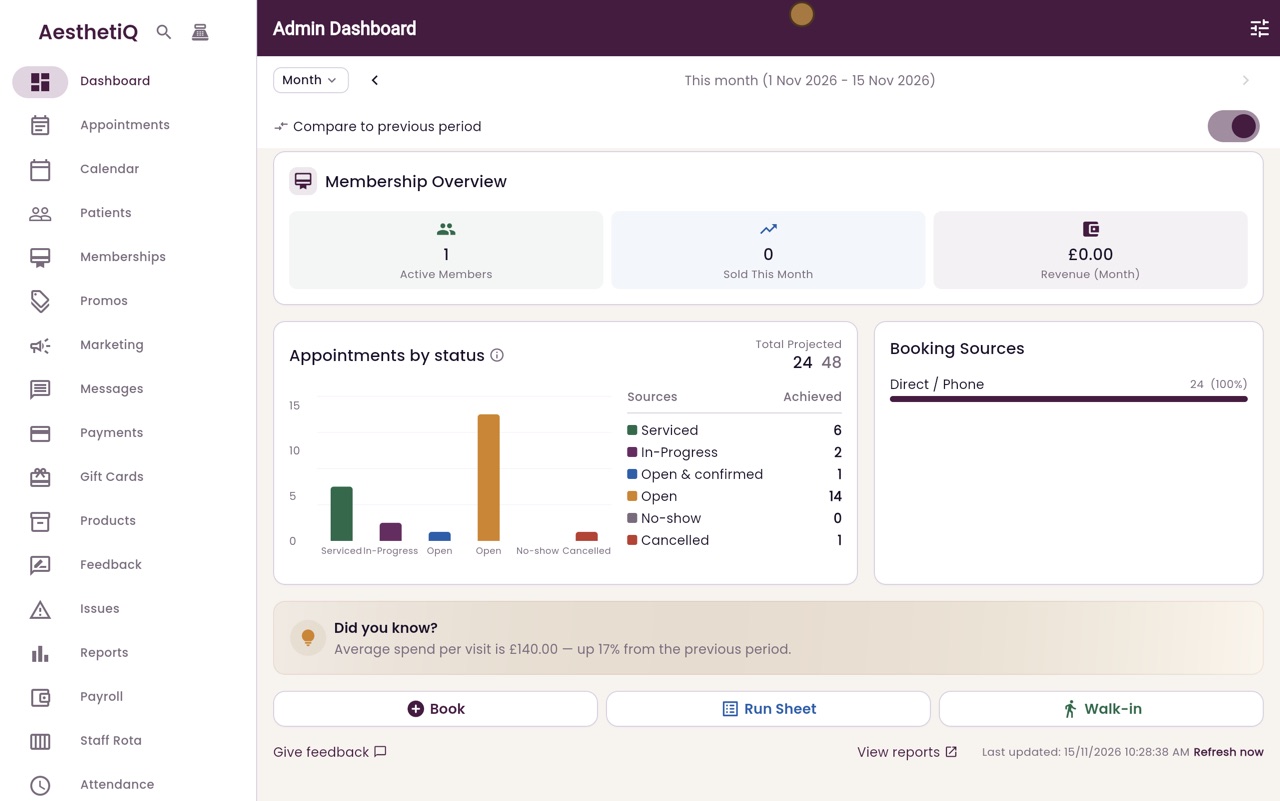
The dashboard
The clinic manager's first screen: this month's figures, today's appointments and quick buttons.
Figures
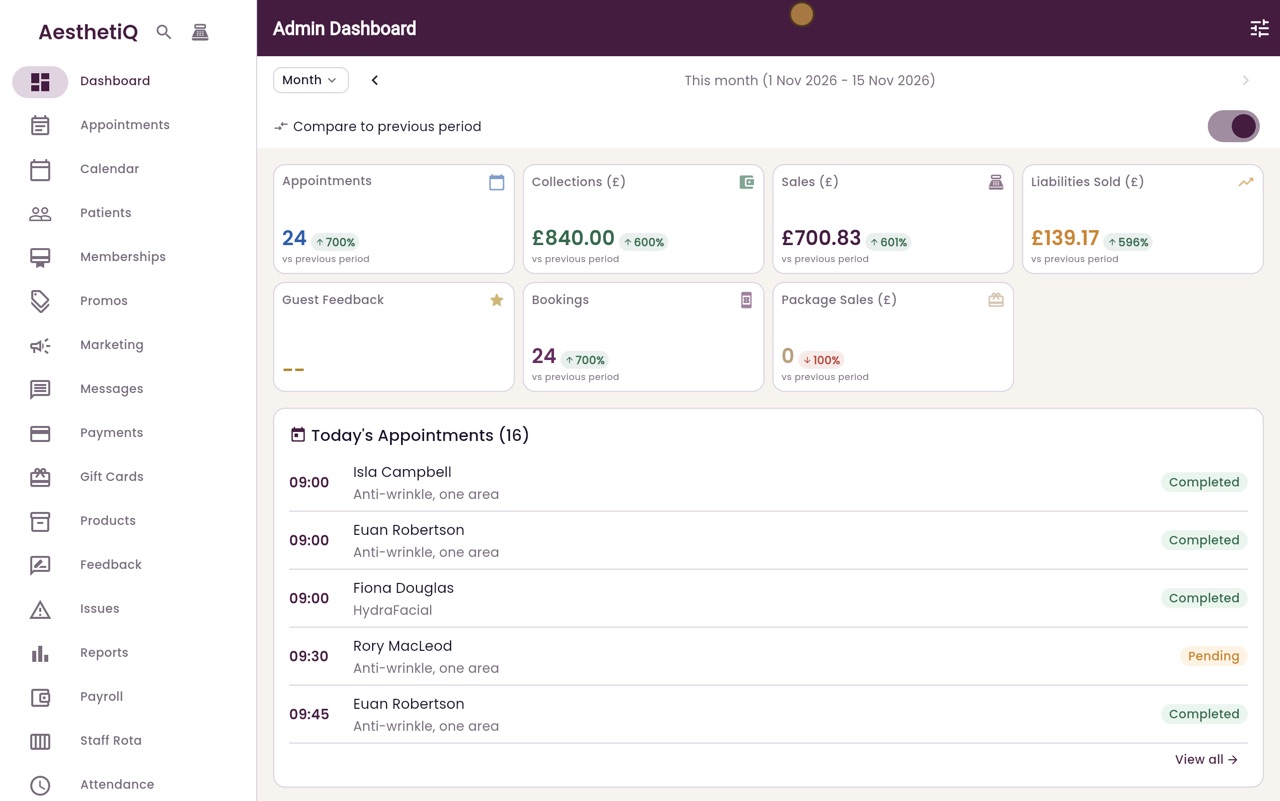
Appointments, collections, sales and money taken in advance, for this month.
Compare
Shows the change since the same point last month.
Today
Everyone booked in today, with where they are up to.
Step by step
- 01Libby
The first screen
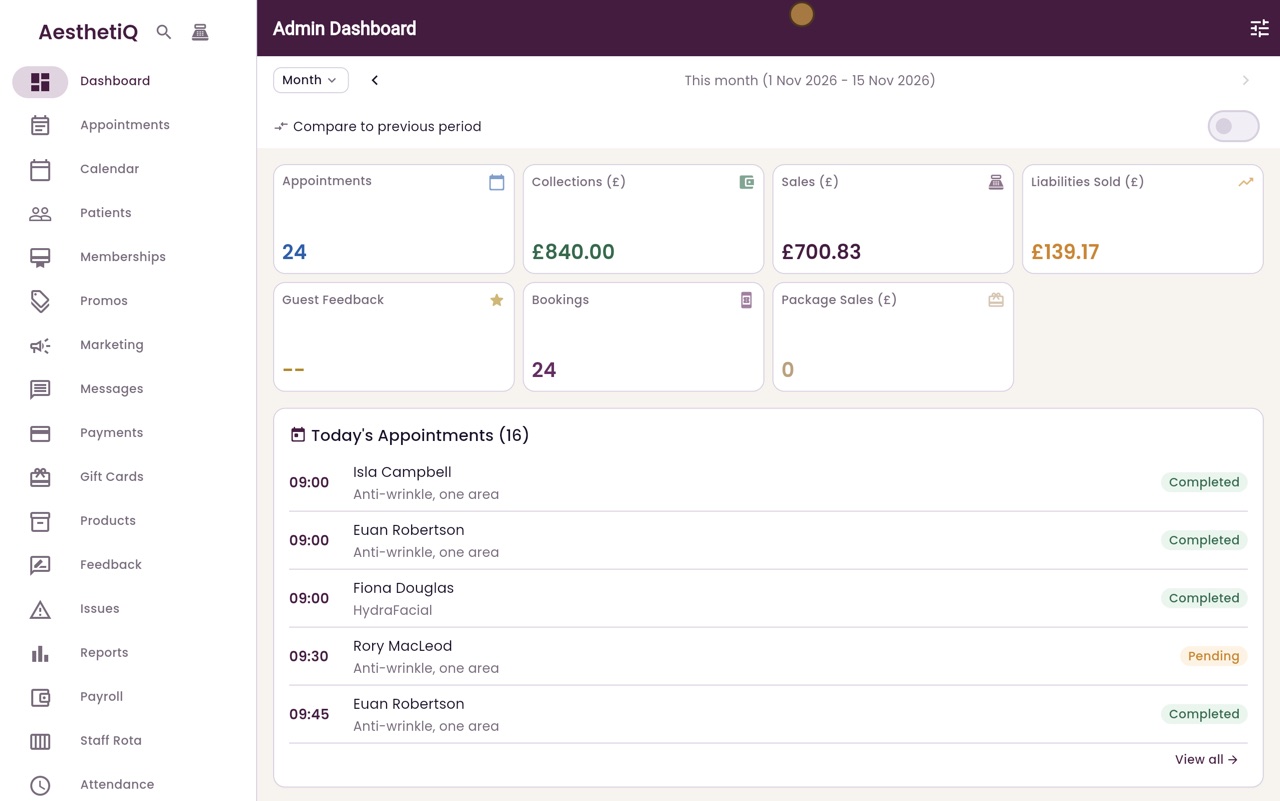
Hi, I am Libby. The dashboard is the first screen the clinic manager sees after signing in. It shows how the month is going and who is in today.
- 02Ryan
This month's figures
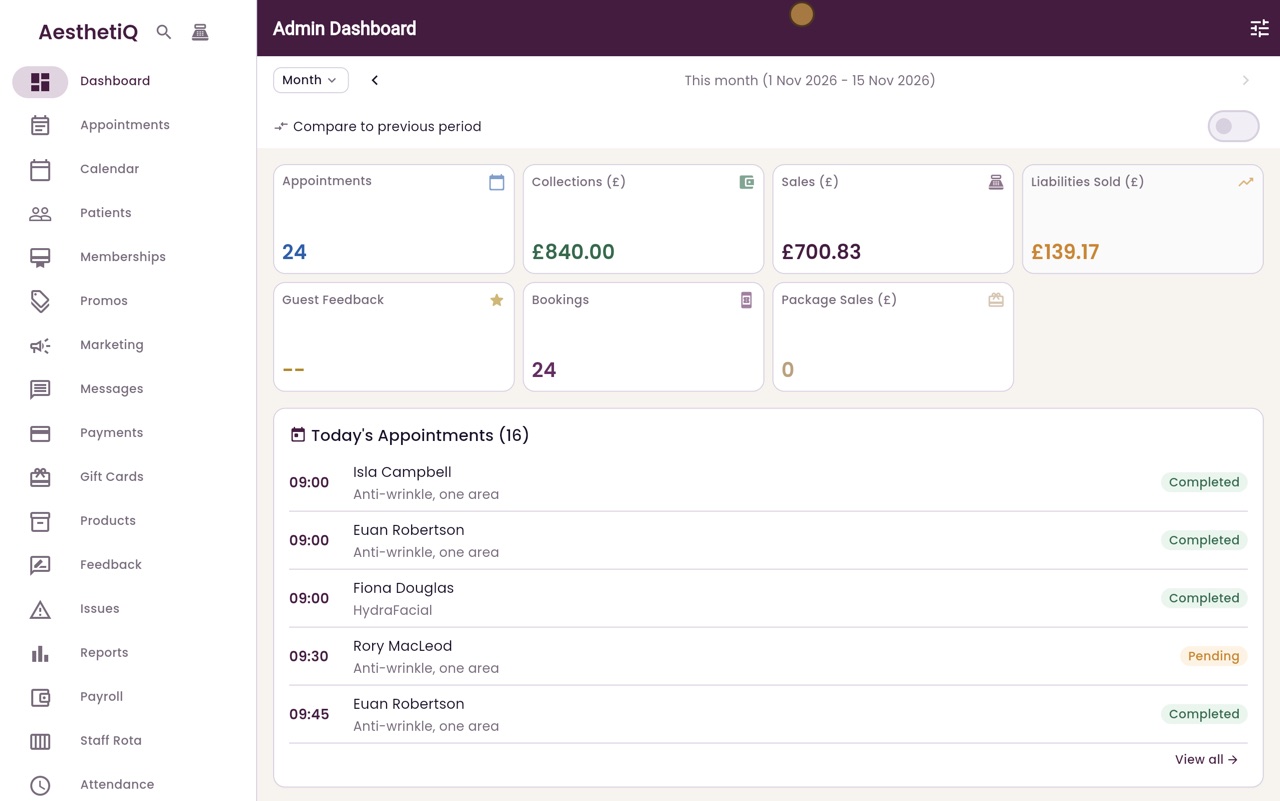
Thanks Libby. The figures are for this month so far. Appointments counts the visits, Collections is all the money taken, and Sales is what was sold. Liabilities sold is money taken in advance, for example for a gift card.
- 03Ryan
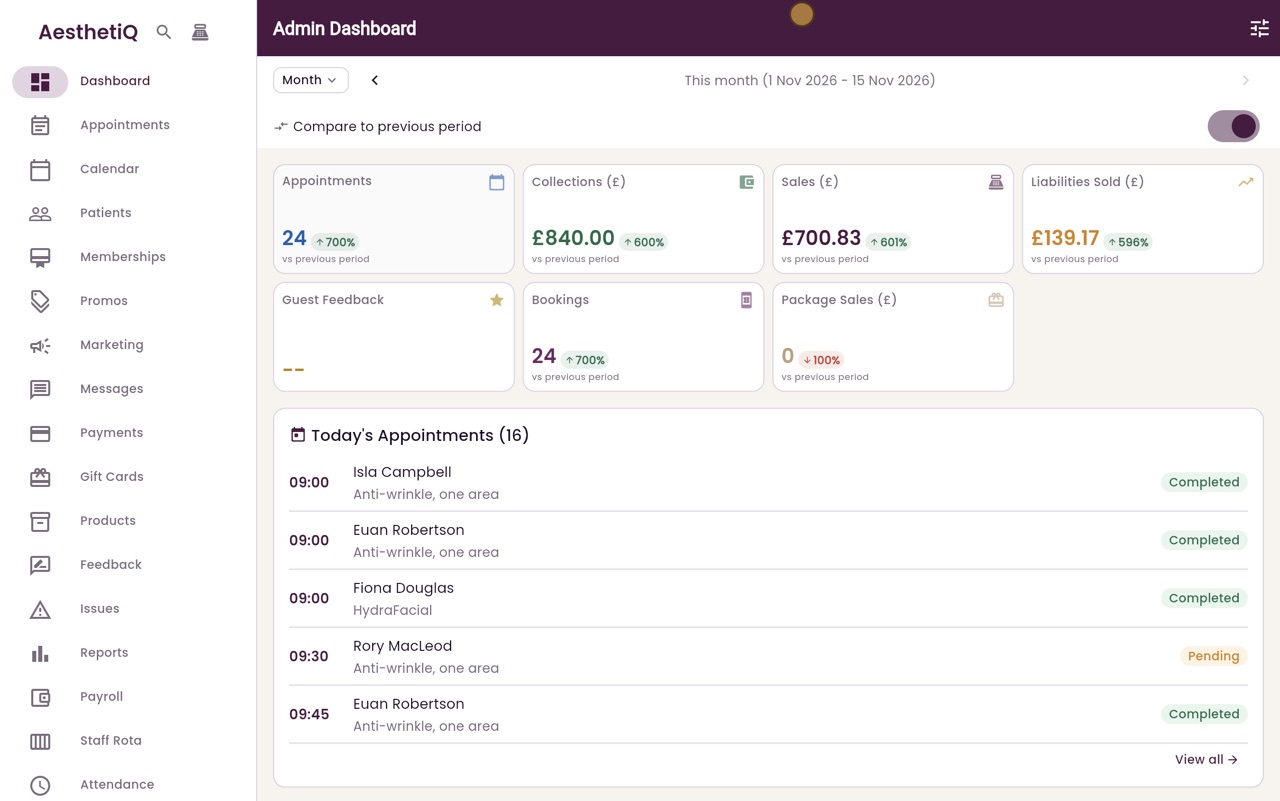
Compare to last month
Turn on Compare to previous period. Each card now shows how much it has gone up or down since the same point last month.
- 04Ryan
Today's appointments
Below the cards, Today's Appointments lists everyone booked in today, with the time, the treatment and where they are up to. View all opens the full list.
- 05Ryan
Memberships and bookings
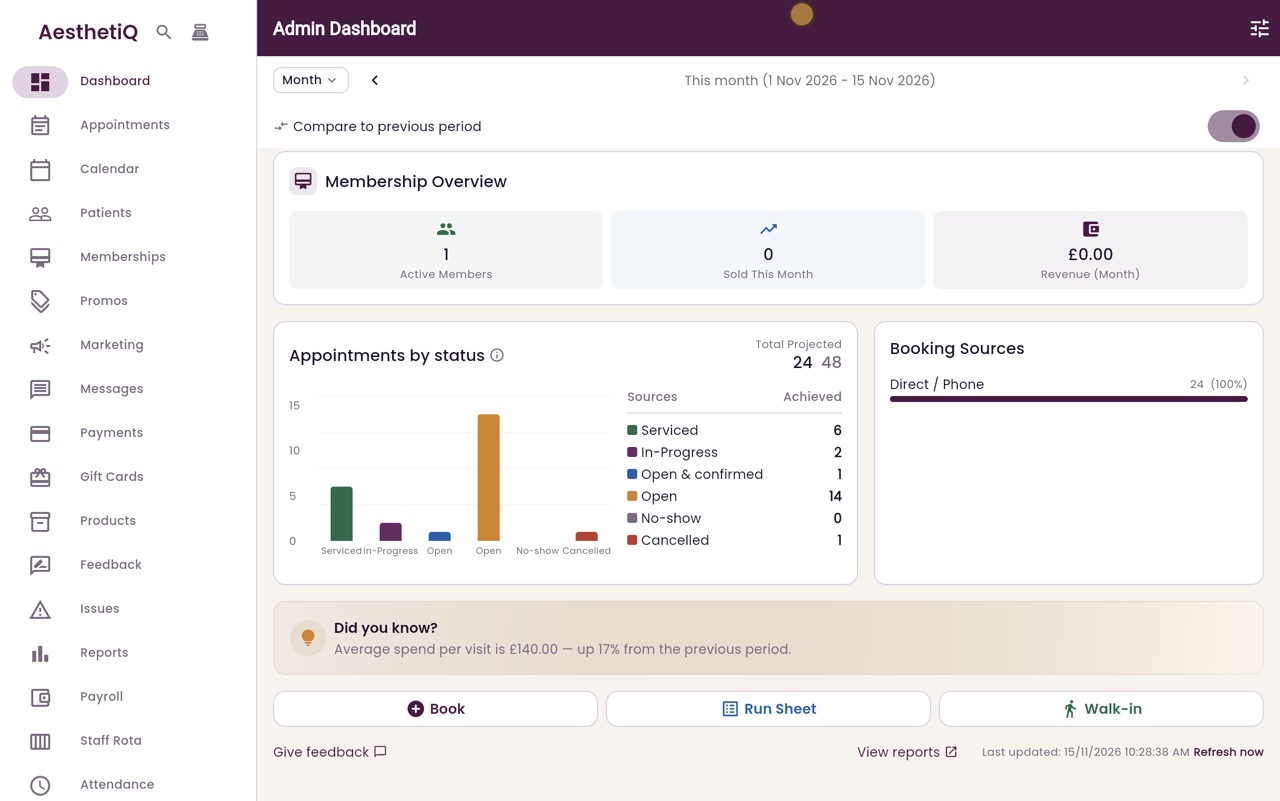
Further down are the memberships, the appointments by status, and where this month's bookings came from.
- 06Ryan
Quick buttons
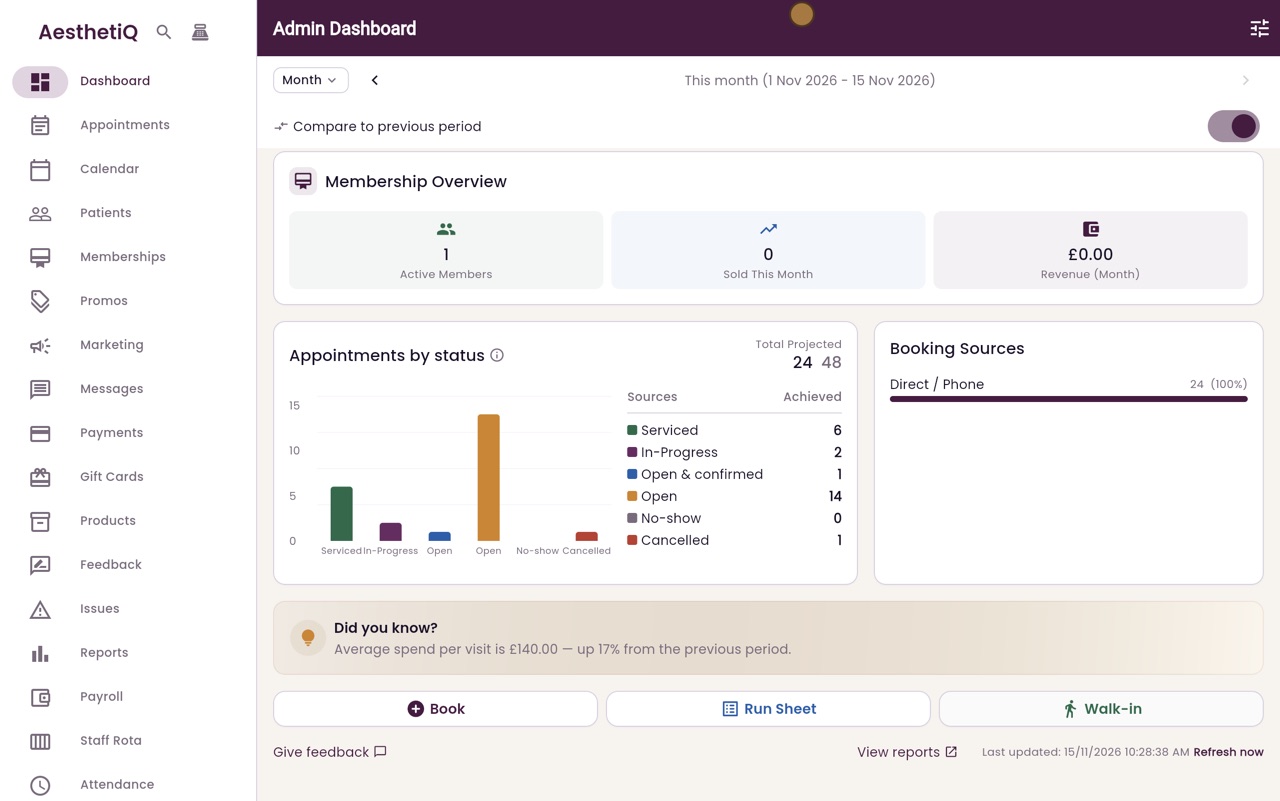
At the bottom are quick buttons to book an appointment, open the run sheet, or book a walk-in.
- 07Libby
Done
That is the dashboard. Click any card to open the screen behind its figure, and use Configure at the top right to choose which parts are shown.