Staff and pay
8 guides, 13 minutes in all, in the order to watch them.
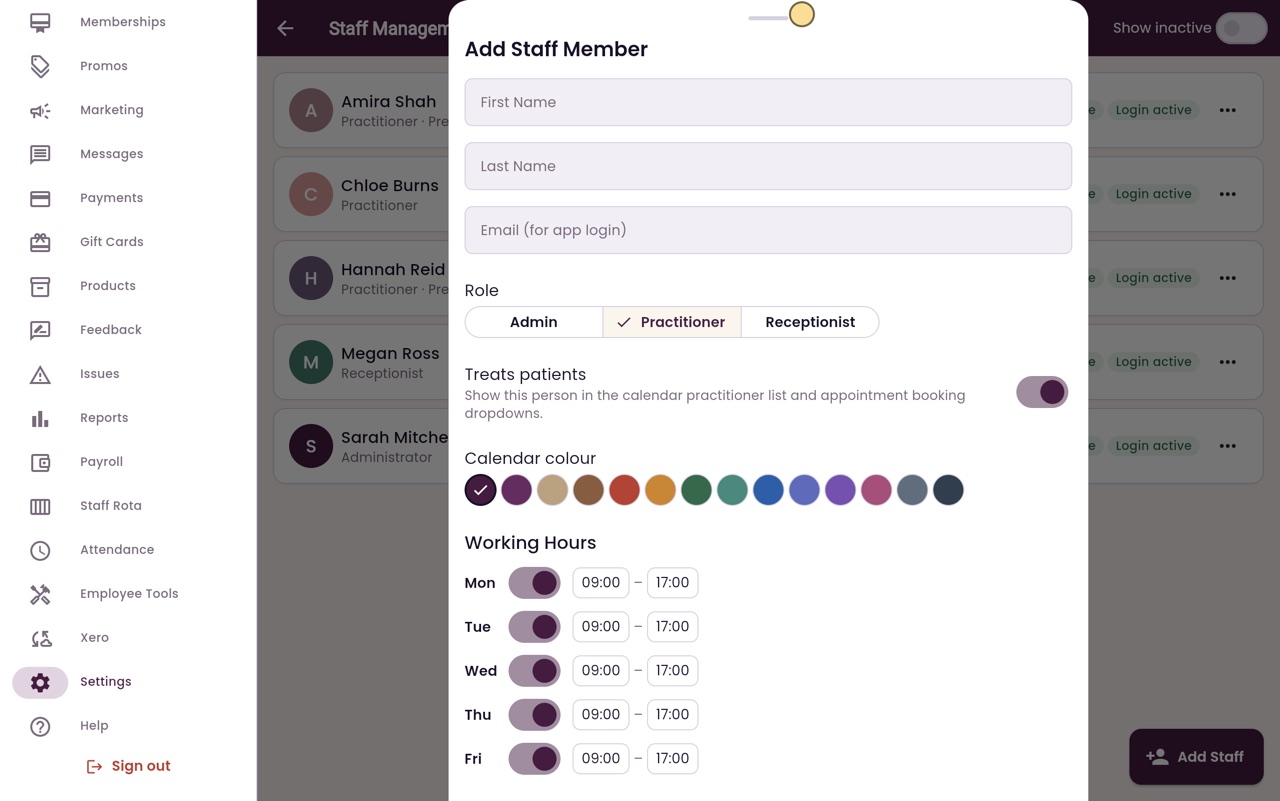
Adding a member of staff
Add a new member of staff with their role, calendar colour and working hours, then send them a login invite.
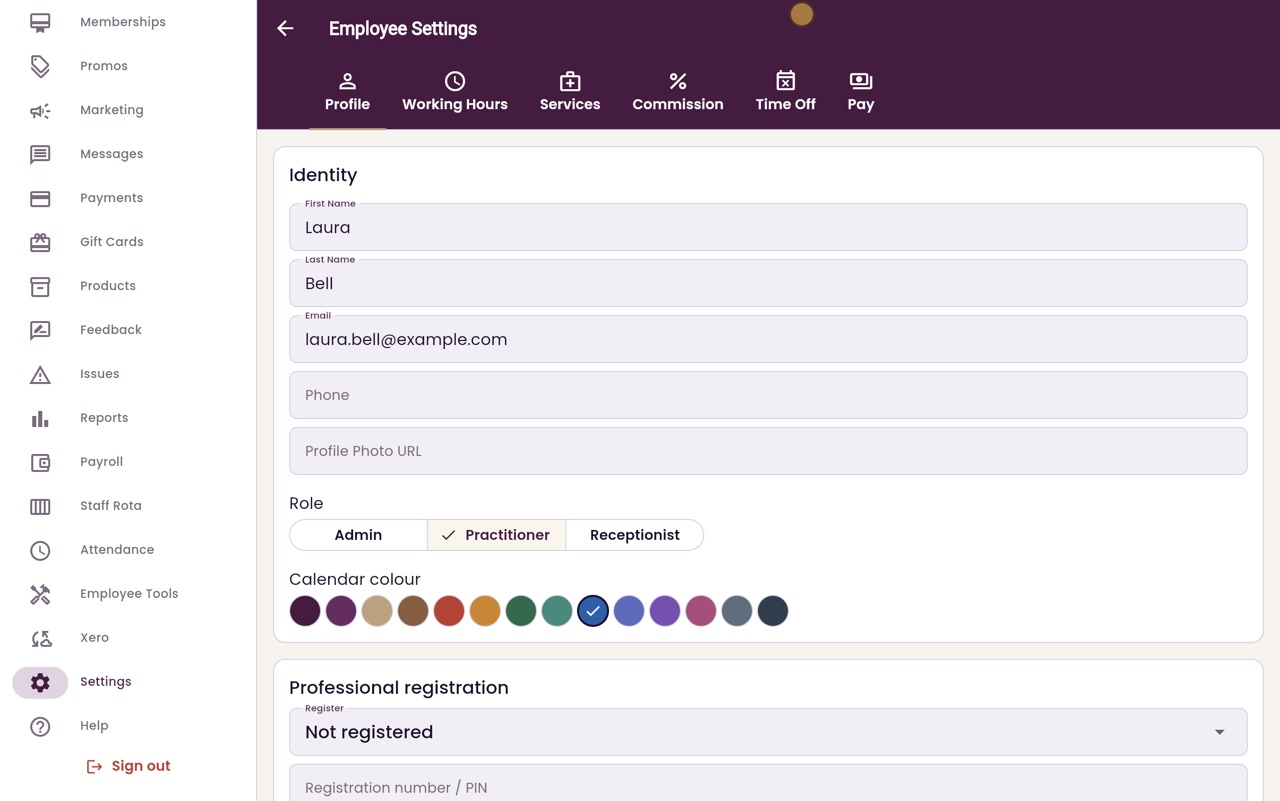
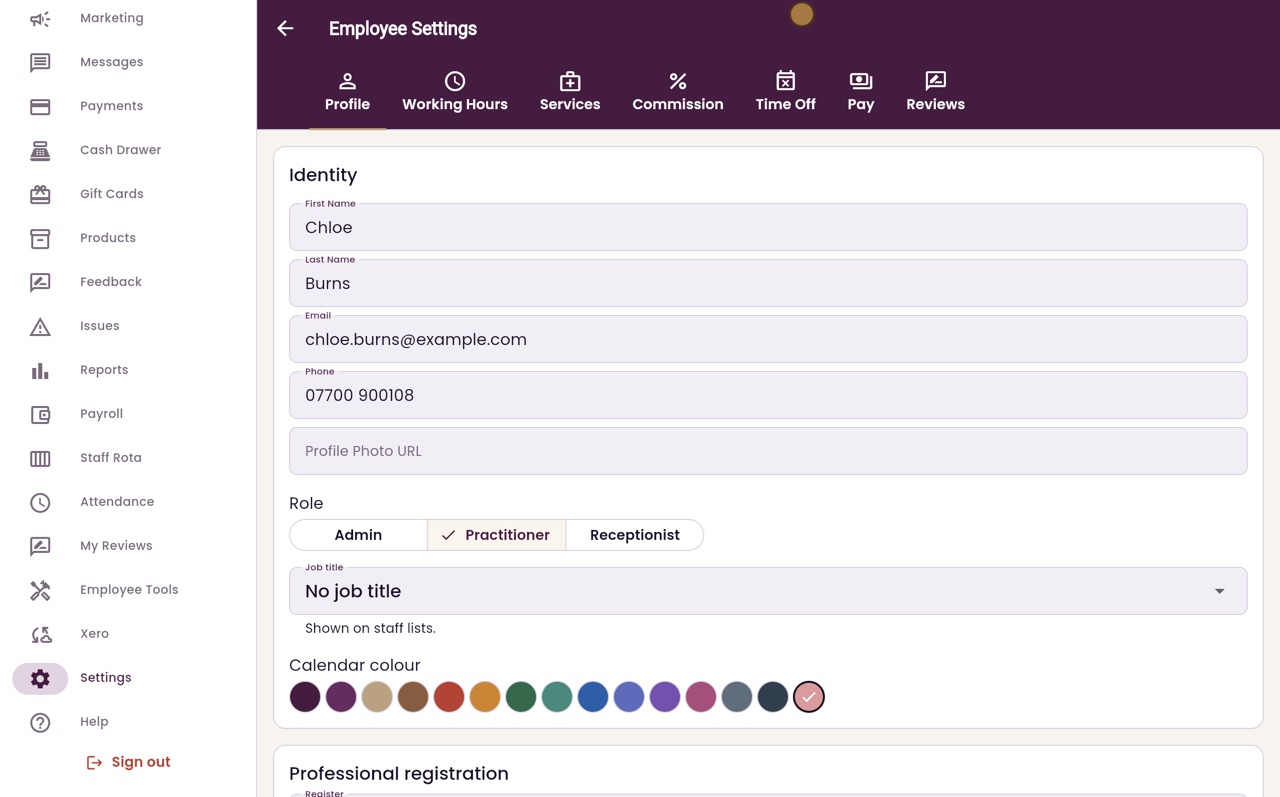
Calendar colour and prescriber details
Choose the colour a person's appointments show in, and record their professional registration and whether they prescribe.
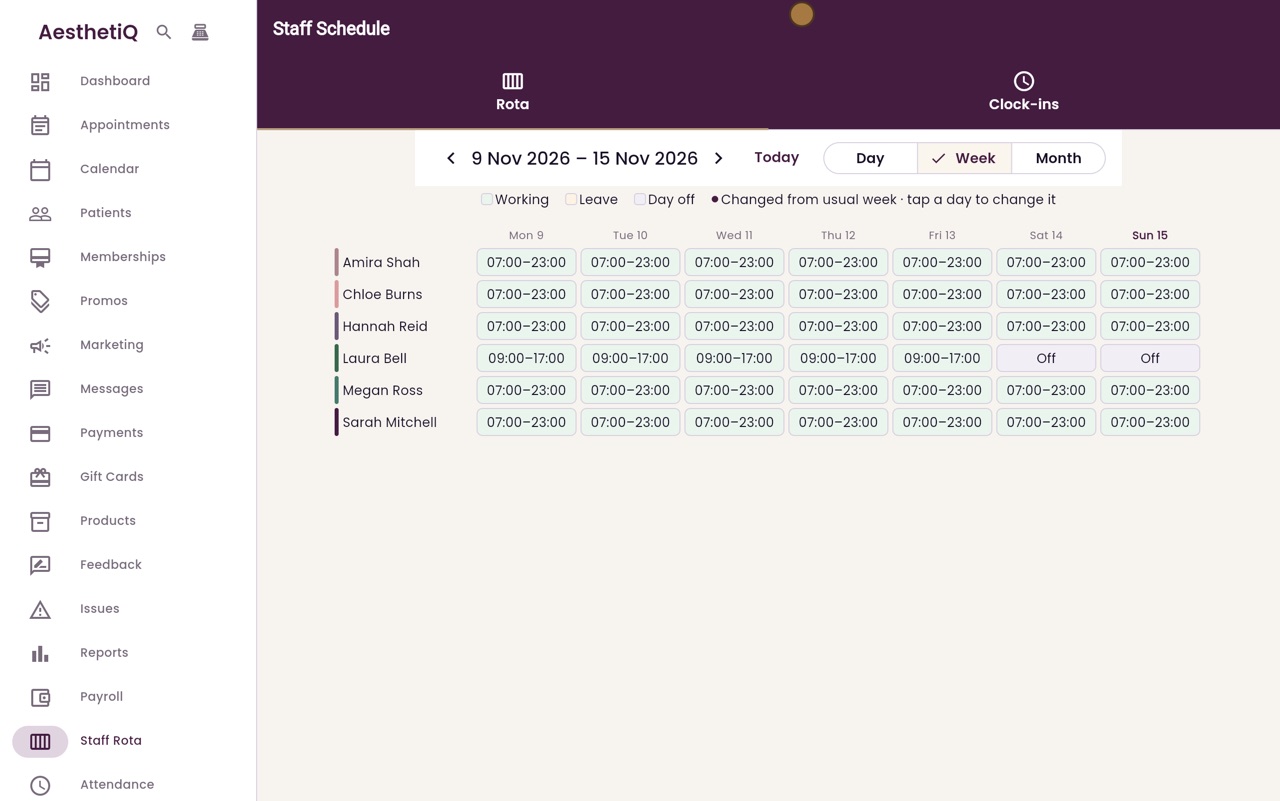
The staff rota
See who is working, on leave or off each day, and change a single day without changing anyone's usual week.
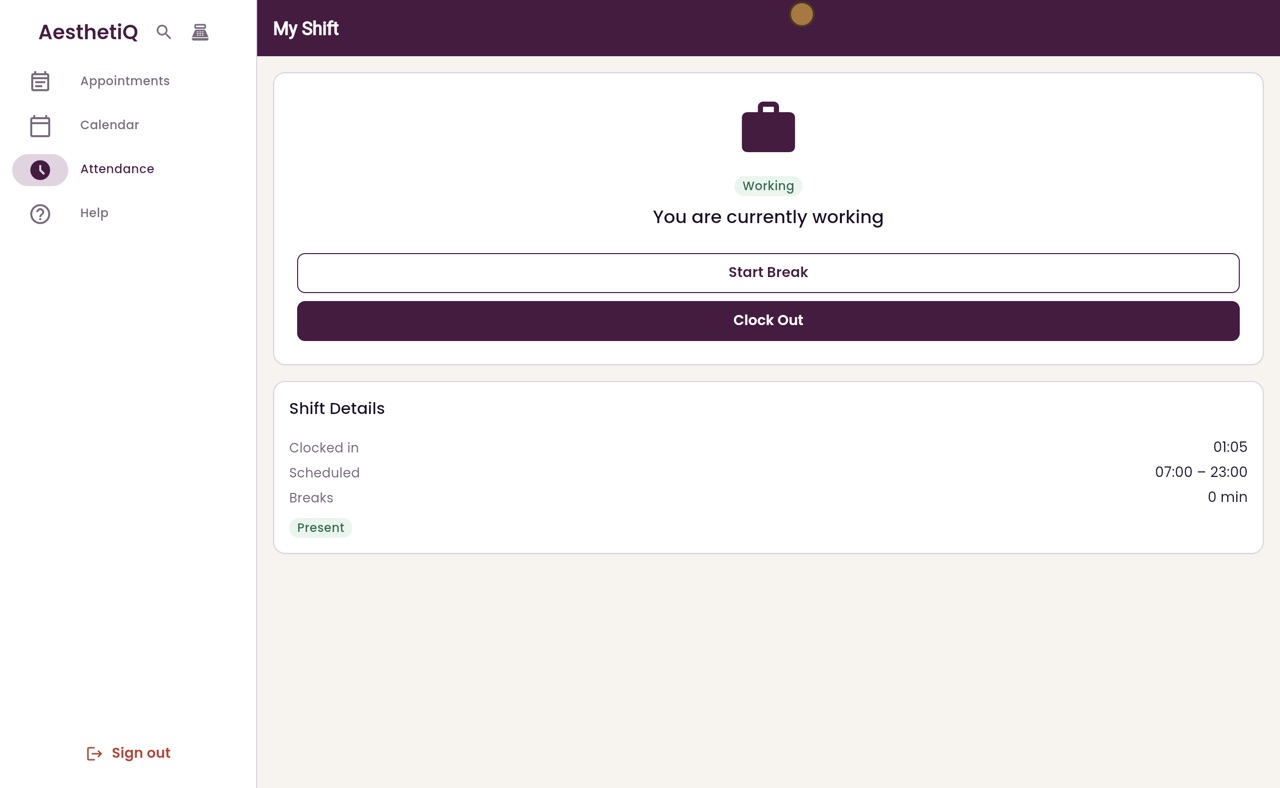
Clocking in and out
Every member of staff clocks themselves in when they arrive, takes breaks, and clocks out when they leave, on the Attendance screen.
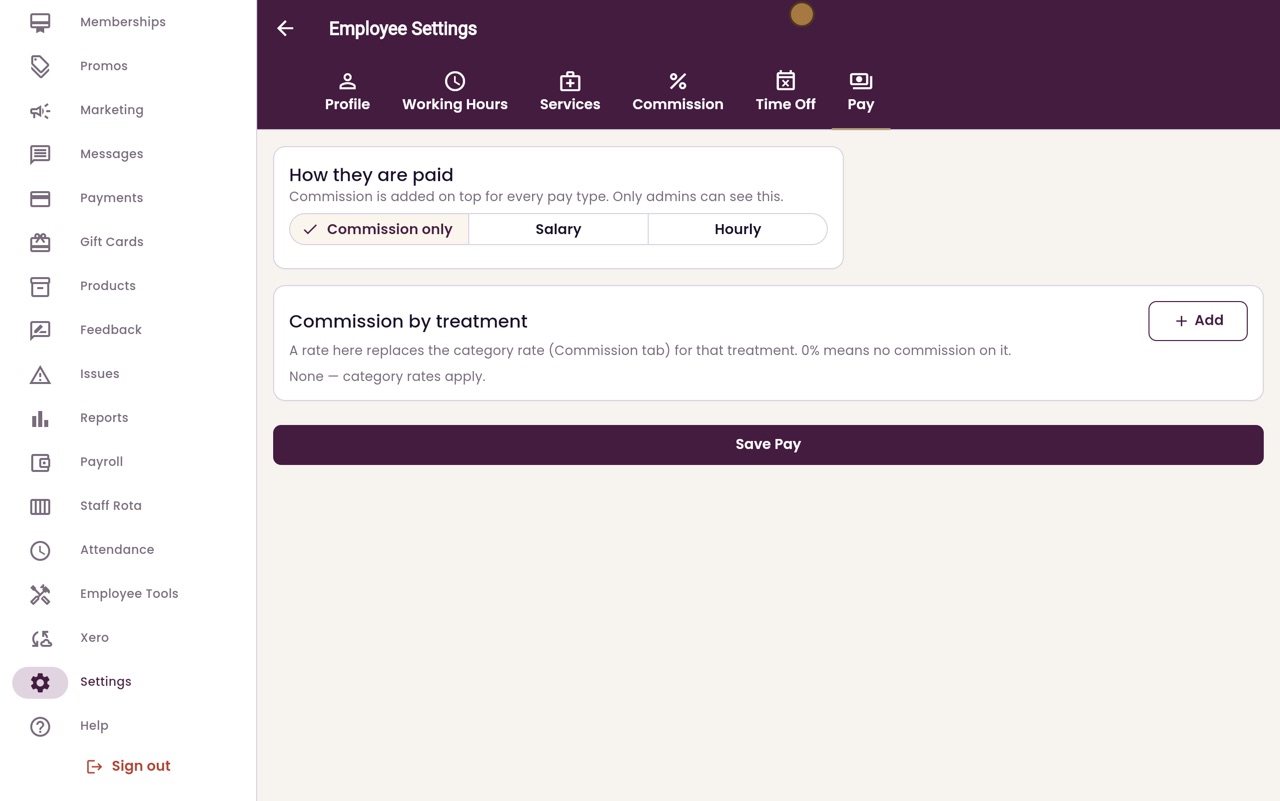
Pay type and commission
Choose how each person is paid, then add commission for a group of treatments or for one treatment.
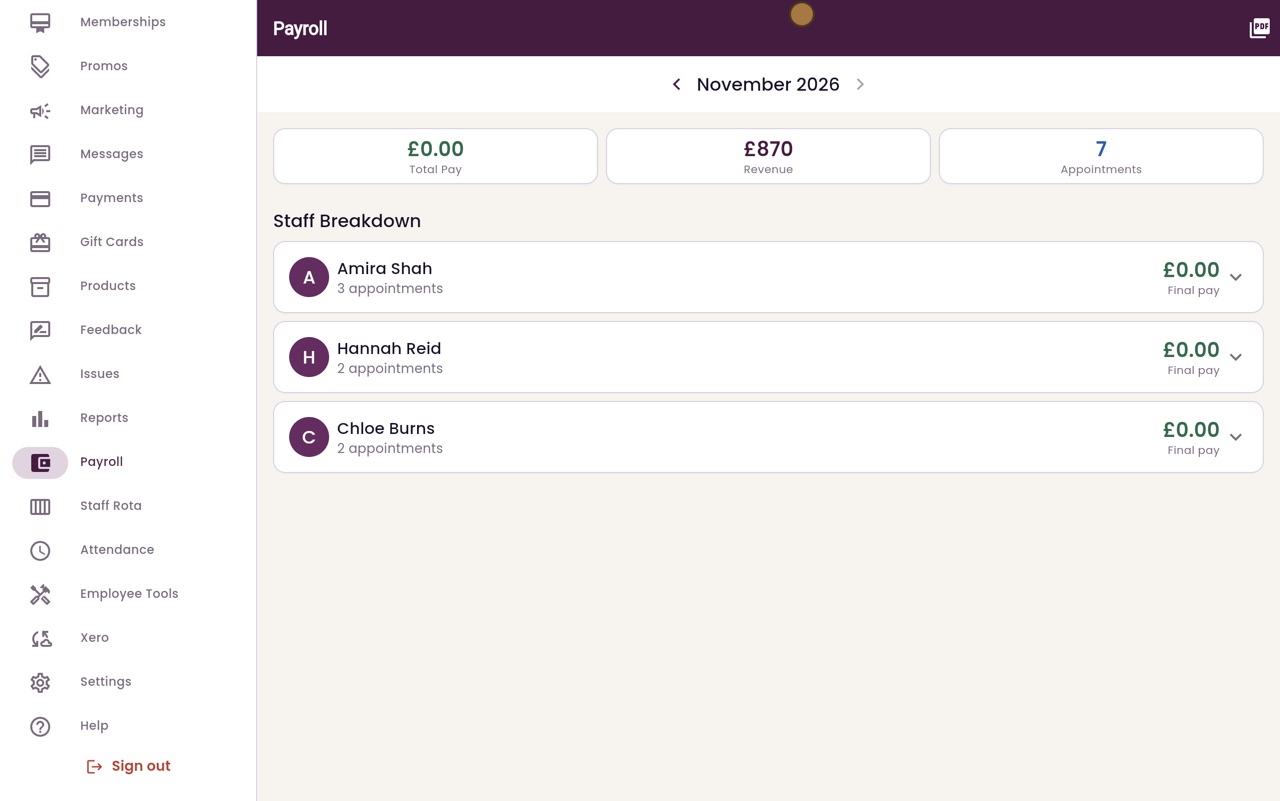
Running payroll
See what each member of staff has earned this month, and add a bonus or a deduction.
Staff performance reviews
Write a review for a member of staff with a rating for each area, their strengths, what to improve and goals. It stays a private draft until you share it, and every review stays on their Reviews tab.
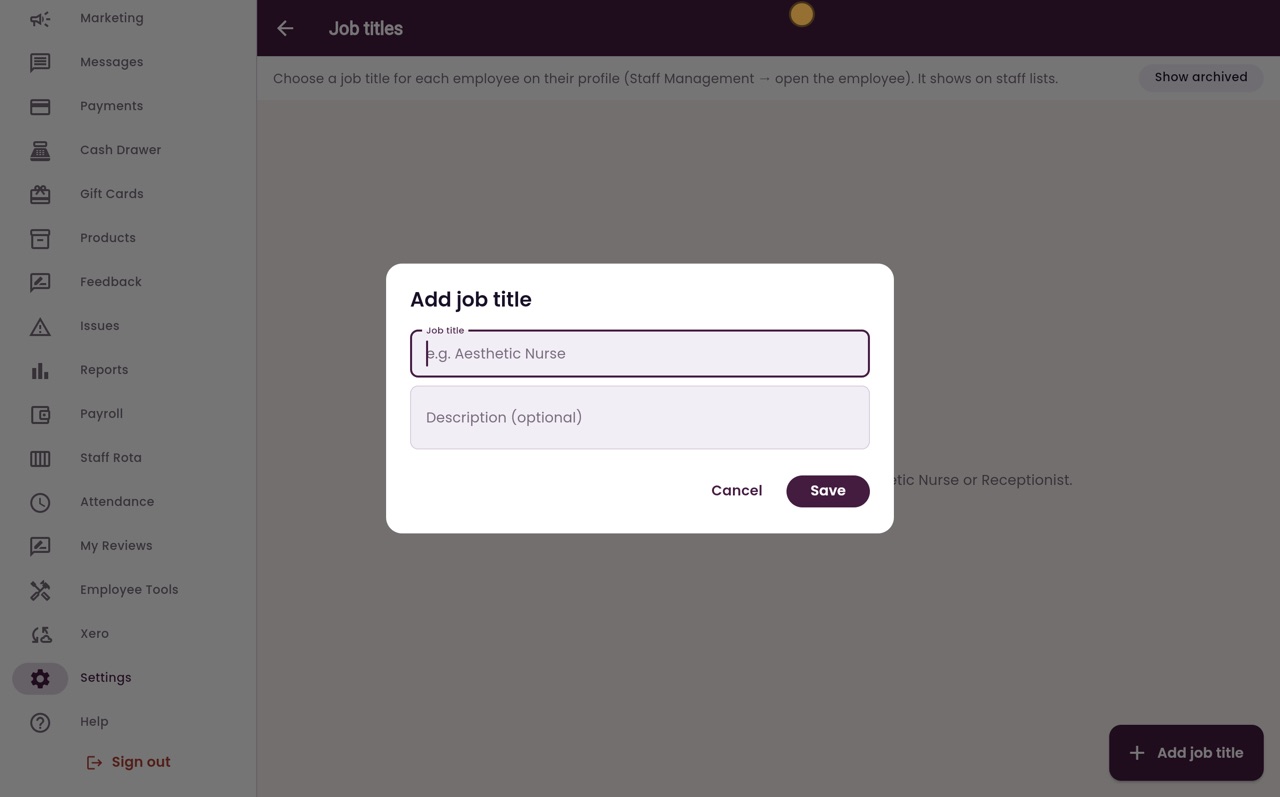
Job titles
Keep one list of the jobs people do at the clinic, then choose a title on each employee's profile. The title shows on the staff list.