Memberships, packages and gift cards
10 guides, 15 minutes in all, in the order to watch them.
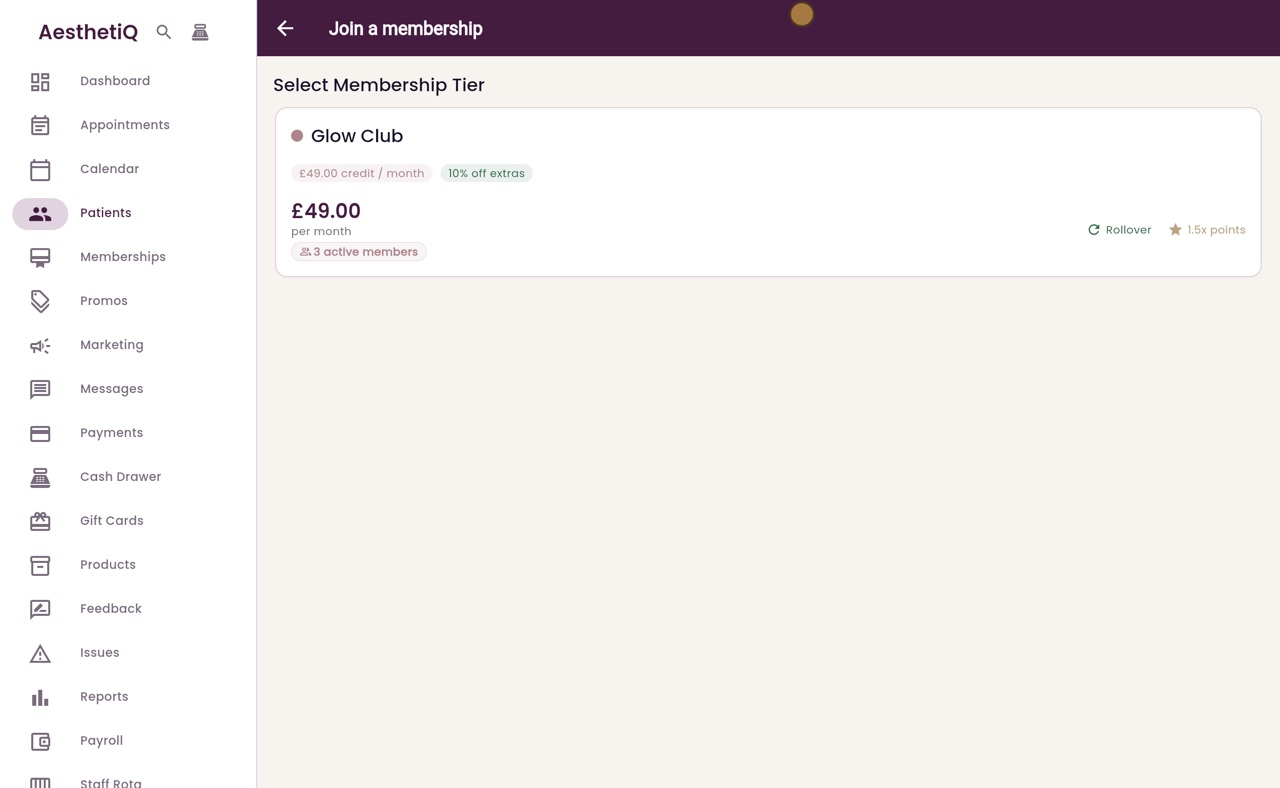
Signing a patient up to a membership
Sign a patient up from their profile, choose the membership, and take the first month by card on the terminal or in cash.
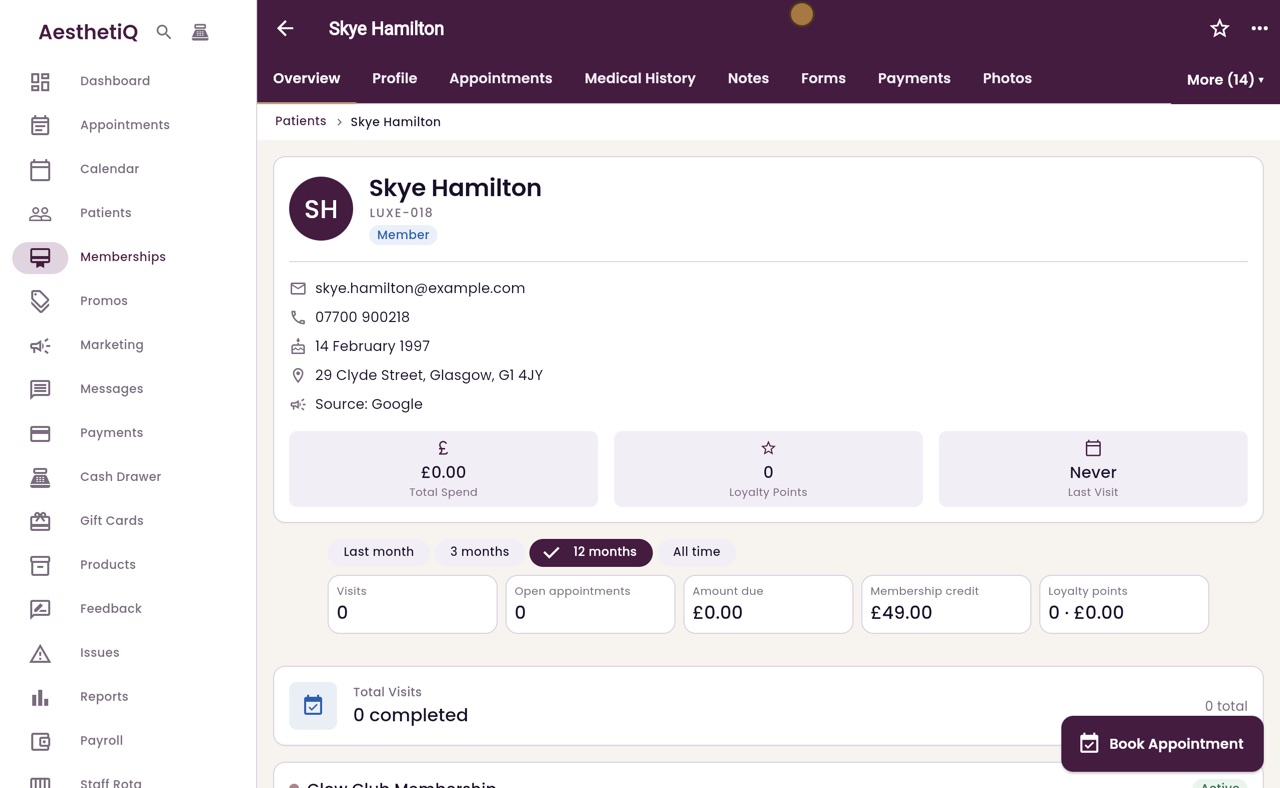
When a membership renewal is waiting for payment
A member with no card on file pays each month at the desk. The Memberships screen lists every renewal waiting, and the patient's profile takes the payment.
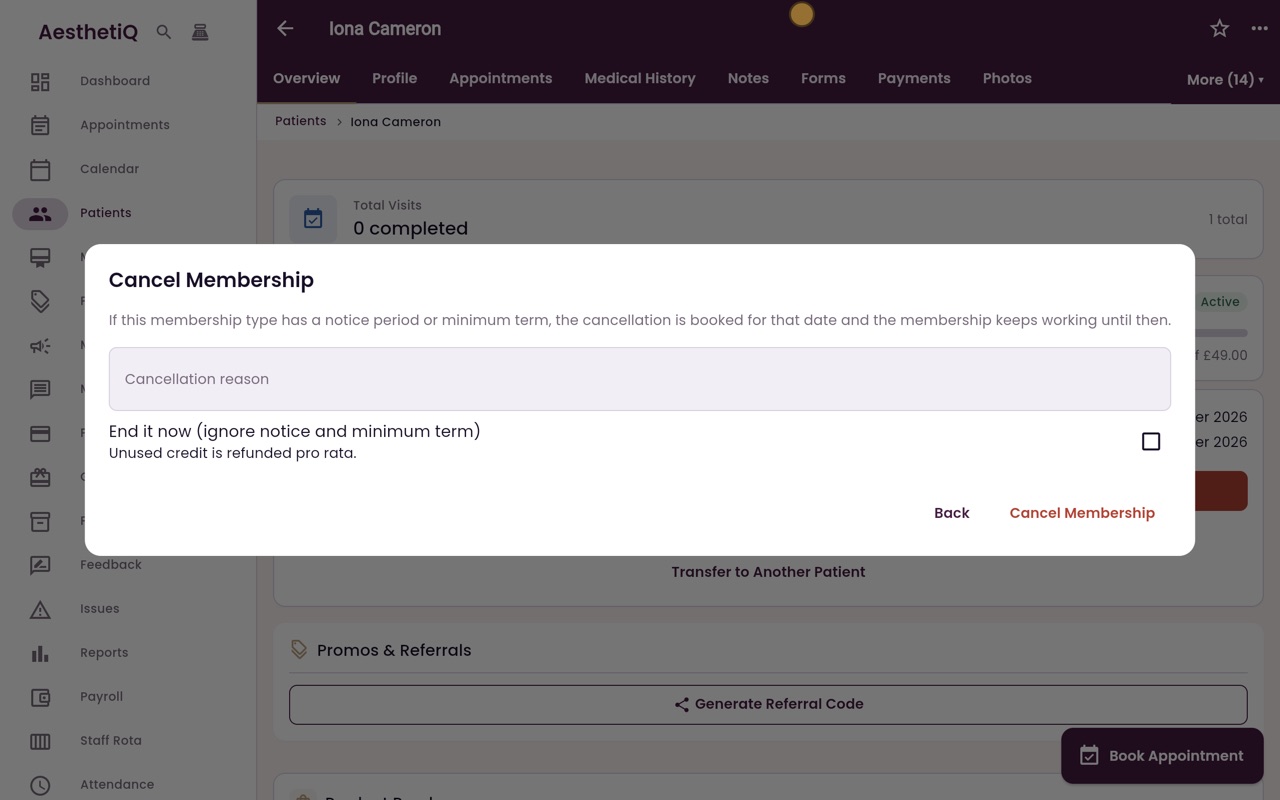
Cancelling a membership with notice
Cancel from the patient's profile. AesthetiQ books the end date from the notice period and minimum term, and the membership keeps working until then.
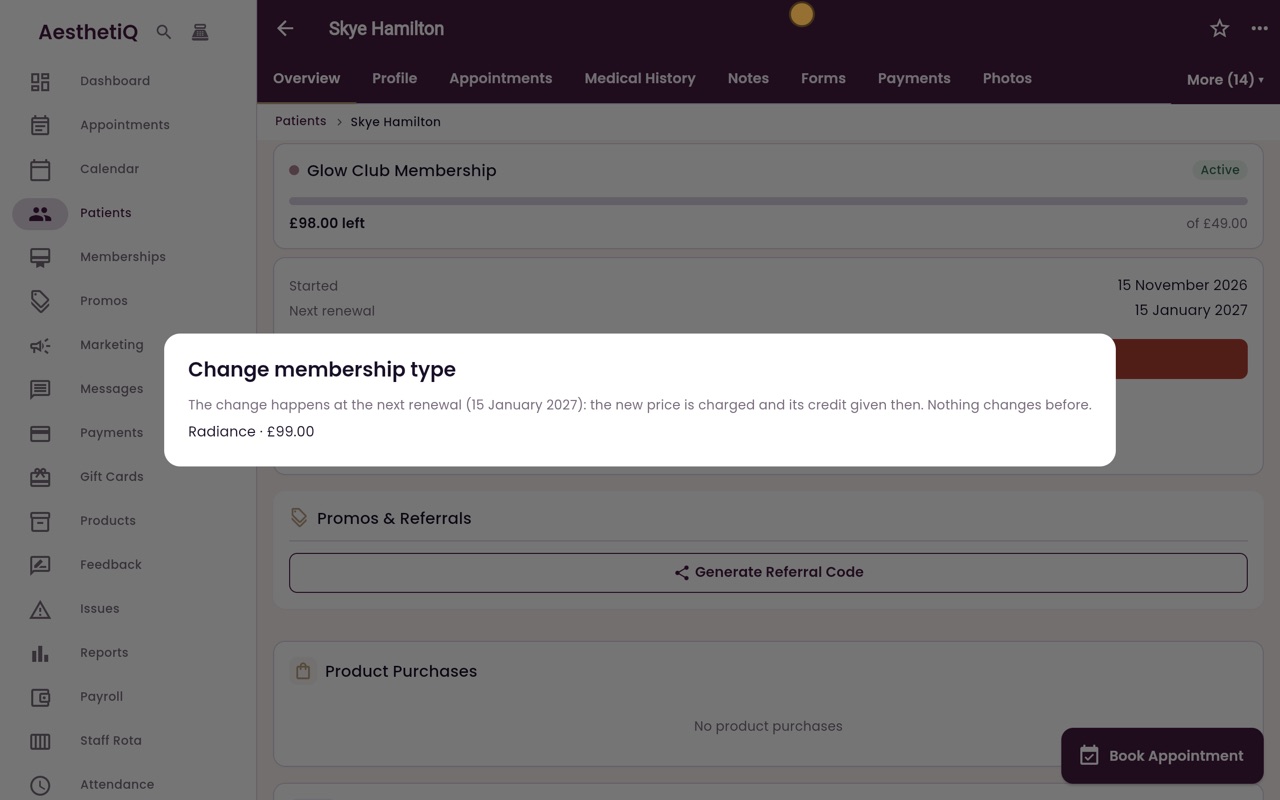
Changing membership type at renewal
Move a member to a different membership. The change is booked for the next renewal, when the new price is charged and the new credit given.
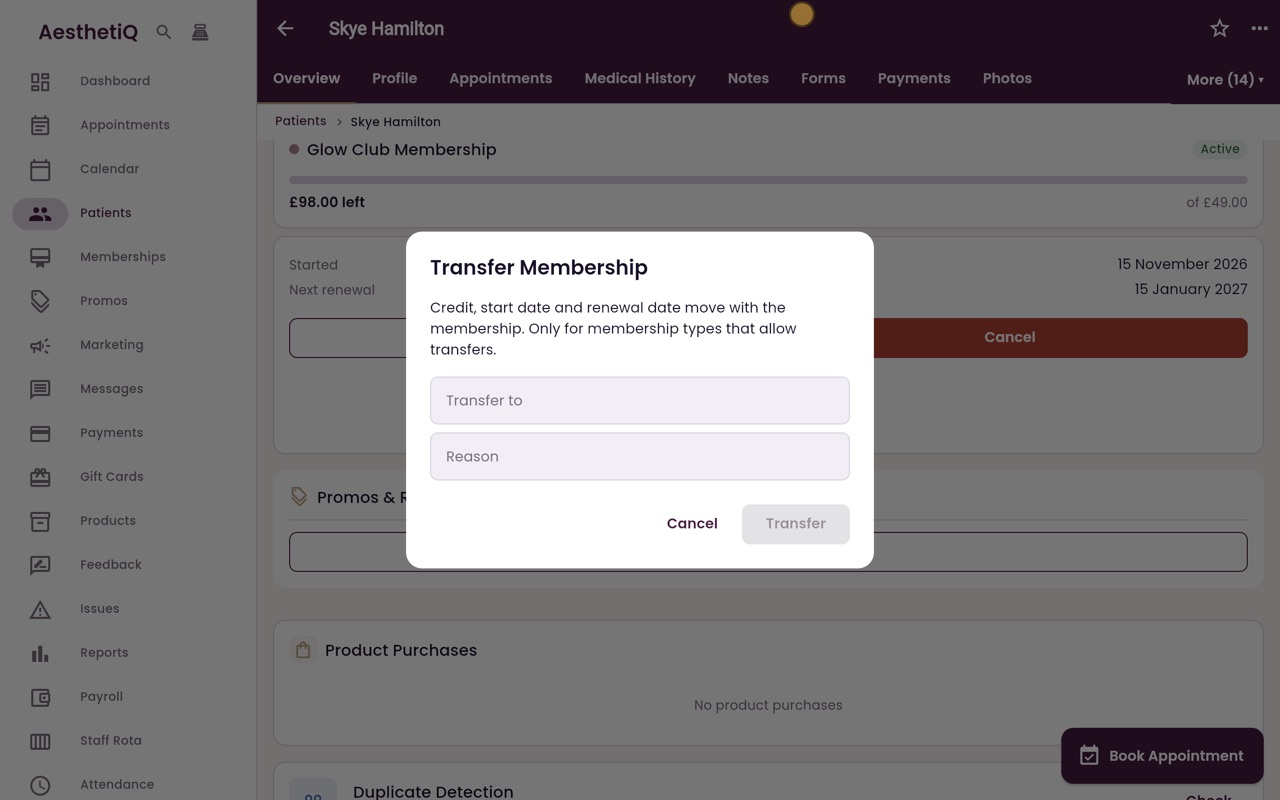
Transferring a membership to another patient
Move a membership to another patient. The credit, start date and renewal date go with it.
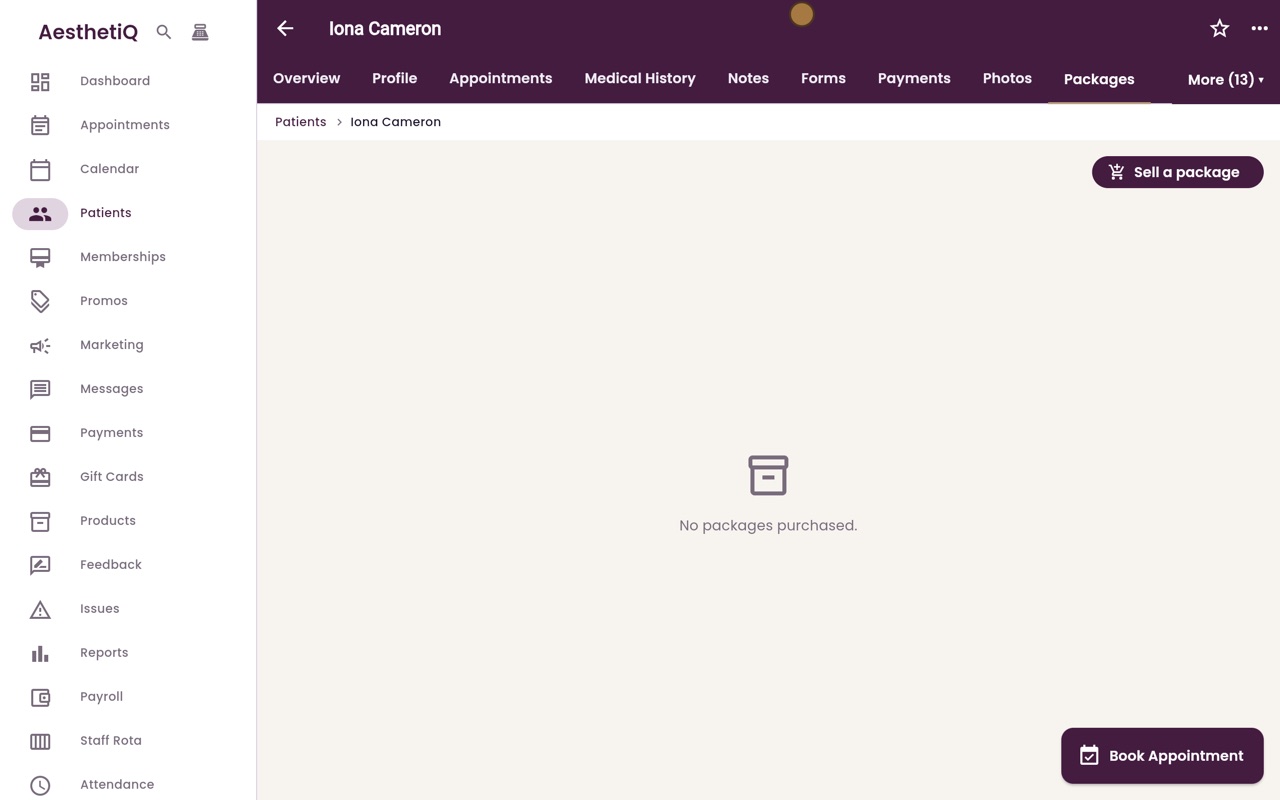
Selling a package
Sell a course of treatments from the patient's profile, paid for up front by card or in cash.
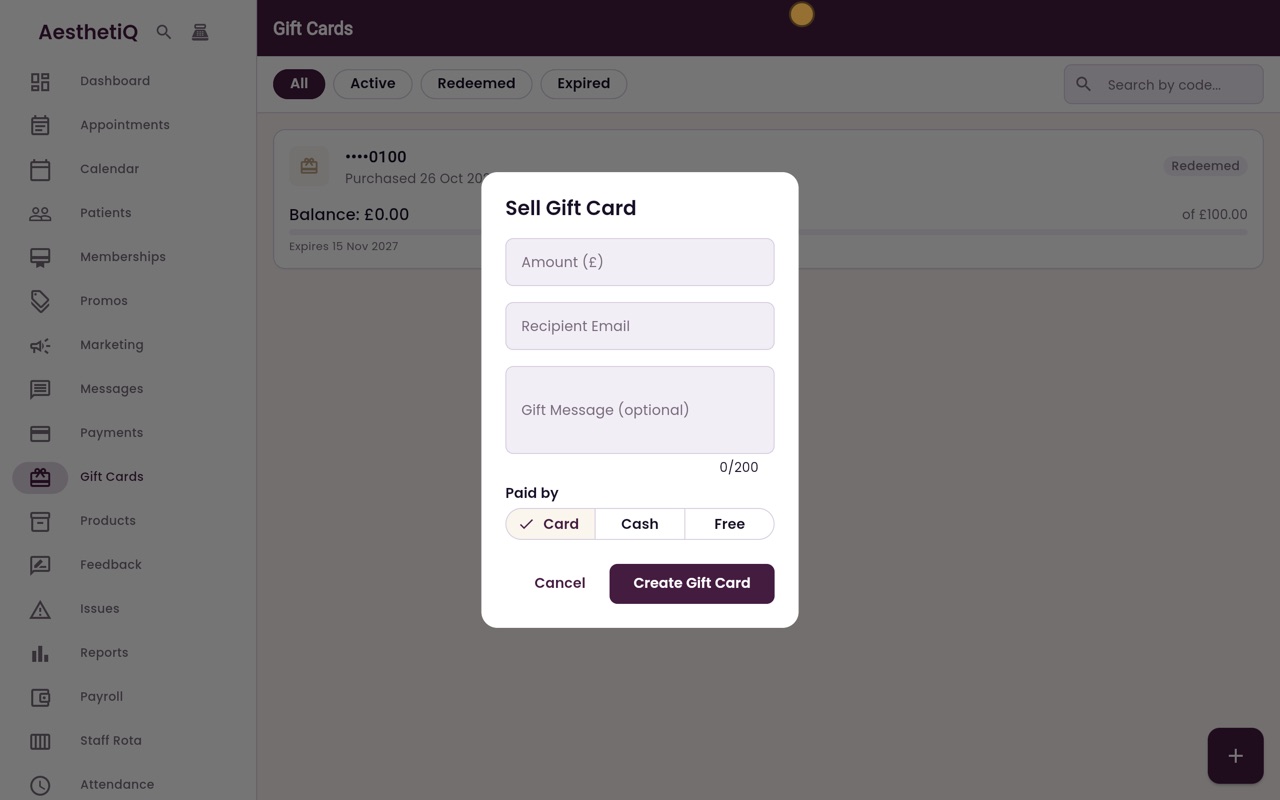
Selling a gift card
Sell a gift card at the desk for up to five hundred pounds. It is emailed to the person receiving it.
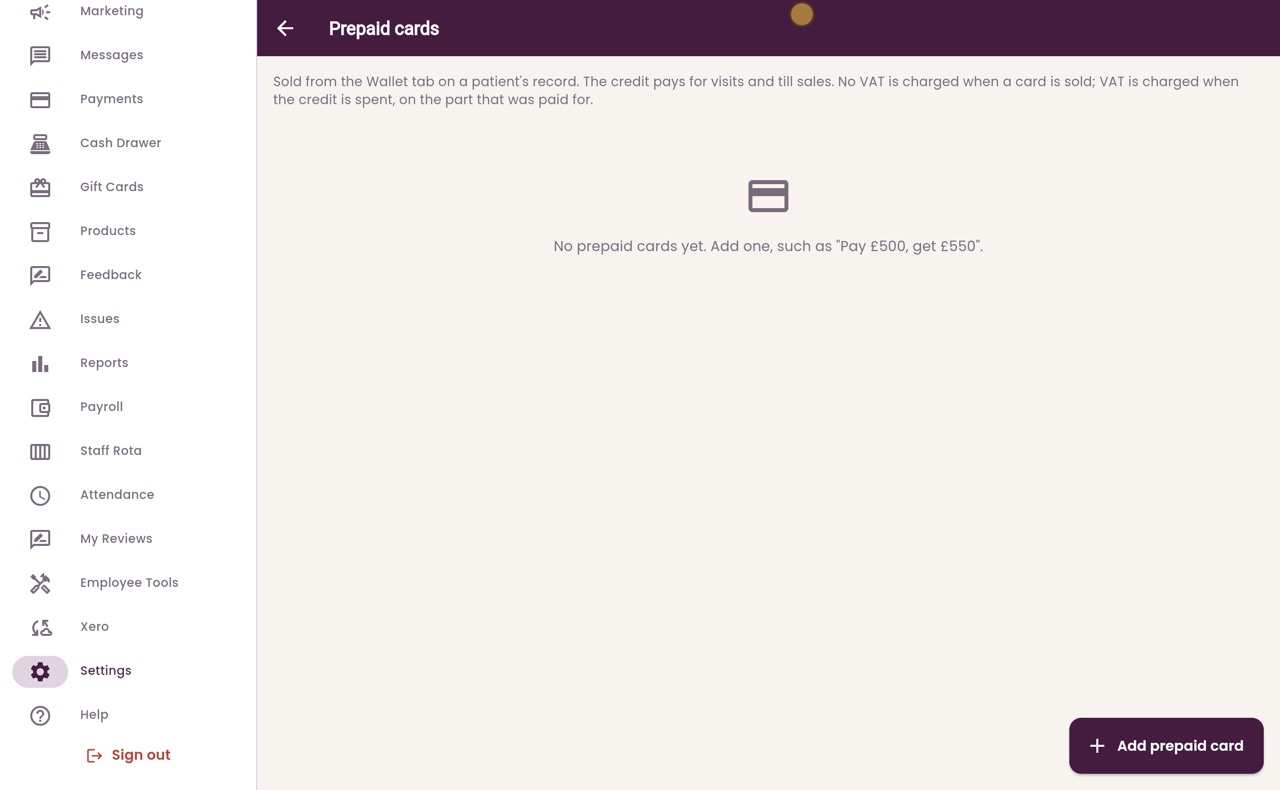
Prepaid cards: setting up what you sell
Add the prepaid cards the clinic sells, such as pay £500 and get £550 of credit. Reception sells them from the patient's Wallet tab.
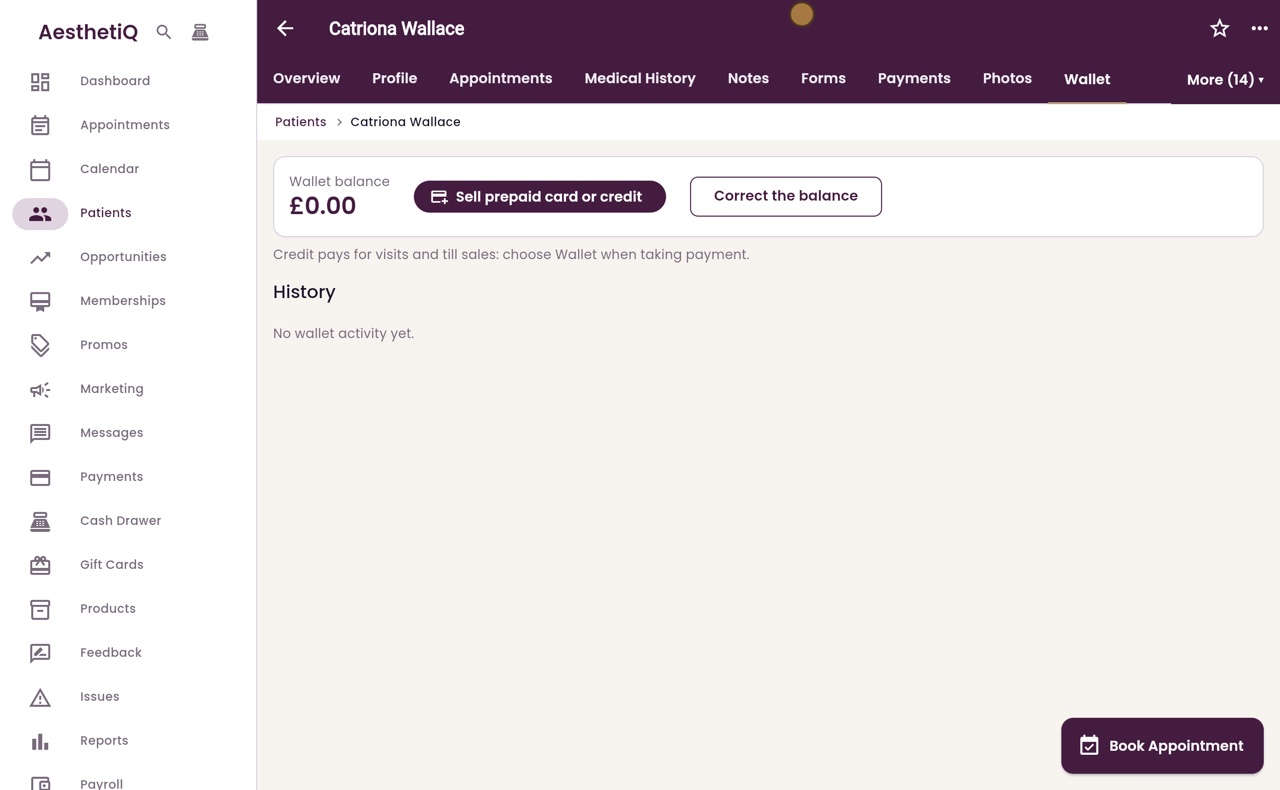
Selling a prepaid card and the wallet
Sell a prepaid card from the patient's Wallet tab. The credit goes into their wallet, and every change is listed in the history.
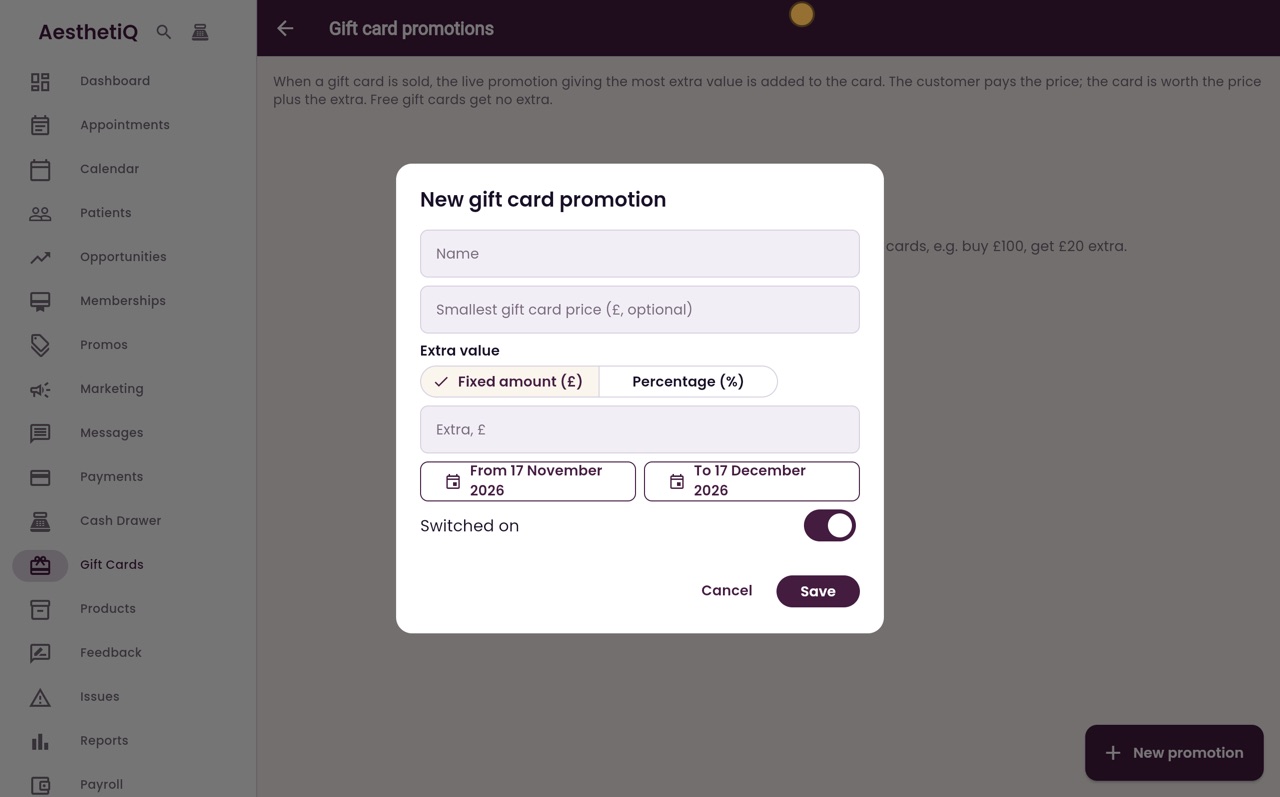
Gift card promotions
Offer extra value on gift cards between two dates, such as buy a £100 gift card and get £20 extra. The customer pays the price and the card is worth the price plus the extra.