Transferring a membership to another patient
Move a membership to another patient. The credit, start date and renewal date go with it.
Where
The member's overview, Transfer to Another Patient.
Who to
Search for the new patient by name and choose them.
After
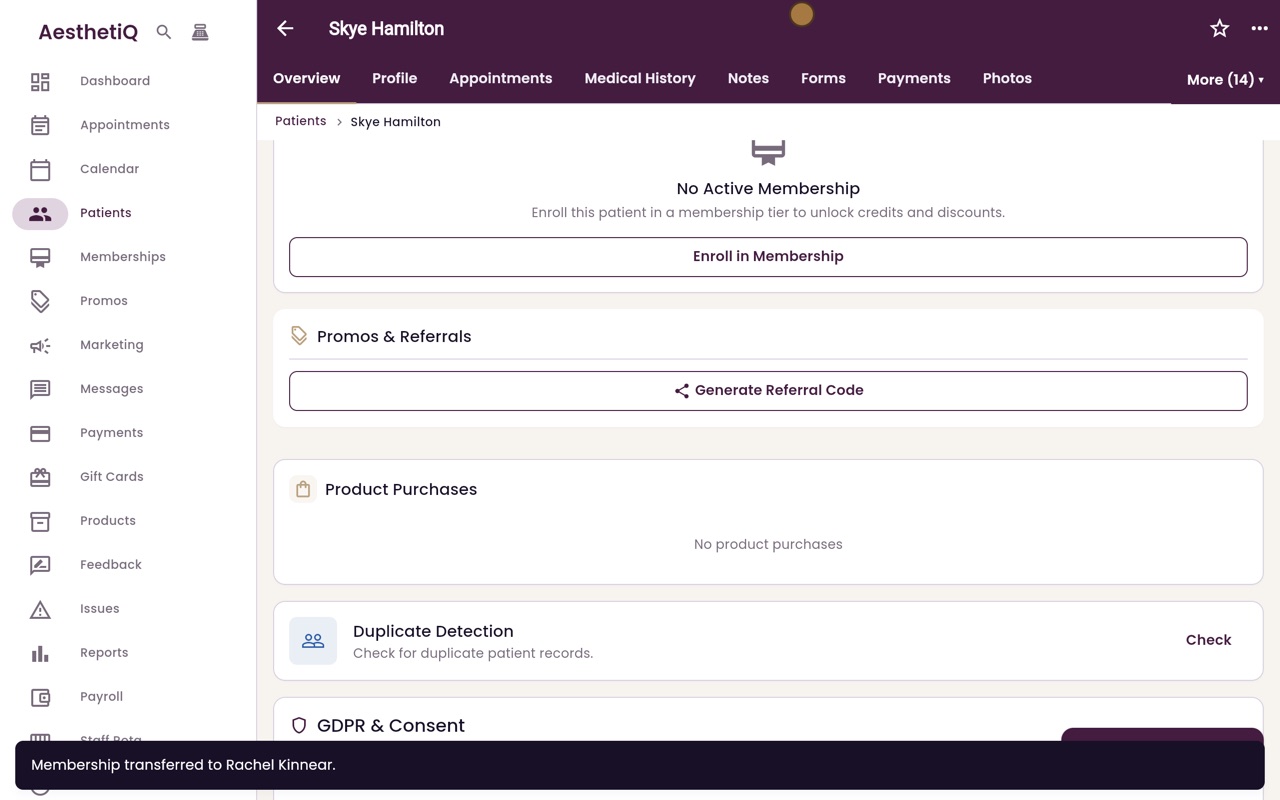
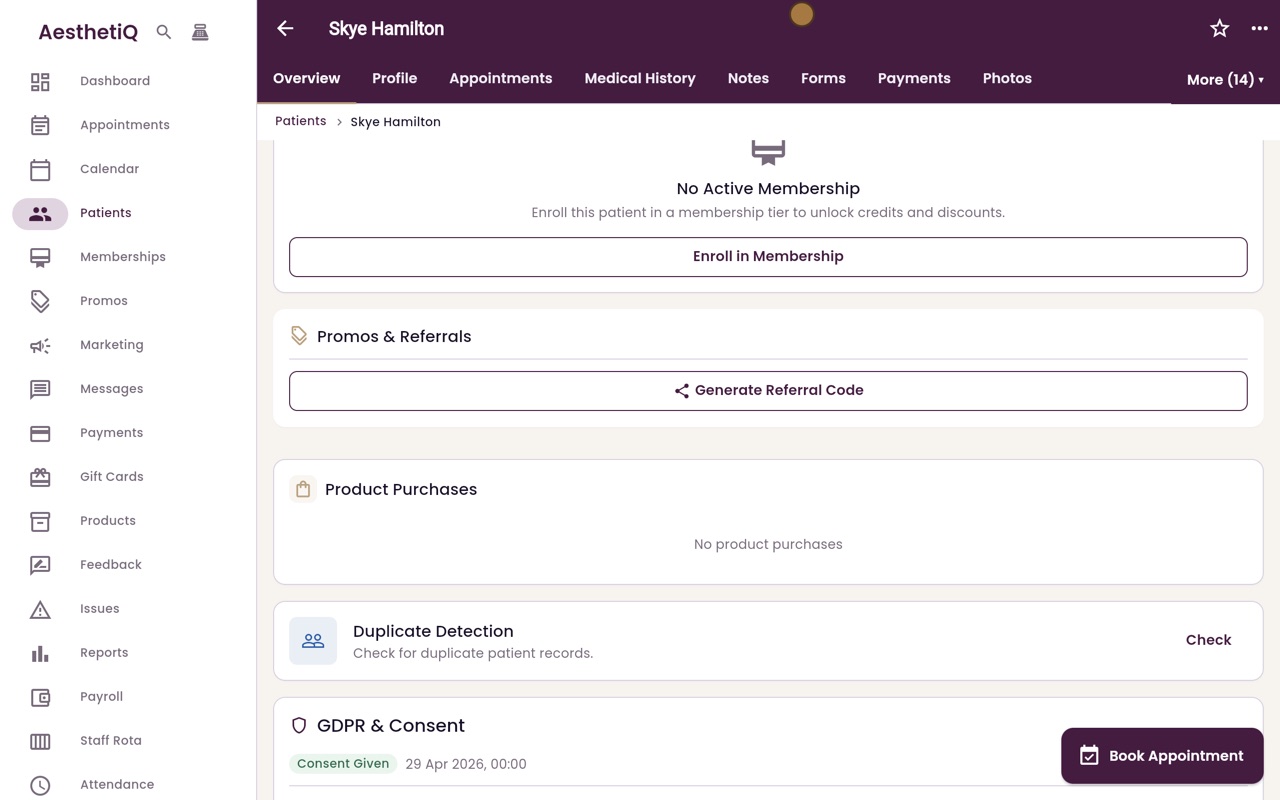
The membership leaves the first patient's profile.
Step by step
- 01Libby
Giving a membership away
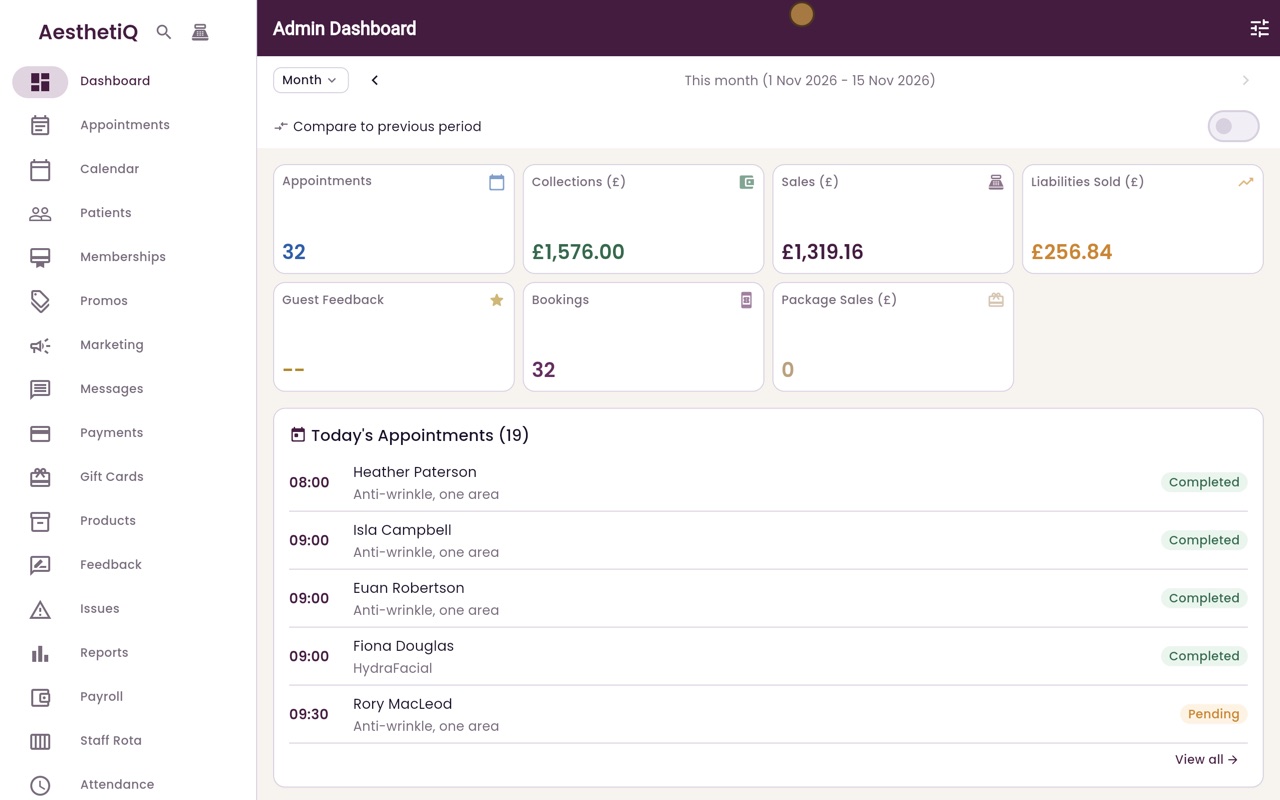
Hi, I am Libby. Some memberships can be given to another patient, for example when a member moves away. The credit, start date and renewal date go with it.
- 02Ryan
Open the membership
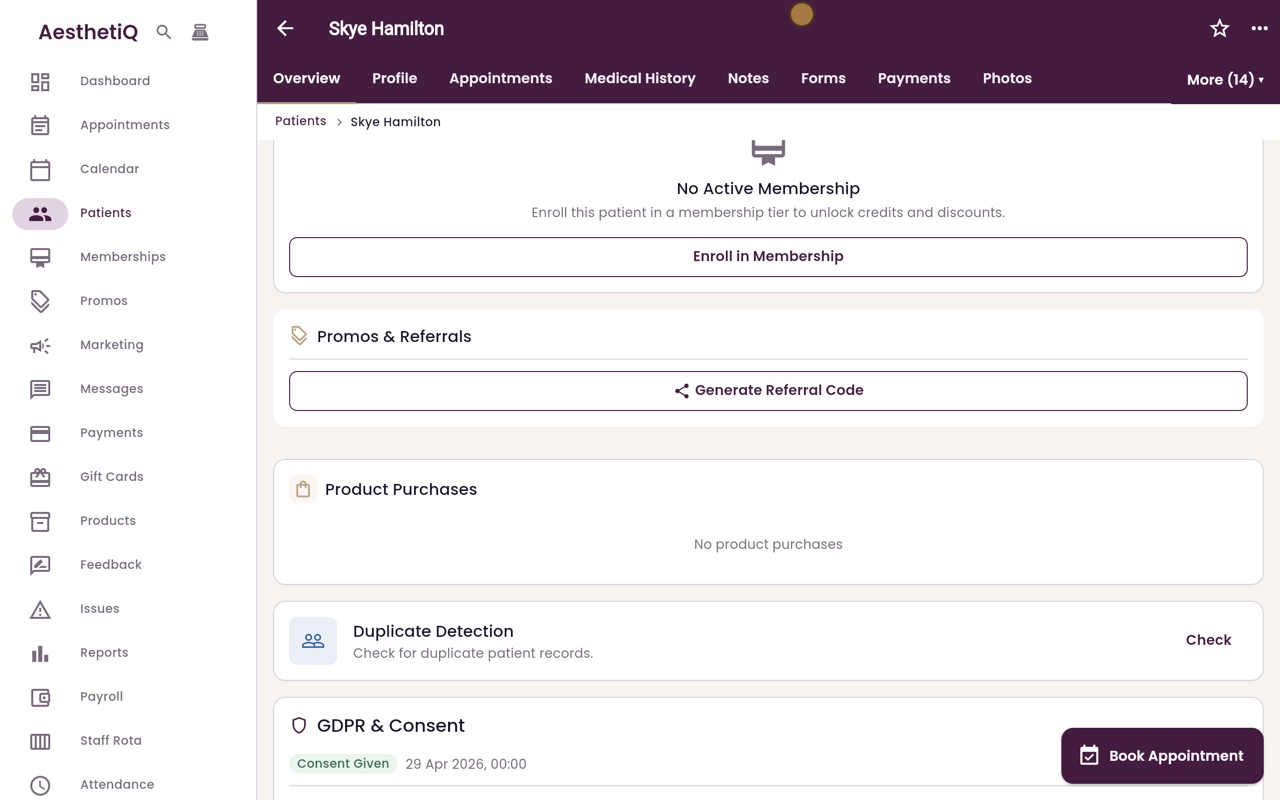
Thanks Libby. Skye Hamilton is moving away and is giving her Glow Club to her friend, Rachel Kinnear. Click Patients, search for Skye and open her profile. On her membership, click Transfer to Another Patient.
- 03Ryan
Choose the new patient
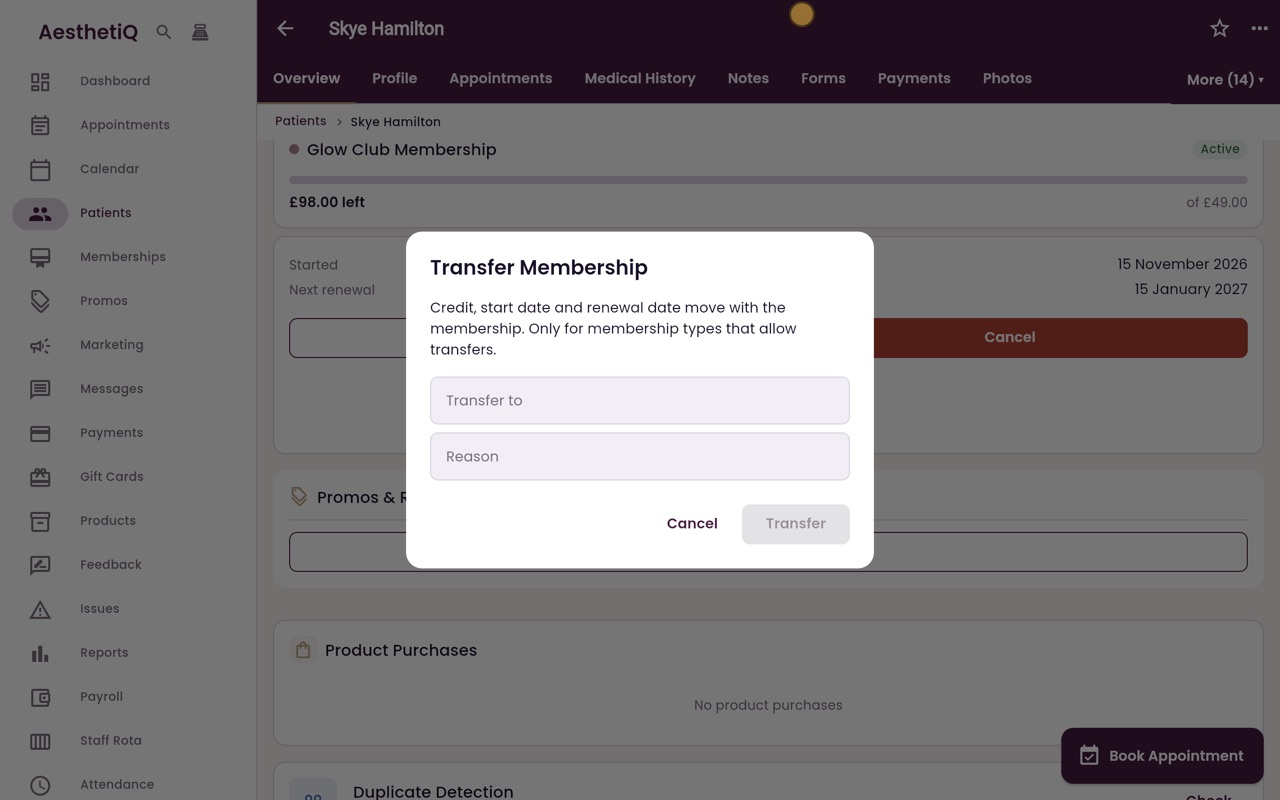
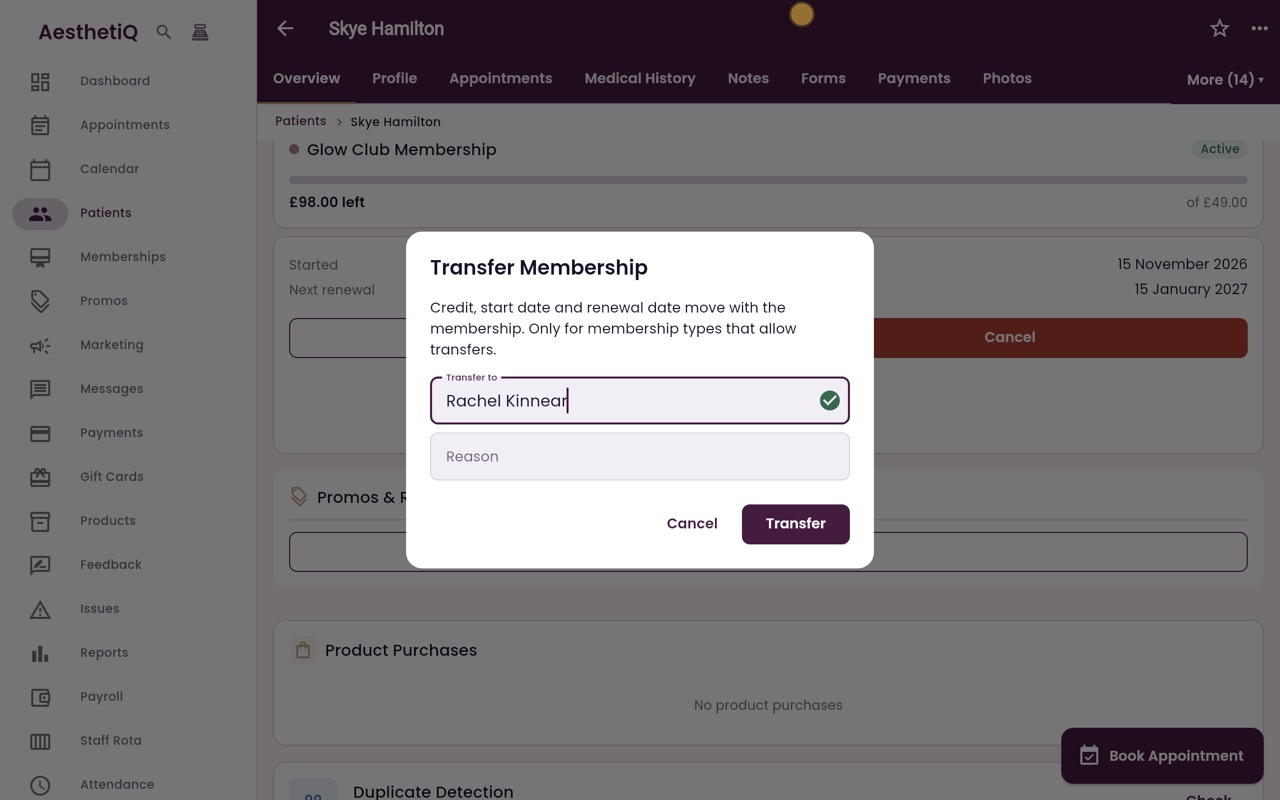
The box says what moves with the membership. In Transfer to, type the new patient's name, and choose Rachel Kinnear from the list.
- 04Ryan
Reason and transfer
In Reason, type why it is being transferred: here, moving away, given to a friend. Then click Transfer.
- 05Ryan
Transferred
AesthetiQ confirms the membership has been transferred to Rachel Kinnear, and it is no longer on Skye's profile.
- 06Libby
Done
That is transferring a membership. Only membership types set up to allow transfers can be moved.