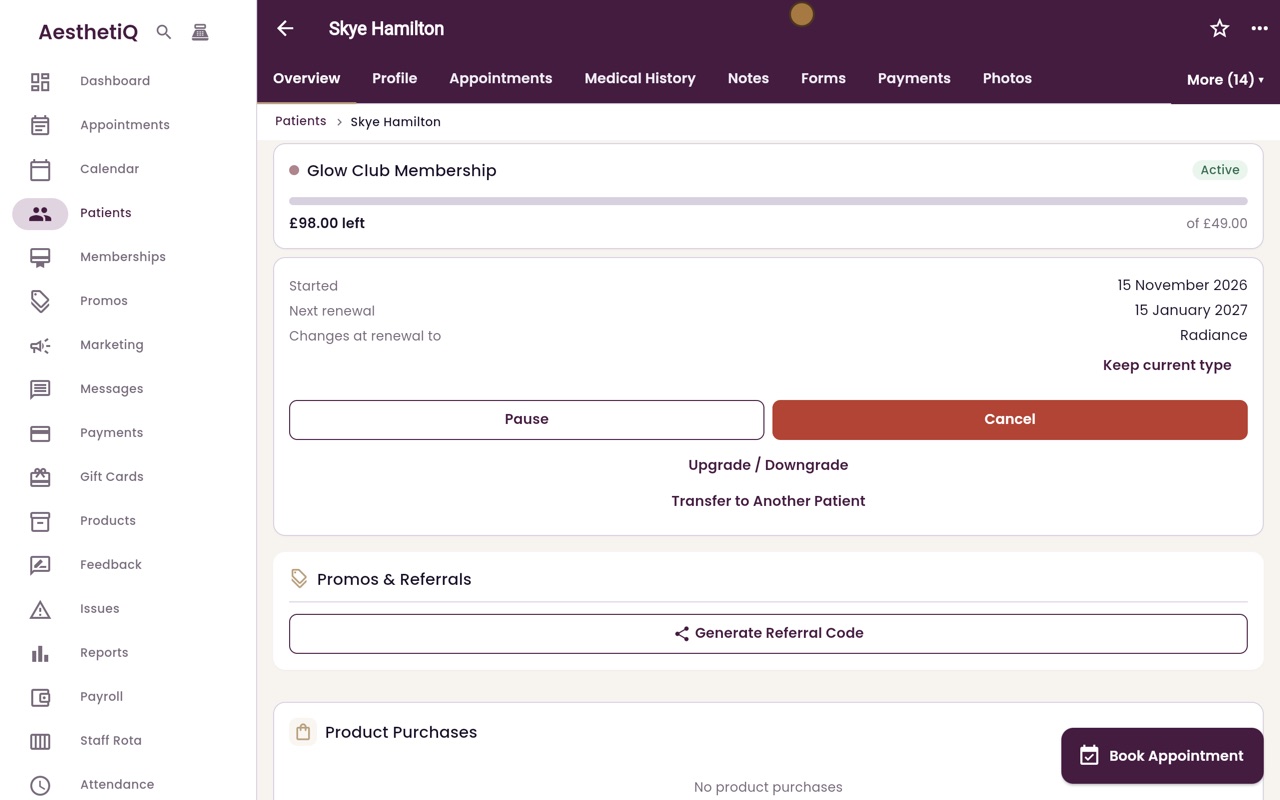
Changing membership type at renewal
Move a member to a different membership. The change is booked for the next renewal, when the new price is charged and the new credit given.
Where
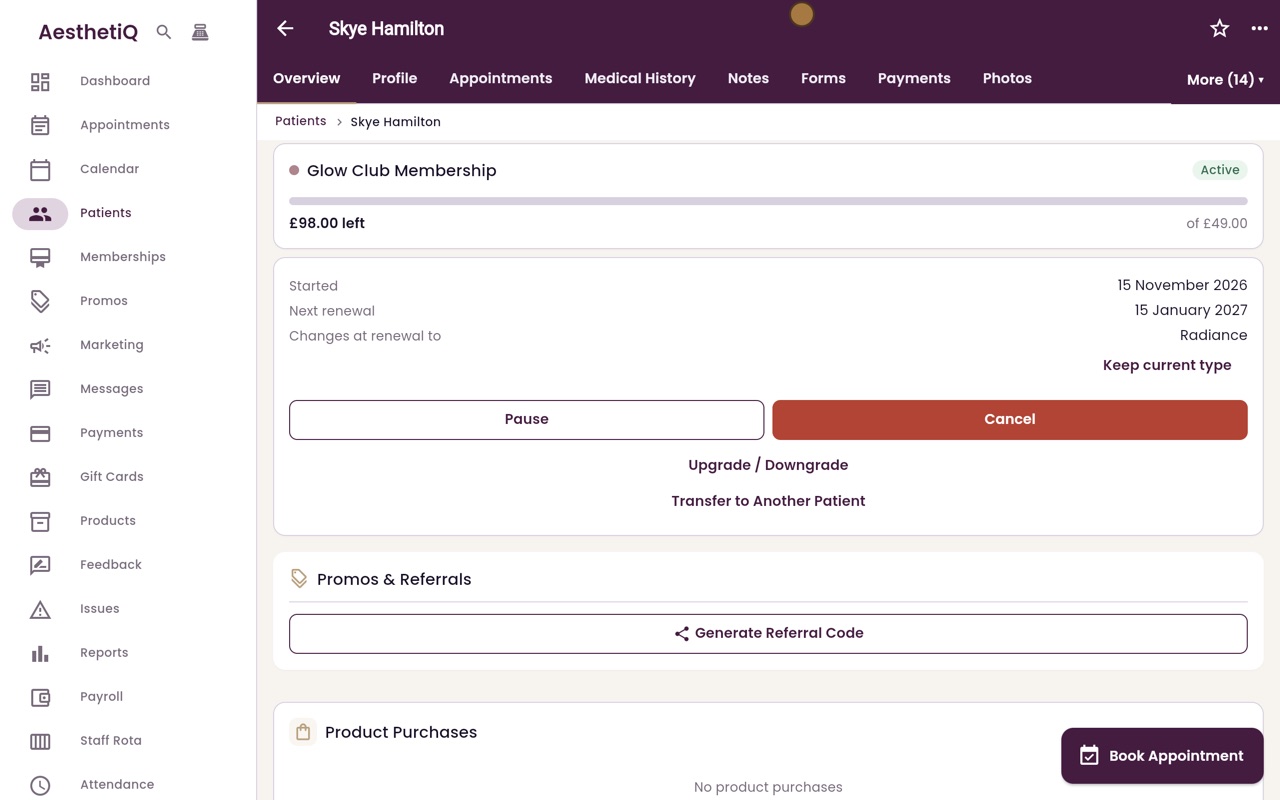
The patient's overview, Upgrade / Downgrade.
When
At the next renewal date shown in the box.
Undo
Keep current type, before the renewal.
Step by step
- 01Libby
Up or down
Hi, I am Libby. A member can move to a different membership, up or down. The change happens at the next renewal, so nothing changes in the month already paid for.
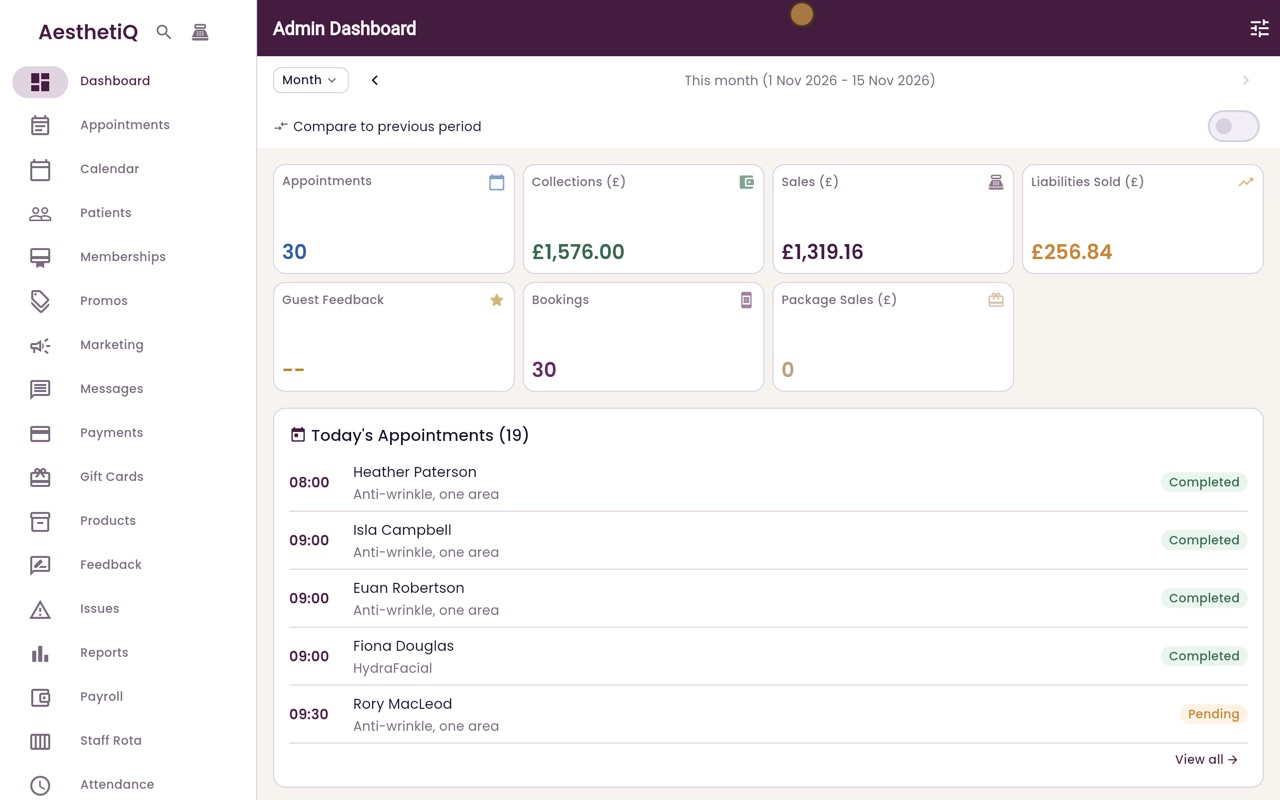
- 02Ryan
Open the membership
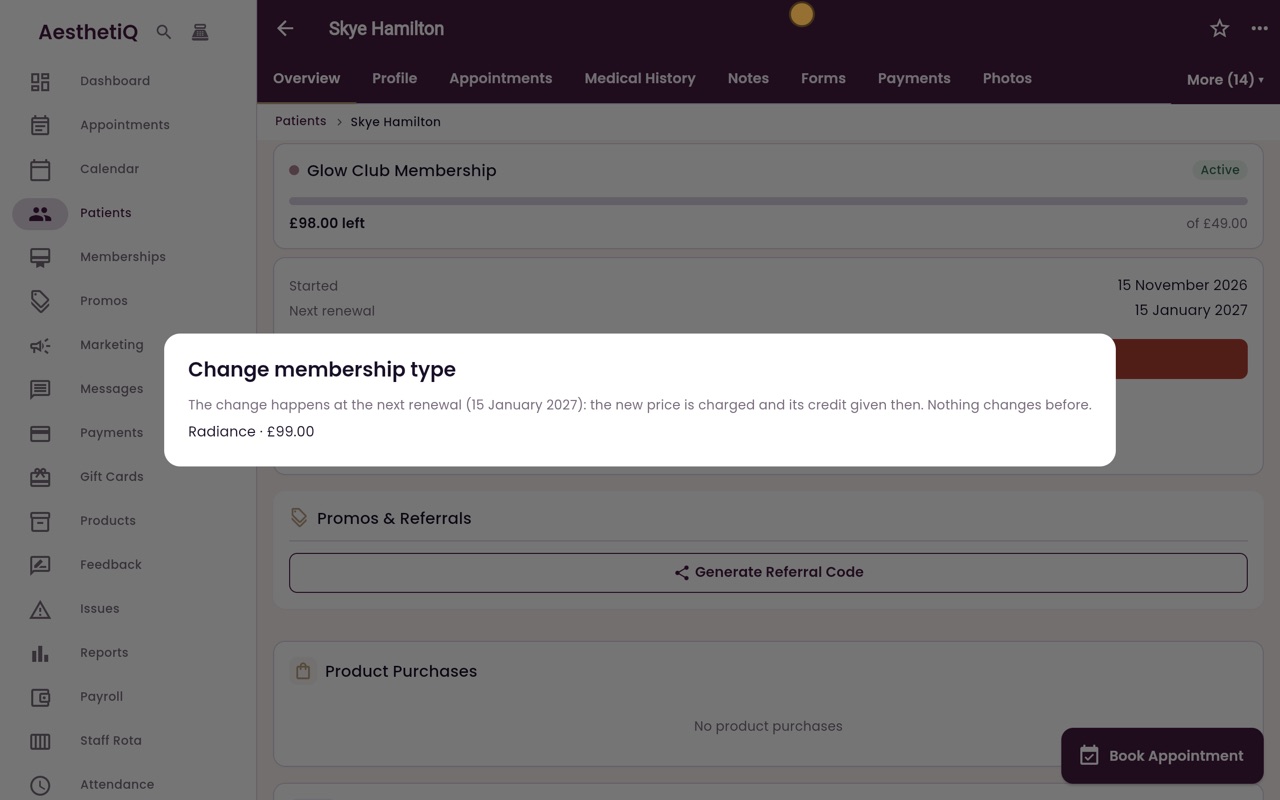
Thanks Libby. Skye Hamilton wants to move up from Glow Club to Radiance. Click Patients, search for her name and open her profile. Her membership is on the overview. Click Upgrade or Downgrade.
- 03Ryan
Choose the new type
The box gives the date of her next renewal. That is when the new price is charged and the new credit given. Click Radiance, ninety nine pounds.
- 04Ryan
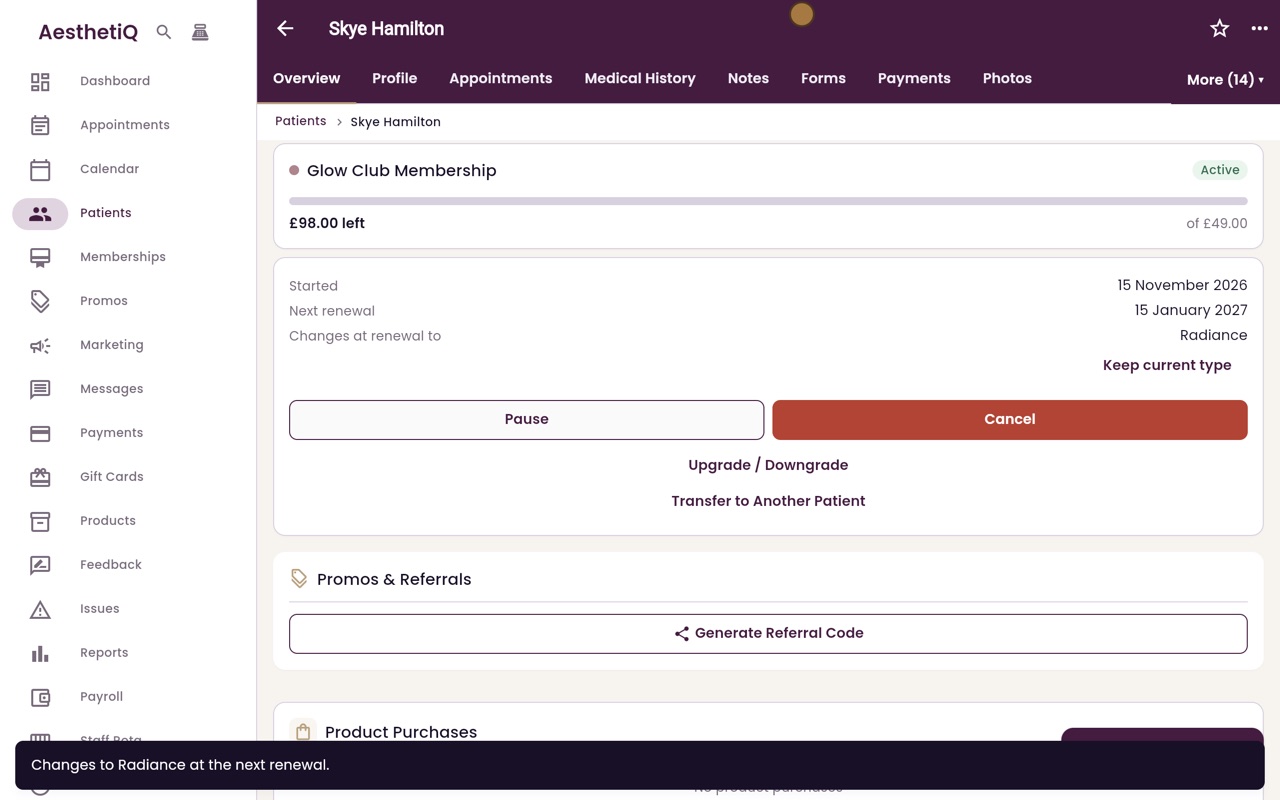
Booked for renewal
AesthetiQ confirms the change at the next renewal. On her membership, Changes at renewal to shows Radiance. Until then she stays on Glow Club.
- 05Libby
Done
That is changing membership type. If she changes her mind before the renewal, click Keep current type.