Reception: opening the day
Reception signs in, clocks in, then looks over the day on the calendar and the run sheet.
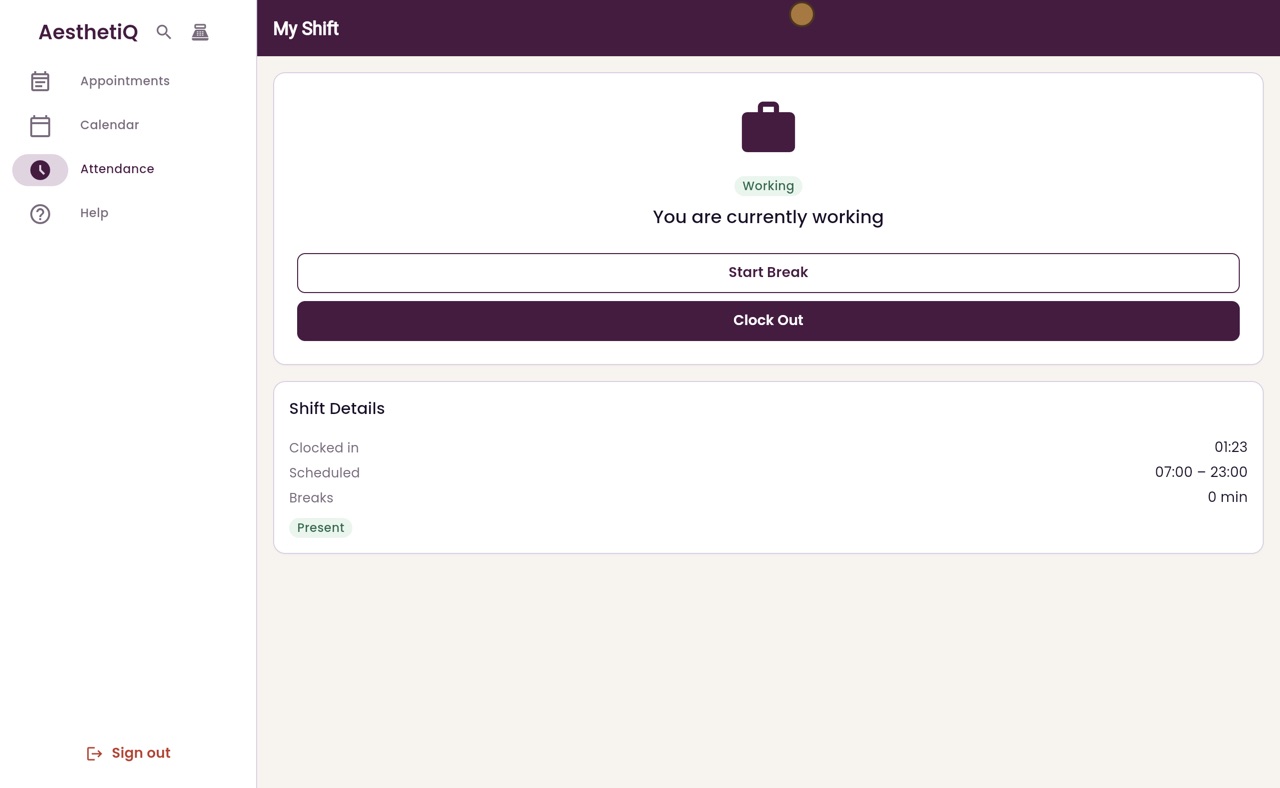
Clock in
Attendance in the menu, then Clock In.
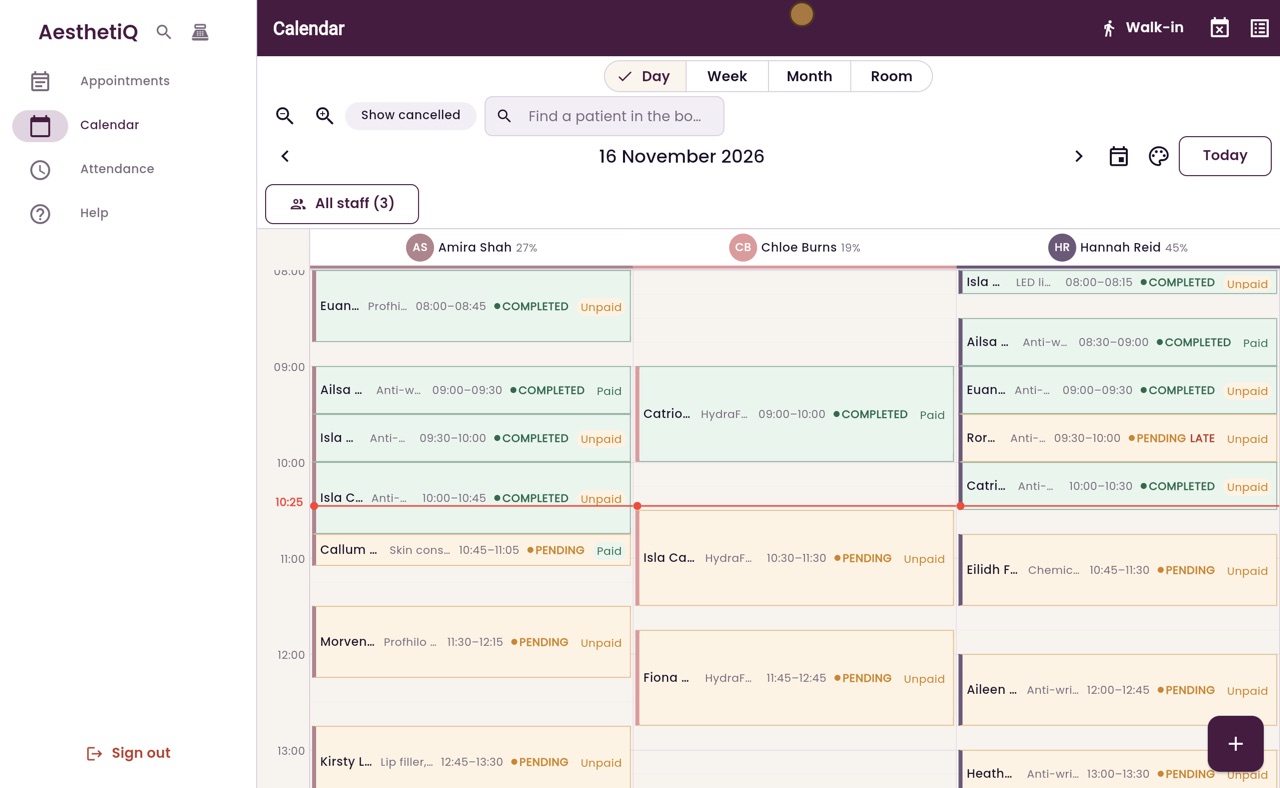
Calendar
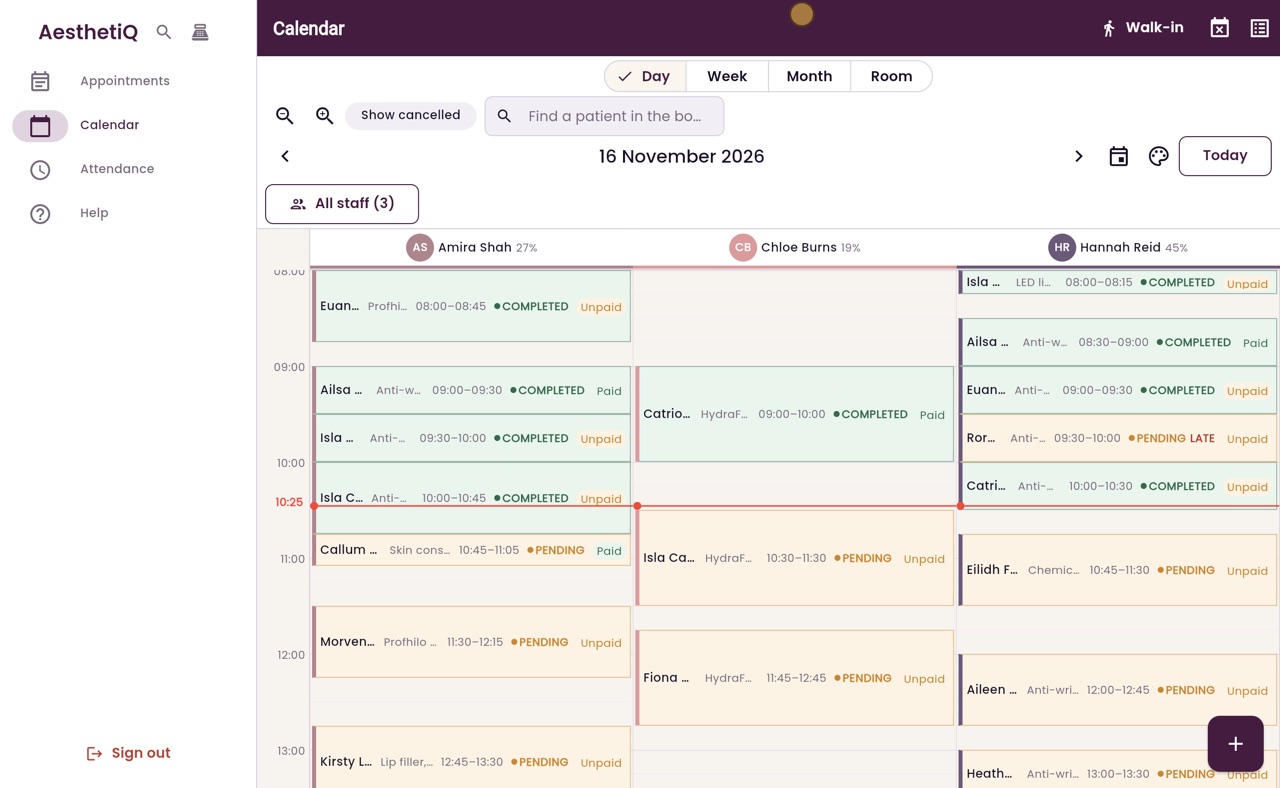
One column for each practitioner; status and paid on each appointment.
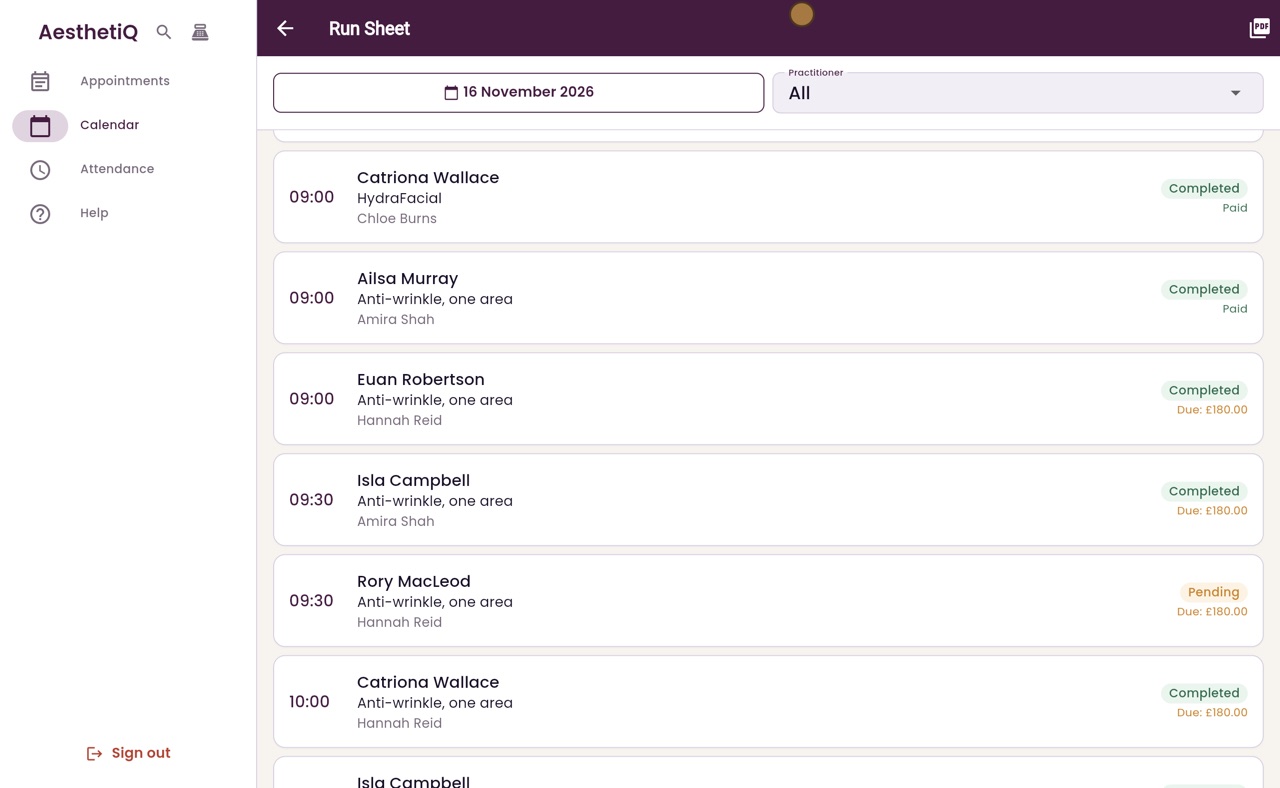
Run sheet
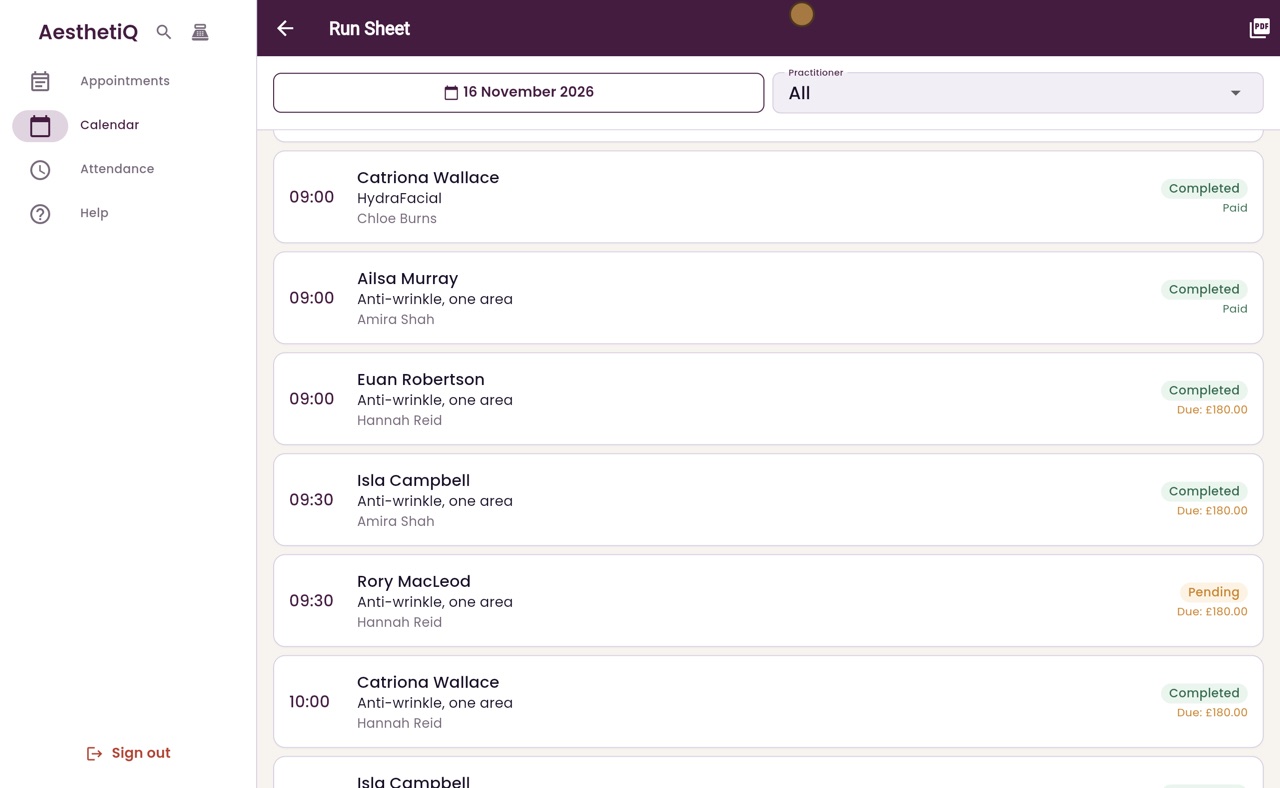
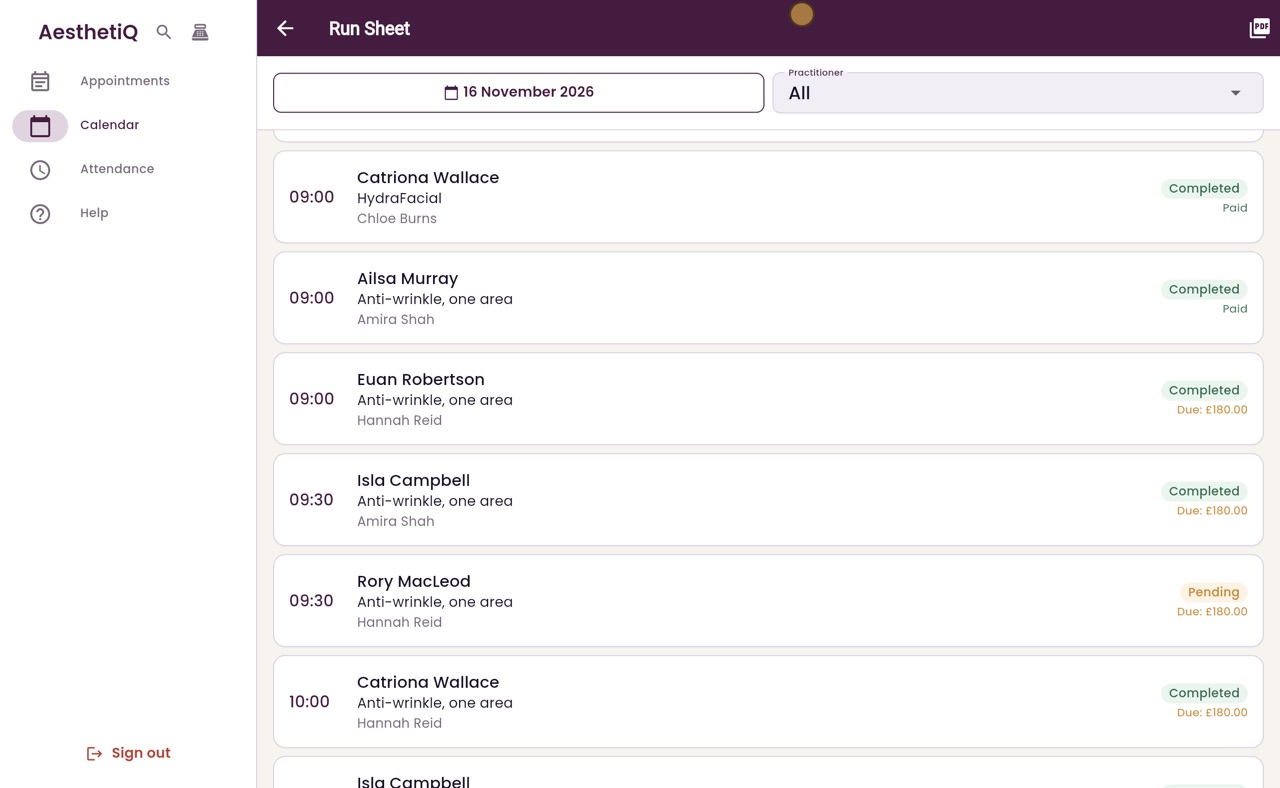
The whole day as a list; one practitioner, or Export PDF to print.
Step by step
- 01Libby
Opening the day
Hi, I am Libby. This is how reception opens the day: sign in, clock in, then look over today's appointments on the calendar and the run sheet.
- 02Ryan
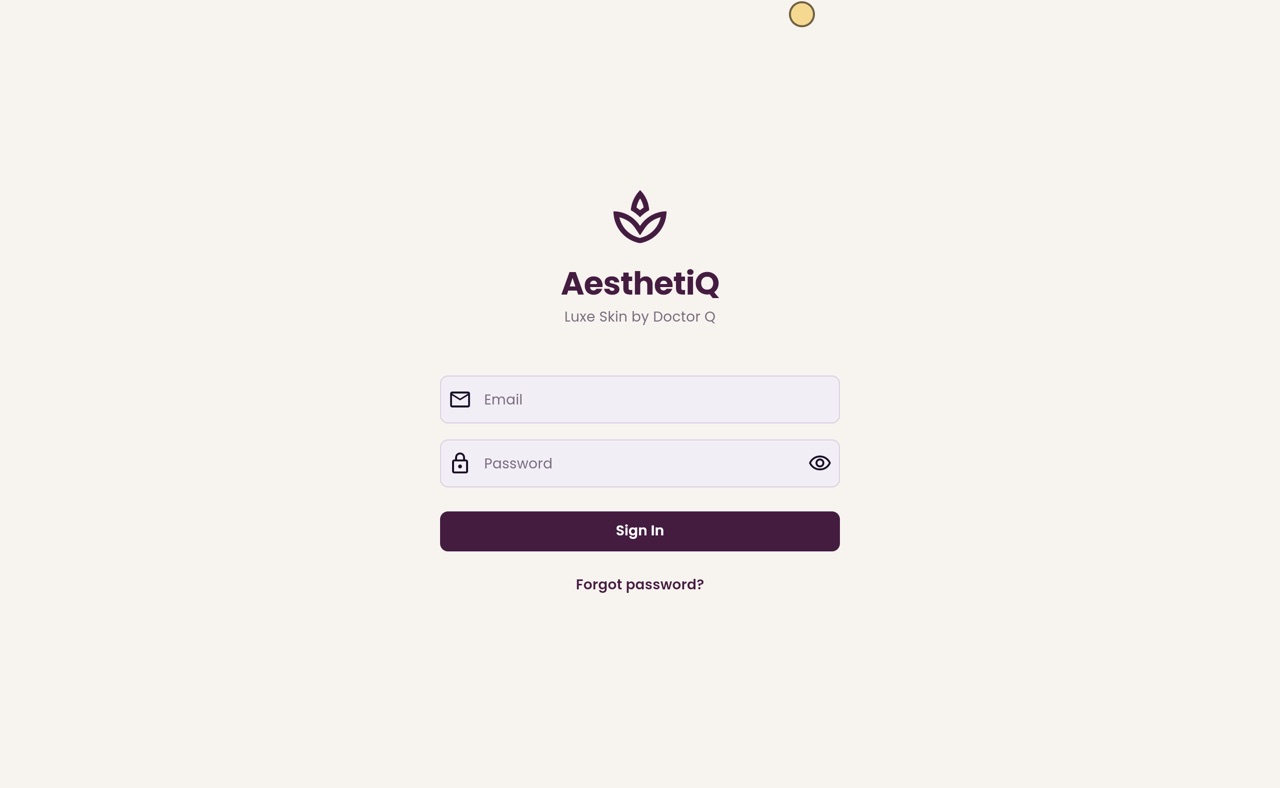
Sign in
Thanks Libby. Megan types her email and password and clicks Sign In. Reception goes straight to the calendar.
- 03Ryan
Clock in
First she clocks in. She clicks Attendance in the menu, then Clock In. My Shift now shows that she is working.
- 04Ryan
Today's calendar
Back on the Calendar, each practitioner has a column, and the red line shows the time now. Each appointment shows the patient, the treatment, its status, such as Pending or Completed, and whether it is paid.
- 05Ryan
The run sheet
For the whole day as a list, she clicks Run Sheet at the top. Every appointment is listed in time order, with the treatment, the practitioner, its status and what is still due.
- 06Ryan
One practitioner, or print
The Practitioner box shows one practitioner's day, and Export PDF, at the top right, makes a copy to print.
- 07Libby
Done
That is opening the day on reception. As patients arrive, check them in from the calendar.