Cash drawer history
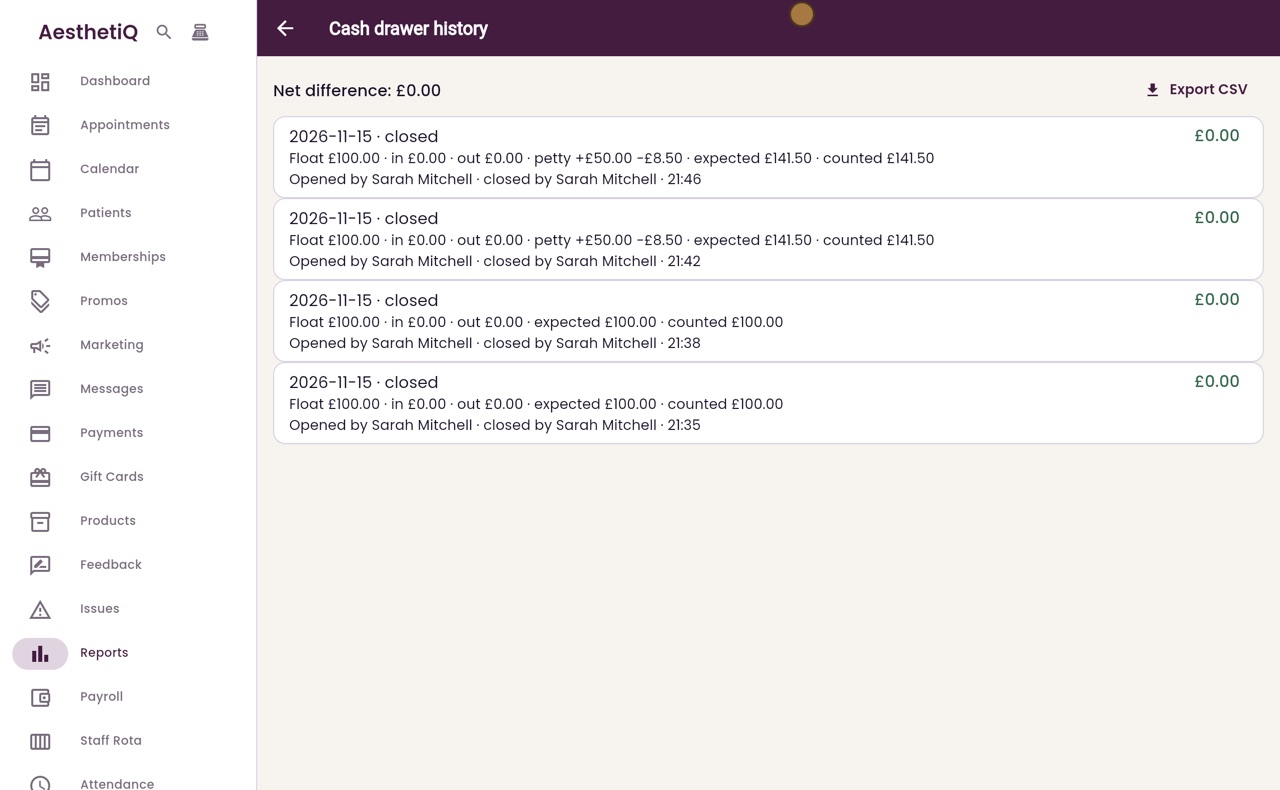
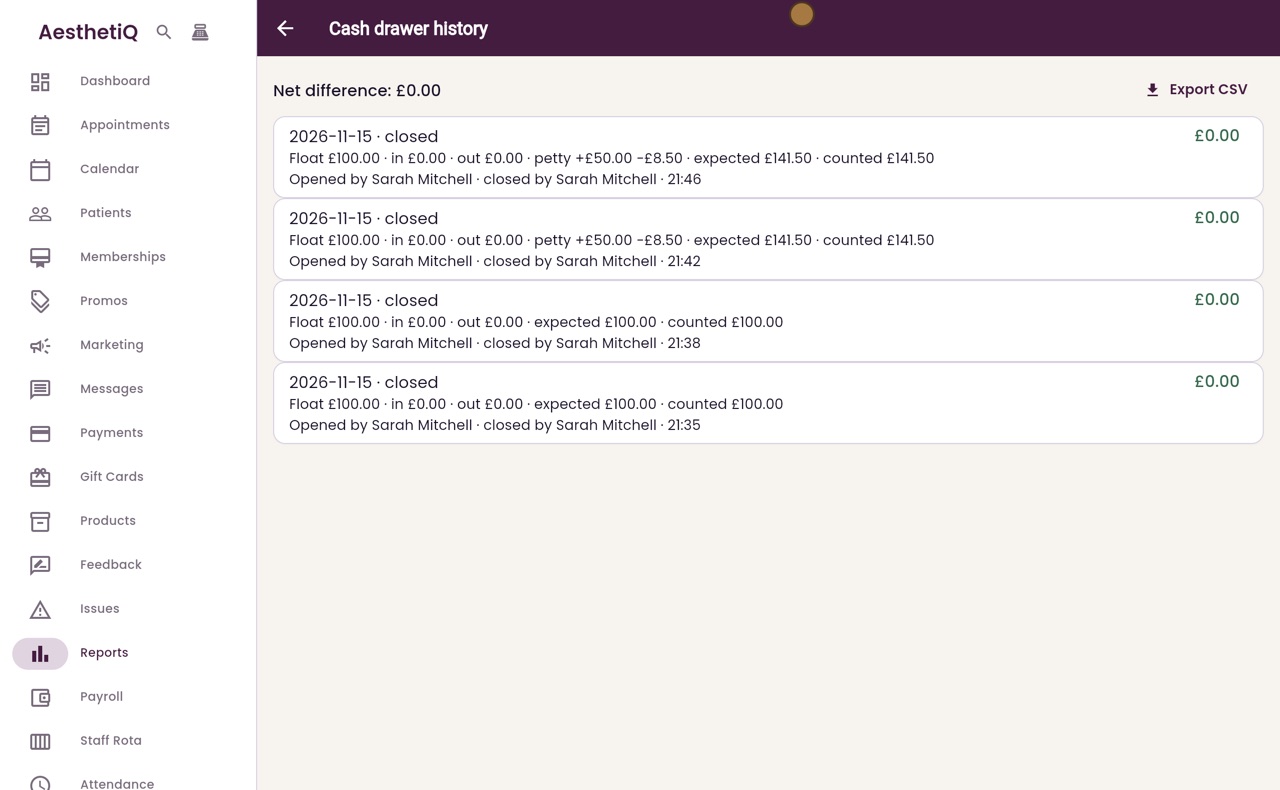
Every close of the cash drawer: the float, cash in and out, expected, counted and the difference.
Where
Reports, Finance, then Cash drawer history.
Who
The clinic manager.
After
Follow up any close that shows a difference.
Step by step
- 01Libby
Cash drawer records
Hi, I am Libby. Every time the cash drawer is closed, AesthetiQ keeps a record: the float, cash in and out, what should be in the drawer and what was counted.
- 02Ryan
Open the history
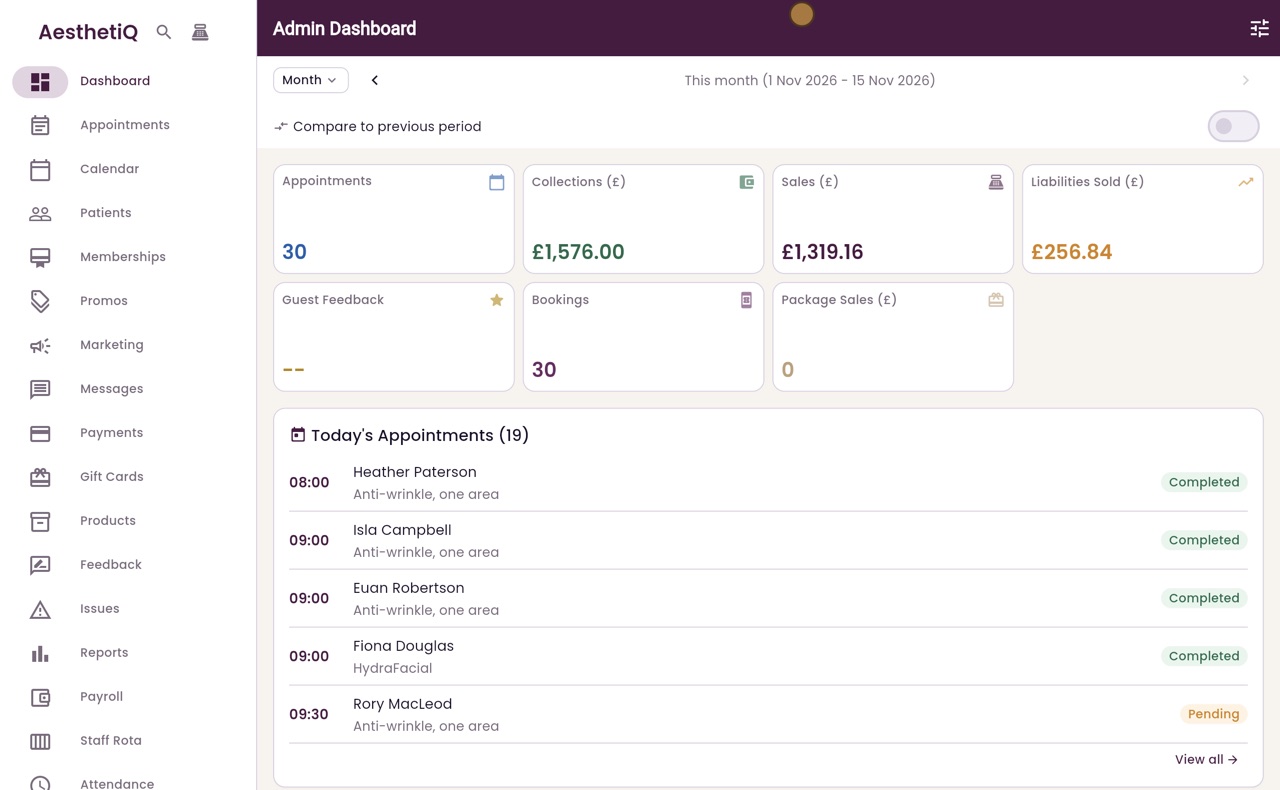
Thanks Libby. Click Reports in the menu on the left, open Finance, then click Cash drawer history.
- 03Ryan
Each close
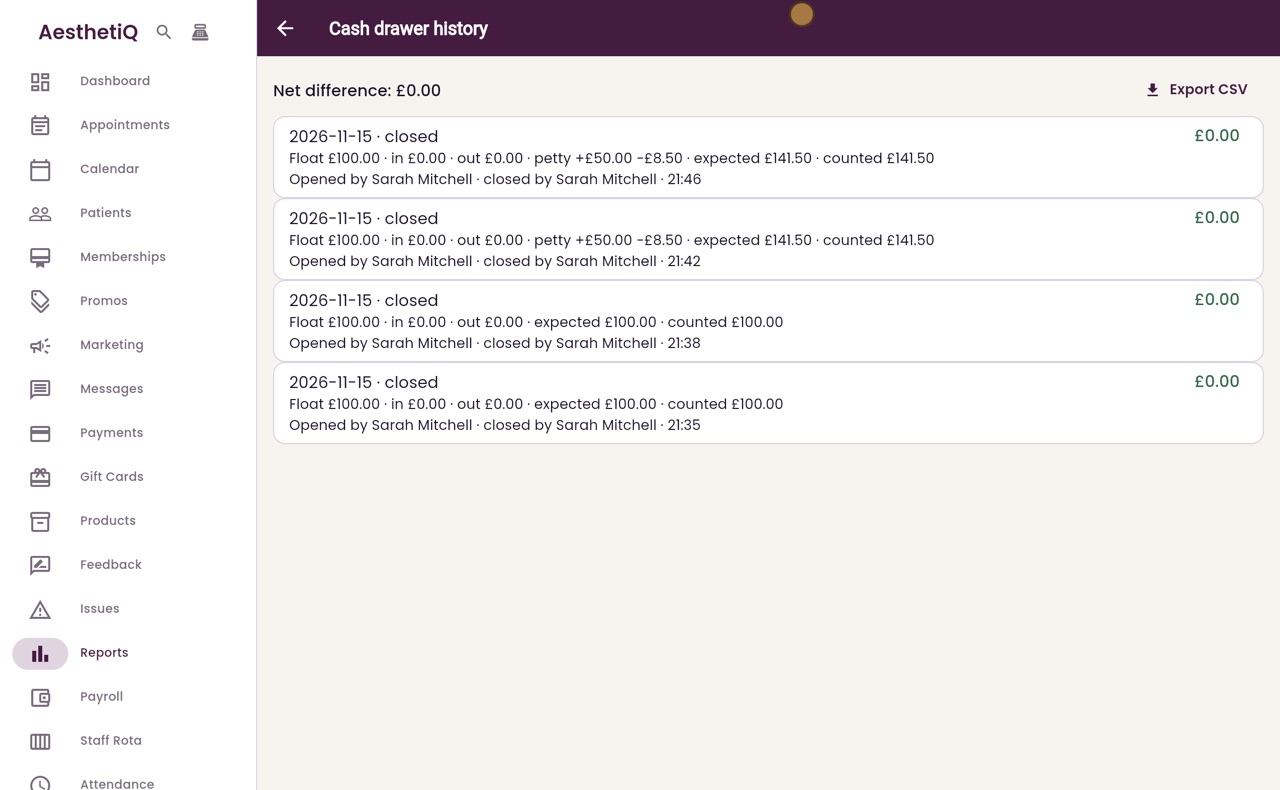
Each line is one close of the drawer, newest first. It shows the float, the cash taken in and paid out, any petty cash, the cash expected, the cash counted, and who opened and closed the drawer.
- 04Ryan
The difference
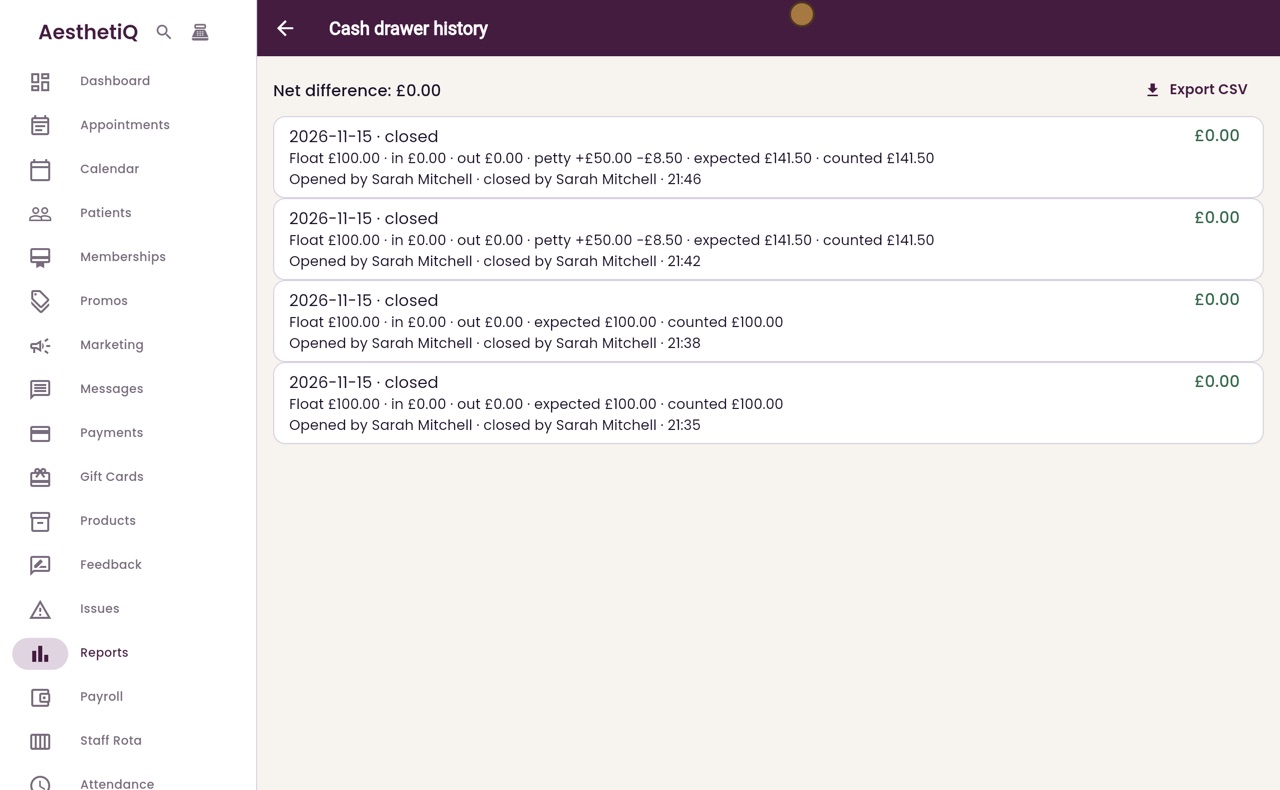
On the right is the difference between the cash expected and the cash counted. Here every close balanced, so each shows nought pounds. At the top, Net difference adds them all up, so you can see at a glance whether the cash balances.
- 05Libby
Done
That is the cash drawer history. If a close shows a difference, check the petty cash and the cash payments for that day.