The run sheet
The run sheet lists a day's appointments in time order, for everyone or one practitioner, and makes a copy ready to print.
Open
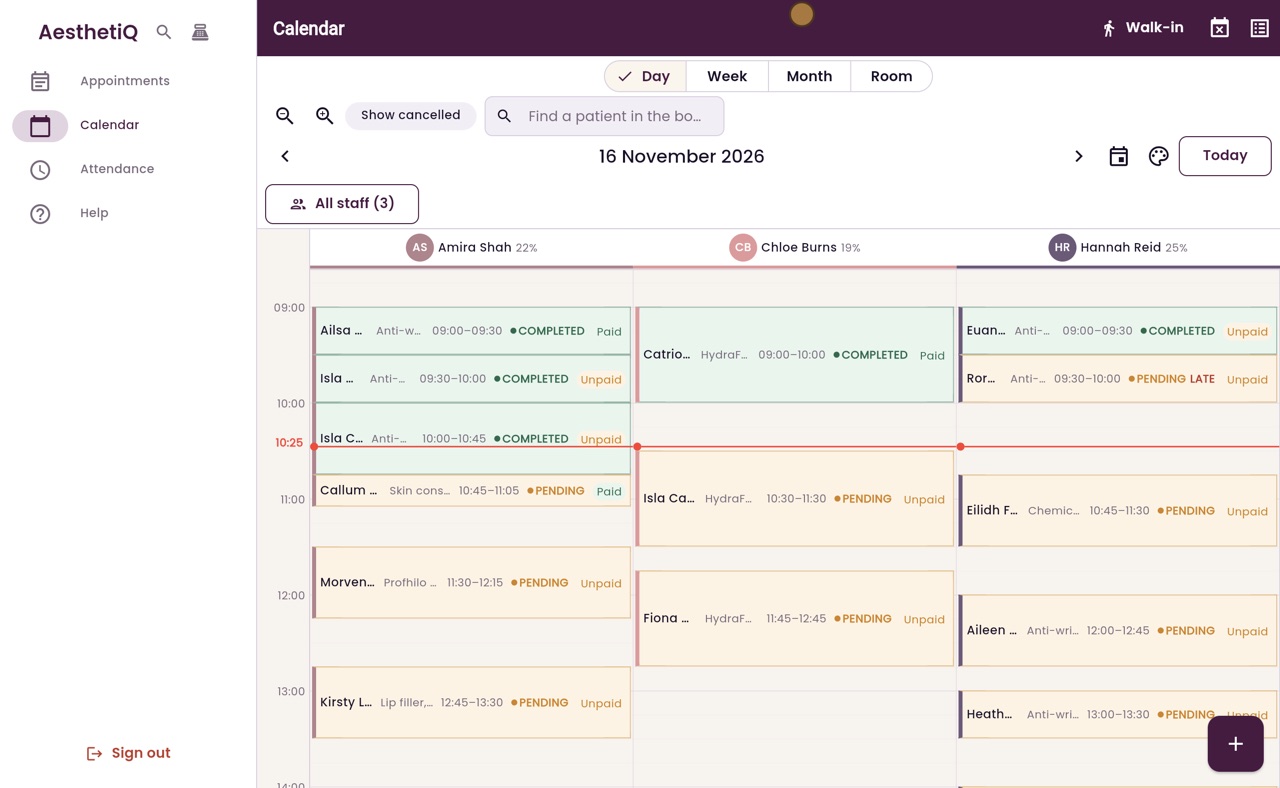
Run Sheet, the list button at the top right of the calendar.
Choose
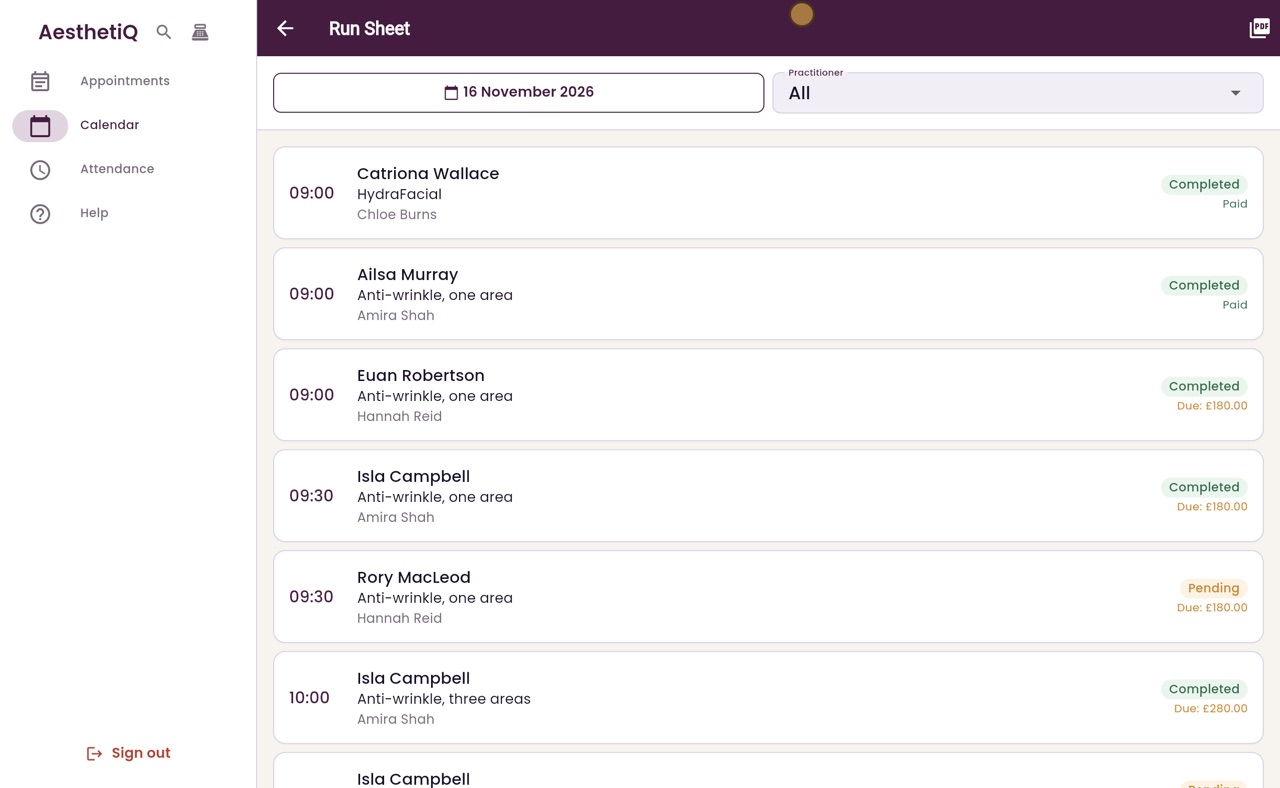
Pick the day with the date, and one practitioner or All.
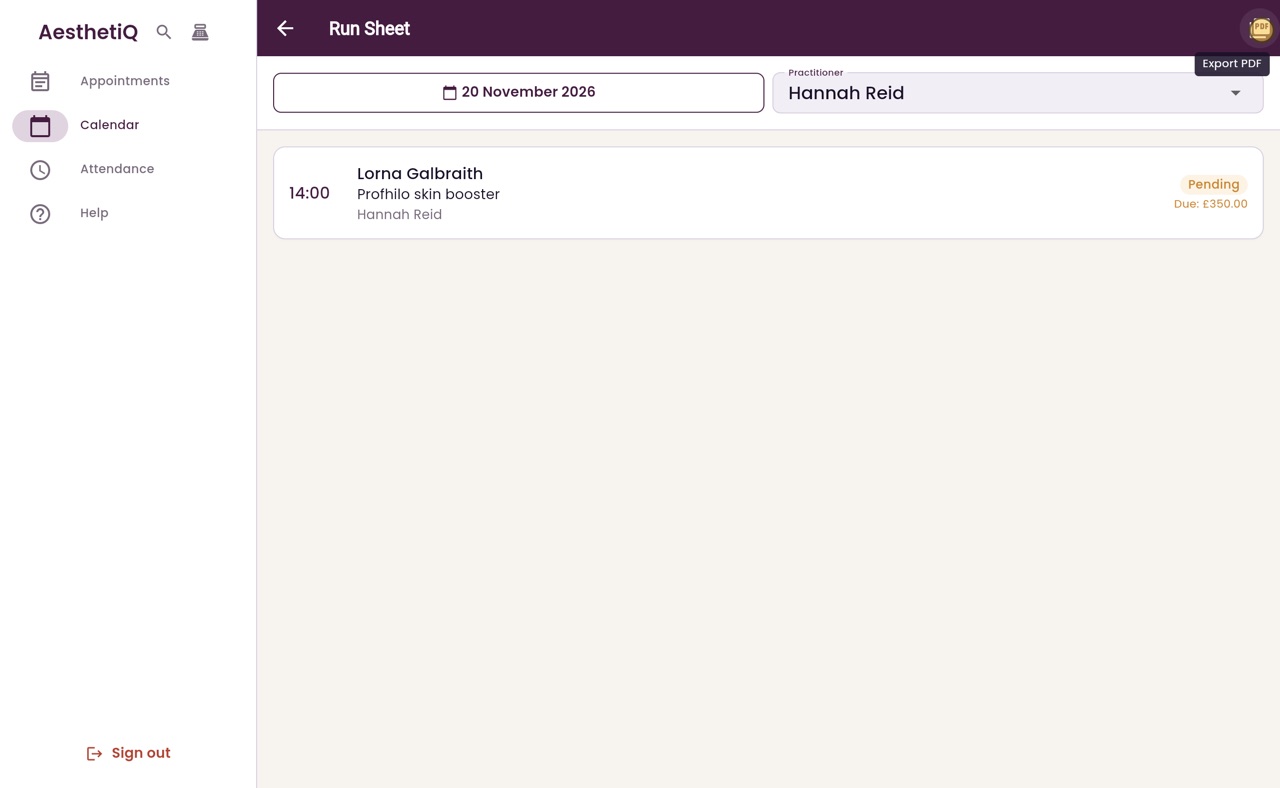
Export PDF, at the top right, makes a printable copy.
Step by step
- 01Libby
The run sheet
Hi, I am Libby. The run sheet is the day's appointments as a simple list, in time order. It is handy at the front desk, and it can be printed.
- 02Ryan
Open the run sheet
Thanks Libby. On the calendar, click Run Sheet, the list button at the top right.
- 03Ryan
What each row shows
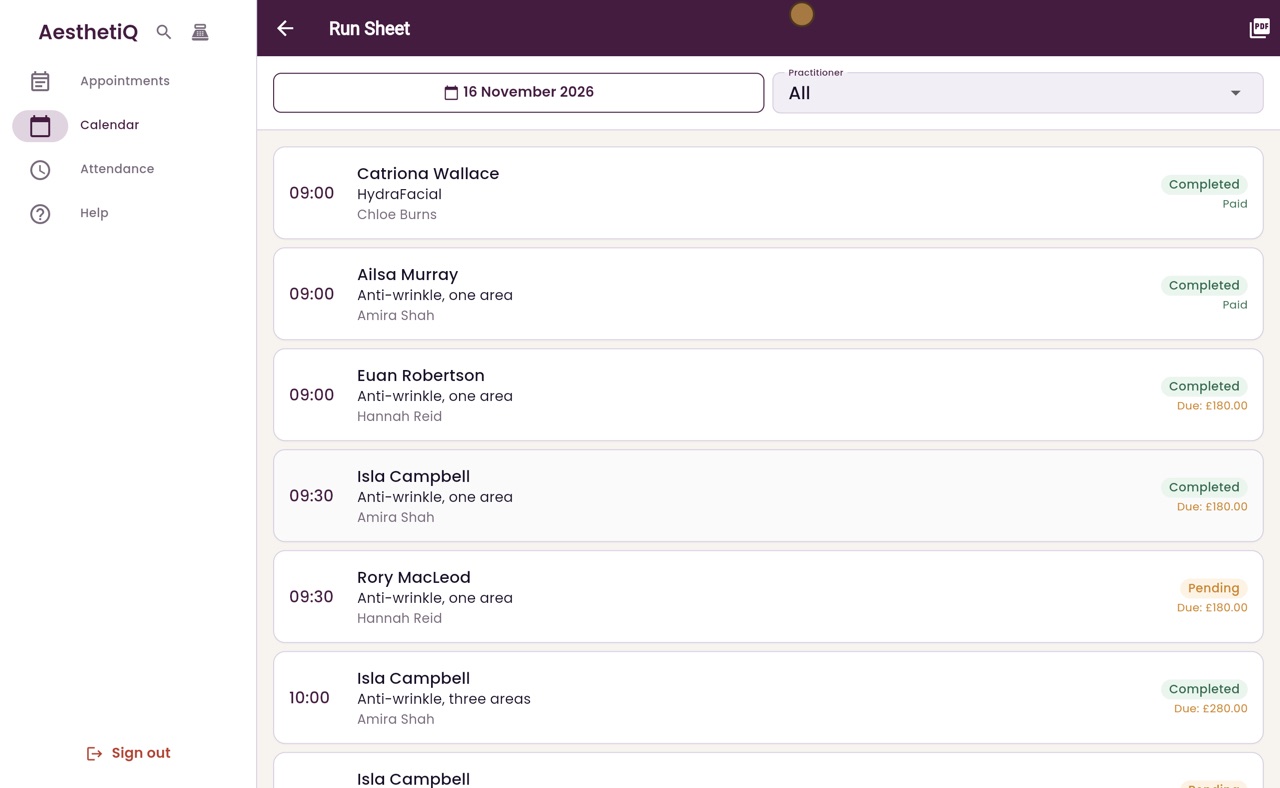
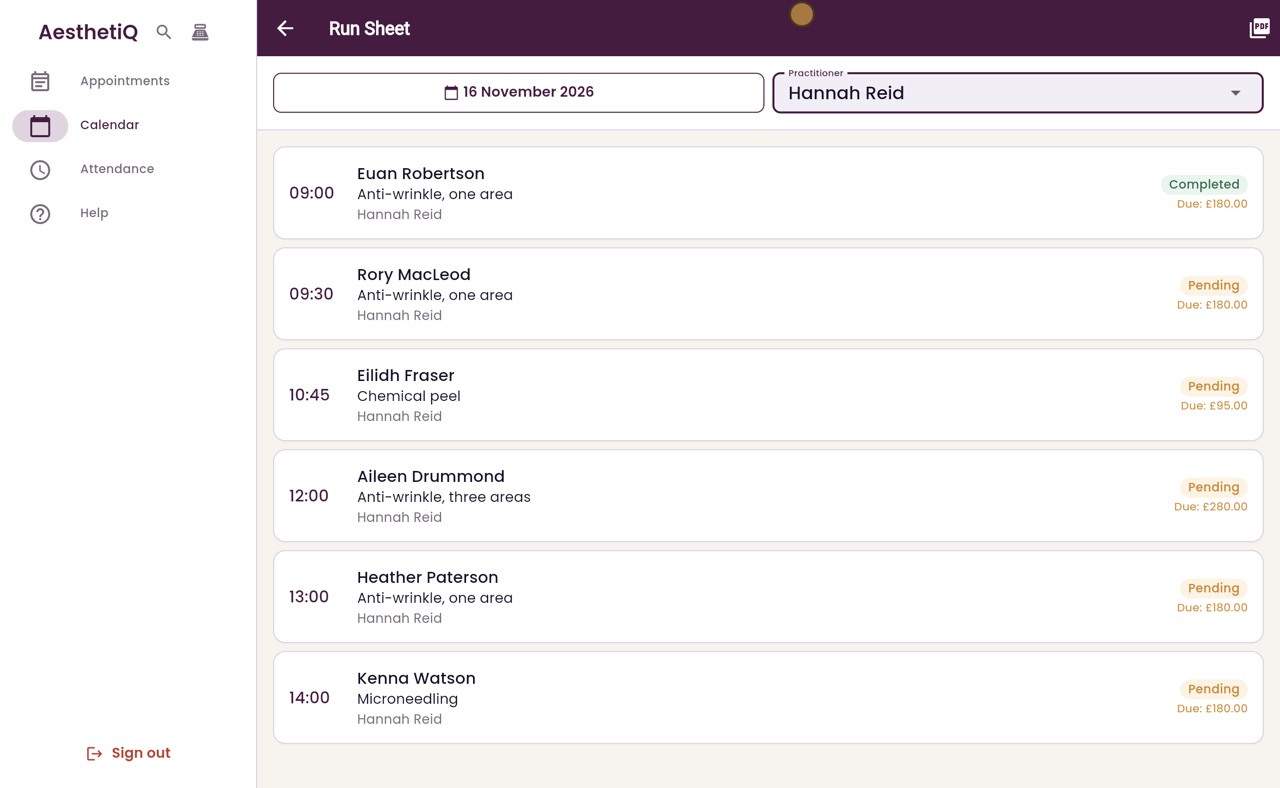
Each row shows the time, the patient, the treatment and the practitioner. On the right are the status, and what is still to pay, or Paid when nothing is left to pay.
- 04Ryan
One practitioner
To see one practitioner's day, click Practitioner and choose Hannah Reid. Now only her appointments are listed.
- 05Ryan
Another day
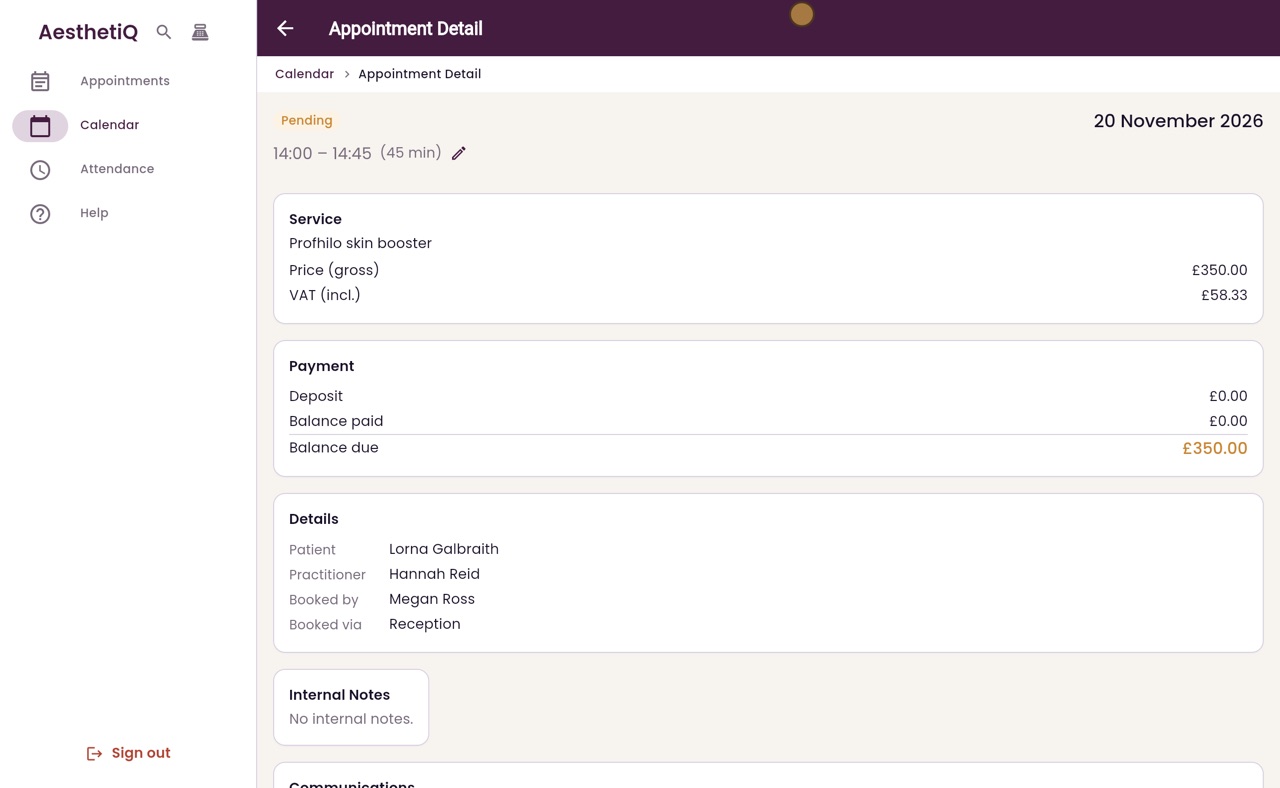
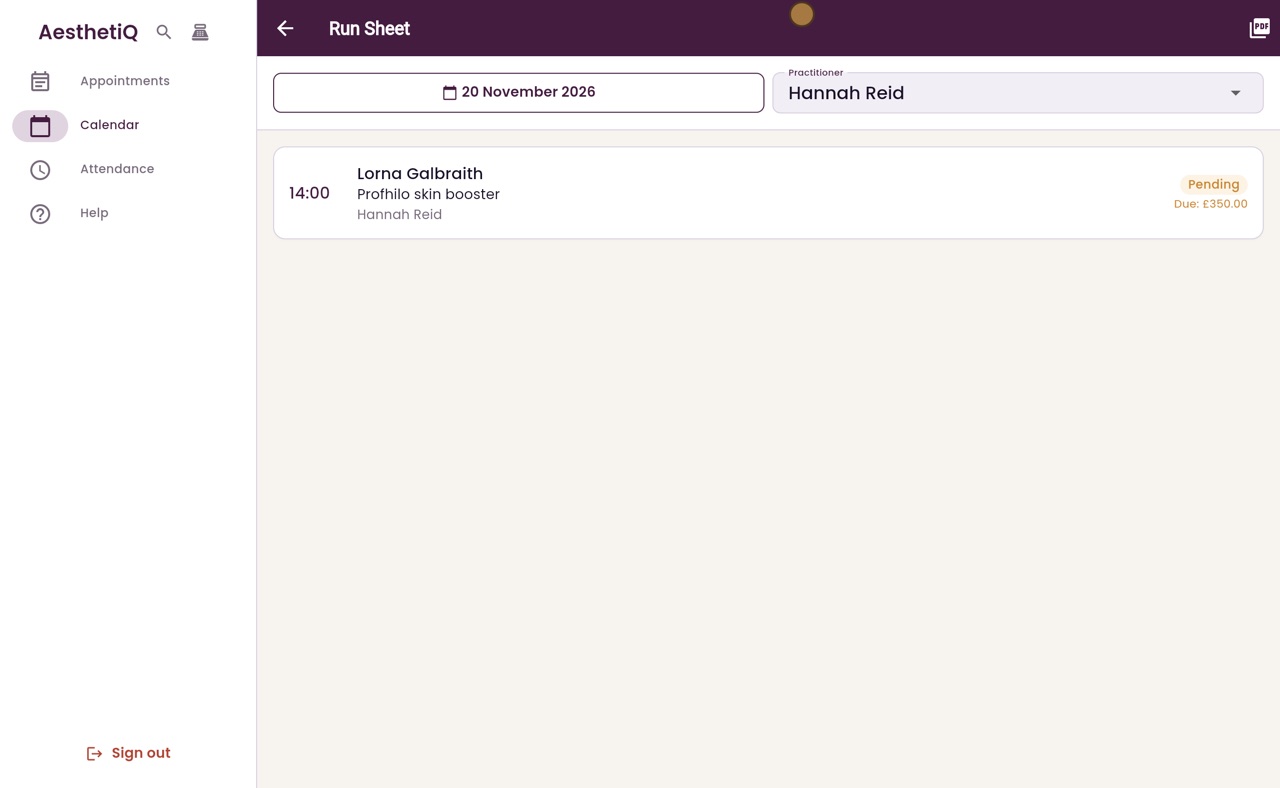
Click the date to choose another day. Choose Friday the twentieth and click OK. That day, Hannah sees Lorna Galbraith at two o'clock.
- 06Ryan
Export PDF
Export PDF, at the top right, makes a copy of the list, ready to print.
- 07Ryan
Open an appointment
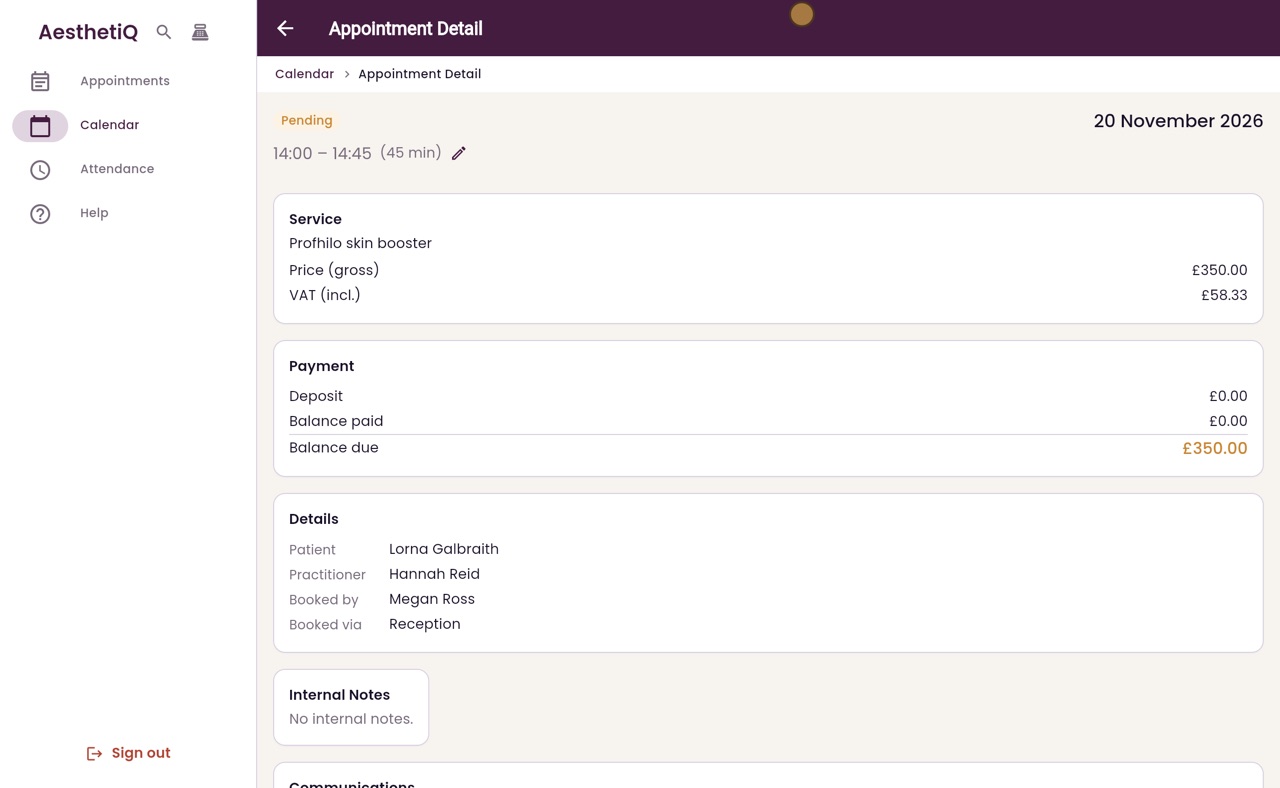
Click a row to open the appointment, with its treatment, payment and details.
- 08Libby
Done
That is the run sheet. Click Back at the top left to return to where you were.