Pay type and commission
Choose how each person is paid, then add commission for a group of treatments or for one treatment.
Pay tab
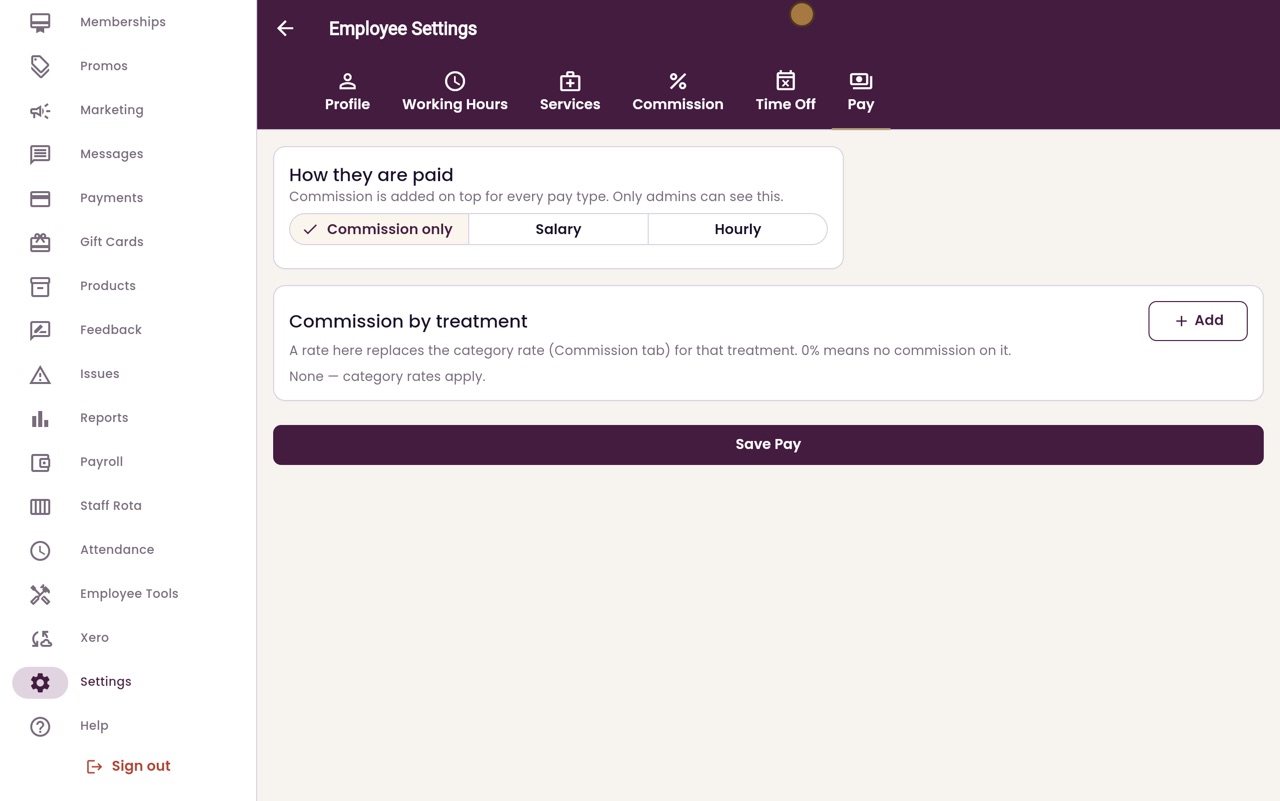
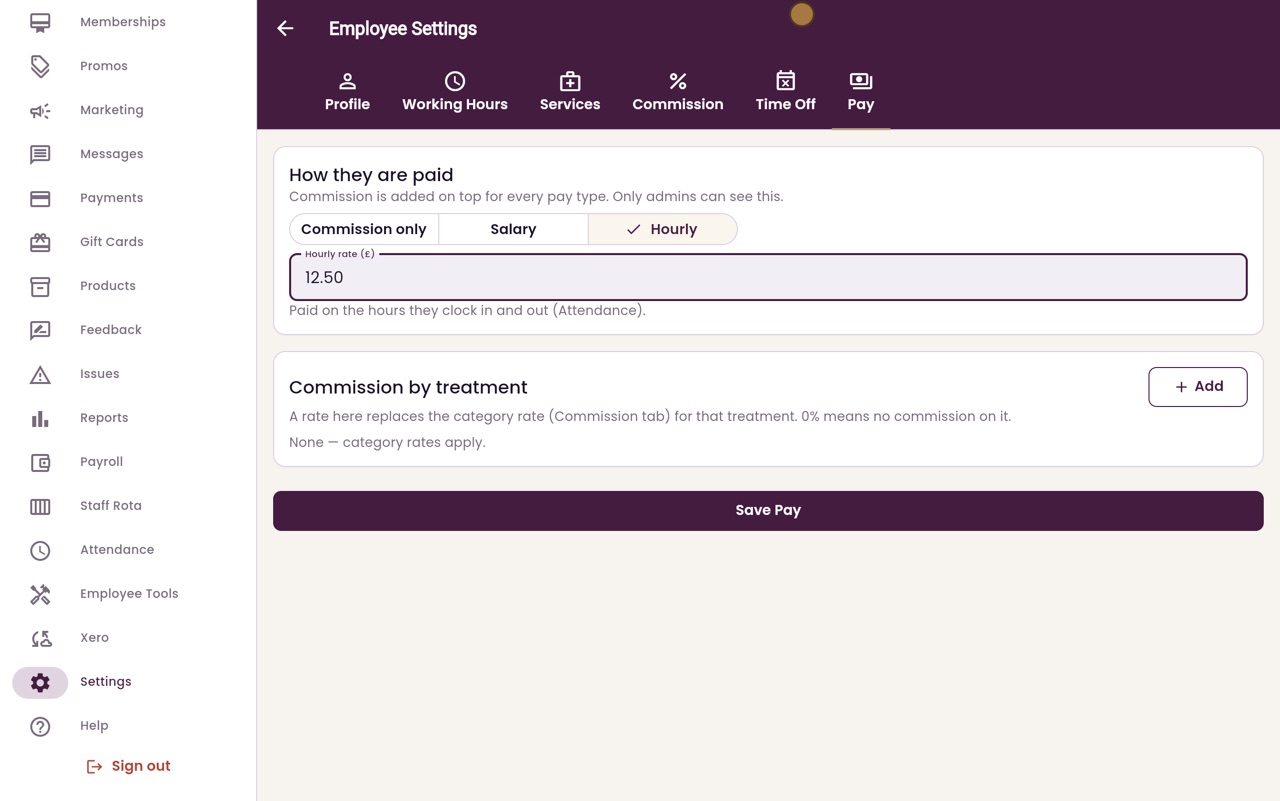
Commission only, Salary or Hourly, and commission by treatment.
Commission tab
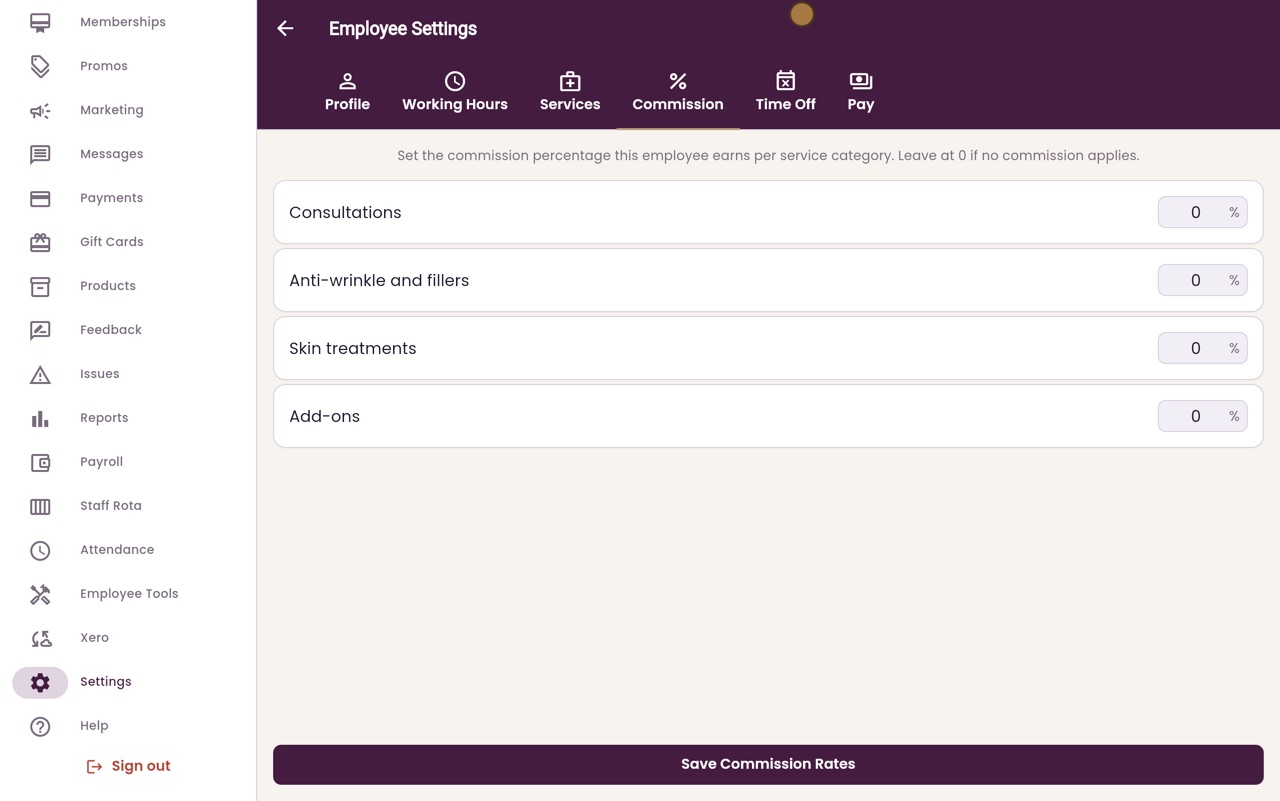
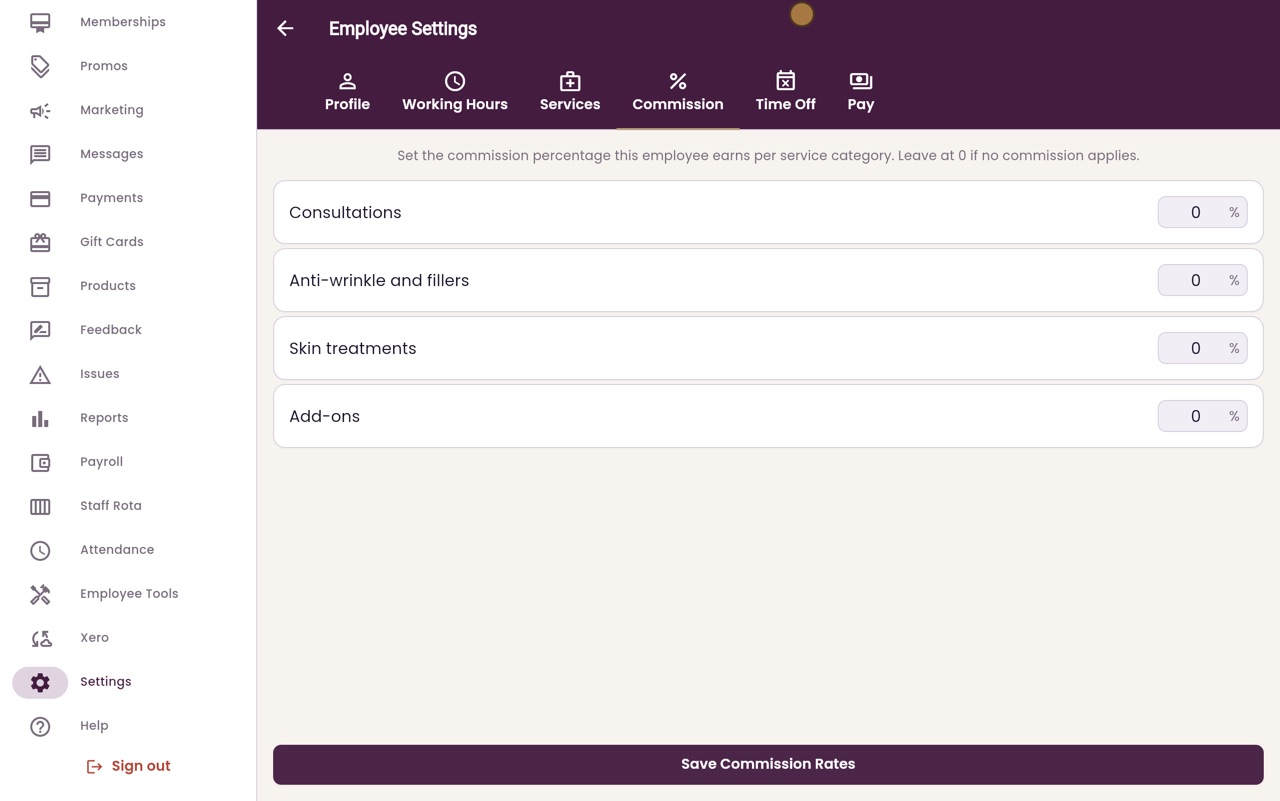
A percentage for each group of treatments.
Payroll
Uses these rates to work out what each person is owed.
Step by step
- 01Libby
How staff are paid
Hi, I am Libby. Each member of staff can be paid a salary, paid by the hour, or paid on commission only. Commission on treatments is added on top.
- 02Ryan
The Pay tab
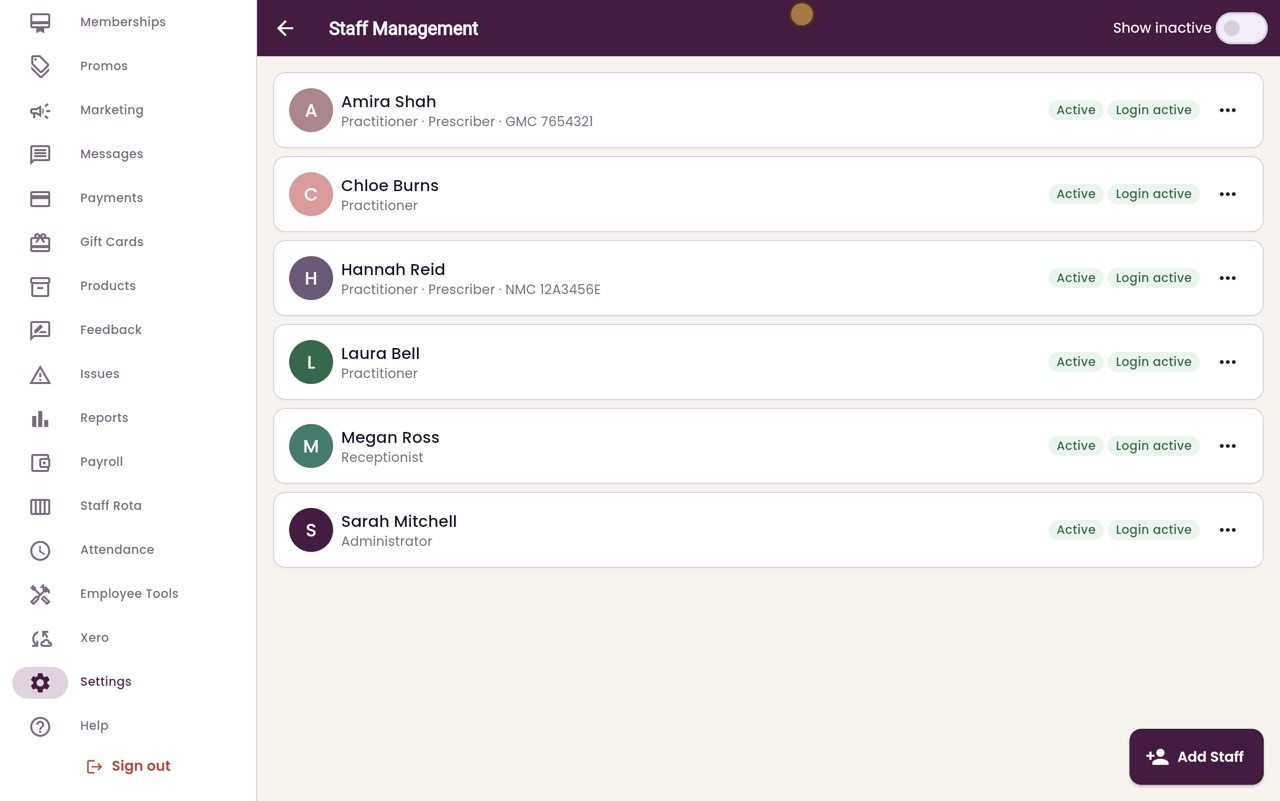
Thanks Libby. In Staff Management, open the menu next to Laura Bell, choose Open Settings, and click the Pay tab.
- 03Ryan
Hourly rate
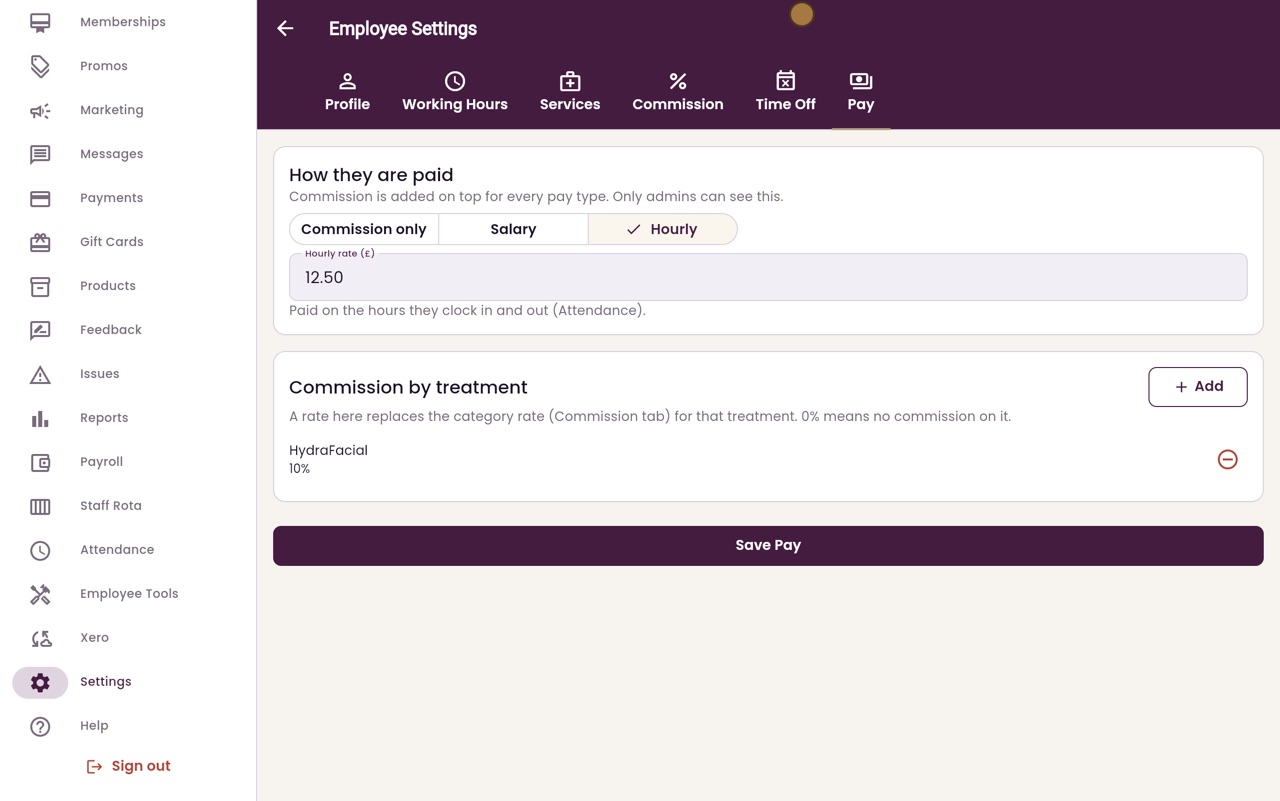
Under How they are paid, choose Hourly, and type her hourly rate. Here it is twelve pounds fifty. She is paid for the hours she clocks in and out.
- 04Ryan
Commission on one treatment
To pay commission on one treatment, click Add under Commission by treatment. Choose the treatment, type the percentage, and click Add. Here, ten percent on HydraFacial.
- 05Ryan
Save Pay
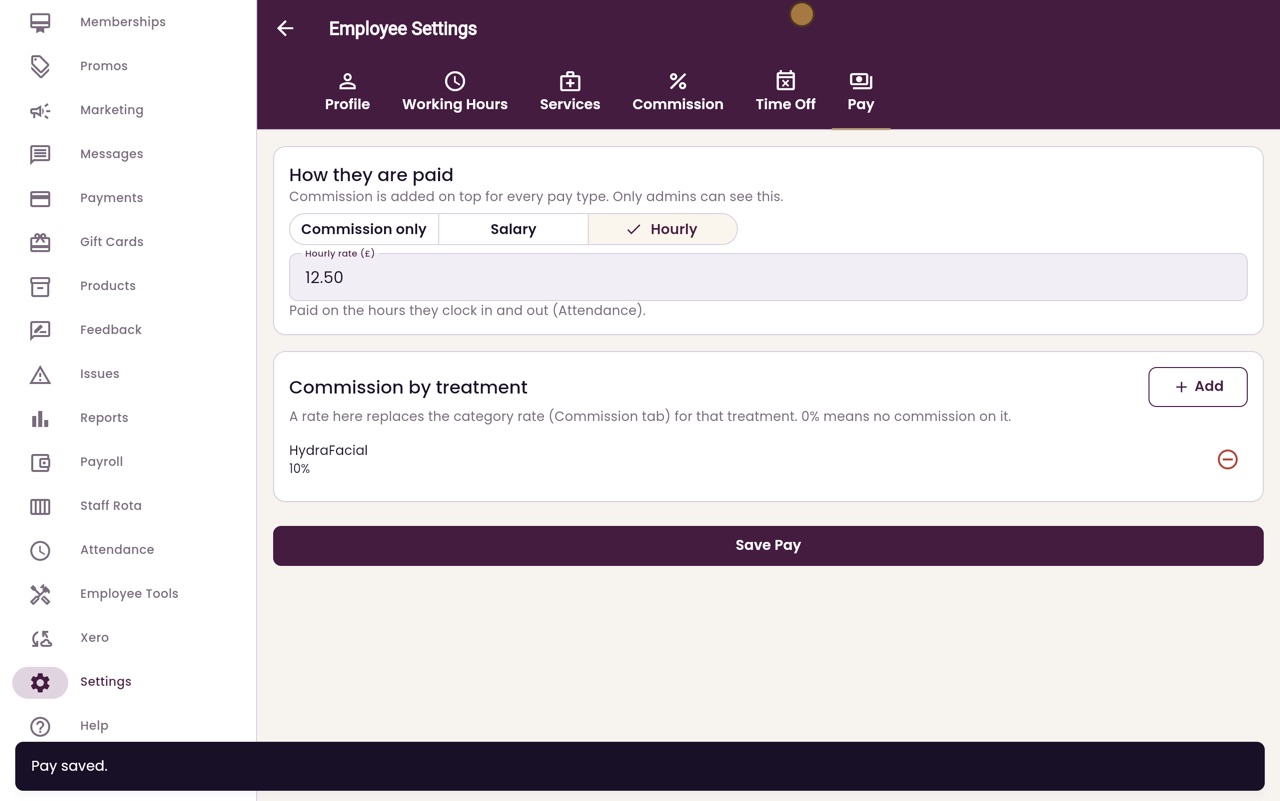
Click Save Pay.
- 06Ryan
Commission by group
The Commission tab sets a percentage for each group of treatments. A rate on the Pay tab replaces it for that one treatment. Type a percentage and click Save Commission Rates.
- 07Libby
Done
That is setting pay and commission. Payroll uses these rates to work out what each person is owed for the month.