Emailed reports
Have the takings, missing consent forms, cash drawer and retention reports emailed every morning, week or month.
Where
Settings, Report emails.
Who
The clinic manager.
After
The report is emailed at 7am: daily, on Mondays, or on the 1st of the month.
Step by step
- 01Libby
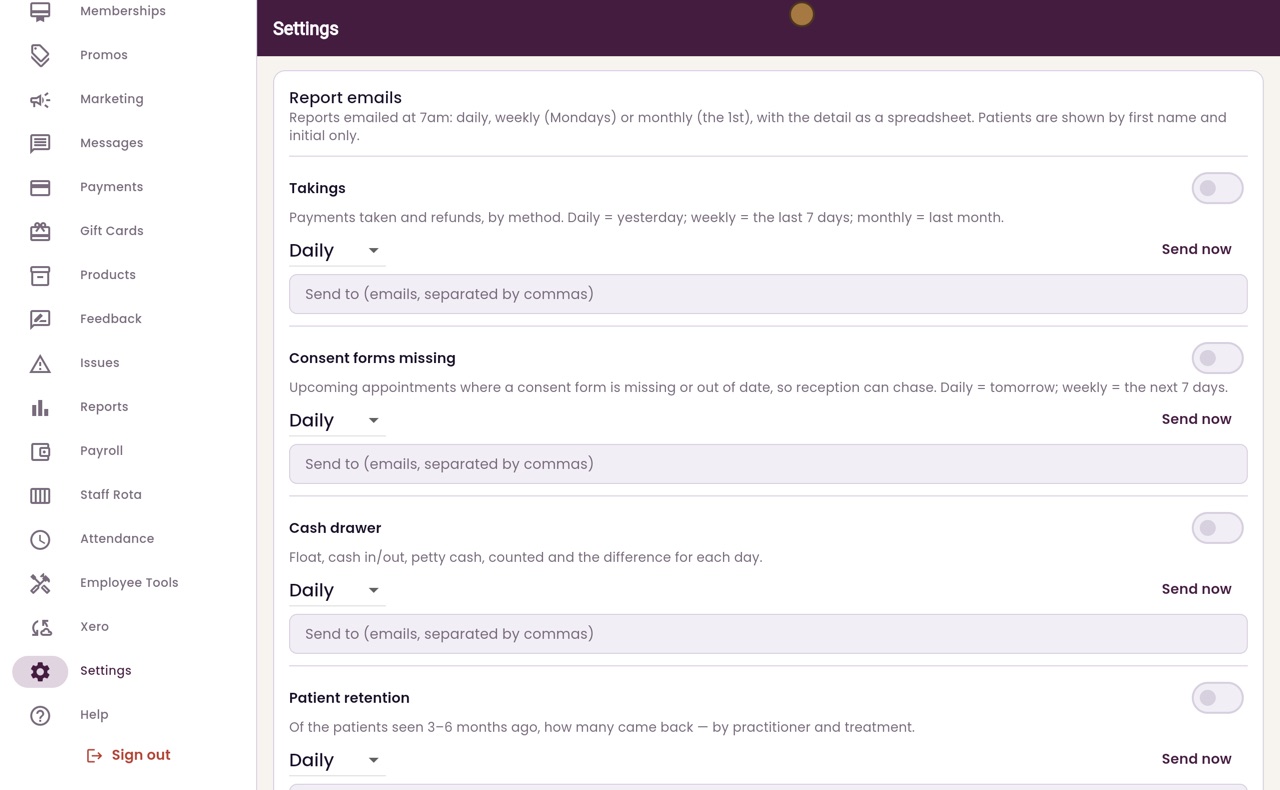
Report emails
Hi, I am Libby. AesthetiQ can email reports to the clinic manager at seven in the morning: the takings, missing consent forms, the cash drawer and patient retention.
- 02Ryan
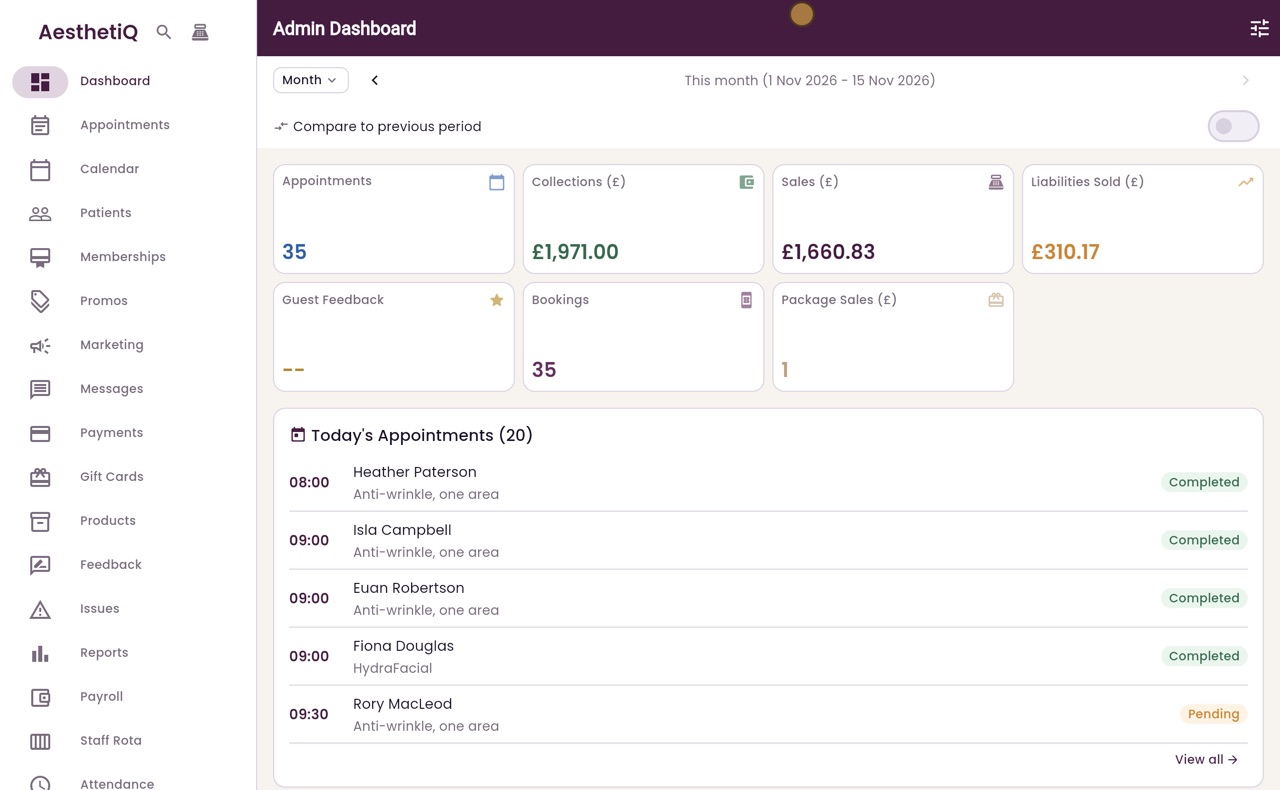
Open the settings
Thanks Libby. Scroll down the menu on the left, click Settings, then scroll down to Report emails.
- 03Ryan
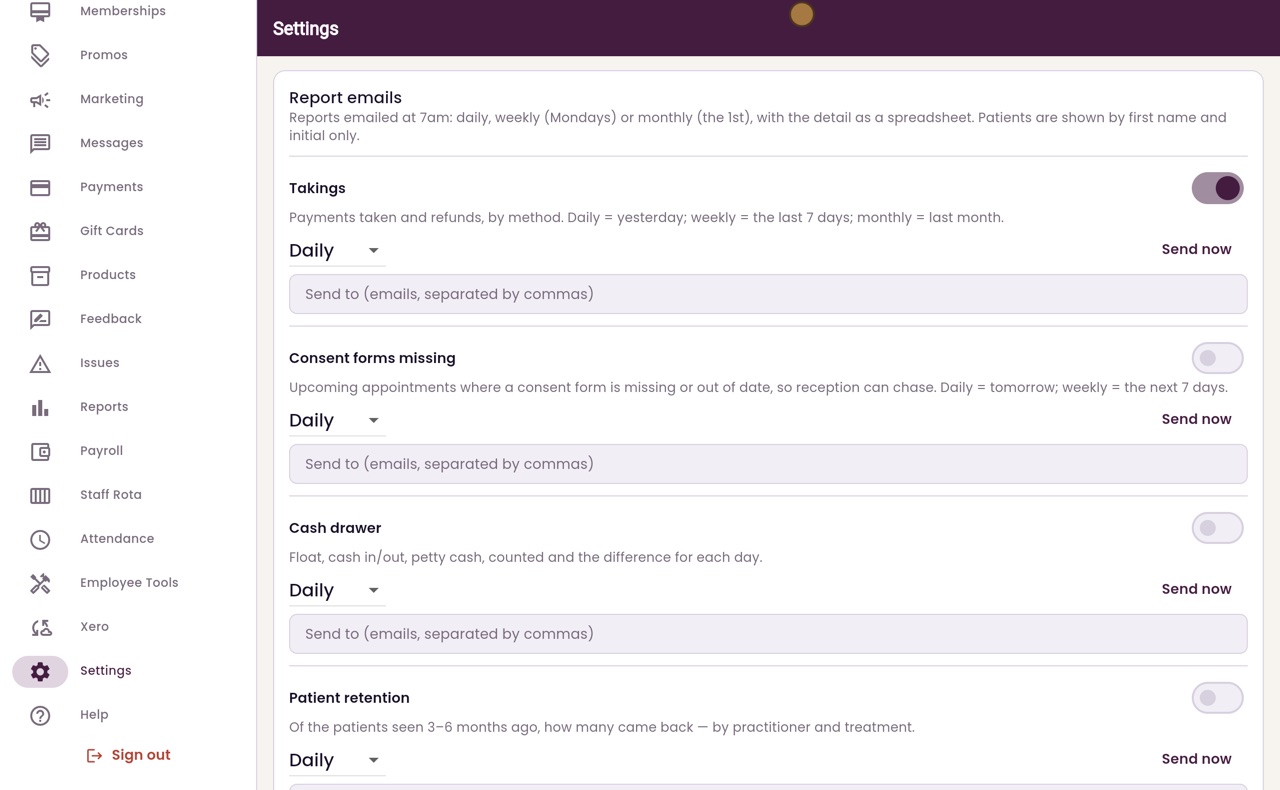
Switch a report on
Each report has its own switch. Switch on Takings, which lists the payments taken and the refunds, by method.
- 04Ryan
How often
Choose how often it comes. Click Daily and choose Weekly, which sends the last seven days every Monday.
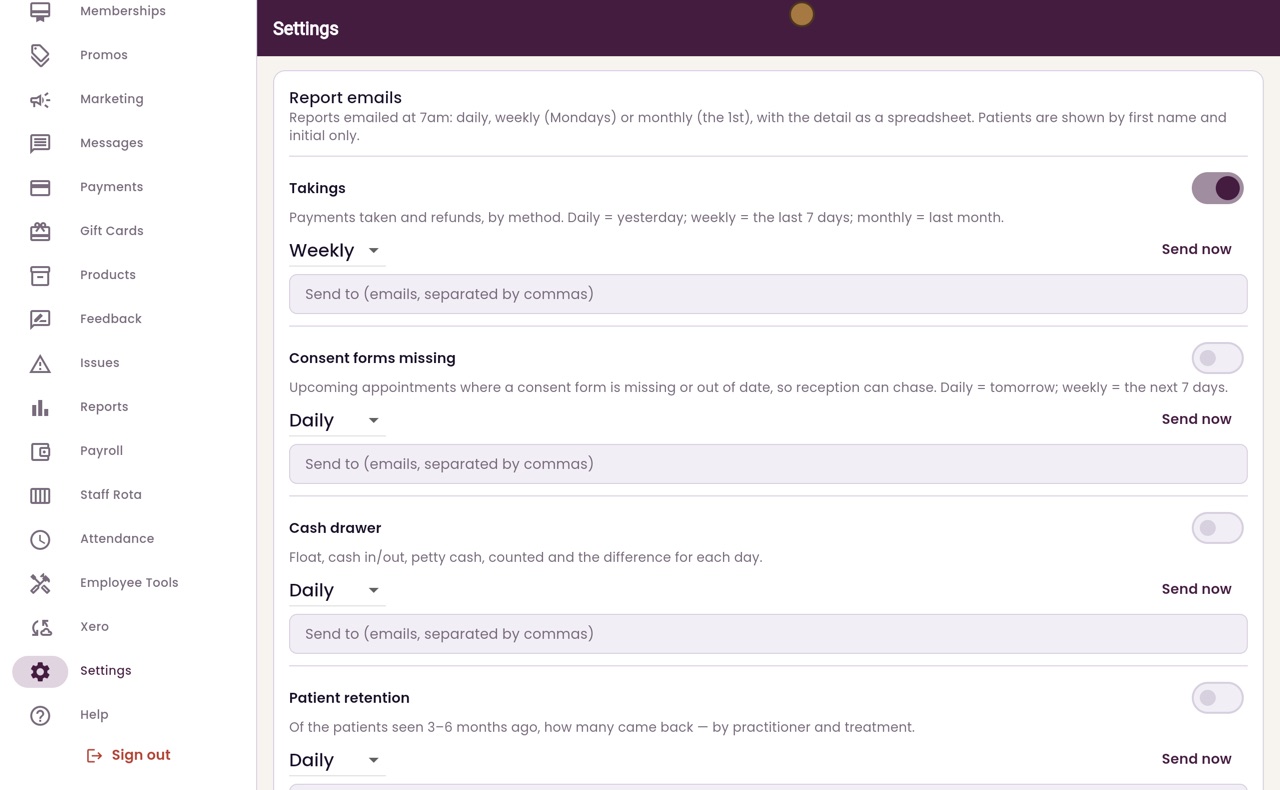
- 05Ryan
Who it goes to
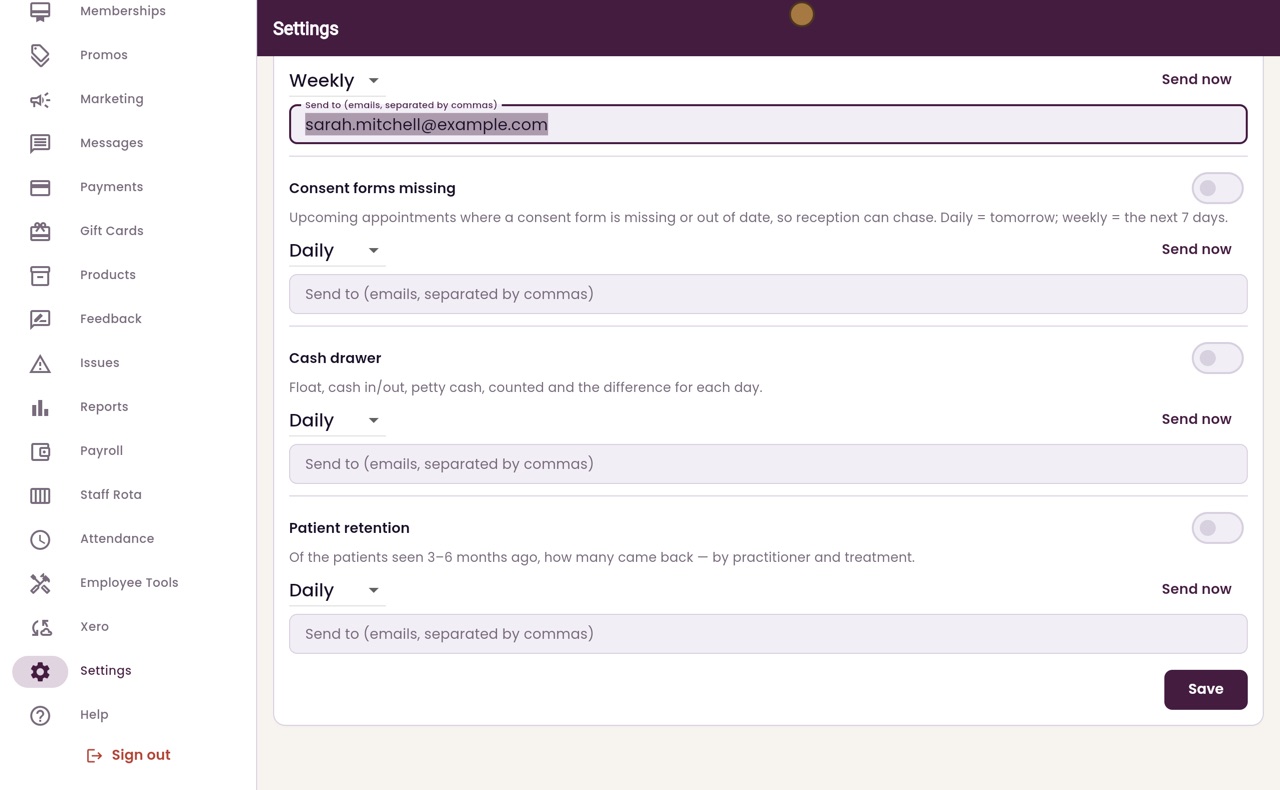
Type the email address it goes to. To send it to more than one person, separate the addresses with commas.
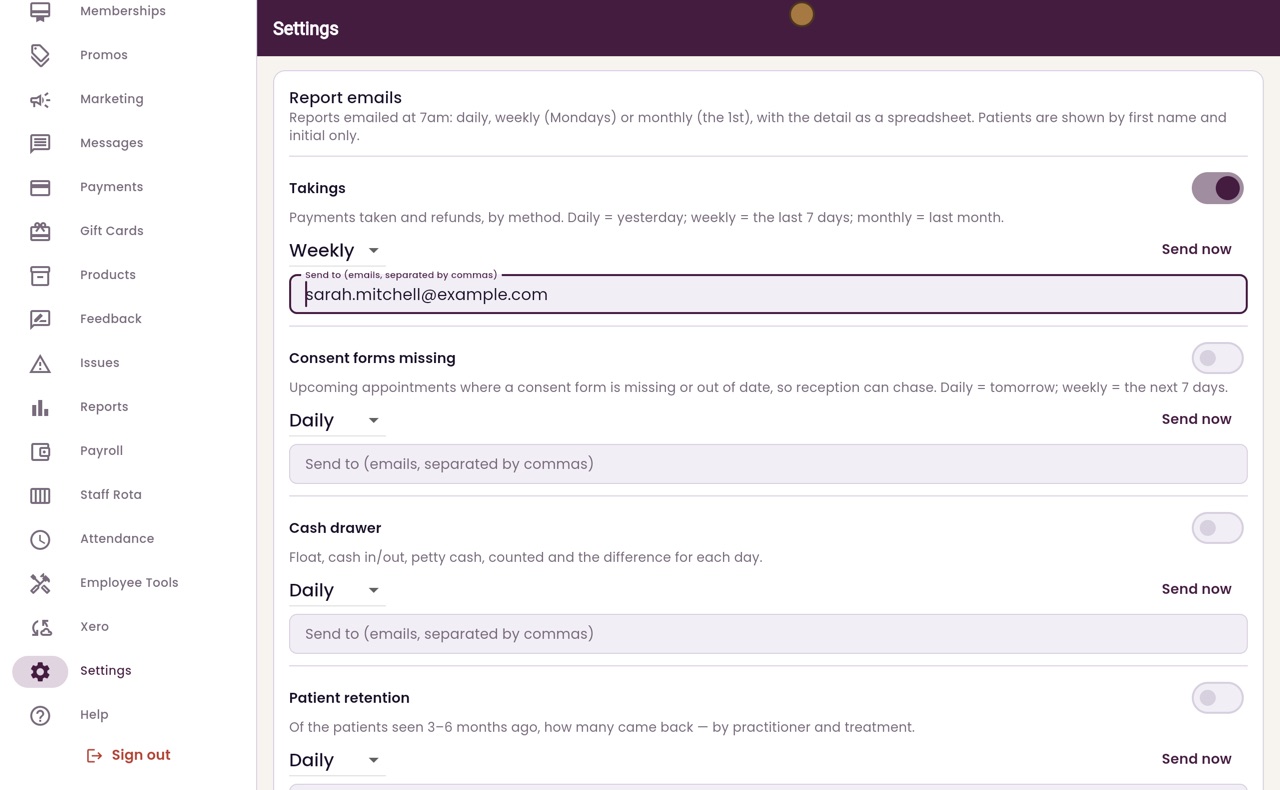
- 06Ryan
Save
Scroll down and click Save.
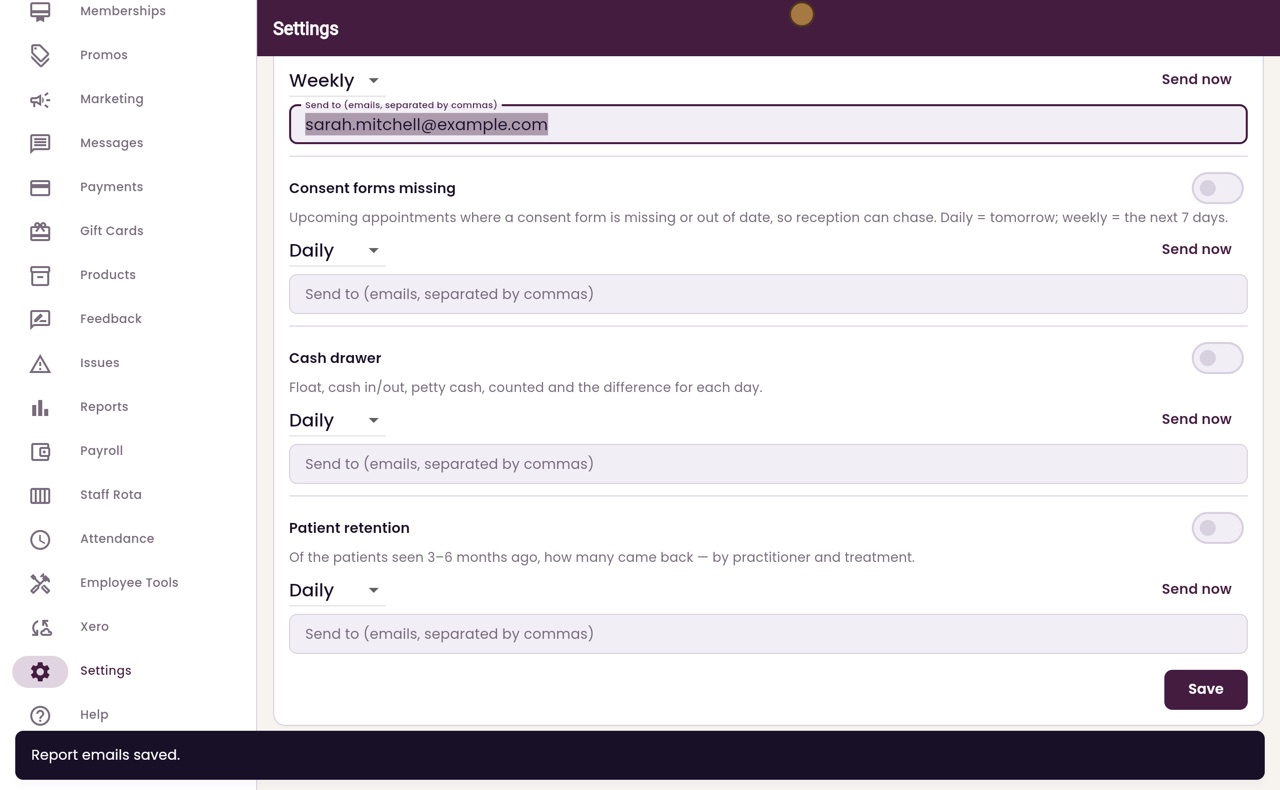
- 07Libby
Done
That is setting up report emails. The detail comes as a spreadsheet, and patients are shown by first name and initial only.