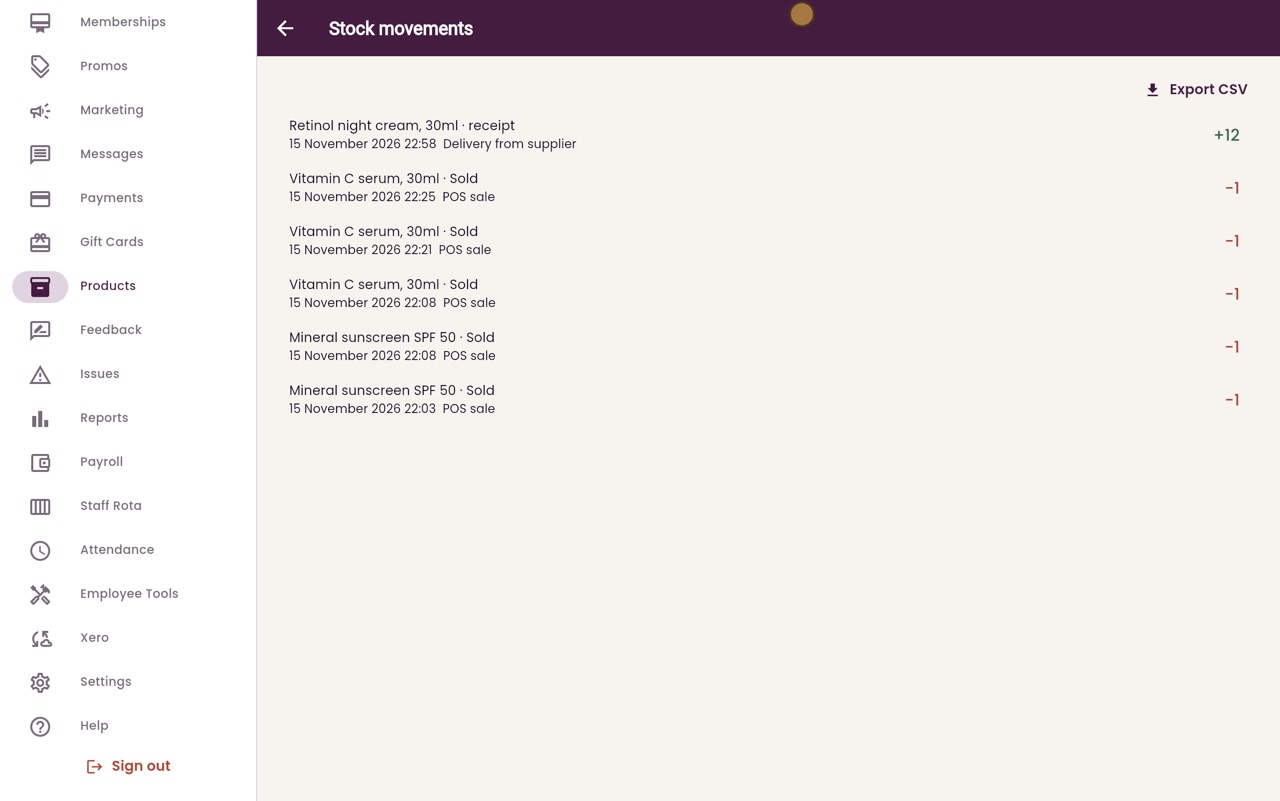
The stock ledger
Every movement of stock in one list: deliveries, sales at the till and adjustments.
Where
Products, then Stock movements at the top right.
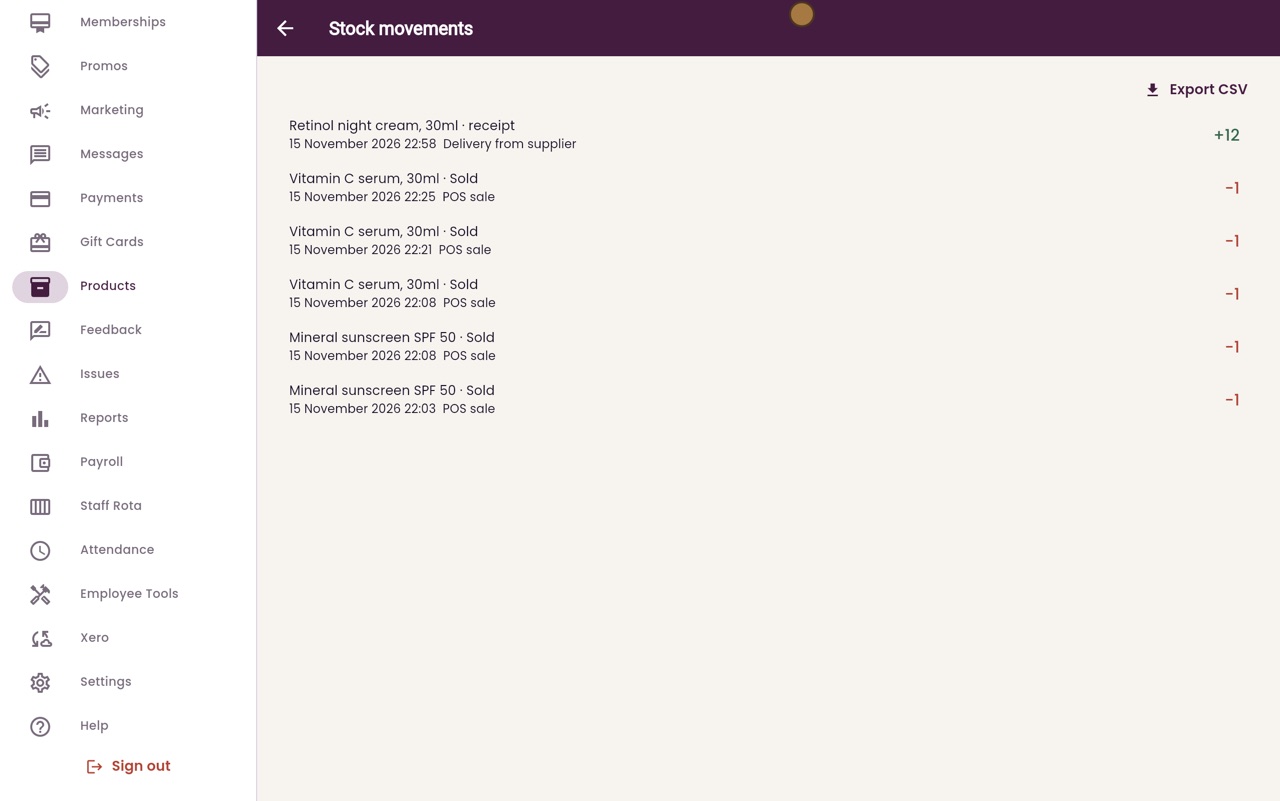
Each line
Product, what happened, date and time, note, and the number in or out.
Export
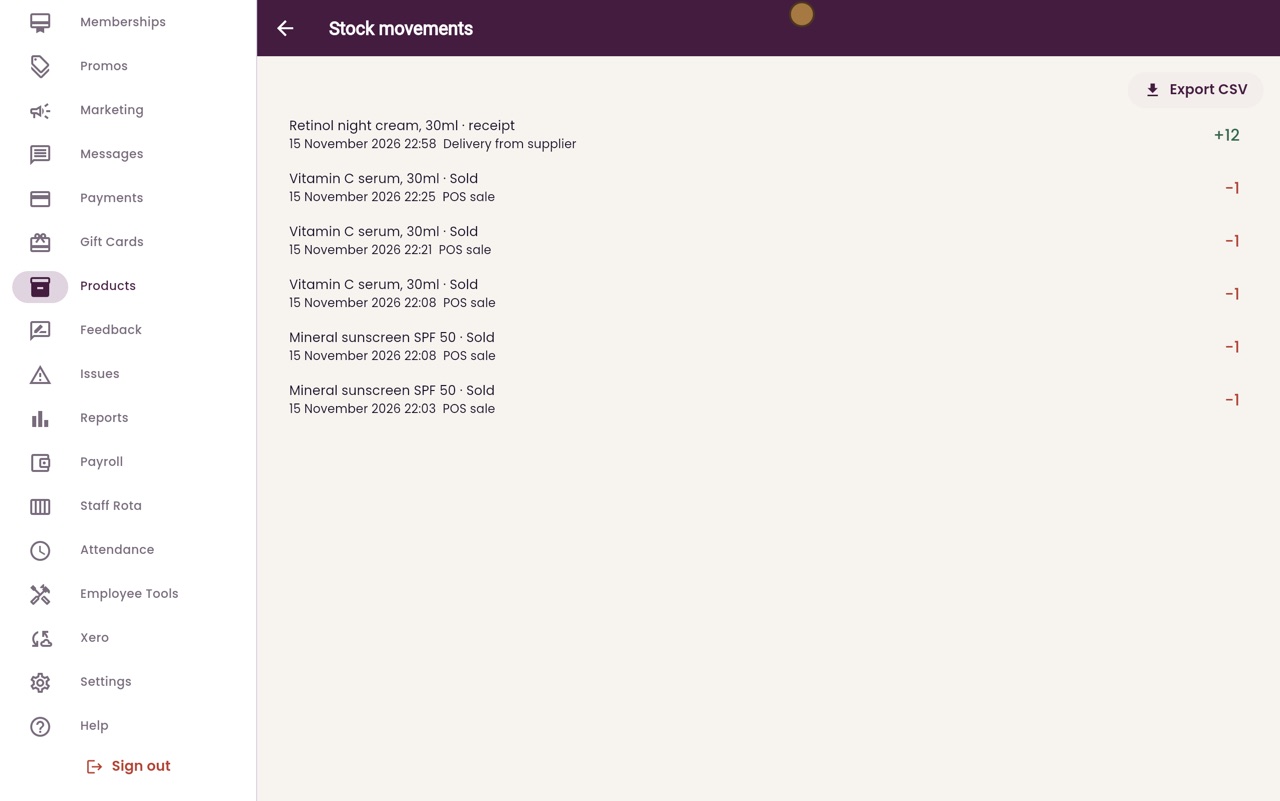
Export CSV downloads the ledger as a spreadsheet.
Step by step
- 01Libby
Every movement
Hi, I am Libby. The stock ledger lists every movement of stock: deliveries in, sales at the till, and adjustments. It shows you where your stock has gone.
- 02Ryan
Stock movements
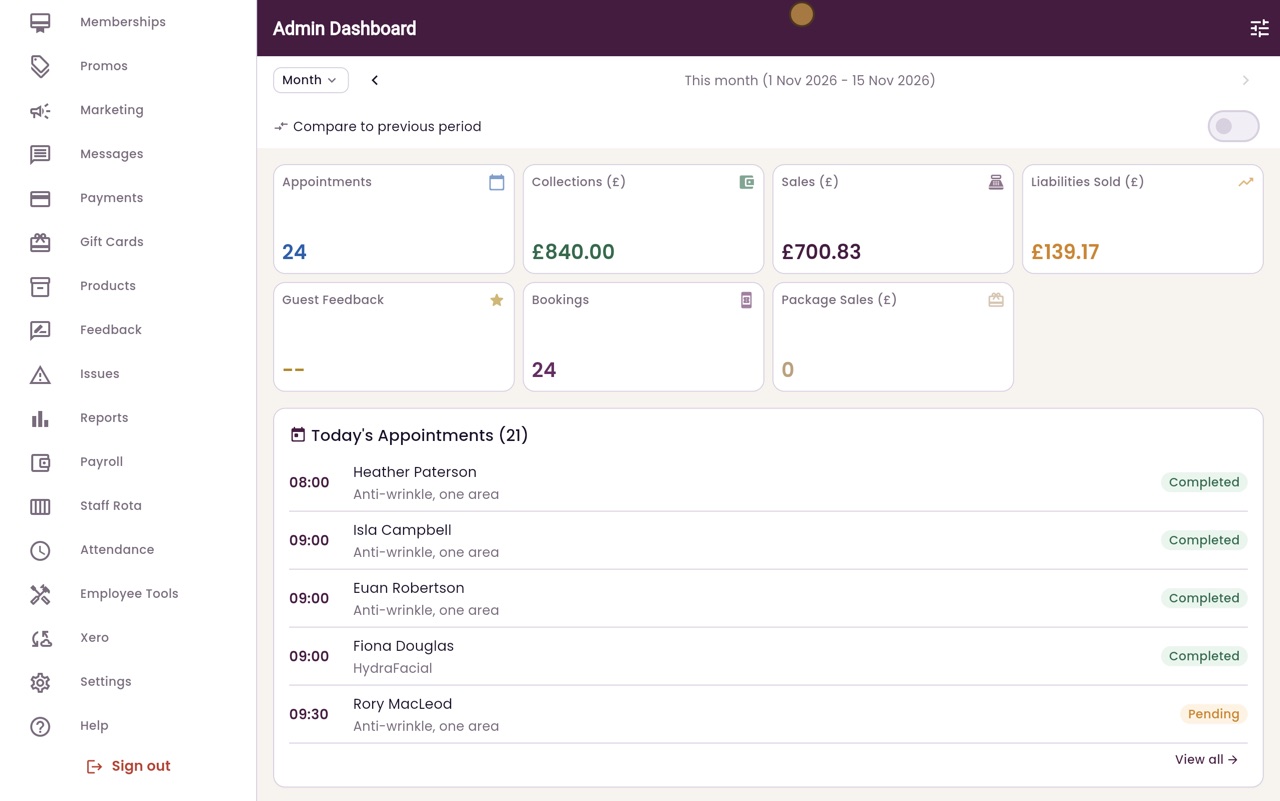
Thanks Libby. Click Products in the menu, then click the Stock movements button at the top right.
- 03Ryan
Reading a line
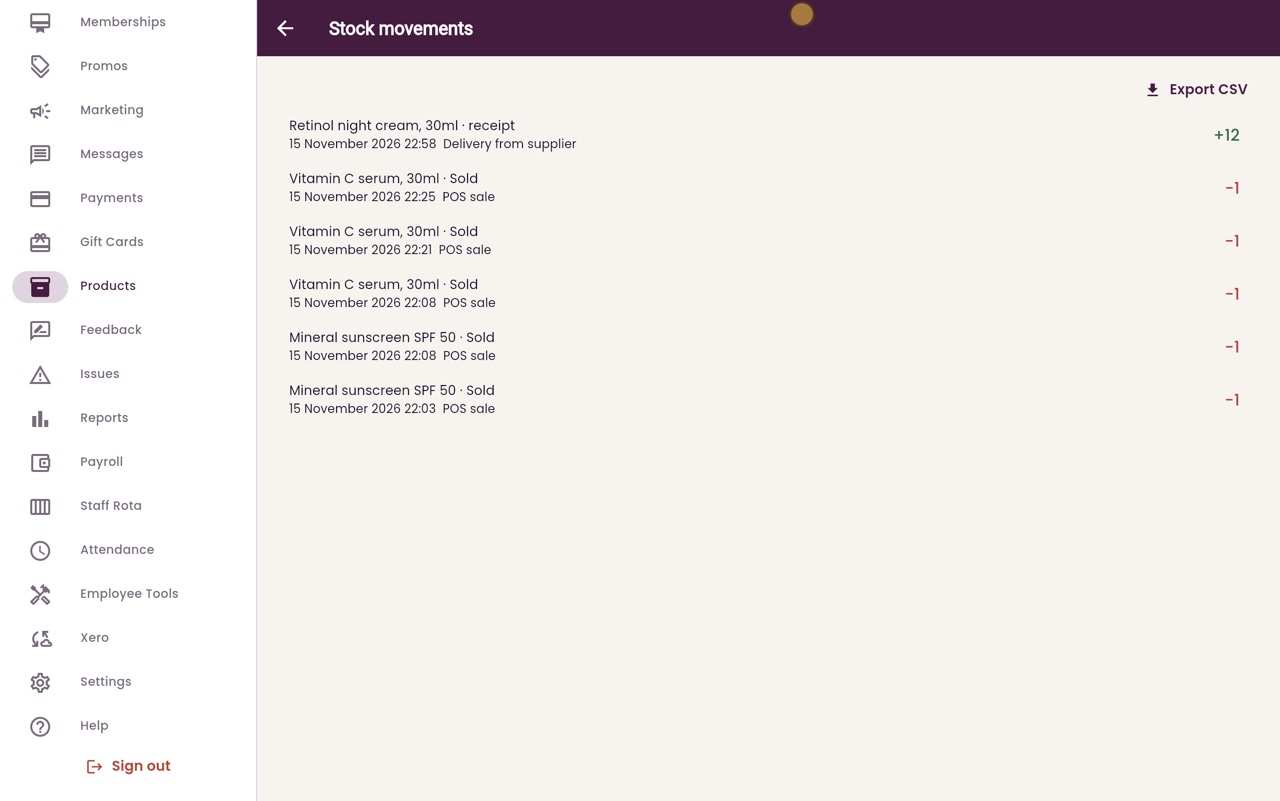
The newest movements are at the top. Each line shows the product, what happened, the date and time, and the note. The number on the right is how many went in or out.
- 04Ryan
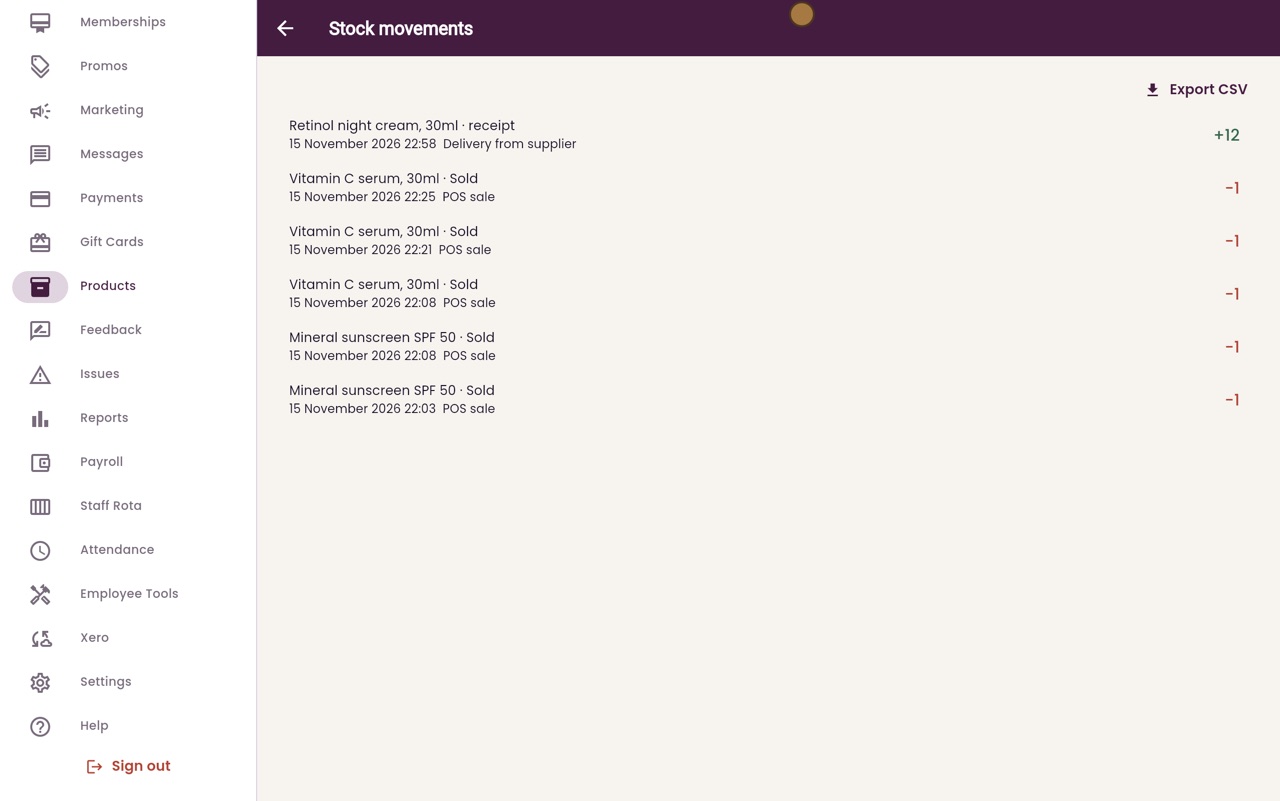
In and out
Here, a delivery of the retinol night cream added twelve. Below it, Vitamin C serum was sold at the till, one at a time, and each sale took one away.
- 05Ryan
Export CSV
Export CSV downloads the whole ledger as a spreadsheet, for a stock take or for your accountant.
- 06Libby
Done
That is the stock ledger. If the count on the shelf does not match, the ledger shows each movement, so you can find the difference.