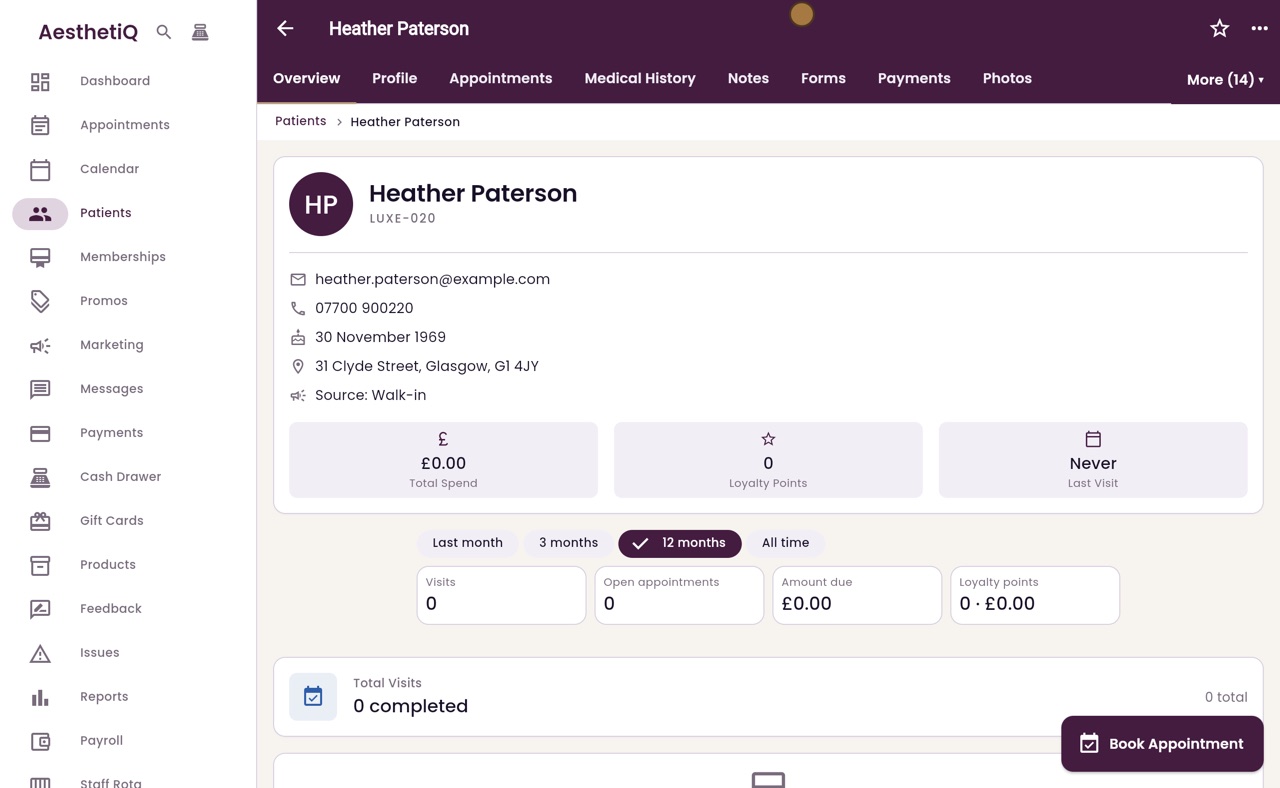
Exporting everything held on a patient
When a patient makes a subject access request, export everything the clinic holds on them as one zip file from their profile.
Where
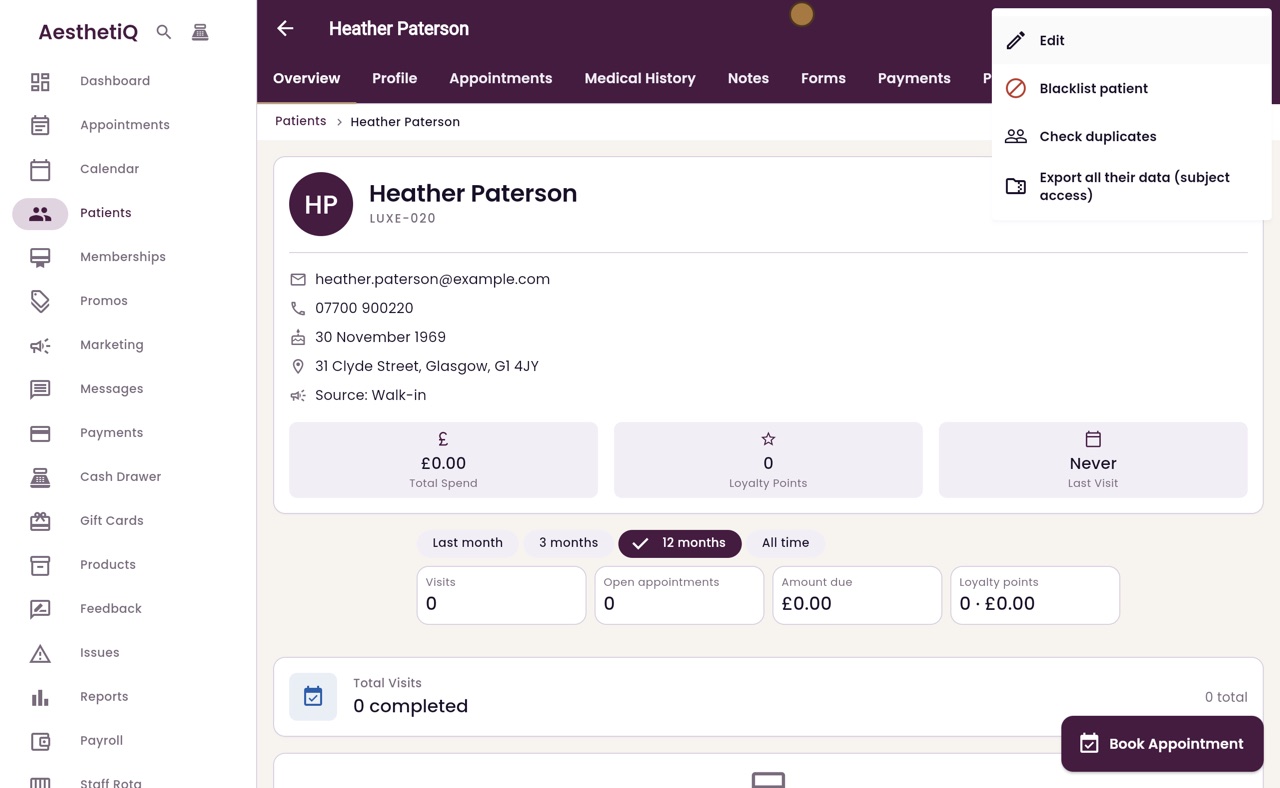
The patient's profile, the menu at the top right, then Export all their data.
The zip
summary.pdf, a readable summary of every section; patient-data.json, the complete data as held; and README.txt, a note explaining them.
Files
Photos and signed forms are listed in the data with download links that work for seven days.
Step by step
- 01Libby
Subject access requests
Hi, I am Libby. Patients have the right to ask for a copy of everything the clinic holds about them. This is called a subject access request, and the clinic manager can answer it in a few clicks.
- 02Ryan
The profile menu
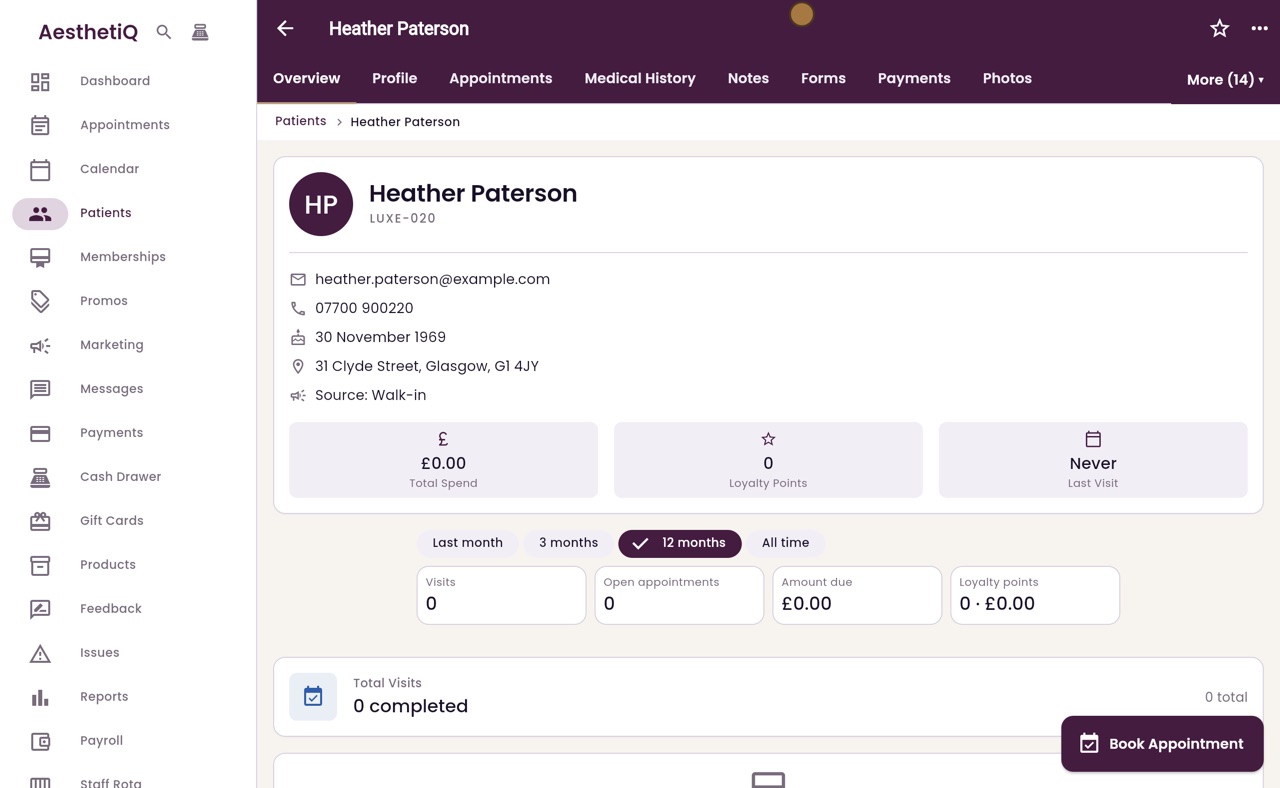
Thanks Libby. Open the patient's profile, here Heather Paterson, and click the menu at the top right.
- 03Ryan
Export all their data
Choose Export all their data. AesthetiQ gathers everything held on this patient.
- 04Ryan
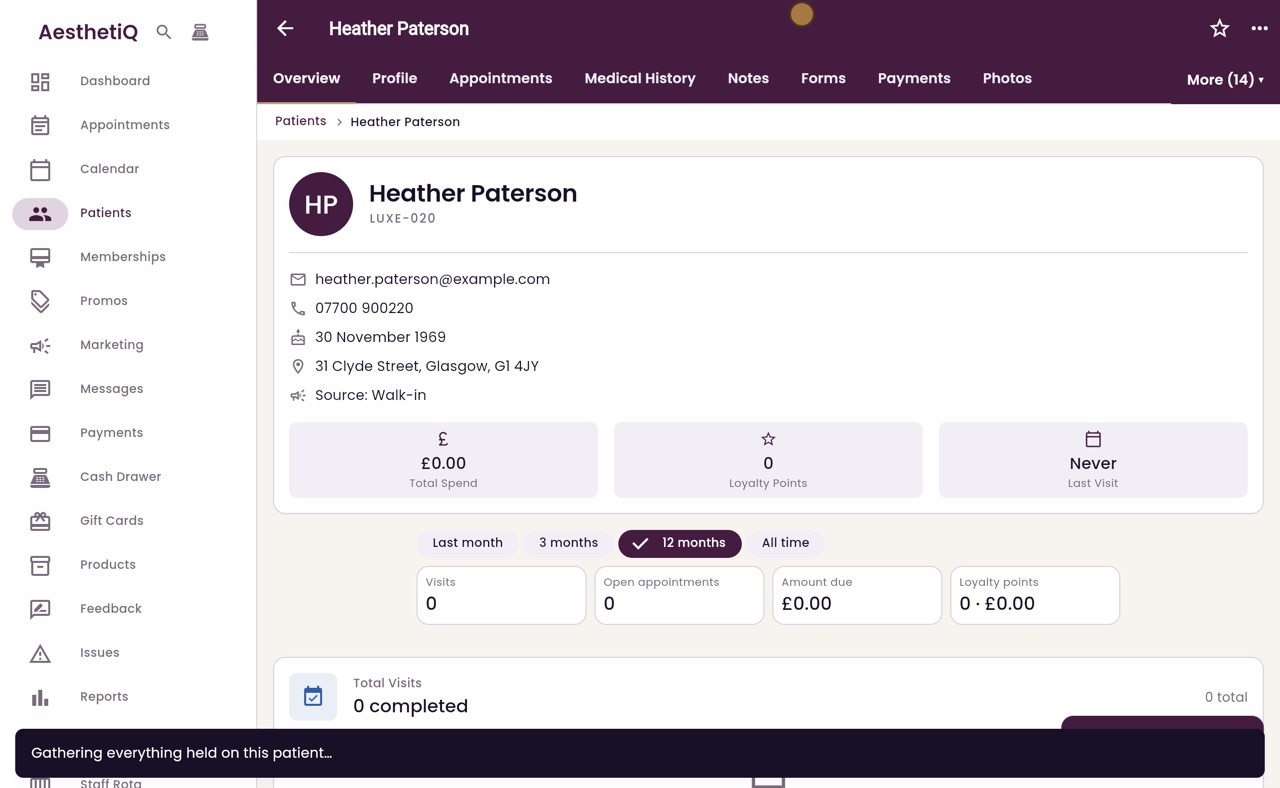
Saved to the computer
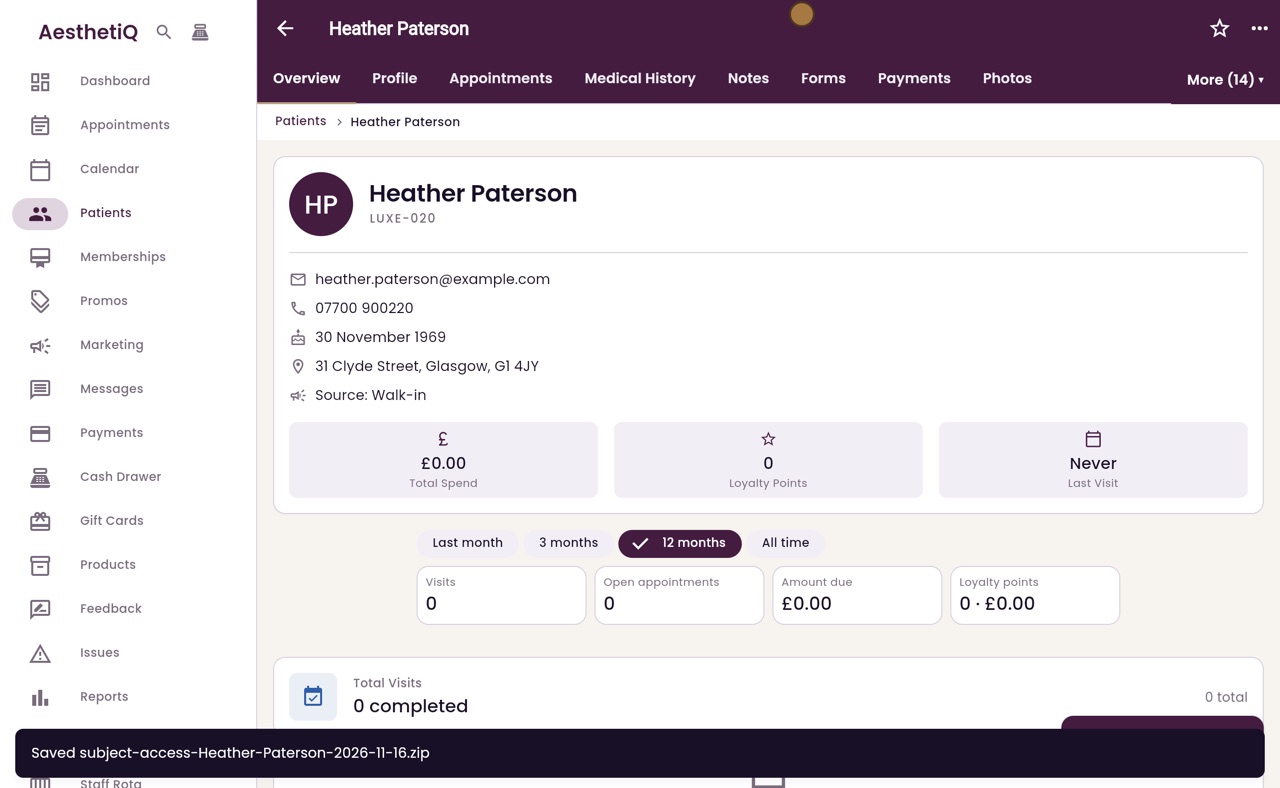
When it is ready, the file is saved to the computer as one zip file, with everything the clinic holds on Heather. The message at the bottom shows its name.
- 05Libby
Done
That is exporting a patient's data. Check the zip, then send it to the patient securely. Every export is recorded, with who made it and when.