Setting up a promo code
Create a code that gives patients money off a booking, such as a welcome offer for new patients.
Where
Promos, then Create promo code.
Who
The clinic manager.
After
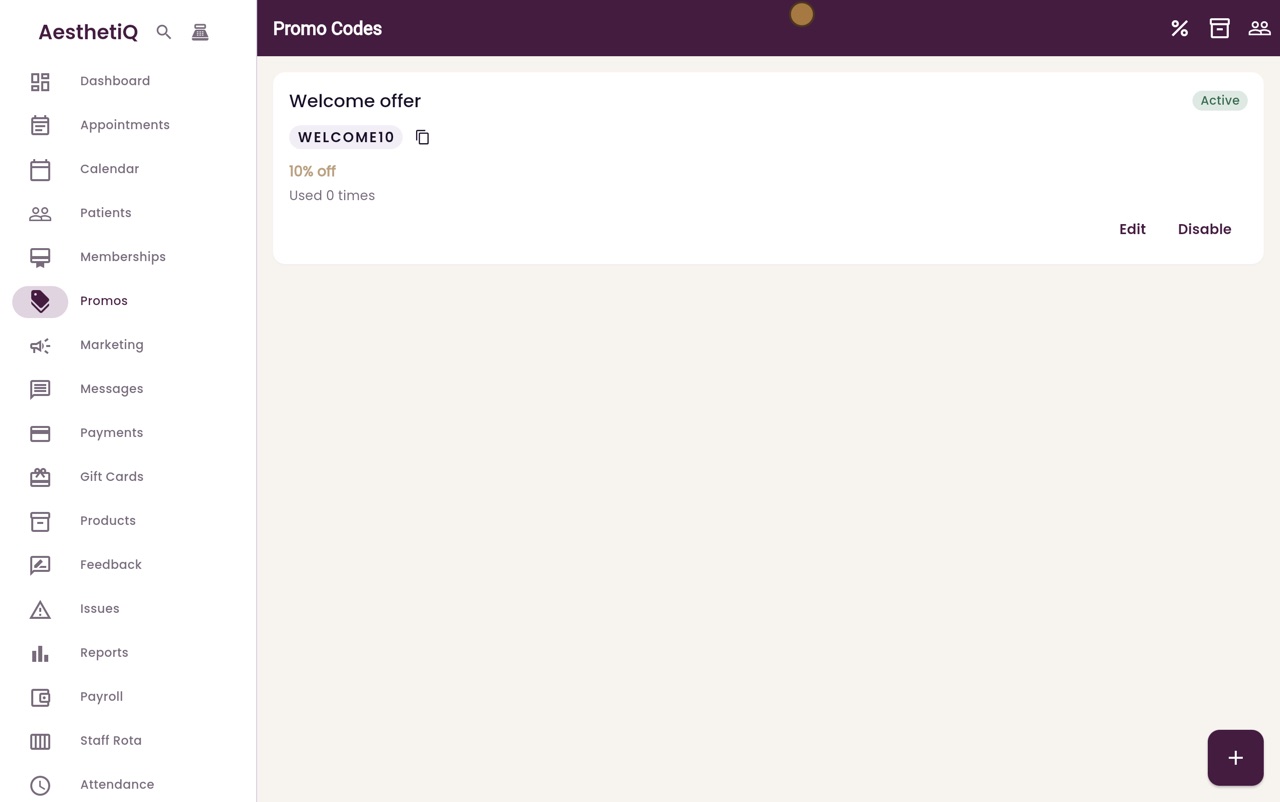
The code shows as Active in the list of promo codes.
Step by step
- 01Libby
Promo codes
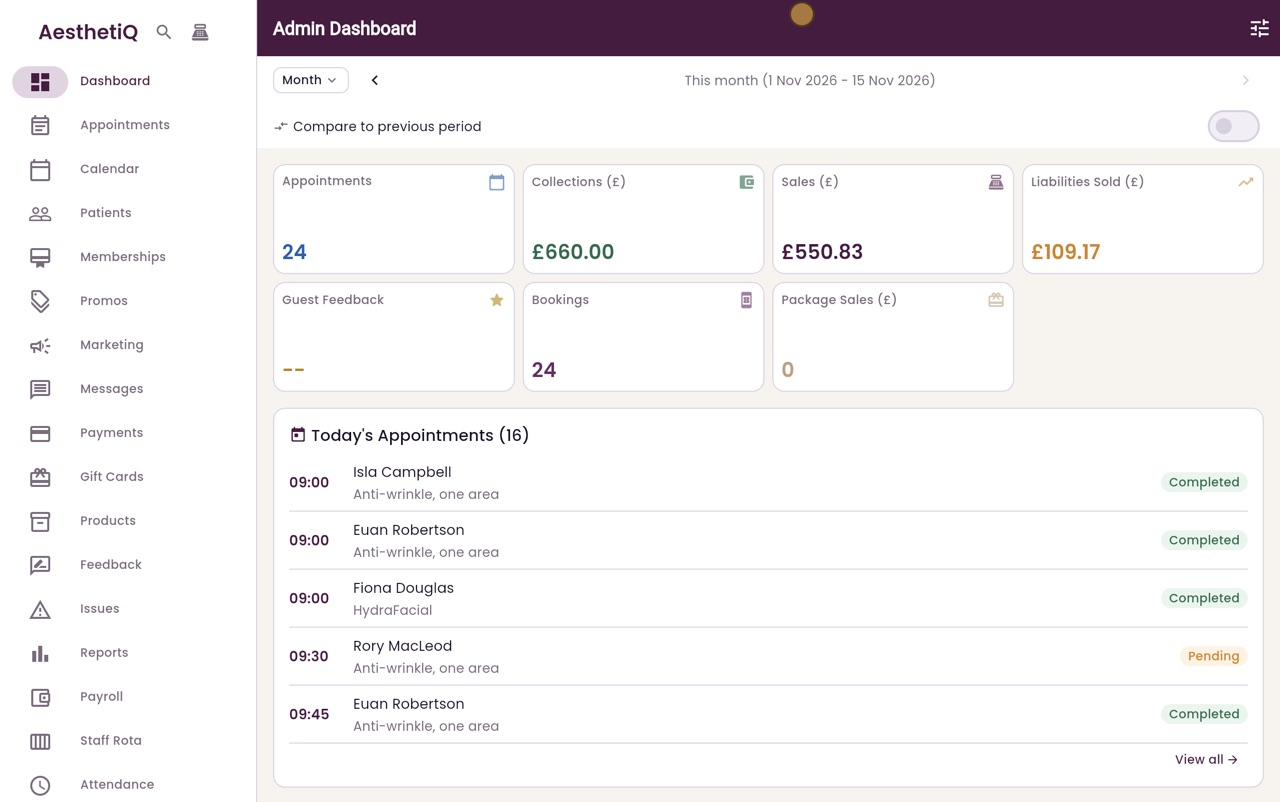
Hi, I am Libby. A promo code gives patients money off a booking, for example a welcome offer for new patients. Here is how the clinic manager sets one up.
- 02Ryan
Open Promos
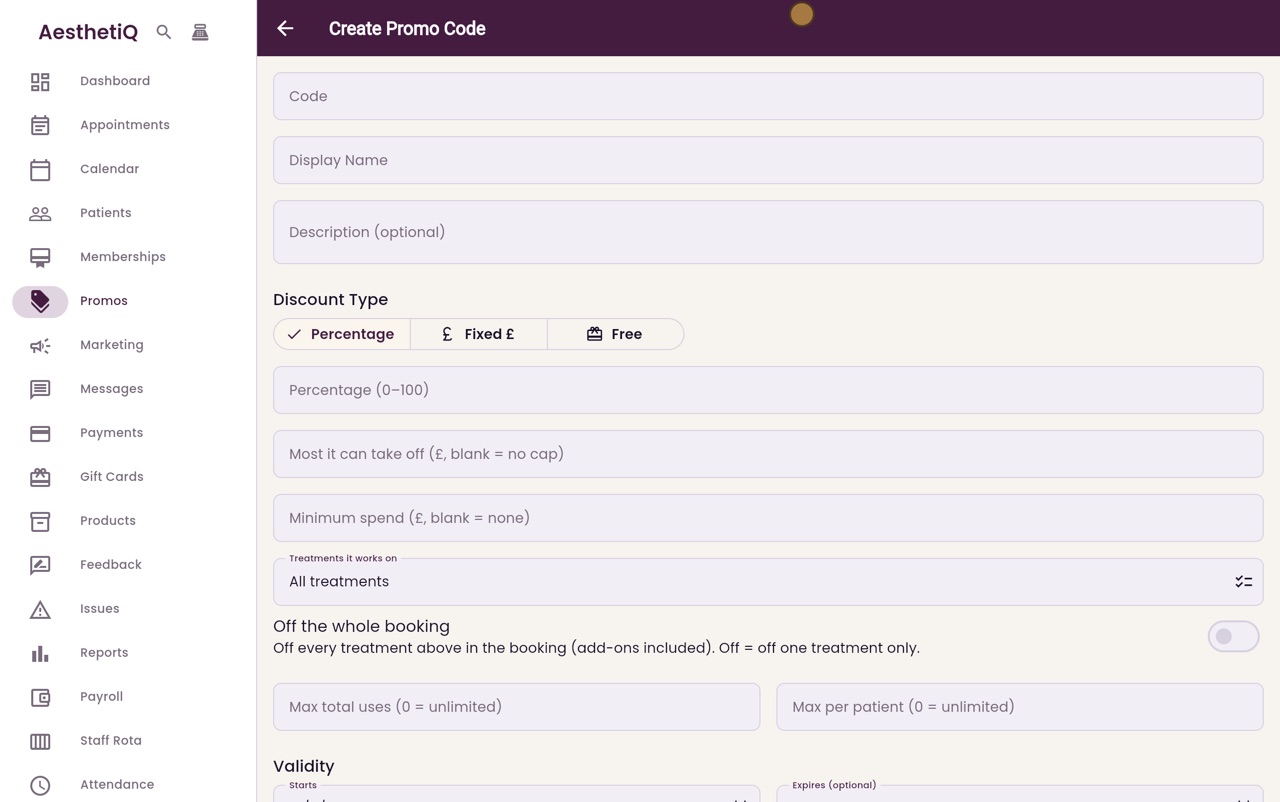
Thanks Libby. Click Promos in the menu on the left. There are no promo codes yet, so click Create promo code.
- 03Ryan
Code and name
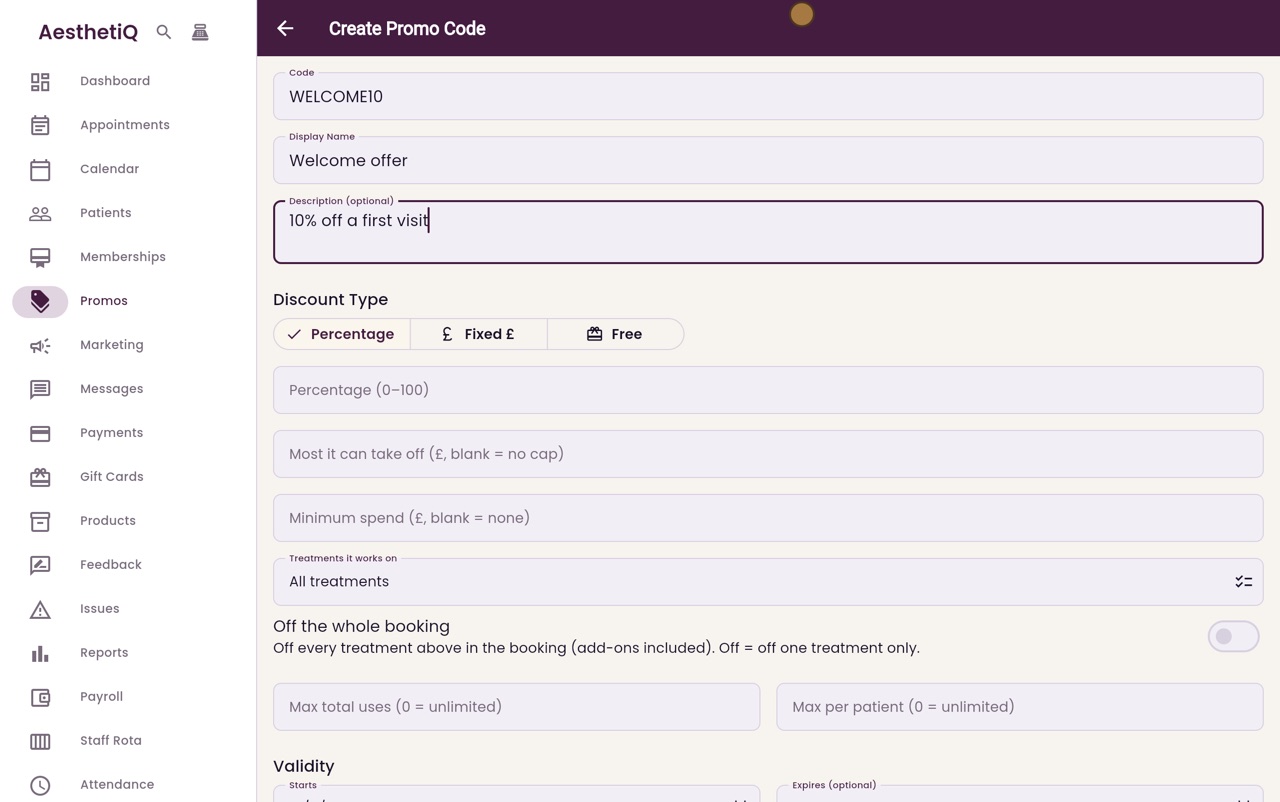
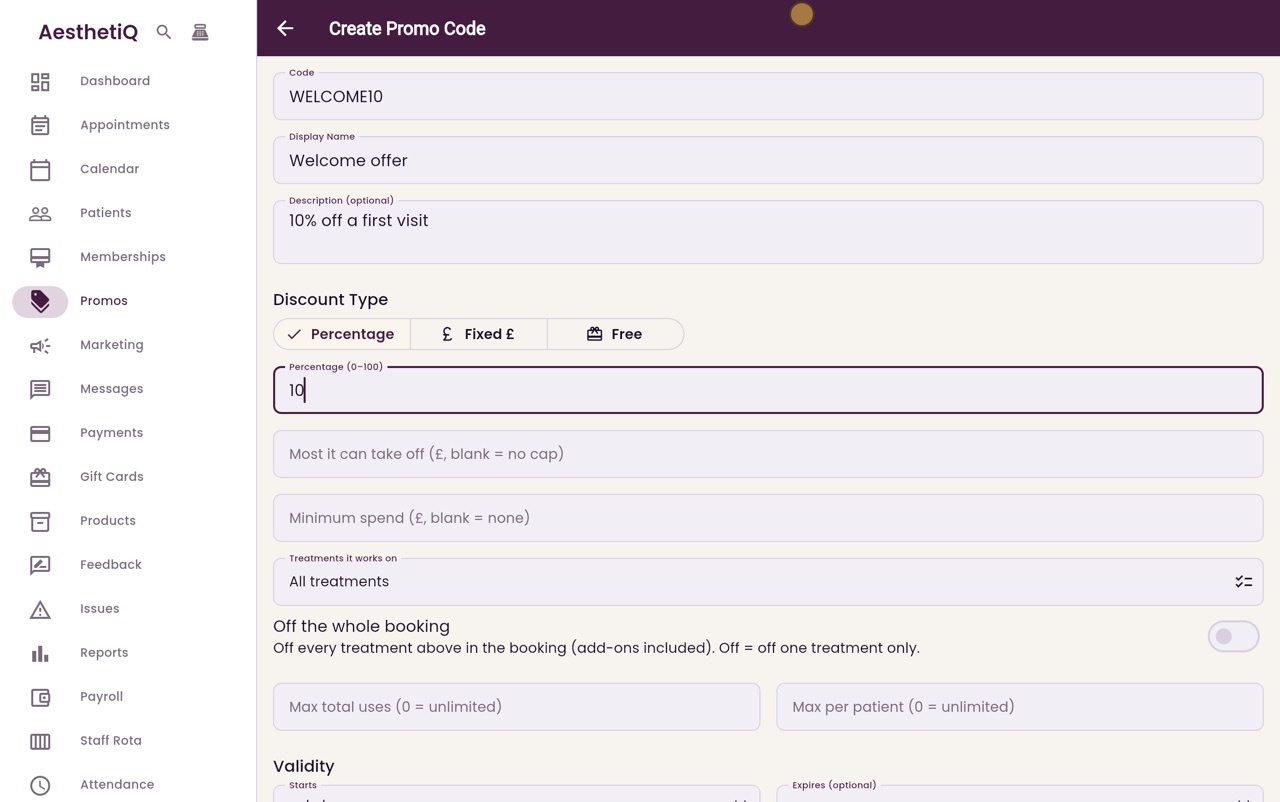
Type the code patients will use, WELCOME10. Then a display name, and a short description so staff know what the code is for.
- 04Ryan
How much off
Leave the discount type on Percentage and type 10, for ten percent off. You can also set the most it can take off and a minimum spend. Leave them blank for no limit.
- 05Ryan
Rules and restrictions
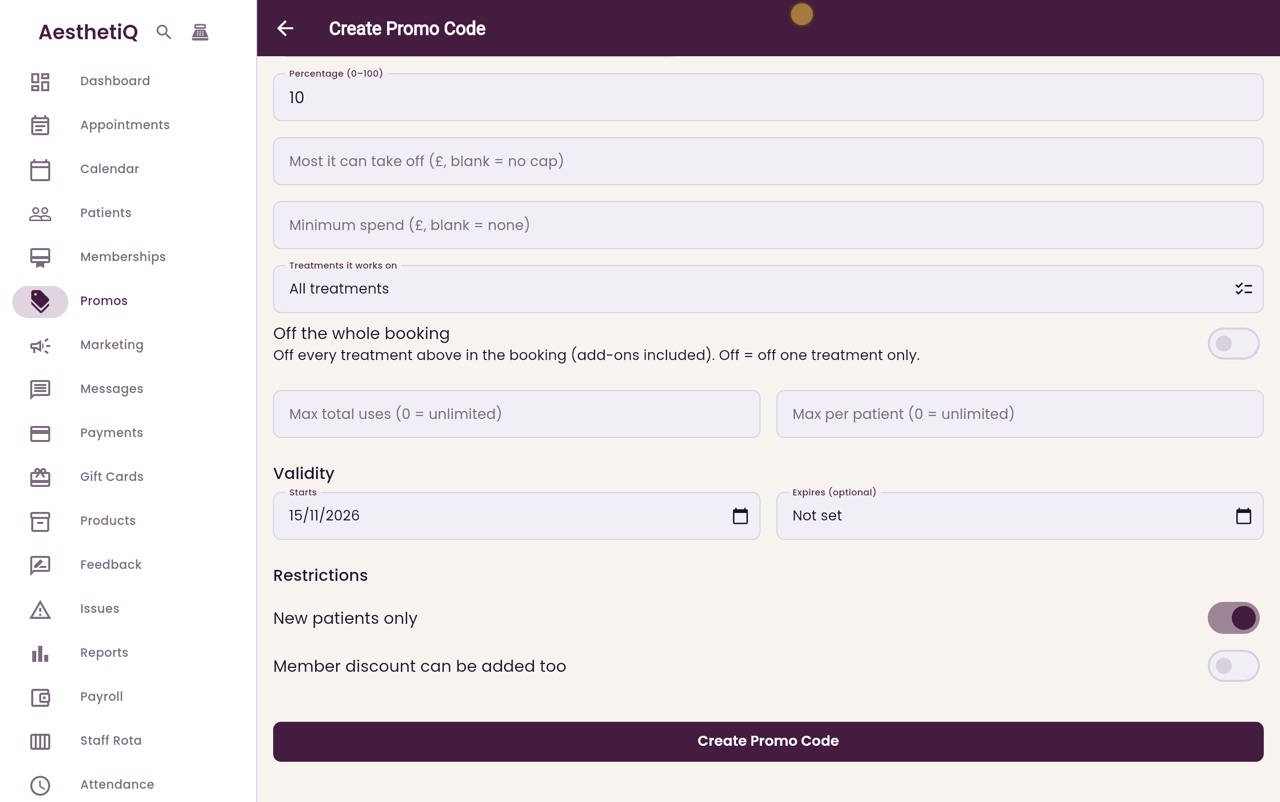
The code works on all treatments, and you can limit how many times it is used. It starts today. Under Restrictions, switch on New patients only, so only patients who have not been treated here before can use it.
- 06Ryan
Create the code
Click Create Promo Code.
- 07Ryan
In the list
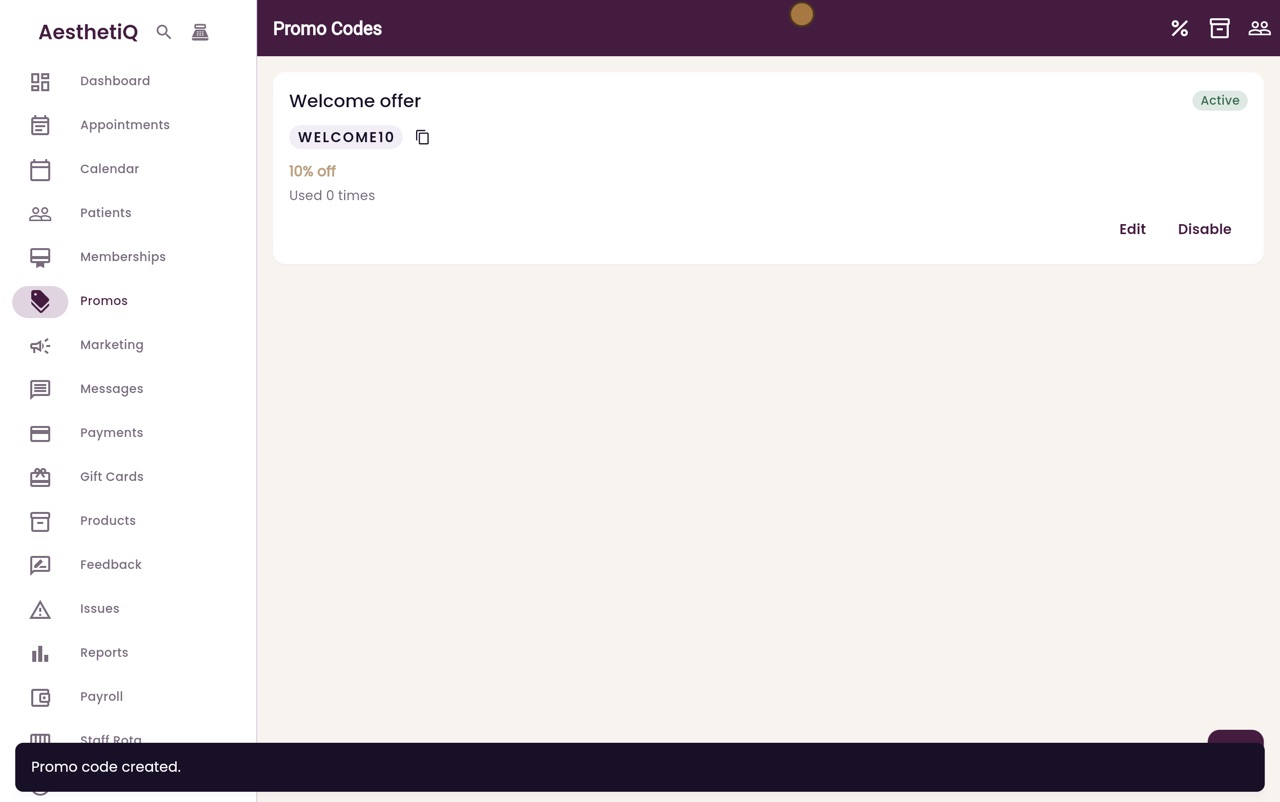
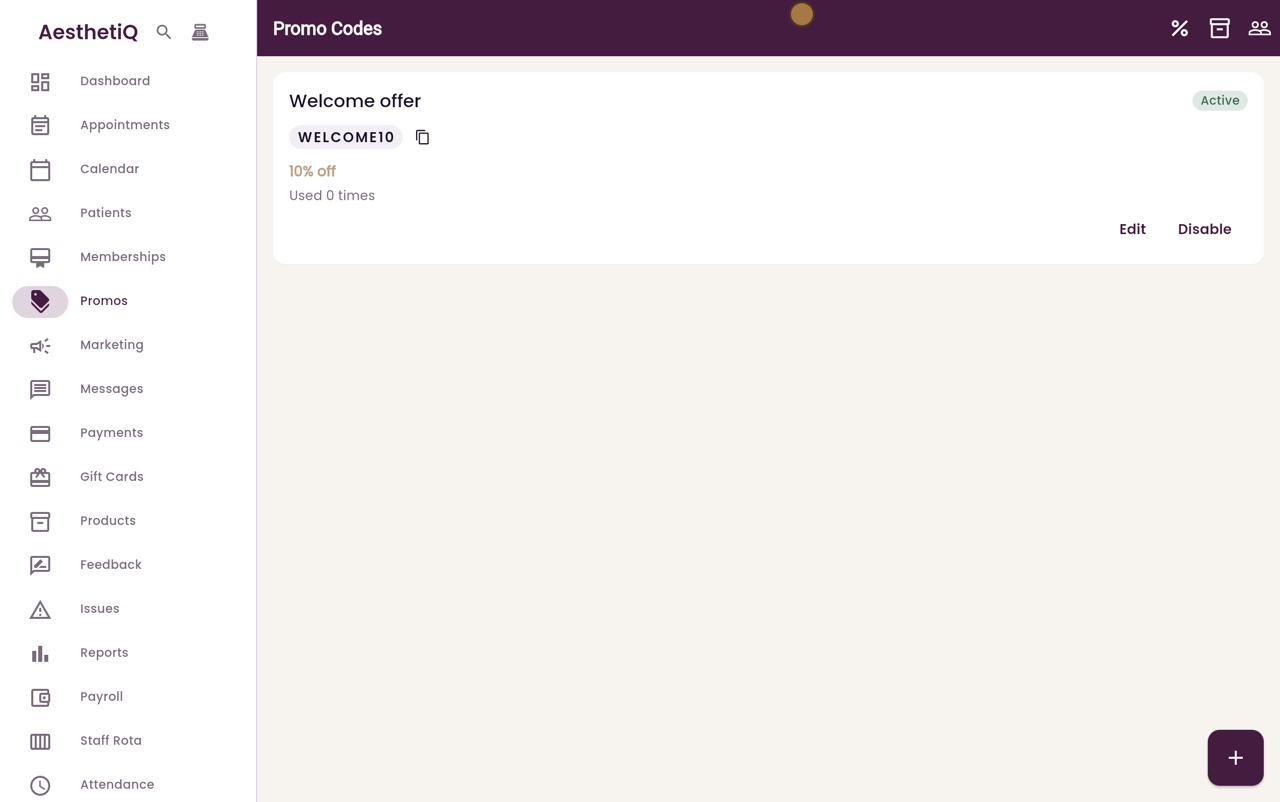
WELCOME10 is now in the list of promo codes and shows as Active. Edit changes it later, and Disable stops it being used.
- 08Libby
Done
That is setting up a promo code. When a patient gives you the code, reception adds it to their booking and the discount is taken off at checkout.