Clinic manager: the weekly check
Once a week the clinic manager checks the takings, membership renewals waiting for payment, and deposits still to give back.
Takings
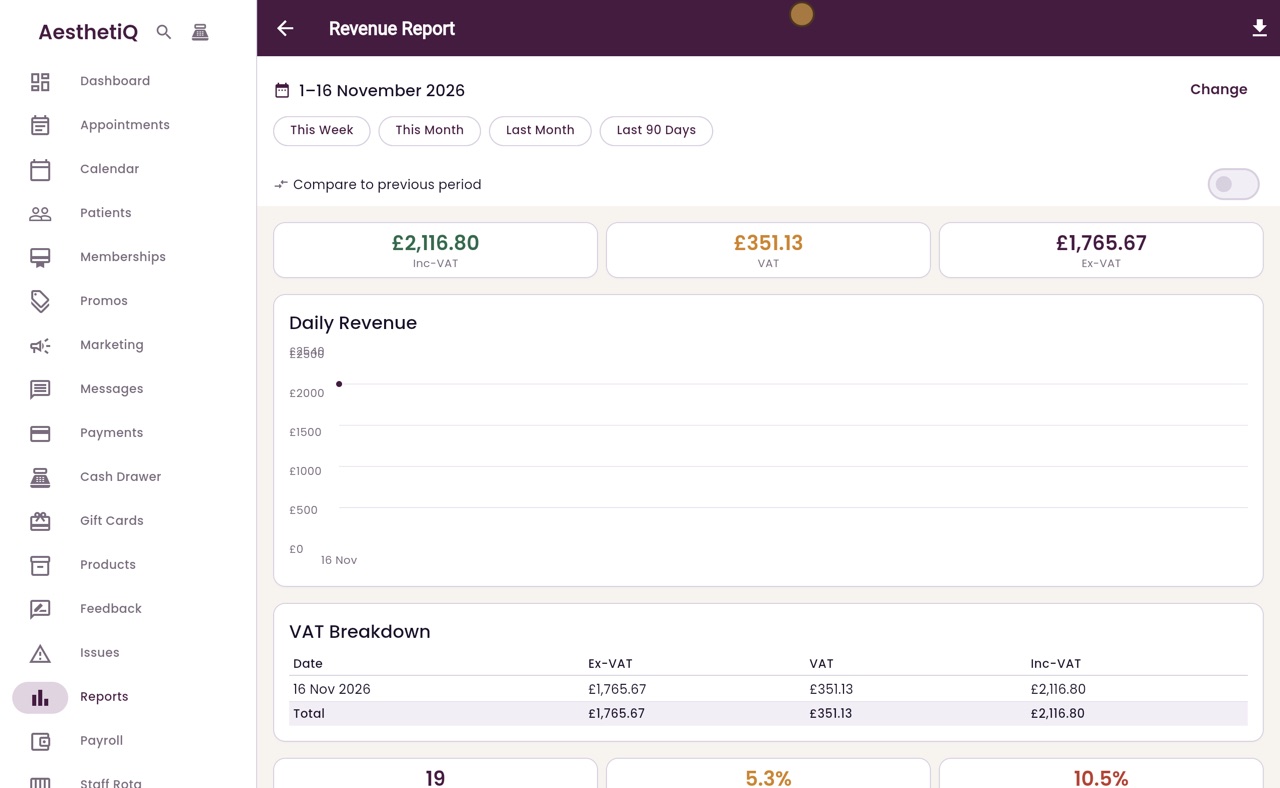
Reports, Business, Revenue / KPI, This Week.
Renewals
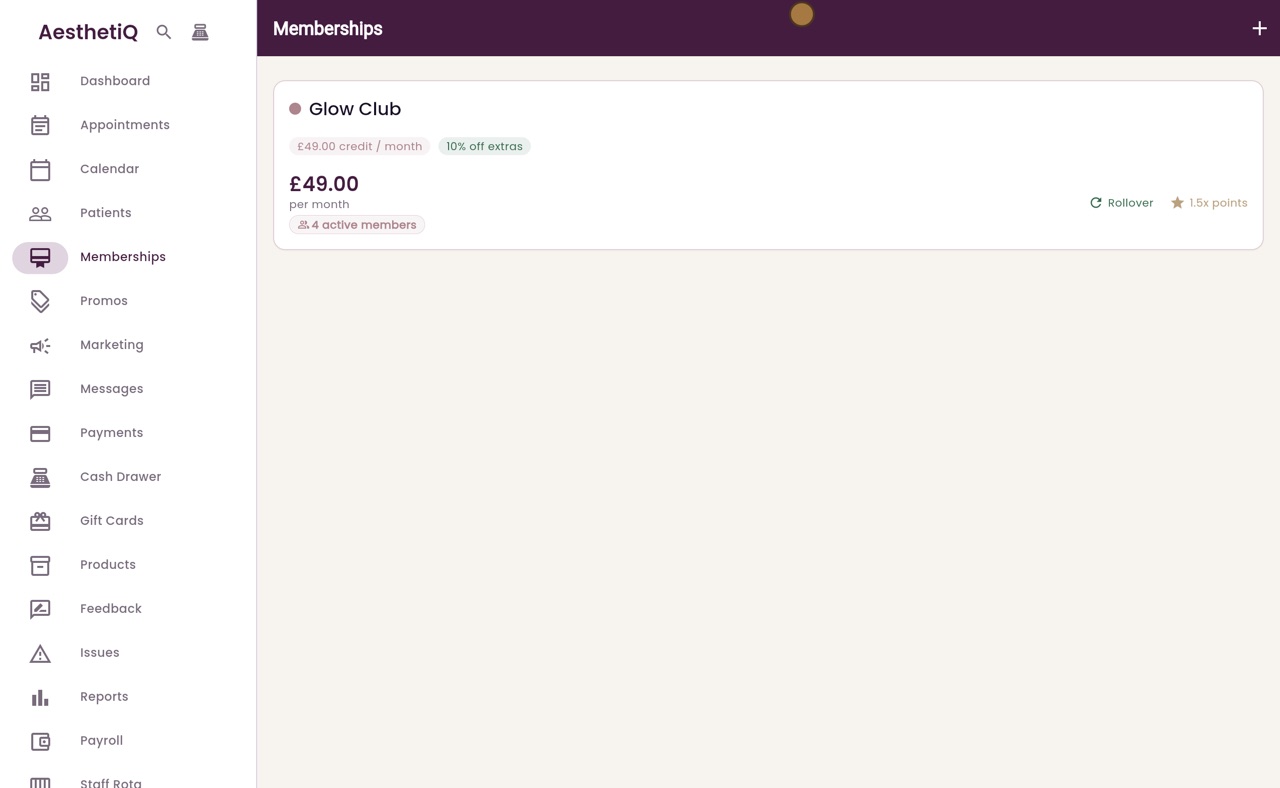
Memberships: a box at the top lists renewals waiting for payment.
Deposits
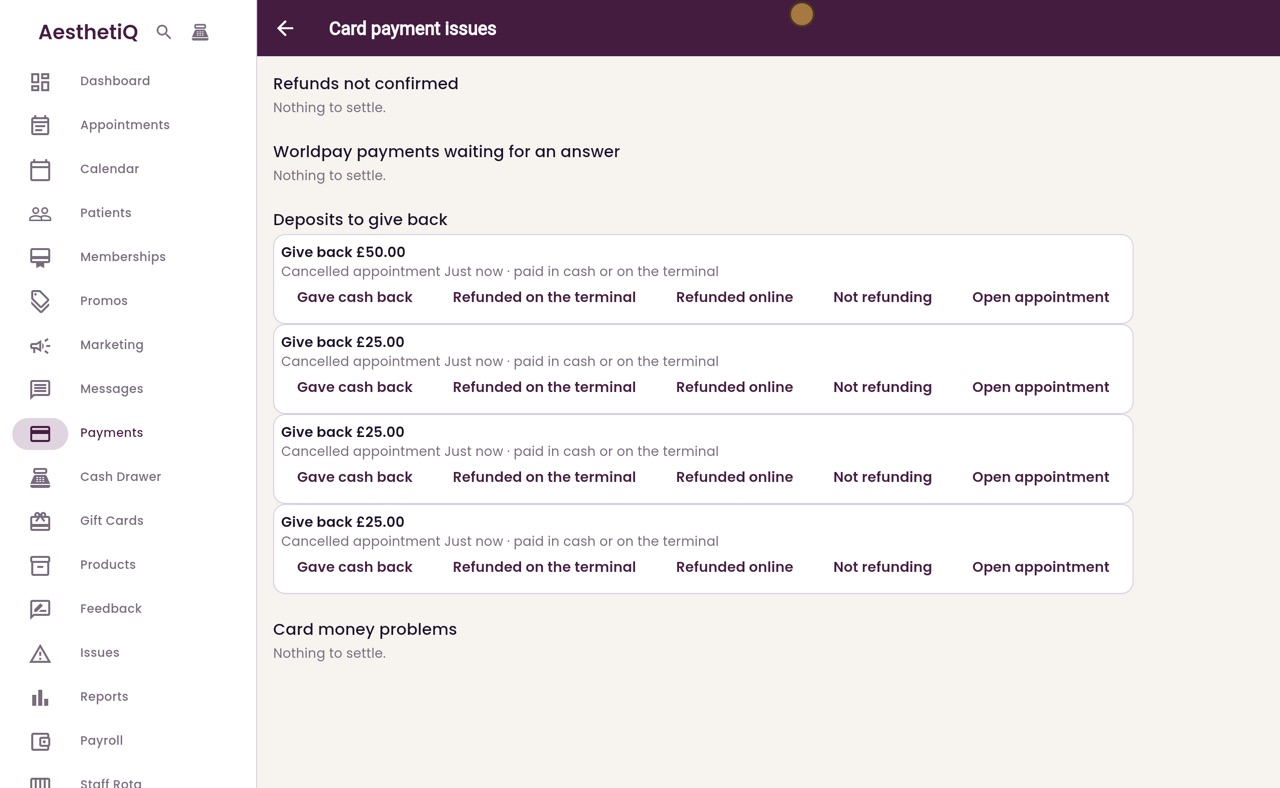
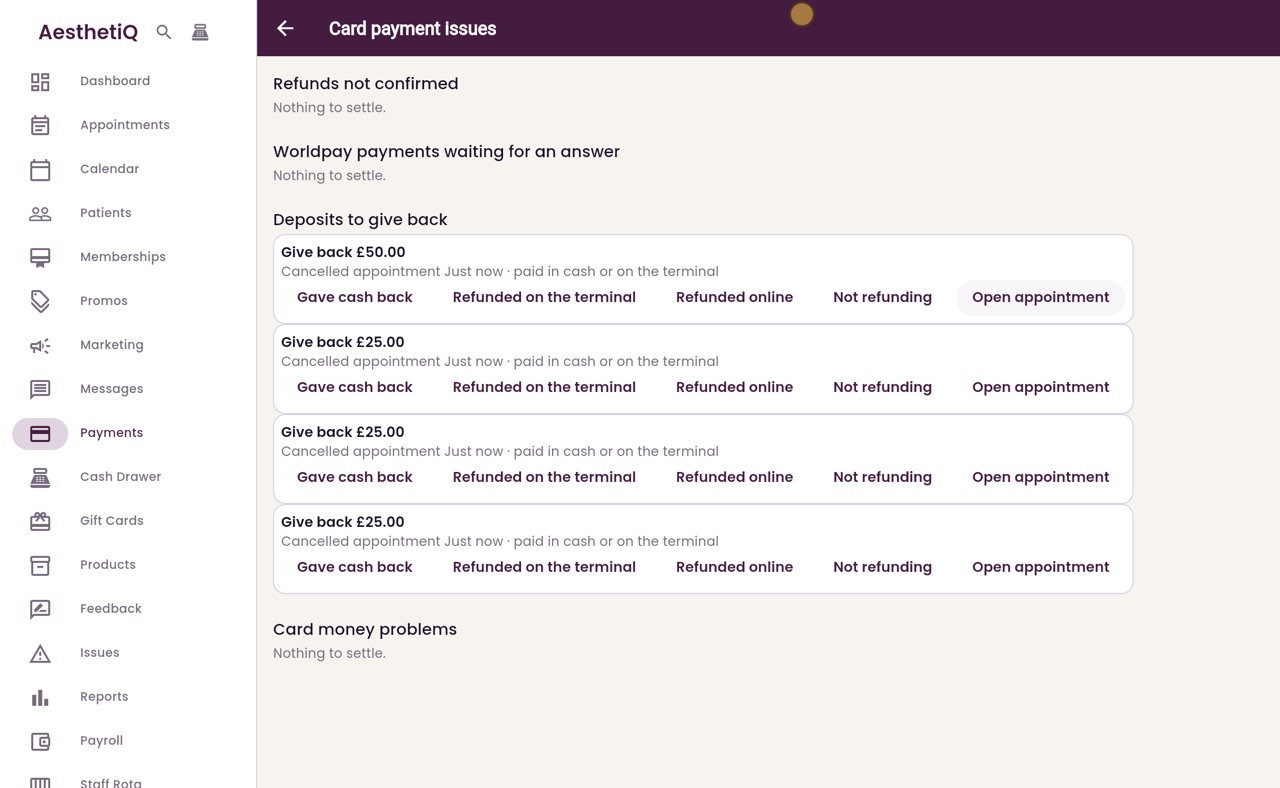
Payments, Card payment issues, Deposits to give back.
Step by step
- 01Libby
The weekly check
Hi, I am Libby. Once a week, the clinic manager checks how the clinic is doing: the takings in the reports, membership renewals waiting for payment, and deposits still to give back.
- 02Ryan
Open the report
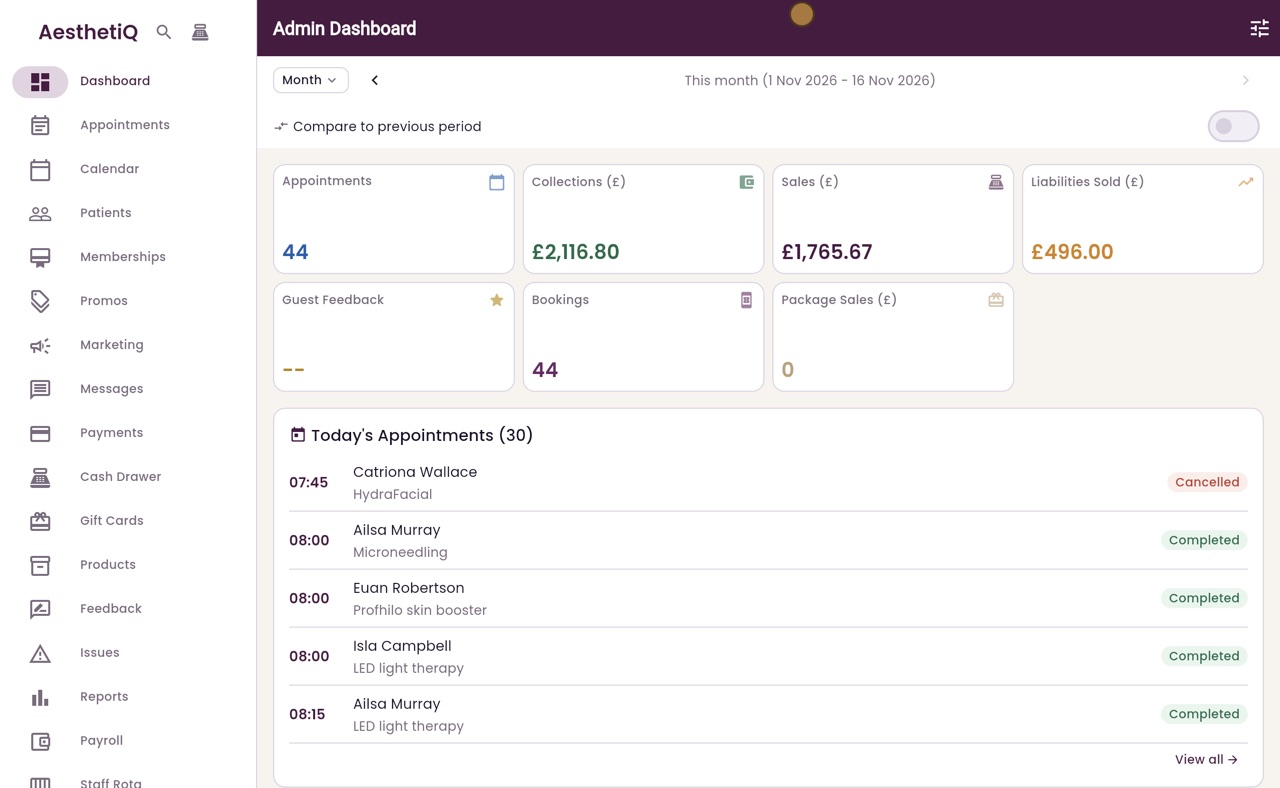
Thanks Libby. Claire clicks Reports in the menu, opens Business, then clicks Revenue KPI.
- 03Ryan
This week's takings
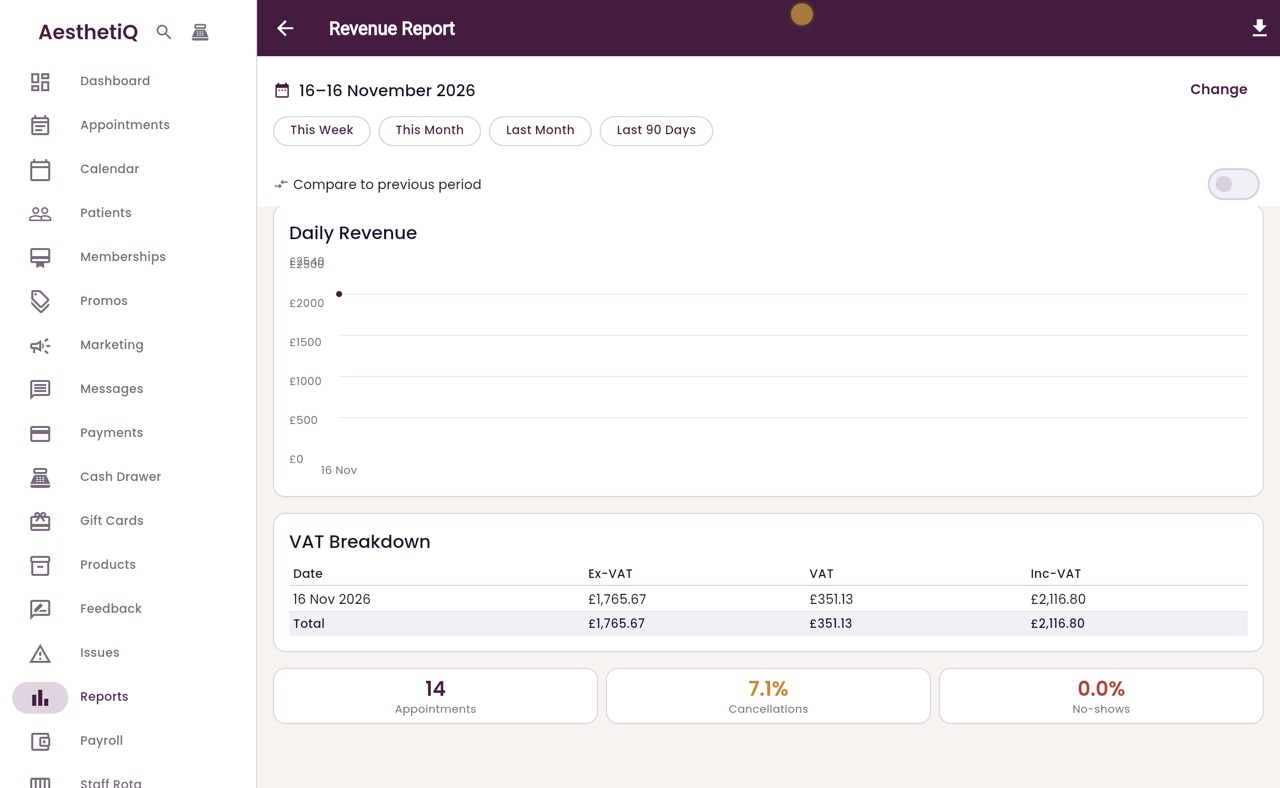
She clicks This Week. At the top are the takings including VAT, the VAT, and the takings without VAT. The chart shows each day. Below are the number of appointments, and the share that were cancelled or missed.
- 04Ryan
Renewals waiting
Next, renewals. She clicks Memberships in the menu. When a renewal is waiting for payment, it is listed in a box at the top of this screen. Today nothing is waiting, so only the Glow Club is shown, with its active members.
- 05Ryan
Deposits to give back
Last, deposits. She clicks Payments, then Card payment issues. Deposits to give back lists deposits from cancelled appointments that have not been given back yet. Open appointment shows whose each one is.
- 06Libby
Done
That is the weekly check. Each report has an export button at the top right, for a copy to keep.