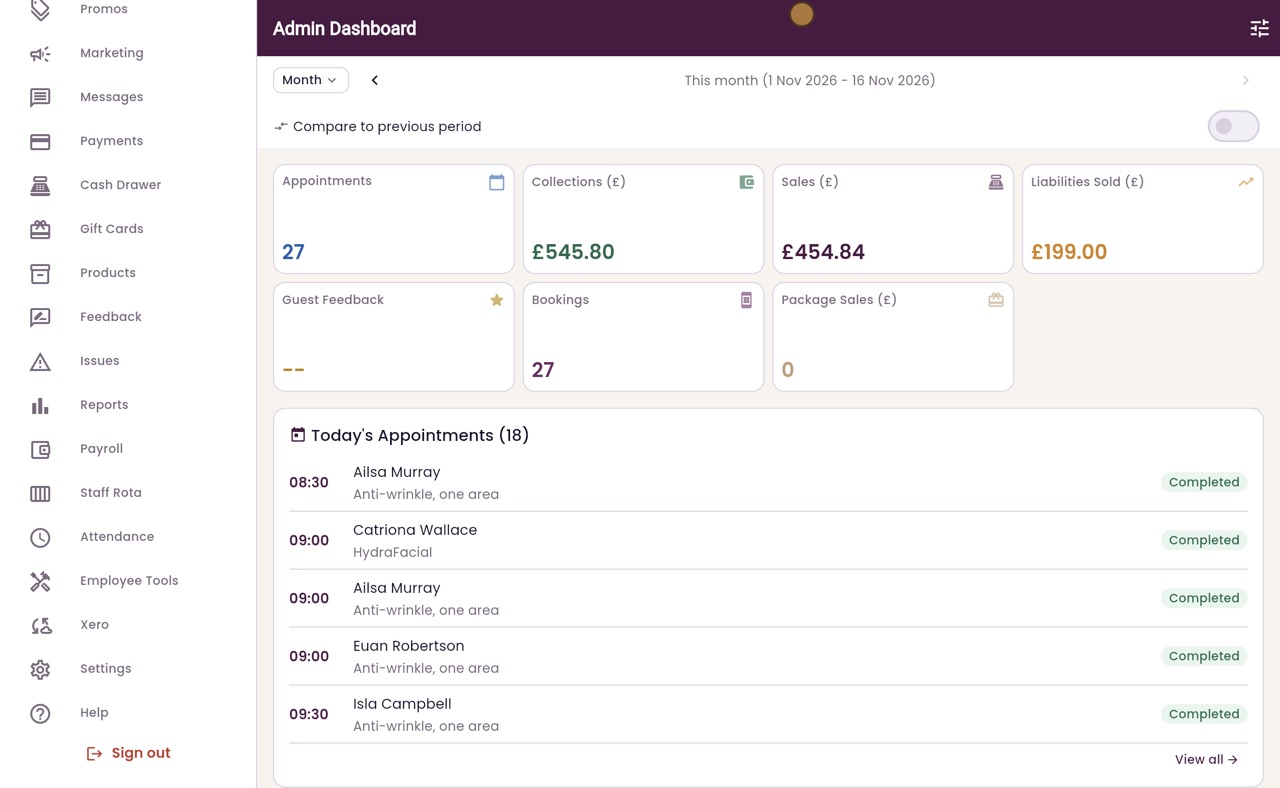
What each role can see
Reception, practitioners and the clinic manager each sign in with their own login and see only the screens their role needs.
Reception
Appointments, Calendar, Attendance and Help: every practitioner's diary.
Practitioner
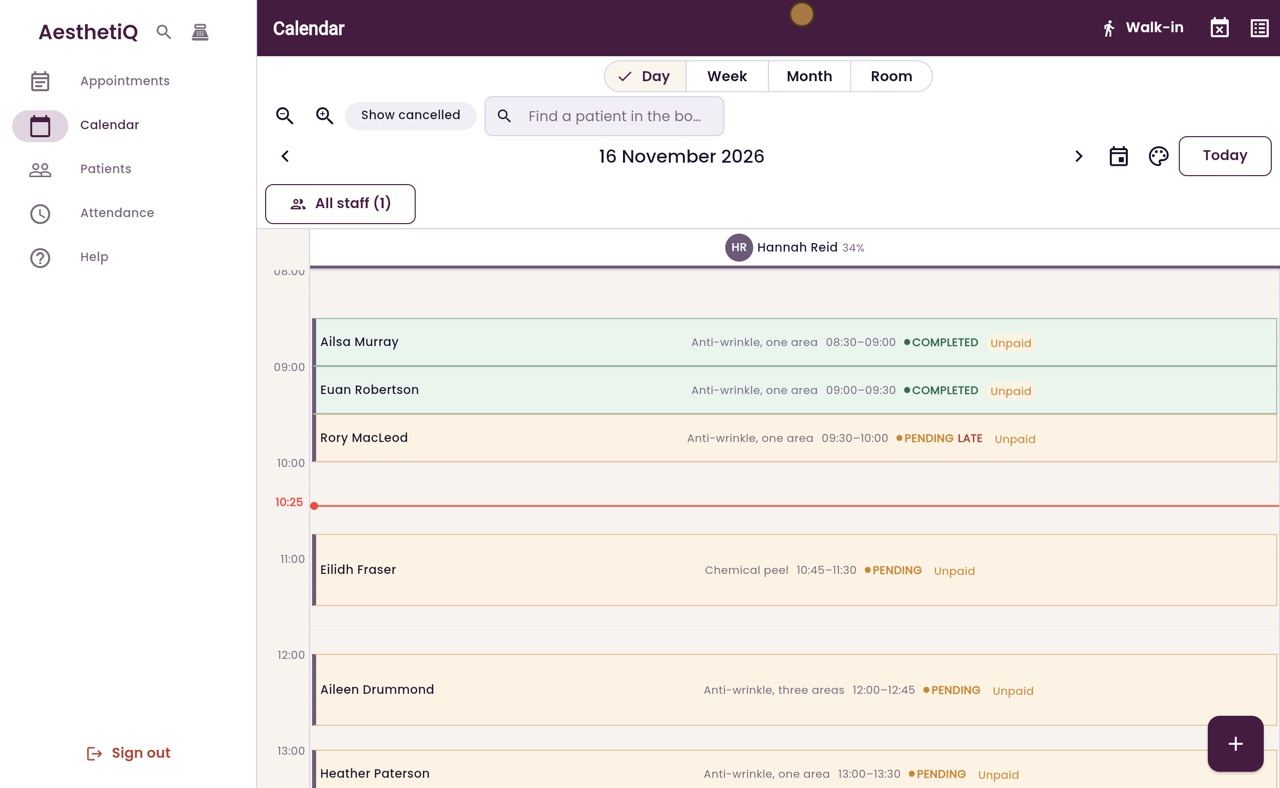
Appointments, Calendar, Patients, Attendance and Help: their own column in the calendar.
Clinic manager
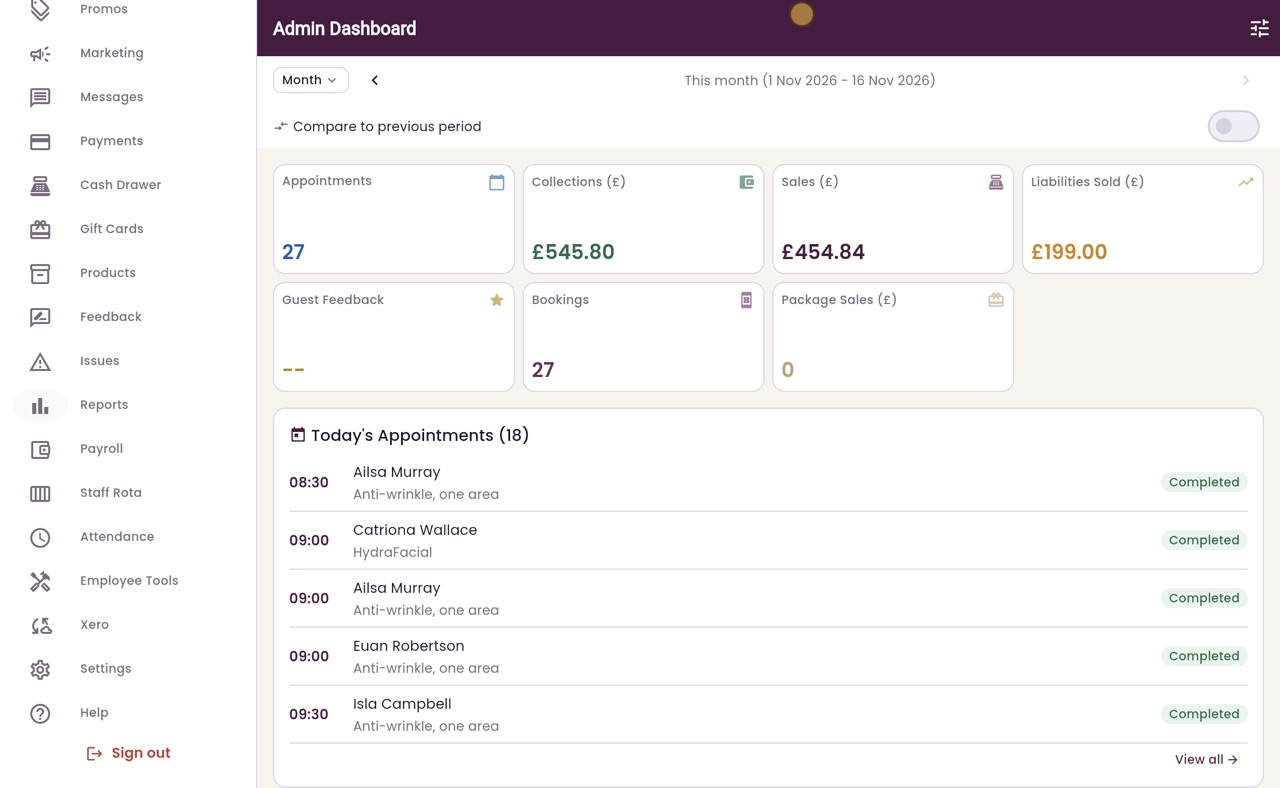
Everything, including payments, reports, payroll and settings.
Step by step
- 01Libby
Your role decides
Hi, I am Libby. What you see in AesthetiQ depends on your role. Everyone signs in with their own login, and AesthetiQ shows only the screens their role needs.
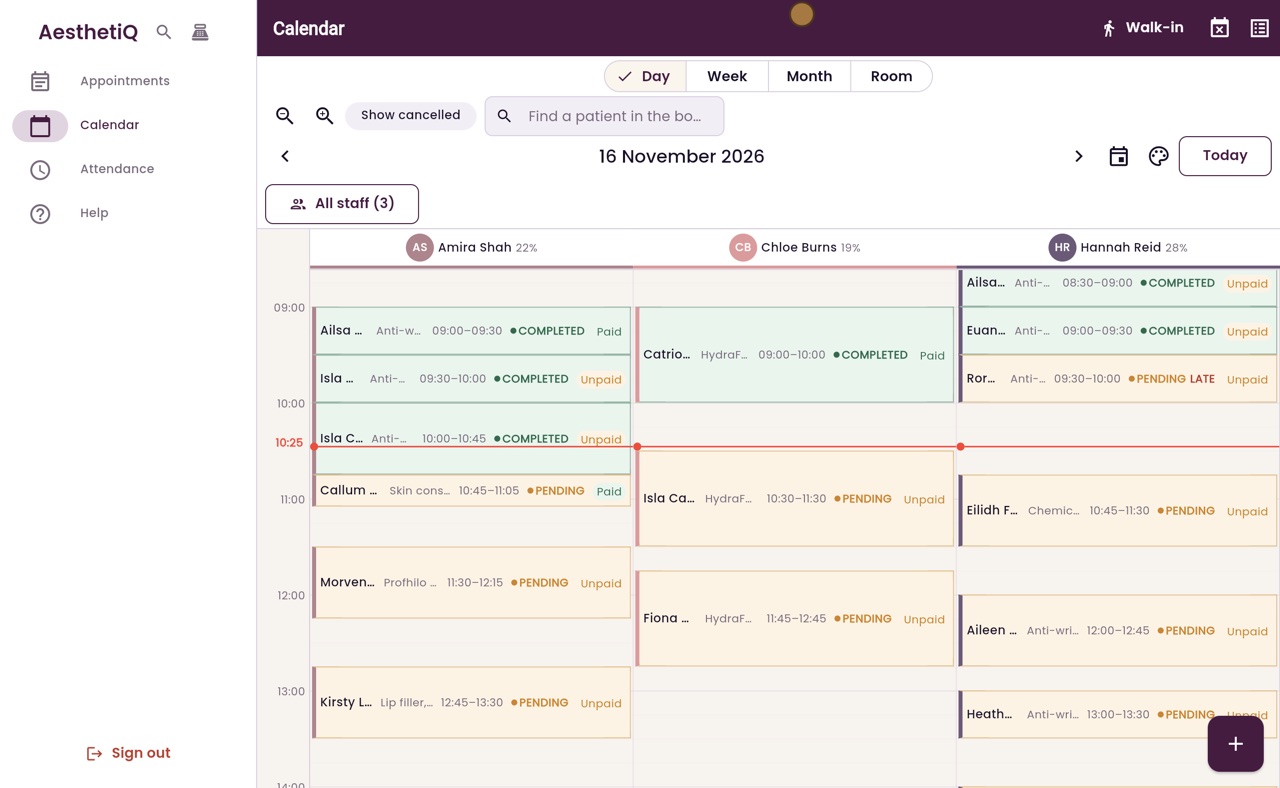
- 02Ryan
Reception
Thanks Libby. This is Megan, on reception. Her menu has Appointments, Calendar, Attendance and Help. She sees every practitioner's diary, and books, checks in and takes payments from it.
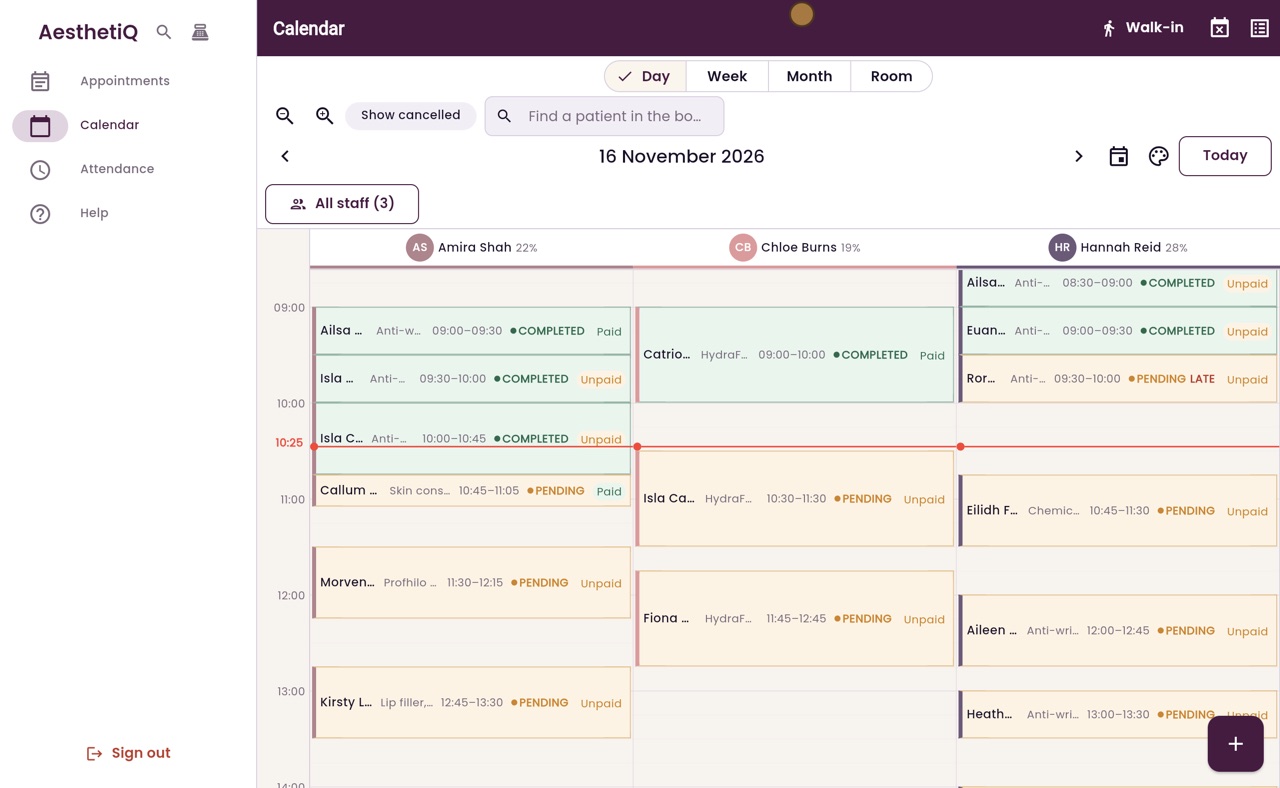
- 03Ryan
Signing in as someone else
Reception does not see reports, staff pay or settings. Now Megan signs out, and Hannah Reid, one of the nurses, signs in.
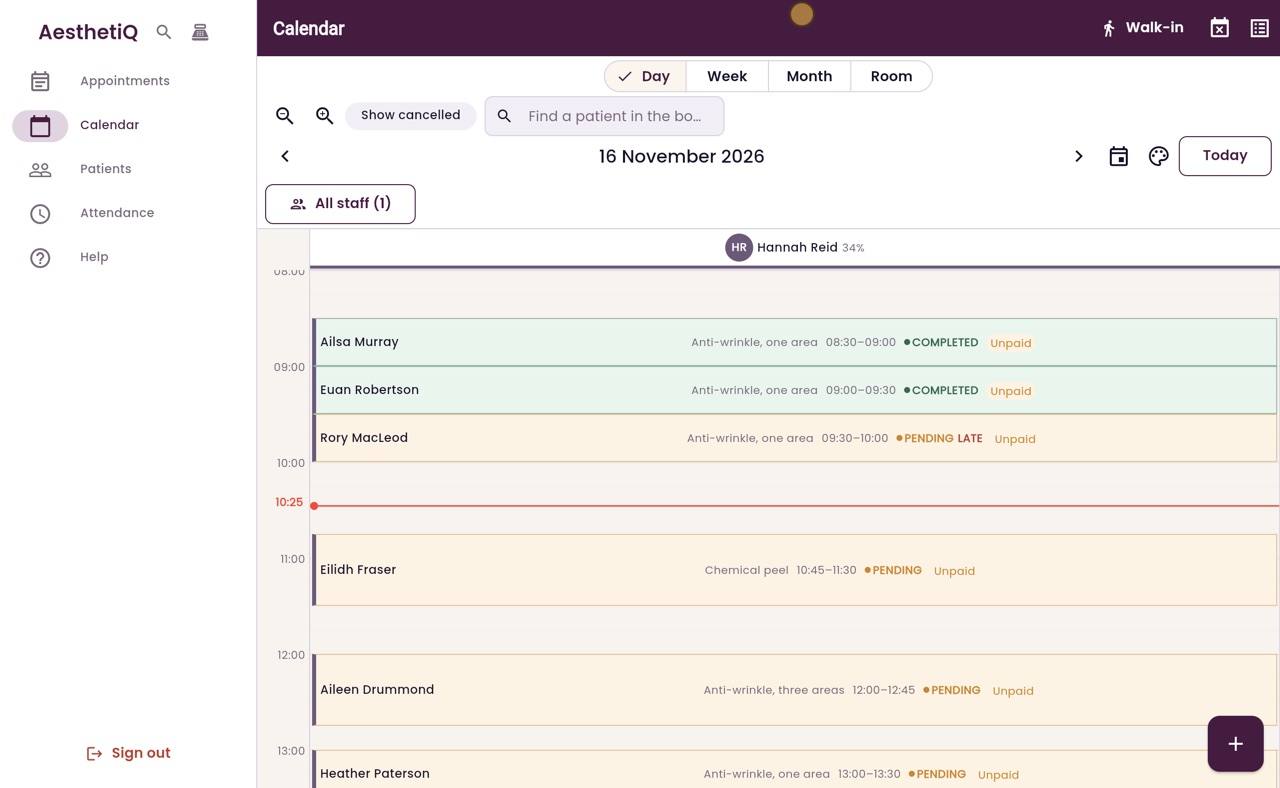
- 04Ryan
Practitioner
A practitioner's menu has Appointments, Calendar, Patients, Attendance and Help. The calendar shows only her own column. Patients lets her open patient records and clinical notes.
- 05Ryan
Clinic manager
Finally, Hannah signs out, and Claire Nisbet, the clinic manager, signs in. As an admin, she also types the six-digit code from her authenticator app. Her menu has everything: the dashboard, patients, memberships, marketing, payments, the cash drawer, reports, payroll, the staff rota, attendance and settings.
- 06Libby
Done
That is what each role can see. To change someone's role, open Staff Management in Settings.