Card payment issues
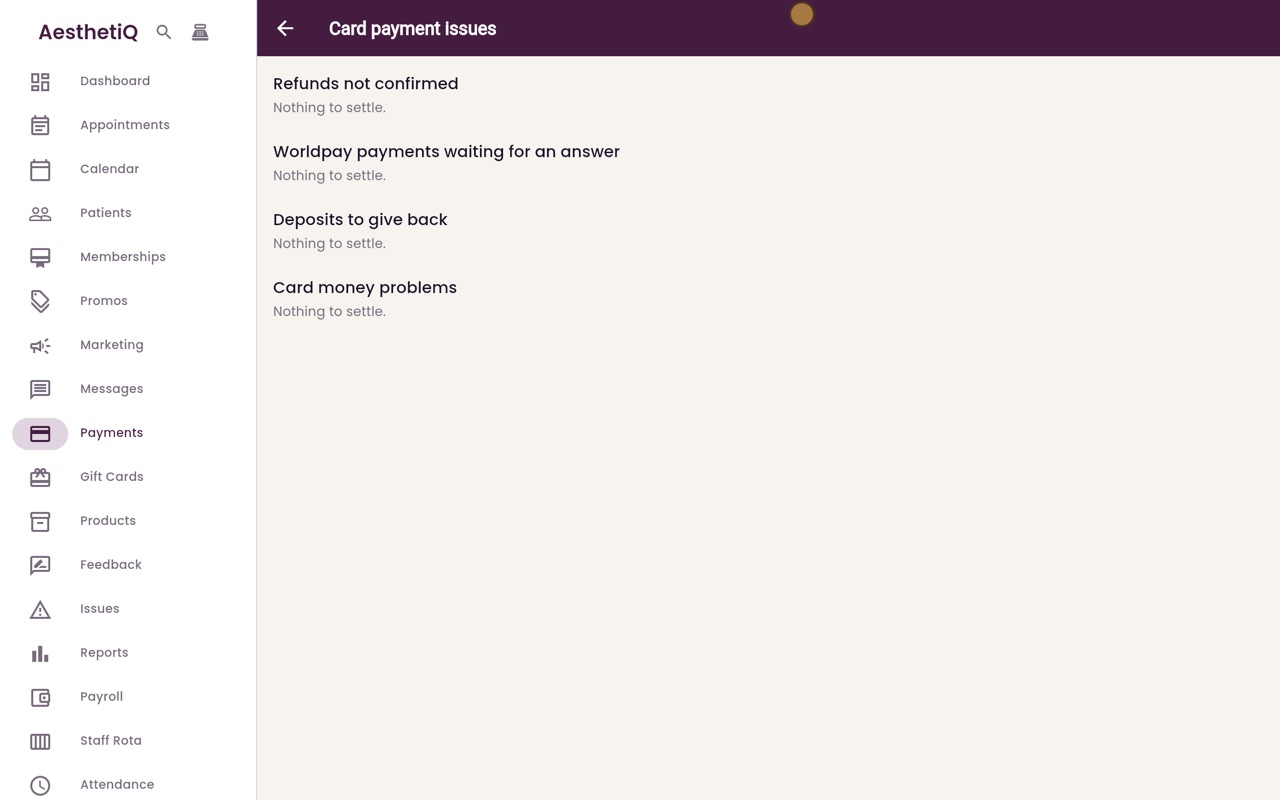
One screen lists every piece of card money that is not settled yet: unconfirmed refunds, terminal payments with no answer, deposits to give back and card money problems.
Where
Payments, then the warning button at the top right.
Who
The clinic manager.
When
At the end of each day.
Step by step
- 01Libby
What it is for
Hi, I am Libby. Card payment issues collects card money that is not settled yet, so nothing is lost. The clinic manager checks it at the end of each day.
- 02Ryan
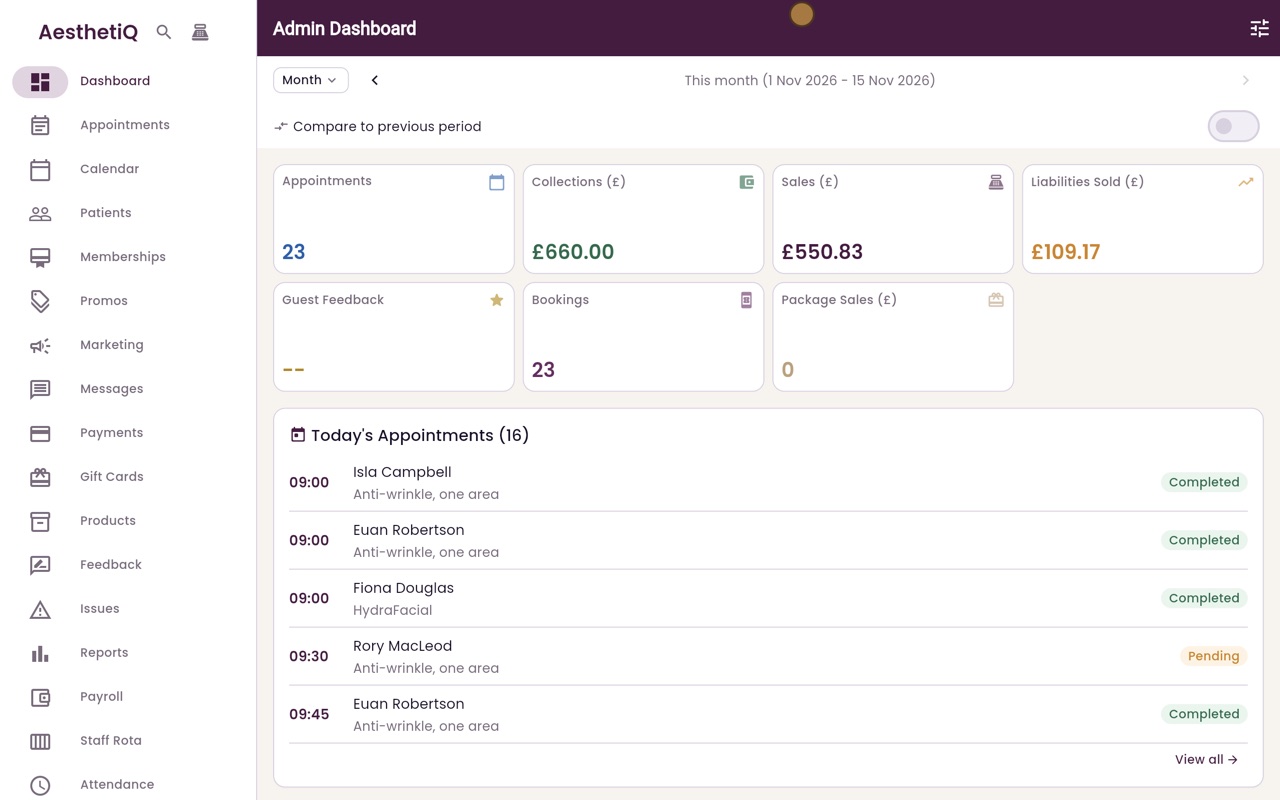
Open Card payment issues
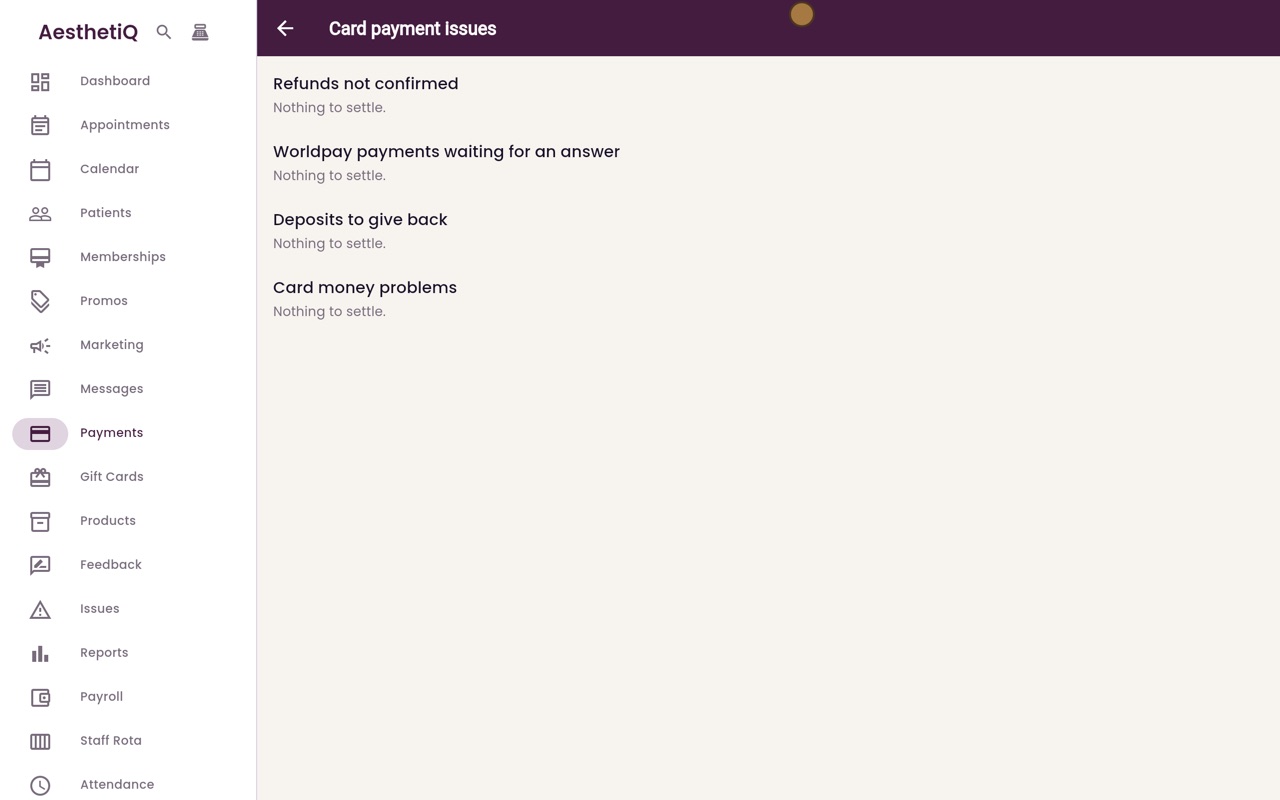
Thanks Libby. Click Payments in the menu, then the warning button at the top right, Card payment issues. The screen has four lists.
- 03Ryan
Refunds not confirmed
Refunds not confirmed lists card refunds where the terminal did not confirm whether the money went back to the patient.
- 04Ryan
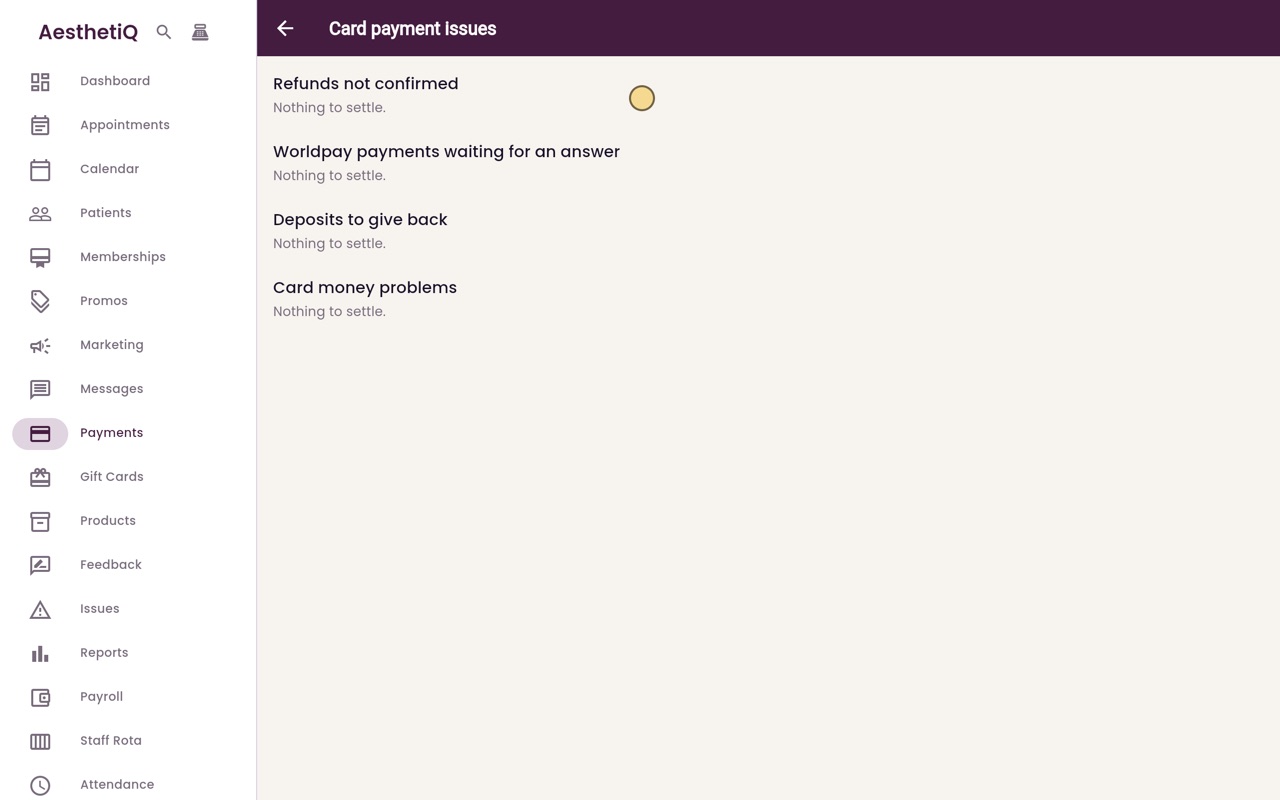
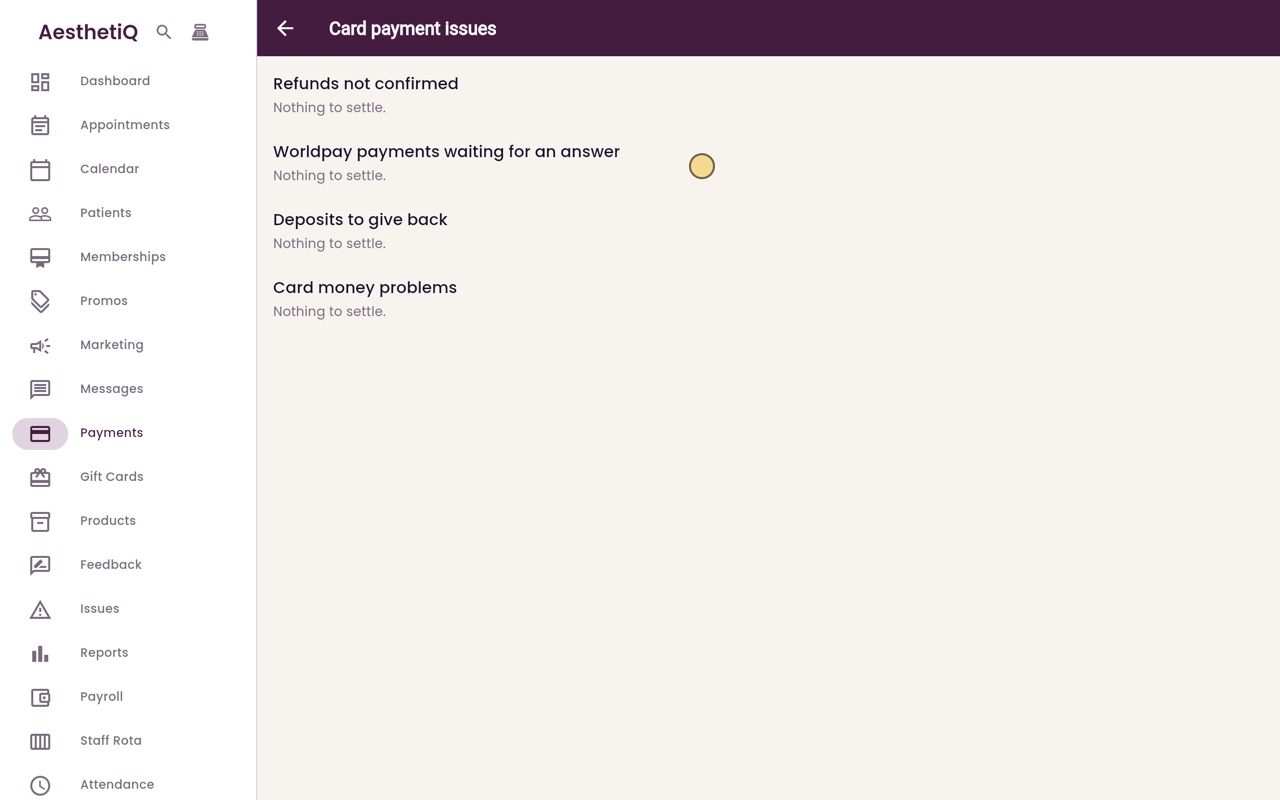
Worldpay payments
Worldpay payments waiting for an answer is for a Worldpay terminal that did not reply. This clinic uses a Dojo terminal, so it stays empty.
- 05Ryan
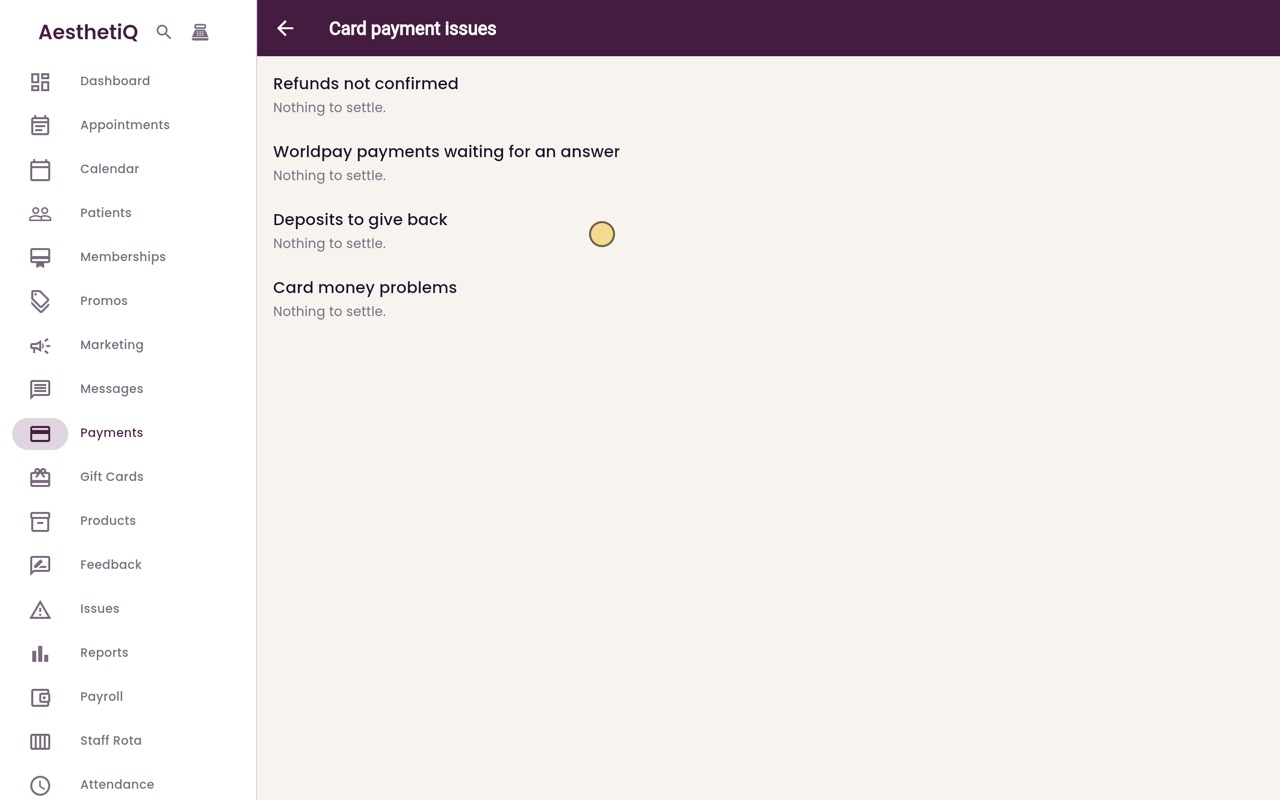
Deposits to give back
Deposits to give back lists deposits for cancelled appointments that were paid in cash or on the terminal, and online refunds that failed.
- 06Ryan
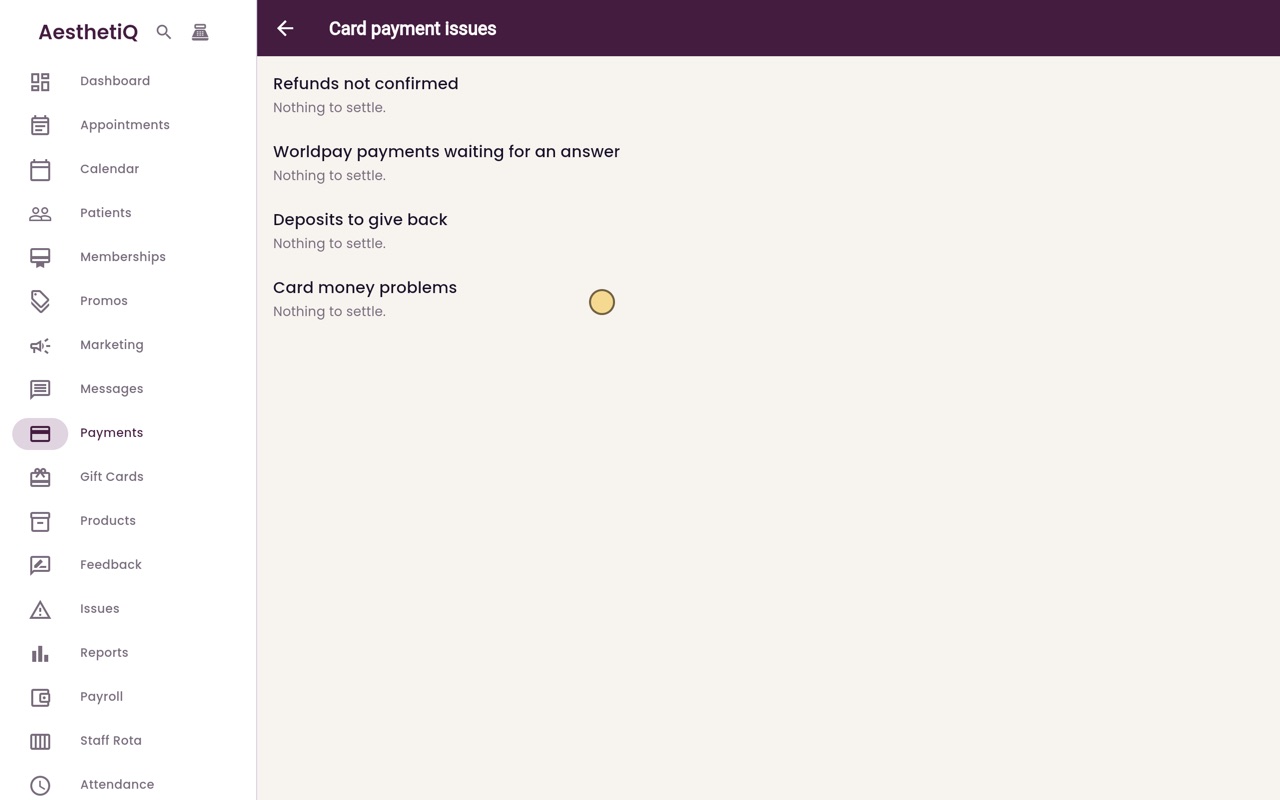
Card money problems
Card money problems lists card payments that were taken but not recorded, and times the terminal could not be reached during a payment.
- 07Libby
Done
Today every list says Nothing to settle, which is what you want to see at the end of the day. That is card payment issues.