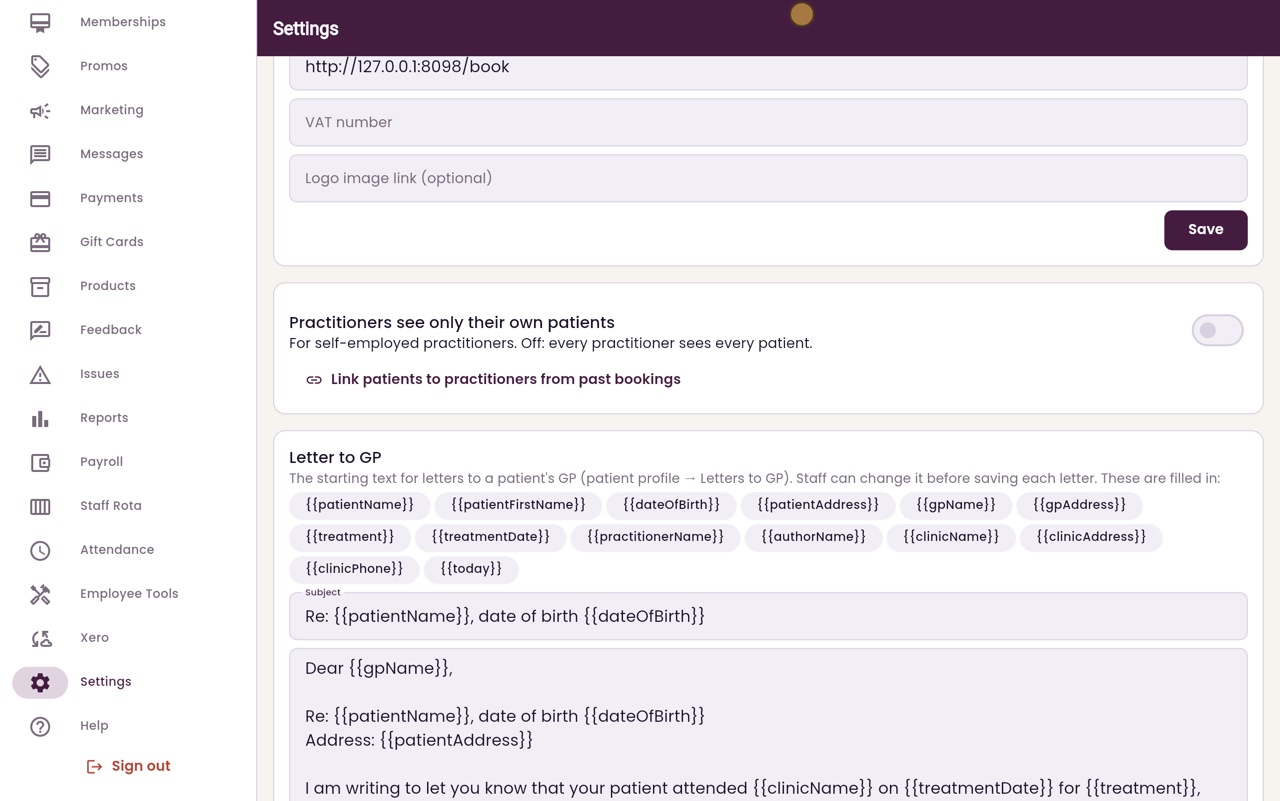
Practitioners seeing only their own patients
A switch for clinics with self-employed practitioners: each practitioner sees only the patients booked with them.
Where
Settings, Practitioners see only their own patients.
Before
Link patients to practitioners from past bookings.
Who still sees all
Admin and reception.
Step by step
- 01Libby
Own patients only
Hi, I am Libby. Some clinics work with self-employed practitioners, who should see only their own patients. AesthetiQ has a switch for this in Settings.
- 02Ryan
The switch
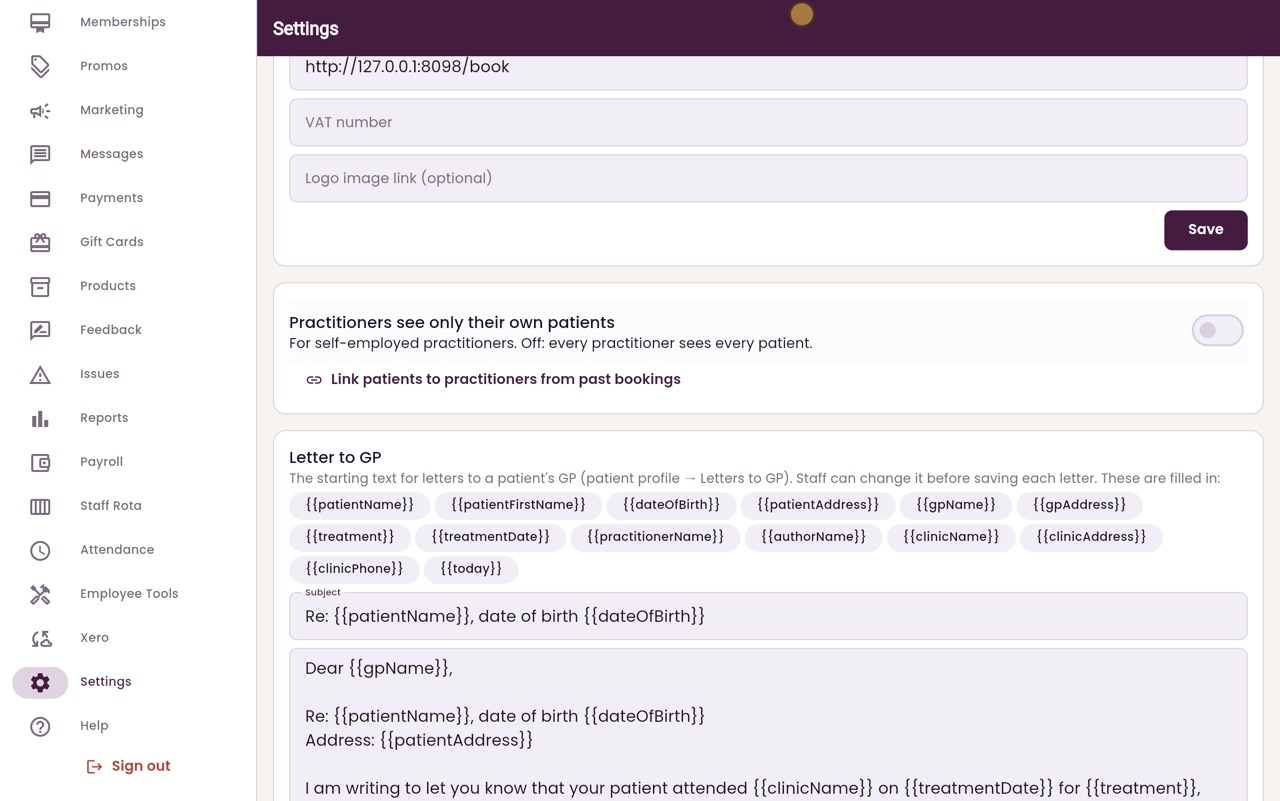
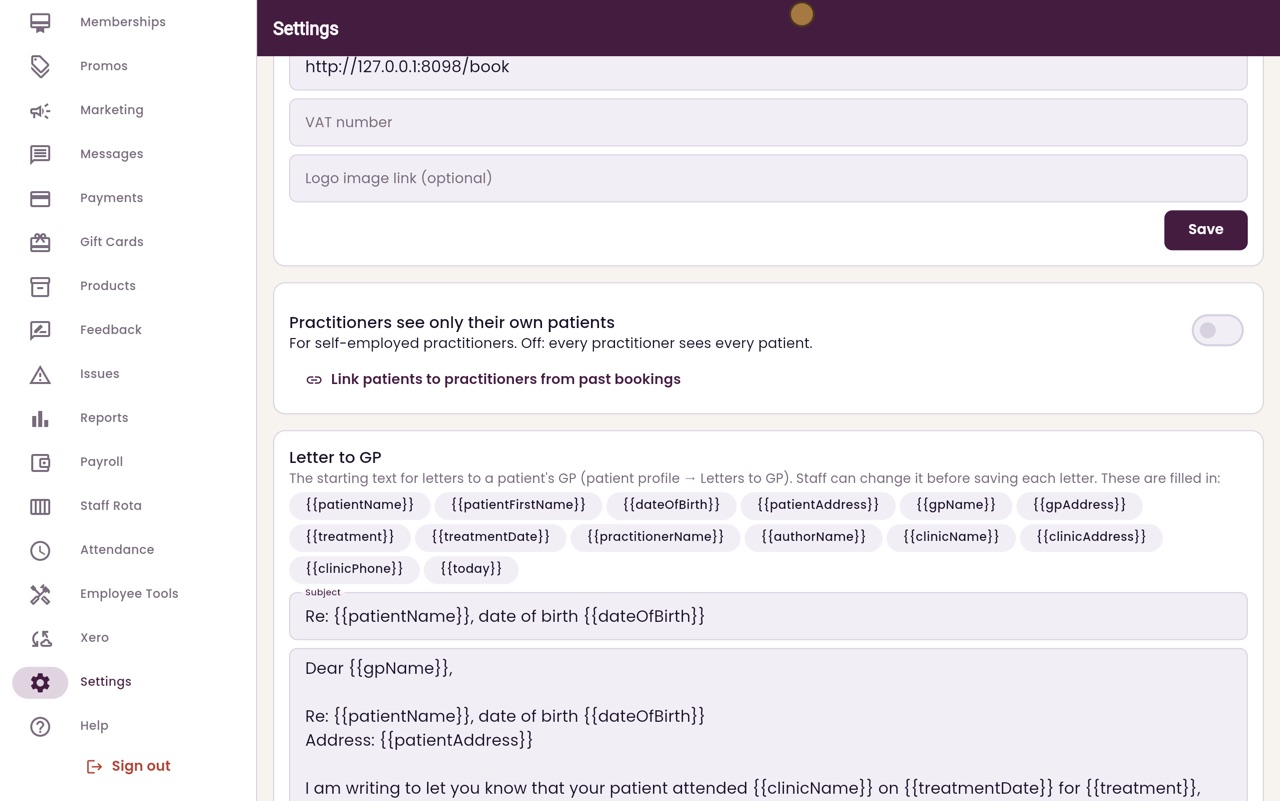
Thanks Libby. Click Settings in the menu, and scroll down to Practitioners see only their own patients. While it is off, every practitioner sees every patient.
- 03Ryan
Link past bookings
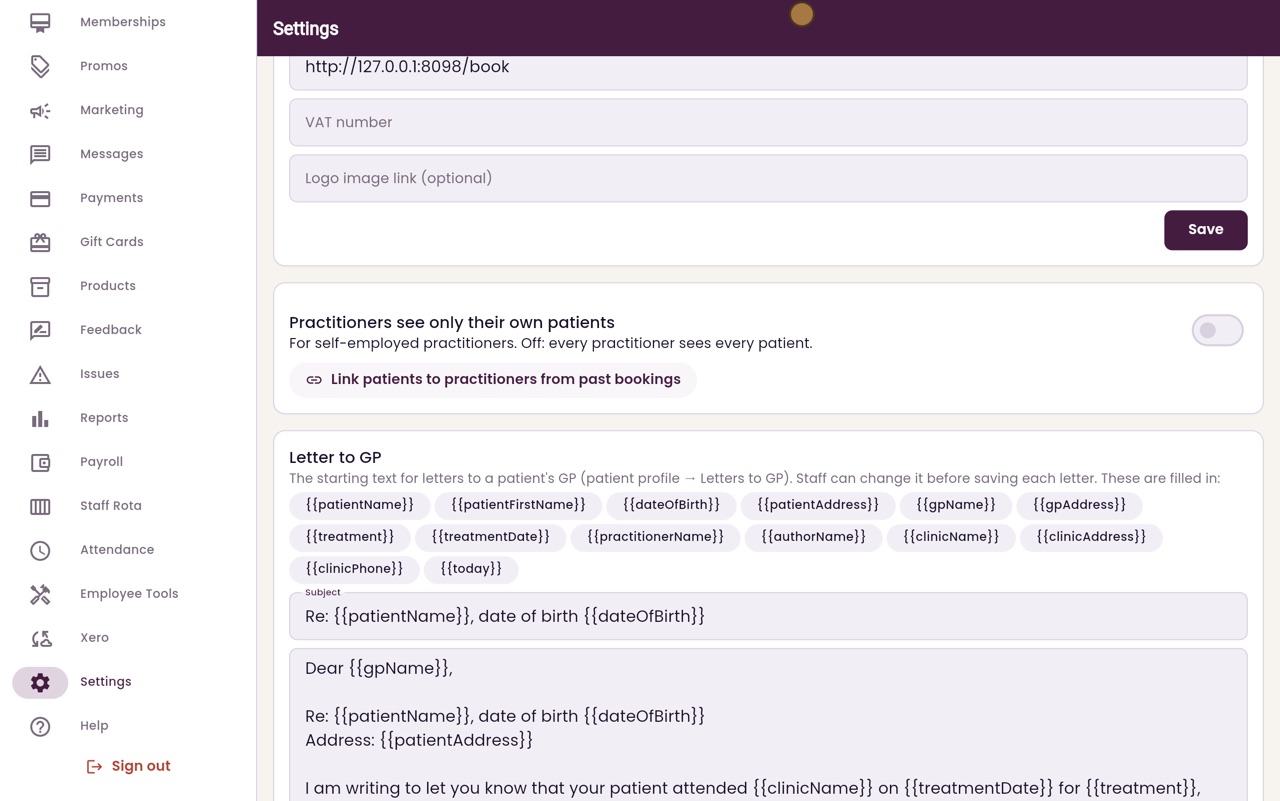
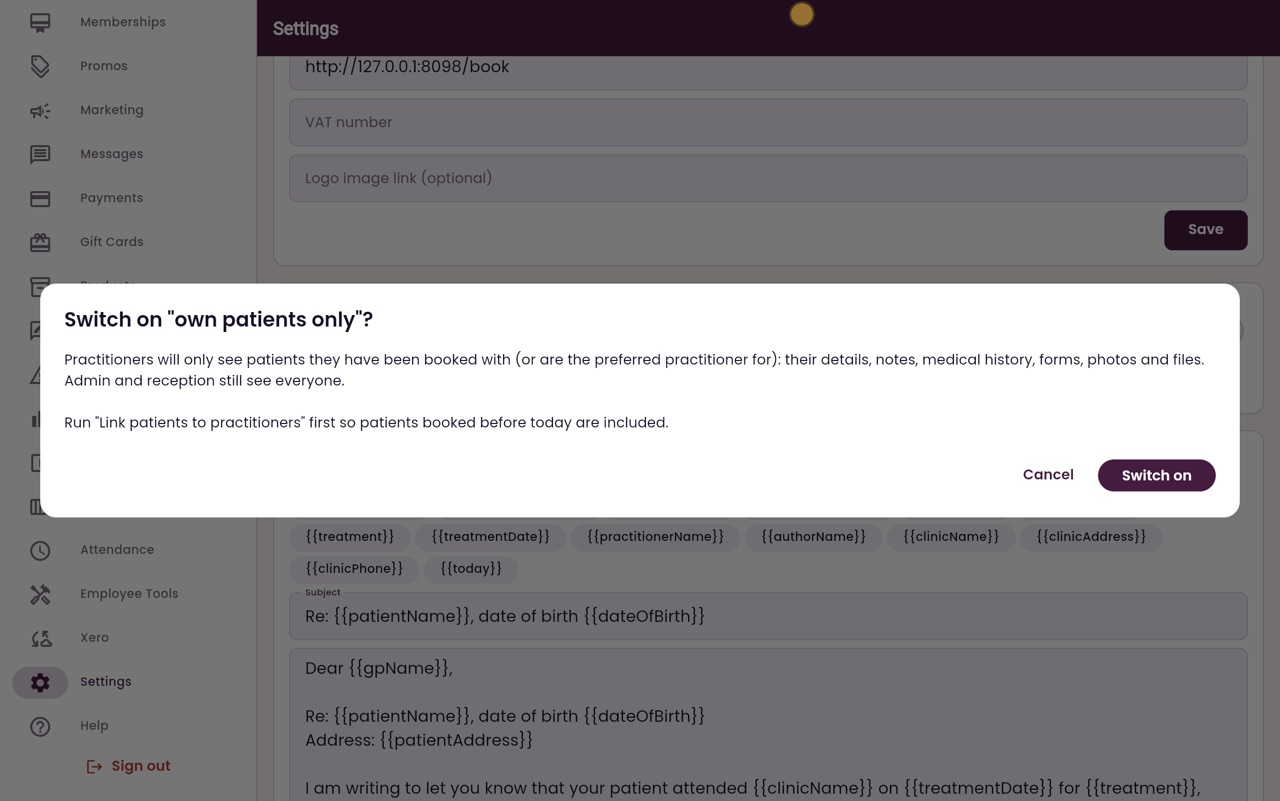
Before switching it on, click Link patients to practitioners from past bookings, so that patients booked before today are included.
- 04Ryan
What changes
Then click the switch. AesthetiQ explains what changes. Practitioners will only see the patients they have been booked with, and their notes, forms and files. Admin and reception still see everyone.
- 05Ryan
Leave it off
To turn it on, you would click Switch on. This clinic keeps it off, so click Cancel, and the switch stays off.
- 06Libby
Done
That is the own patients only switch. If it is switched on, practitioners can still be given a patient by booking them in, or by making them the preferred practitioner.