Loyalty points and promotions
See a patient's points and their history, and set up a promotion that gives extra points for a few days.
Where
The patient's profile, More, Loyalty. Marketing, Loyalty promotions.
Who
Reception and the clinic manager.
After
During the promotion, patients earn the extra points automatically.
Step by step
- 01Libby
Loyalty points
Hi, I am Libby. Patients earn loyalty points on their treatments and can spend them at checkout. Here is where to see a patient's points, and how to set up a double points offer.
- 02Ryan
Find the patient
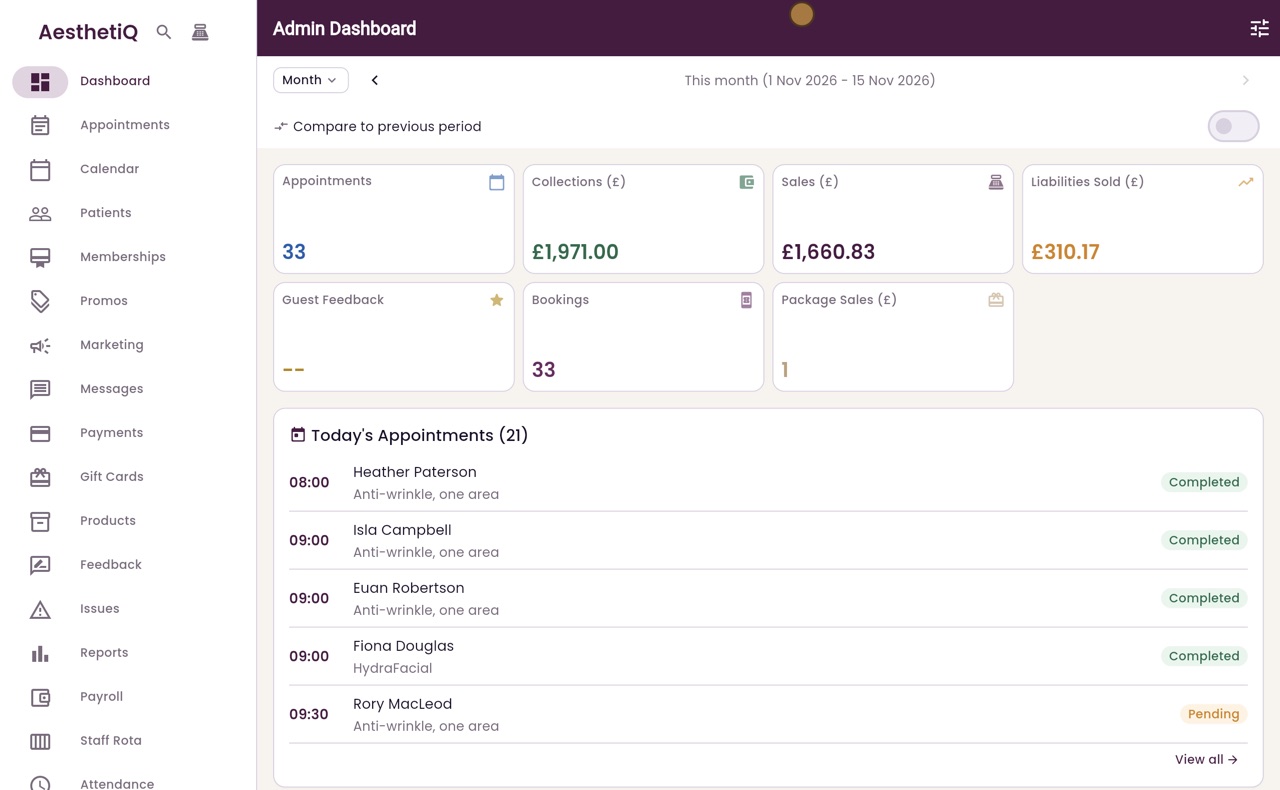
Thanks Libby. Click Patients in the menu on the left, search for the patient, here Isla Campbell, and click her name.
- 03Ryan
Open Loyalty
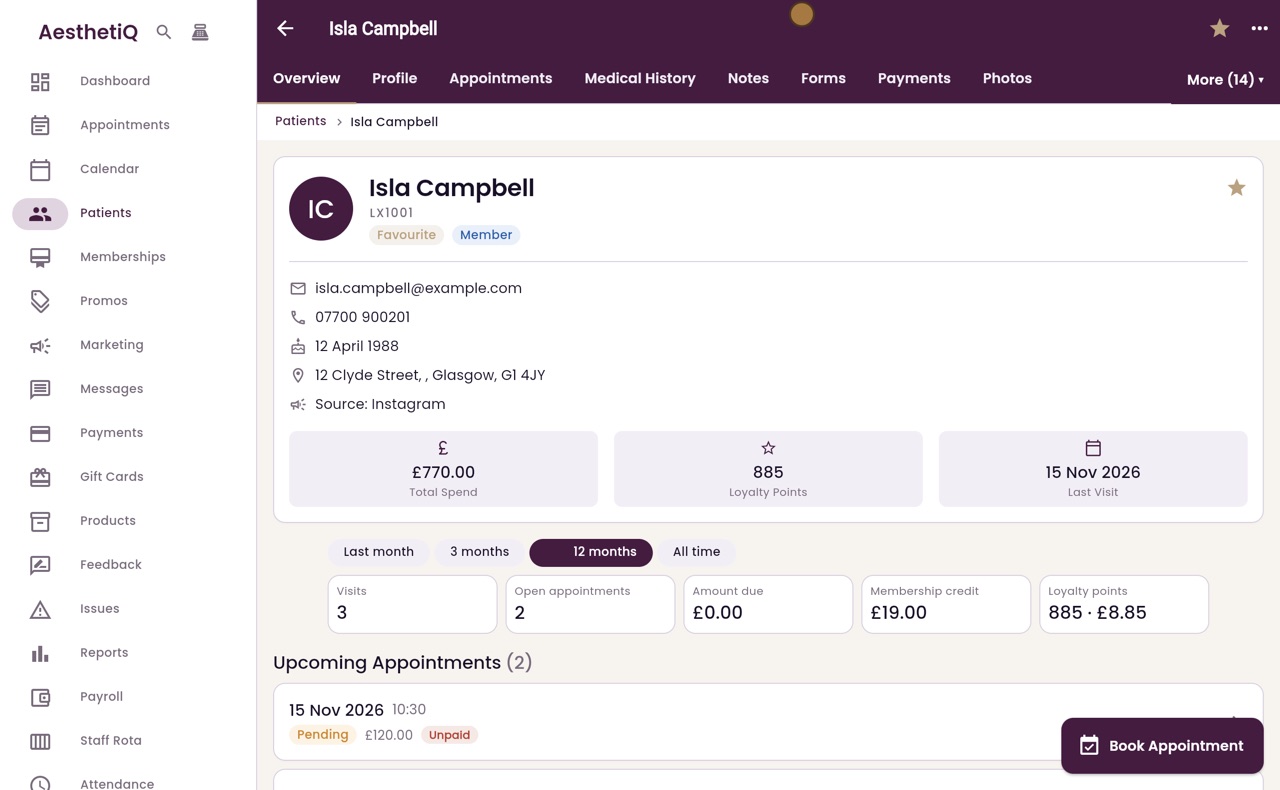
Her points are on the Overview tab. For the full history, click More at the top, then Loyalty.
- 04Ryan
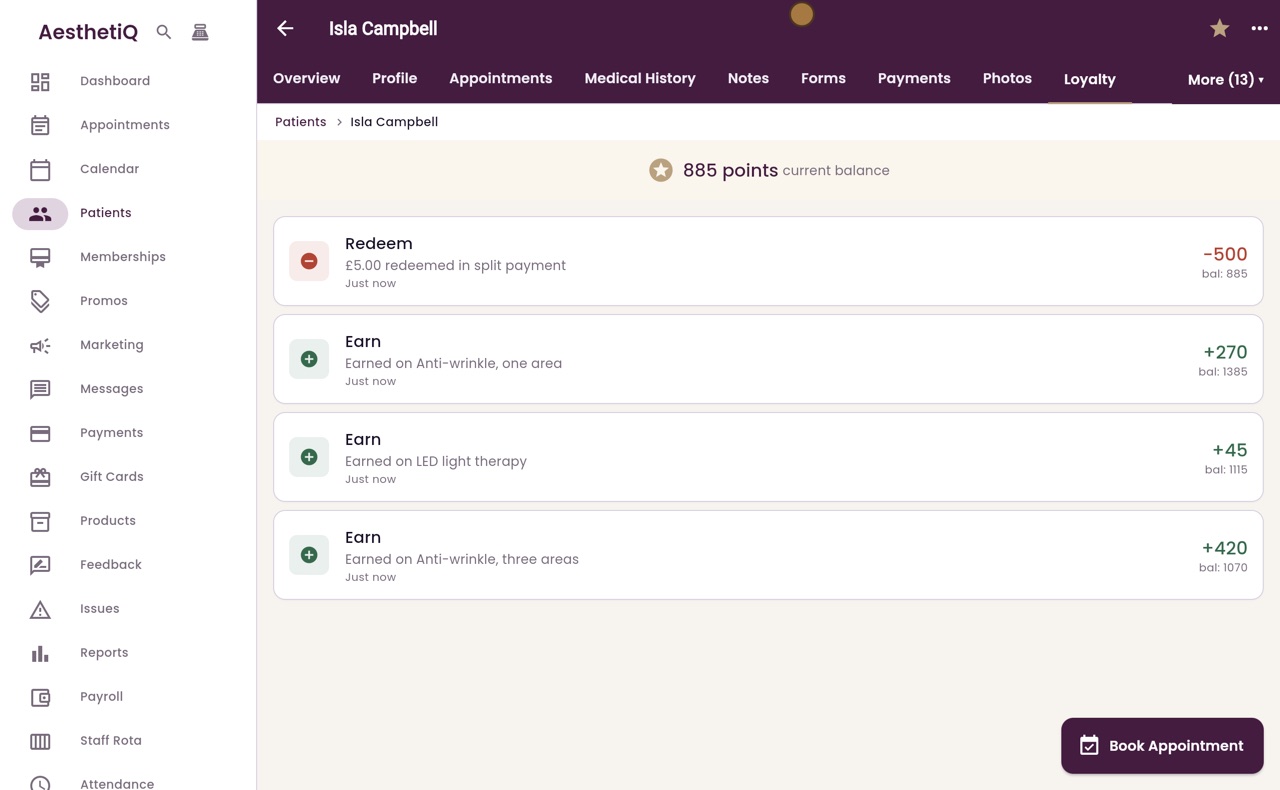
Balance and history
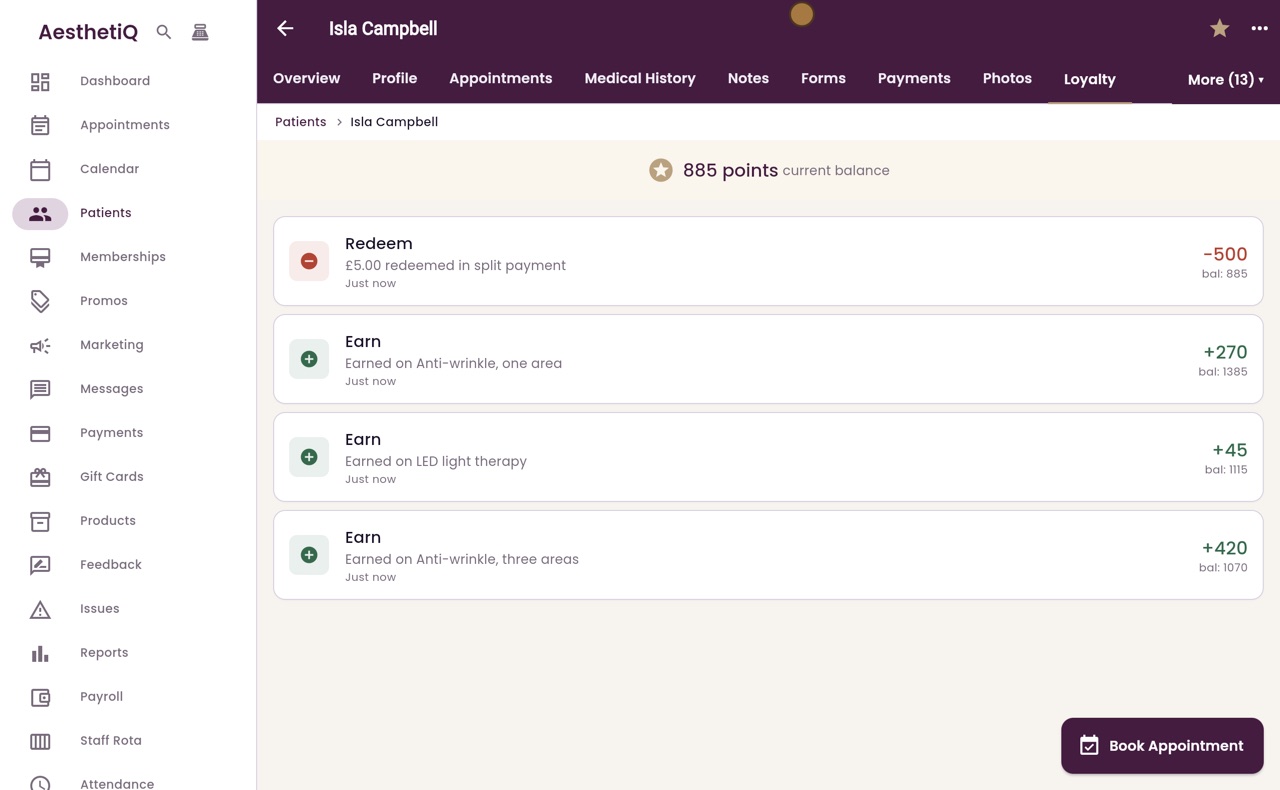
The current balance is at the top. Below is every change, newest first: the points earned on each treatment, and the points spent at checkout.
- 05Ryan
Loyalty promotions
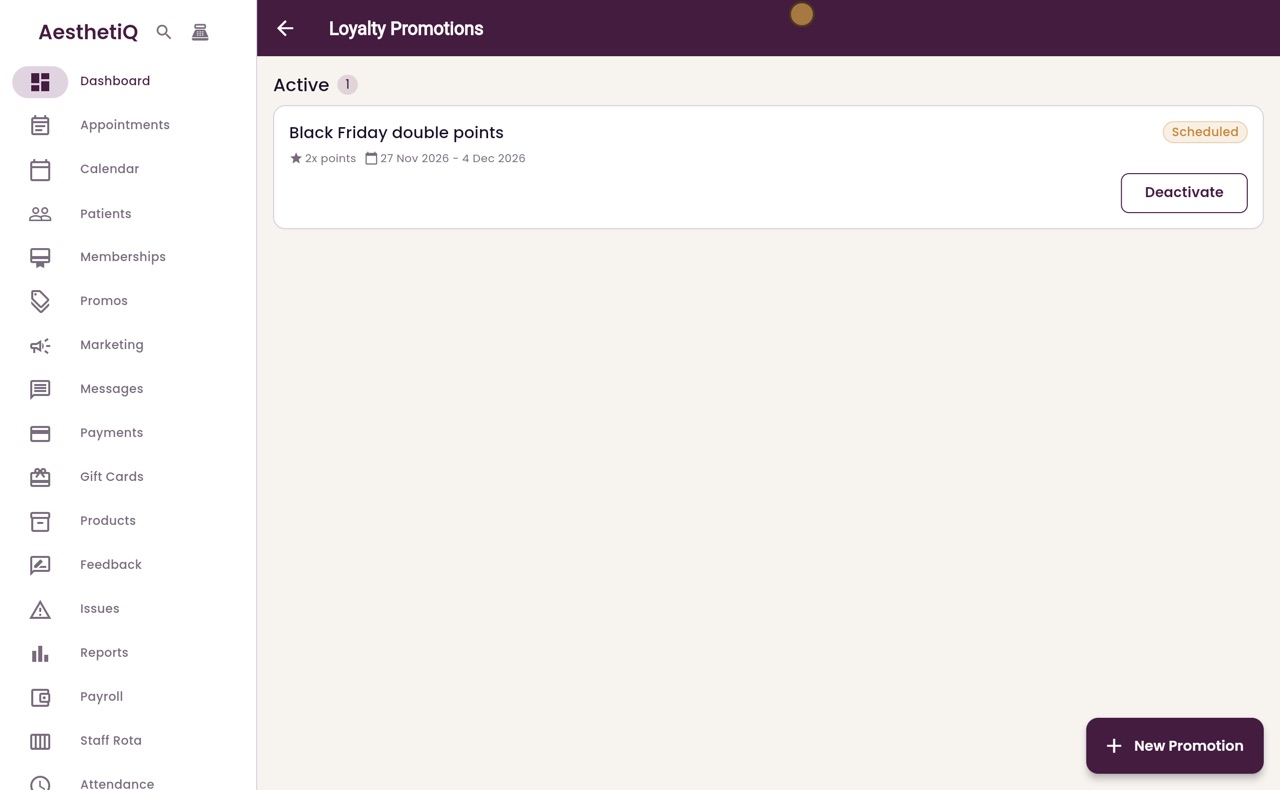
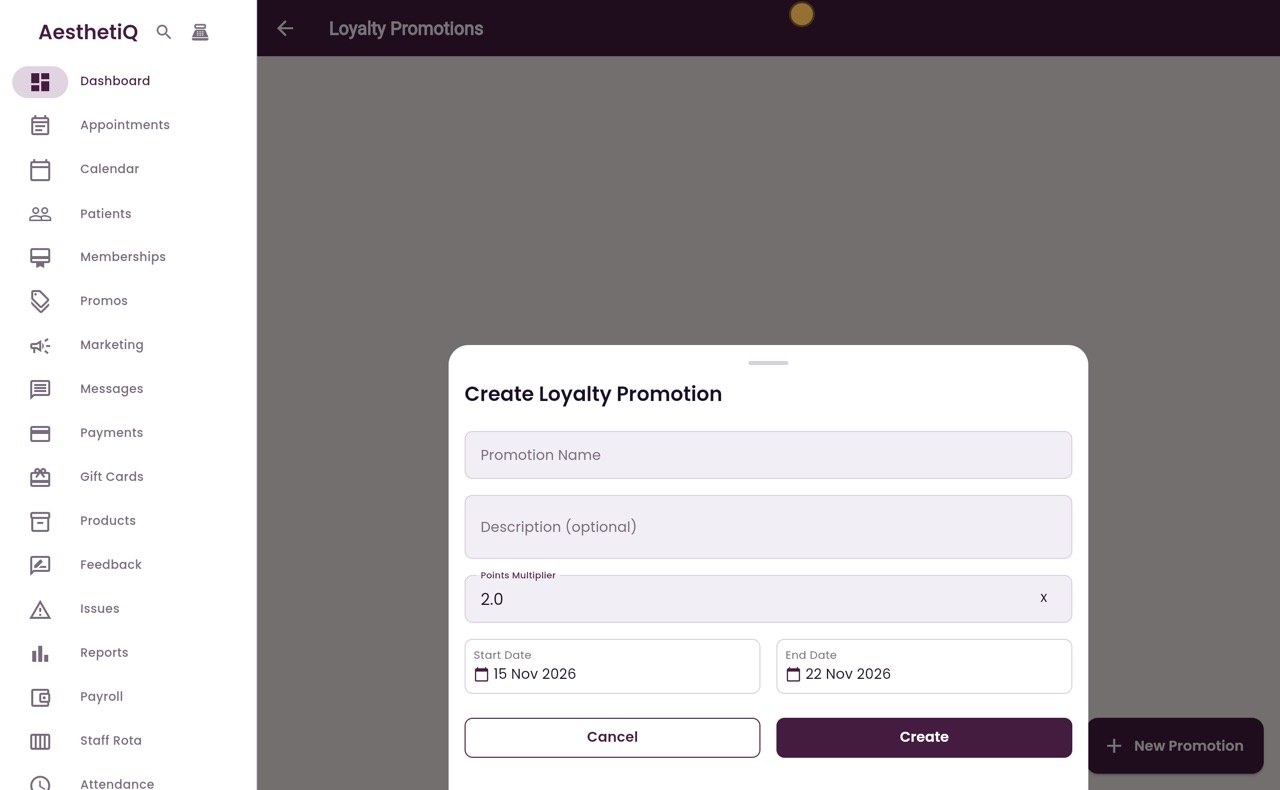
To give extra points for a while, click Marketing in the menu, then Loyalty promotions at the top. Click New Promotion.
- 06Ryan
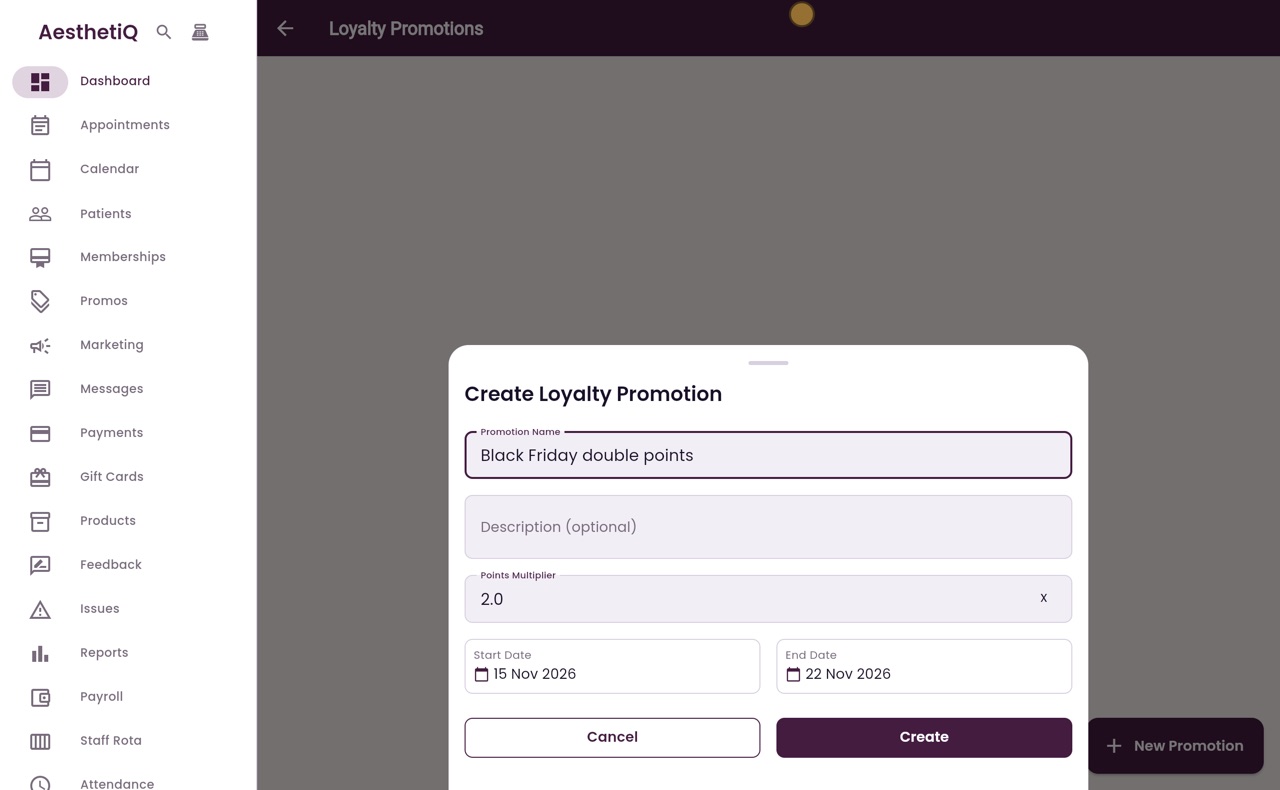
Name and multiplier
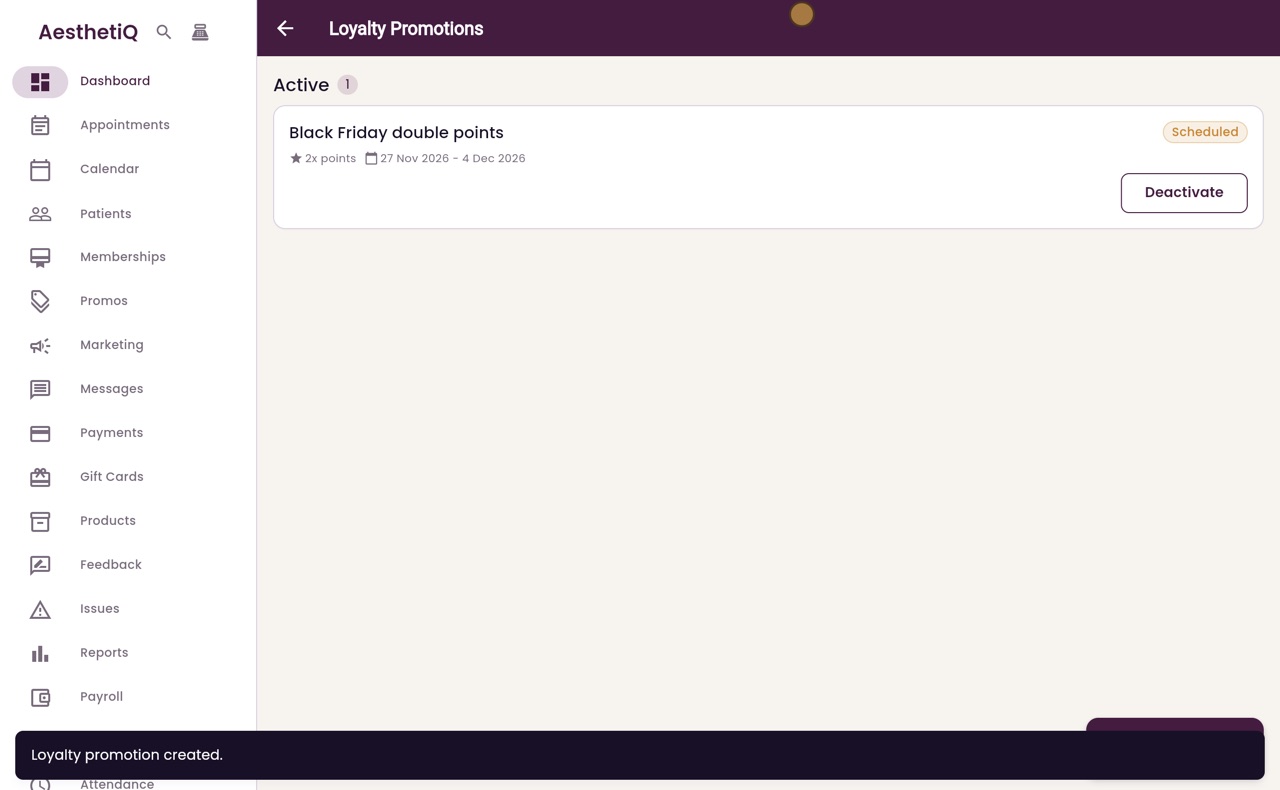
Name it Black Friday double points. The points multiplier is already 2, so patients earn twice the usual points.
- 07Ryan
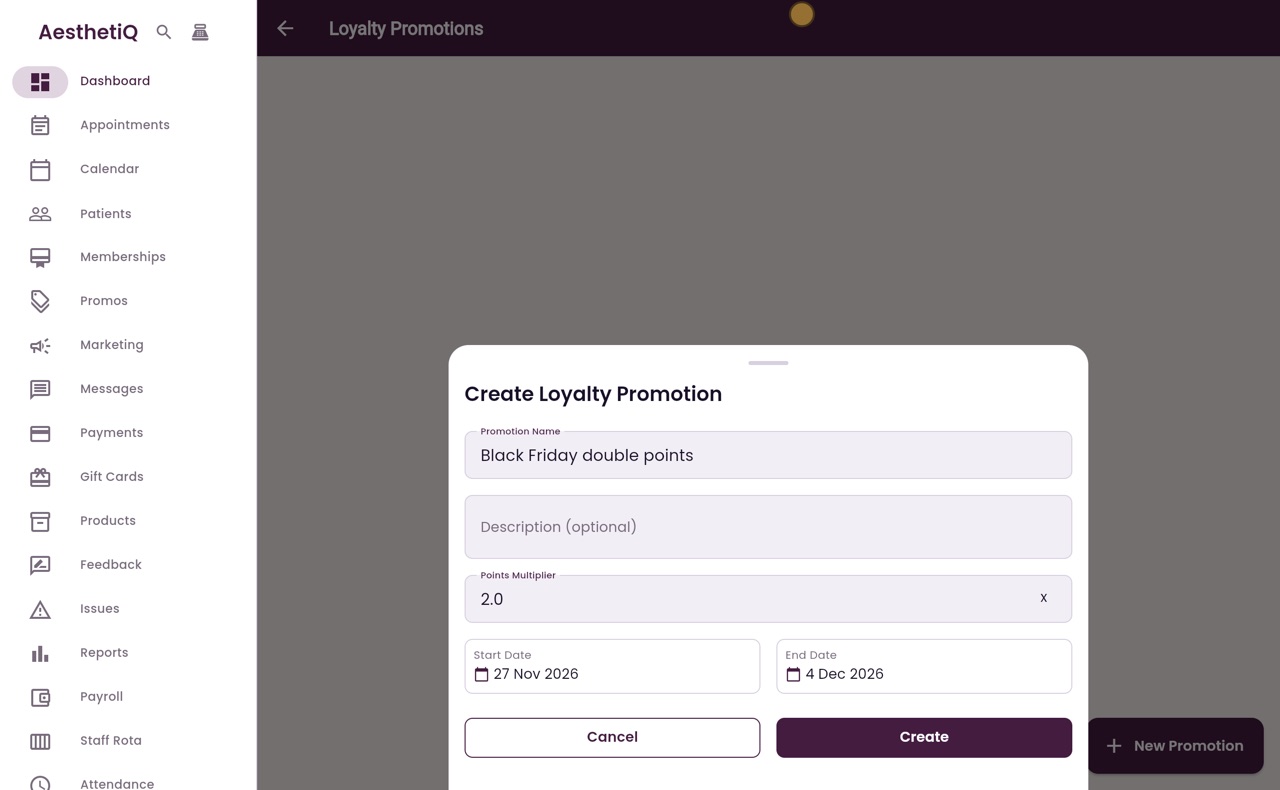
Dates
Choose the dates. Click Start Date, pick Friday the twenty-seventh, and click OK. The end date moves to a week later, so the offer runs for Black Friday week.
- 08Ryan
Create
Click Create. The promotion is now in the list, with its multiplier and dates.
- 09Libby
Done
That is loyalty points and promotions. Points never expire, so patients can save them up towards a treatment.