Selling a package
Sell a course of treatments from the patient's profile, paid for up front by card or in cash.
Where
The patient's profile, More, Packages, Sell a package.
Payment
Card on the terminal, or Cash.
After
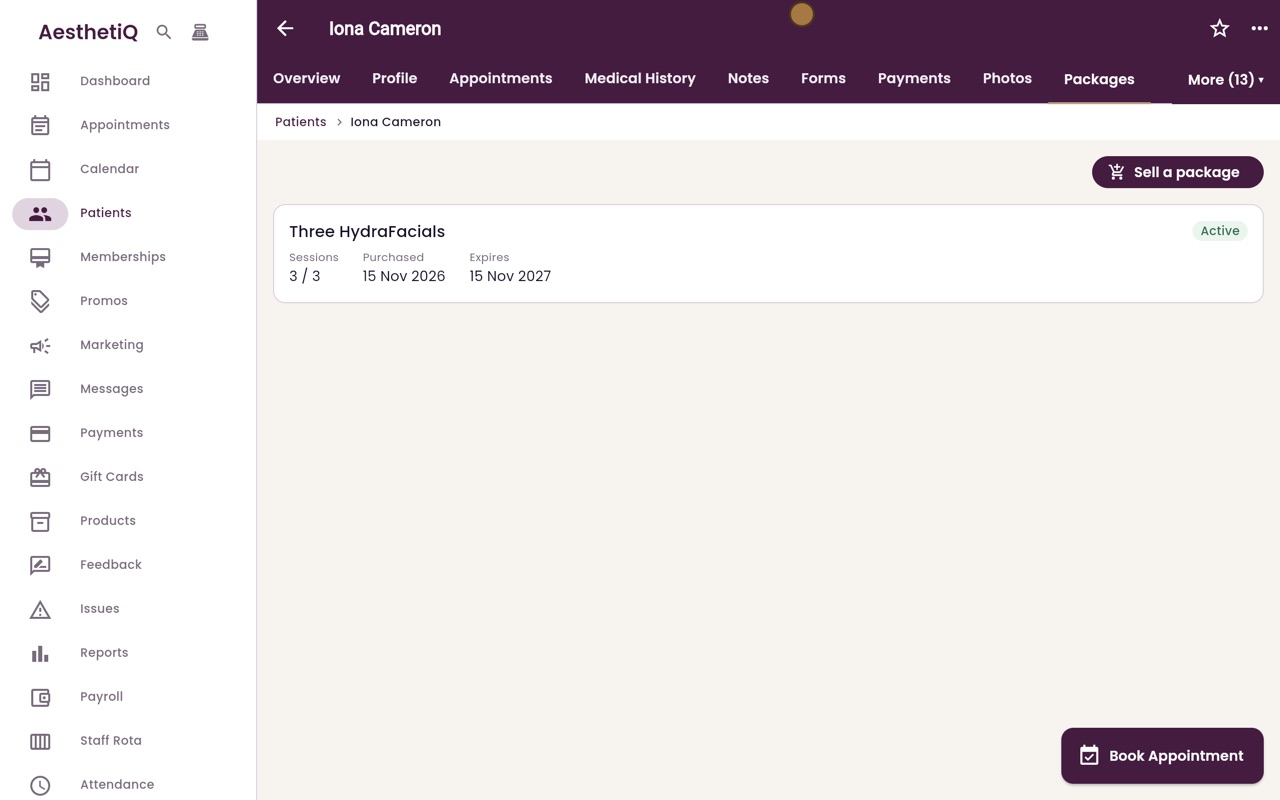
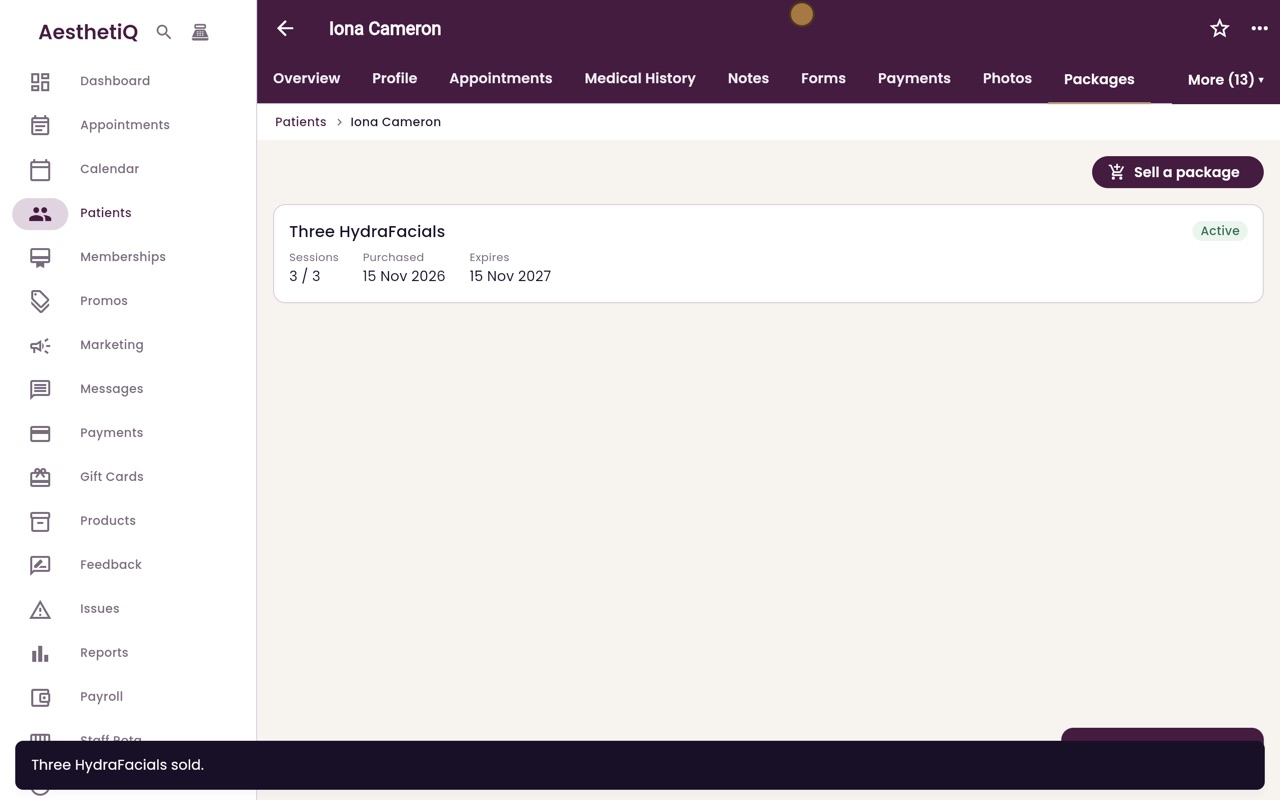
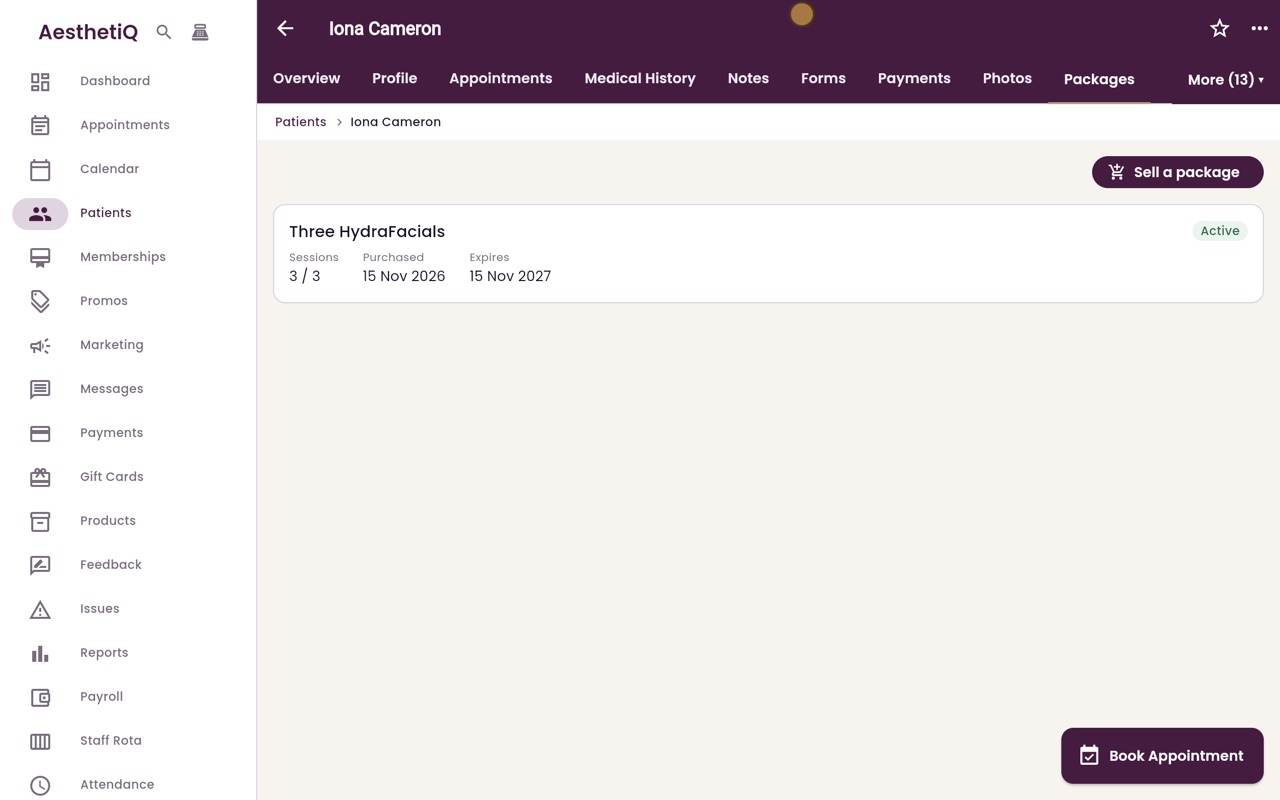
The package shows the sessions left and when it expires.
Step by step
- 01Libby
Packages
Hi, I am Libby. A package is a course of treatments paid for up front, such as three HydraFacials. Here is how to sell one from the patient's profile.
- 02Ryan
Open the Packages tab
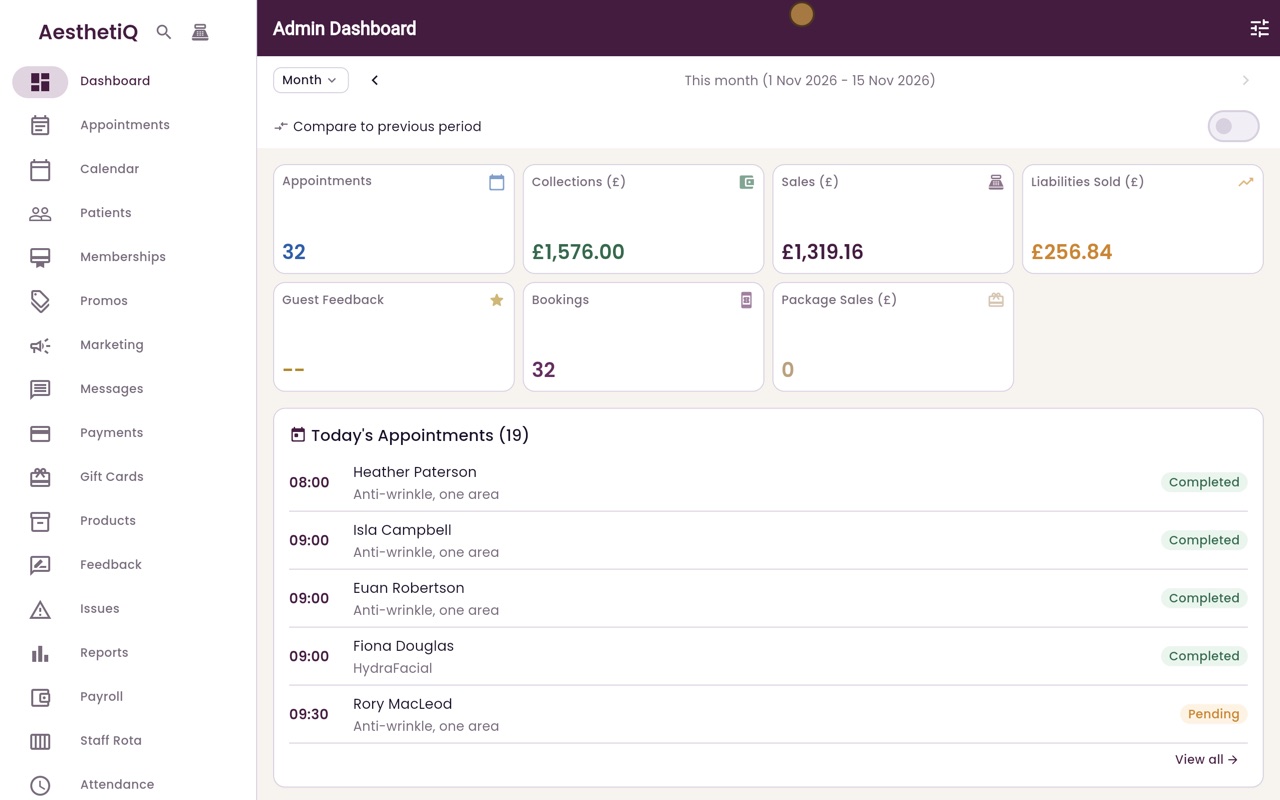
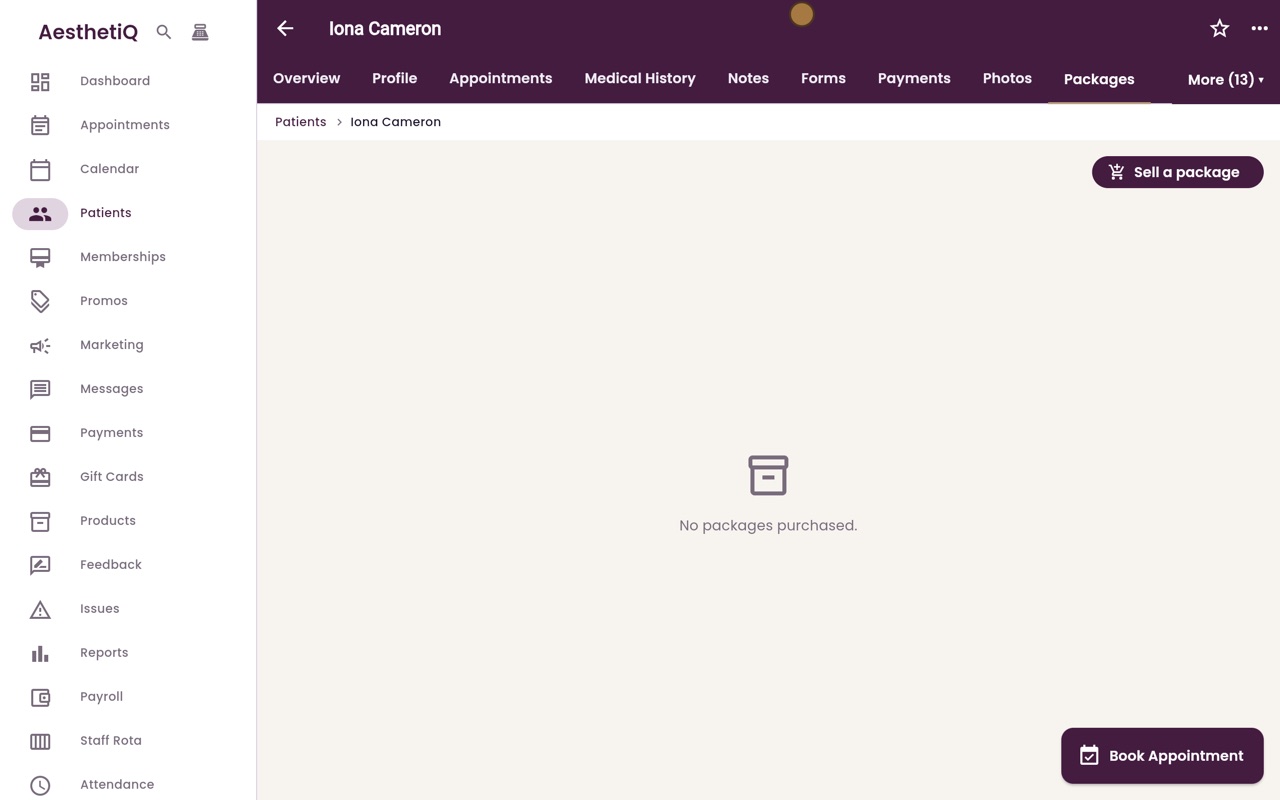
Thanks Libby. Iona Cameron would like a course of HydraFacials. Click Patients and type her name in the search box, then open her profile. The Packages tab is in the More menu at the top right, so click More, then Packages.
- 03Ryan
Choose the package
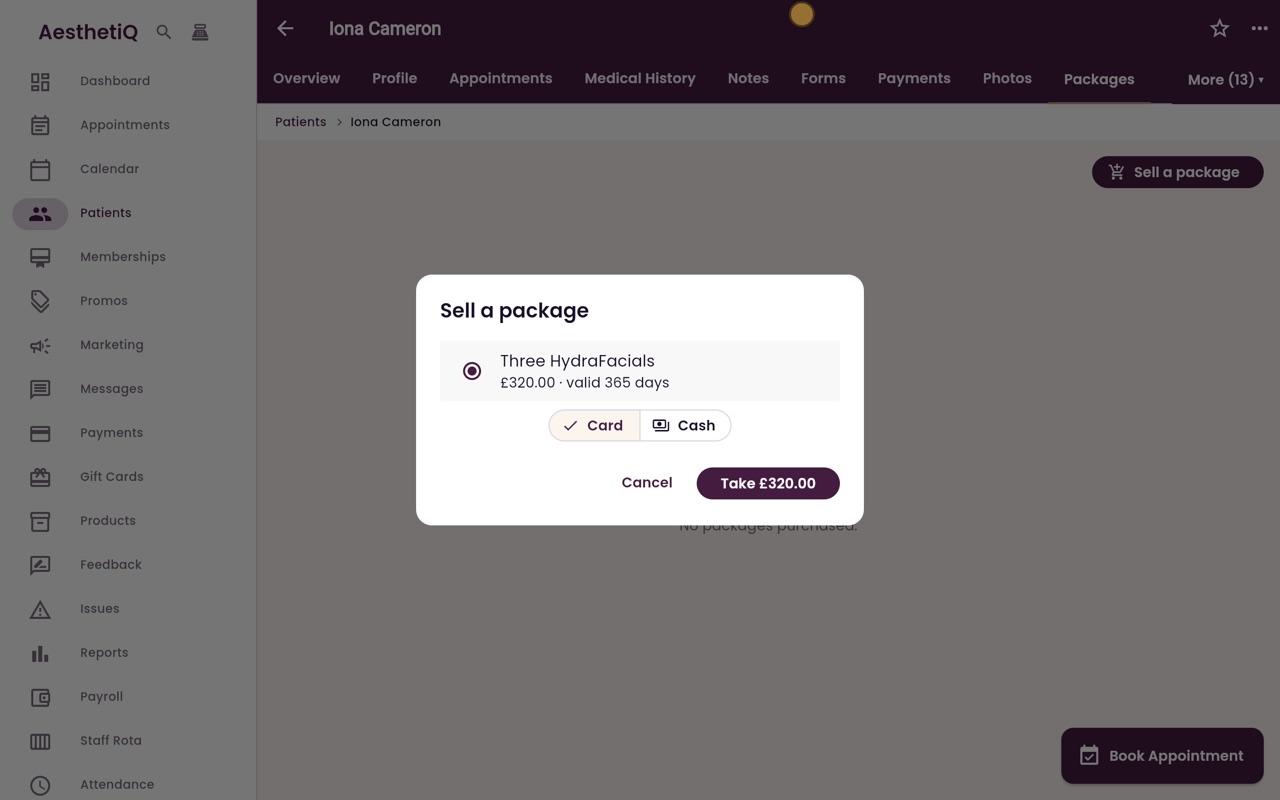
Click Sell a package, and choose Three HydraFacials. The price and how long it is valid are shown under its name.
- 04Ryan
Take payment
The payment can be taken by card or in cash. Iona is paying in cash, so click Cash, then click Take three hundred and twenty pounds.
- 05Ryan
Package sold
AesthetiQ confirms the sale. The package is now on her Packages tab, with the sessions left, the date it was bought and the date it expires.
- 06Libby
Done
That is selling a package. When Iona comes in for a HydraFacial, a session can be used at checkout instead of paying.