Clinical records
13 guides, 18 minutes in all, in the order to watch them.
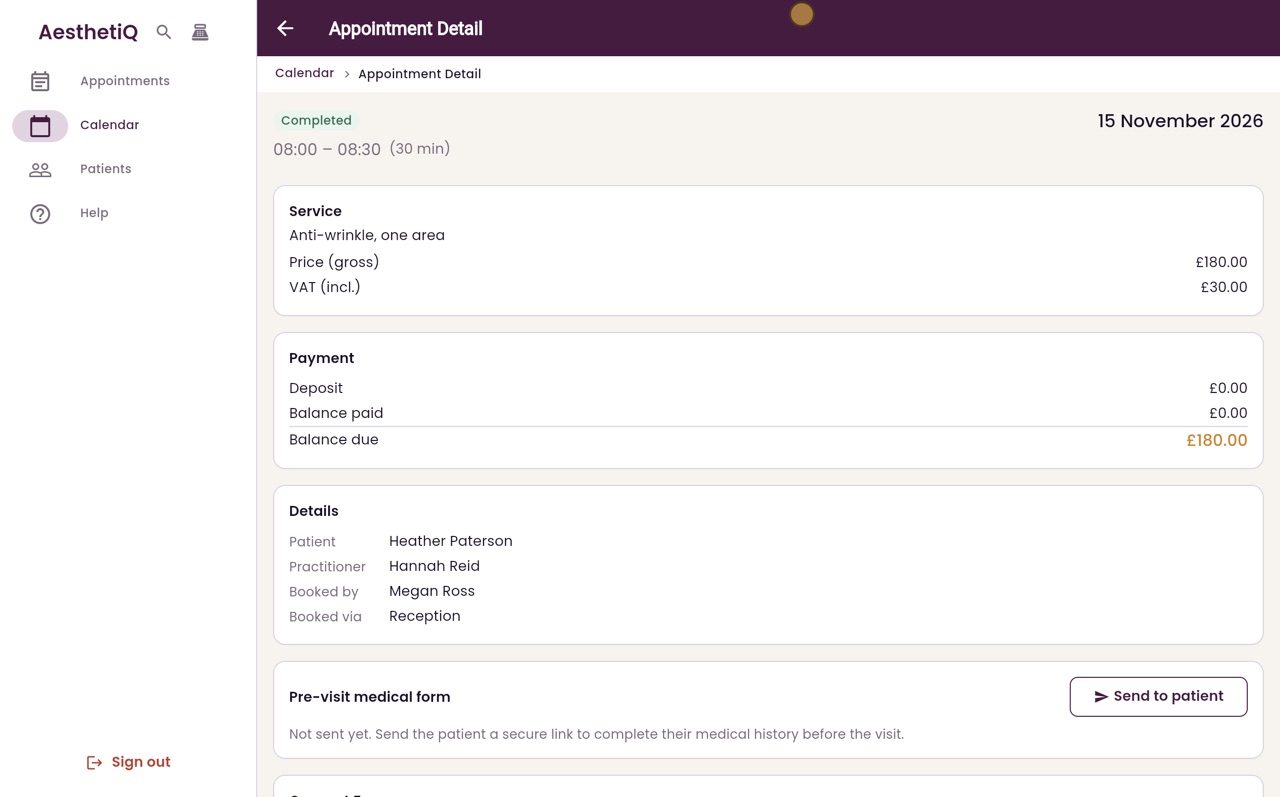
Writing and signing a clinical note
Write the treatment note on the appointment. Saving signs it with your name and the time, and locks it for good.
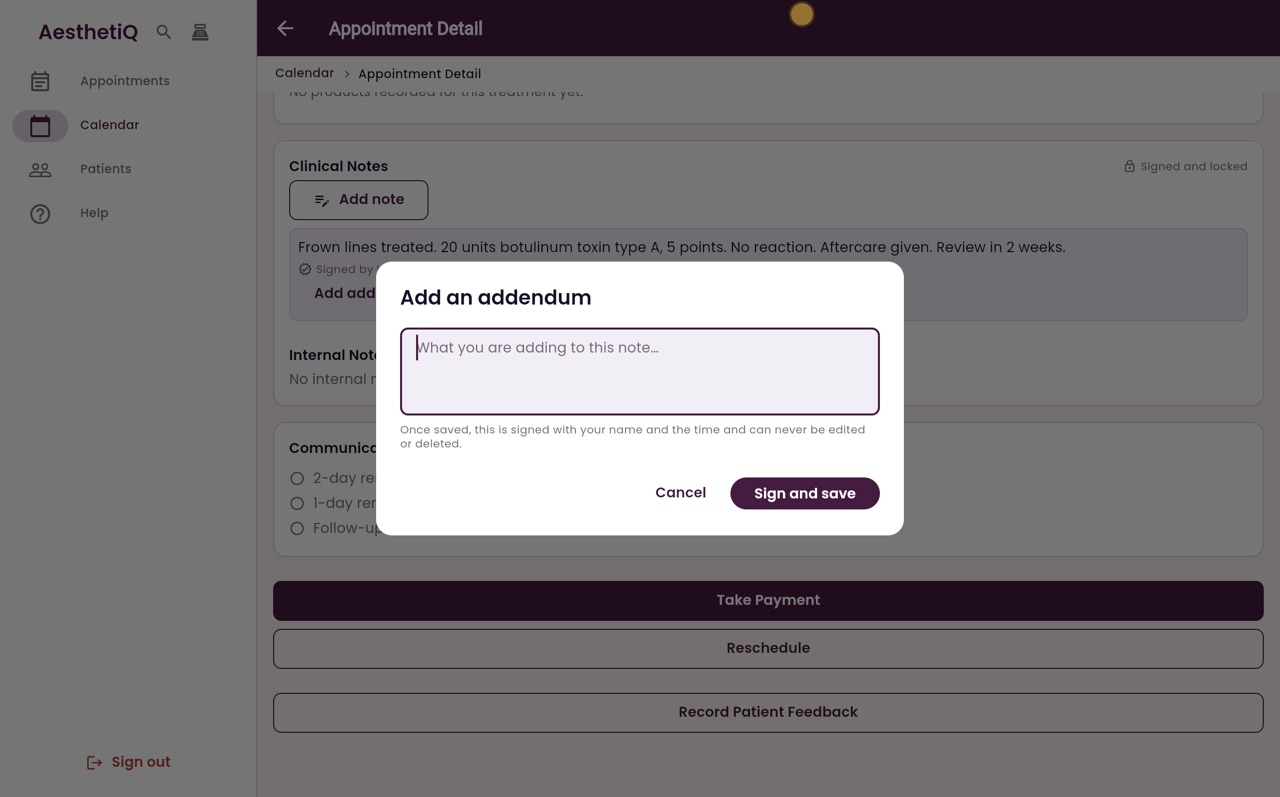
Adding an addendum to a note
A signed note cannot be changed. To add to it, write an addendum: it is signed and shown under the original note.
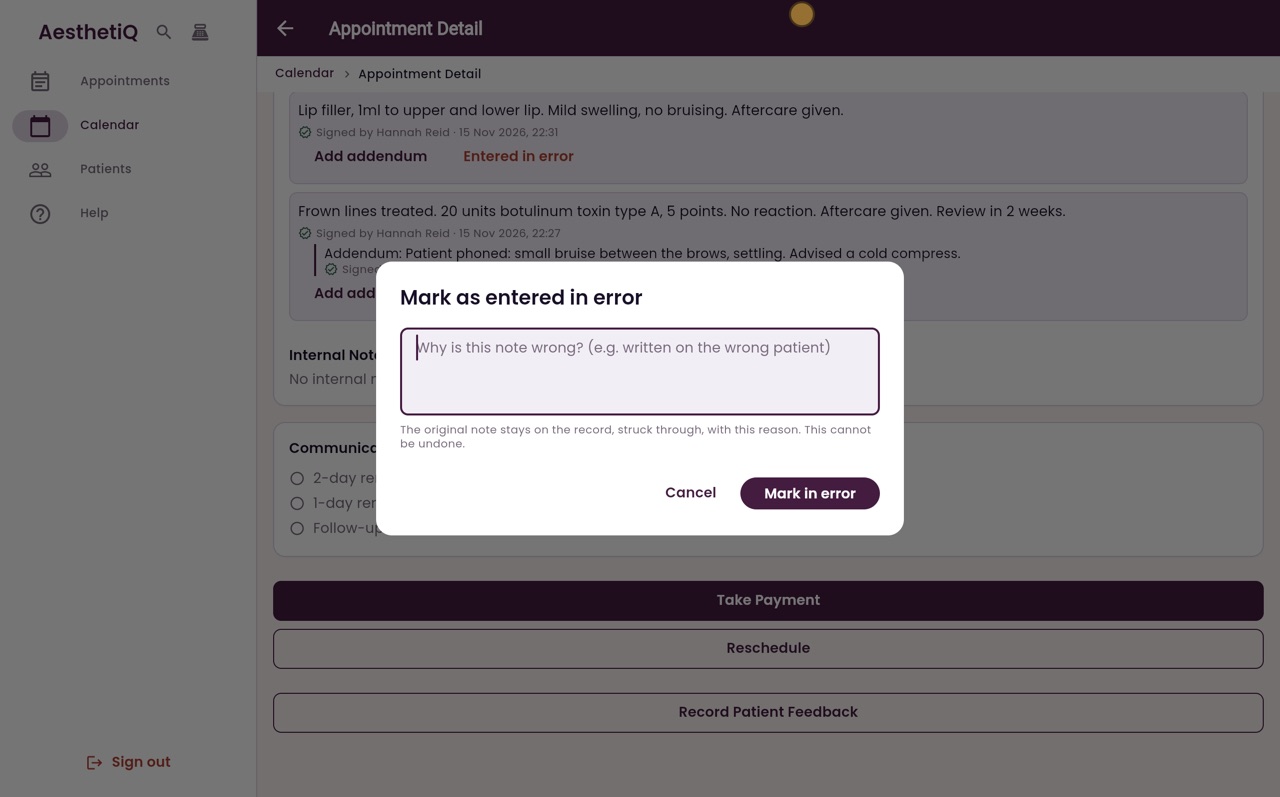
Marking a note entered in error
A signed note cannot be deleted. If it was written on the wrong record, mark it entered in error with the reason. It stays readable, struck through.
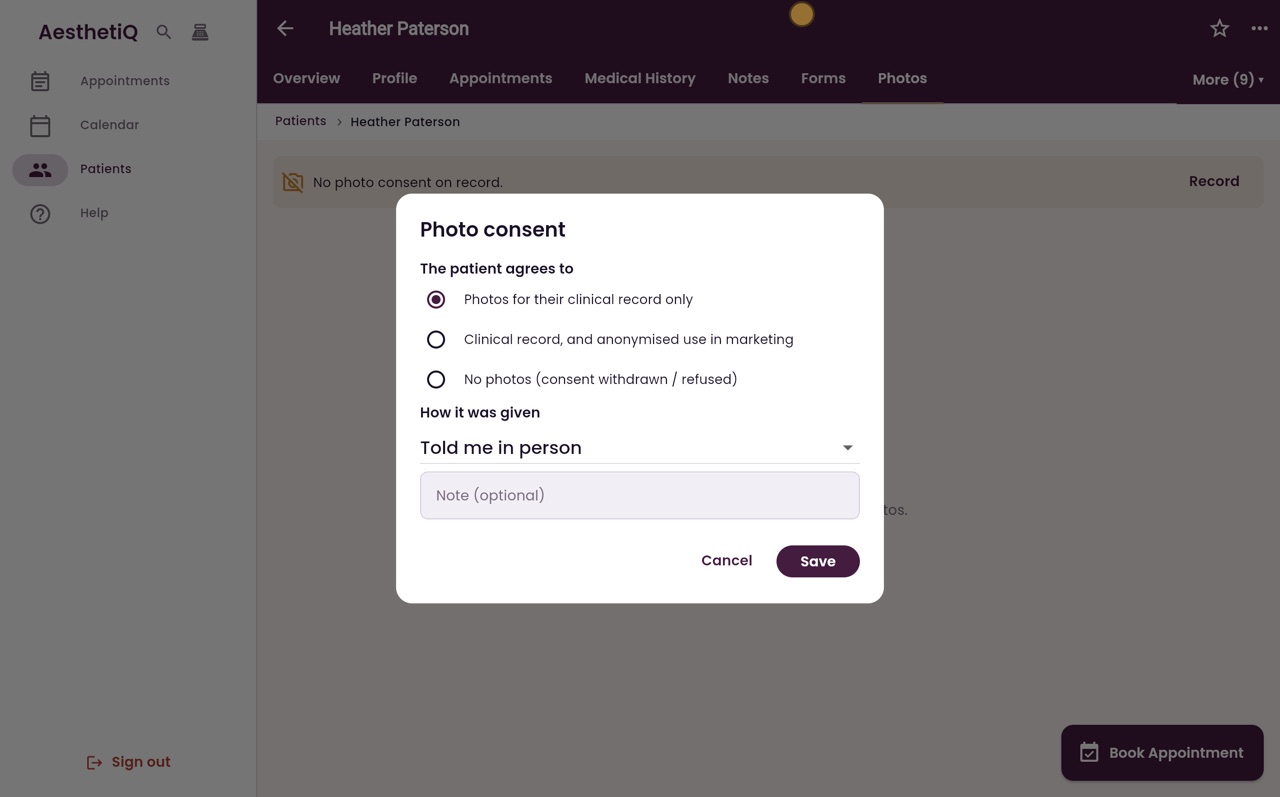
Photo consent and before-and-after photos
Record what the patient agrees to and how they gave consent, before any photo is taken. Photos are kept on the patient's Photos tab.
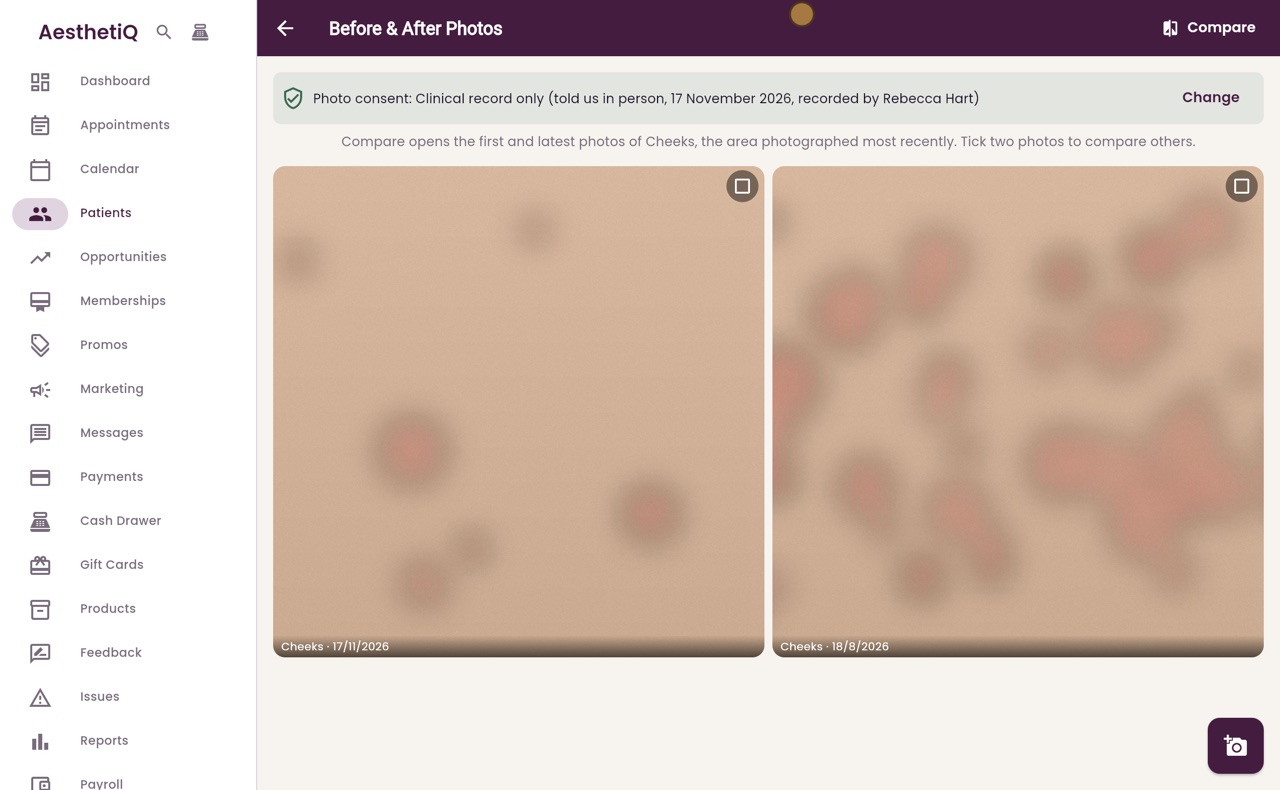
Comparing before and after photos
Tick two photos and click Compare. See them side by side, or drag a line across one on top of the other.
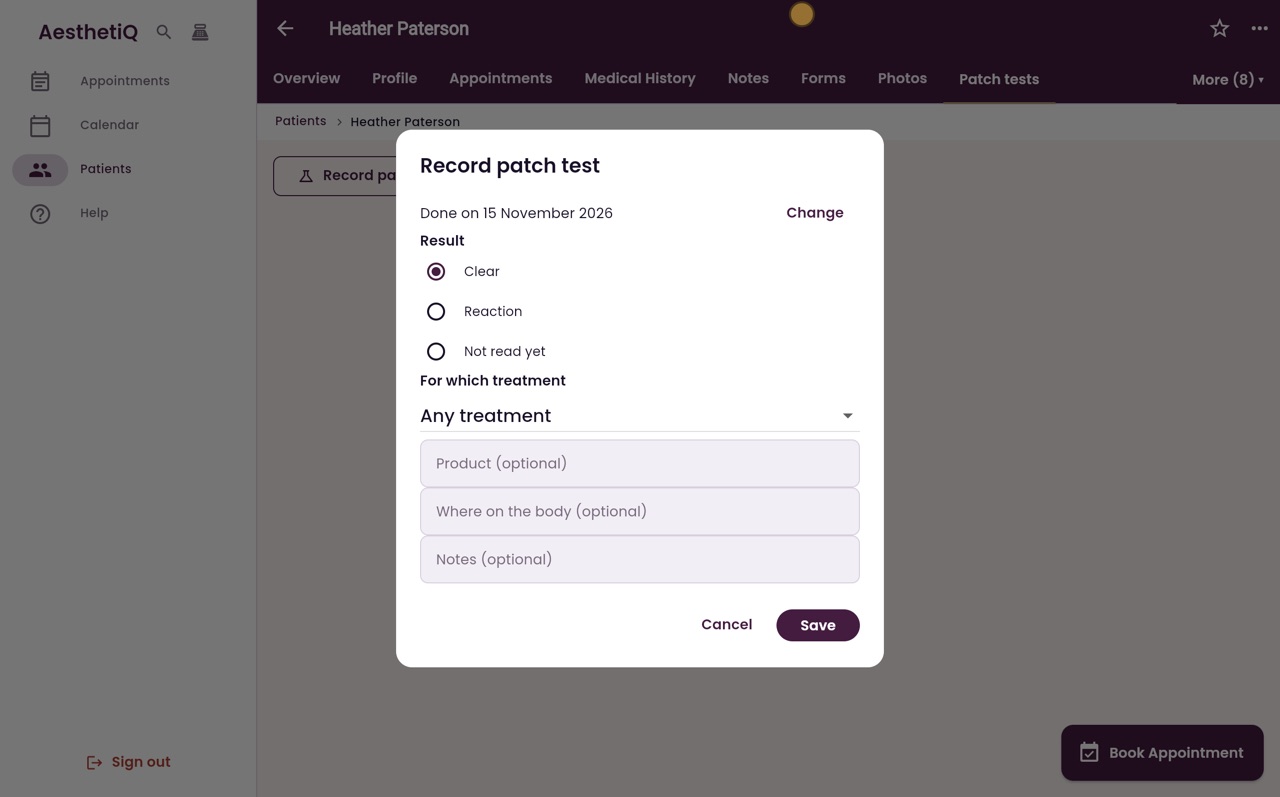
Recording a patch test
Record the date, result, treatment and product of a patch test on the patient's record, ready for when the treatment is booked.
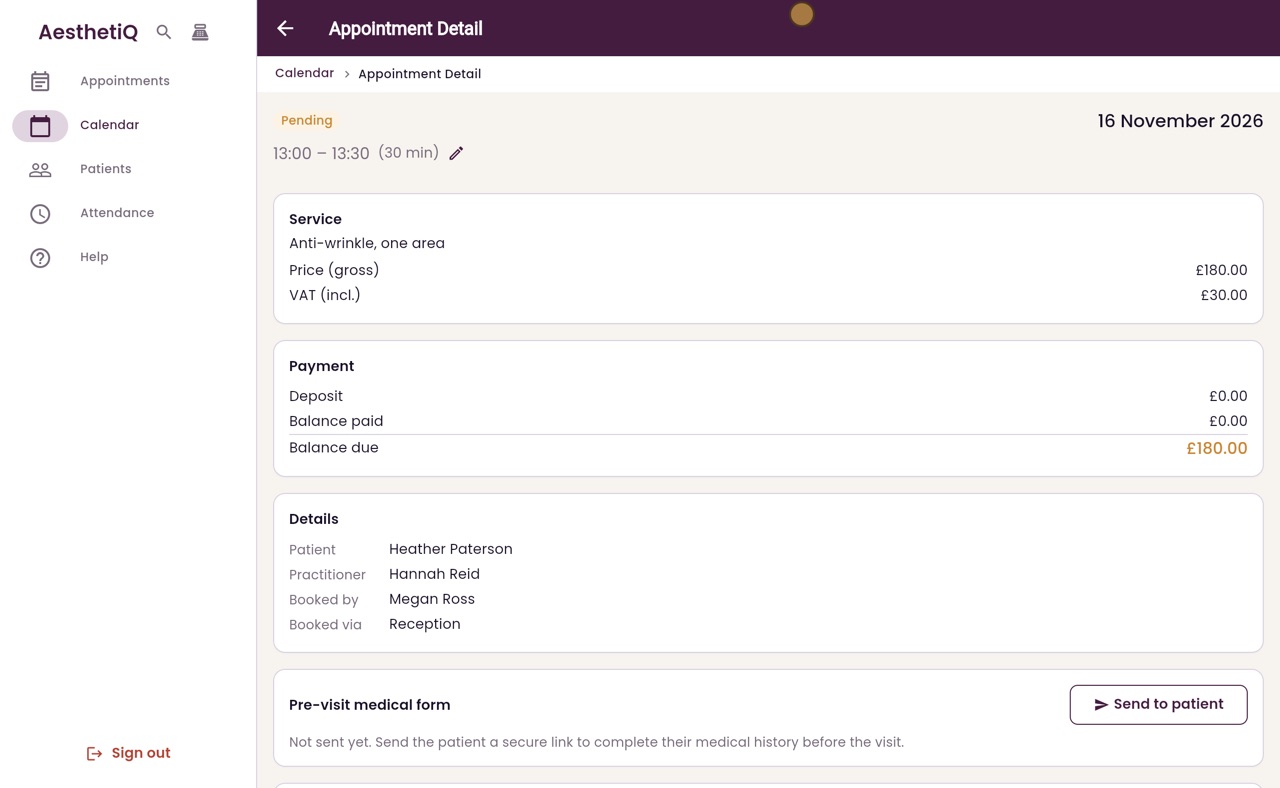
Signing a consent form
Before a treatment that needs consent, the patient signs the form on screen. AesthetiQ saves the signed form as a PDF on their record.
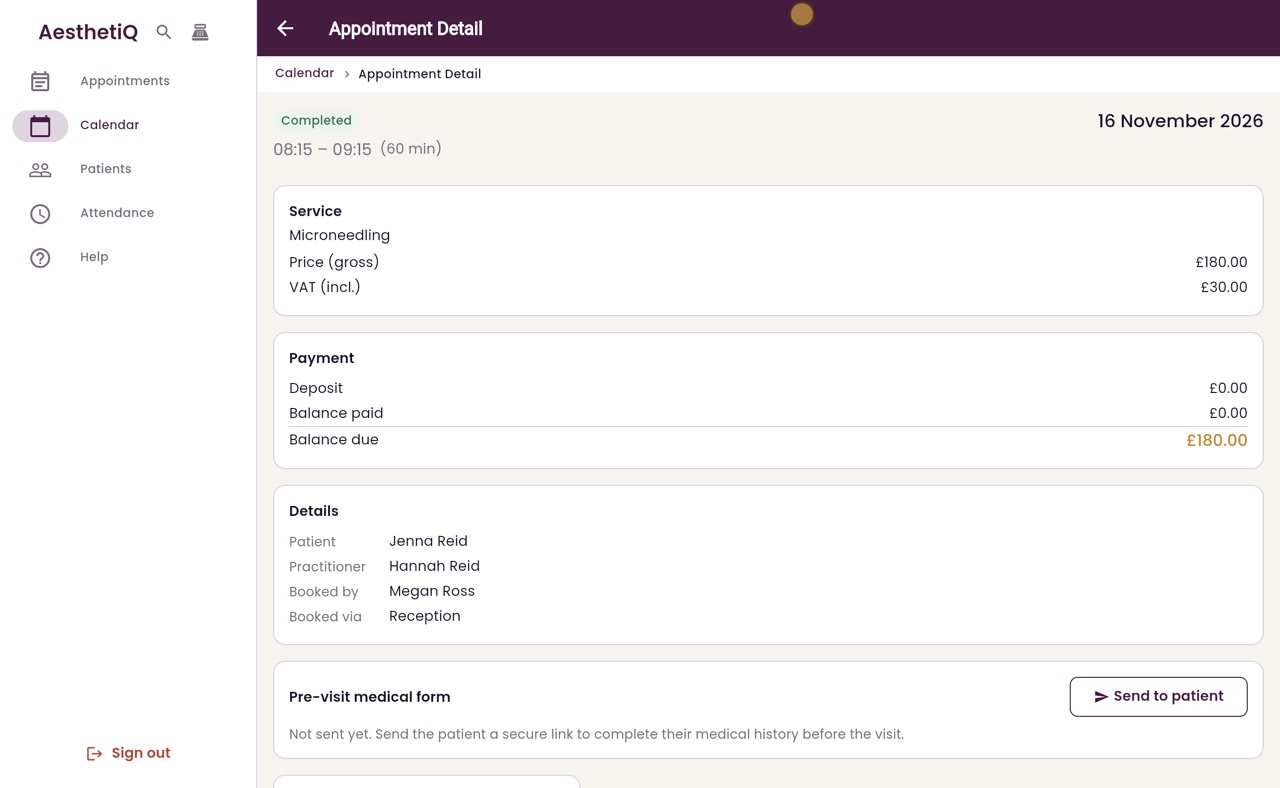
Treatment forms and clinician review
The practitioner fills in the treatment form on the appointment and submits it. Someone else then reviews it, and their name, the time and any comment are recorded.
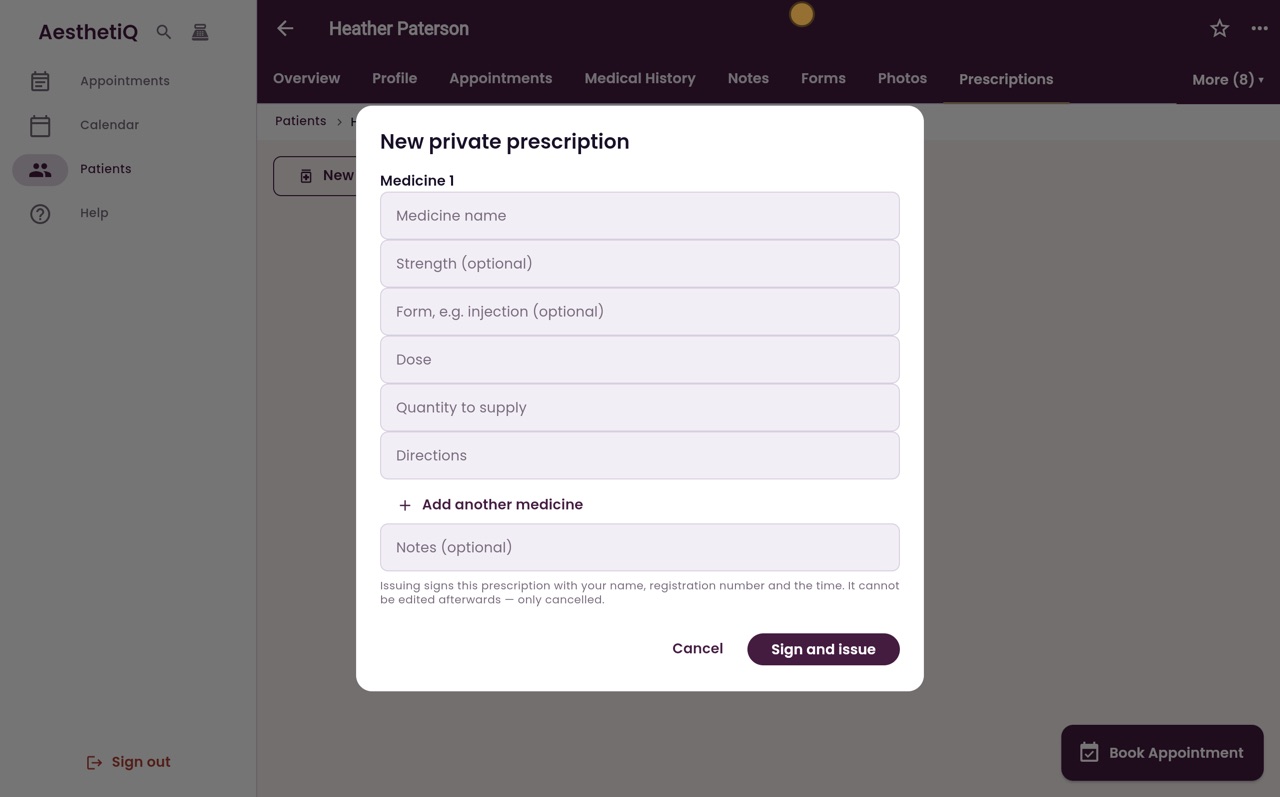
Writing a private prescription
Prescribers issue private prescriptions from the patient's record. Each one is signed with the prescriber's name and registration number.
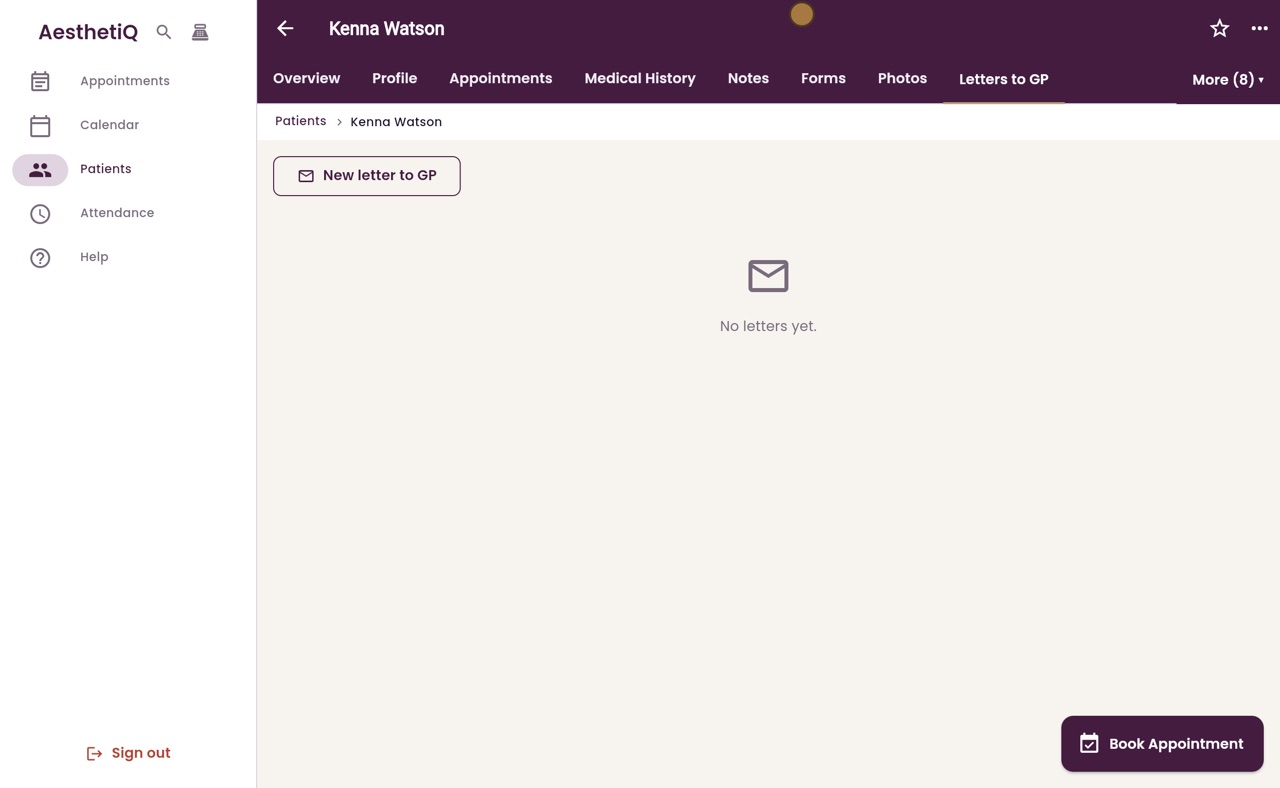
Writing a letter to a patient's GP
Write to the patient's GP from their profile. AesthetiQ fills the letter in from the clinic's template; you add the treatment details, then sign and save it.
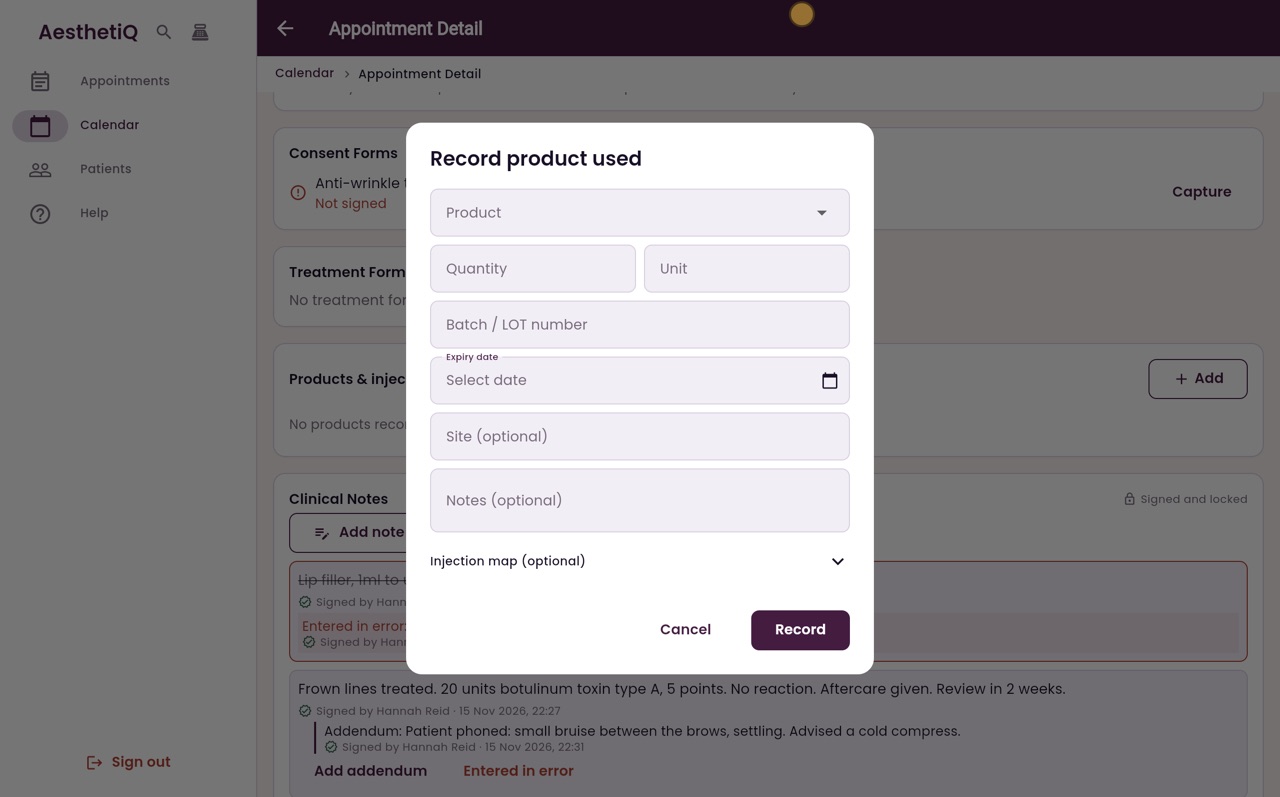
Recording products and injectables used
Record the product, amount, batch number and expiry date for each injectable used in a treatment.
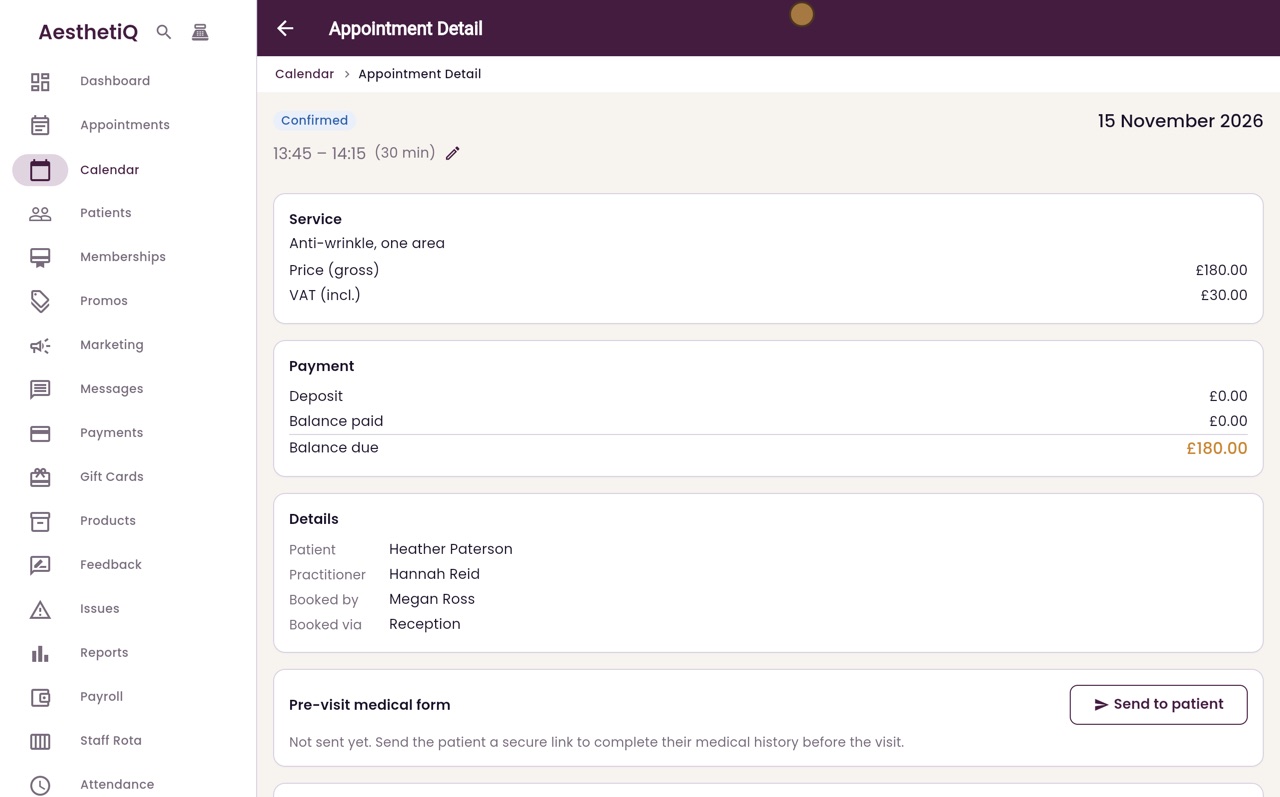
Sending the pre-visit medical form
Send the patient a secure link to fill in their medical form before the visit. Their answers come back to the appointment.
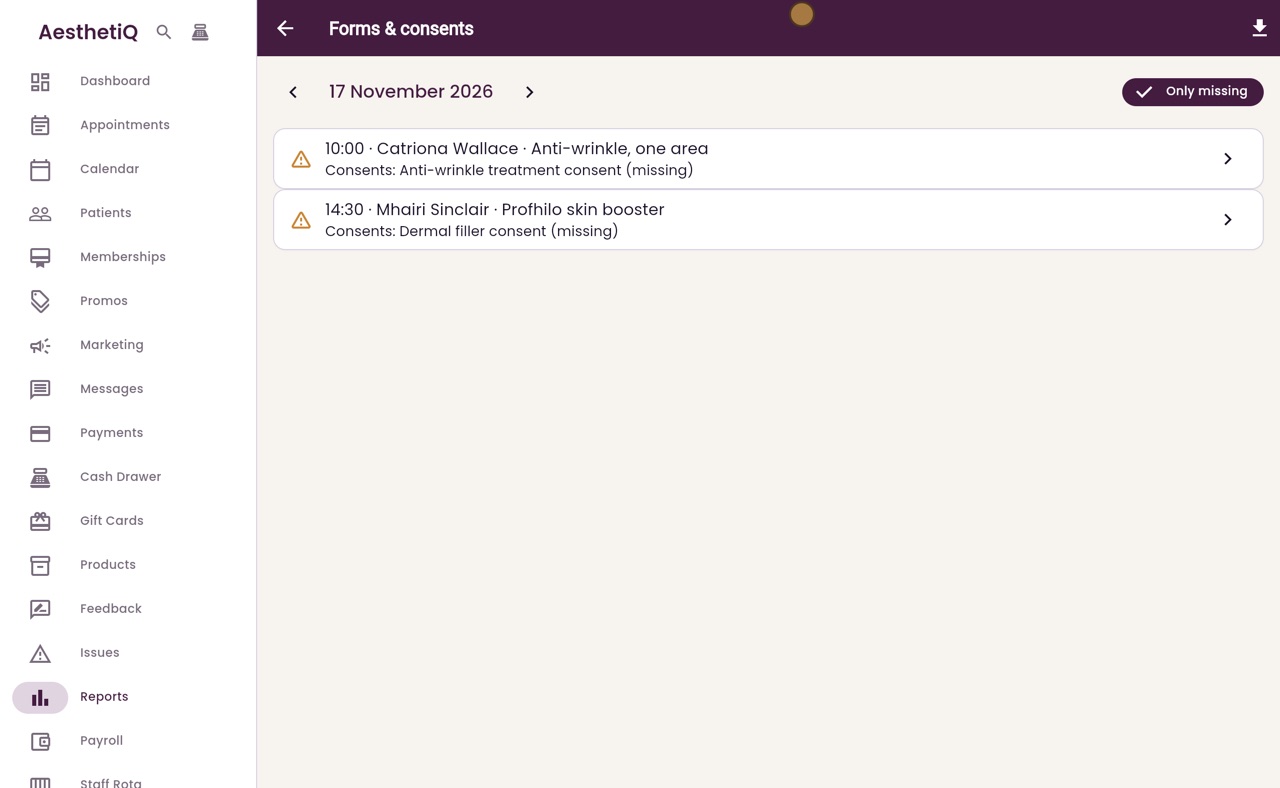
Checking tomorrow's consents
Reports, Forms & consents lists a day's appointments with any consent form still to sign, so you can be ready before the patient arrives.