Choosing the card terminal
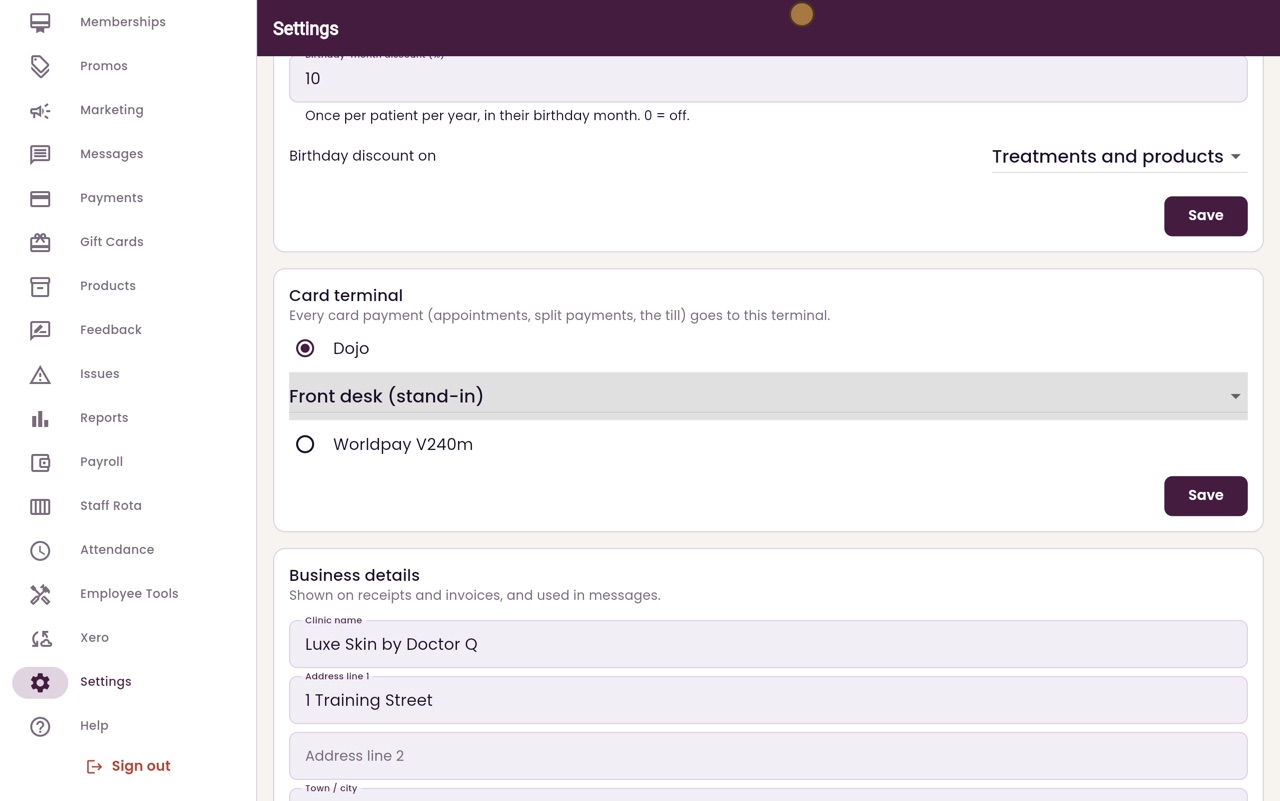
Every card payment goes to the terminal chosen in Settings: a Dojo terminal or a Worldpay V240m.
Where
Settings, then scroll down to Card terminal.
Choices
Dojo with a chosen terminal, Ask each time, or Worldpay V240m.
Save
Click Save in the Card terminal section after a change.
Step by step
- 01Libby
One terminal
Hi, I am Libby. Every card payment, for an appointment, a split payment or a sale at the till, goes to one card terminal. The clinic manager chooses it in Settings.
- 02Ryan
Card terminal
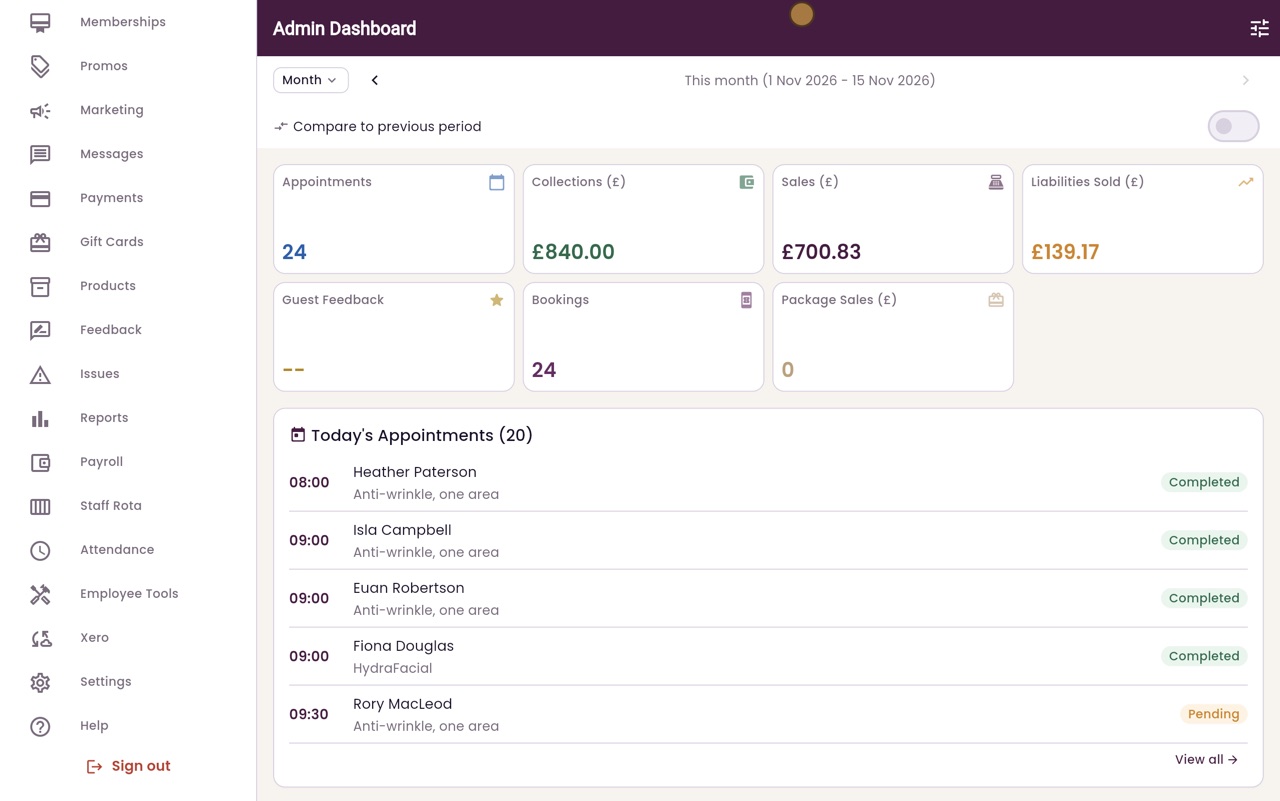
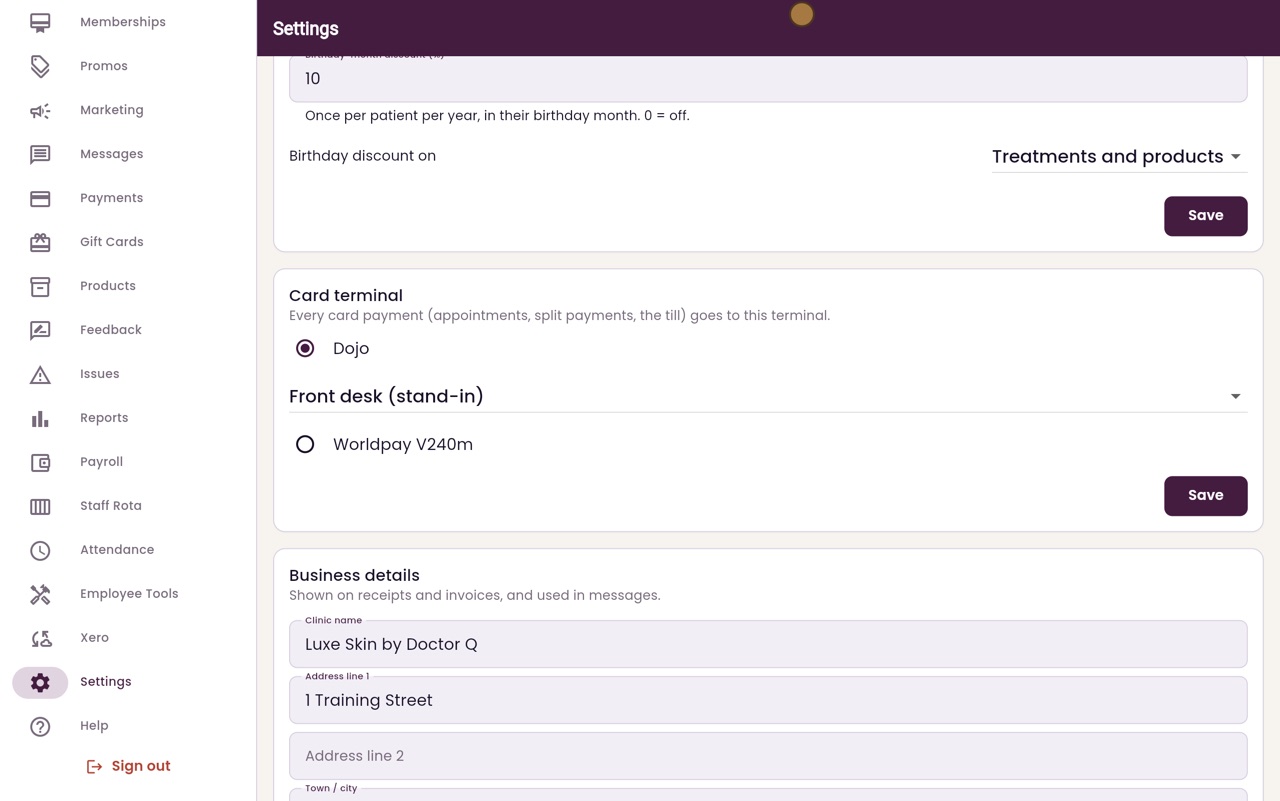
Thanks Libby. Click Settings in the menu, and scroll down to Card terminal.
- 03Ryan
Dojo
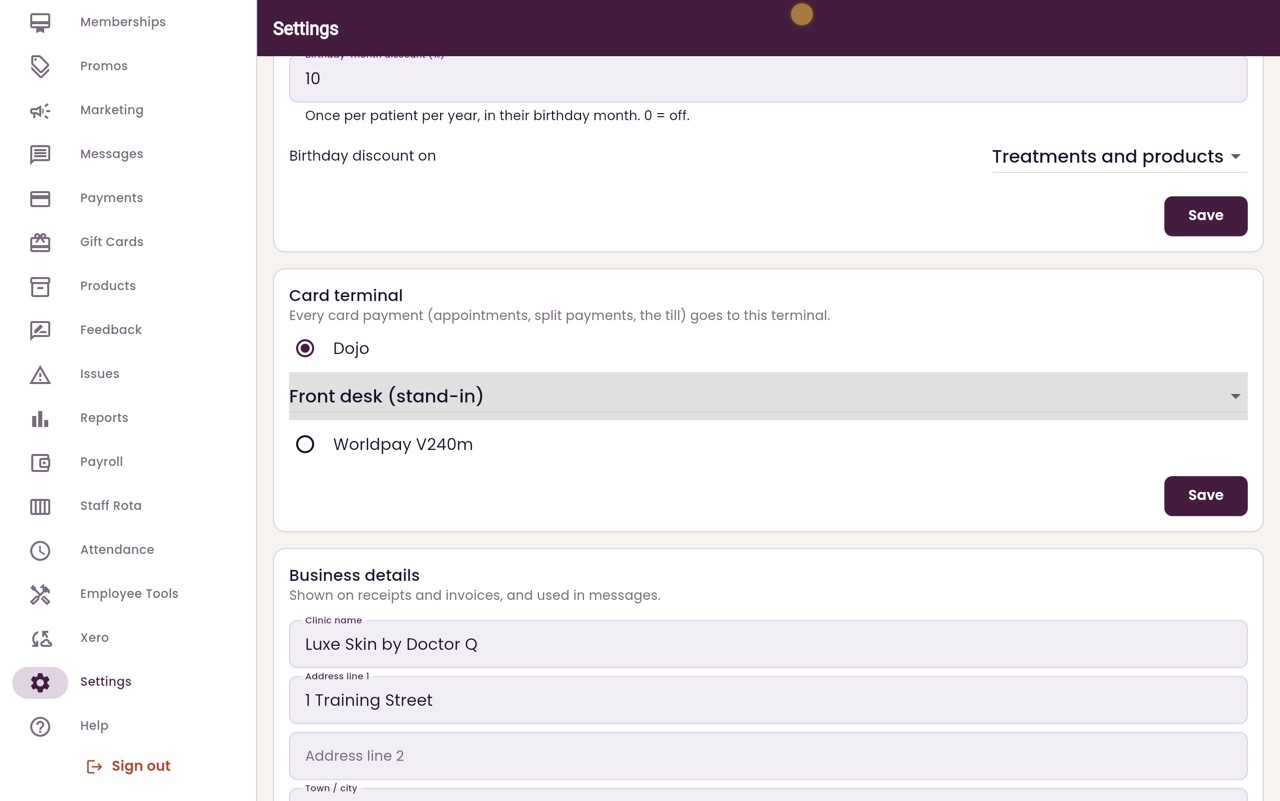
This clinic uses Dojo, so Dojo is chosen. Under it is the Dojo terminal that payments go to: the front desk terminal.
- 04Ryan
Ask each time
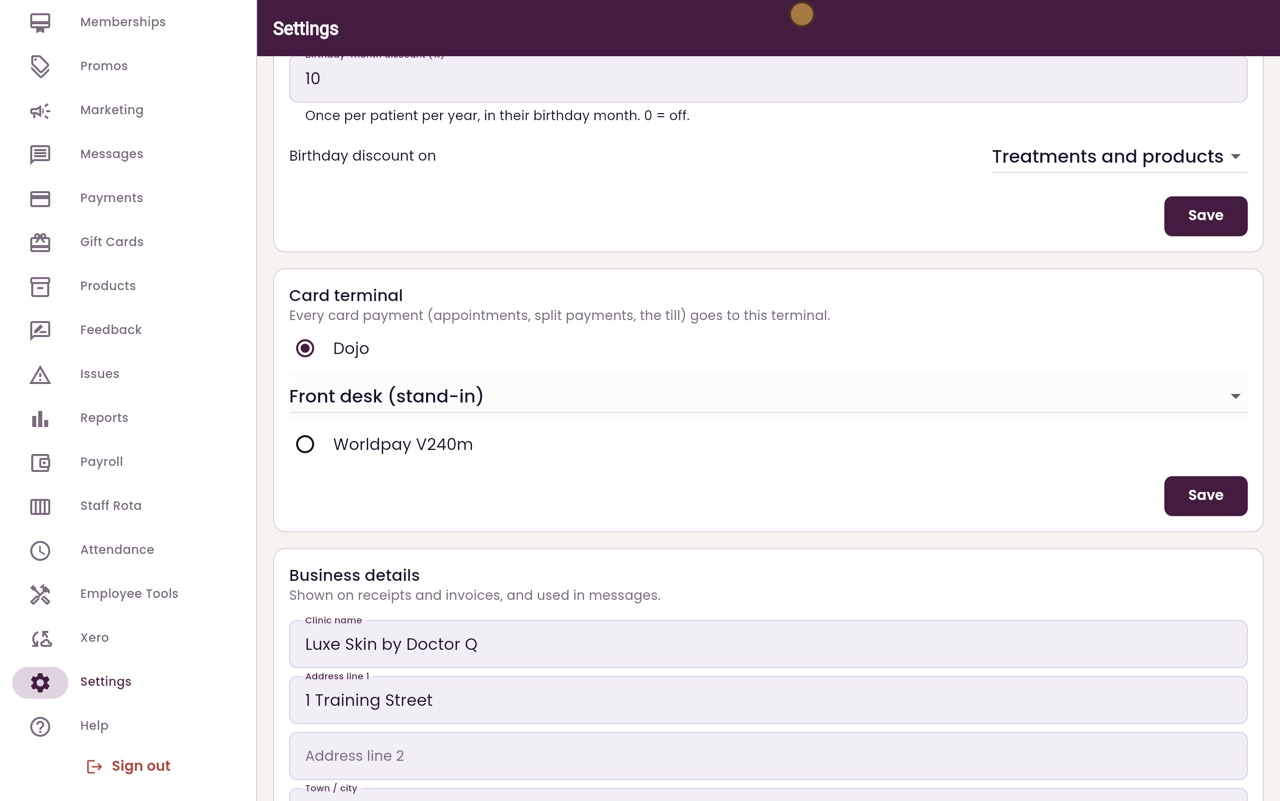
Click the list to see the choices. With more than one terminal, choose Ask each time, and AesthetiQ asks which terminal to use for each payment.
- 05Ryan
Worldpay V240m
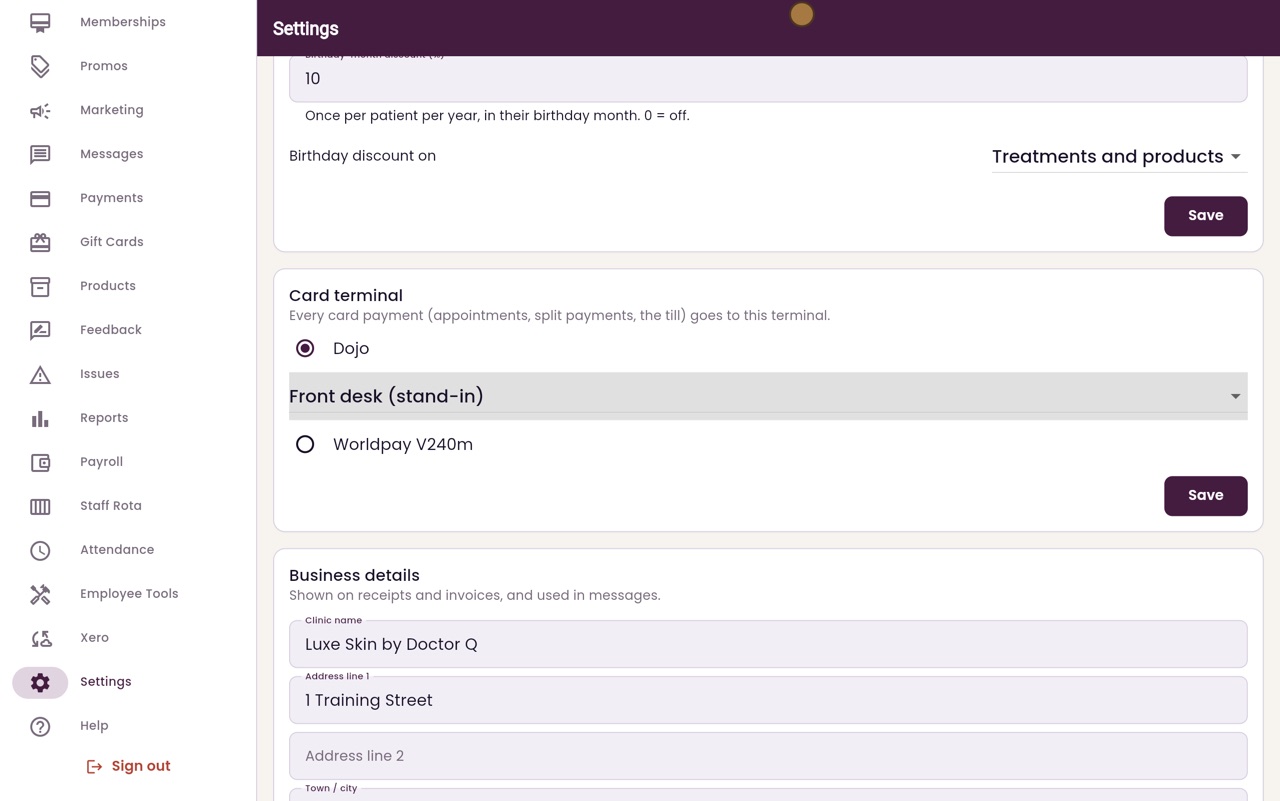
If the clinic has a Worldpay V240m terminal instead, it is chosen here. After any change, click Save in this section.
- 06Libby
Done
That is choosing the card terminal. Only change it when the terminal itself changes, because every card payment goes to the one chosen here.