Opening and closing the cash drawer
Count the float into the drawer in the morning and count it again at the end of the day. AesthetiQ shows any difference.
Where
Cash Drawer, in the menu on the left.
Who
Reception and the clinic manager.
After
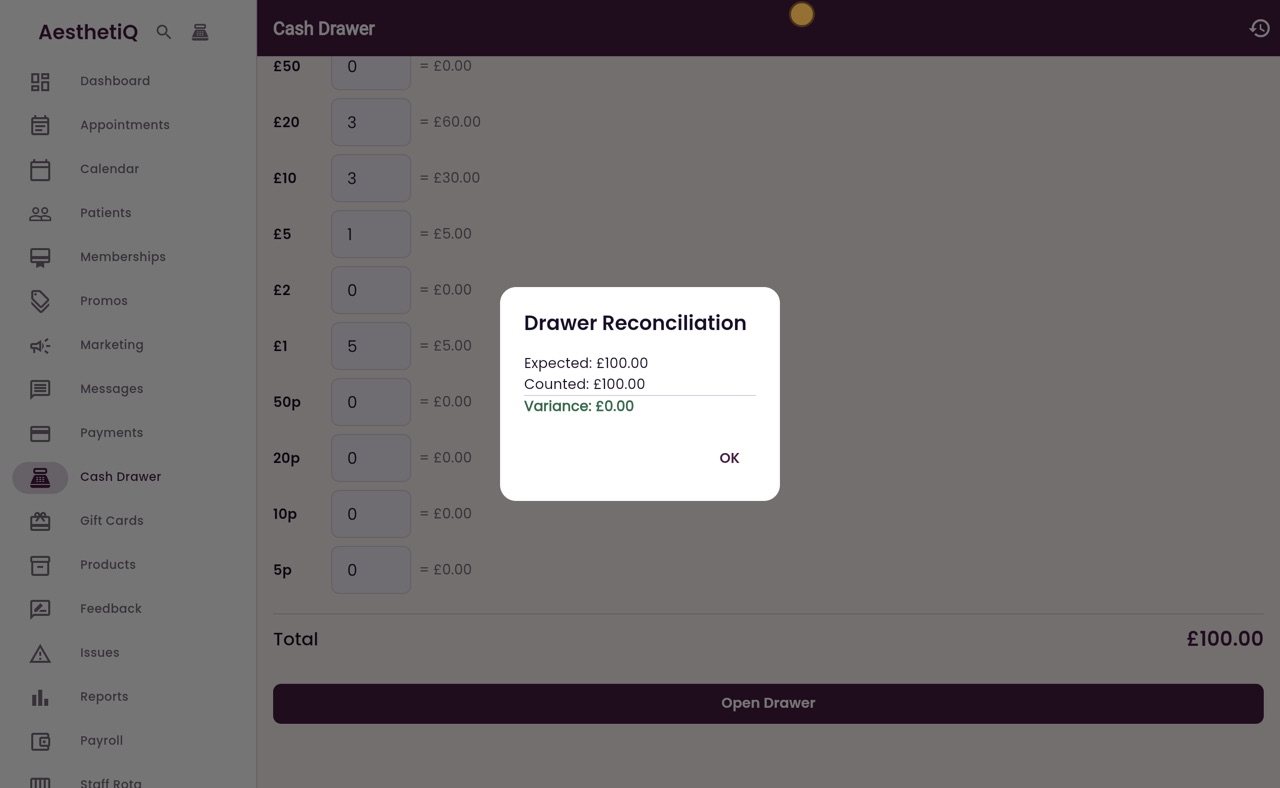
The reconciliation shows expected, counted and the variance.
Step by step
- 01Libby
The cash drawer
Hi, I am Libby. At the start of the day, reception counts the float into the cash drawer. At the end of the day they count it again, and AesthetiQ shows whether anything is missing.
- 02Ryan
Open the cash drawer screen
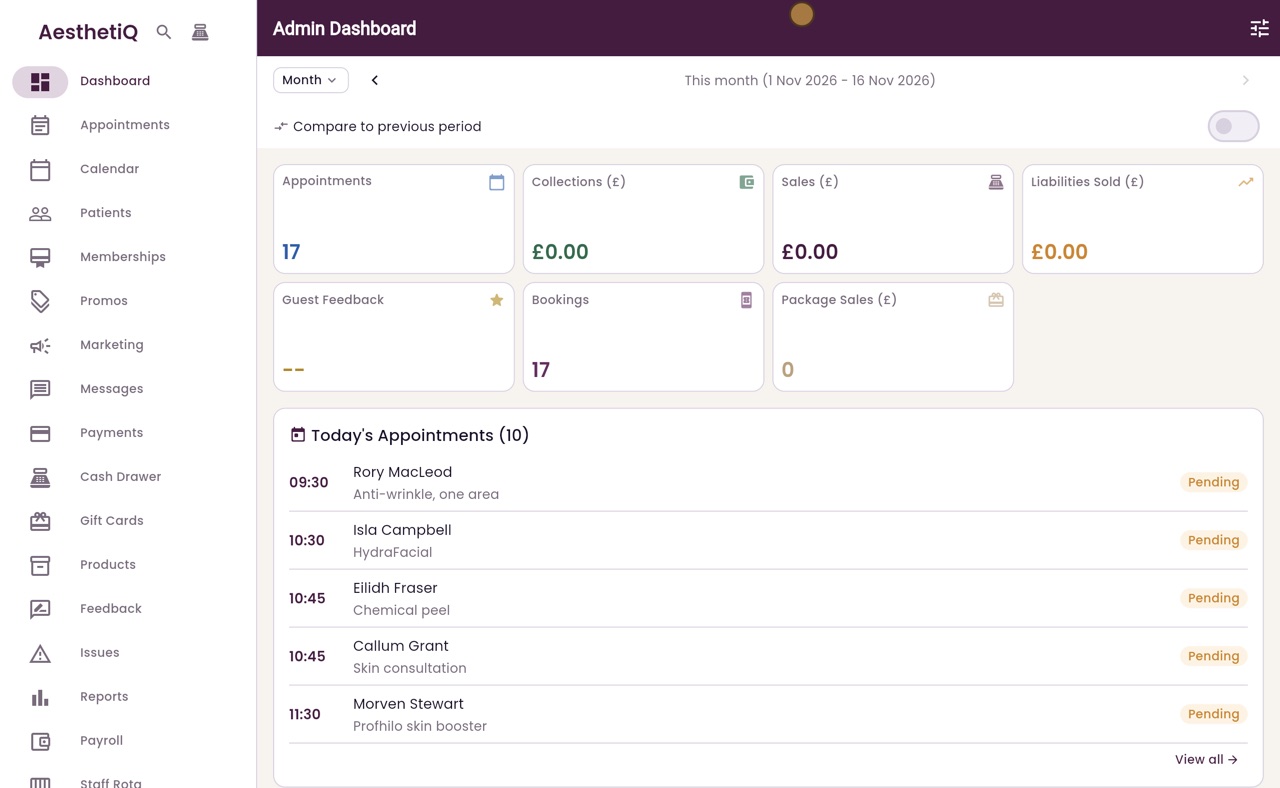
Thanks Libby. Click Cash Drawer in the menu on the left.
- 03Ryan
Count the float
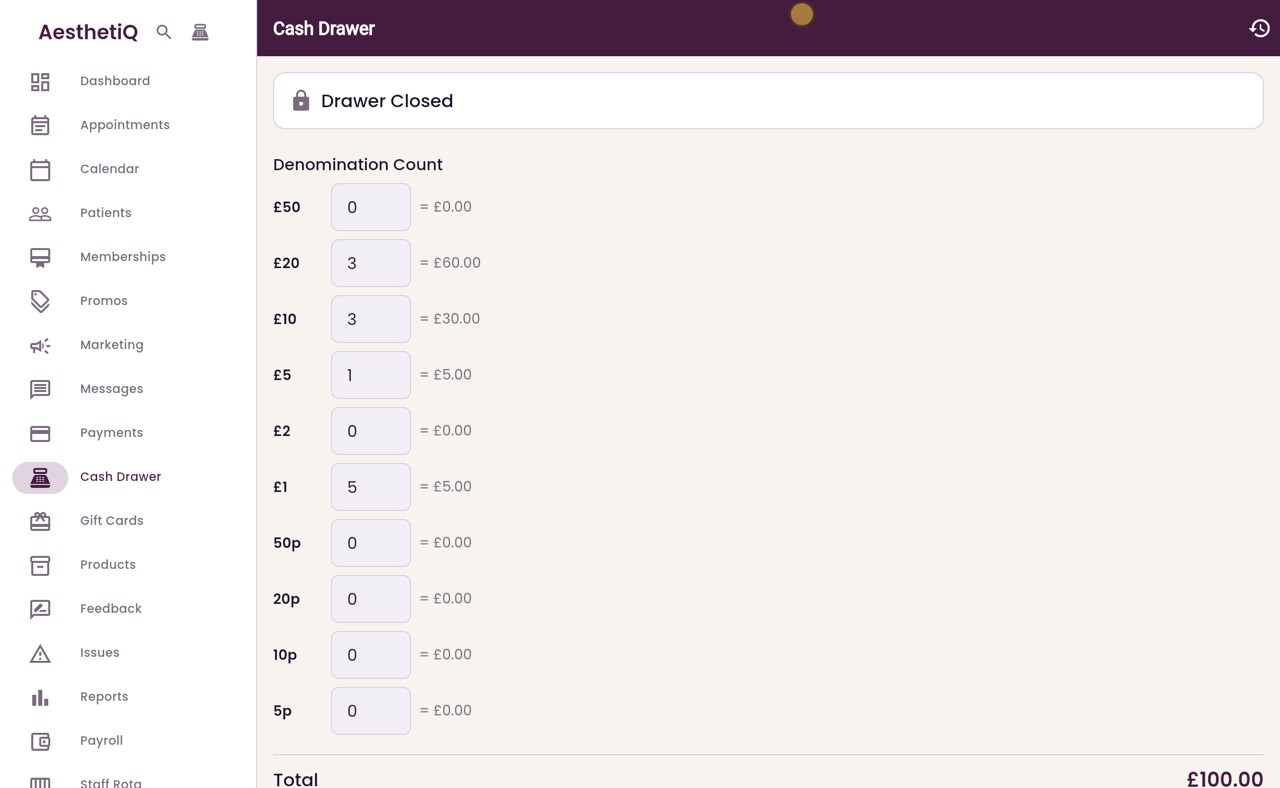
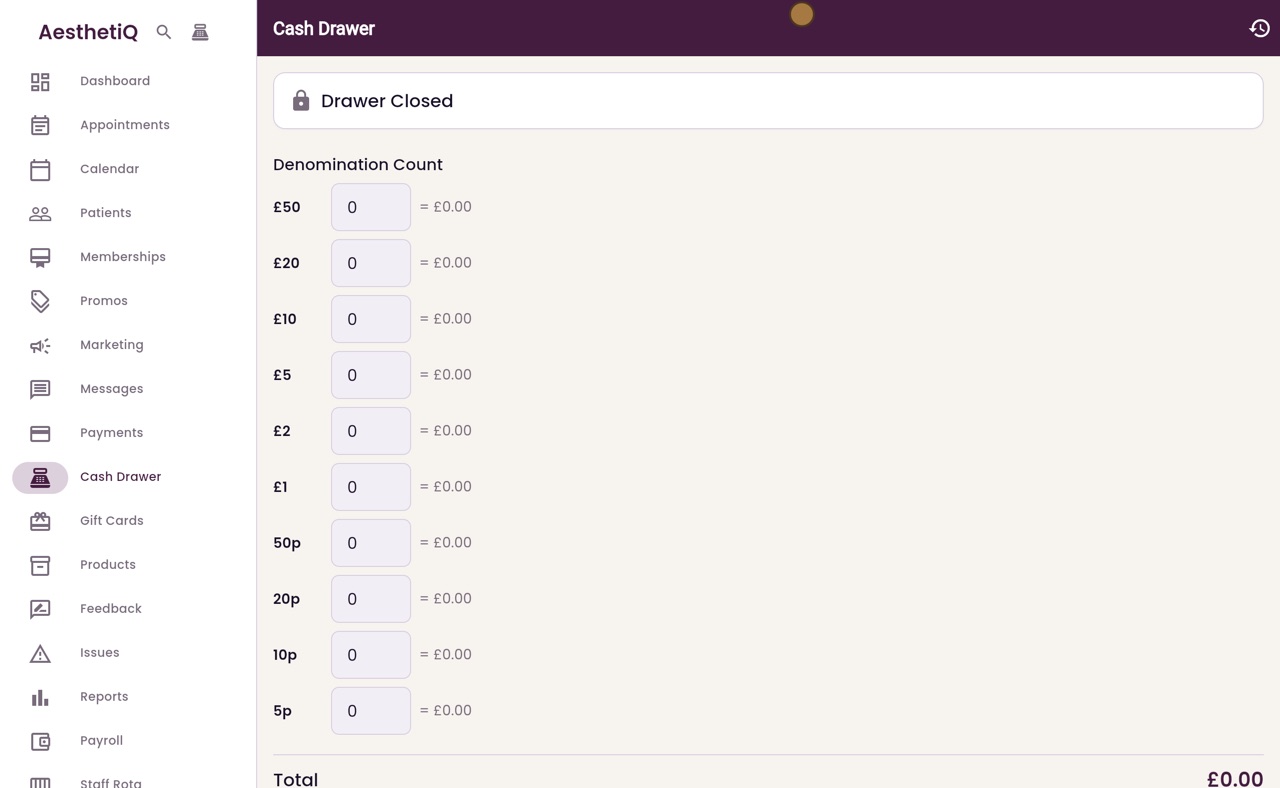
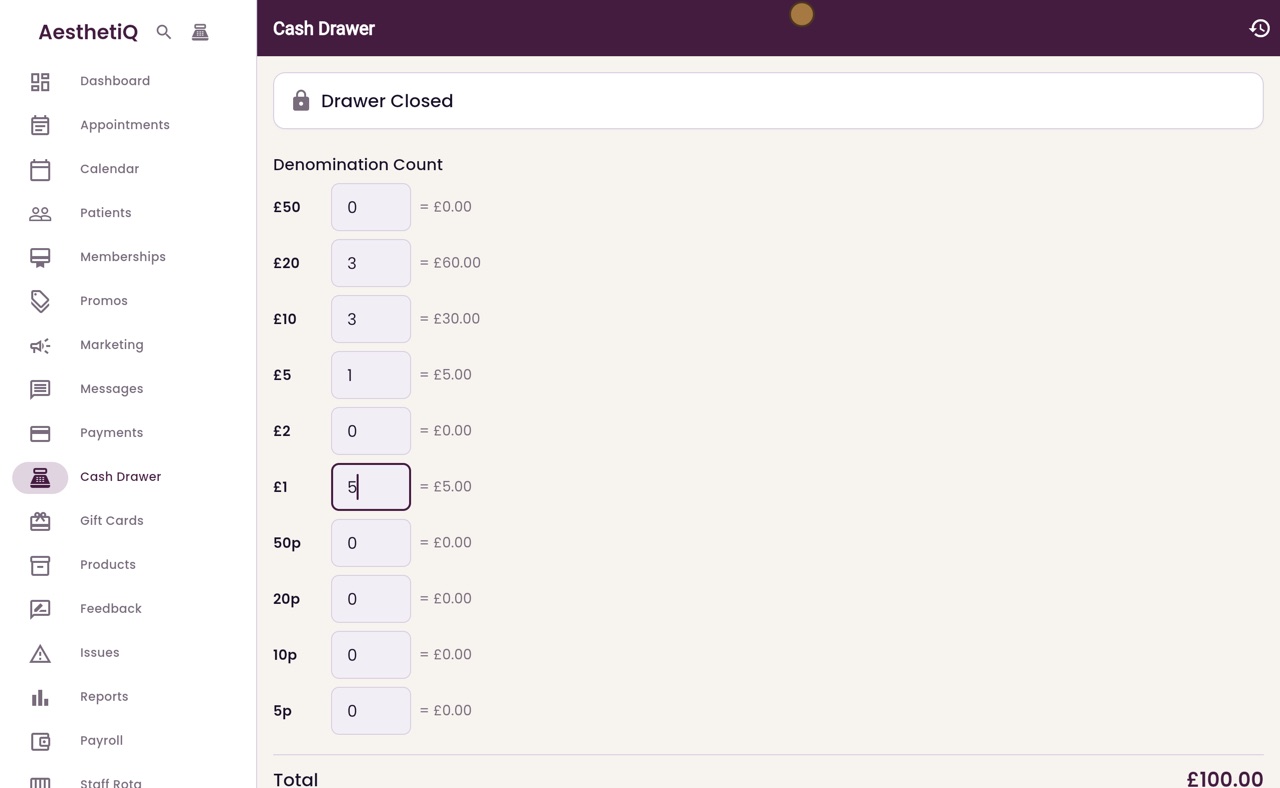
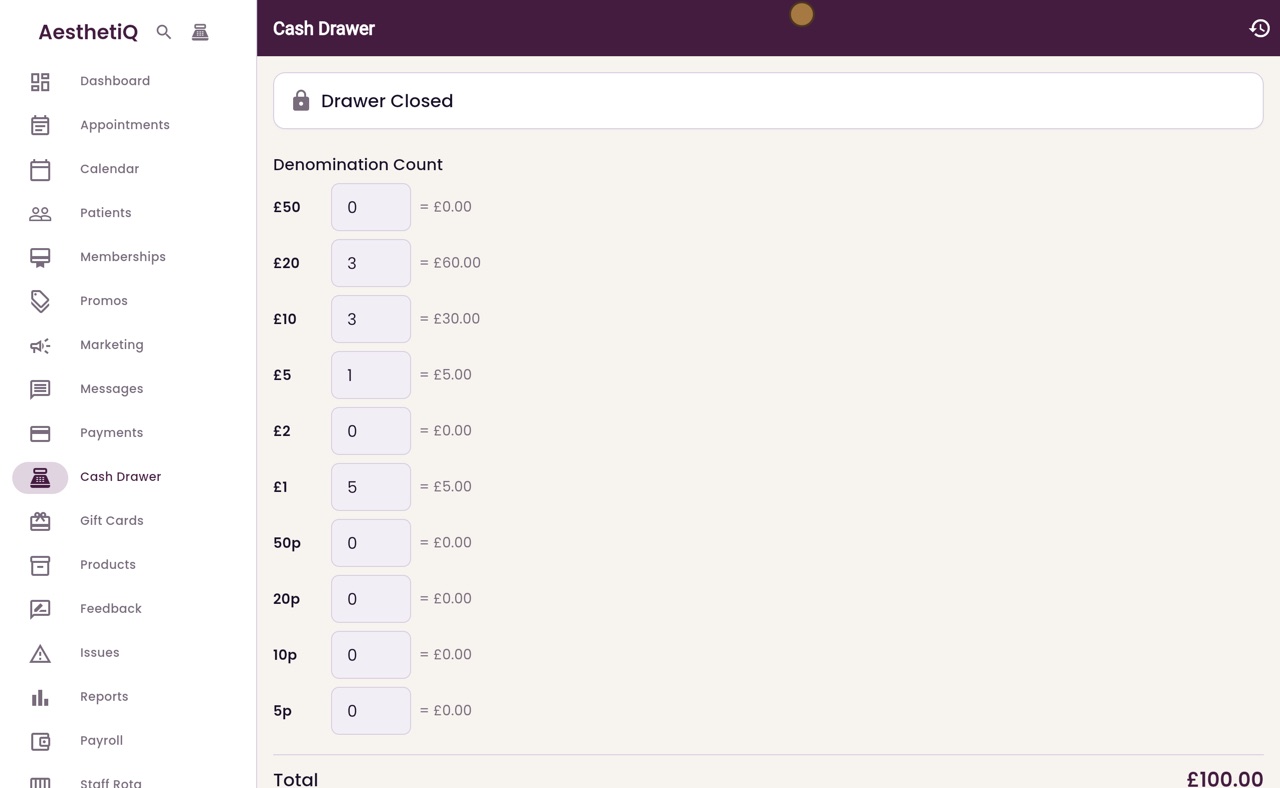
The drawer shows Closed. Count the float into the boxes: three twenty pound notes, three tens, one five pound note and five pound coins. Each line shows its value, and the total is one hundred pounds.
- 04Ryan
Open the drawer
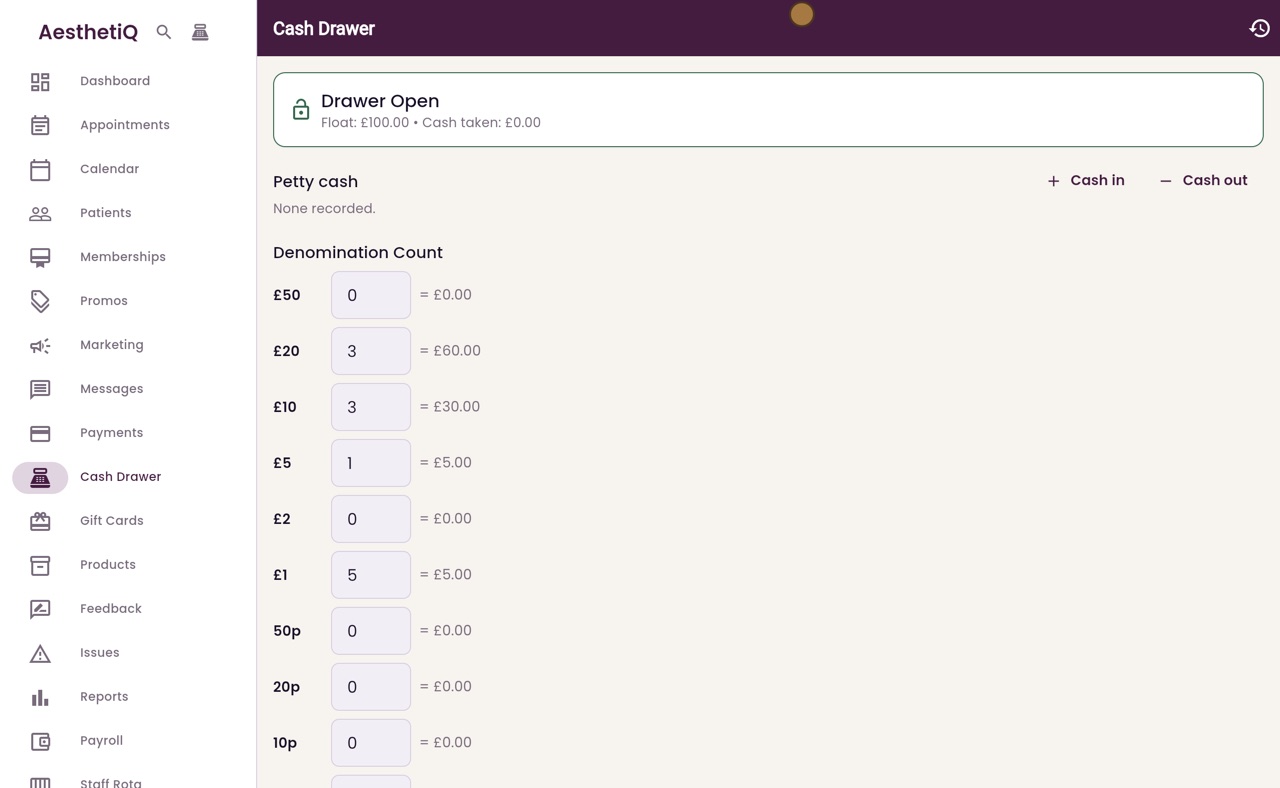
Click Open Drawer. The drawer is now open, with a float of one hundred pounds. Cash taken from patients during the day is added to it.
- 05Ryan
Count at closing
At the end of the day, count the cash in the drawer into the same boxes. Here no cash was taken, so the count is still one hundred pounds. Click Close and Reconcile.
- 06Ryan
The reconciliation
AesthetiQ shows what should be in the drawer, what was counted, and the difference. Here the count matches, so the variance is zero. Click OK.
- 07Libby
Done
That is the cash drawer. Each day's count is kept, and the history button at the top right shows every drawer opened and closed.