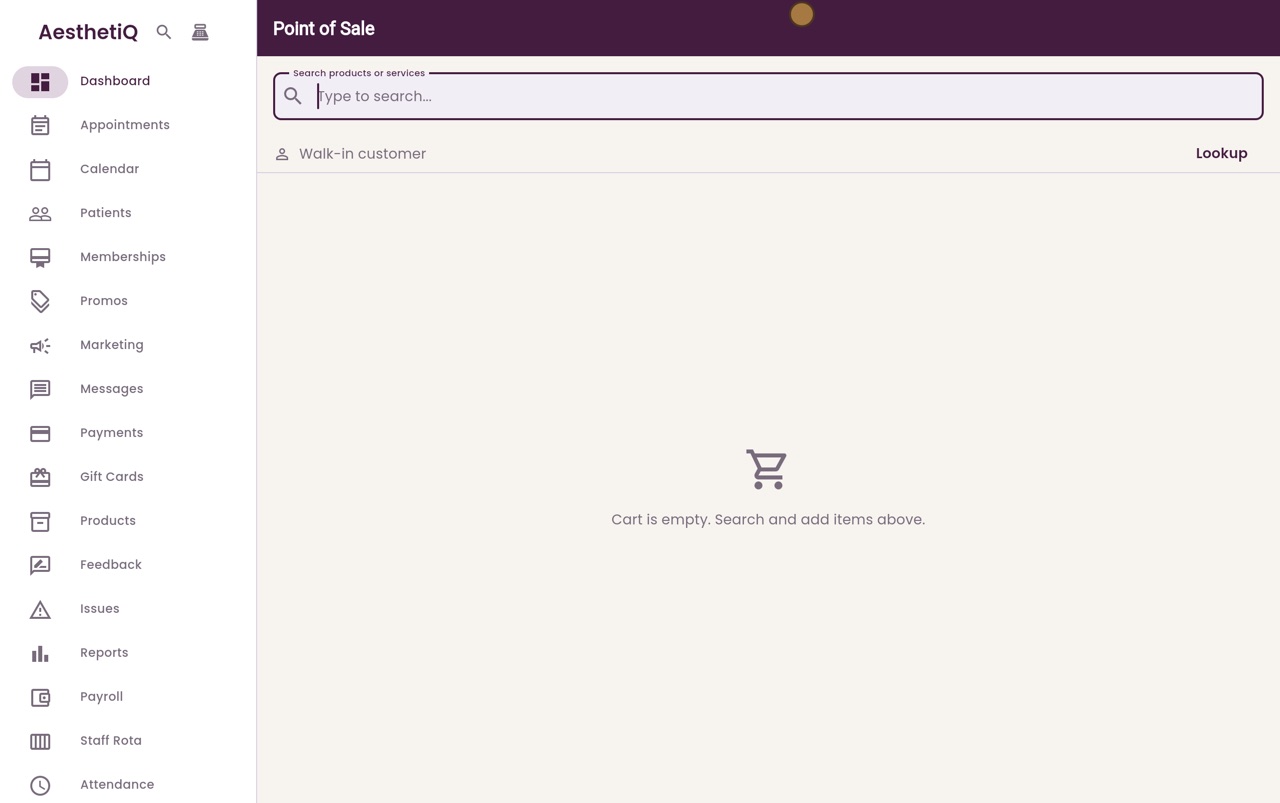
Paying with a gift card at the till
Choose Gift card, look up the card's code, and say how any rest is paid. The receipt shows both parts.
Where
The till icon at the top of the sidebar, then Gift card.
Look up
Type the code and click Look up. The balance and the amount used are shown.
The rest
If the card does not cover the total, choose Card or Cash for the rest.
Step by step
- 01Libby
Gift cards at the till
Hi, I am Libby. Patients can pay at the till with a Luxe Skin gift card. If the card does not cover everything, the rest is paid by card or cash.
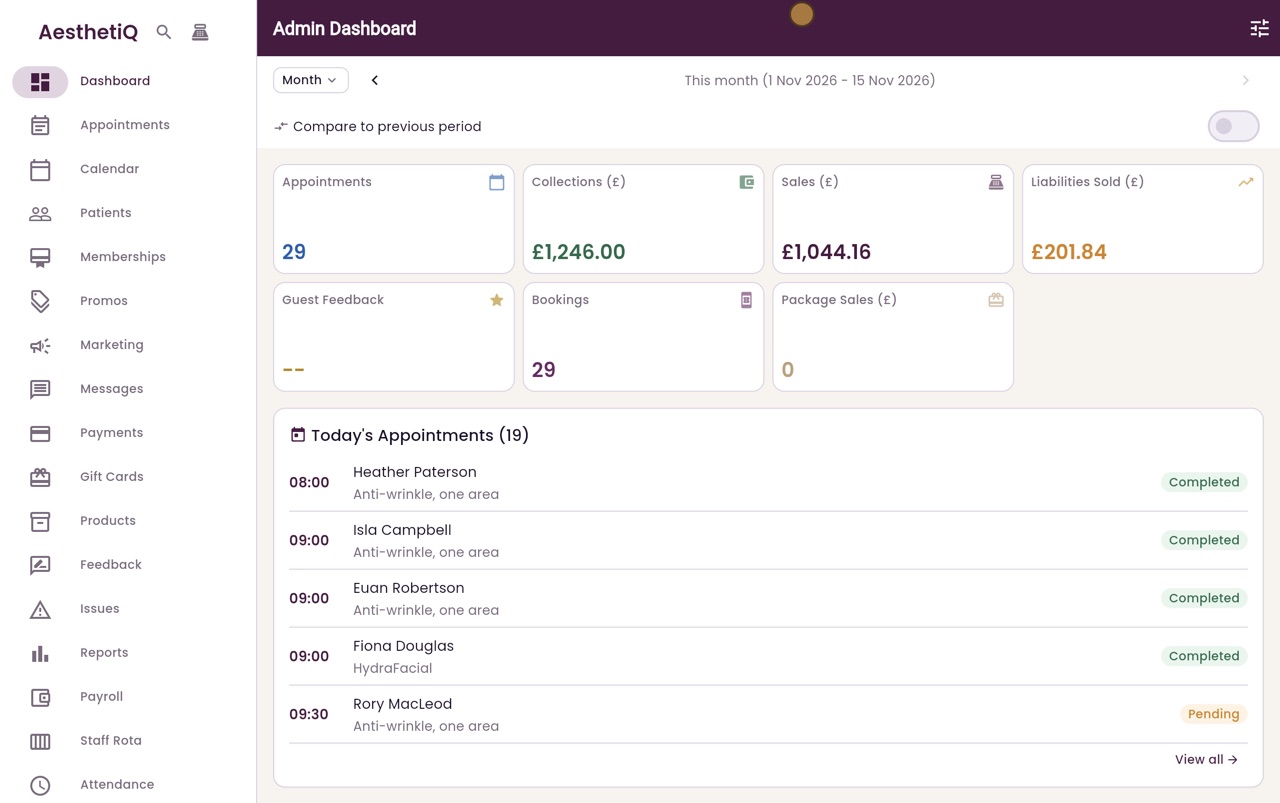
- 02Ryan
Add the product
Thanks Libby. A patient would like a Vitamin C serum, and has a gift card to spend. Open the till, search for serum, and add it to the cart.
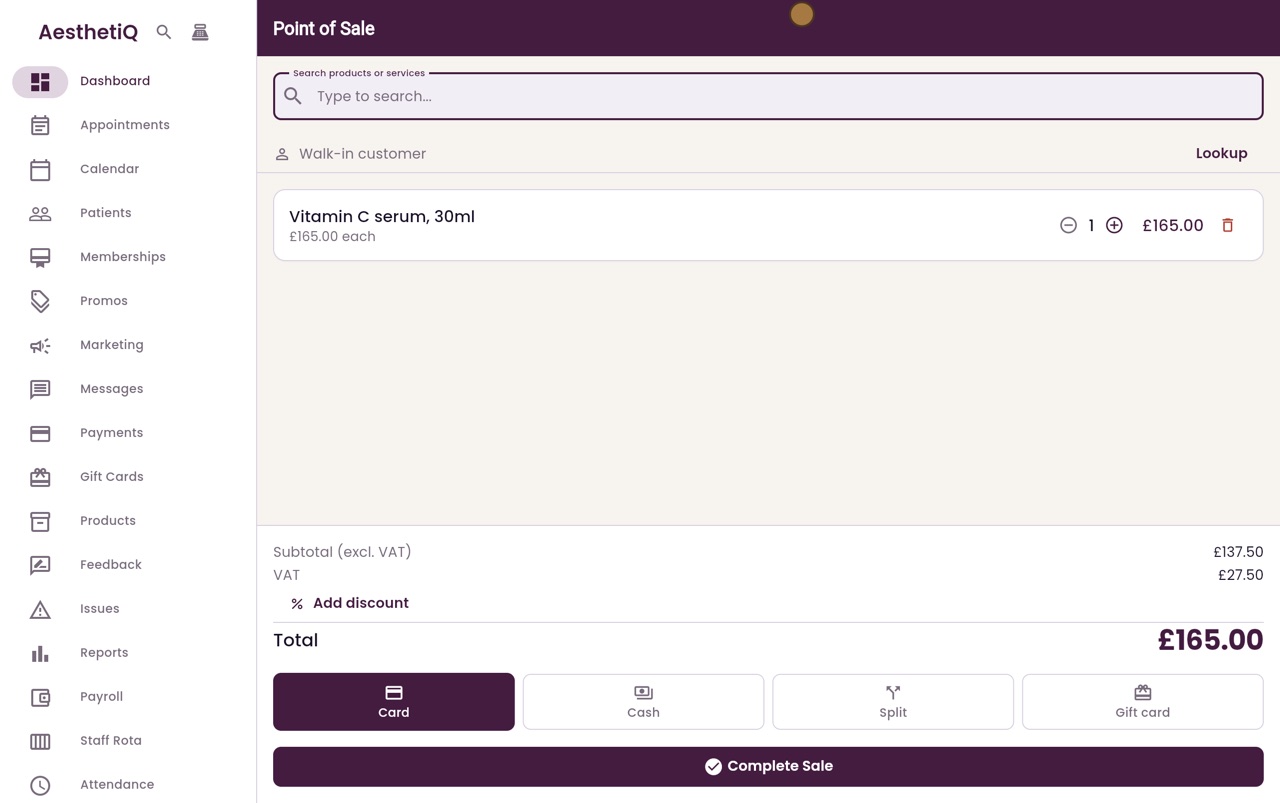
- 03Ryan
Gift card
The total is one hundred and sixty five pounds. Click Gift card, then Complete Sale.
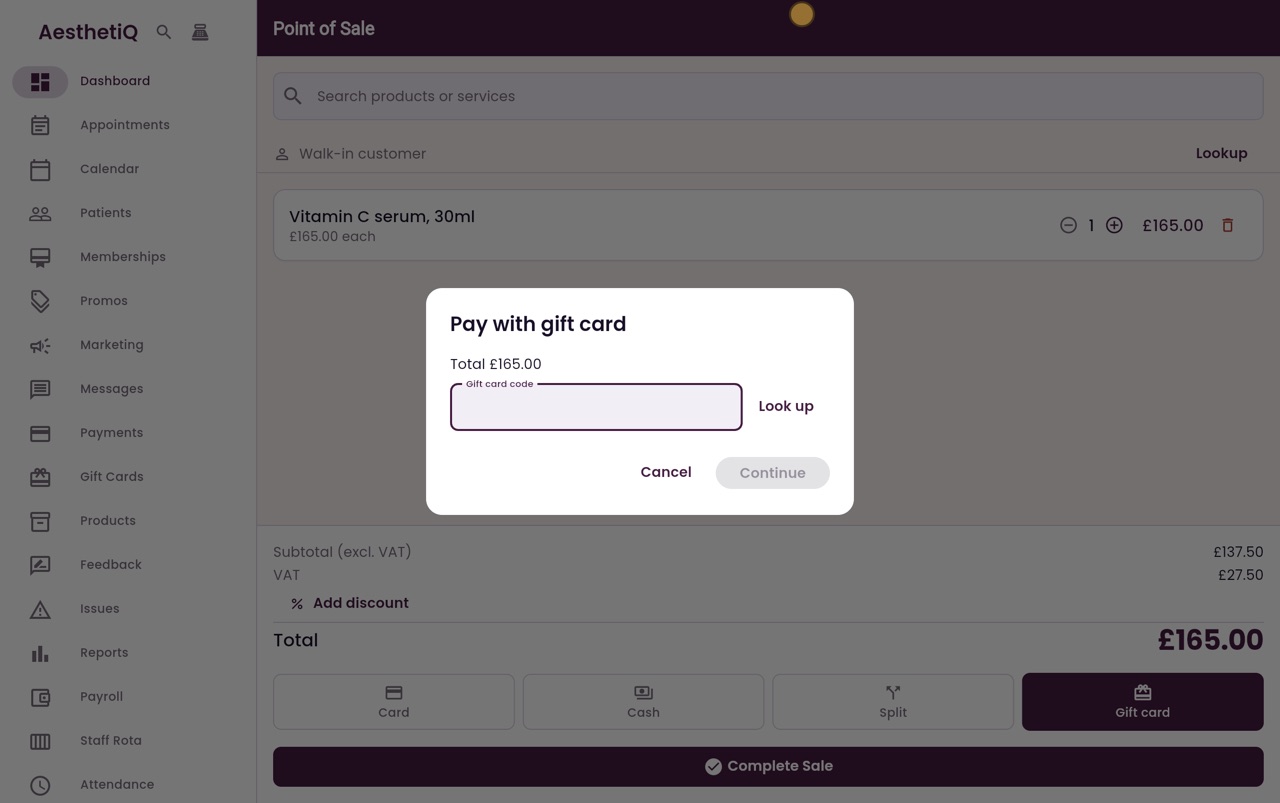
- 04Ryan
Look up the card
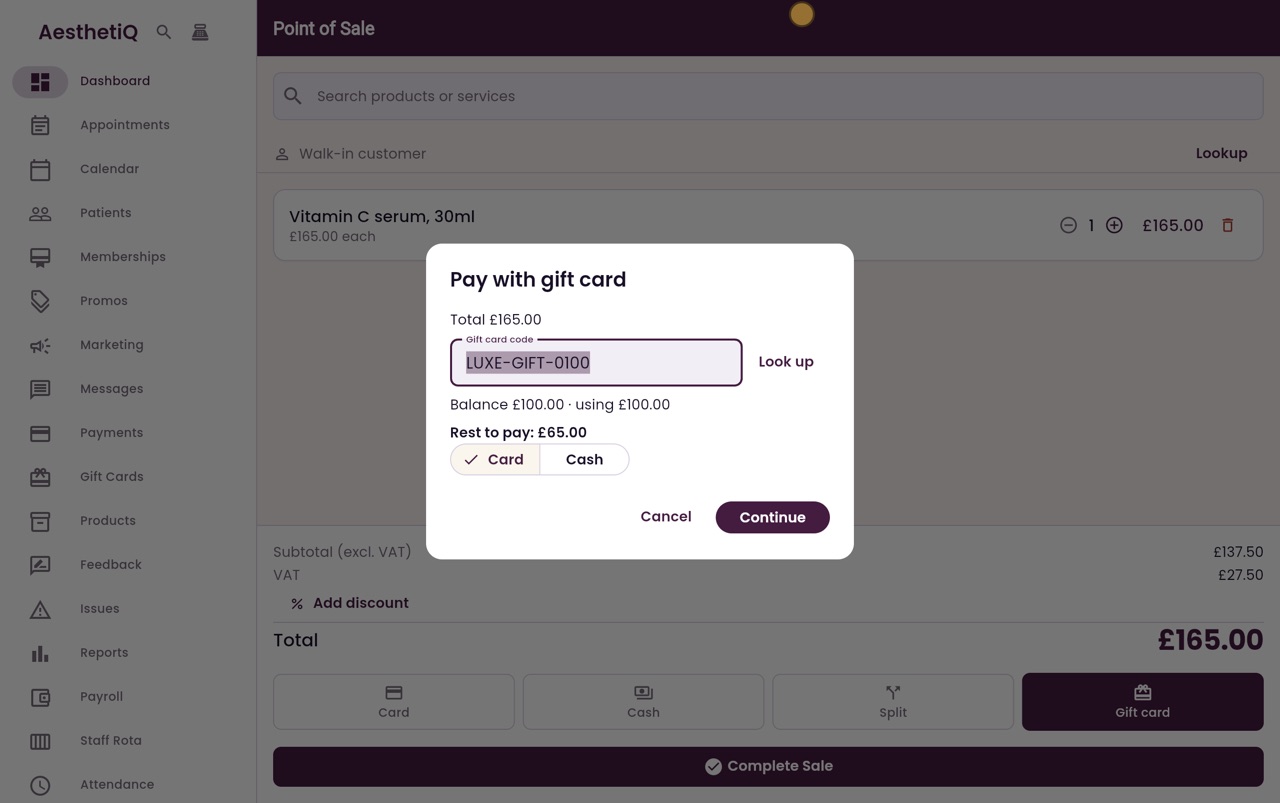
Type the code from the gift card, and click Look up. The card holds one hundred pounds, and all of it is used. Sixty five pounds is still to pay.
- 05Ryan
The rest in cash
The patient pays the rest in cash. Click Cash, then Continue.
- 06Ryan
The receipt
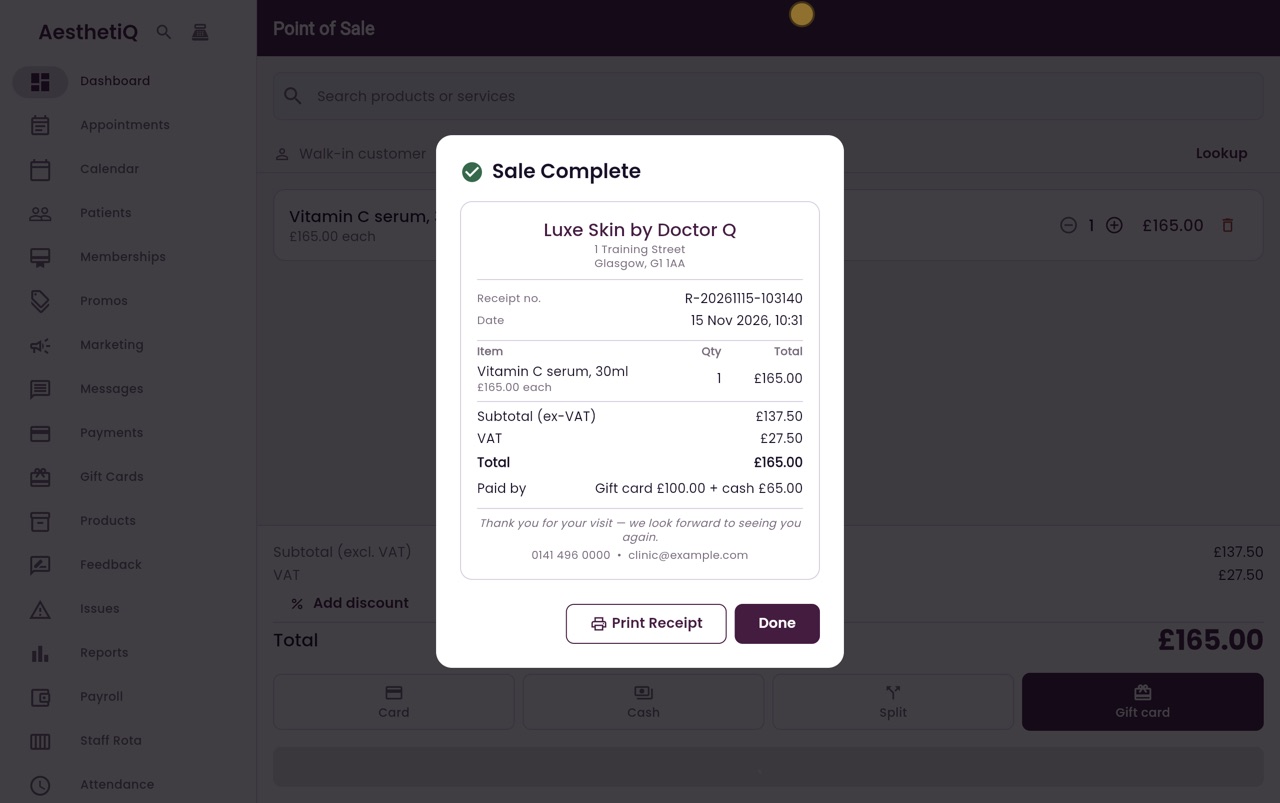
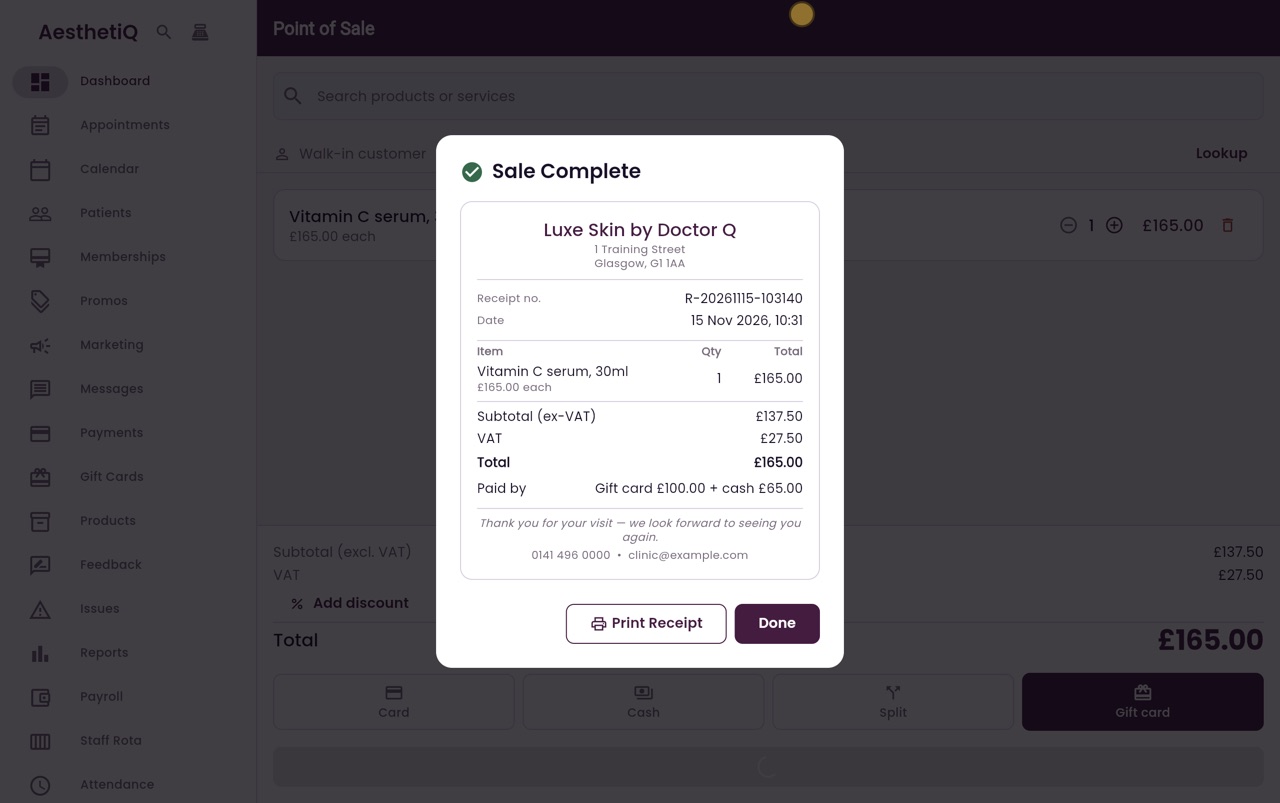
The sale is complete, and the receipt shows how it was paid.
- 07Ryan
Take the cash
Take the sixty five pounds in cash, and click Done.
- 08Libby
Done
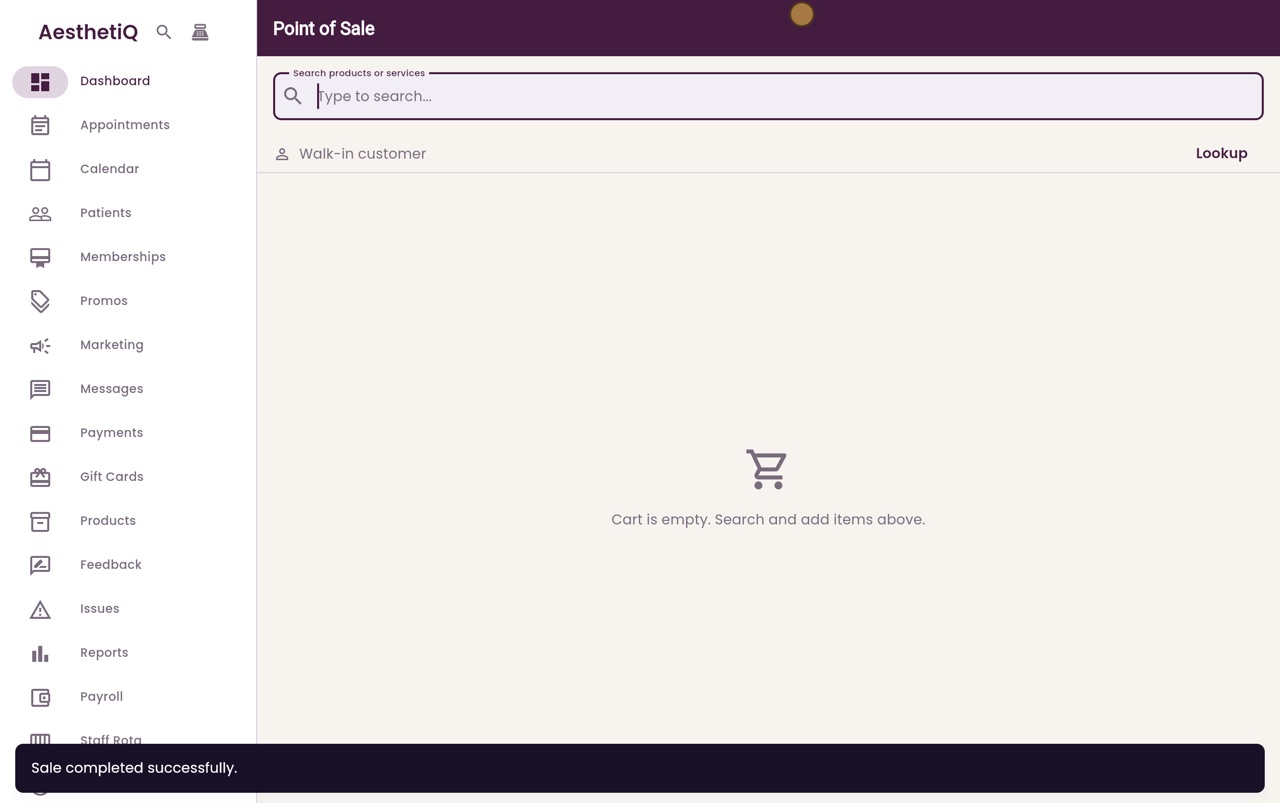
That is paying with a gift card at the till. If a card is worth more than the sale, what is left stays on the card for next time.