Split payment at the till
Choose Split, type the cash part, and take the rest on the card terminal. One sale records both.
Where
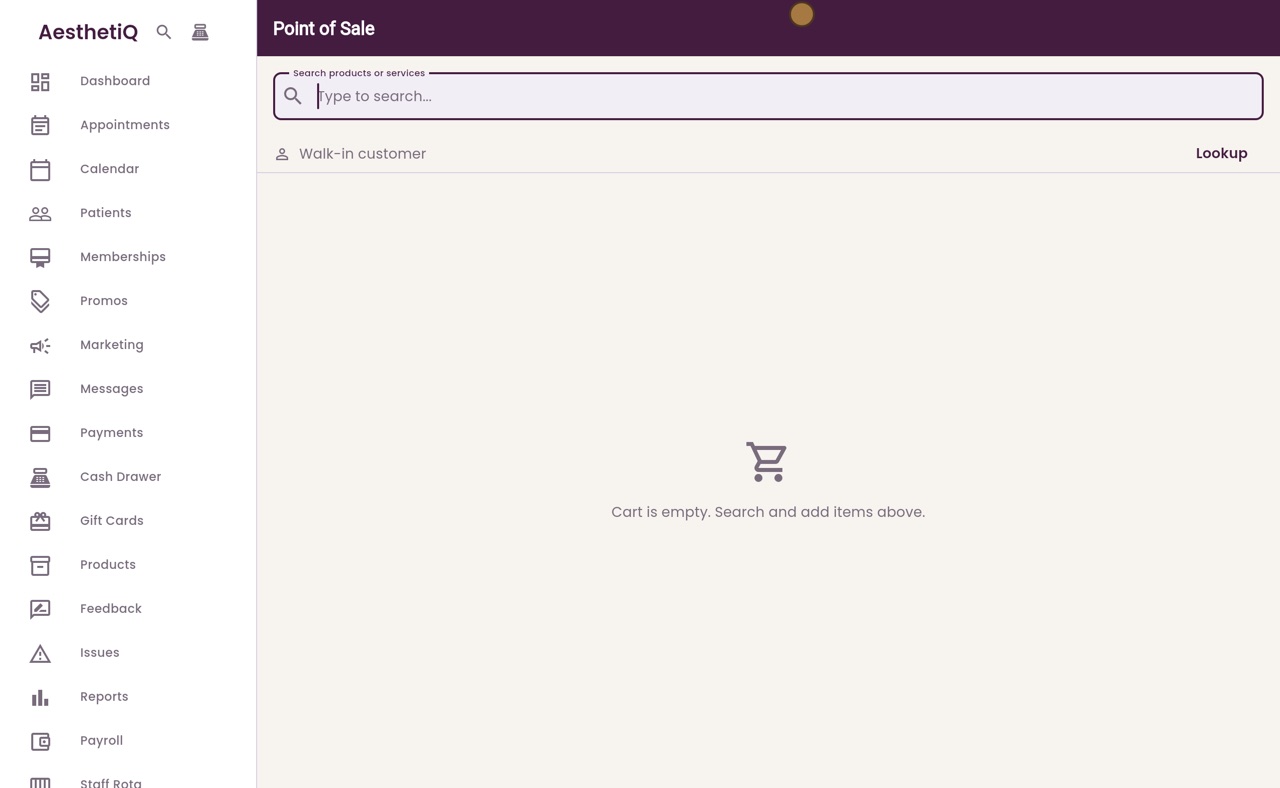
The till icon at the top of the sidebar, then Split.
Cash part
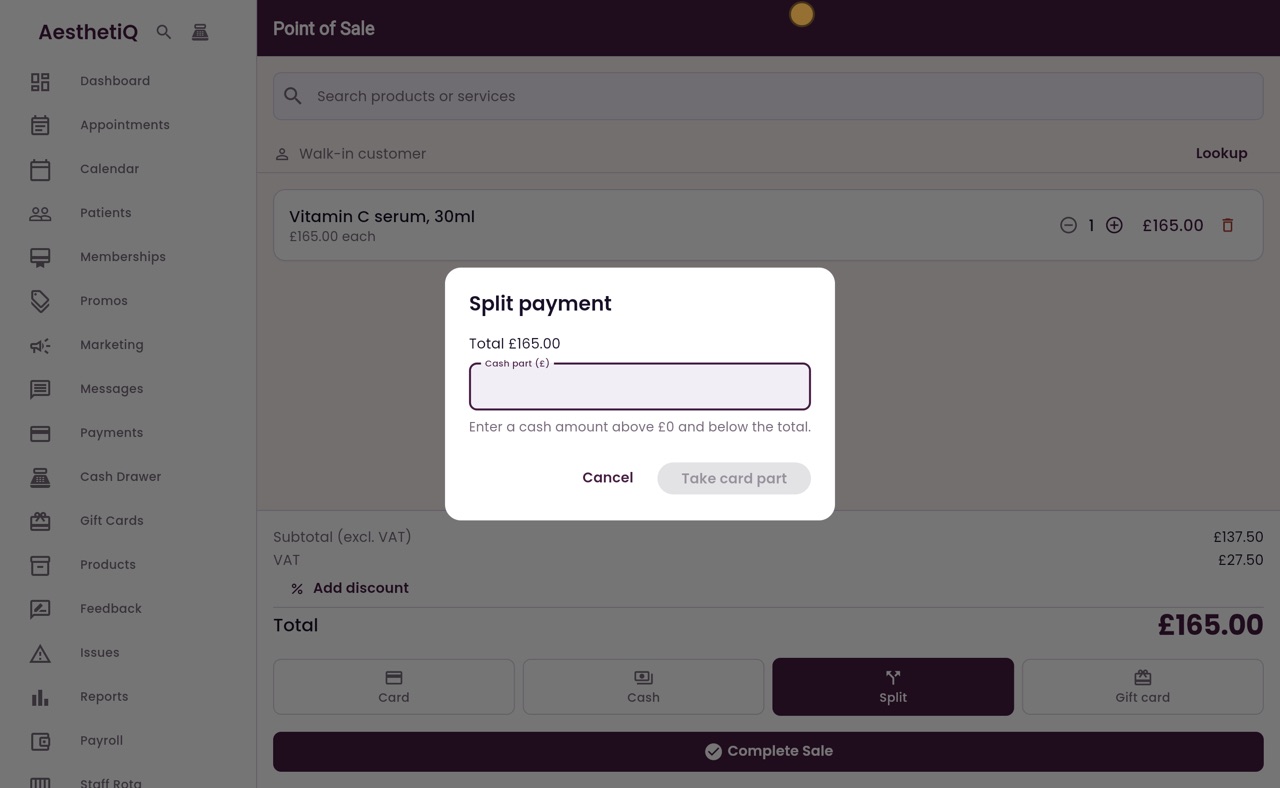
Type the cash amount; AesthetiQ shows the card part for the terminal.
After
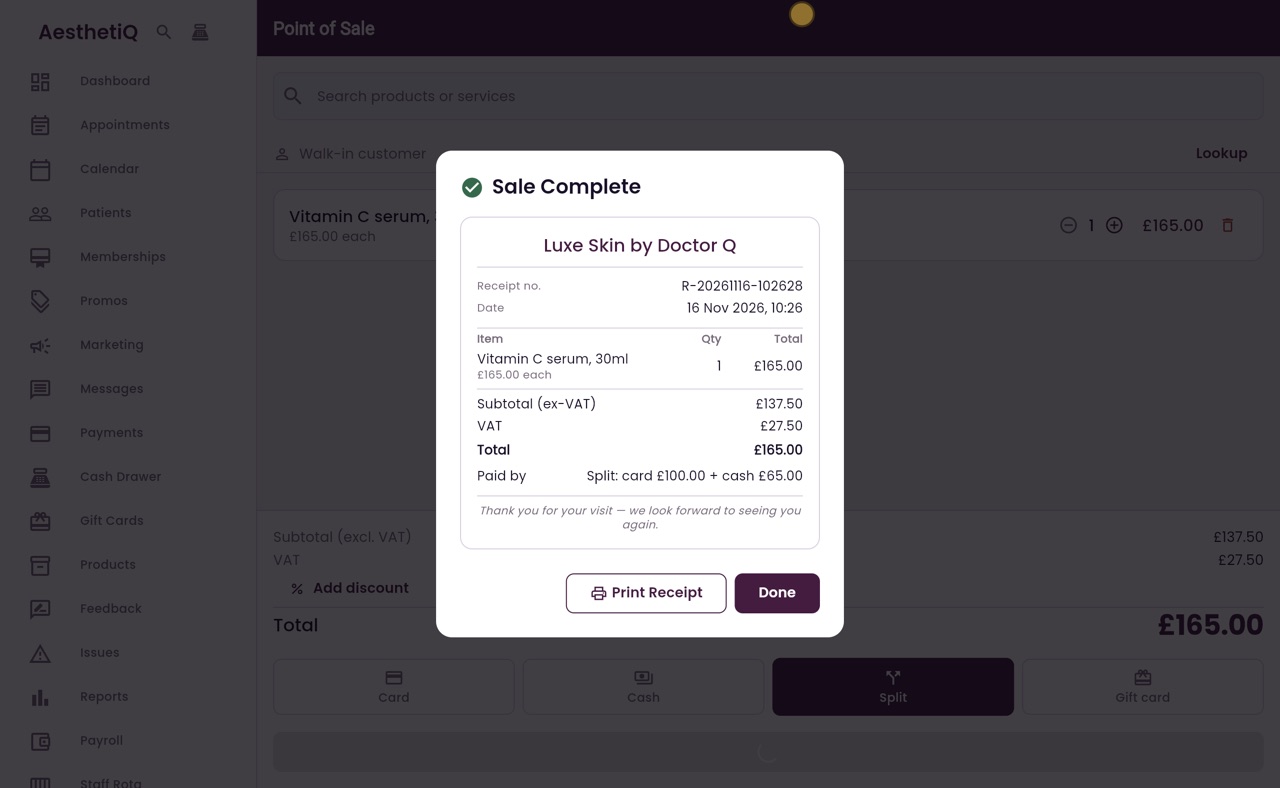
The receipt shows the card part and the cash part.
Step by step
- 01Libby
Part cash, part card
Hi, I am Libby. Sometimes a patient pays part in cash and the rest by card. At the till, the Split button does this in one sale.
- 02Ryan
Add the product
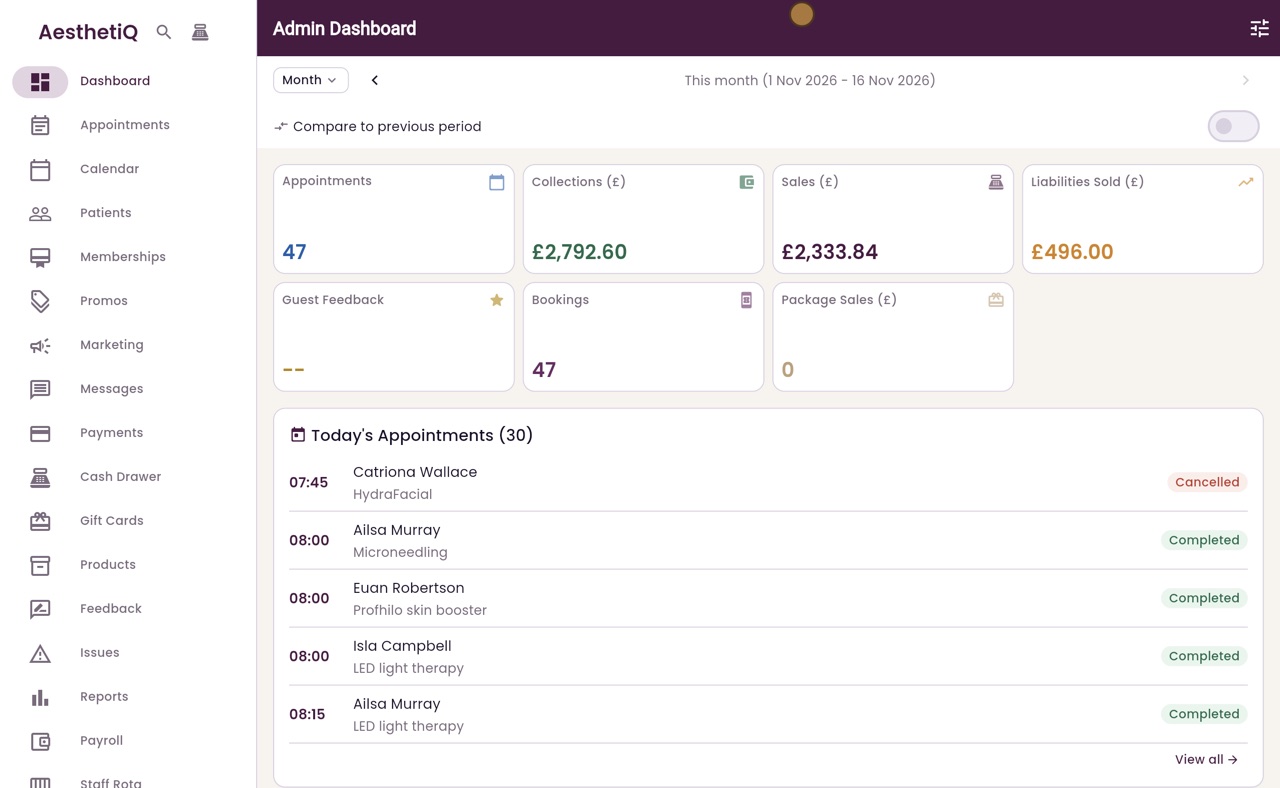
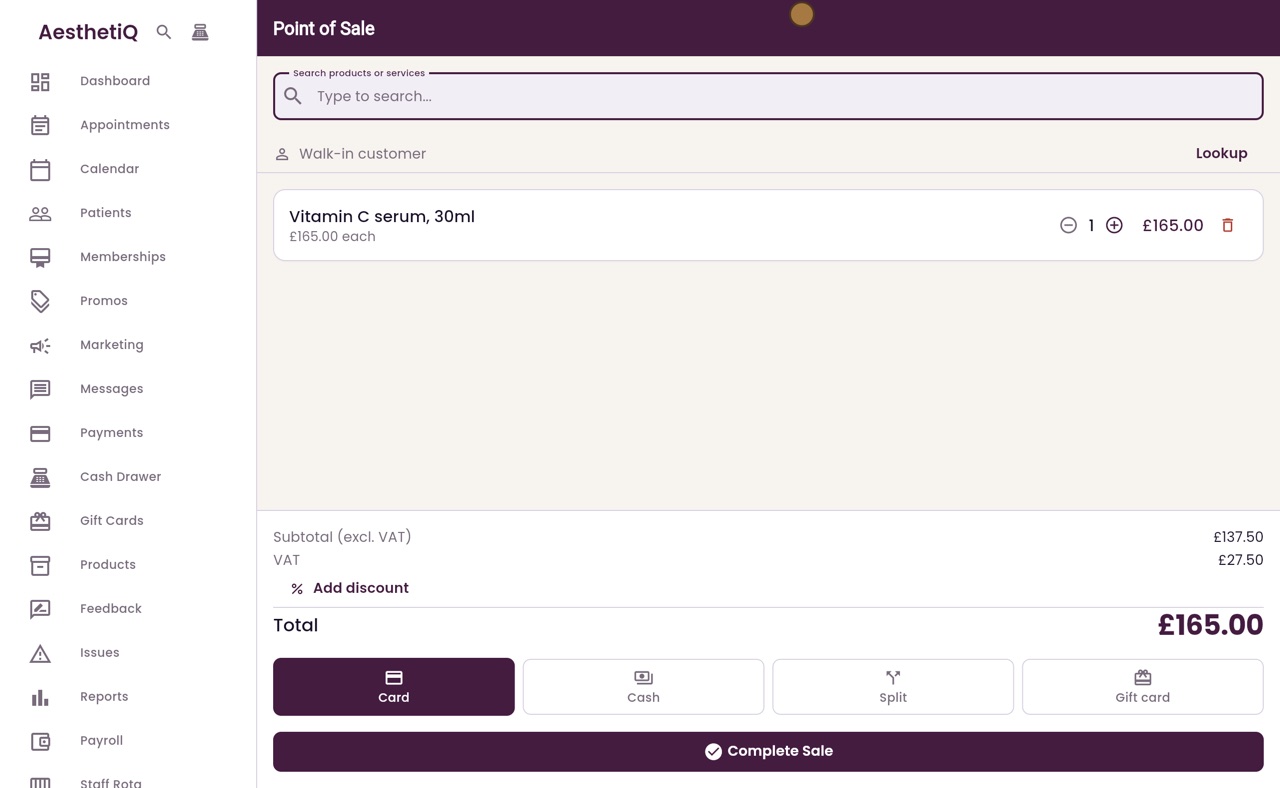
Thanks Libby. Open the till from the icon at the top of the sidebar. Search for serum, and add a Vitamin C serum to the cart.
- 03Ryan
Split
The total is one hundred and sixty five pounds. The patient has sixty five pounds in cash, and will pay the rest by card. Click Split, then Complete Sale.
- 04Ryan
The cash part
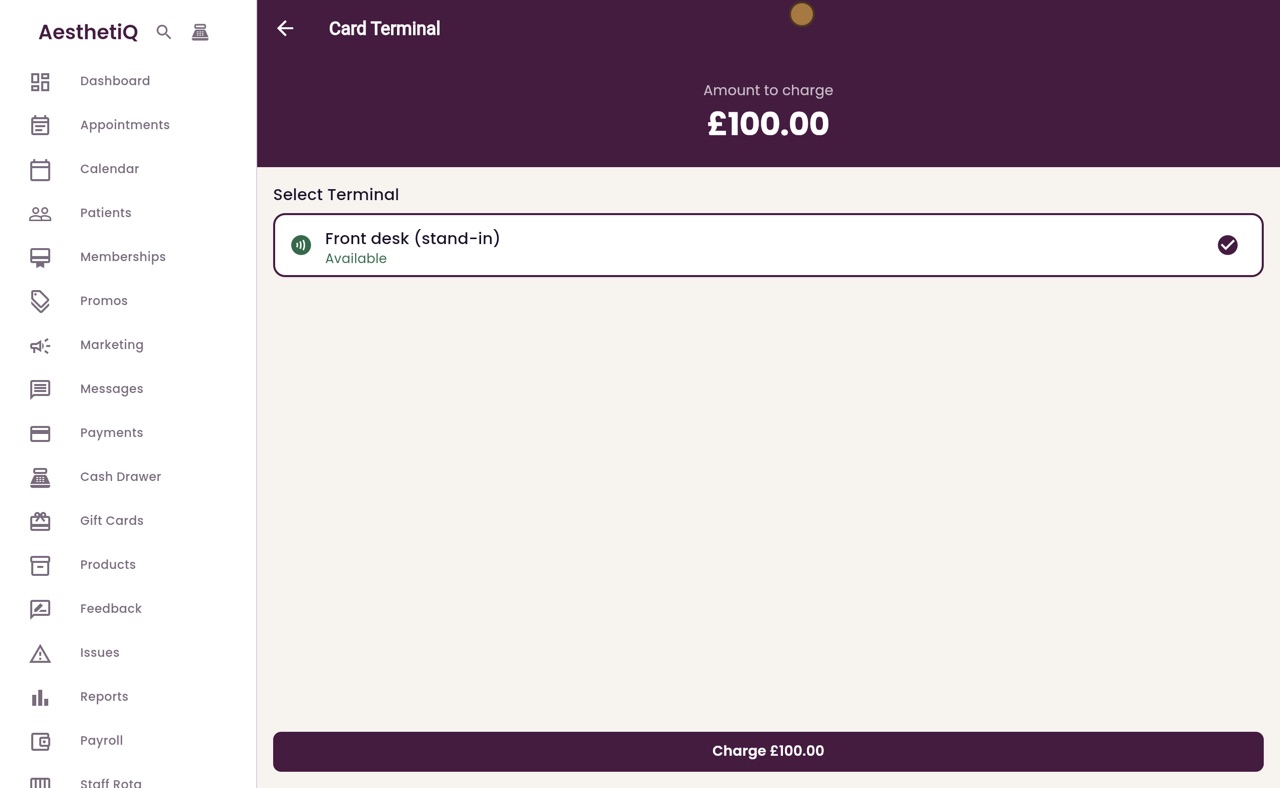
Type sixty five as the cash part. AesthetiQ works out the card part for the terminal, one hundred pounds. Click Take card part.
- 05Ryan
The card part
The terminal screen shows one hundred pounds to charge. Click Charge, and the patient taps their card on the terminal. When the card is approved, the sale is complete.
- 06Ryan
The receipt
The receipt shows the total, and how it was paid.
- 07Ryan
Take the cash
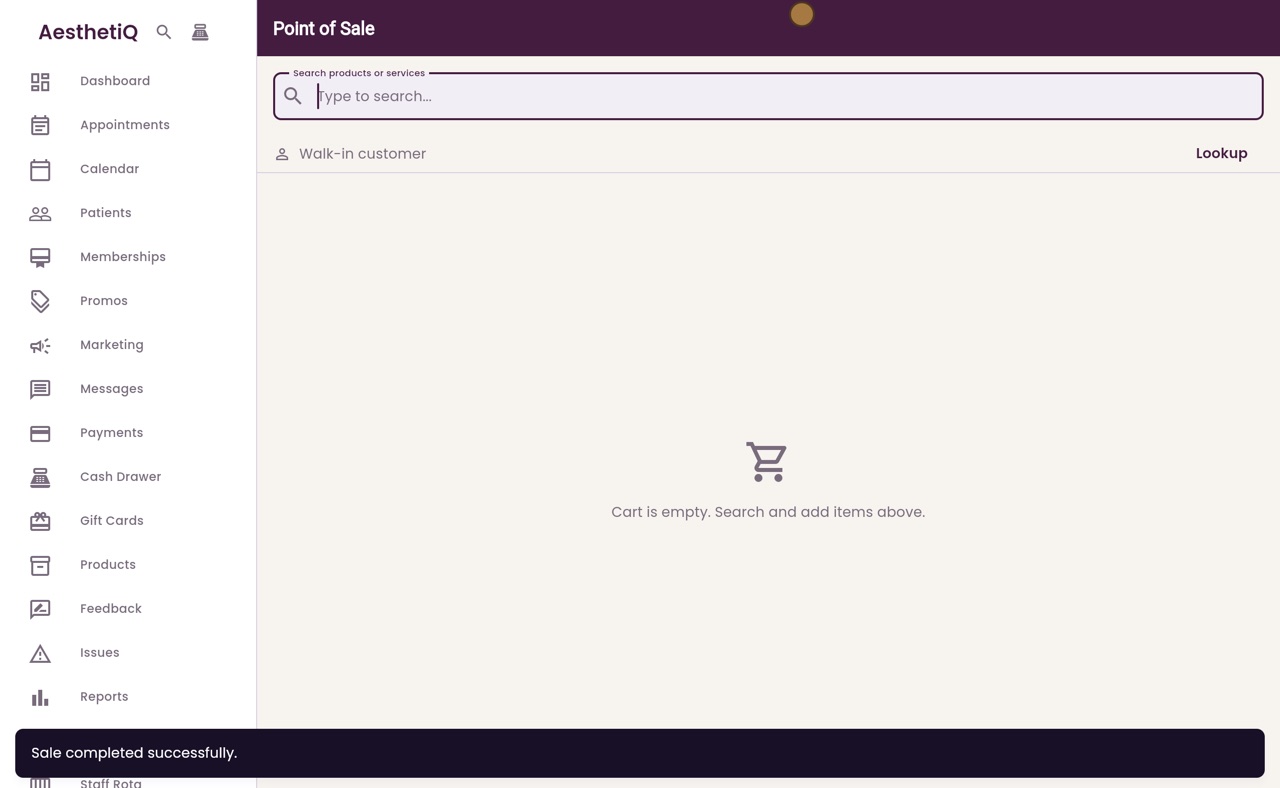
Take the sixty five pounds in cash, and click Done.
- 08Libby
Done
That is a split payment at the till. The card part and the cash part are both recorded with the sale.