Online booking hours, notice and closed days
Set the hours patients can book online, how much notice the clinic needs, how far ahead they can book, and the days the clinic is closed.
Where
Settings, Online booking.
Who
The clinic manager.
After
The booking site offers only the times these settings allow.
Step by step
- 01Libby
Online booking
Hi, I am Libby. The clinic manager decides when patients can book on the booking site: the hours, how much notice the clinic needs, and the days the clinic is closed.
- 02Ryan
Open the settings
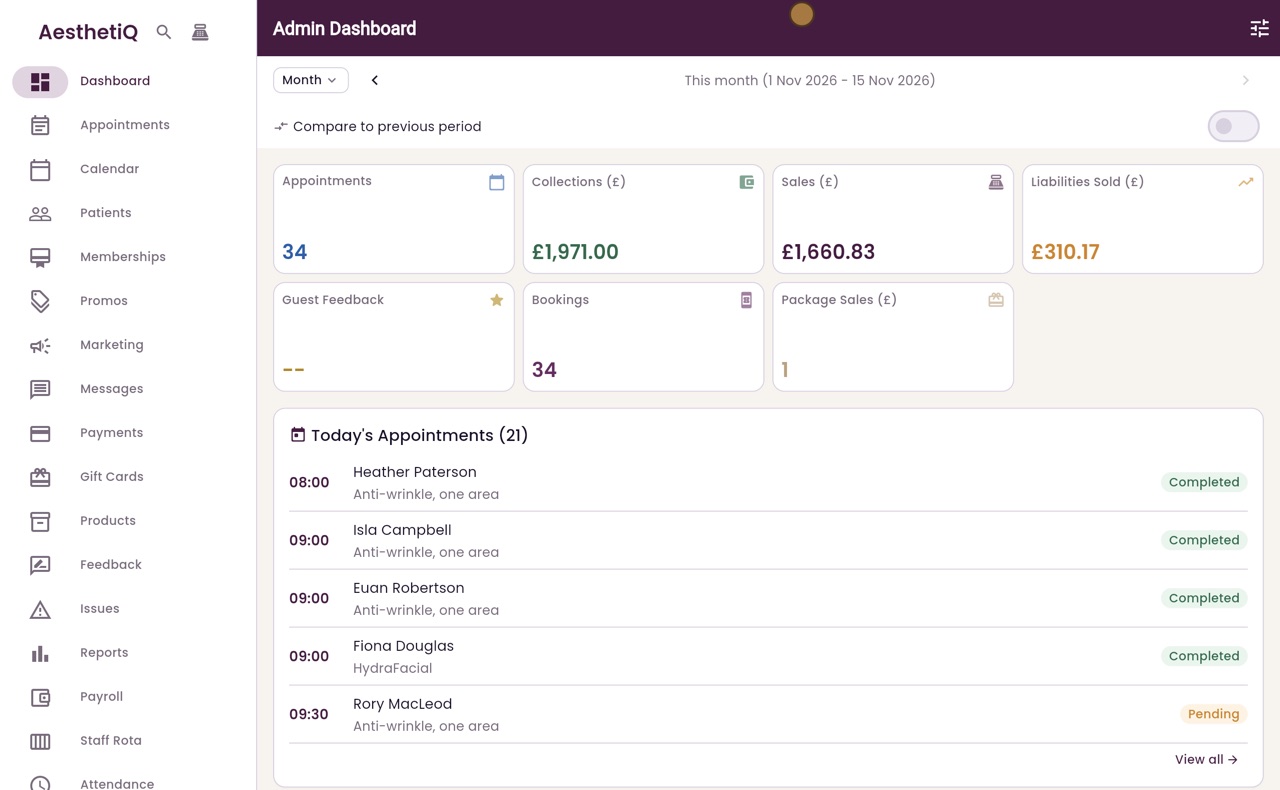
Thanks Libby. Scroll down the menu on the left, click Settings, then scroll down to Online booking.
- 03Ryan
Hours
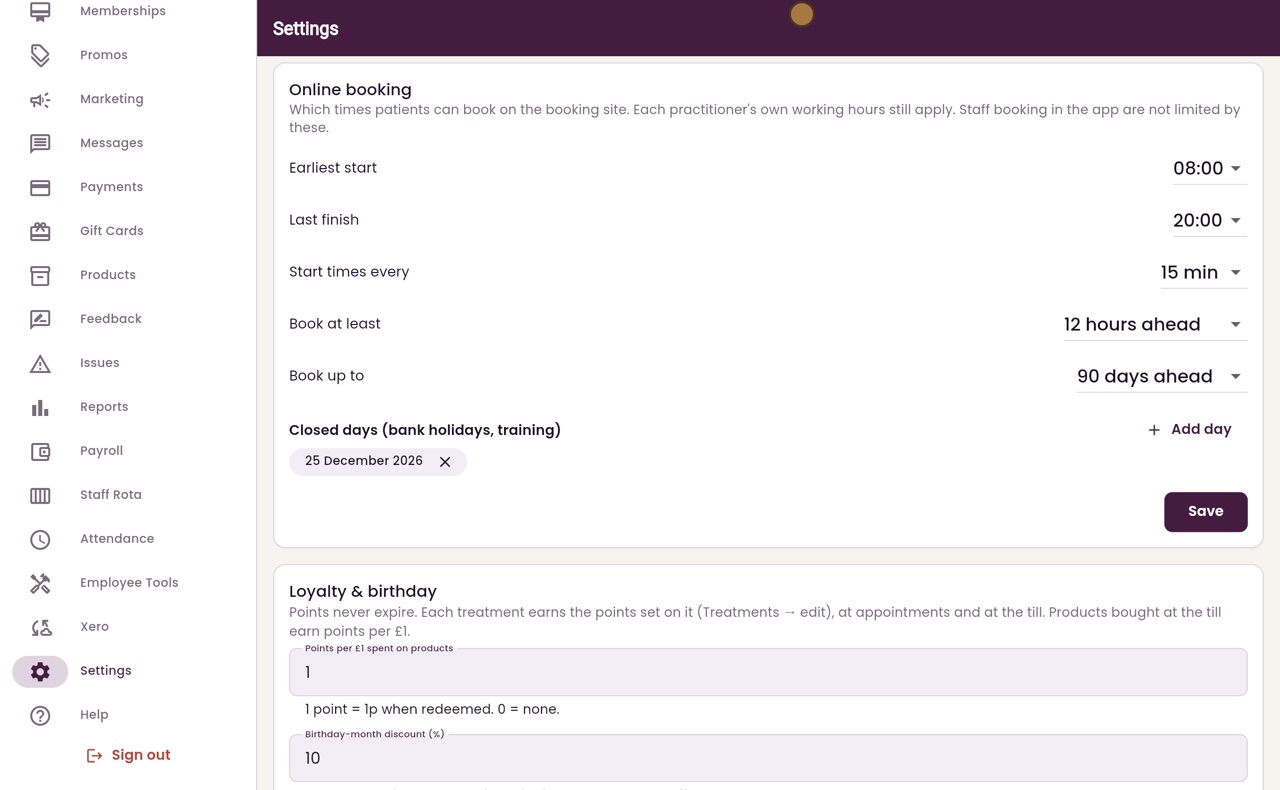
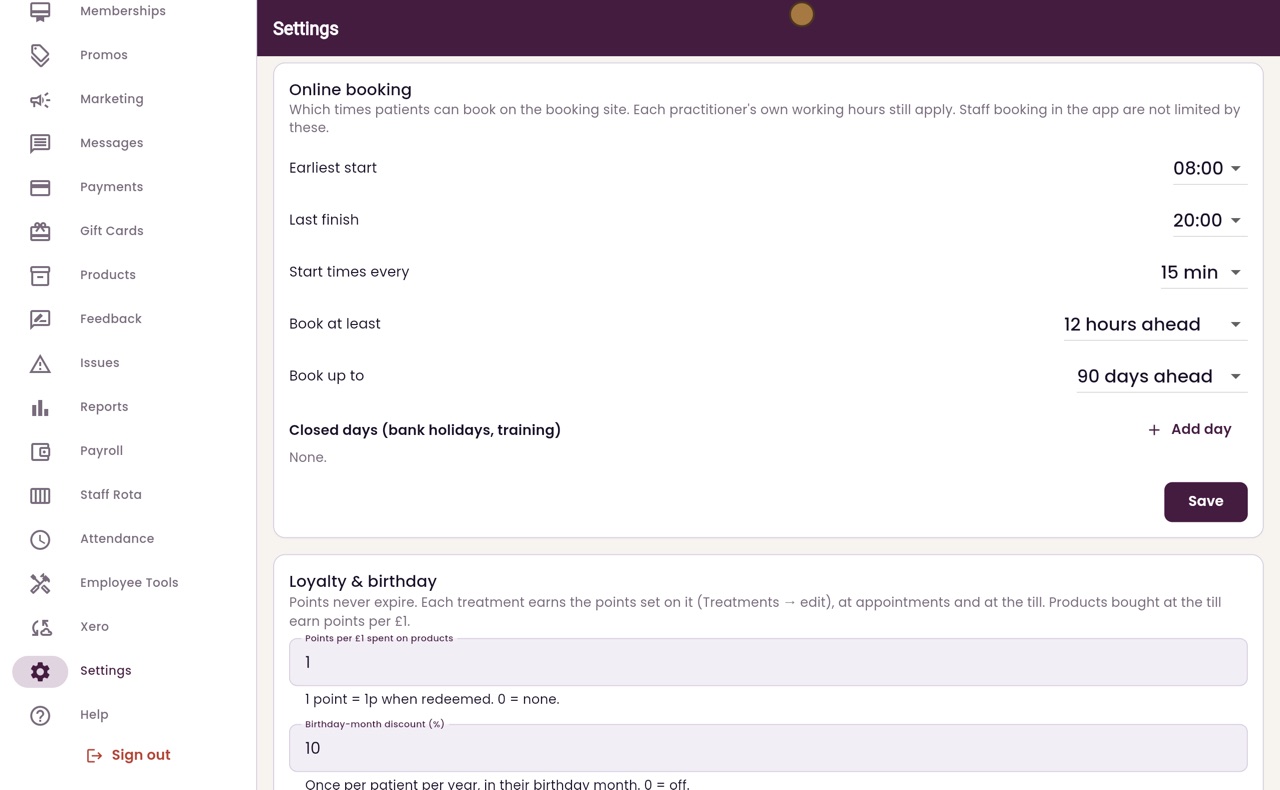
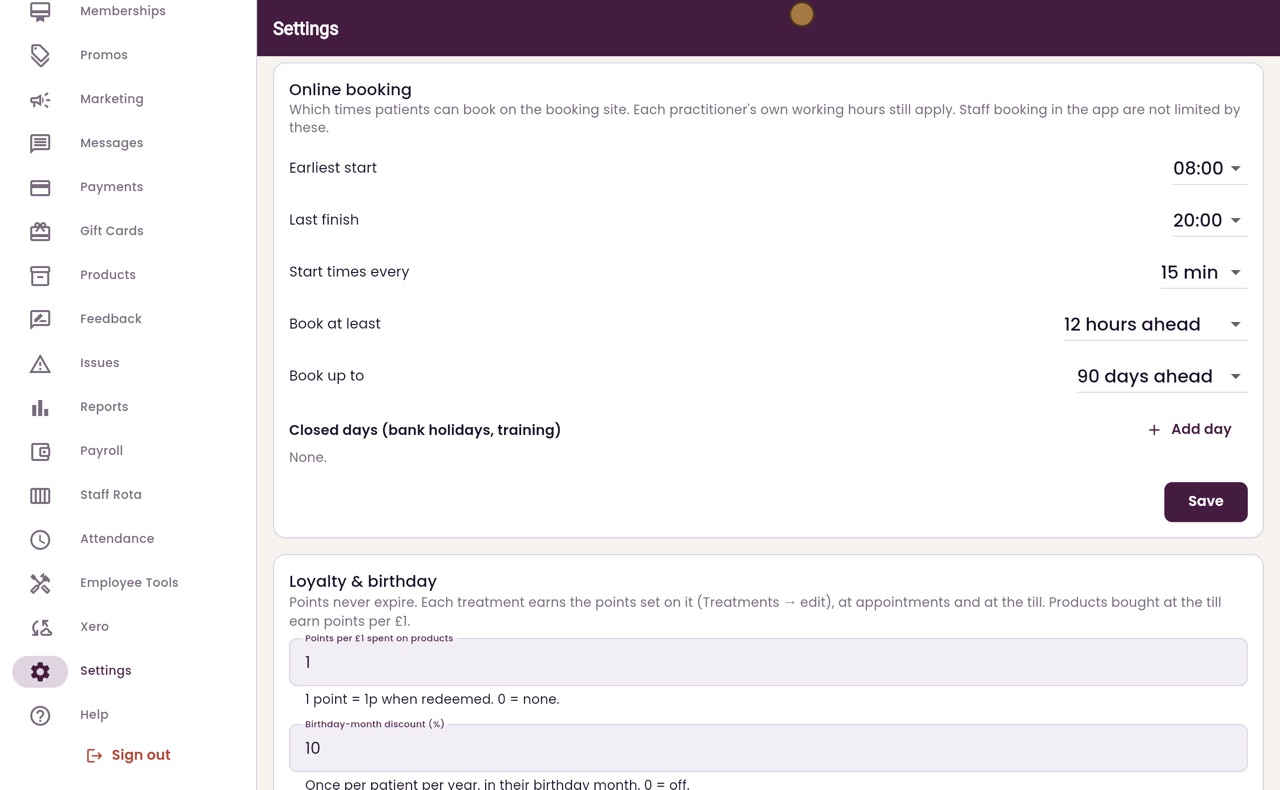
Earliest start and Last finish set the hours offered online. Start times every sets the gap between the times offered. Each practitioner's own working hours still apply, and staff booking in the app are not limited by these.
- 04Ryan
Notice
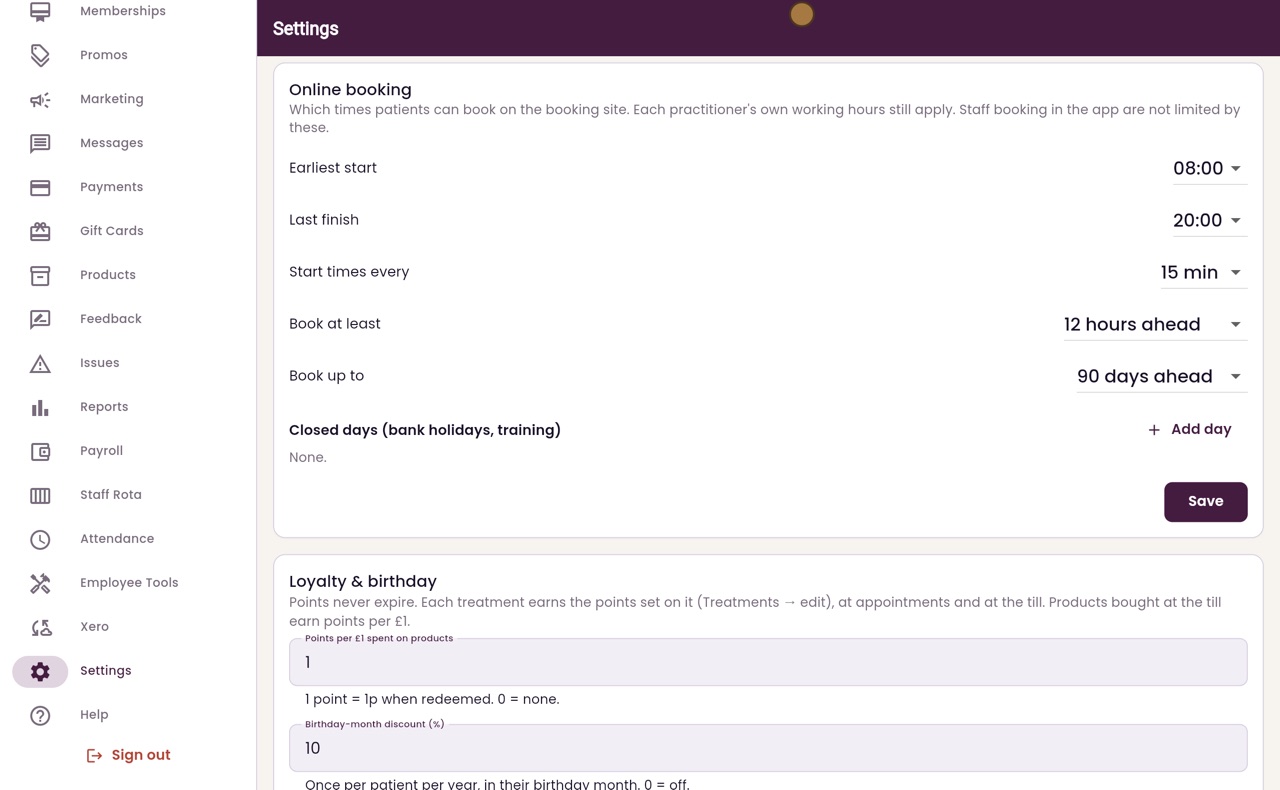
Book at least sets how much notice the clinic needs, here twelve hours. Book up to sets how far ahead patients can book, here ninety days.
- 05Ryan
Closed days
Closed days are for bank holidays and training days. Click Add day, move on to December, and pick Christmas Day. Then click OK.
- 06Ryan
Save
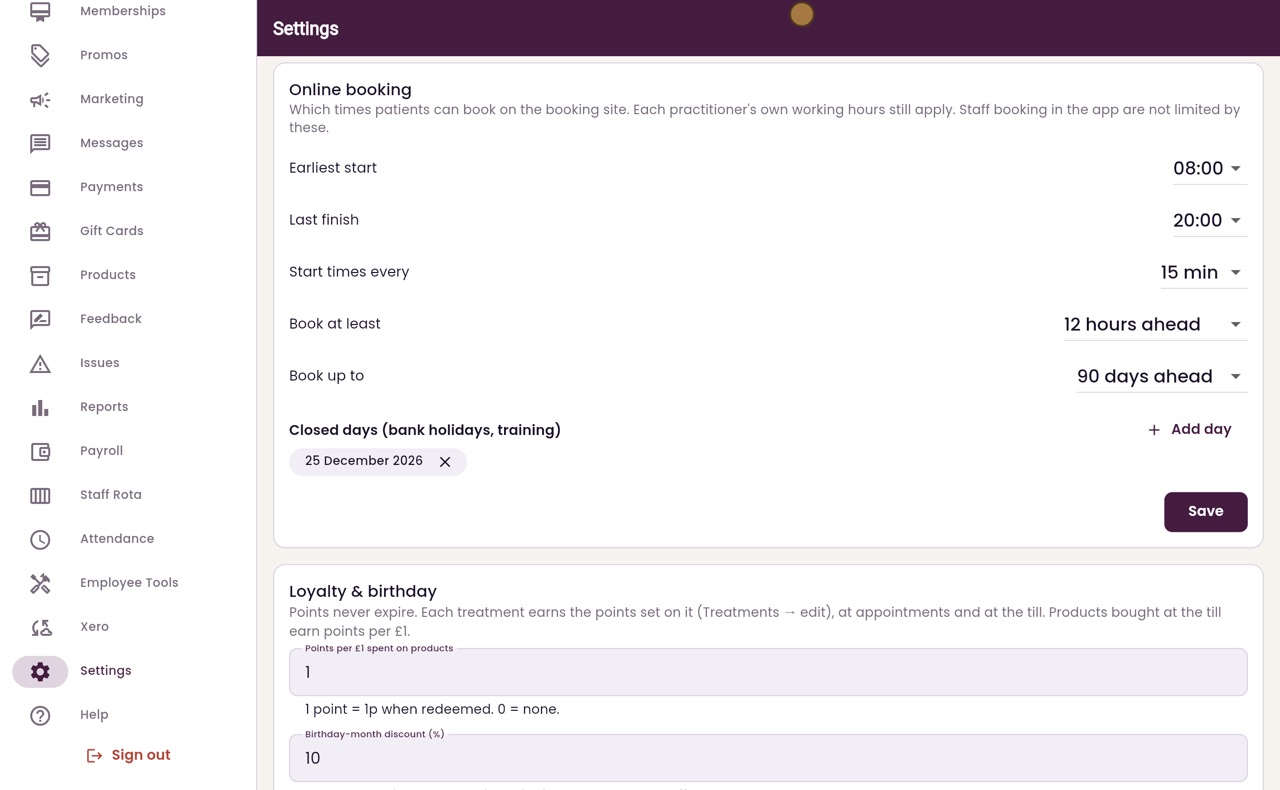
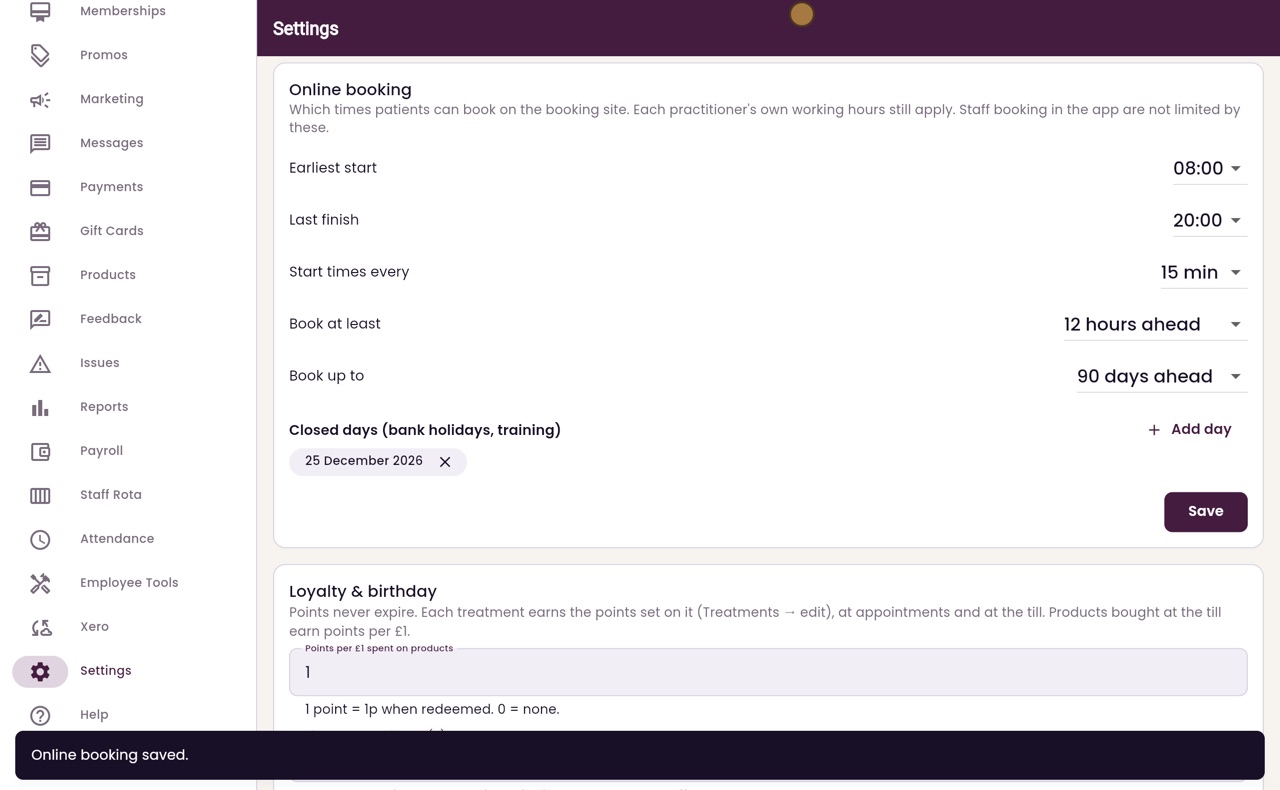
Christmas Day is now in the list of closed days. The cross next to a day removes it. Click Save.
- 07Libby
Done
That is the online booking settings. On a closed day, the booking site does not offer any times.