Paying with points at the till
Choose the patient, add the items, and pick Points. Choose how many points to use, and the rest is paid by card or cash.
Where
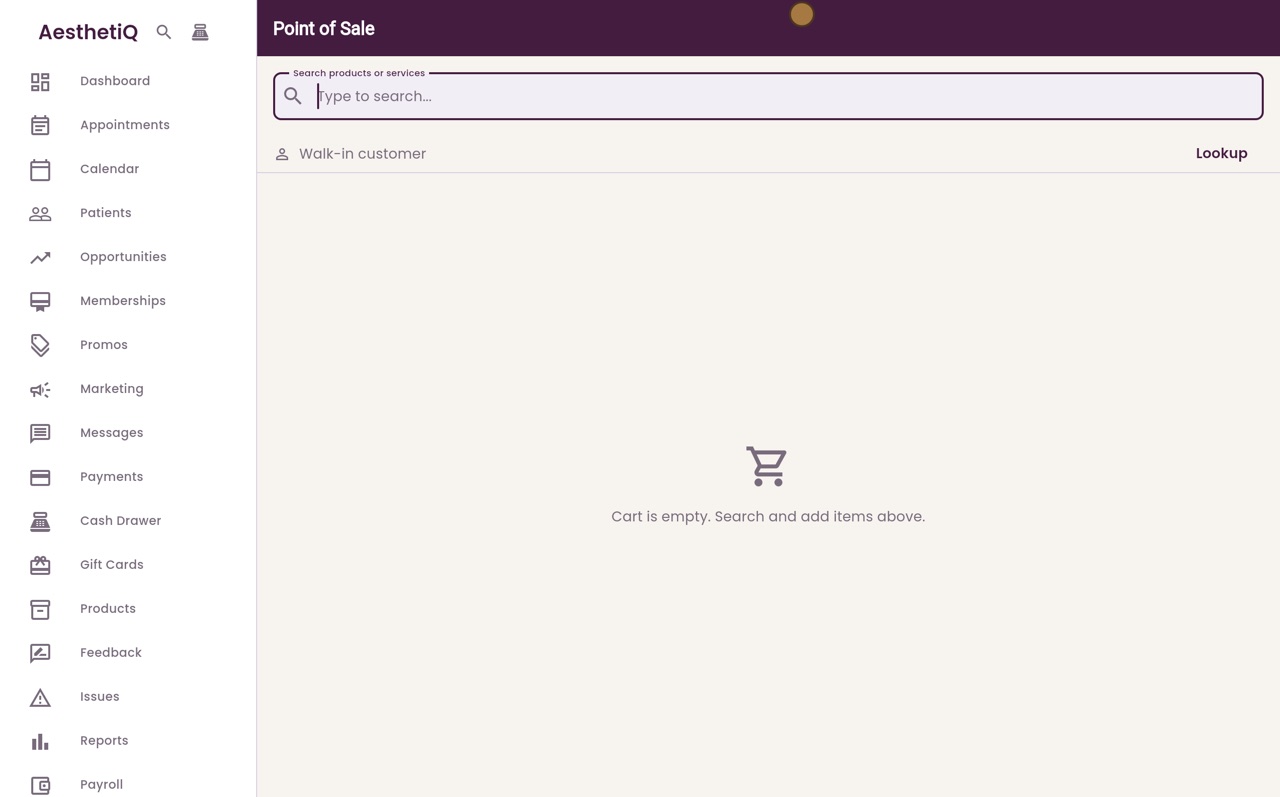
The till icon at the top of the sidebar. Choose the patient with Lookup first.
Value
One point is worth 1p, so 100 points = £1. At least 500 points are used at a time.
The rest
If the points do not cover the total, choose Card or Cash for the rest.
Step by step
- 01Libby
Points at the till
Hi, I am Libby. Patients can also spend their loyalty points at the till. One point is worth one penny, and at least five hundred points are used at a time.
- 02Ryan
Choose the patient
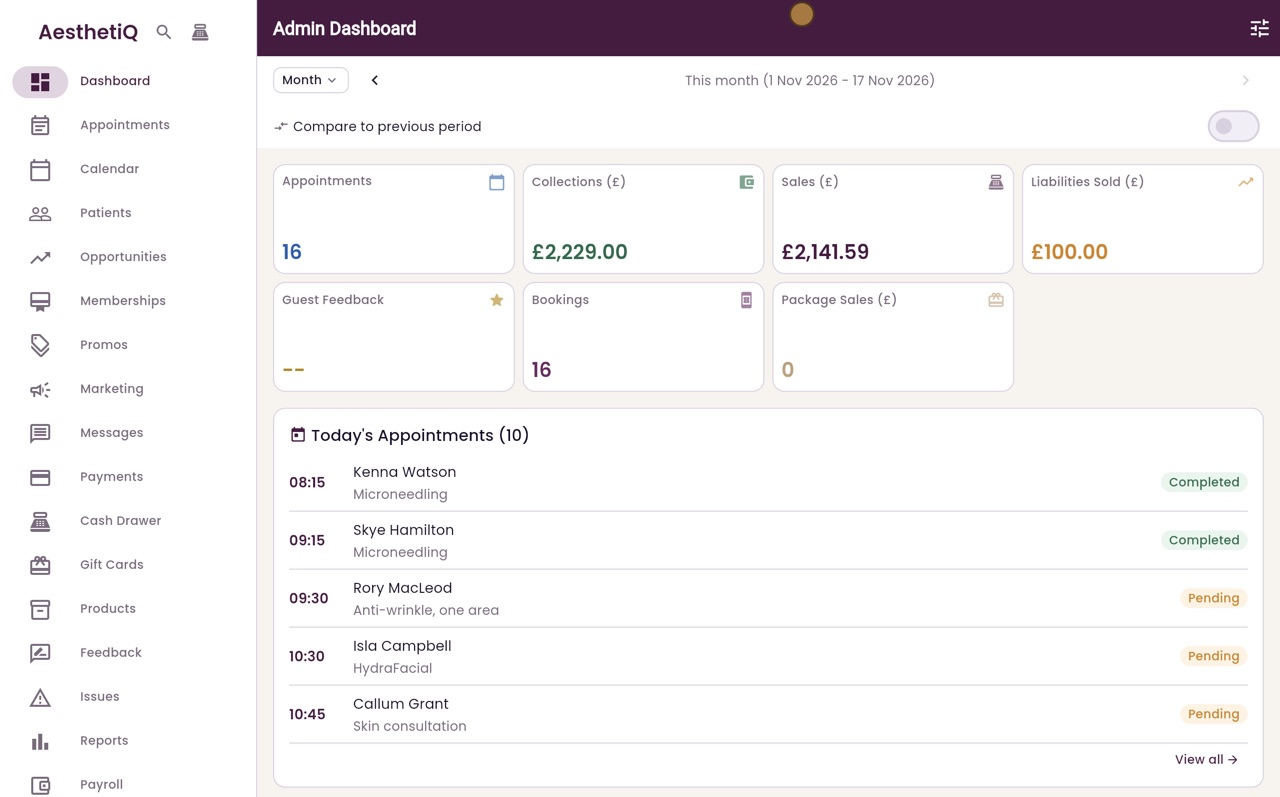
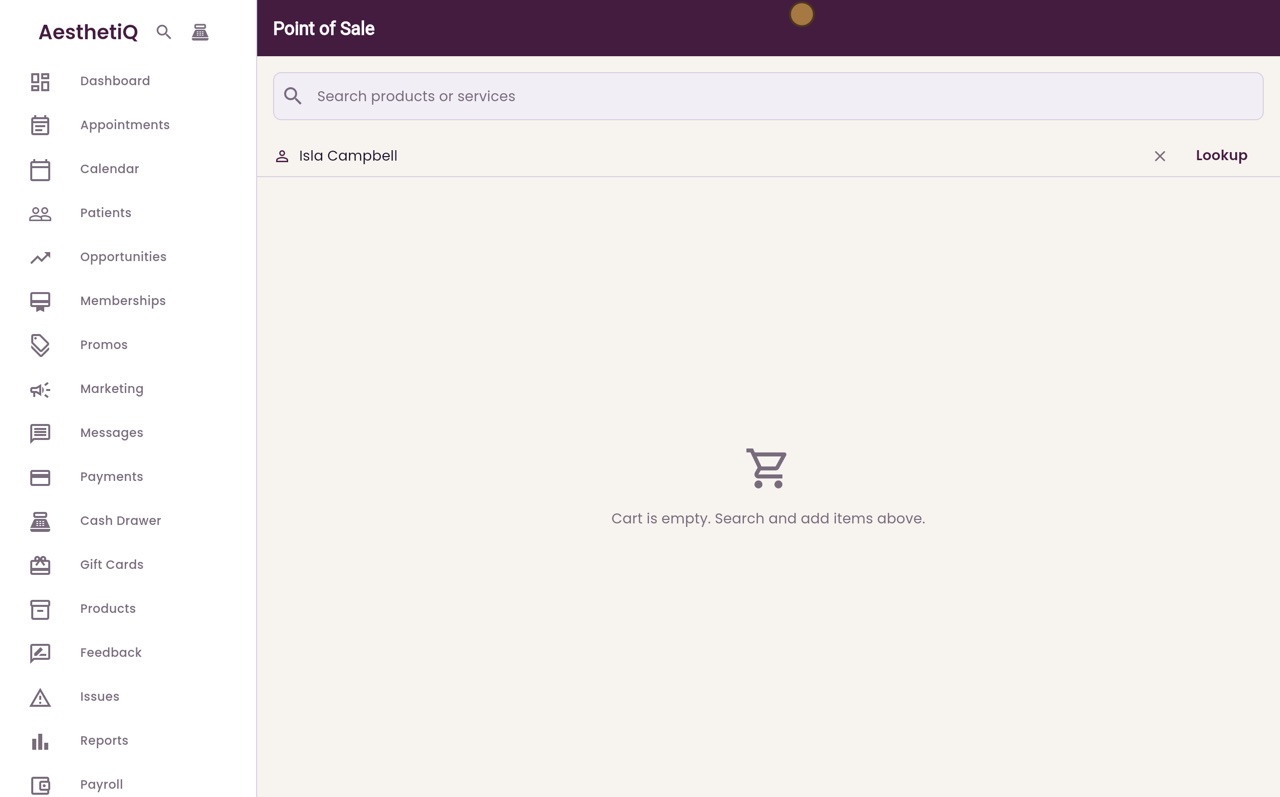
Thanks Libby. Isla Campbell would like a sunscreen, and she wants to use some of her points. Open the till, click Lookup, and find Isla.
- 03Ryan
Find the product
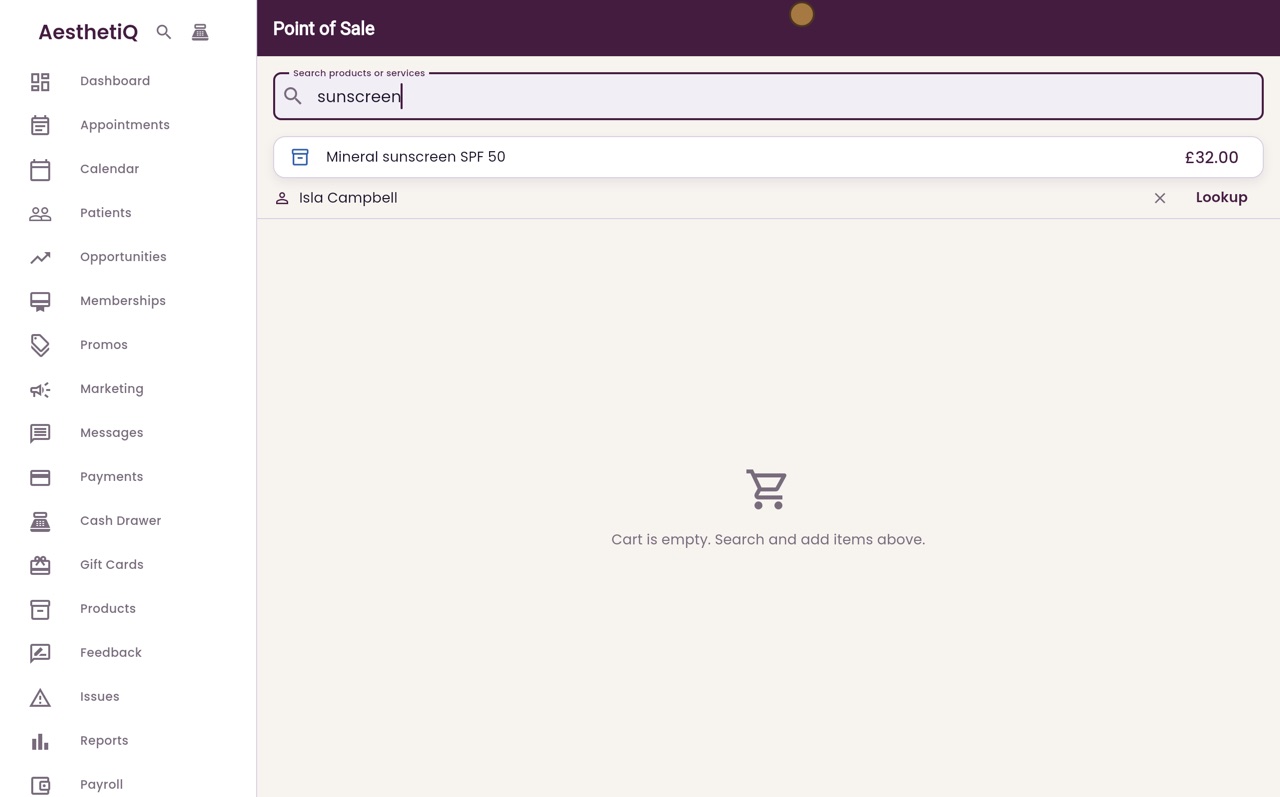
Search for sunscreen.
- 04Ryan
Add it to the cart
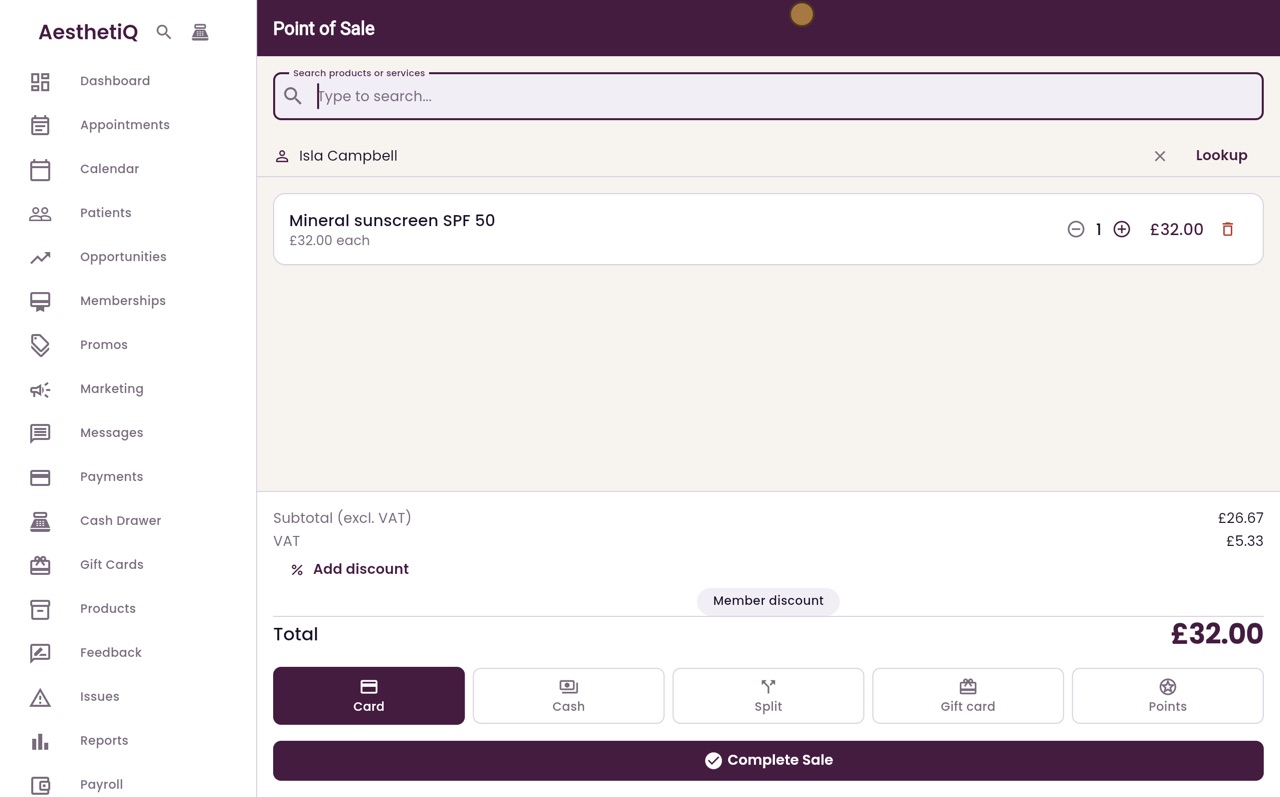
Click Mineral sunscreen SPF 50 to add it to the cart. The total is thirty two pounds.
- 05Ryan
Points
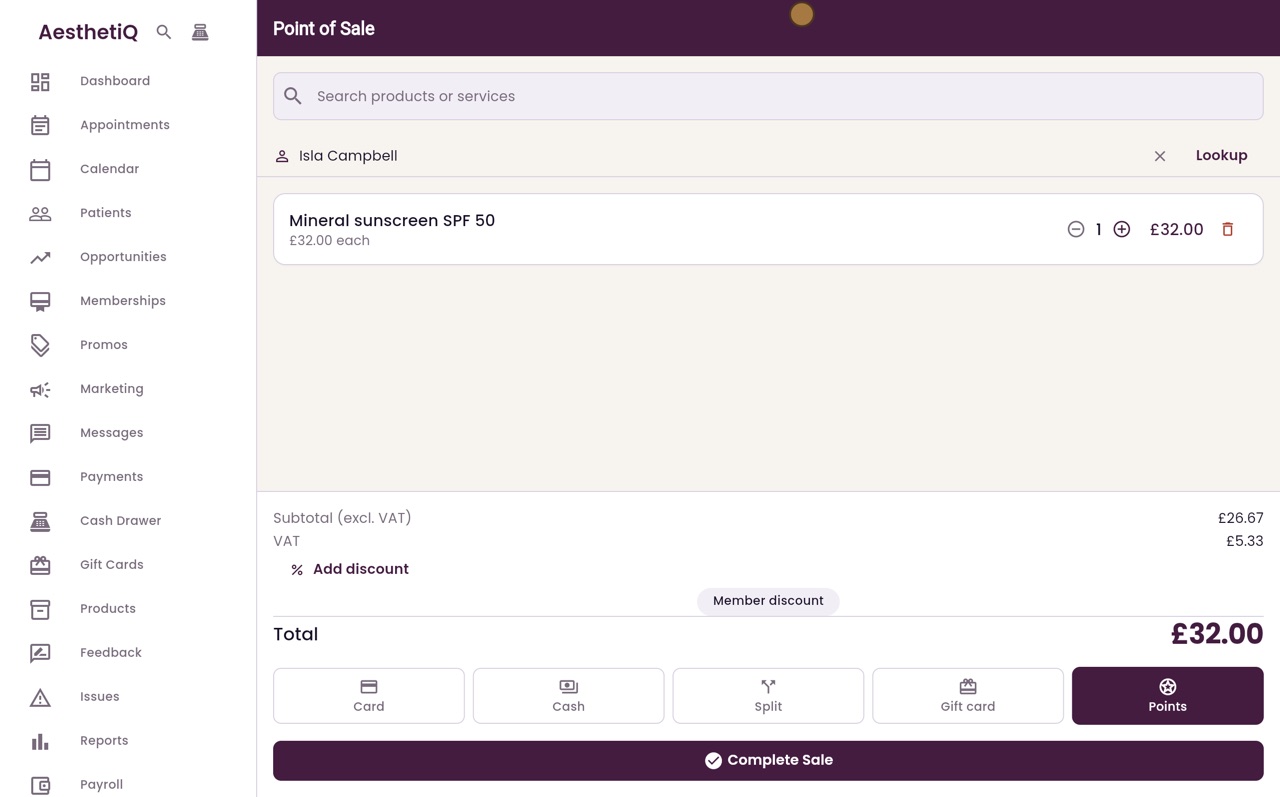
The Points button appears because Isla has enough points. Click Points.
- 06Ryan
Complete Sale
Then click Complete Sale.
- 07Ryan
Pay with points
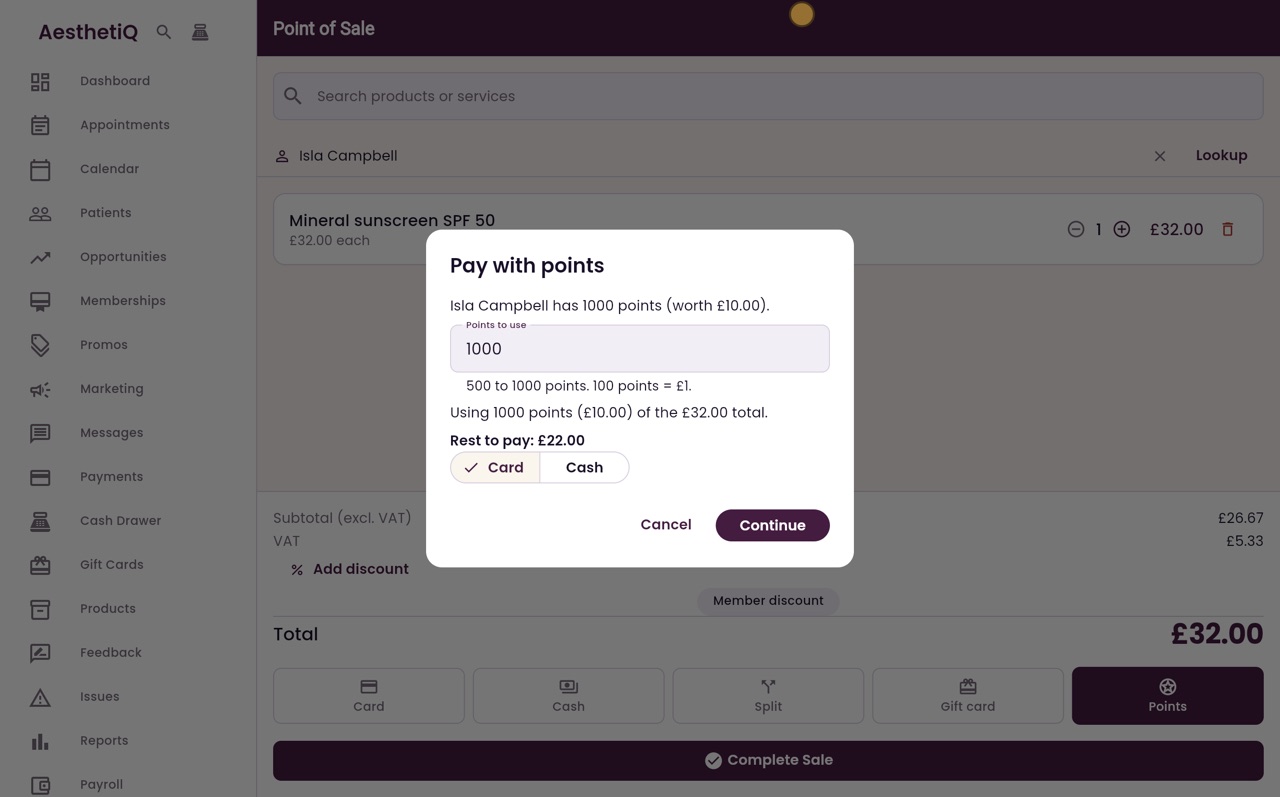
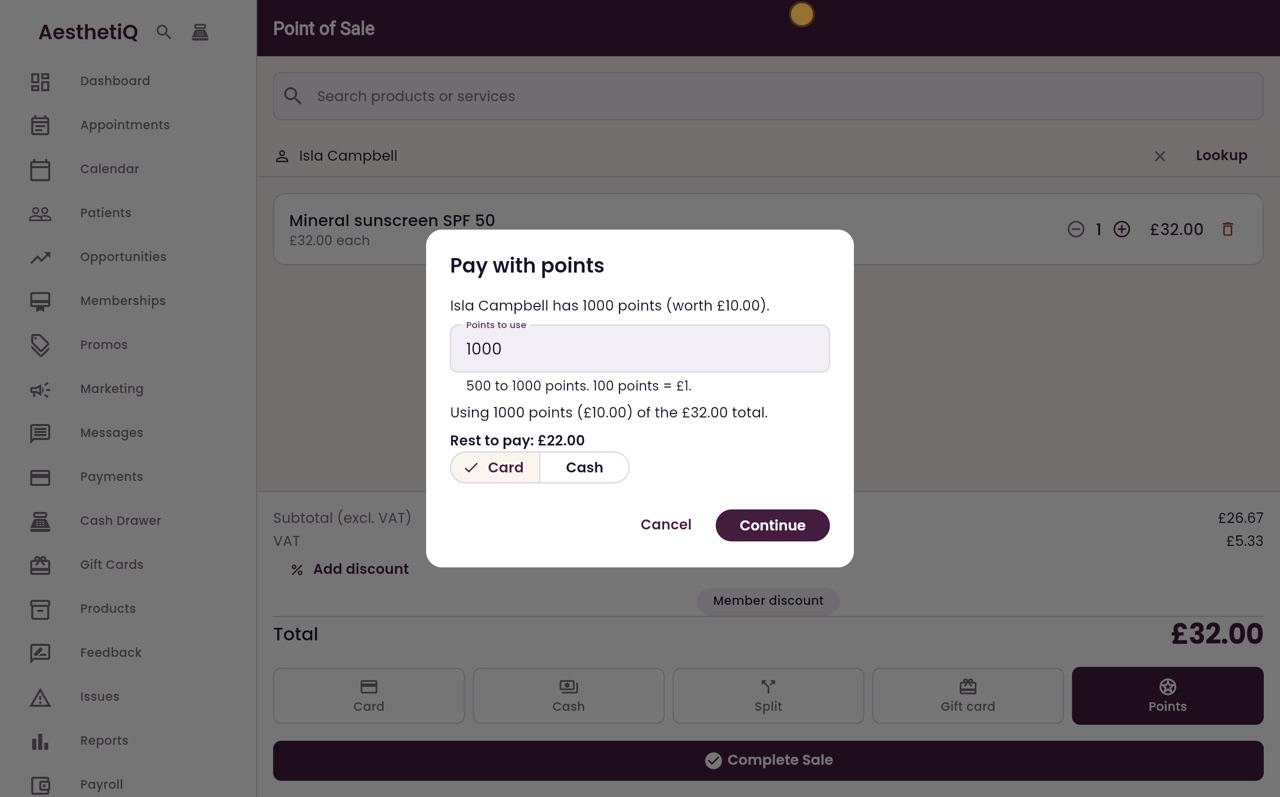
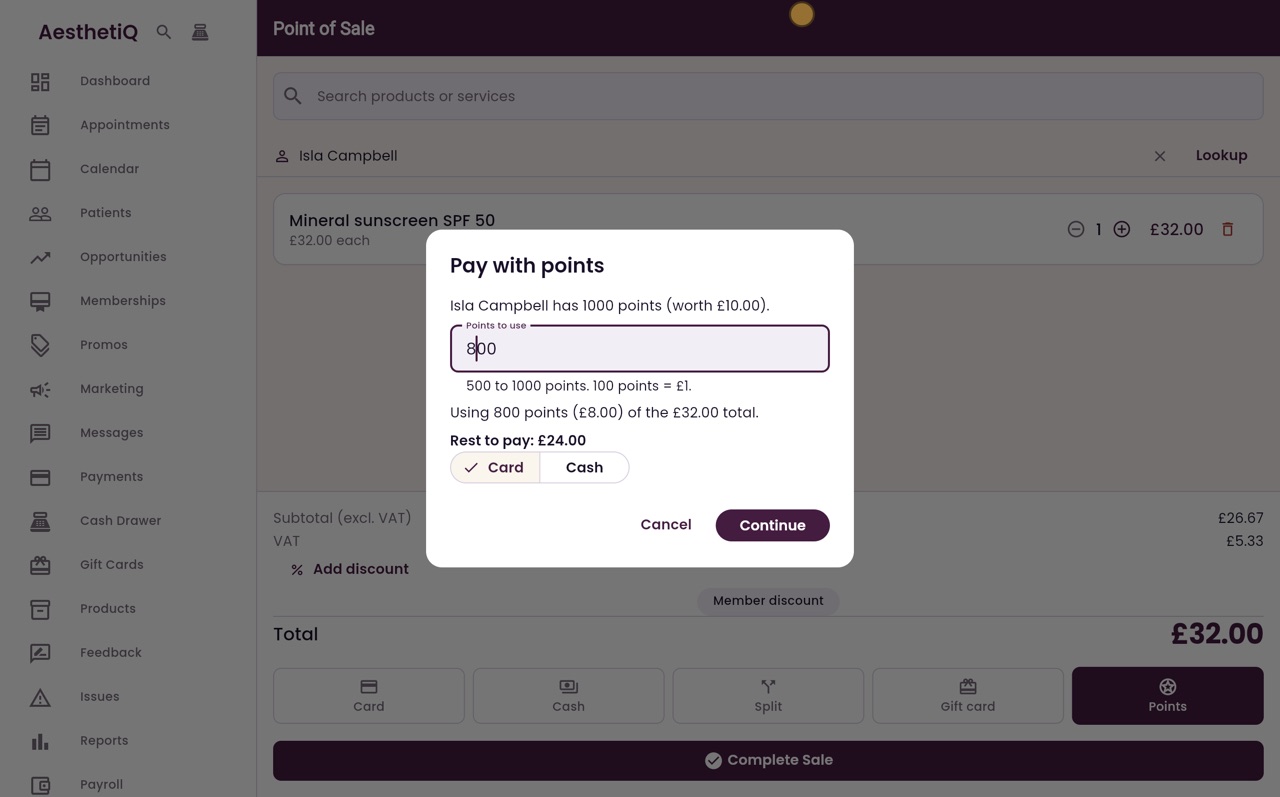
Isla has one thousand points, worth ten pounds. The Points to use box starts with the most she can use. Any number from five hundred up to that can be used, and one hundred points are worth one pound.
- 08Ryan
Choose how many points
Isla would like to keep some of her points, so type eight hundred in the box. Eight hundred points take eight pounds off the thirty two pounds total, which leaves twenty four pounds to pay.
- 09Ryan
The rest in cash
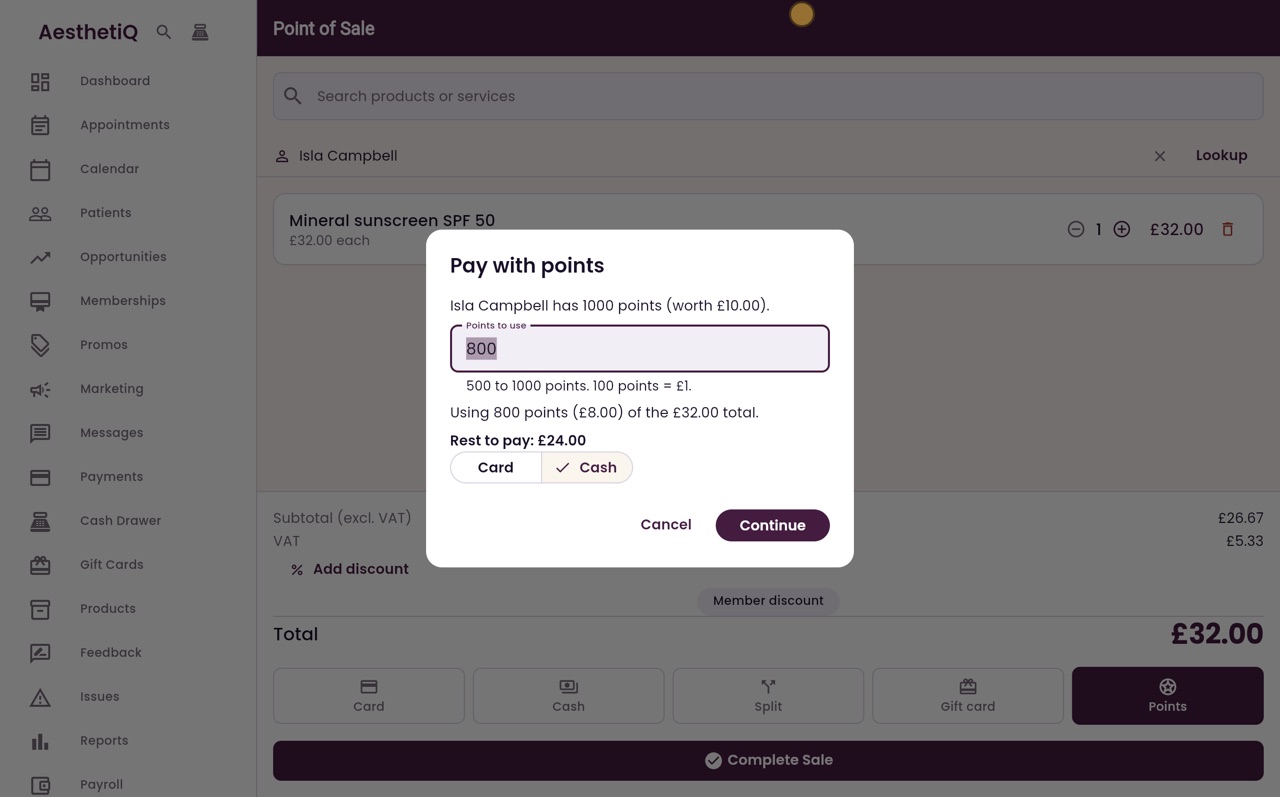
She pays the rest in cash, so click Cash.
- 10Ryan
Continue
Click Continue.
- 11Ryan
The receipt
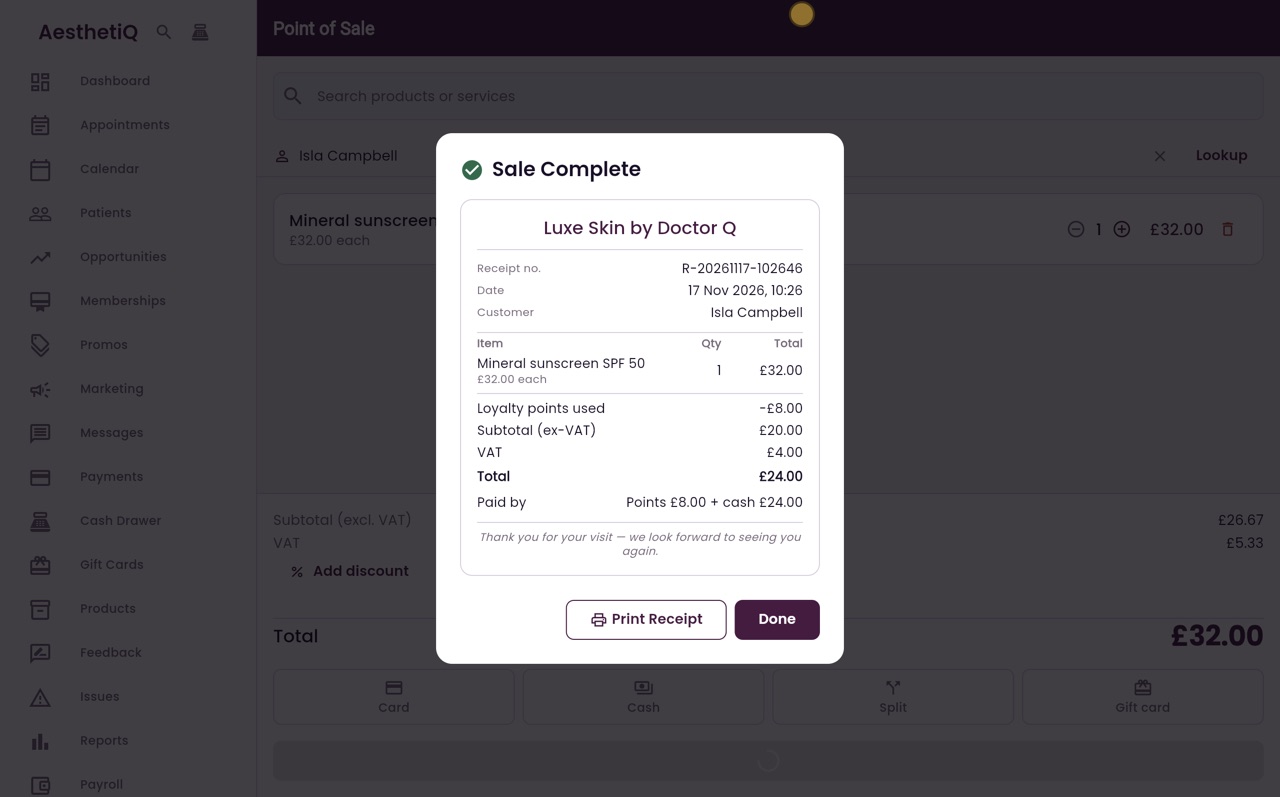
The sale is complete, and the receipt has a line for the loyalty points used, minus eight pounds. The subtotal, VAT and total are for the money paid, so the total is twenty four pounds. Paid by shows points, eight pounds, and cash, twenty four pounds.
- 12Ryan
Take the cash
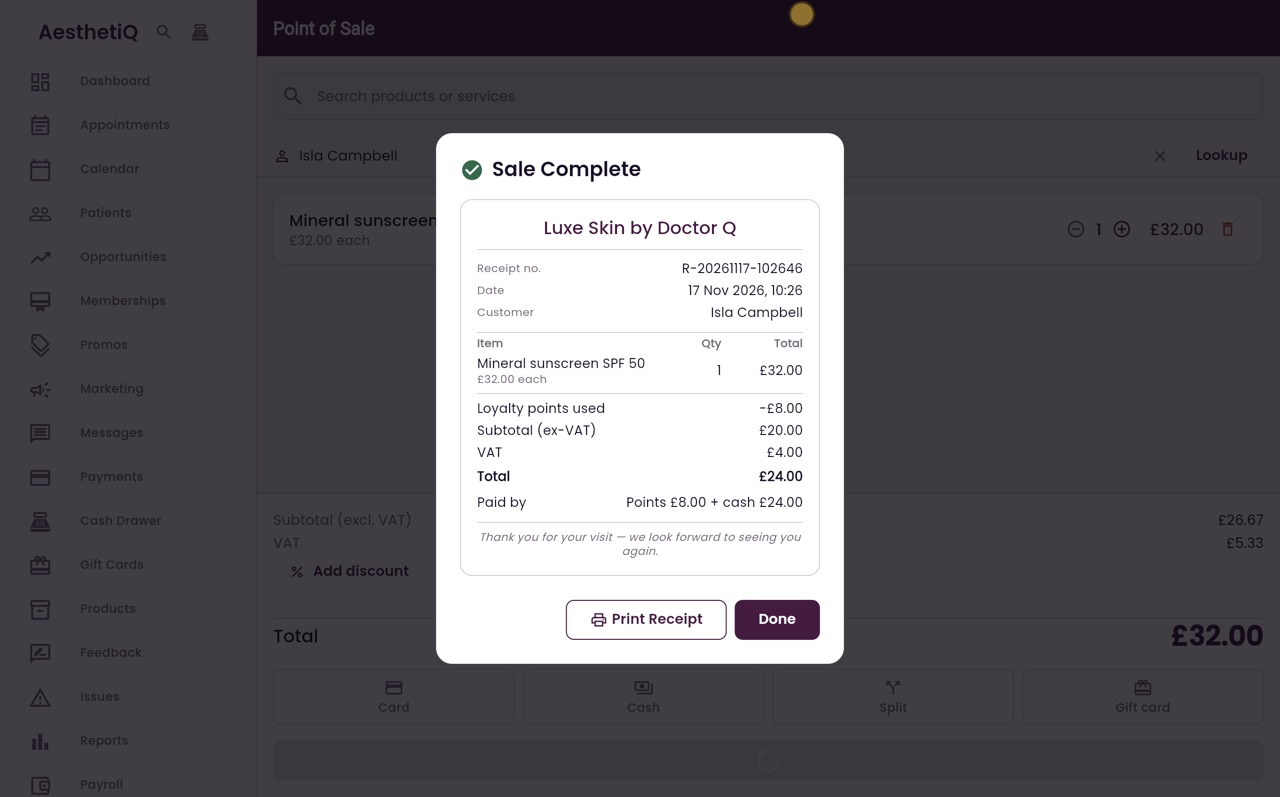
Take the twenty four pounds in cash, and click Done. Part of this sale was paid with points, so it earns no new points. Points are only earned on sales paid fully with money.
- 13Ryan
Her new balance
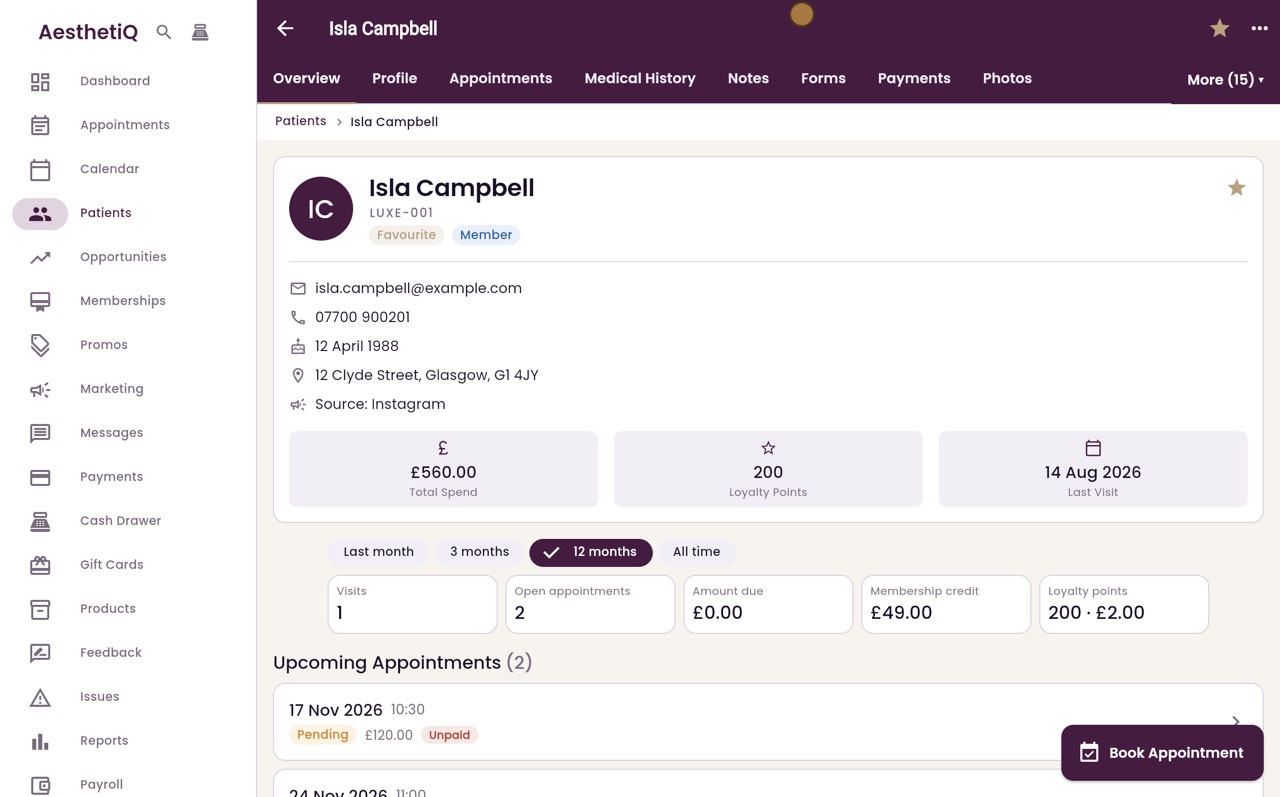
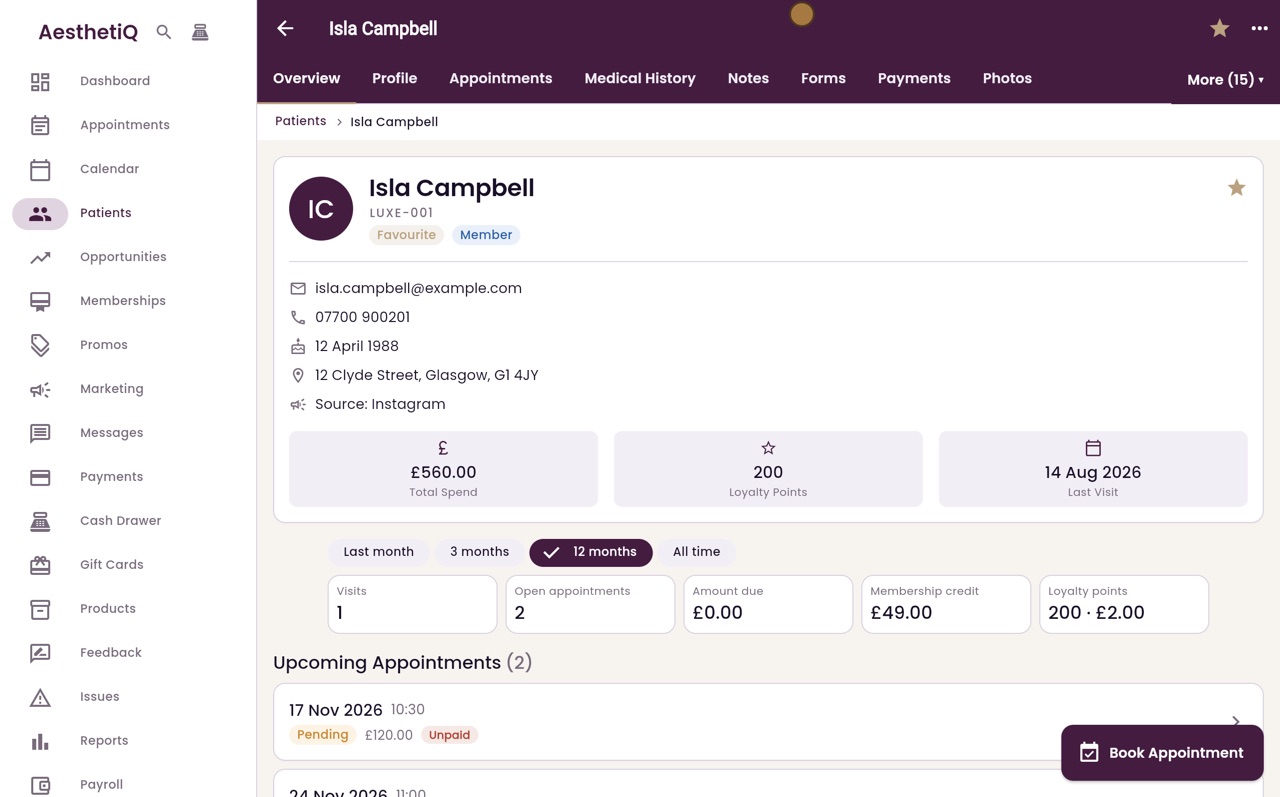
To see her balance, click Patients in the menu, search for Isla, and open her record. Loyalty points now shows two hundred: the one thousand she had, less the eight hundred used.
- 14Libby
Done
That is paying with points at the till. The patient chooses how many points to use, and the rest of her points stay on her account.