Checking a promo code online
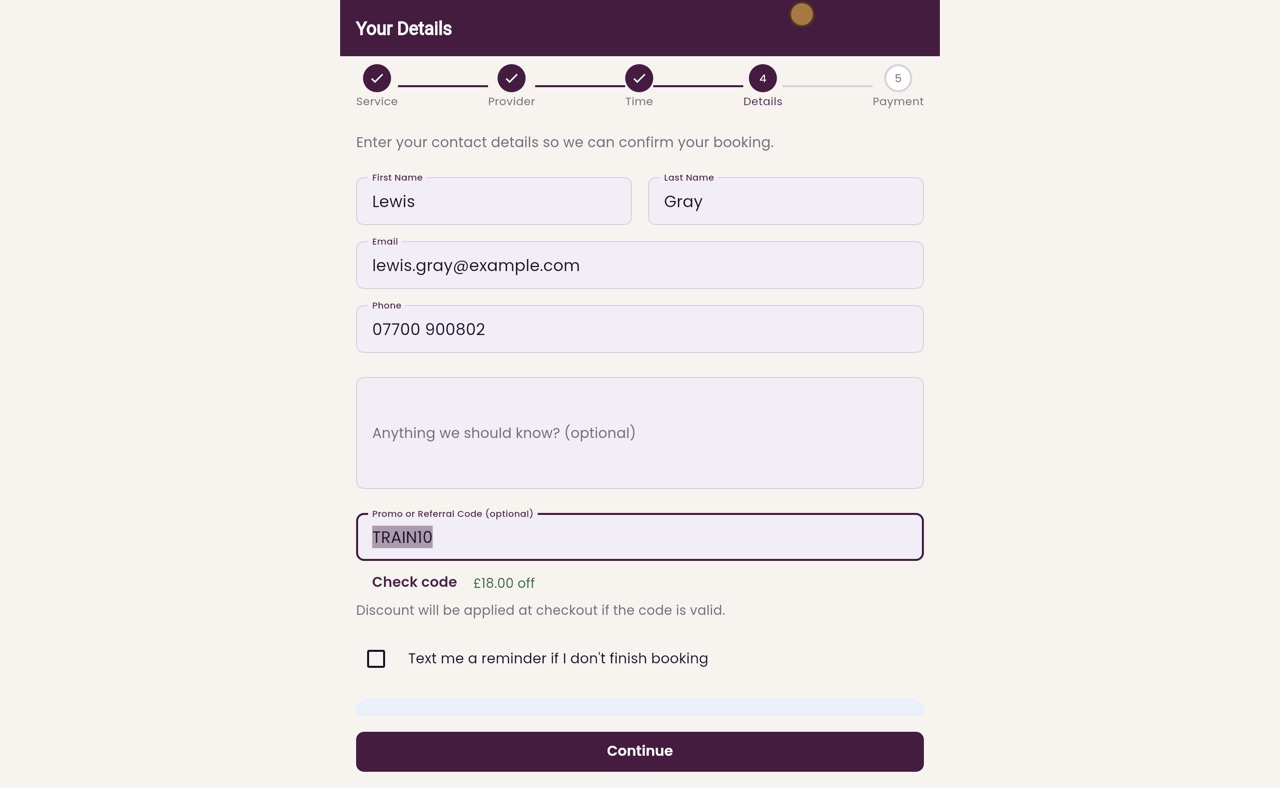
On the booking page, a patient types their promo code in Your Details and clicks Check code to see the money off before confirming.
Where
The Promo or Referral Code box on the Your Details step.
Check code
Shows how much comes off, for example £18.00 off.
After
The discount is kept with the booking and taken off when the patient pays.
Step by step
- 01Libby
Promo codes online
Hi, I am Libby. A patient with a promo code can type it when they book online, and see the money off before they confirm.
- 02Ryan
Choose a treatment
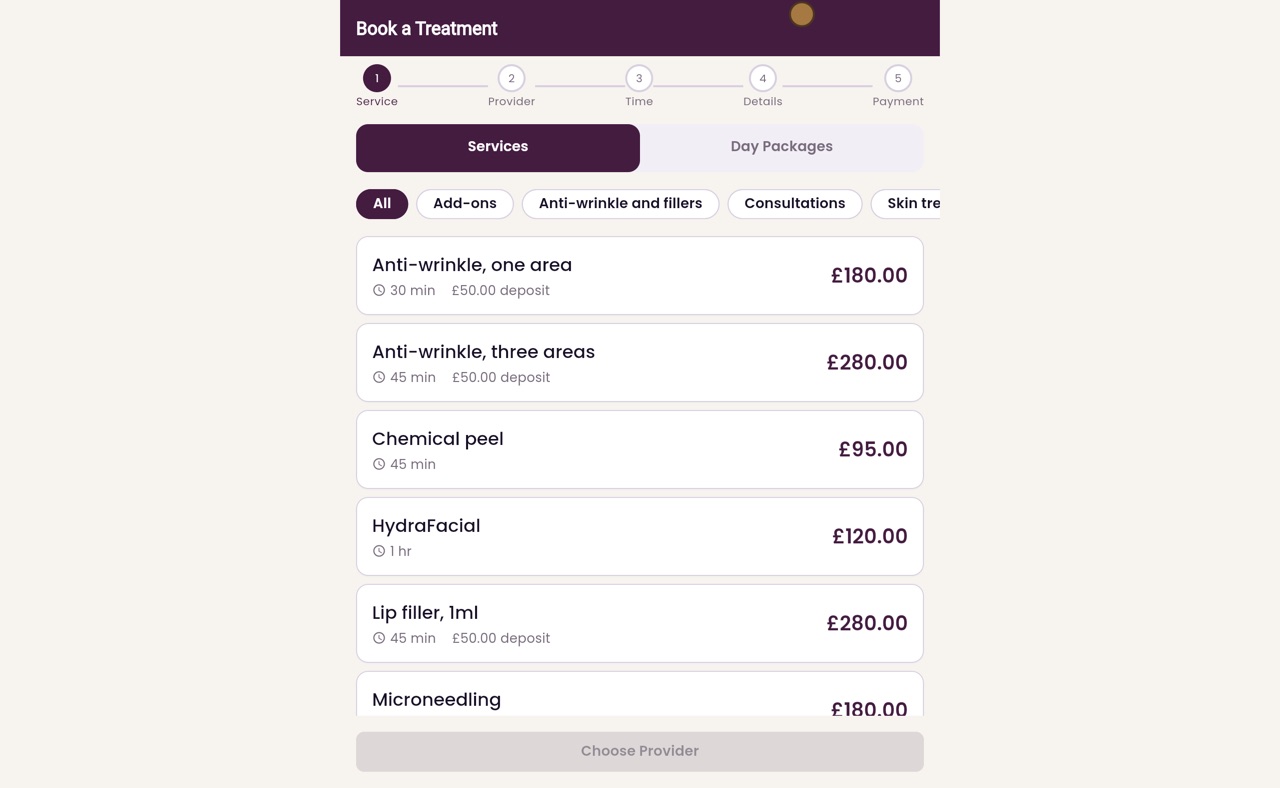
Thanks Libby. Lewis Gray would like Microneedling, which is one hundred and eighty pounds, with no deposit. He clicks it.
- 03Ryan
Any Available
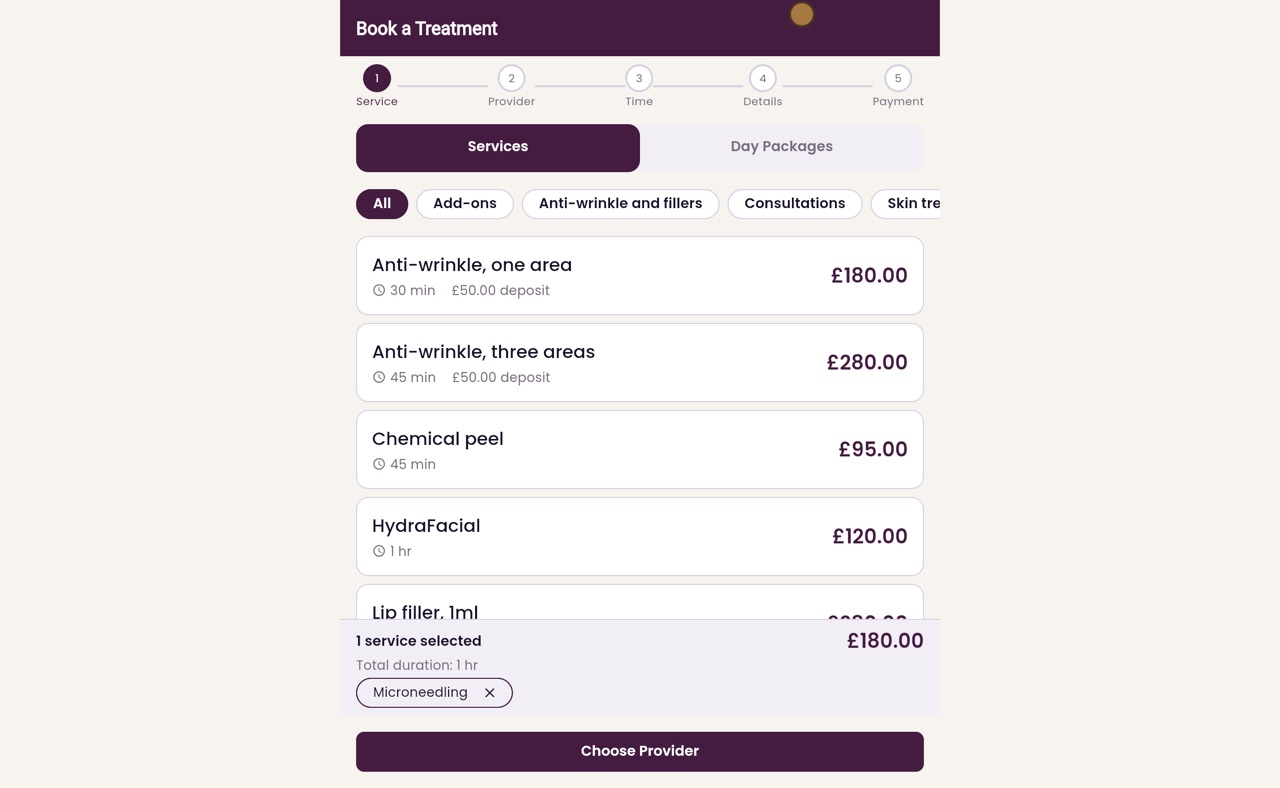
He clicks Choose Provider. Any Available is already chosen, so he will get the first free time with any practitioner. He clicks Choose Time.
- 04Ryan
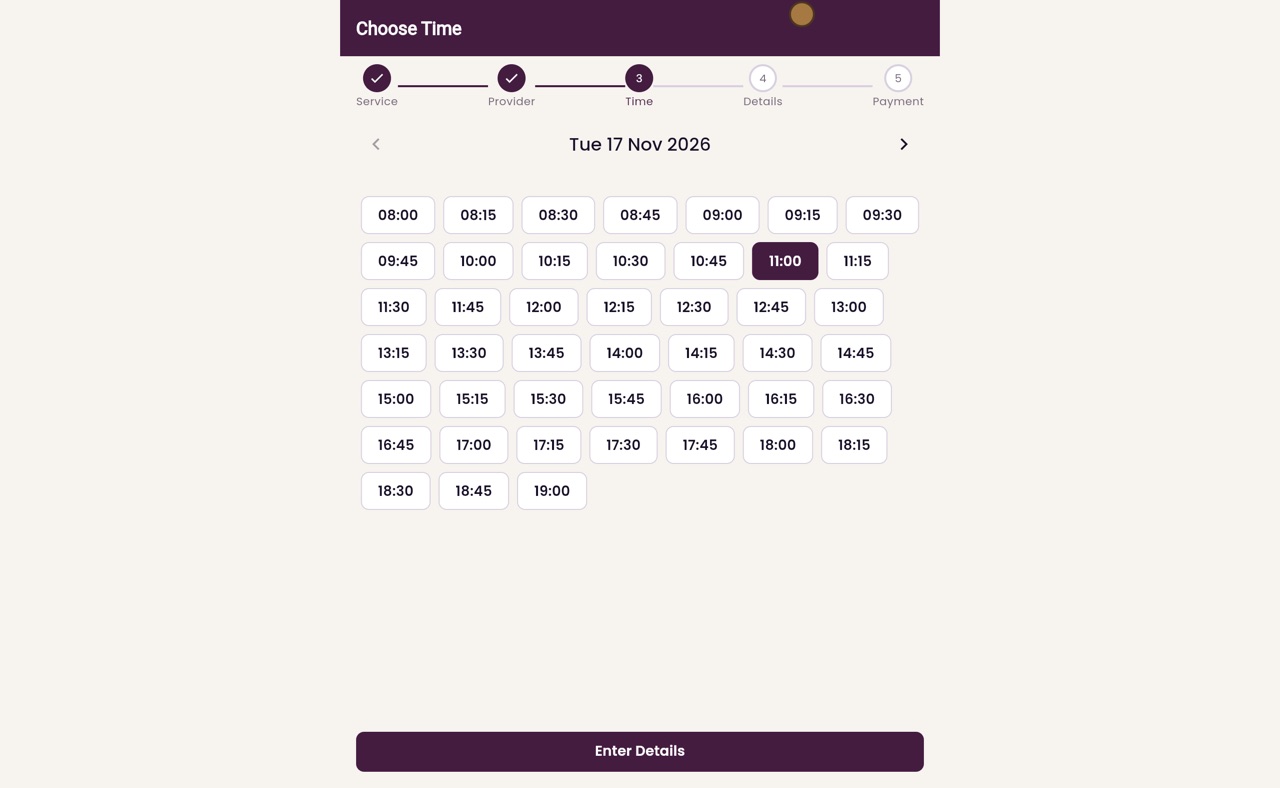
Choose a time
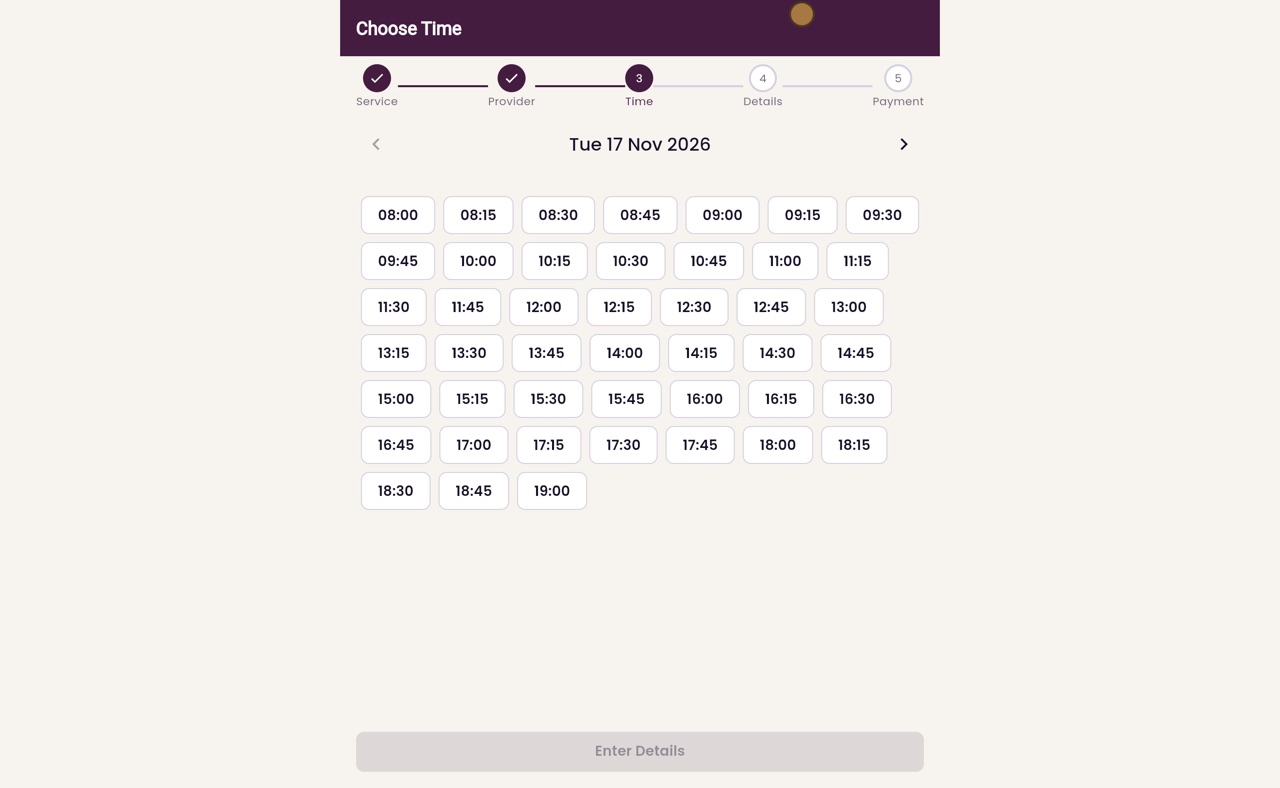
The free times for Tuesday the seventeenth are shown. He picks eleven o'clock.
- 05Ryan
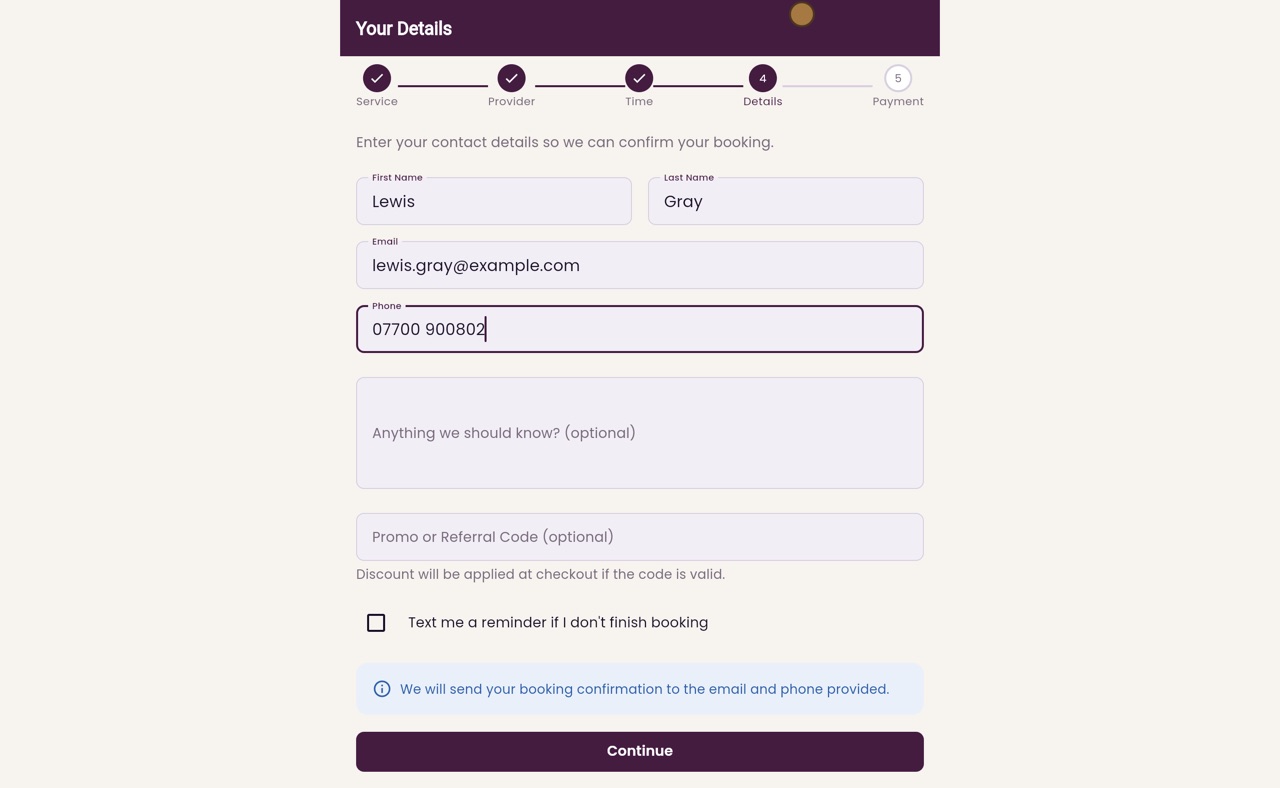
Your details
He clicks Enter Details, and types his first name, last name, email address and mobile number. The booking confirmation goes to the email and phone he gives here.
- 06Ryan
Check the code
Then he types his code, TRAIN10, under Promo or Referral Code, and clicks Check code. The code is ten percent off, so the page shows eighteen pounds off his treatment.
- 07Ryan
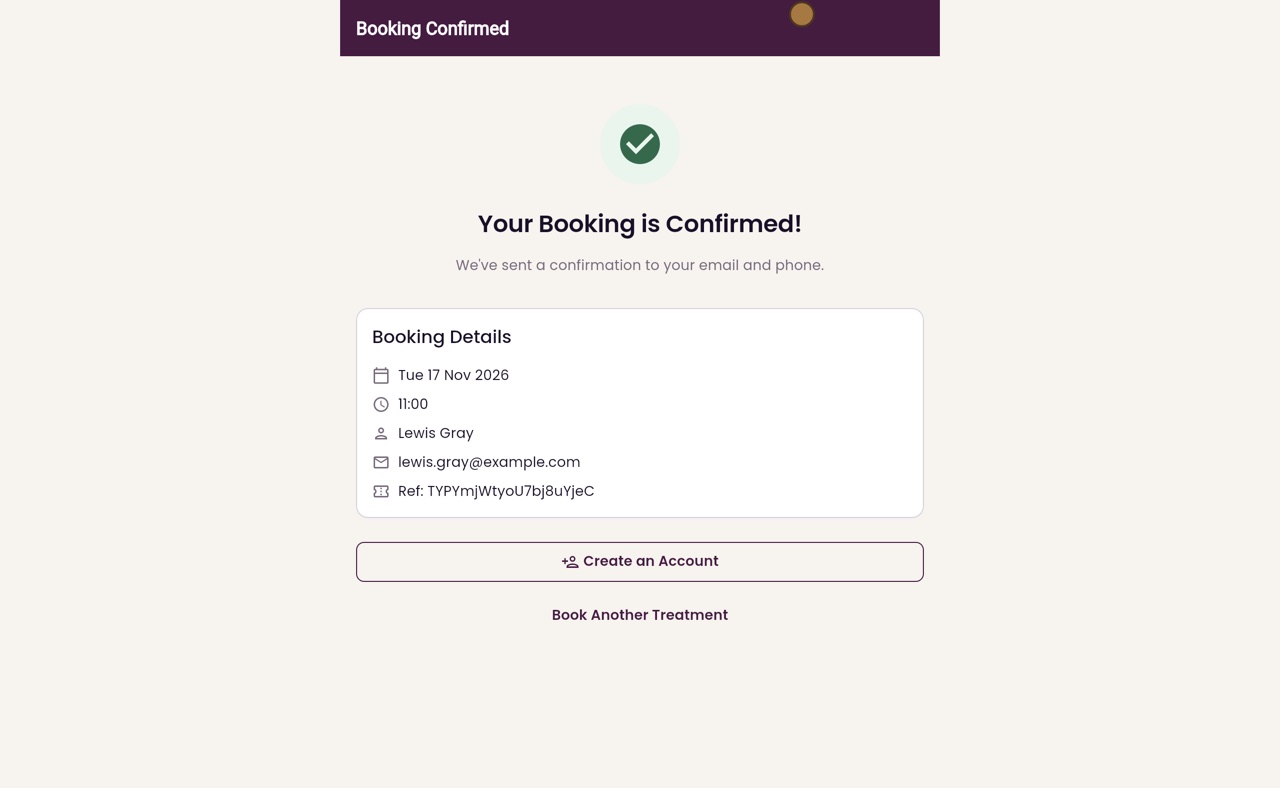
Confirm the booking
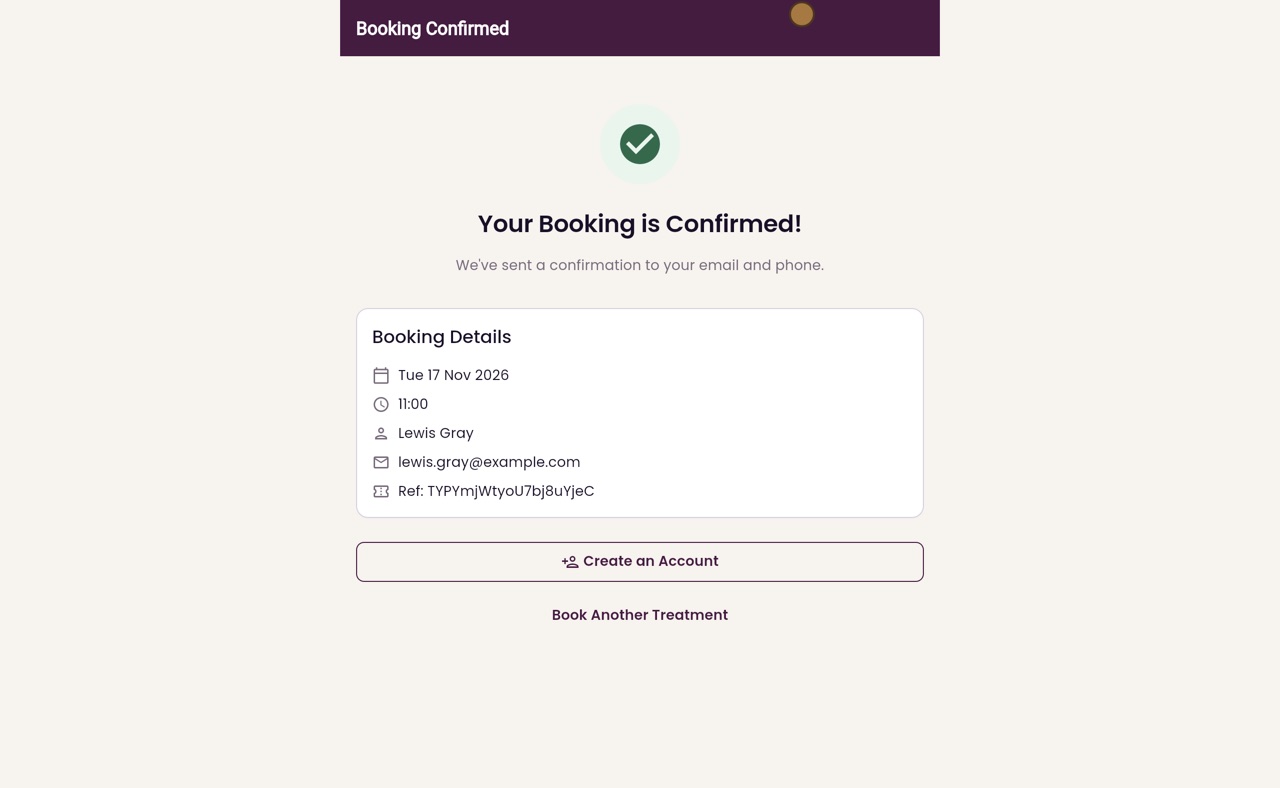
He clicks Continue. Microneedling has no deposit, so the last step asks him to confirm. He clicks Confirm booking, and his booking is confirmed.
- 08Libby
Done
That is using a promo code online. The money off is kept with the booking, ready for when Lewis pays at the clinic.