Running payroll
See what each member of staff has earned this month, and add a bonus or a deduction.
Where
Payroll in the menu; it opens on this month.
Each person
Revenue generated, commission, adjustments and final pay.
Adjustments
A bonus or deduction, always with a note.
Step by step
- 01Libby
End of the month
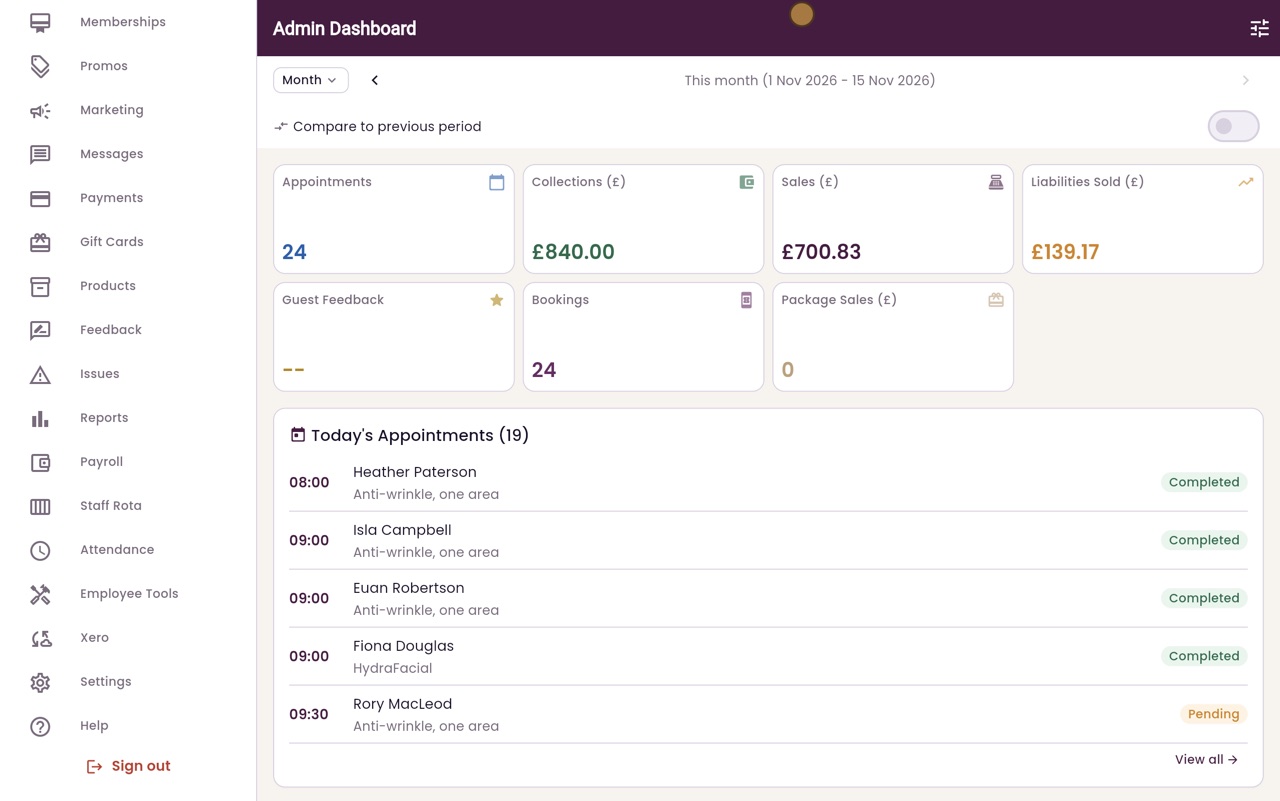
Hi, I am Libby. At the end of each month, Payroll works out what each member of staff has earned: their salary or hours, their commission, and any bonuses or deductions.
- 02Ryan
This month
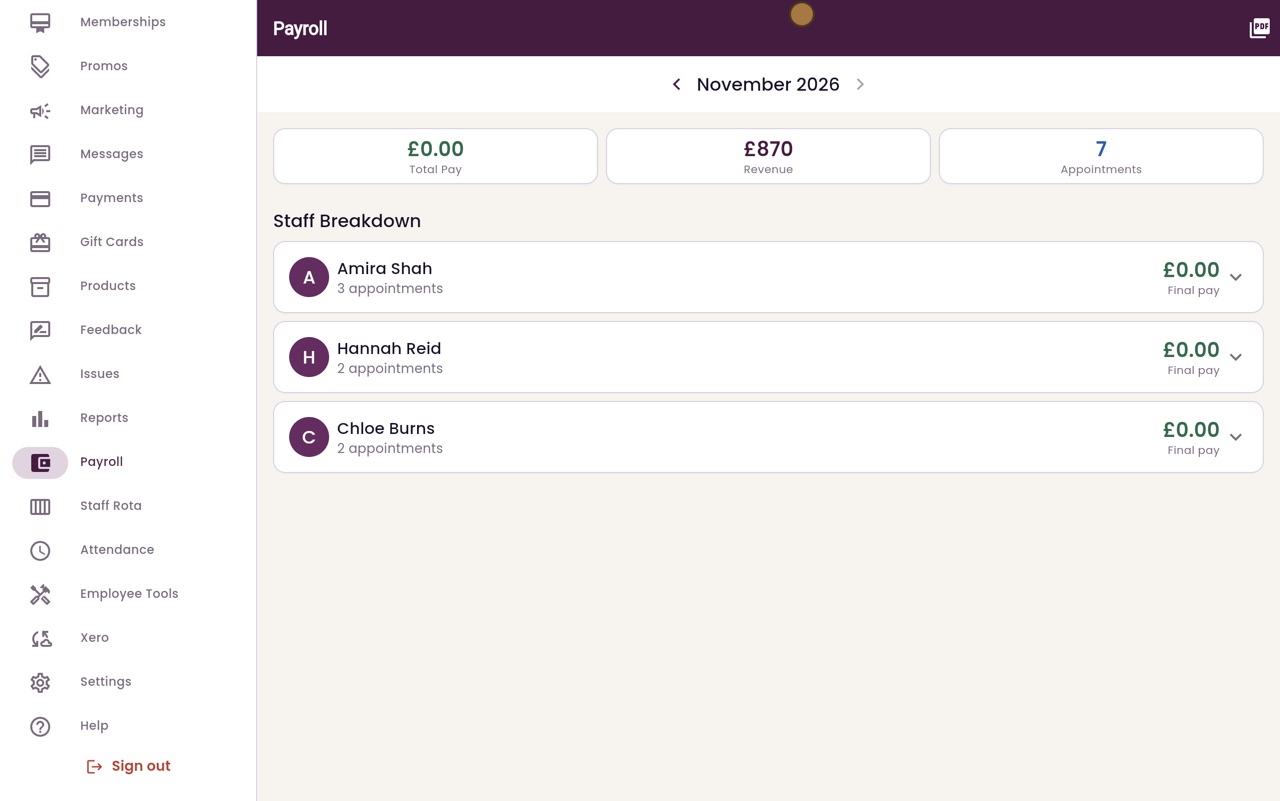
Thanks Libby. Click Payroll in the menu. It opens on this month. The top shows the total pay, the revenue from treatments, and the number of appointments.
- 03Ryan
One person's pay
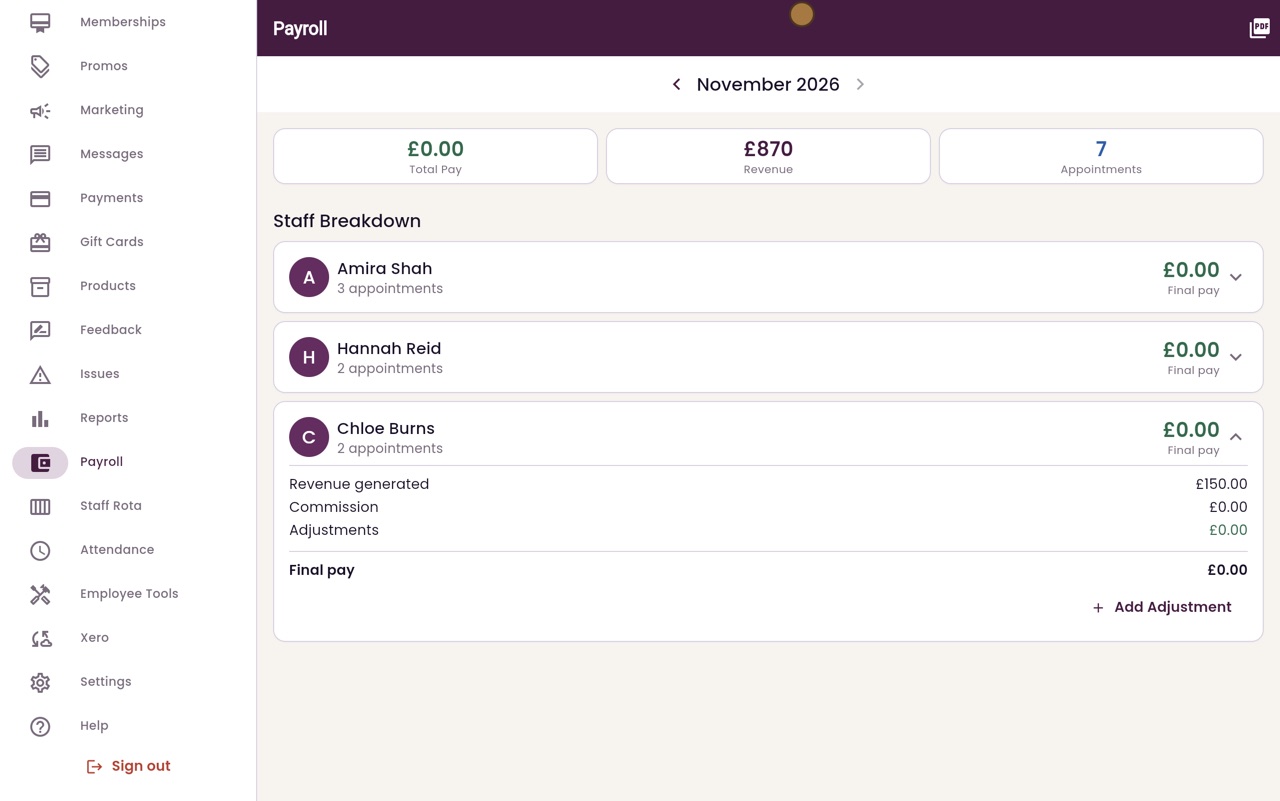
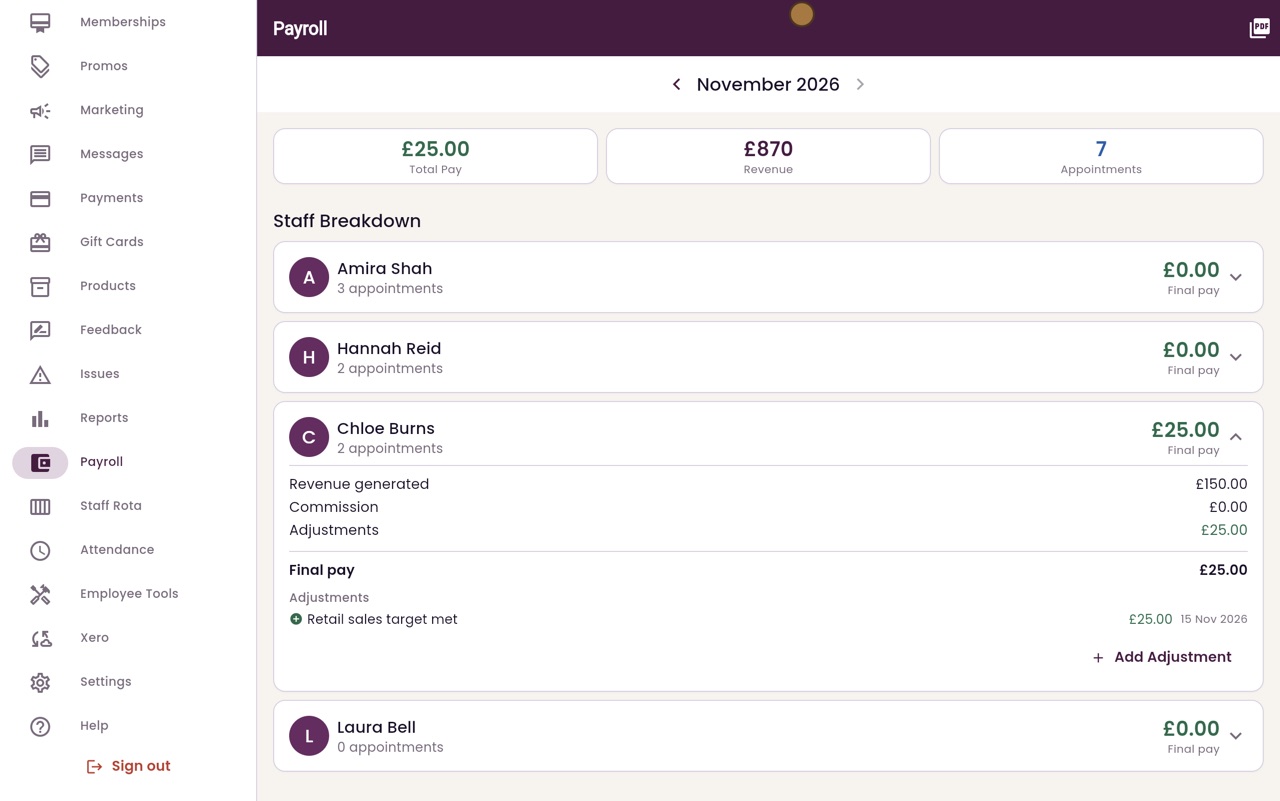
Below is a row for each member of staff. Click a name to see the revenue they brought in, their commission, any adjustments, and their final pay.
- 04Ryan
Add a bonus
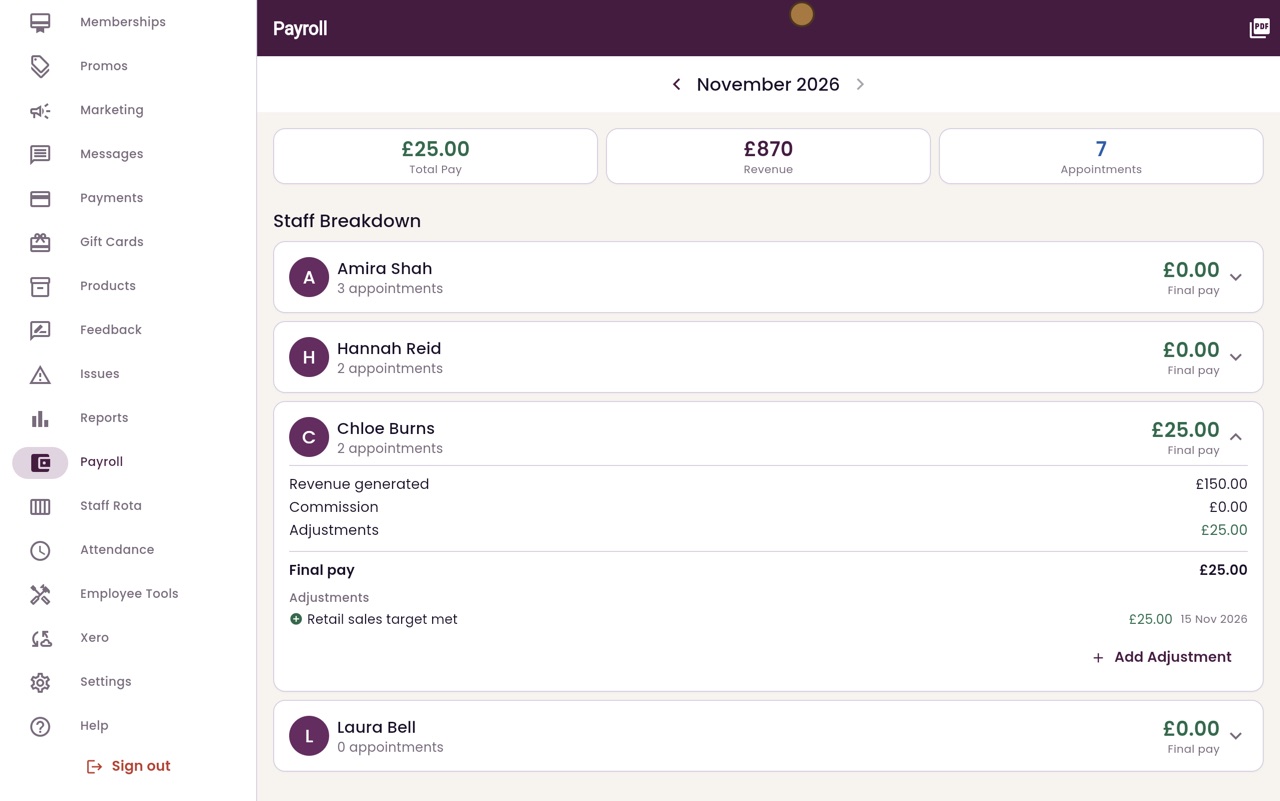
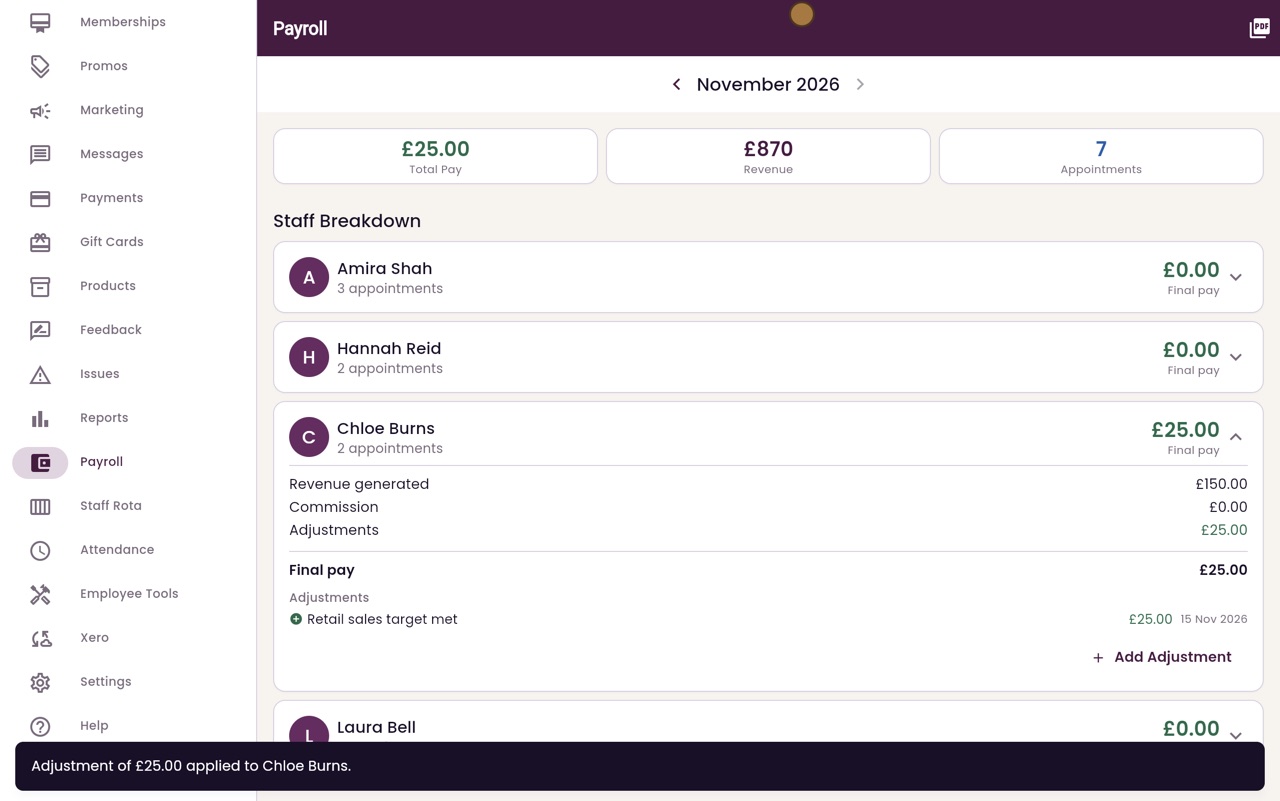
To add a bonus or a deduction, click Add Adjustment. Choose Bonus and type the amount. A note is required, so type what it is for. Here, a twenty-five pound bonus for Chloe for meeting her retail sales target. Then click Apply.
- 05Ryan
Final pay
The bonus is added to her final pay, and to the total at the top.
- 06Libby
Done
That is running payroll. Use the arrows to look at another month, and Export PDF at the top right to keep a copy.