Sending a marketing campaign
Build a campaign in six steps: name, channel, audience, message, when to send, and a final check before it goes.
Where
Marketing, then New Campaign.
Who
The clinic manager.
After
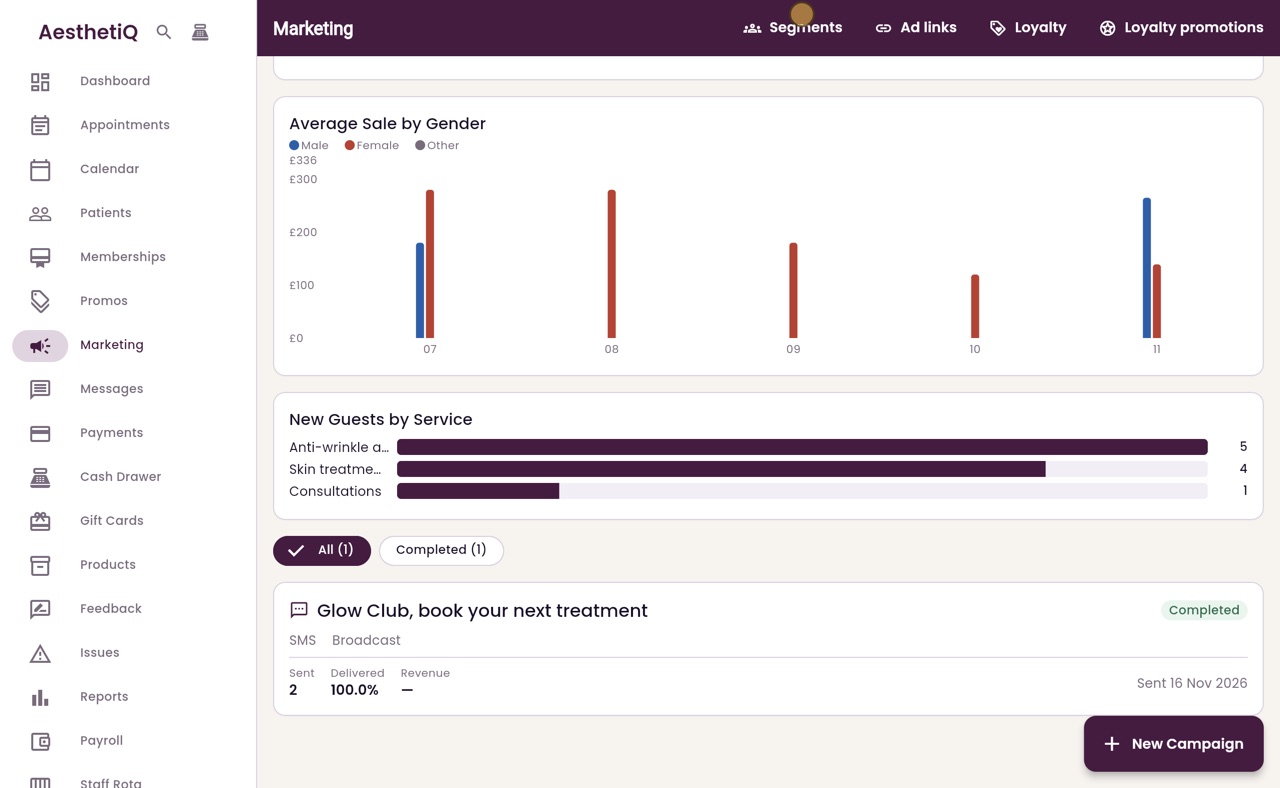
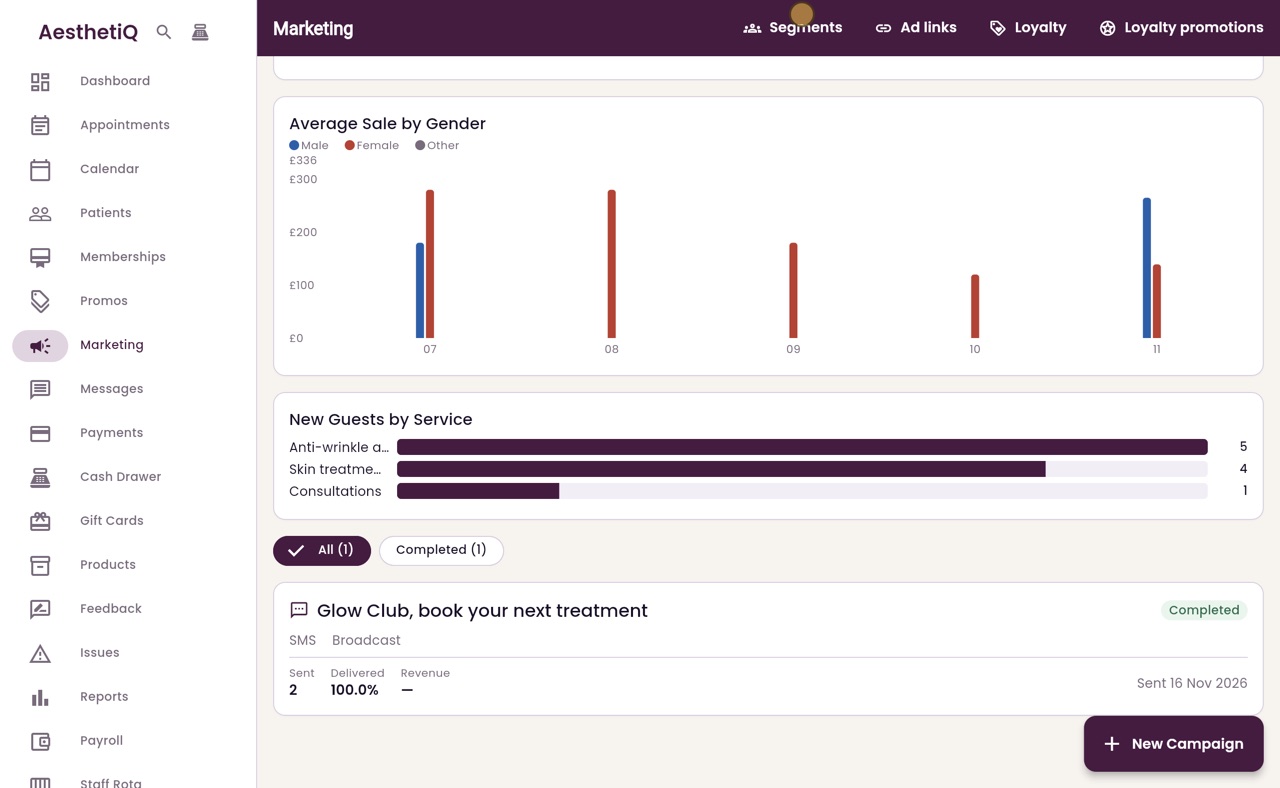
The campaign is listed on the Marketing screen with how many messages were sent.
Step by step
- 01Libby
Campaigns
Hi, I am Libby. A campaign sends one message to a chosen group of patients, such as a text to your Glow Club members. Here is how to send one.
- 02Ryan
Name and type
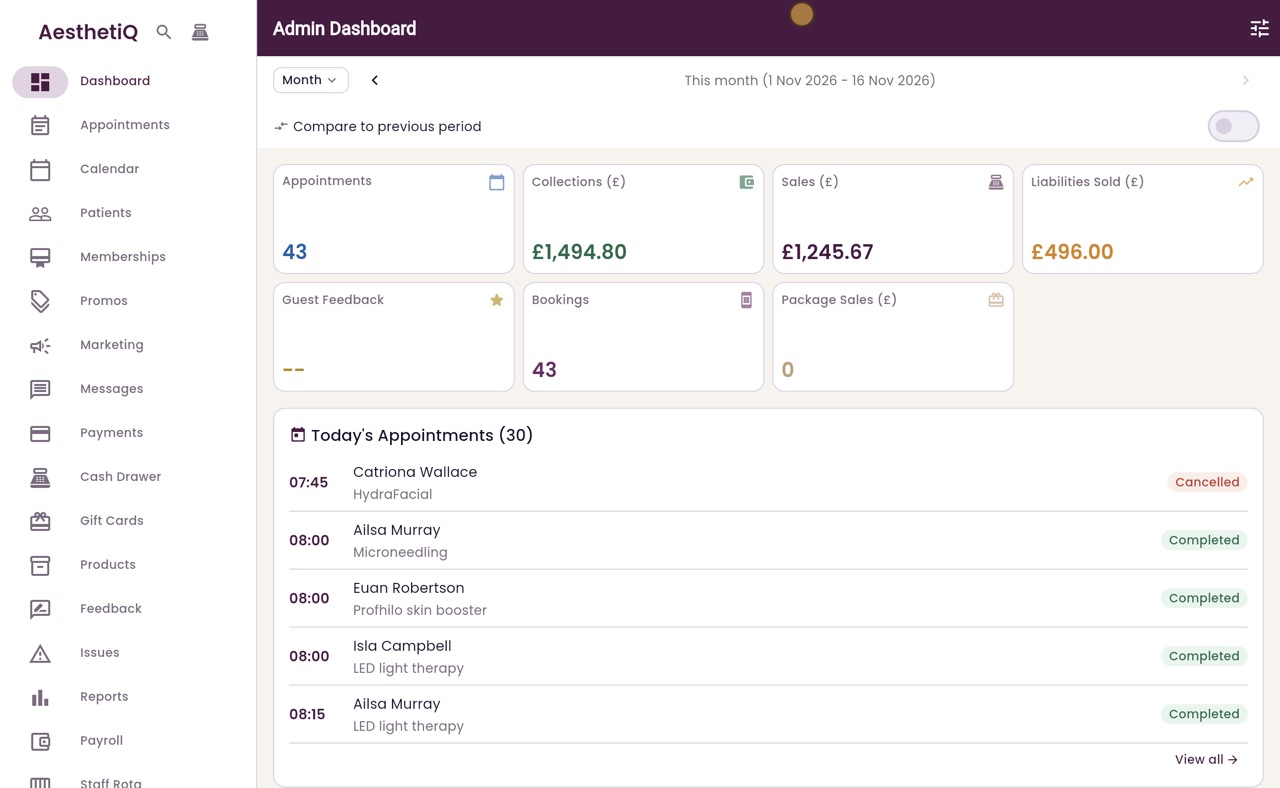
Thanks Libby. Click Marketing in the menu on the left, then New Campaign. Give the campaign a name, choose Broadcast for a one-time message, and click Next.
- 03Ryan
Channel
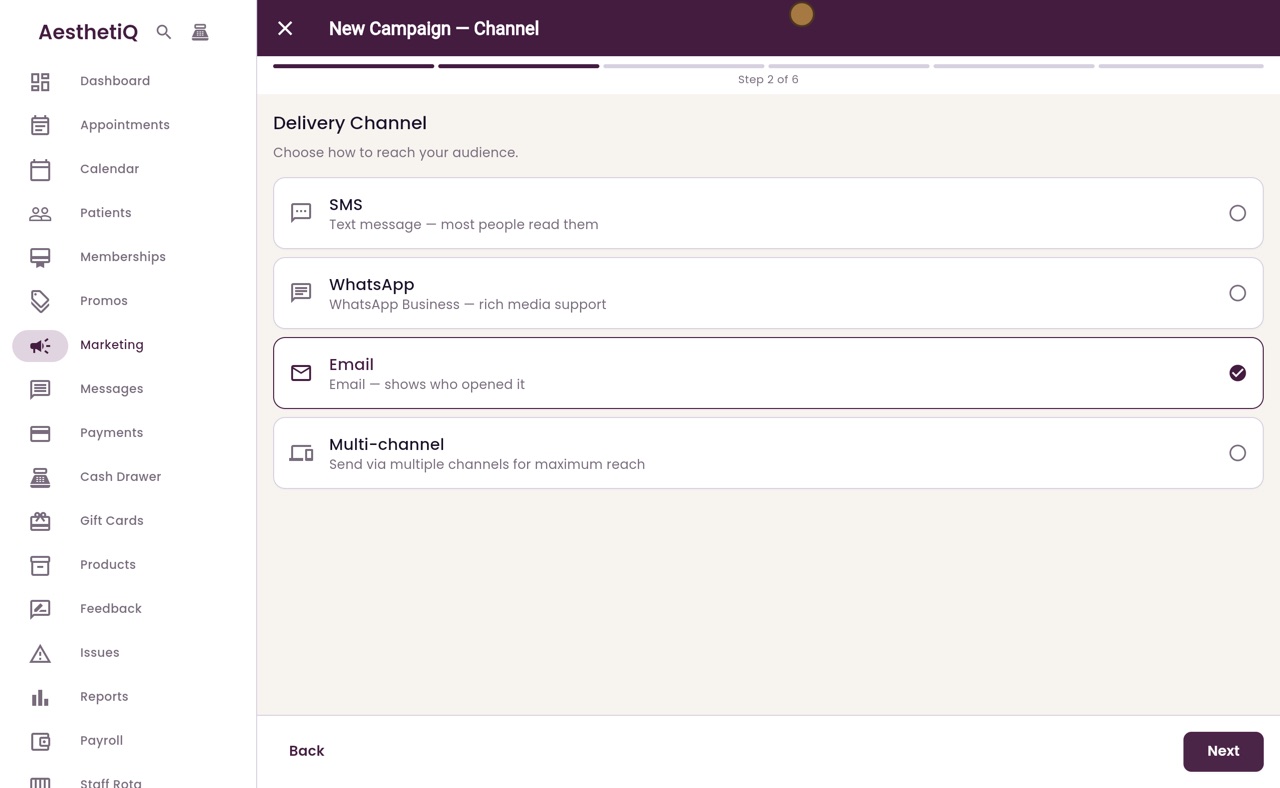
Choose how it is sent. This one is a text message, so click SMS, then Next.
- 04Ryan
Audience
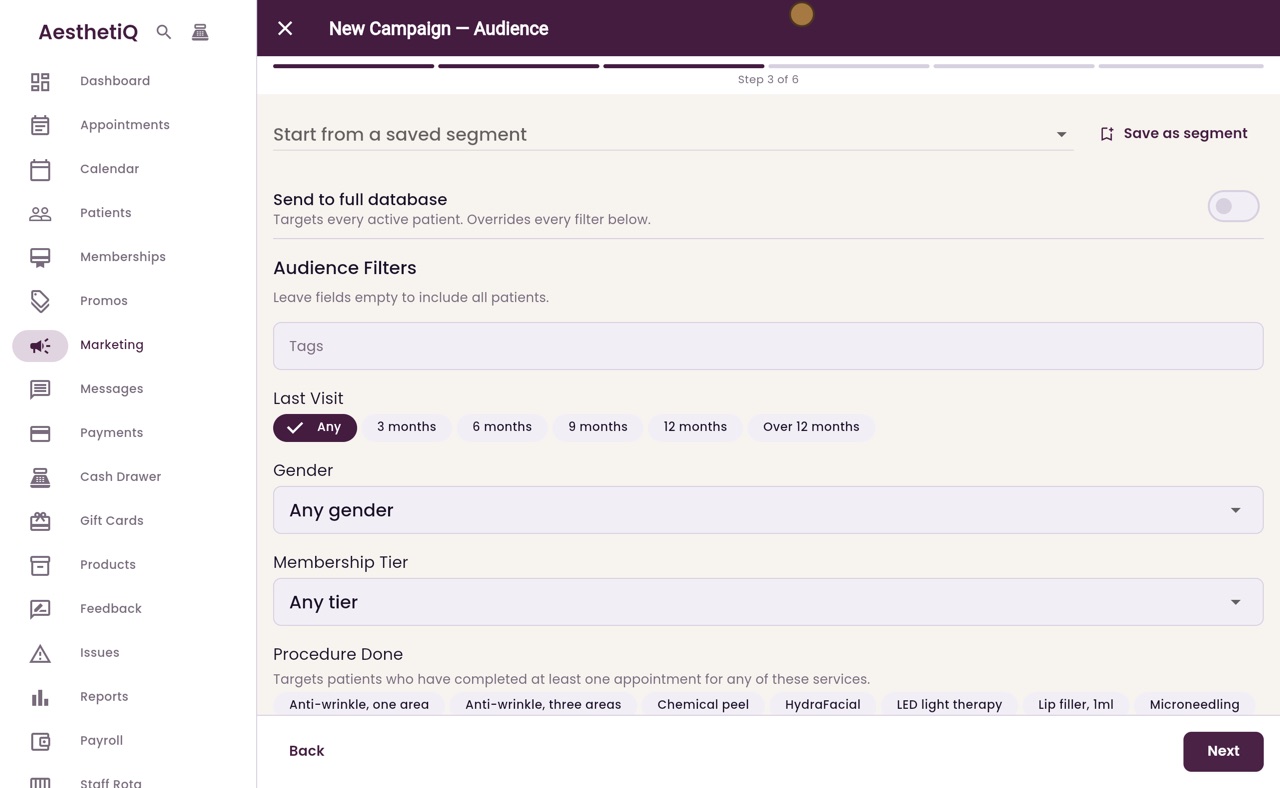
Now choose who it goes to. Open Start from a saved segment and pick Glow Club members. The Membership Tier filter fills in with Glow Club. Click Next.
- 05Ryan
The message
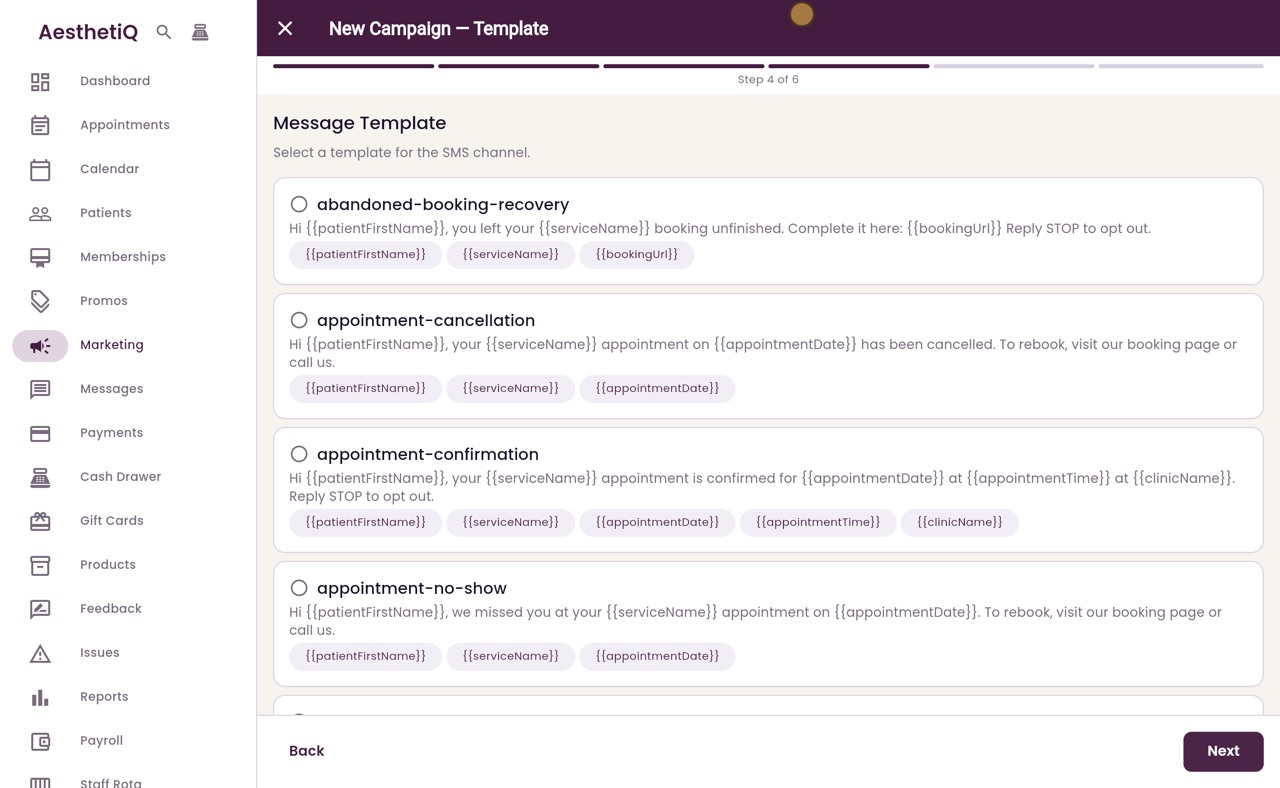
Choose the message. The list shows the clinic's text templates. Click reengagement lapsed, which invites the patient to book their next treatment. Each patient's first name and the clinic name are filled in. Click Next.
- 06Ryan
When to send
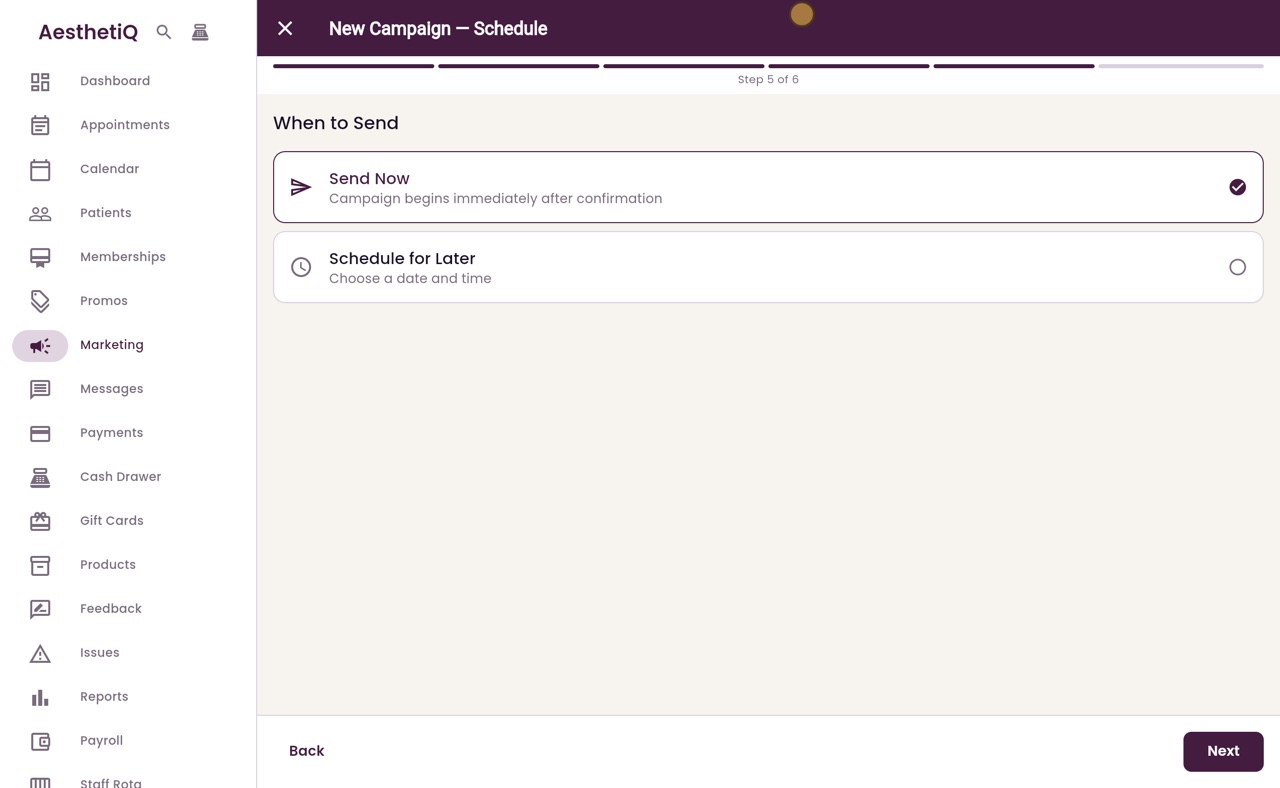
Choose when to send it. Send Now sends it straight away. Schedule for Later lets you pick a date and time. Leave Send Now chosen and click Next.
- 07Ryan
Check and send
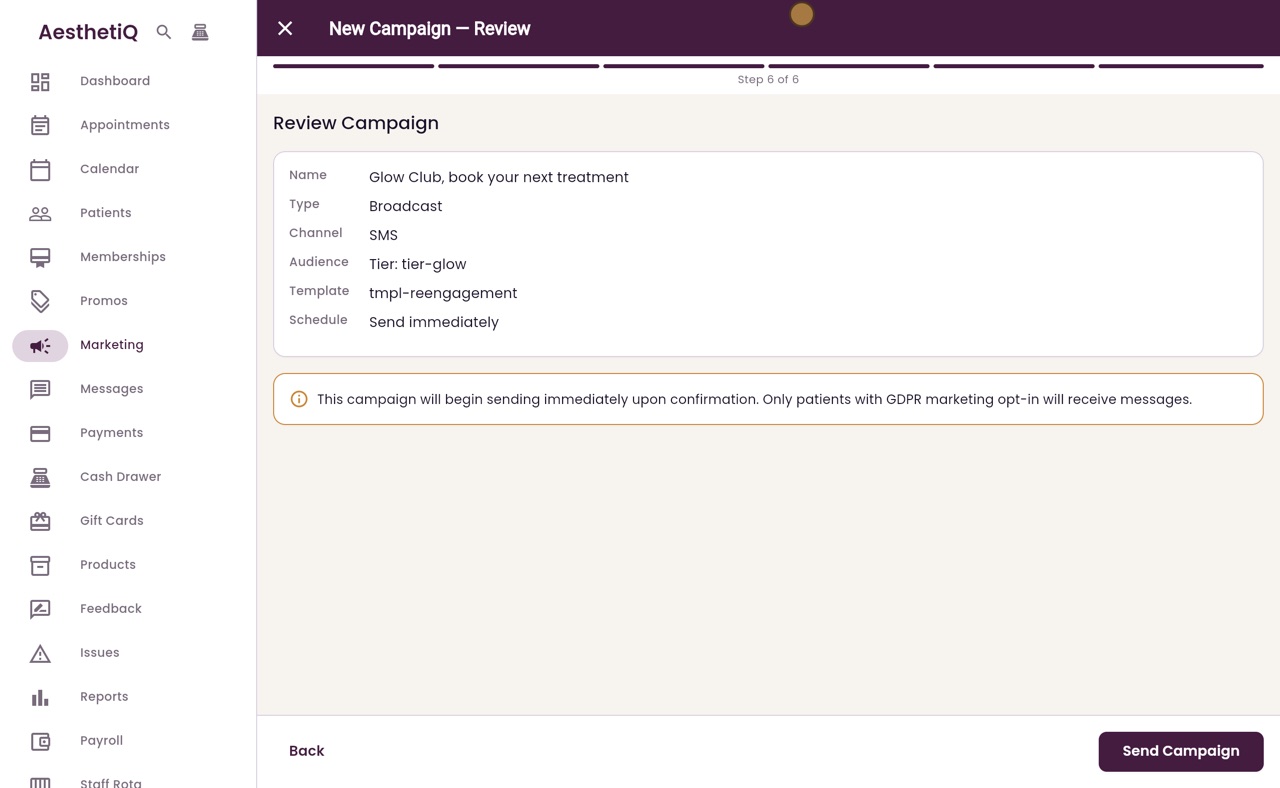
Check the summary: the name, the channel, the audience, the template and when it is sent. Only patients who have agreed to marketing receive it. Click Send Campaign.
- 08Ryan
Sent
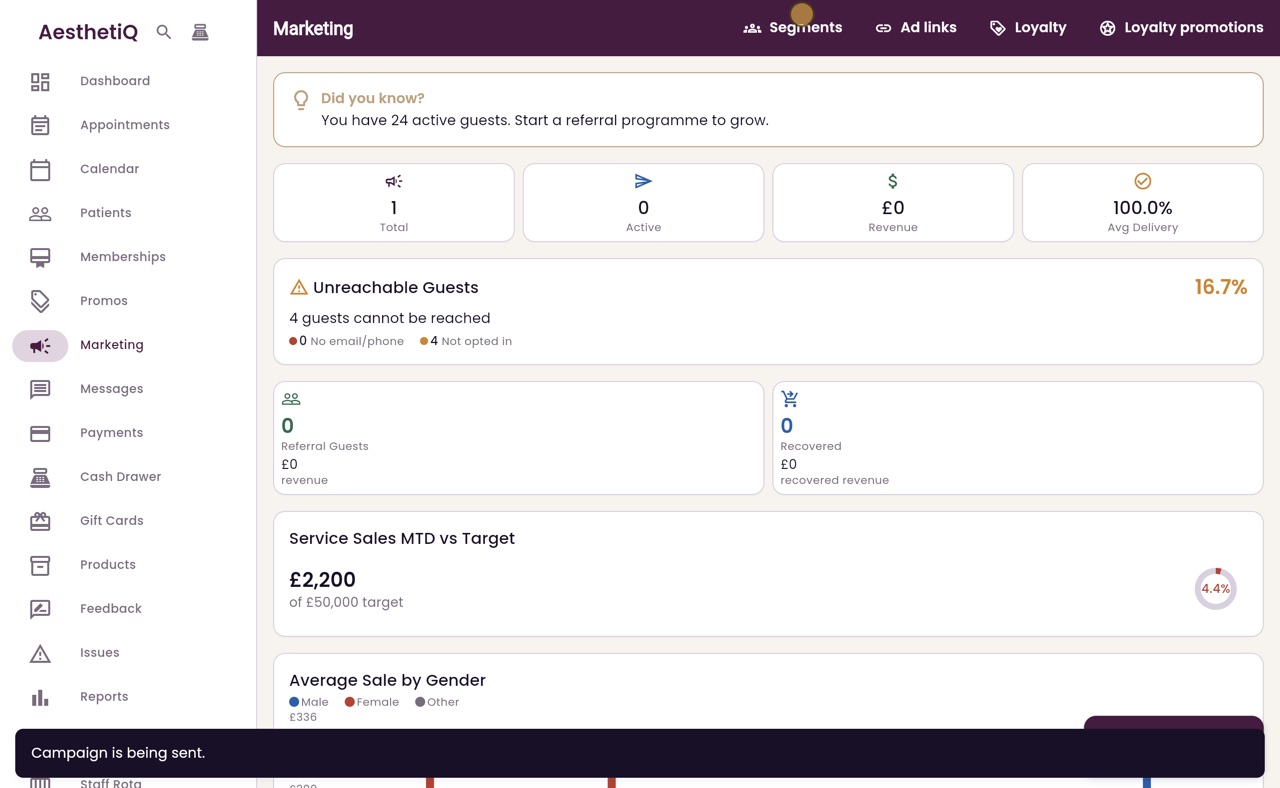
AesthetiQ starts sending and goes back to Marketing. Further down the screen, the campaign is listed as Completed, with the channel and the number of texts sent.
- 09Libby
Done
That is sending a campaign. Each text is kept in the patient's Messages sent tab, and the campaign stays on the Marketing screen.