AesthetiQ guides · Start here
Getting started
6 guides, 7 minutes in all, in the order to watch them.
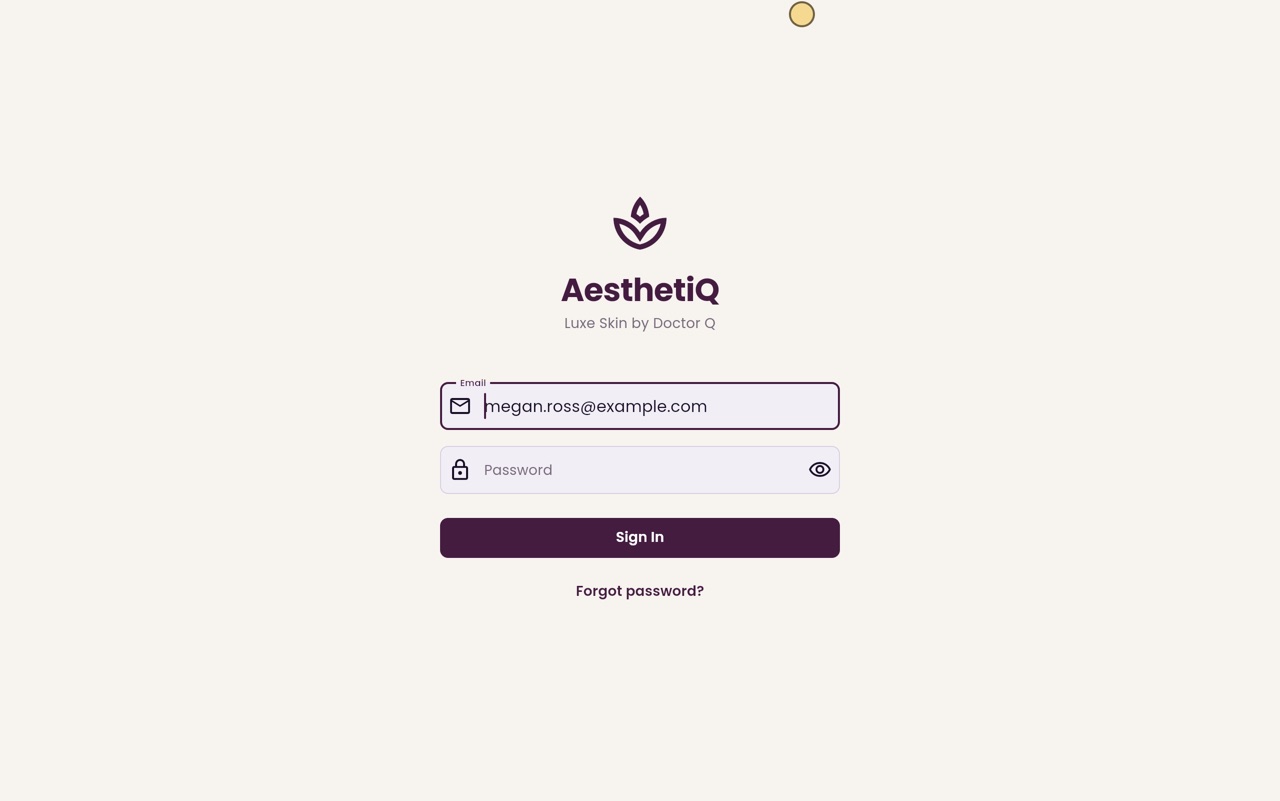
01 · Reception / Practitioners / Clinic manager · 1 min 00 s
Signing in
Sign in with your own email address and password. AesthetiQ opens the screens for your role.
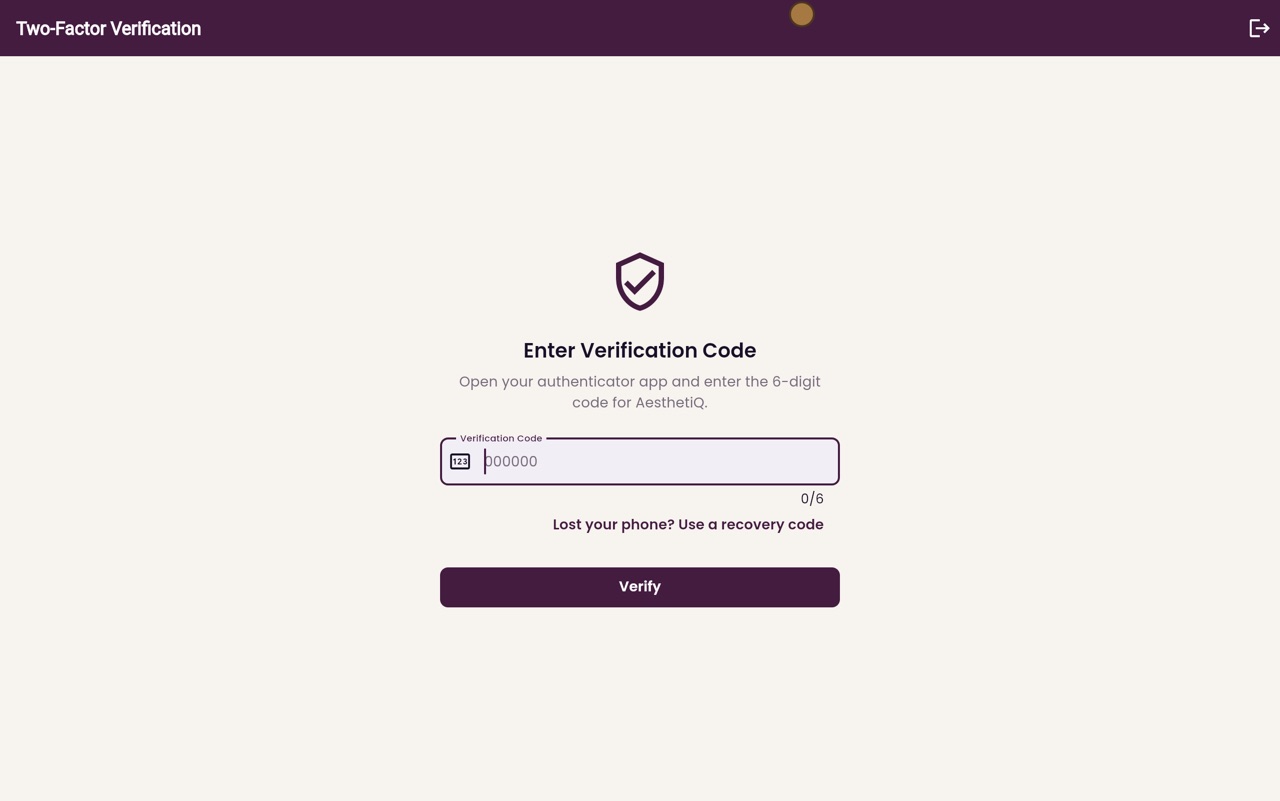
02 · Clinic manager / Practitioners / Reception · 1 min 03 s
Signing in with your authenticator code
Staff with the authenticator switched on type a six-digit code from their phone after the password.
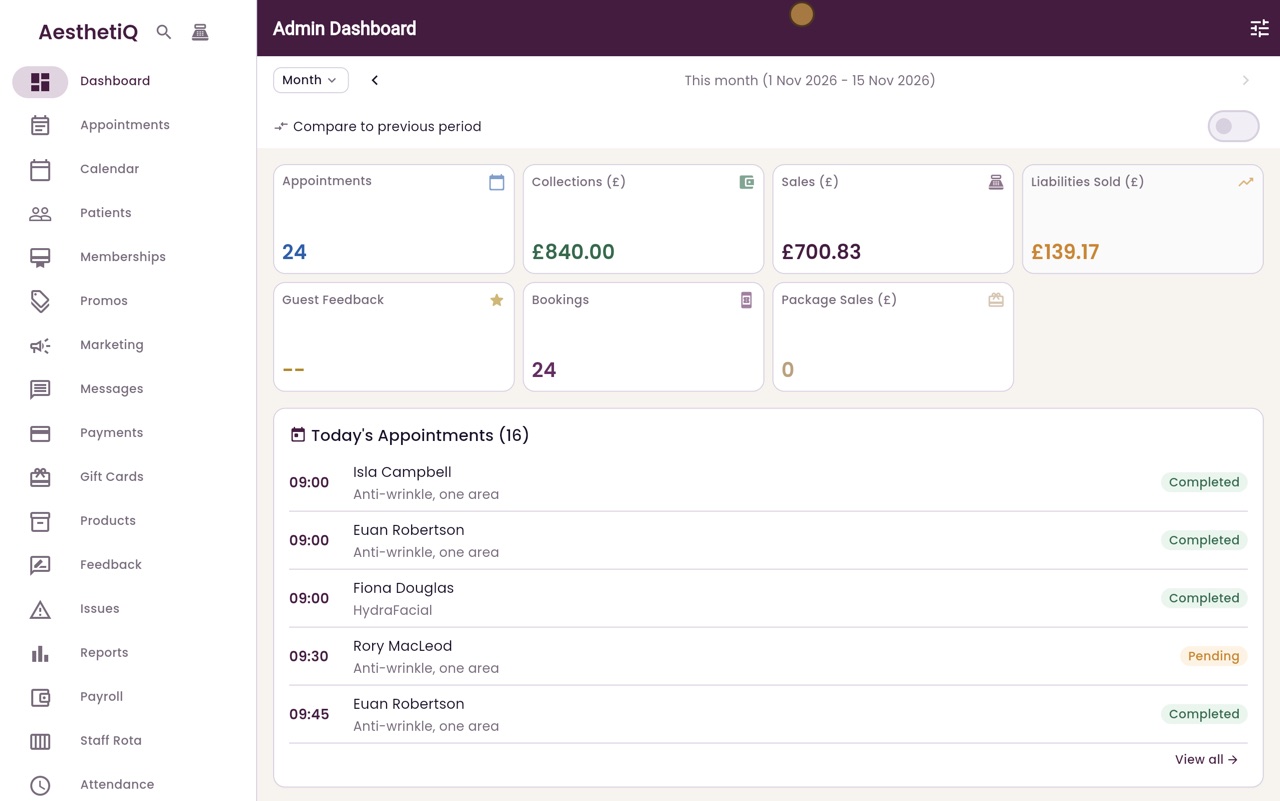
03 · Clinic manager · 1 min 14 s
The dashboard
The clinic manager's first screen: this month's figures, today's appointments and quick buttons.
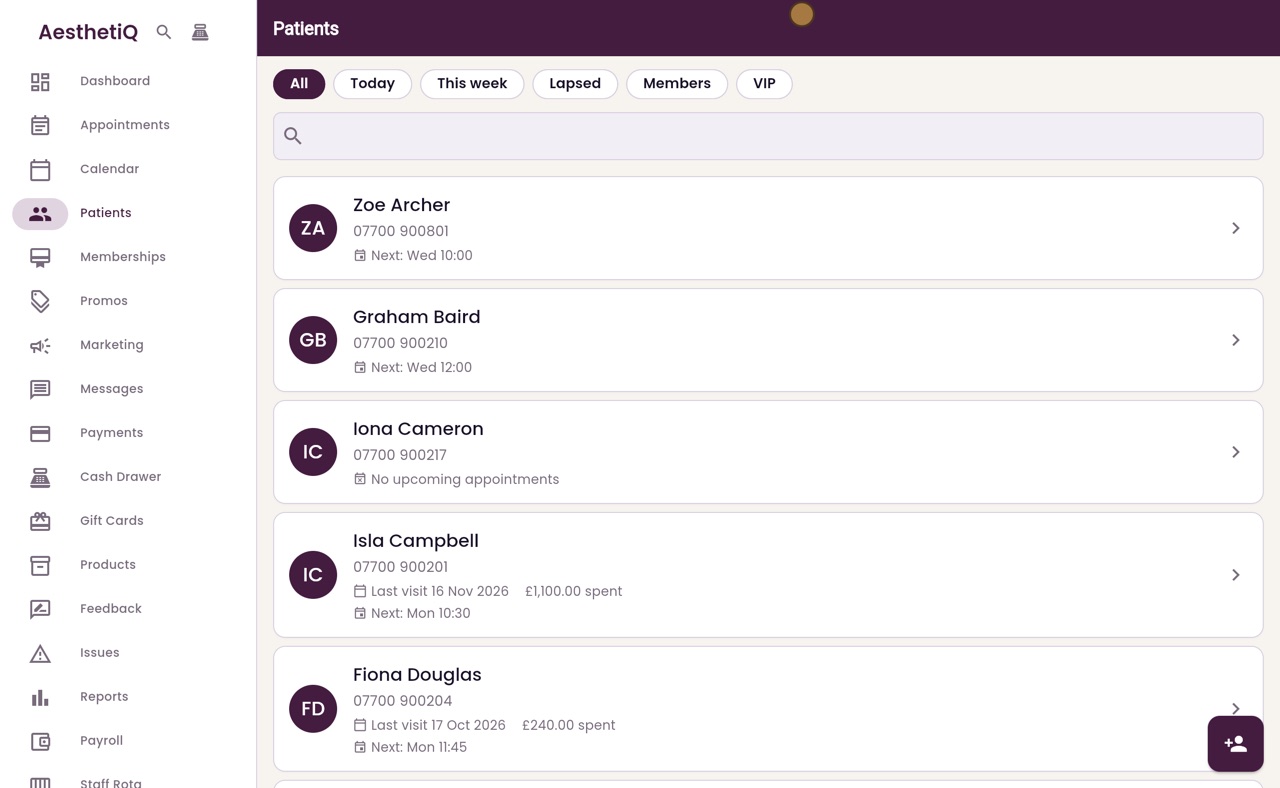
04 · Clinic manager / Reception / Practitioners · 1 min 25 s
Finding a patient
Find a patient by name, the end of their mobile number or their patient code, on the Patients screen or with Control and K from any screen.
05 · Reception / Practitioners / Clinic manager · 0 min 53 s
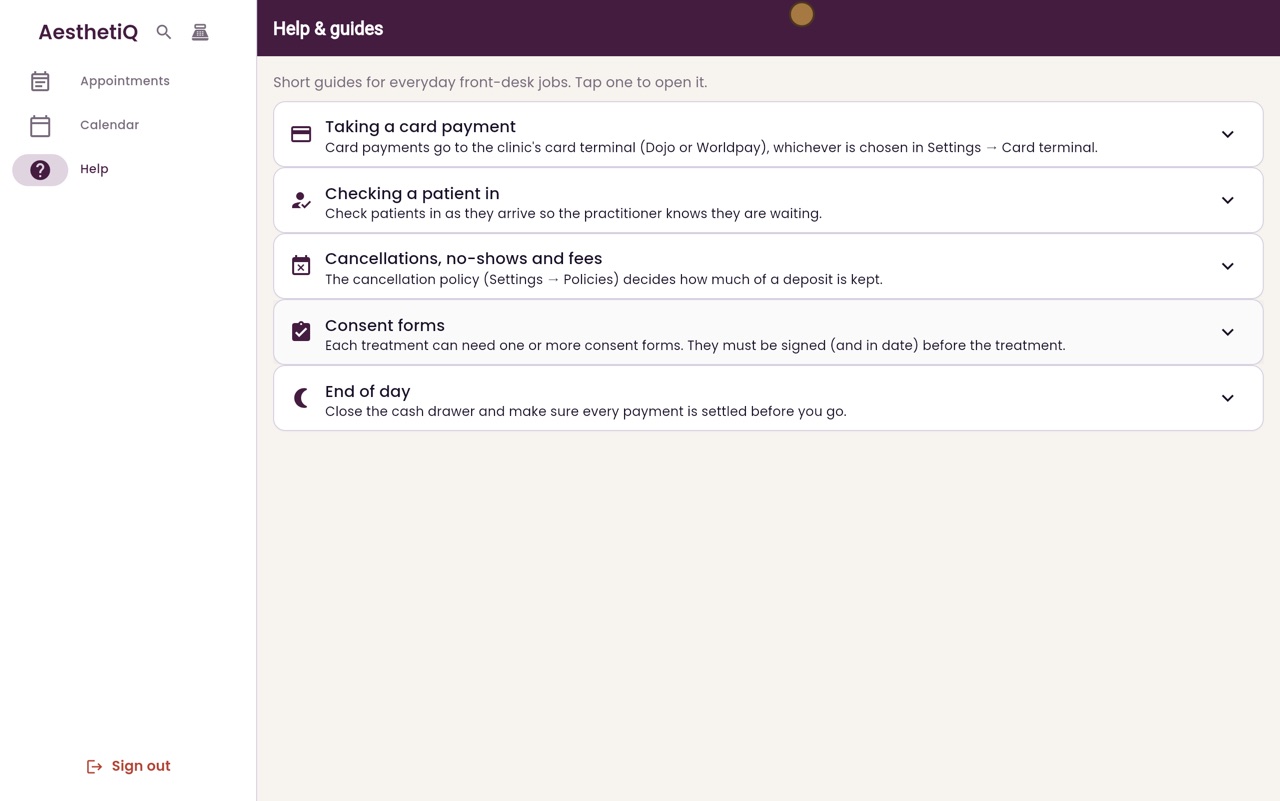
Help and guides in the app
Short written guides for everyday front desk jobs, one click away in the menu.
06 · Clinic manager / Reception / Practitioners · 1 min 36 s
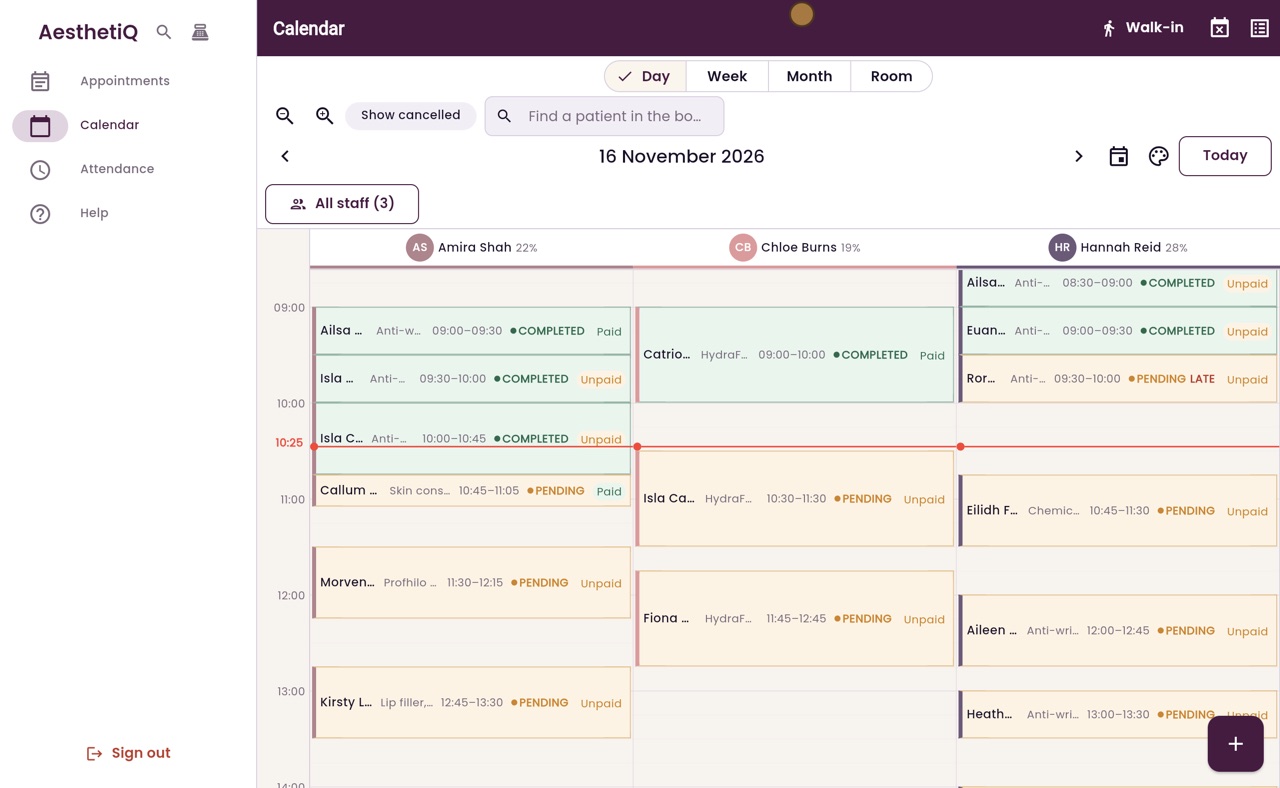
What each role can see
Reception, practitioners and the clinic manager each sign in with their own login and see only the screens their role needs.
Also in Start here: Daily routines by role