Marketing and loyalty
9 guides, 15 minutes in all, in the order to watch them.
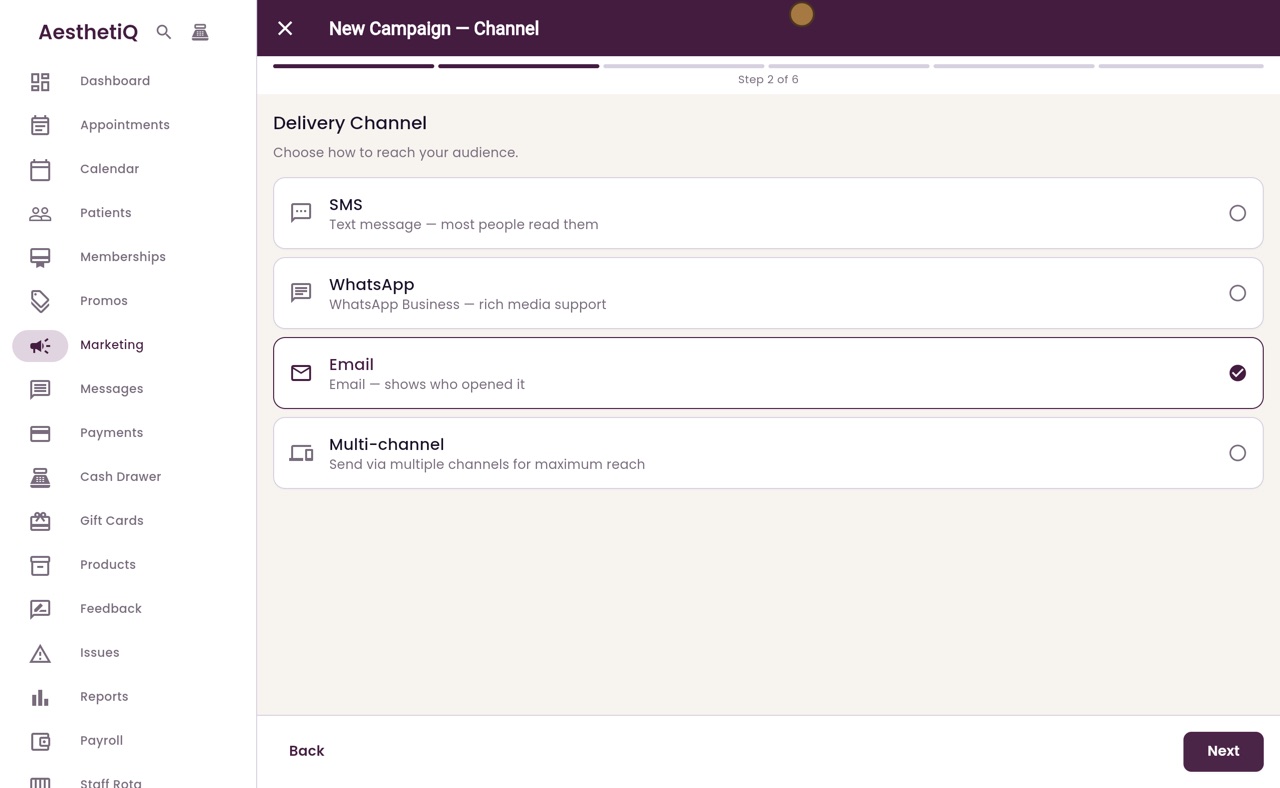
Sending a marketing campaign
Build a campaign in six steps: name, channel, audience, message, when to send, and a final check before it goes.
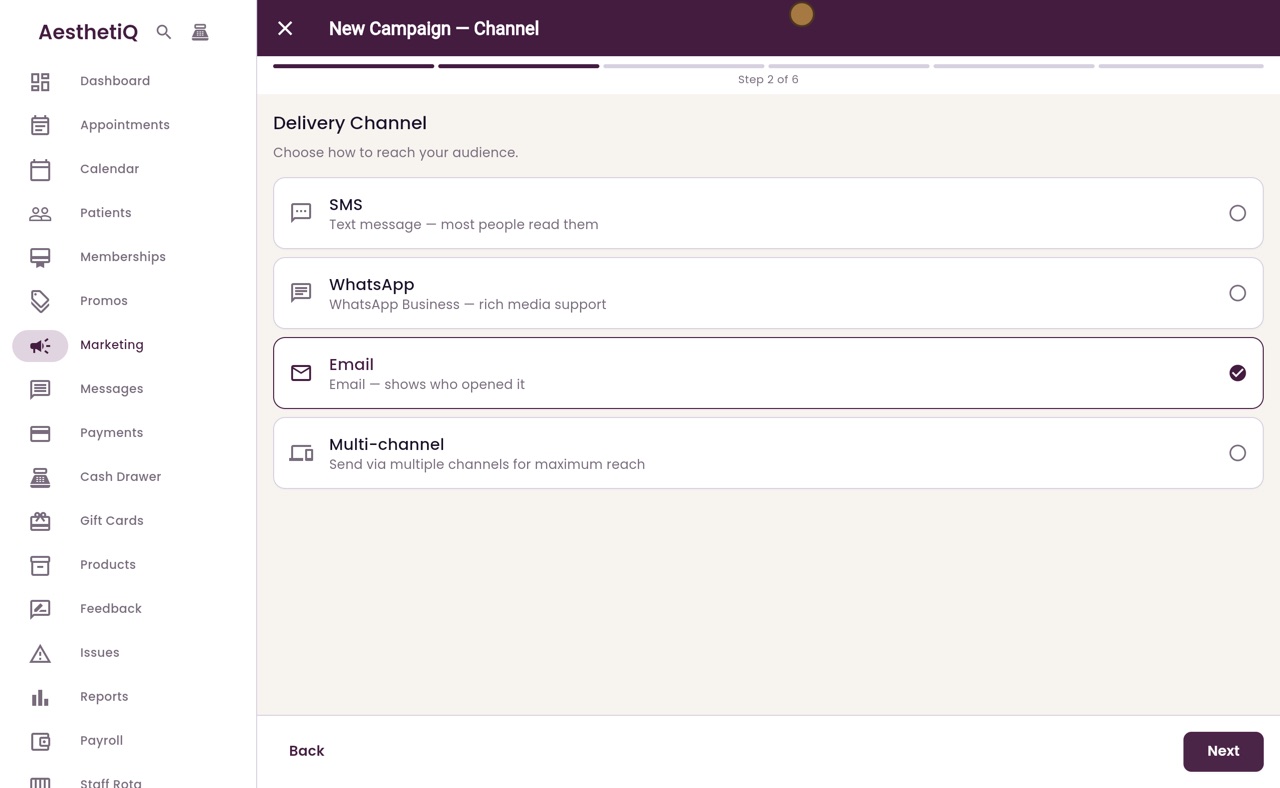
Choosing who a campaign goes to
Use the audience filters to choose who a campaign is for, such as the members of one membership, count how many patients it reaches, and save the audience as a segment.
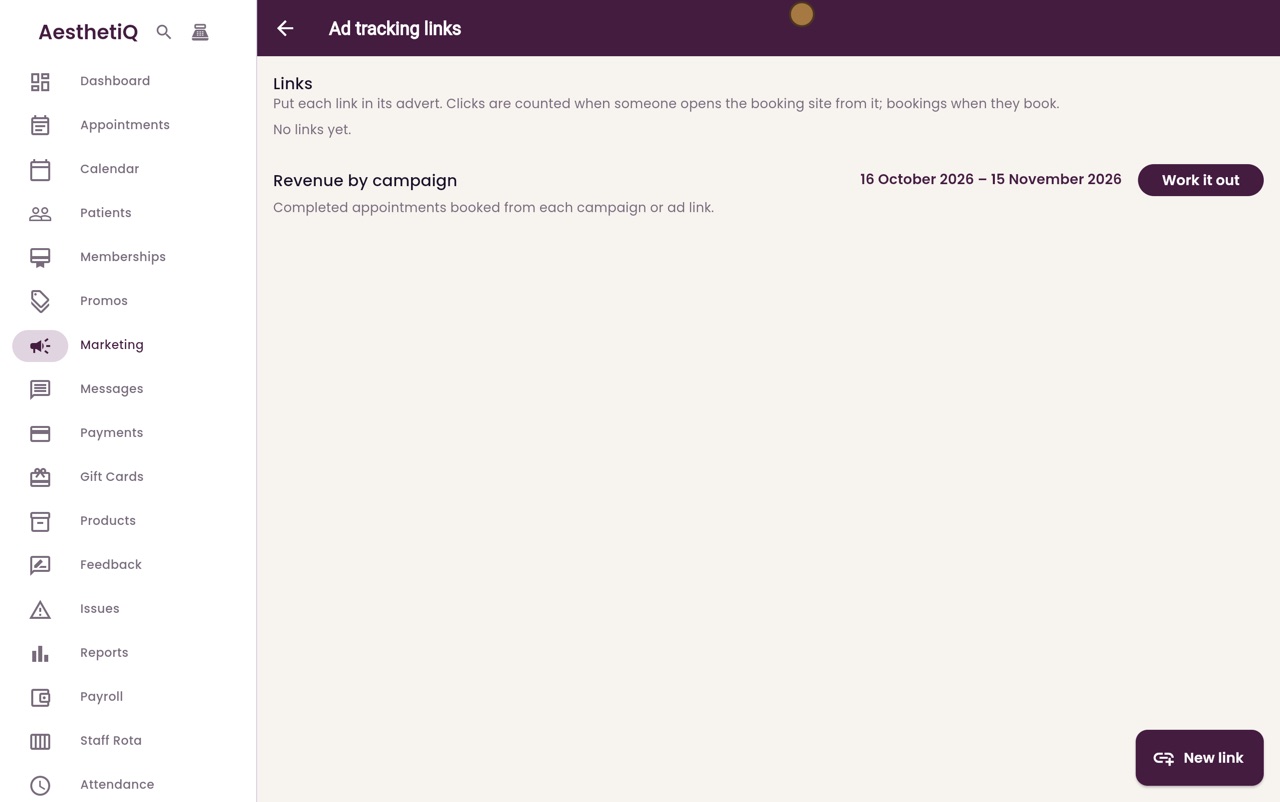
Ad tracking links
Give each advert its own link to the booking site, then see the clicks, bookings and takings it brings in.
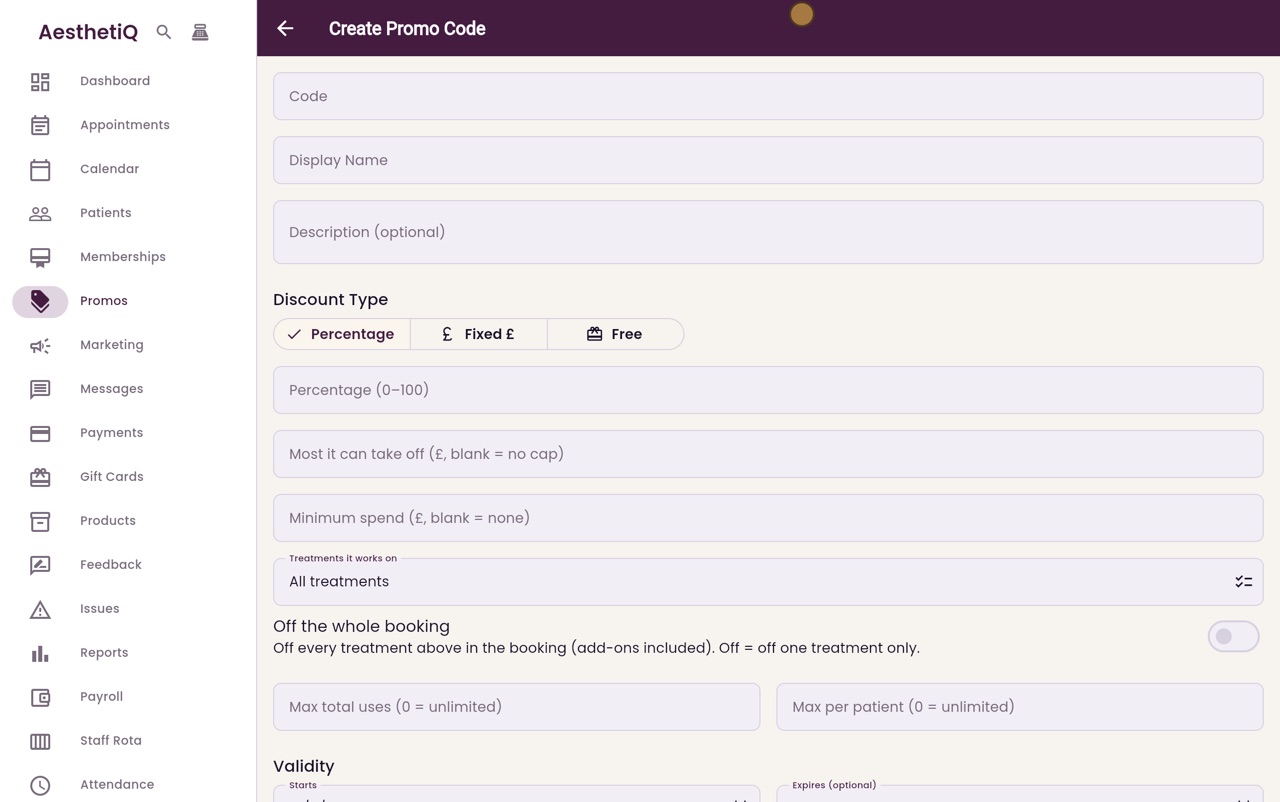
Setting up a promo code
Create a code that gives patients money off a booking, such as a welcome offer for new patients.
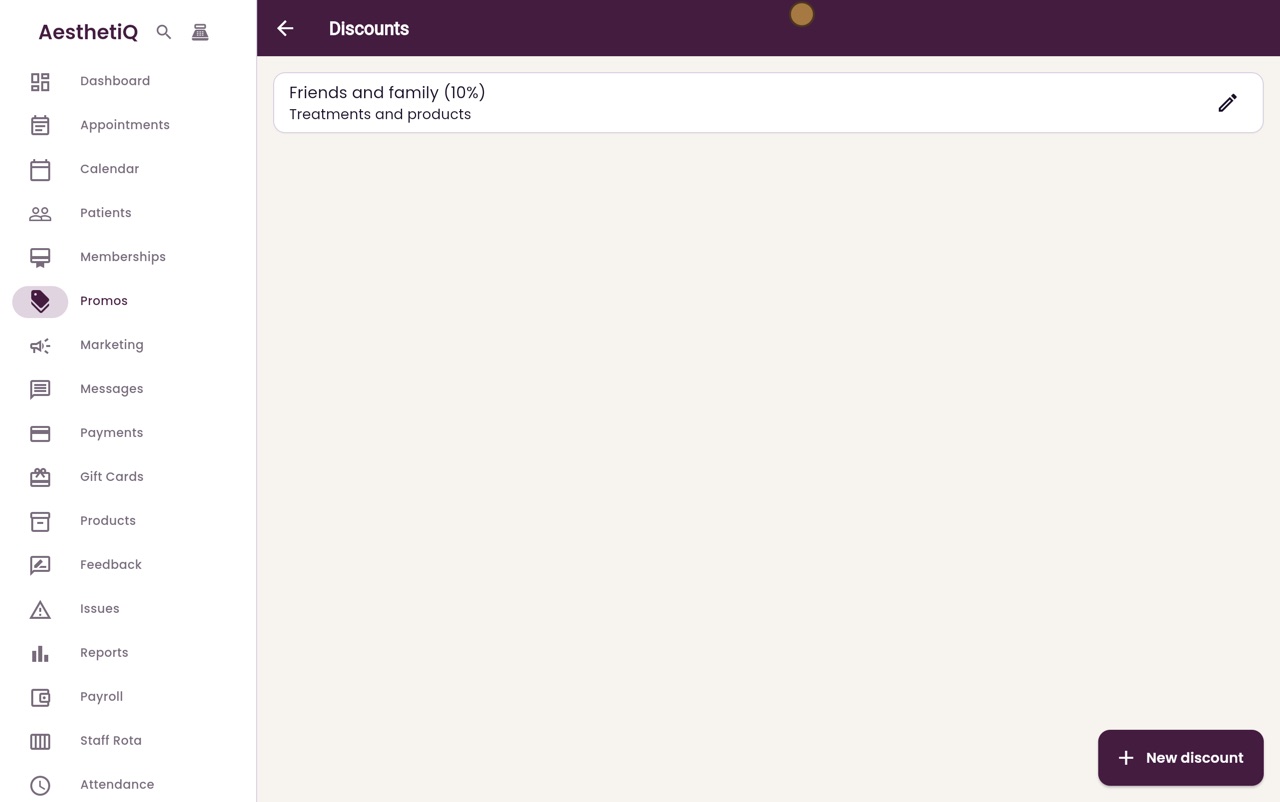
Setting up staff discounts
Set up the named discounts staff can add at checkout, so everyone gives the same amounts.
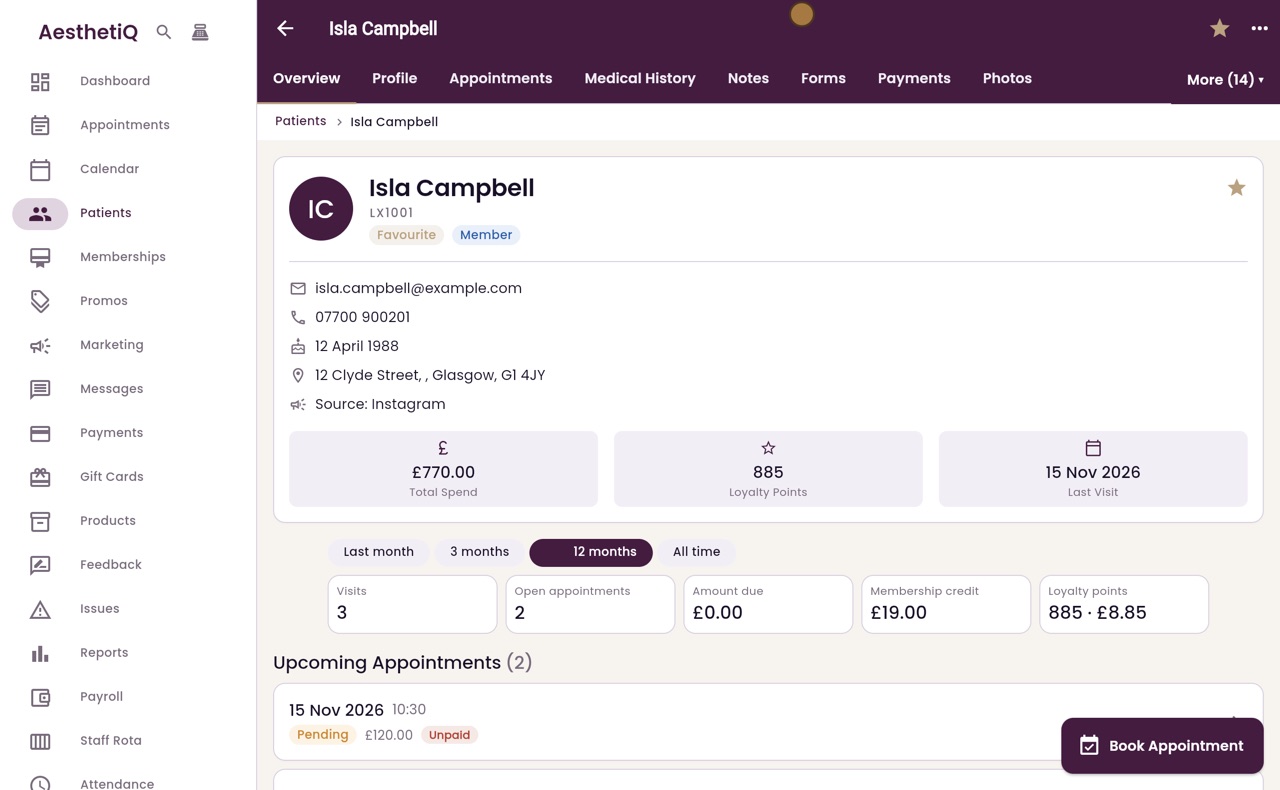
Loyalty points and promotions
See a patient's points and their history, and set up a promotion that gives extra points for a few days.
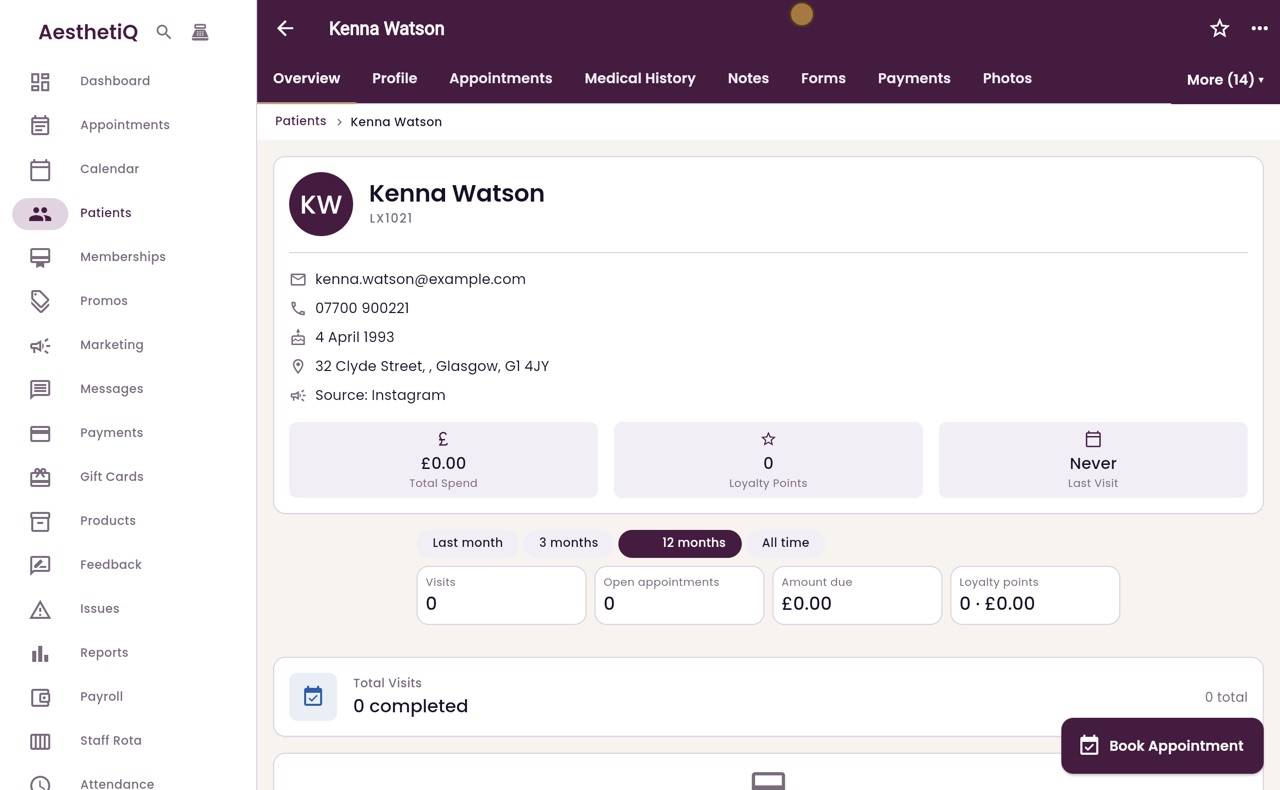
Referral codes
Give a patient their own referral code and copy an invite message for them to send to friends.
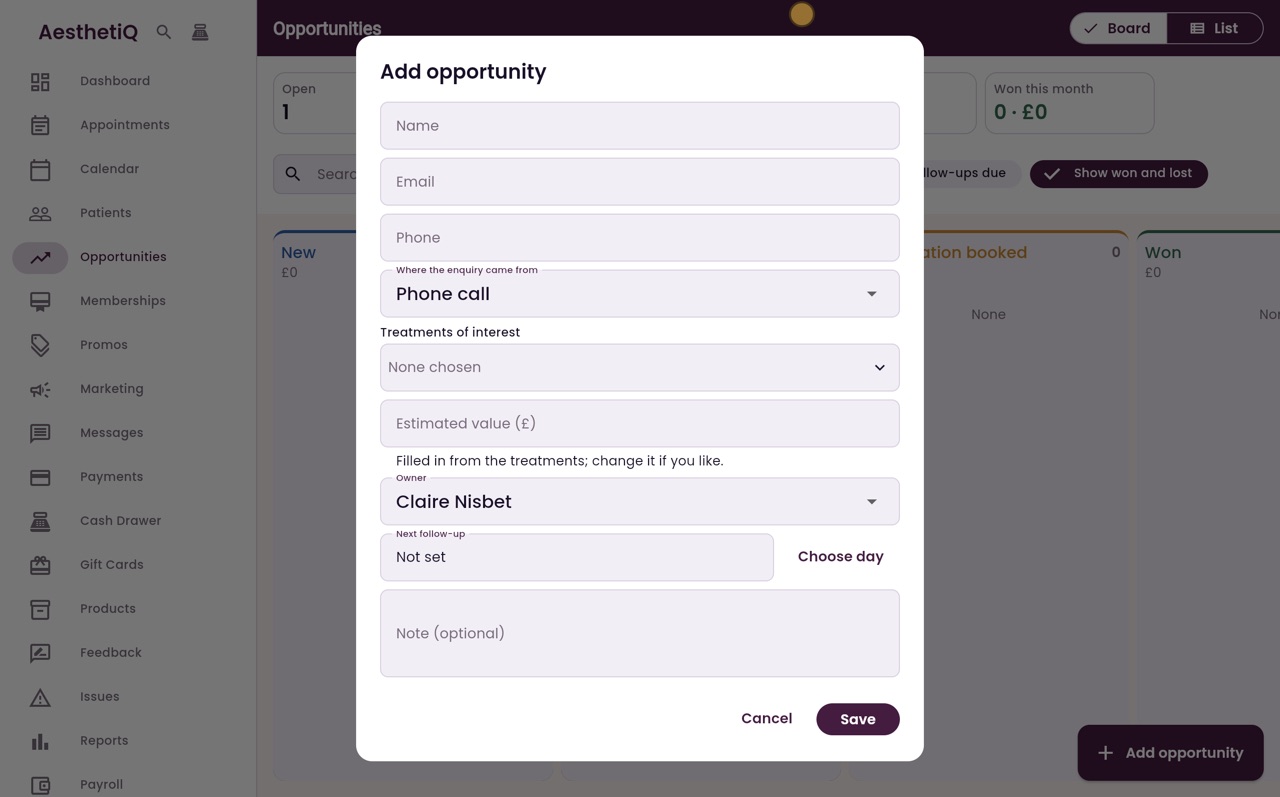
Sales opportunities
Keep every enquiry from people who are not patients yet in one place: who they are, what they want, what it is worth and when to call them back. Move each one through its stages until it is won or lost.
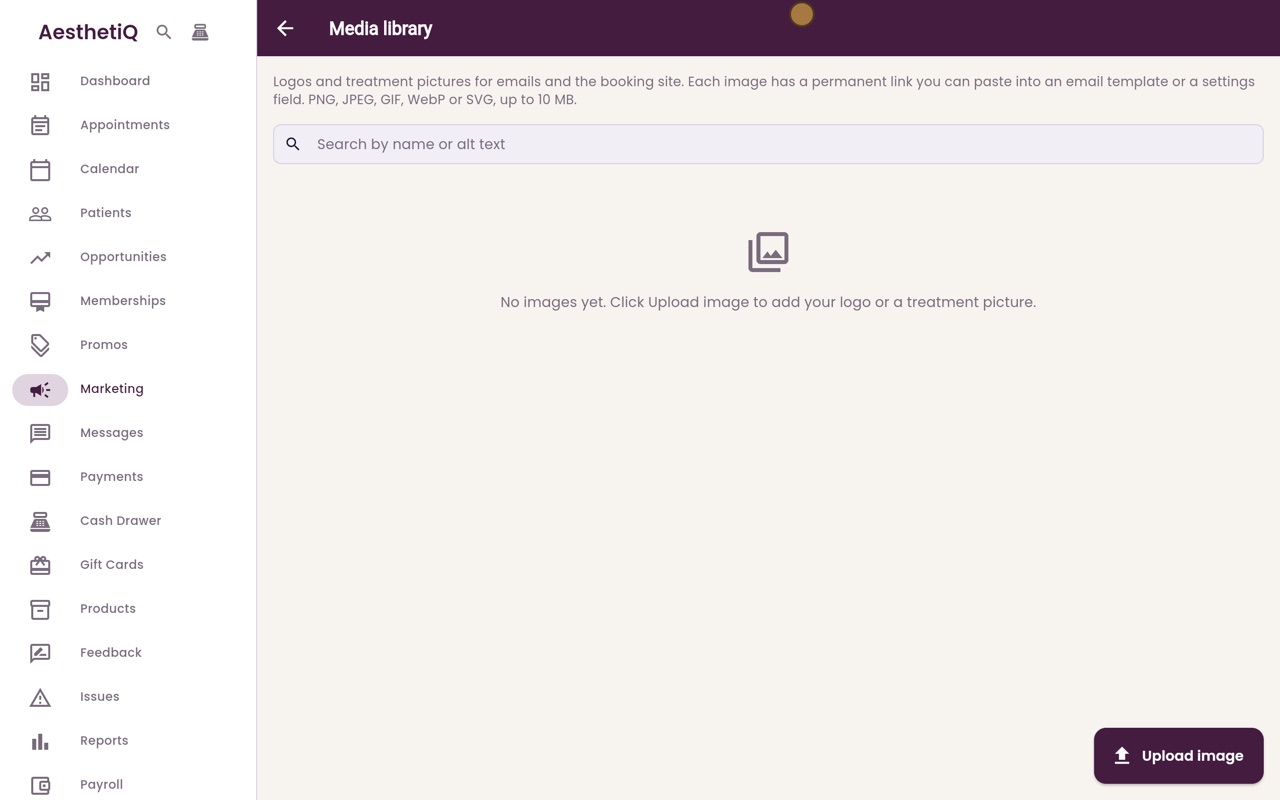
The media library
Keep the clinic's logo and treatment pictures in one place. Each picture has a permanent link for email templates, the booking site and settings.