Reception: the end of the day
At the end of the day the clinic manager checks card payment issues, closes the cash drawer and checks tomorrow's consents.
Card payment issues
Payments, then Card payment issues: settle anything listed.
Cash drawer
Count the drawer, then Close & Reconcile.
Consents
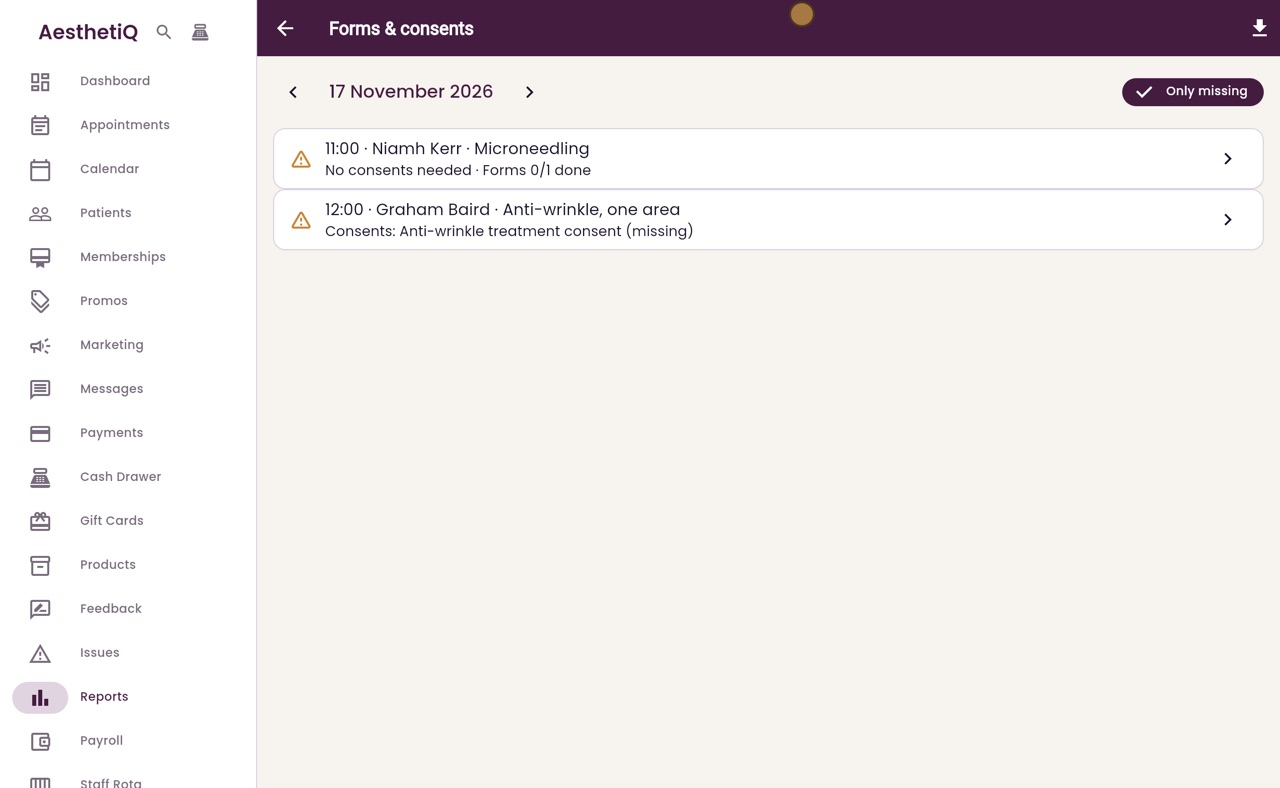
Reports, Operational, Forms & consents: tomorrow's missing consents.
Step by step
- 01Libby
Closing the day
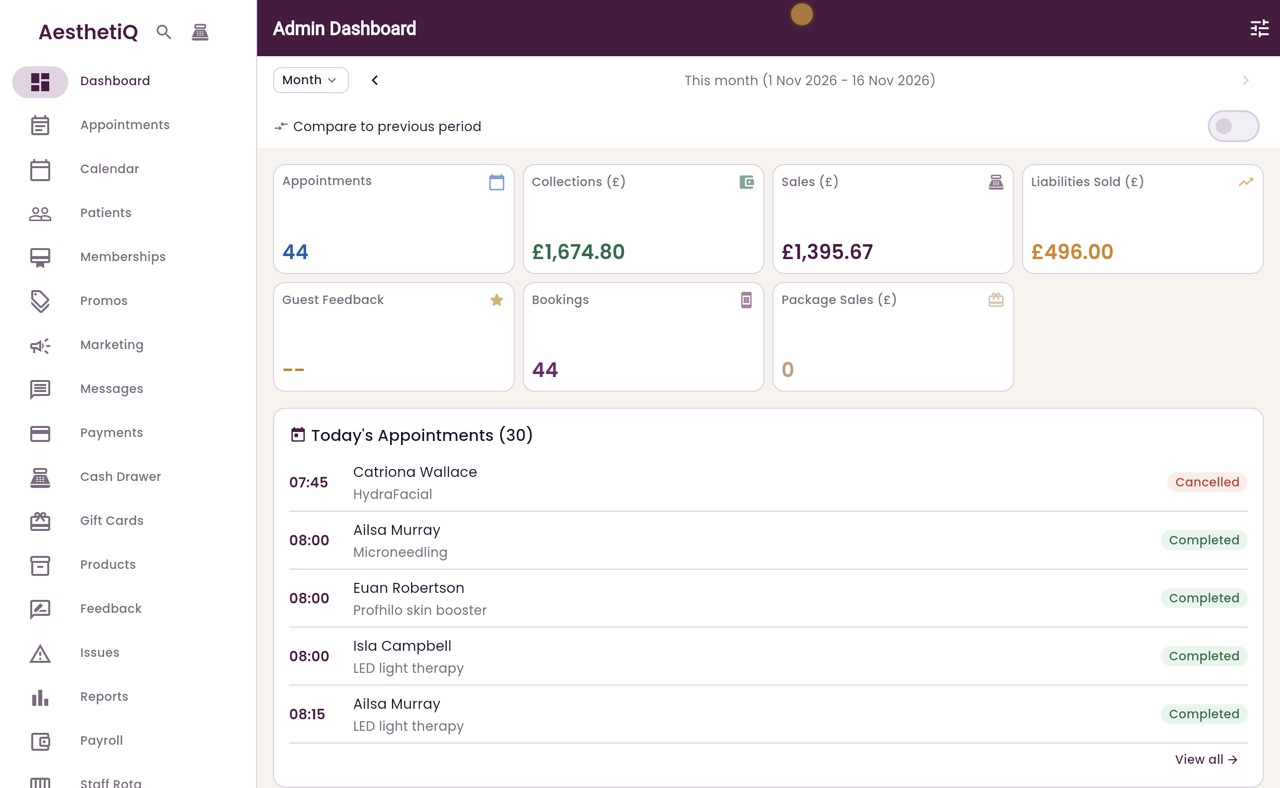
Hi, I am Libby. At the end of the day, the clinic manager checks card payment issues, closes the cash drawer, and checks that tomorrow's patients have their consent forms.
- 02Ryan
Card payment issues
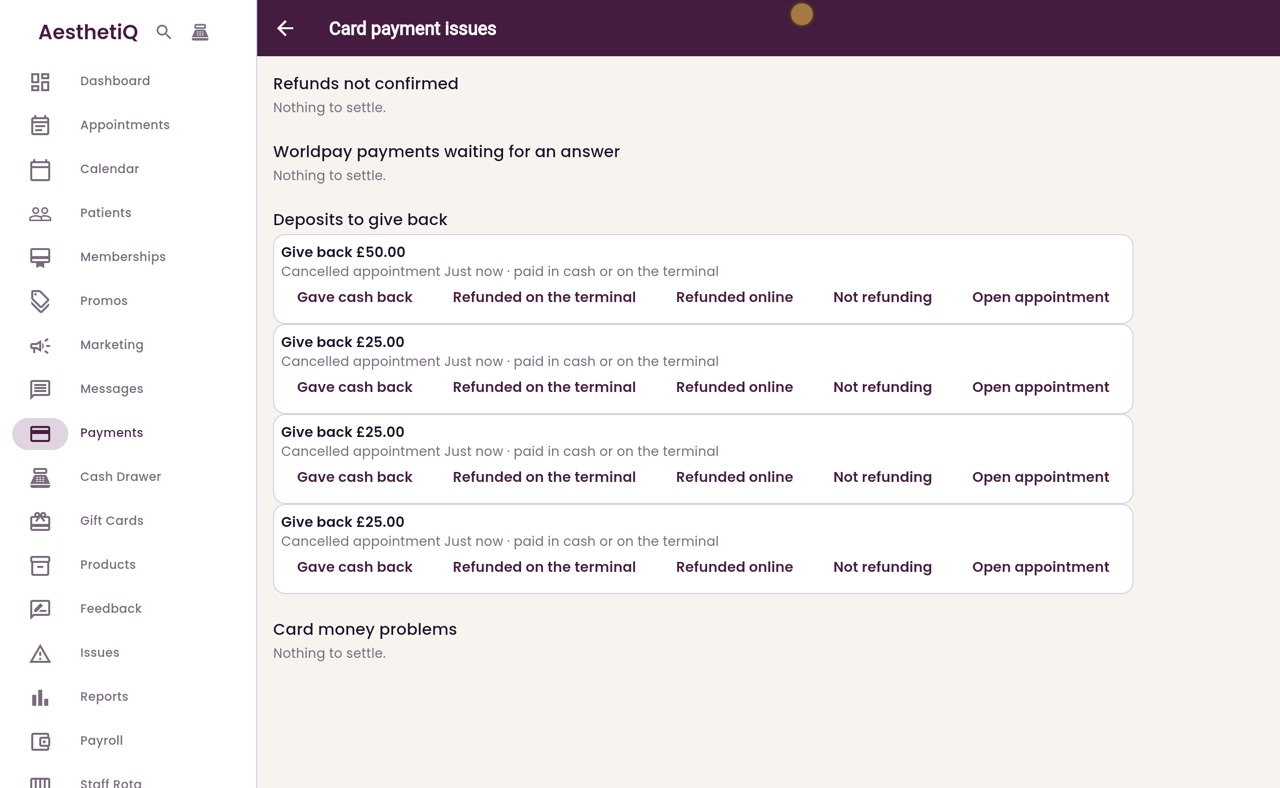
Thanks Libby. Claire clicks Payments in the menu, then Card payment issues at the top right. A list that says Nothing to settle needs no action.
- 03Ryan
Deposits to give back
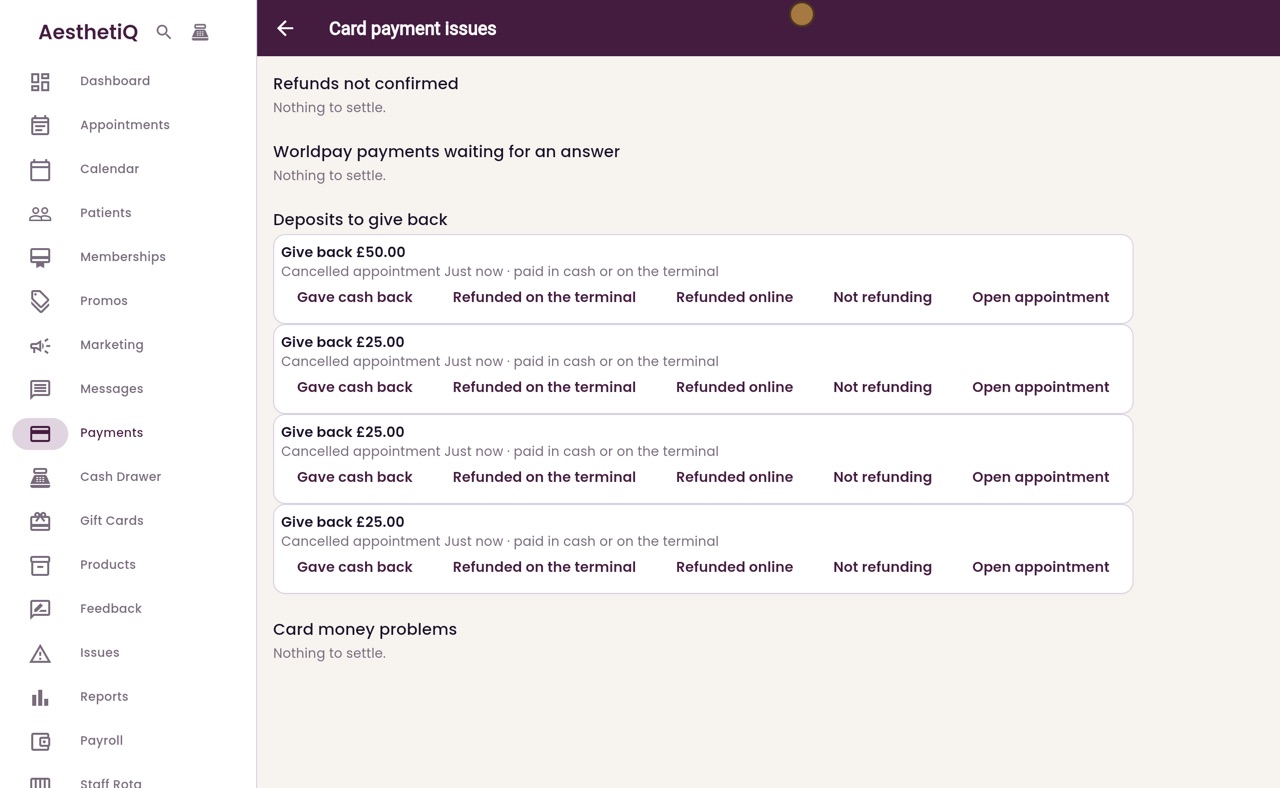
Deposits to give back lists deposits from cancelled appointments. For each one she records how the money went back, such as Gave cash back or Refunded on the terminal. Open appointment shows whose it is.
- 04Ryan
Count the drawer
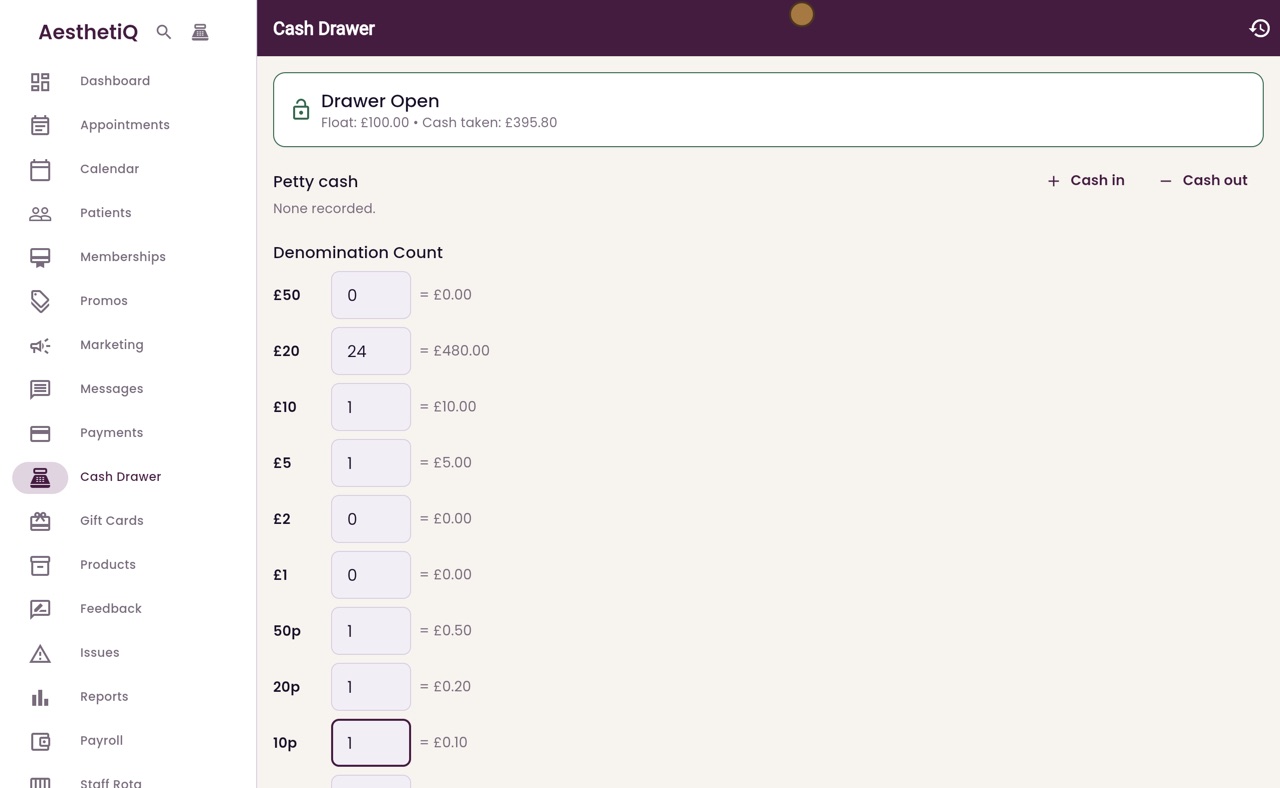
Next she clicks Cash Drawer. The drawer is open, with the float and the cash taken today. She counts the notes and coins in the drawer into the boxes, and the total adds up as she goes.
- 05Ryan
Close and reconcile
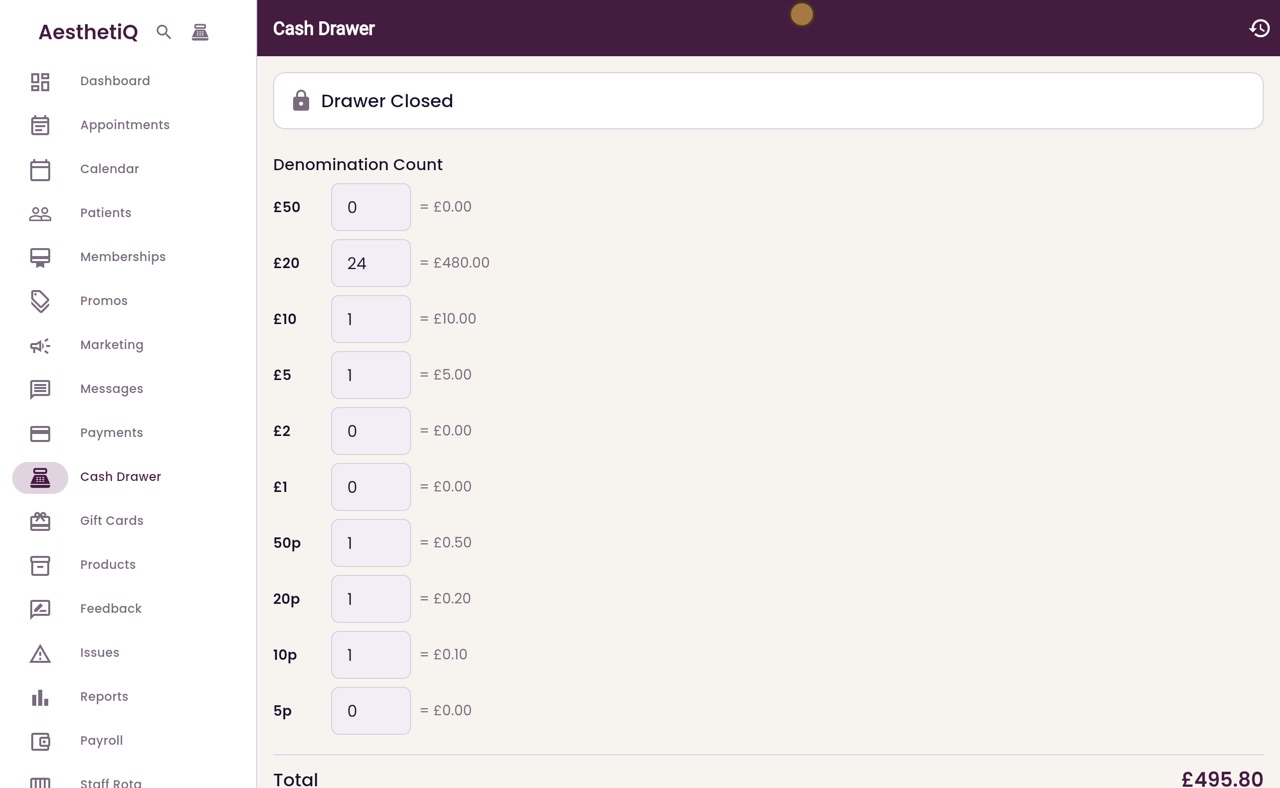
She clicks Close and Reconcile. AesthetiQ shows what should be in the drawer, what was counted, and the difference. Here the count matches. She clicks OK, and the drawer is closed.
- 06Ryan
Tomorrow's consents
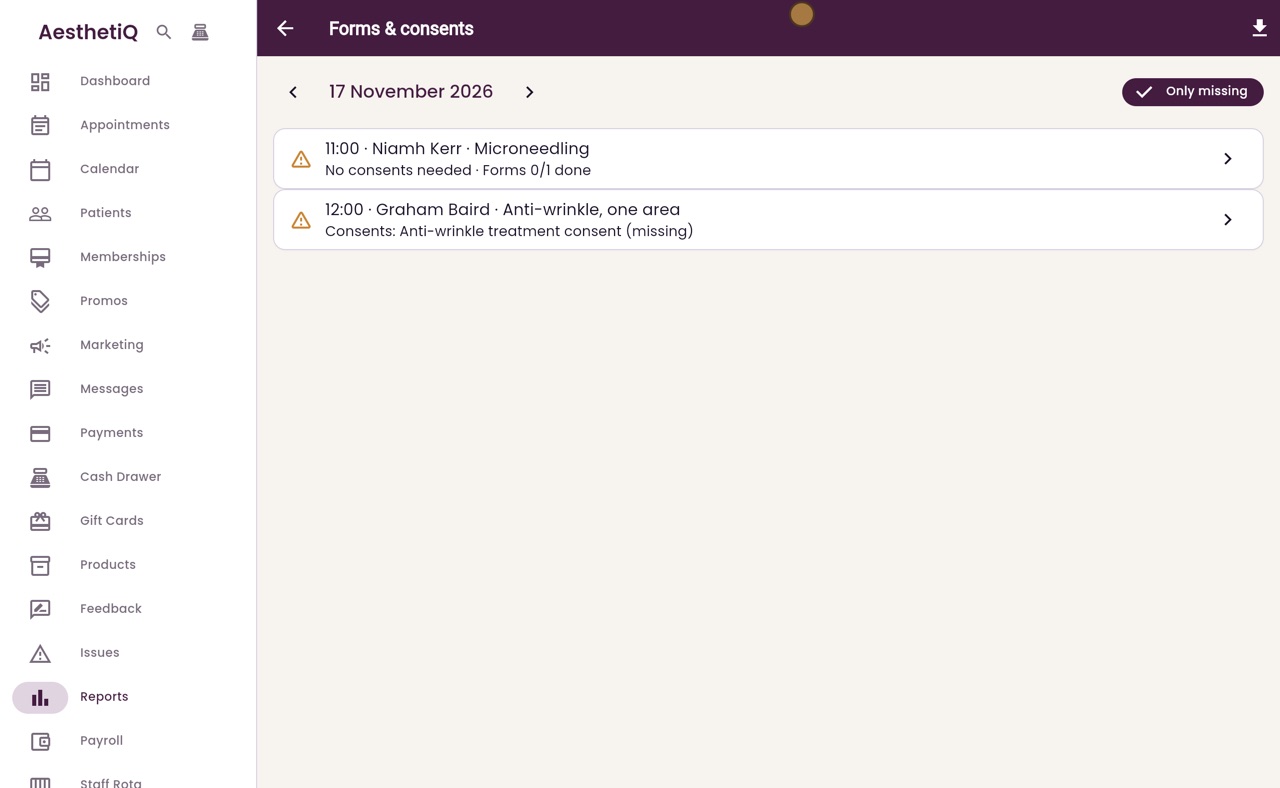
Last, tomorrow's consents. In Reports, under Operational, she clicks Forms and consents. It opens on tomorrow's list and shows only what is missing: each line has the patient, the treatment, and the consent or form still to do.
- 07Libby
Done
That is the end of the day. Practitioners can capture a missing consent from the appointment when the patient arrives.