Checking tomorrow's consents
Reports, Forms & consents lists a day's appointments with any consent form still to sign, so you can be ready before the patient arrives.
Where
Reports, Operational, Forms & consents.
Shows
One day's appointments; Only missing hides those with nothing to do.
Next
Click an appointment to open it; the patient signs with Capture.
Step by step
- 01Libby
Before the day
Hi, I am Libby. The day before, check which patients on tomorrow's list still have a consent form to sign, so nothing holds up their treatment.
- 02Ryan
Open the report
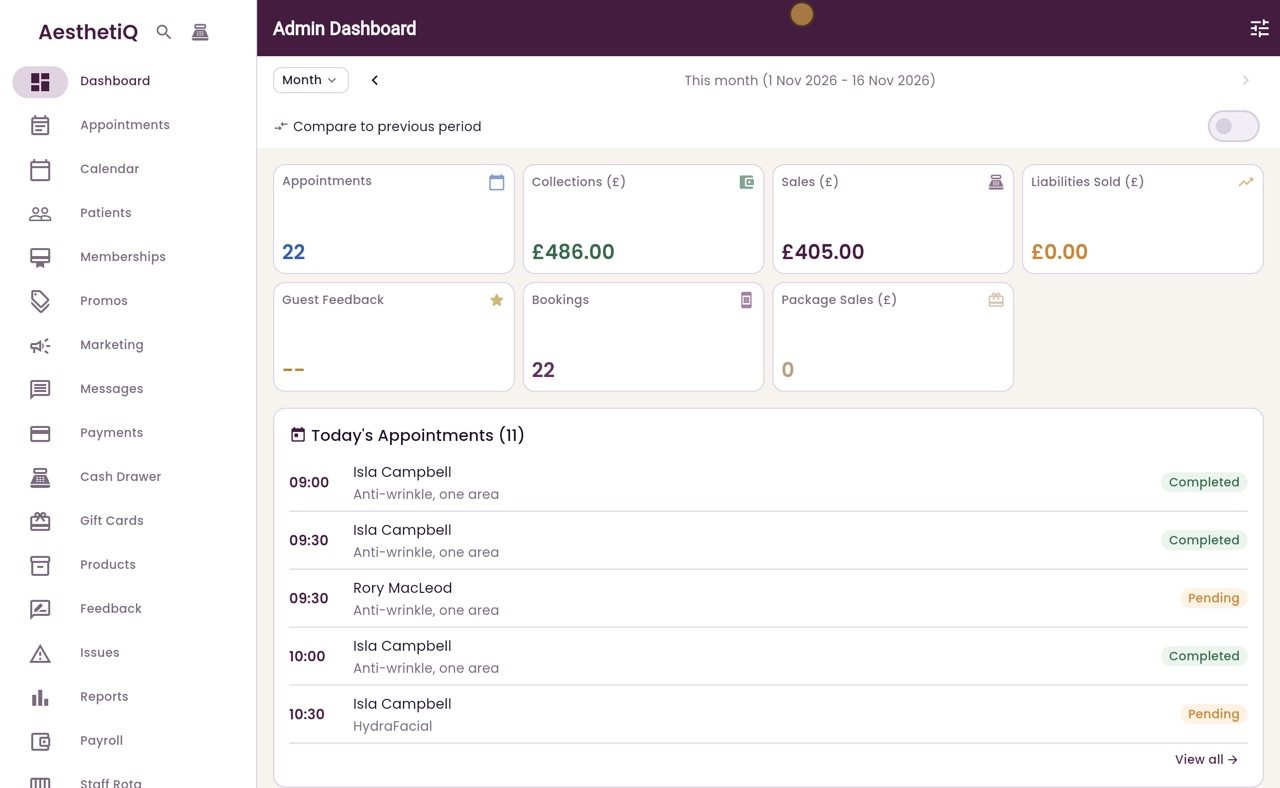
Thanks Libby. Click Reports in the menu. Under Operational, click Forms and consents.
- 03Ryan
Consents to sign
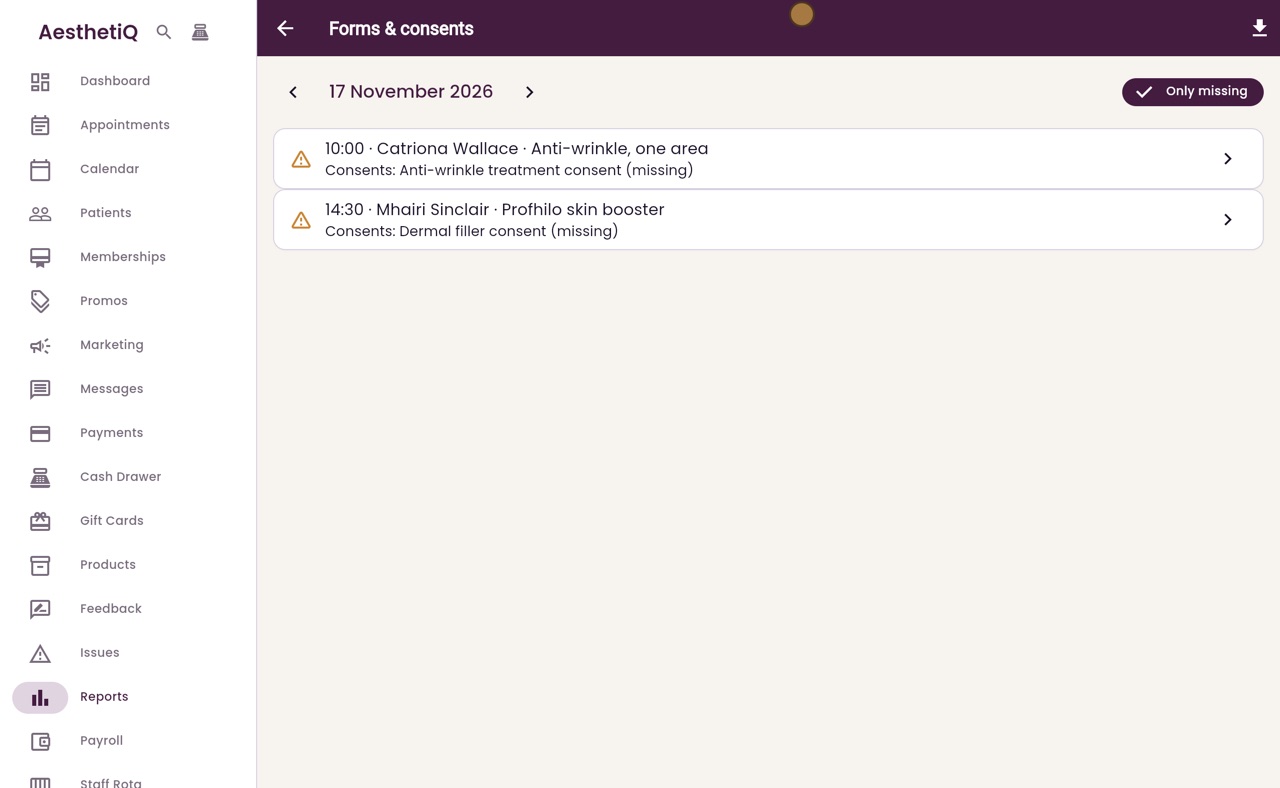
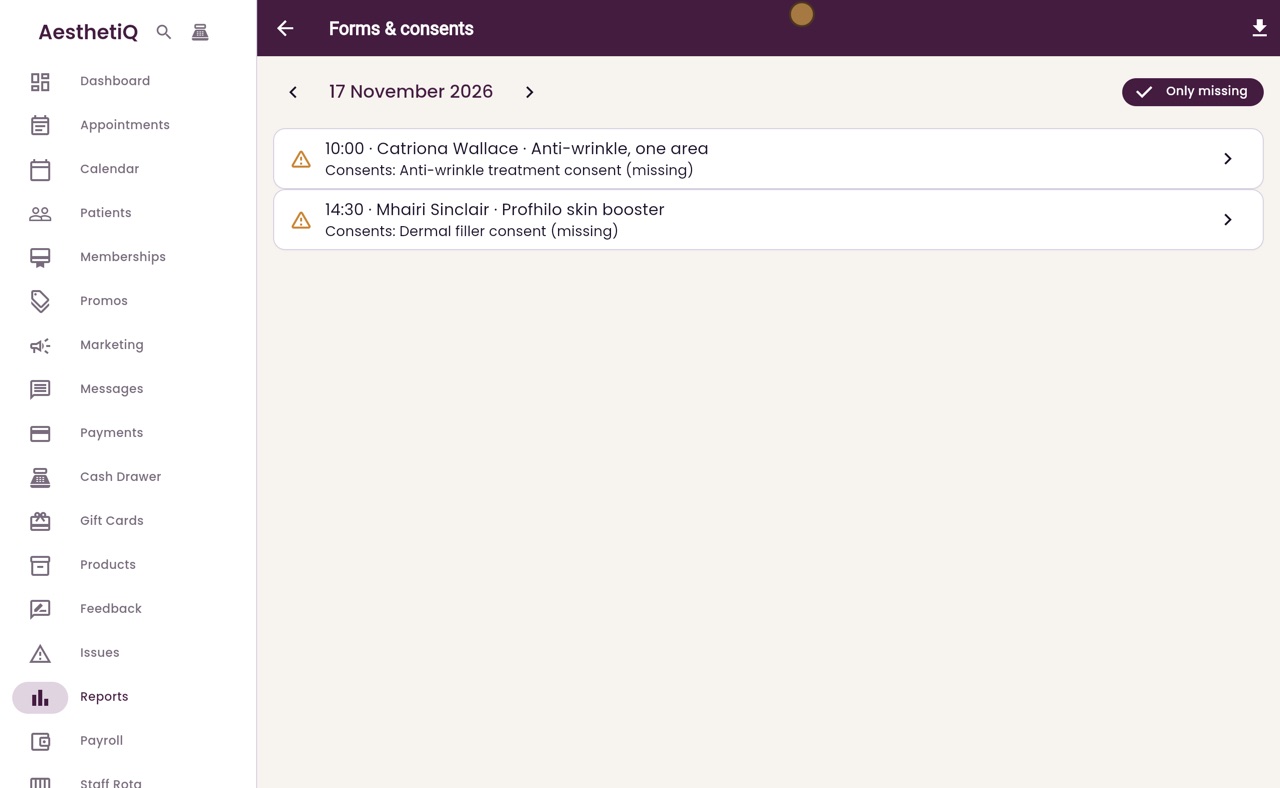
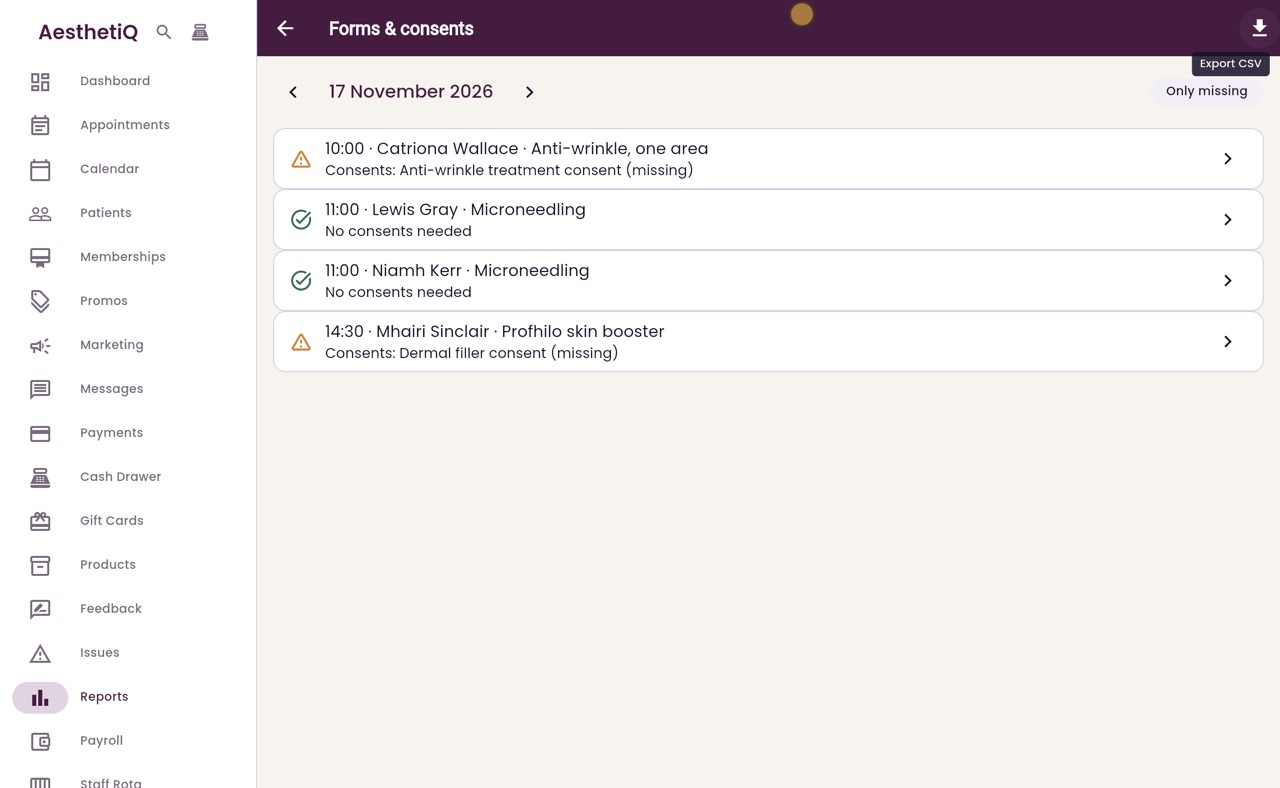
It opens on tomorrow, 17 November. With Only missing switched on, it lists just the appointments with something still to do. Catriona Wallace has not signed the anti-wrinkle treatment consent, and Mhairi Sinclair has not signed the dermal filler consent for her Profhilo.
- 04Ryan
The whole day
Click Only missing to see the whole day. Niamh Kerr's microneedling needs no consent. The button at the top right exports the list as a CSV file.
- 05Ryan
Another day
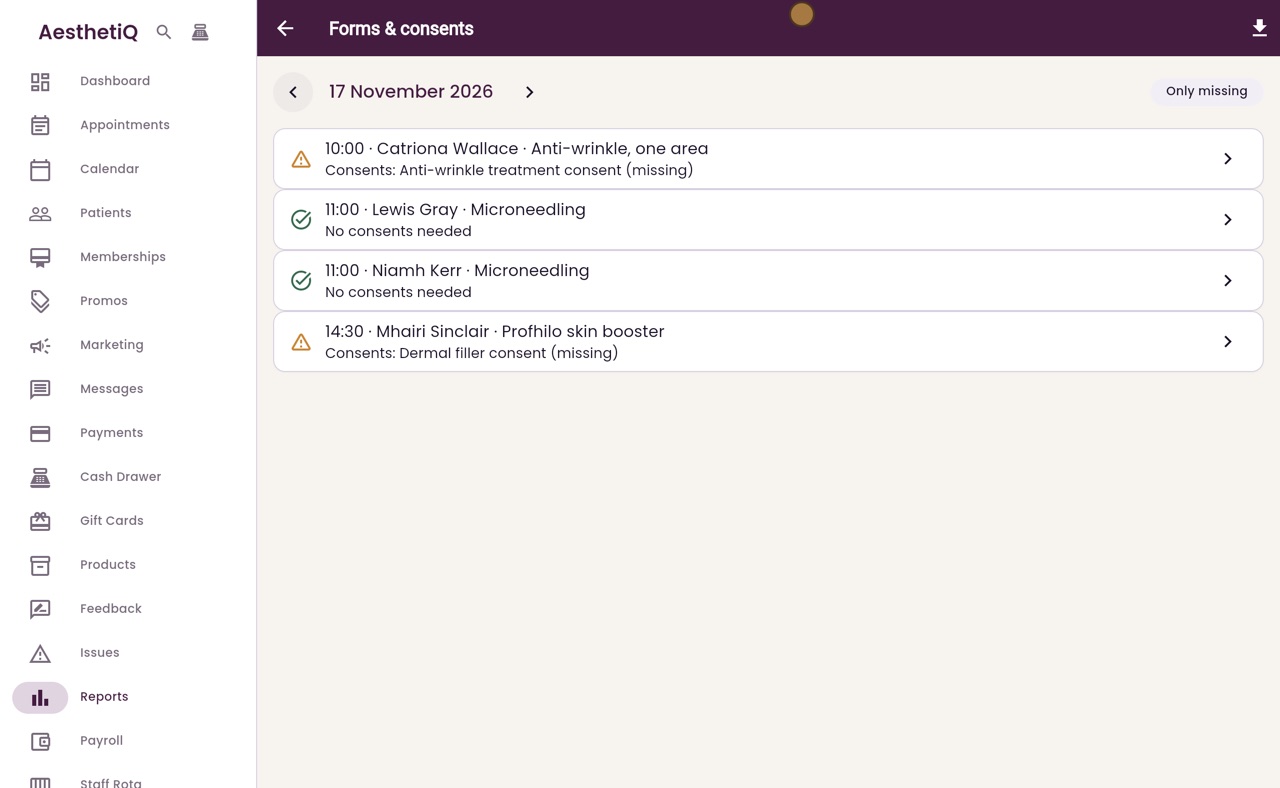
The arrows change the day, and the list shows only that day's appointments, here 18 November. Click the left arrow to go back to tomorrow.
- 06Ryan
Open the appointment
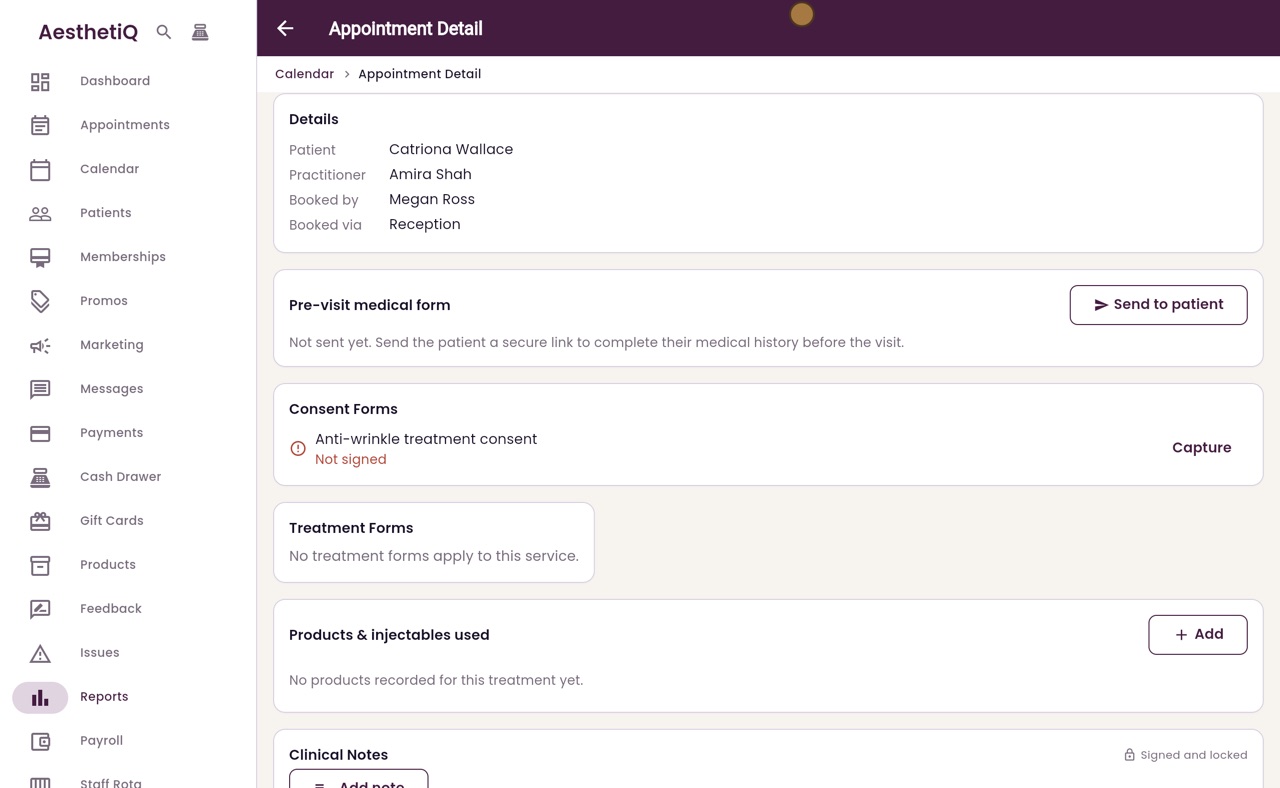
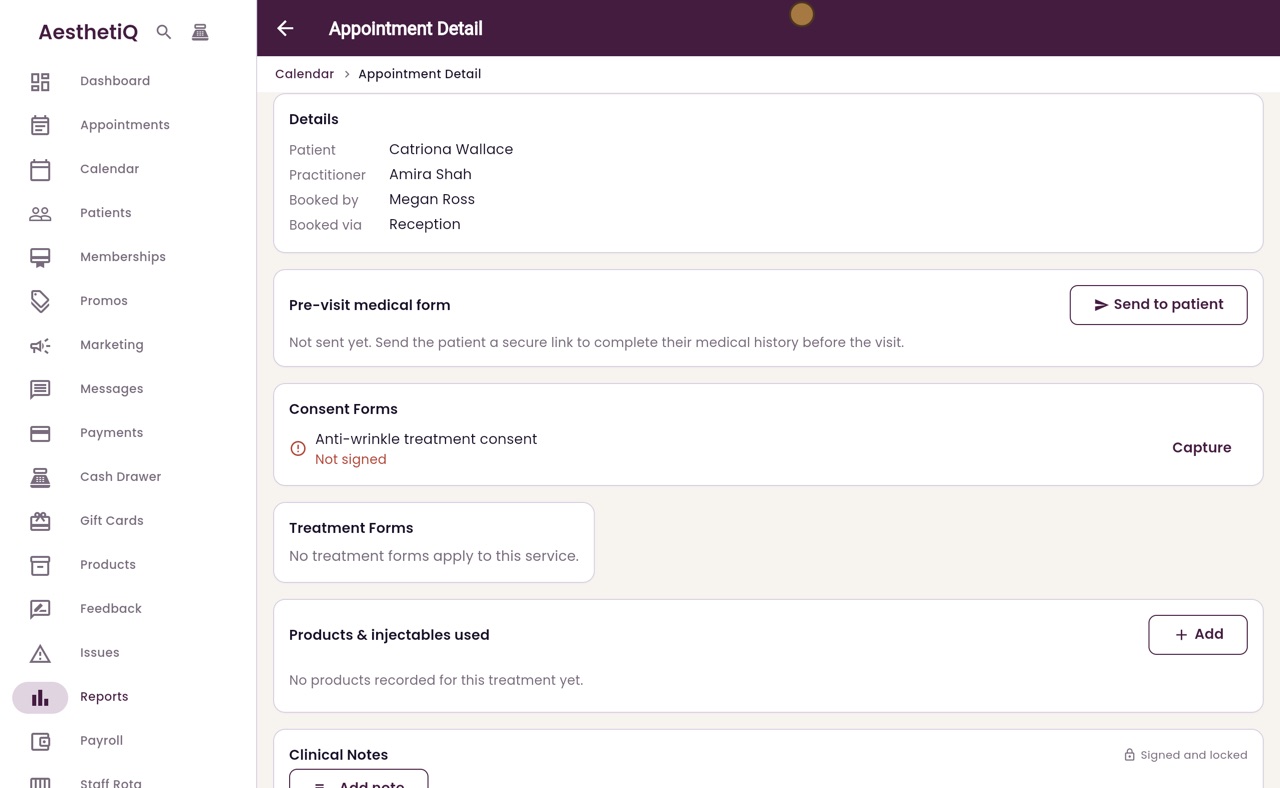
Click an appointment to open it. Further down, under Consent Forms, the anti-wrinkle treatment consent shows Not signed. The patient signs it here with Capture when they arrive.
- 07Libby
Done
That is checking tomorrow's consents. Check it each afternoon, so every patient on the list is ready for their treatment.