Signing a consent form
Before a treatment that needs consent, the patient signs the form on screen. AesthetiQ saves the signed form as a PDF on their record.
Where
The patient's appointment, Consent Forms, then Capture.
Sign
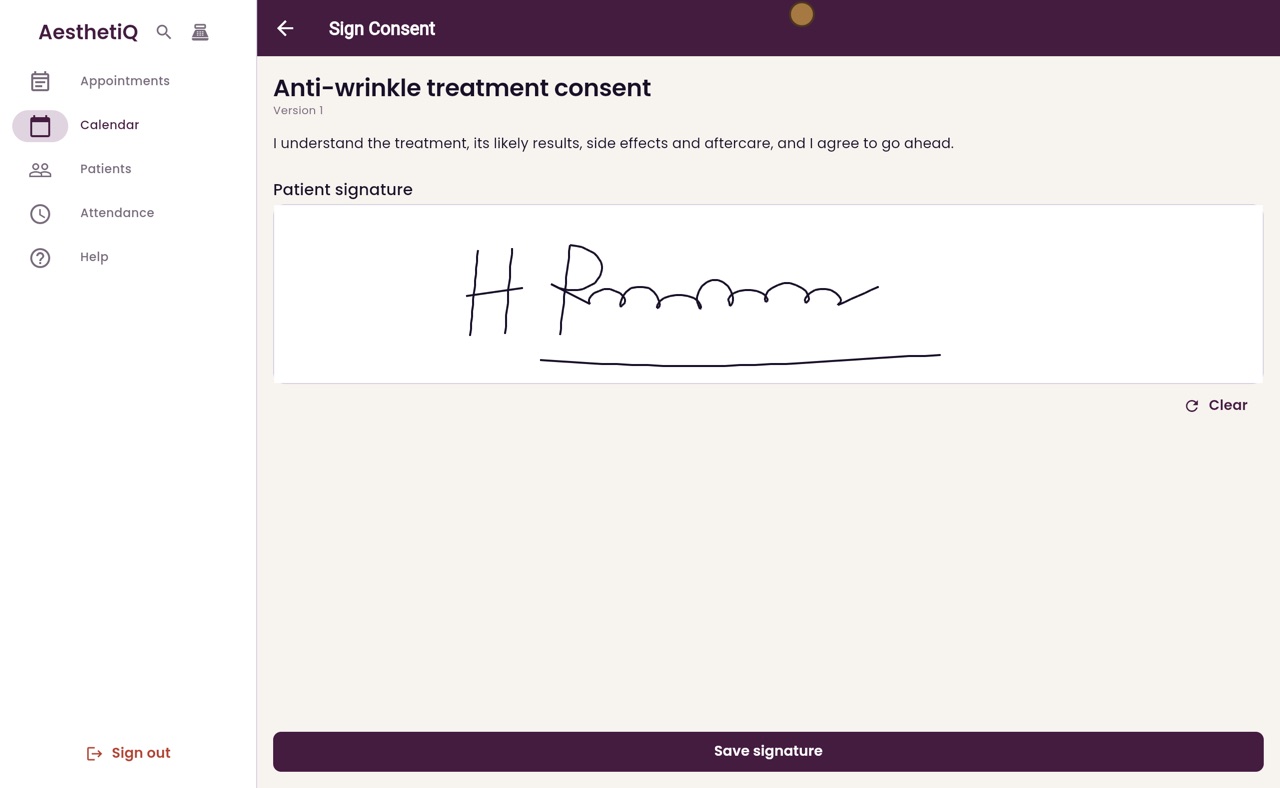
The patient signs in the box, then Save signature.
After
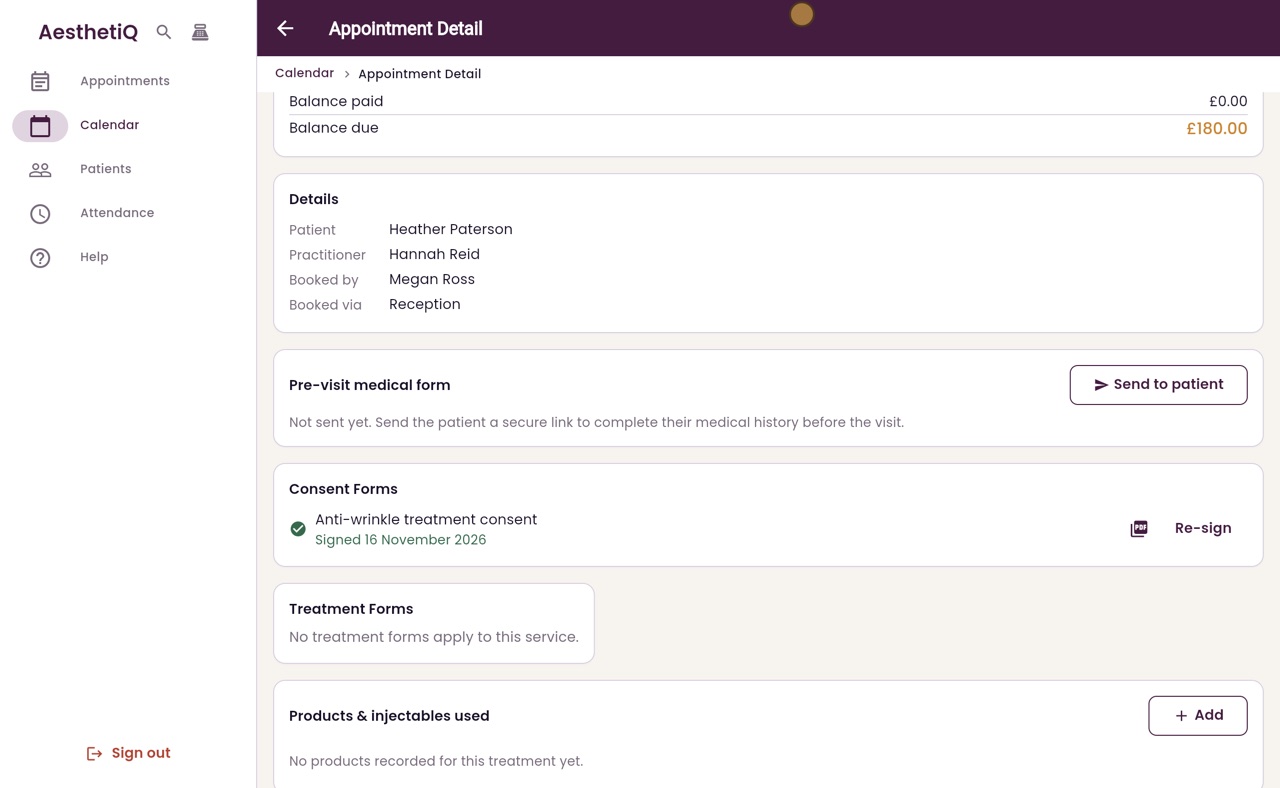
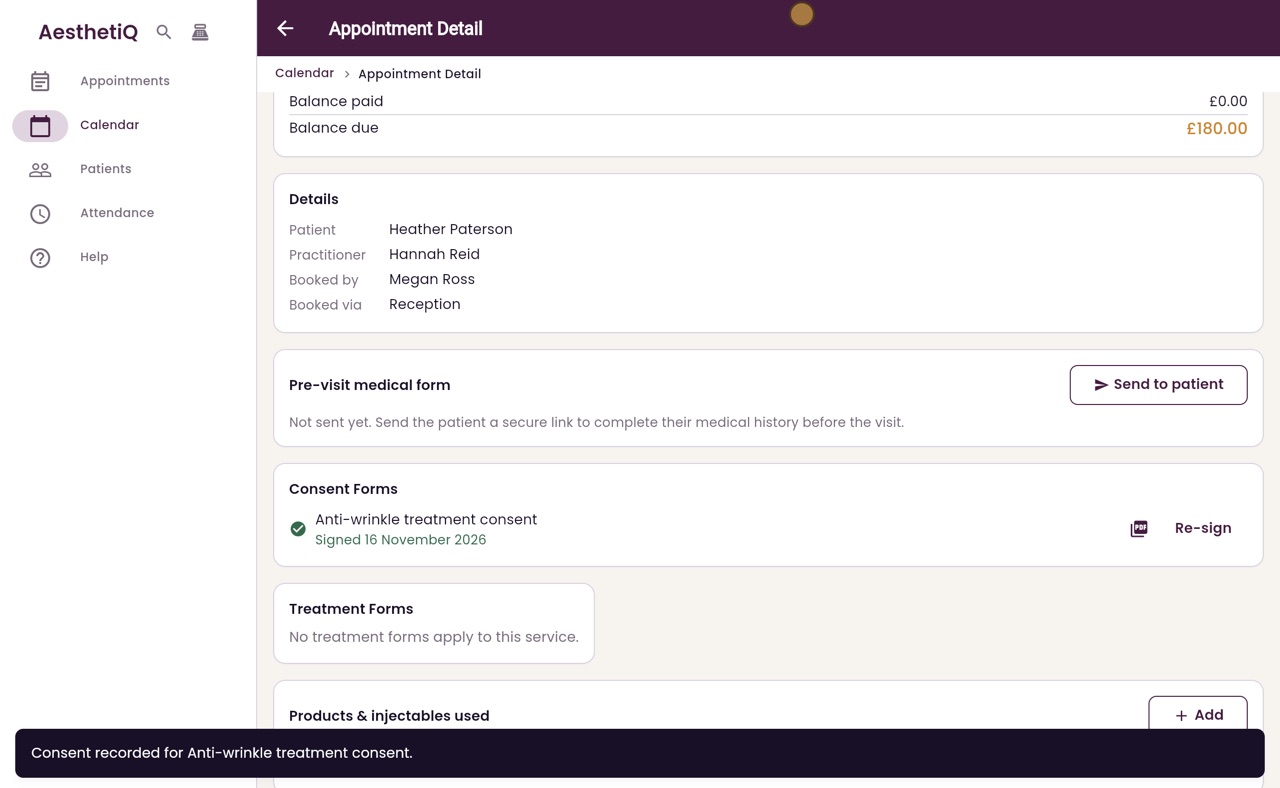
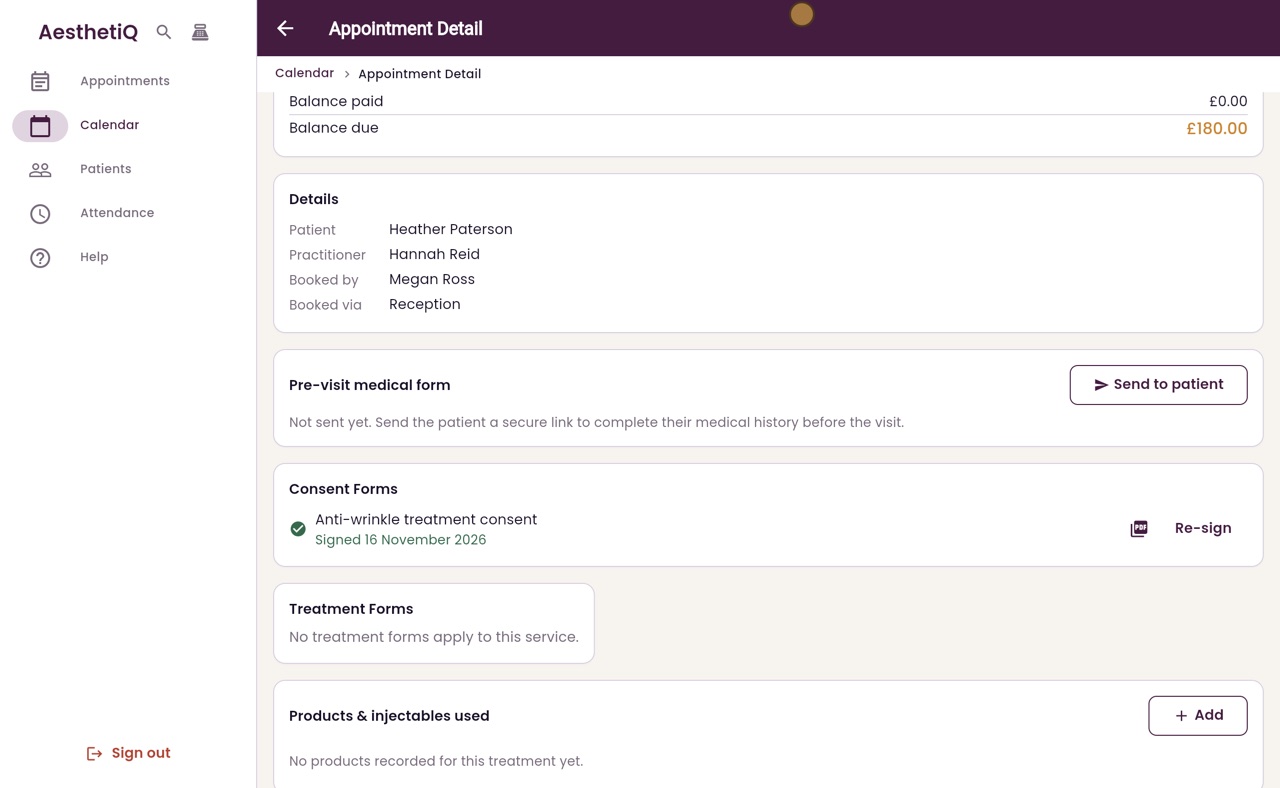
The consent shows Signed with the date, and the PDF opens from the icon beside it.
Step by step
- 01Libby
Consent before treatment
Hi, I am Libby. Before an anti-wrinkle treatment, the patient signs a consent form. They sign on the screen, and AesthetiQ keeps the signed form on their record.
- 02Ryan
Open the appointment
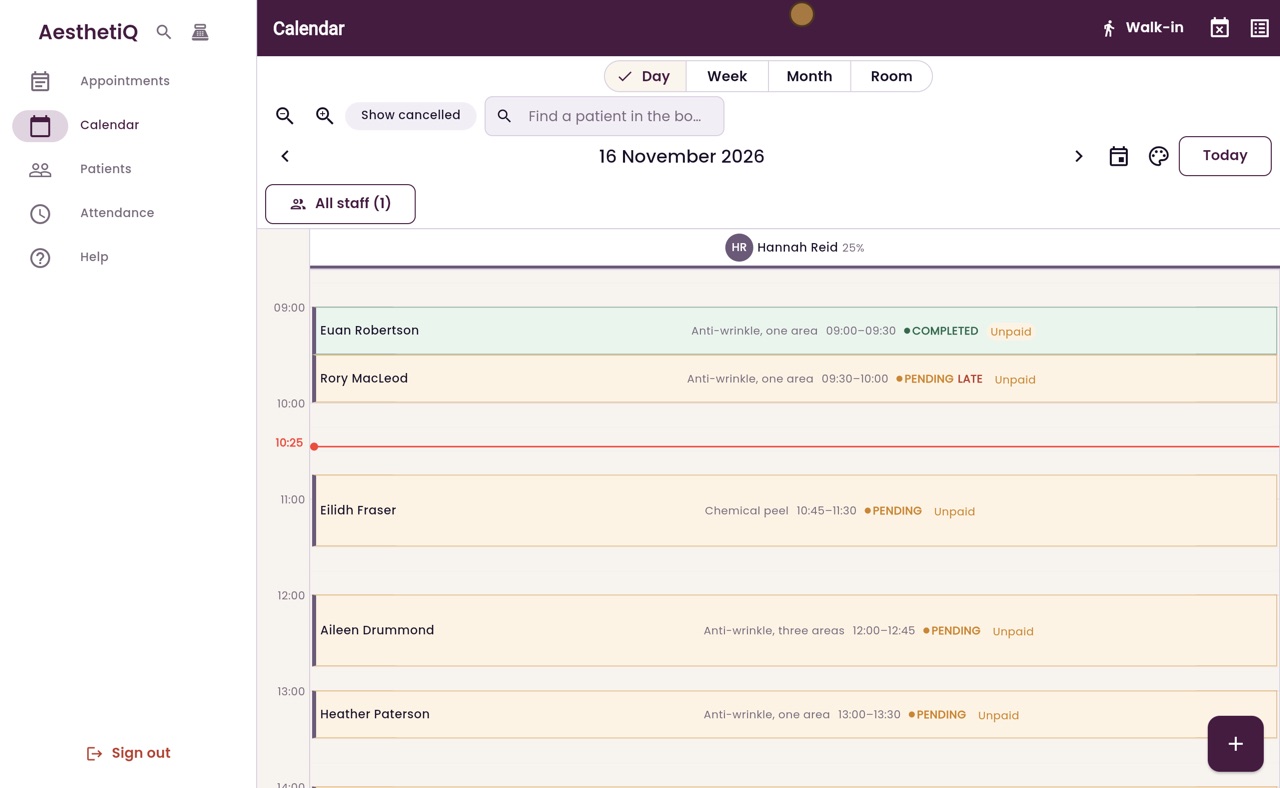
Thanks Libby. Heather Paterson is booked with Hannah Reid at one o'clock for anti-wrinkle, one area. Click her appointment on the calendar.
- 03Ryan
Capture
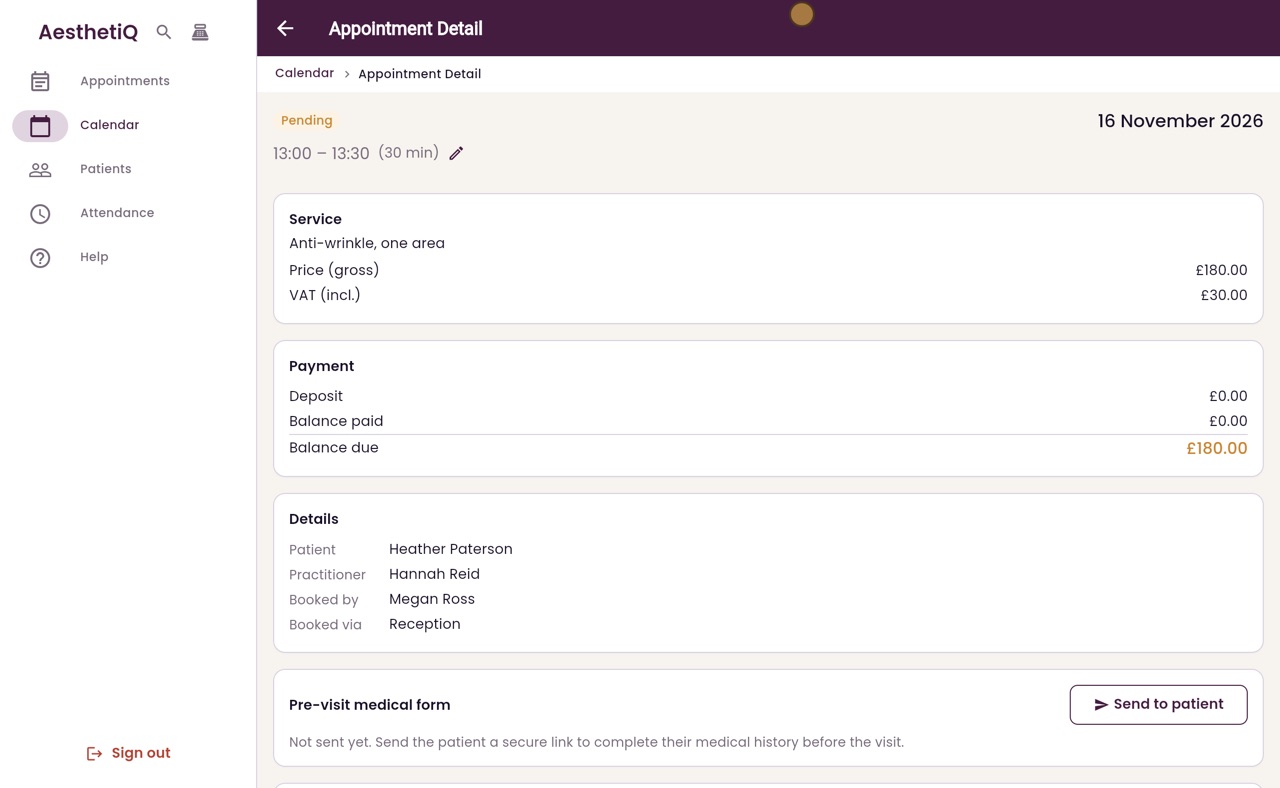
Further down the appointment is Consent Forms. The Anti-wrinkle treatment consent shows Not signed. Click Capture.
- 04Ryan
The patient signs
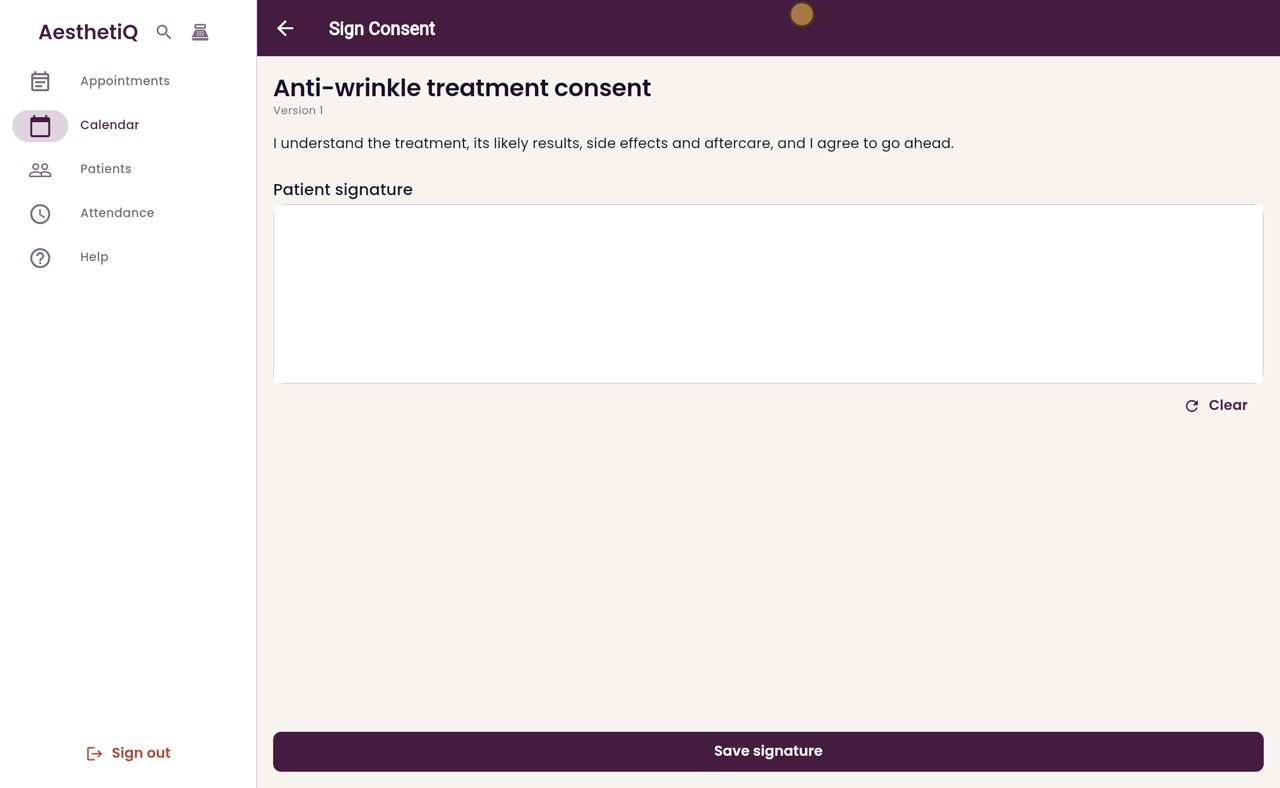
The consent form opens with its wording. Turn the screen round, so Heather can read it and sign in the box with her finger or the mouse.
- 05Ryan
Save signature
If the signature goes wrong, Clear wipes the box so she can sign again. When it is done, click Save signature.
- 06Ryan
Signed
Back on the appointment, the consent now shows Signed, with today's date and a green tick. The signed form is saved as a PDF, which opens from the icon beside it.
- 07Libby
Done
That is signing a consent form. An anti-wrinkle consent lasts a year. When it runs out, the appointment shows that it needs signing again.