Selling a gift card
Sell a gift card at the desk for up to five hundred pounds. It is emailed to the person receiving it.
Where
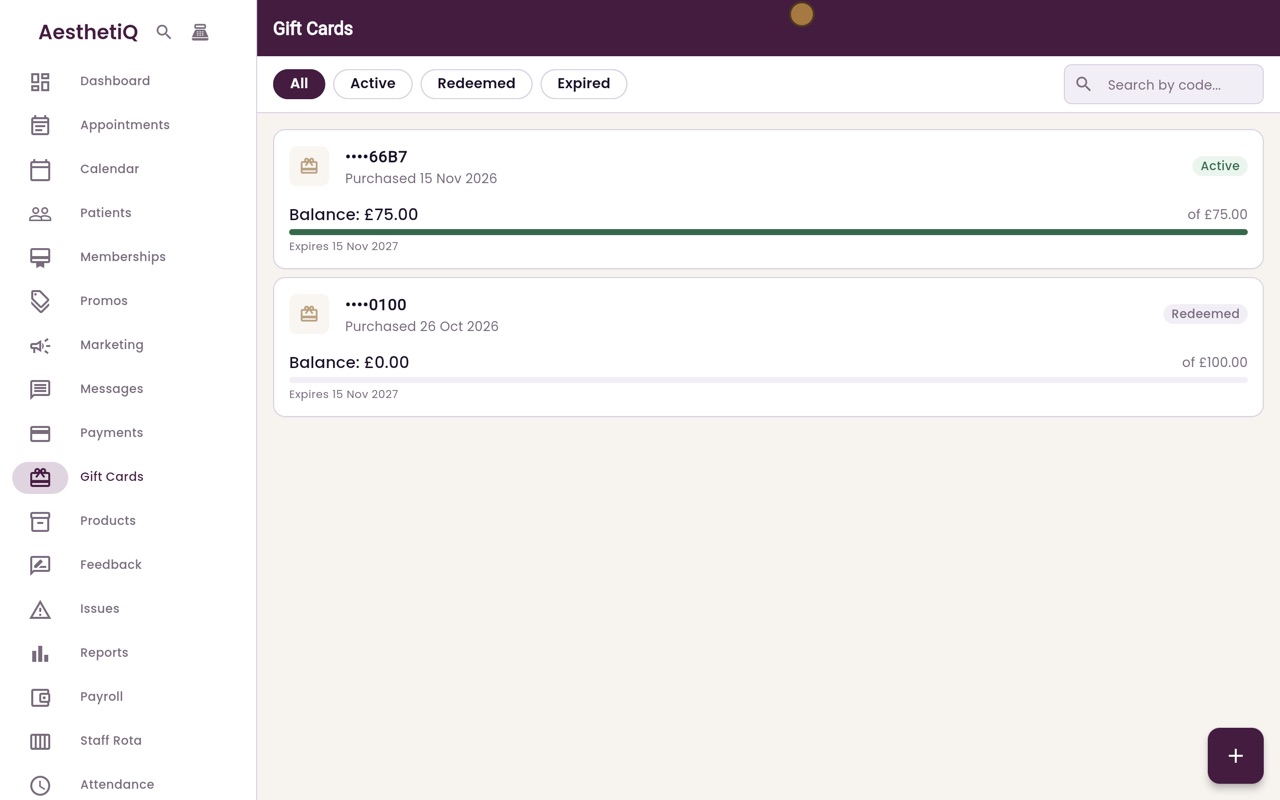
Gift Cards, then the plus button at the bottom right.
Paid by
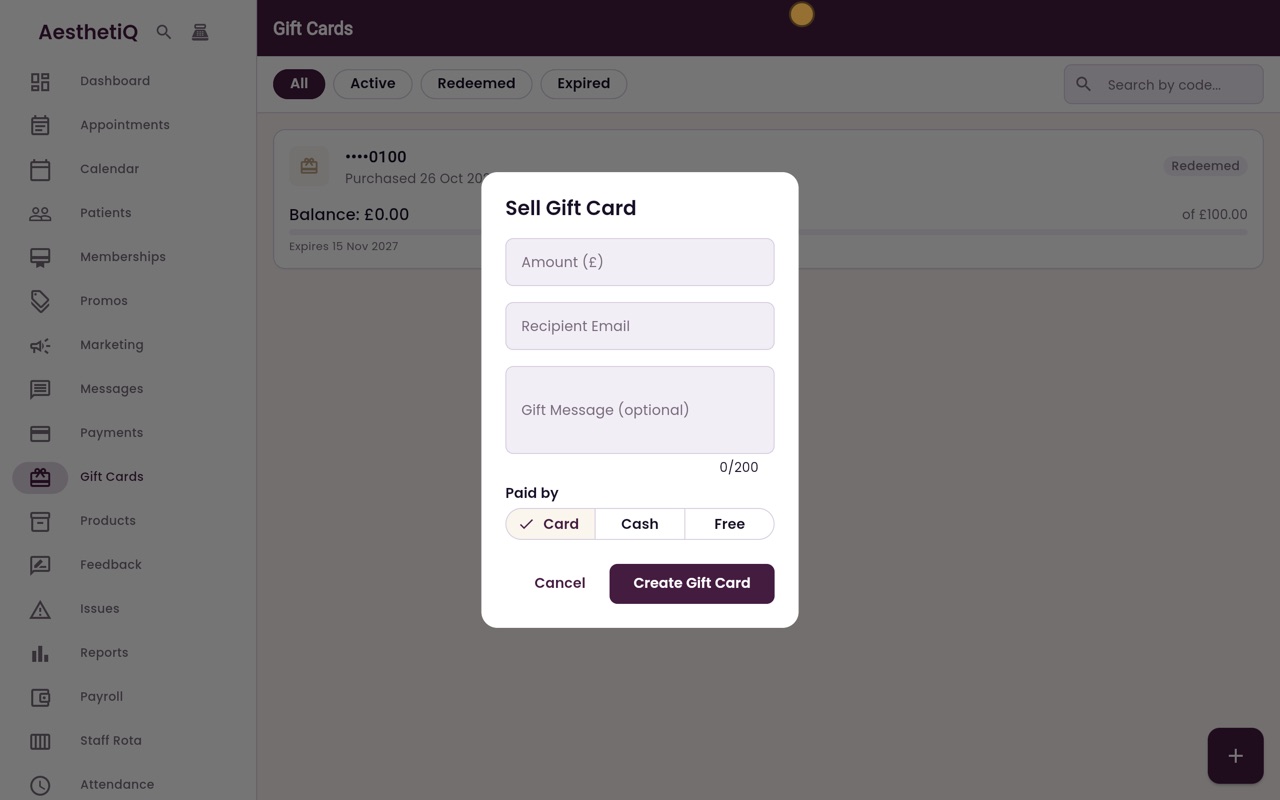
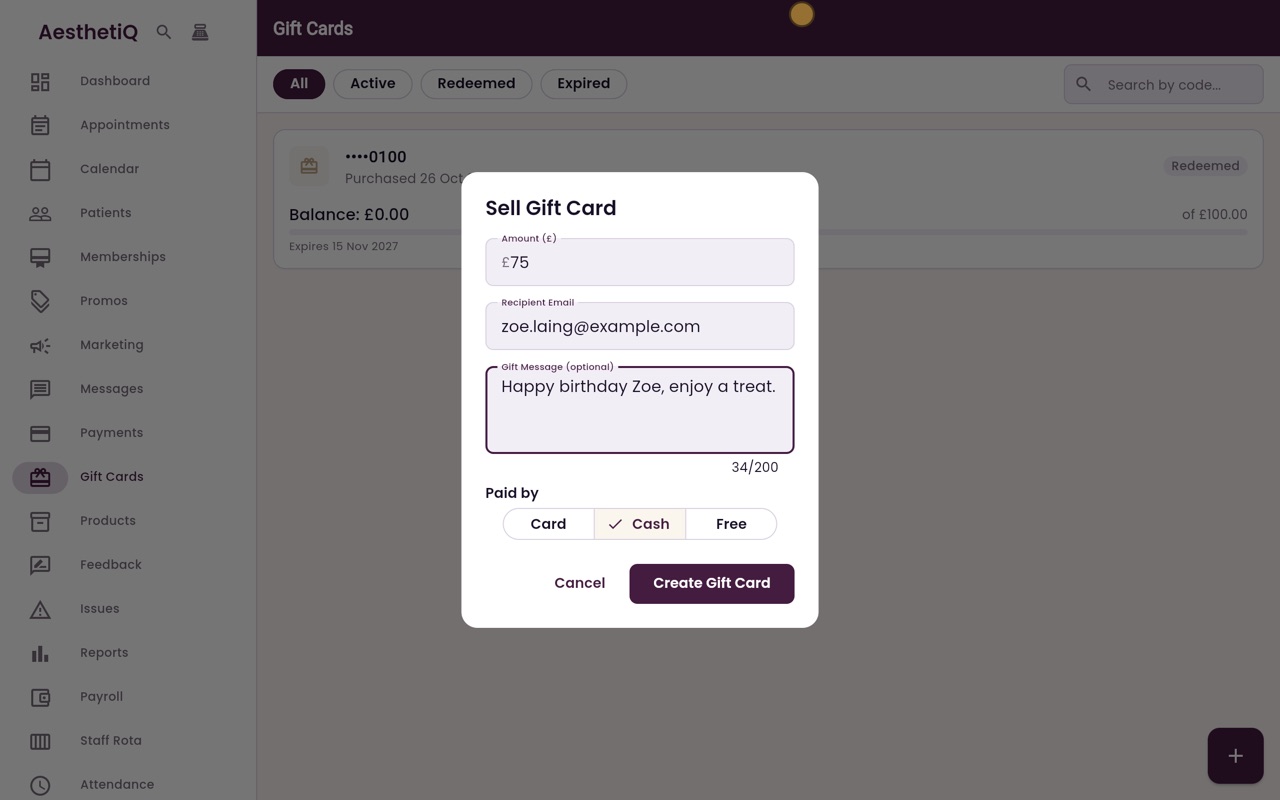
Card, Cash, or Free with a reason.
After
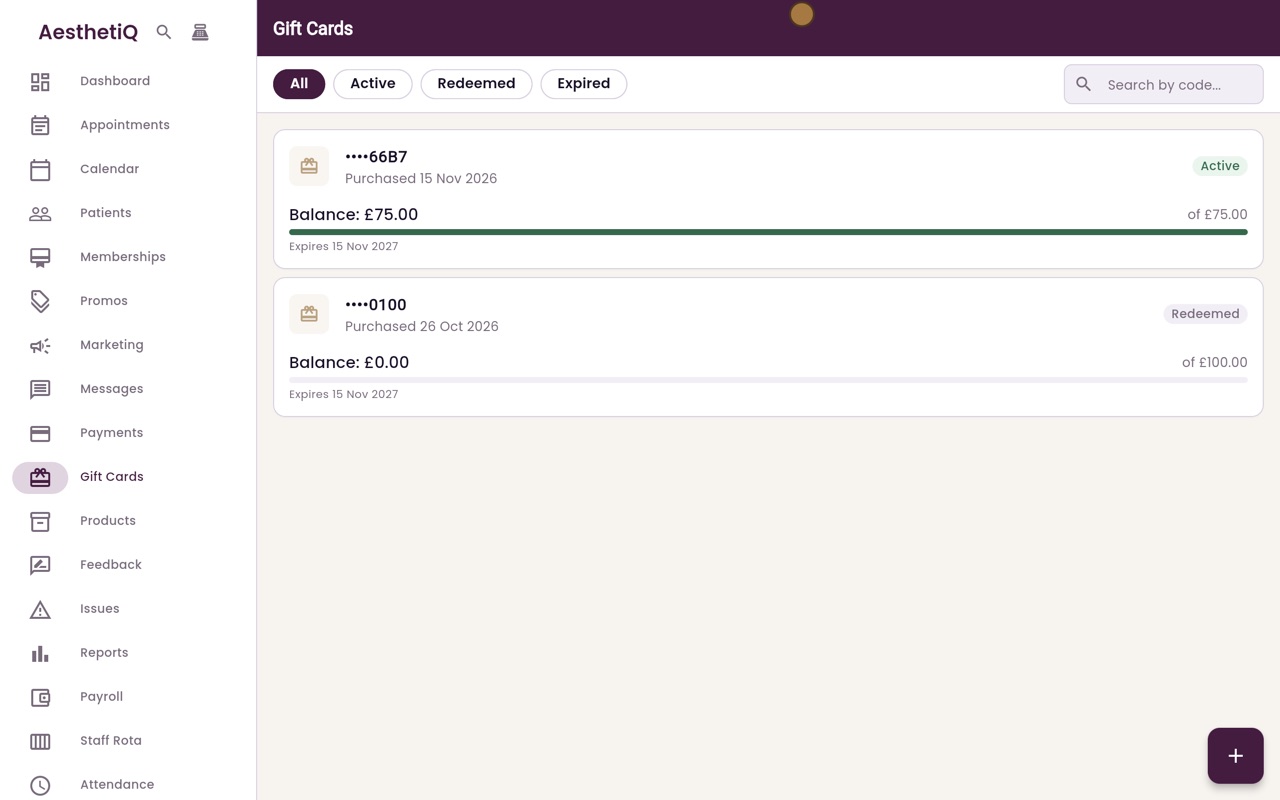
The new card is listed as Active with its full balance.
Step by step
- 01Libby
Gift cards
Hi, I am Libby. Gift cards can be sold at the desk for any amount up to five hundred pounds. The gift card is sent to the person receiving it by email.
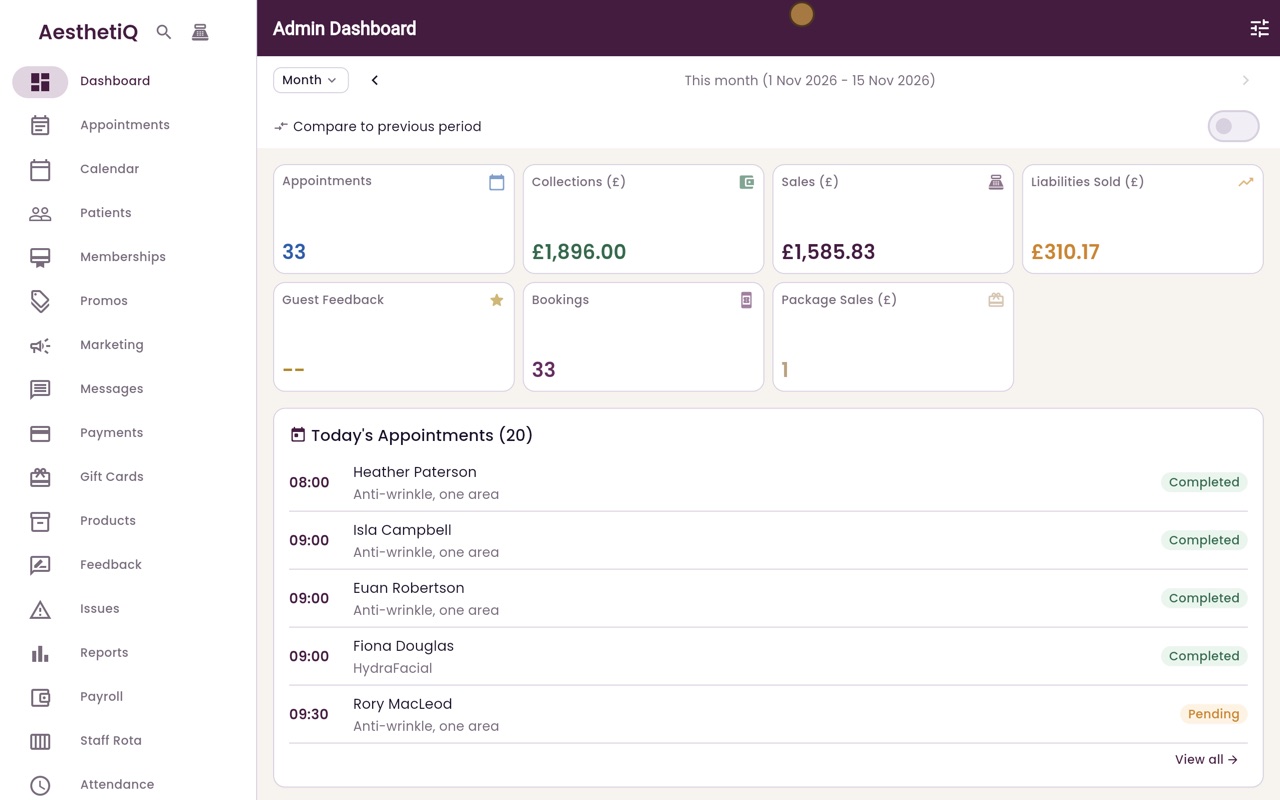
- 02Ryan
Sell a new gift card
Thanks Libby. Click Gift Cards in the menu. Every gift card is listed here with its balance. To sell a new one, click the plus button at the bottom right.
- 03Ryan
Amount and recipient
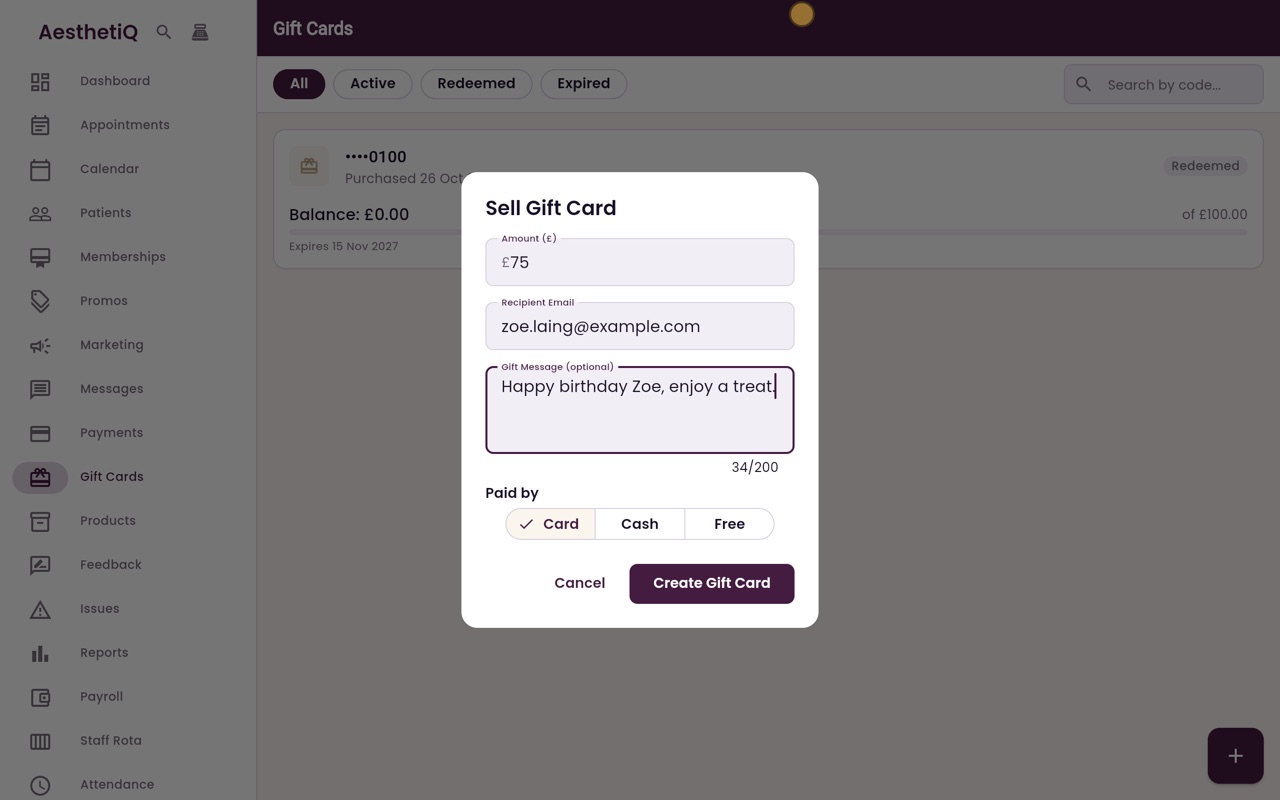
Type the amount, seventy five pounds, and the email address of the person receiving it. You can add a short gift message too.
- 04Ryan
How it was paid
Then choose how it was paid. Free asks for a reason, so the manager can see why it was given away. This one is paid in cash, so click Cash.
- 05Ryan
Gift card created
Click Create Gift Card. AesthetiQ confirms the gift card has been created and emailed, and it appears in the list with its full balance.
- 06Libby
Done
That is selling a gift card. The code is only sent in the email, so the list shows just its last four characters.