Sales opportunities
Keep every enquiry from people who are not patients yet in one place: who they are, what they want, what it is worth and when to call them back. Move each one through its stages until it is won or lost.
Where
Opportunities in the menu.
Who
The clinic manager and reception.
After
A won enquiry becomes a patient record, ready to book.
Step by step
- 01Libby
What it is for
Hi, I am Libby. Opportunities keeps track of people who have asked about a treatment but are not patients yet, so no enquiry is forgotten. The clinic manager and reception follow them up here.
- 02Ryan
Open Opportunities
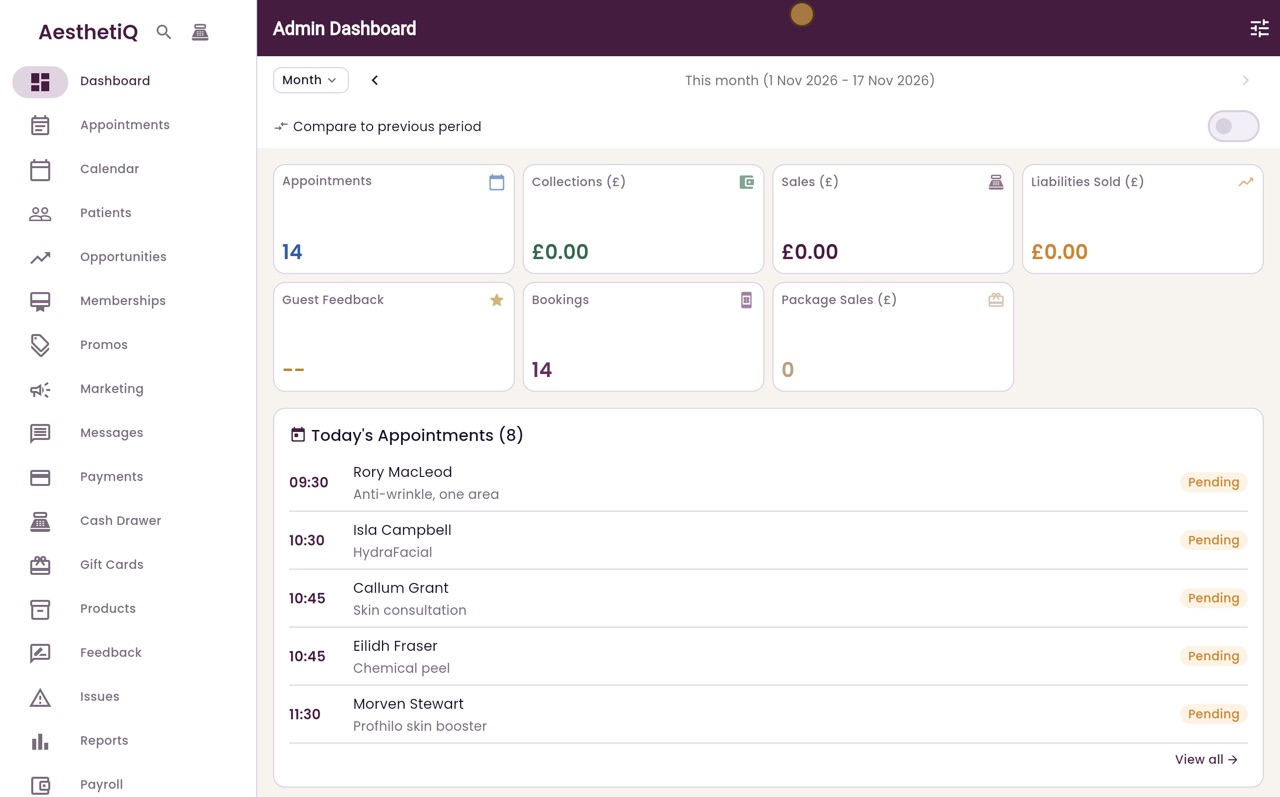
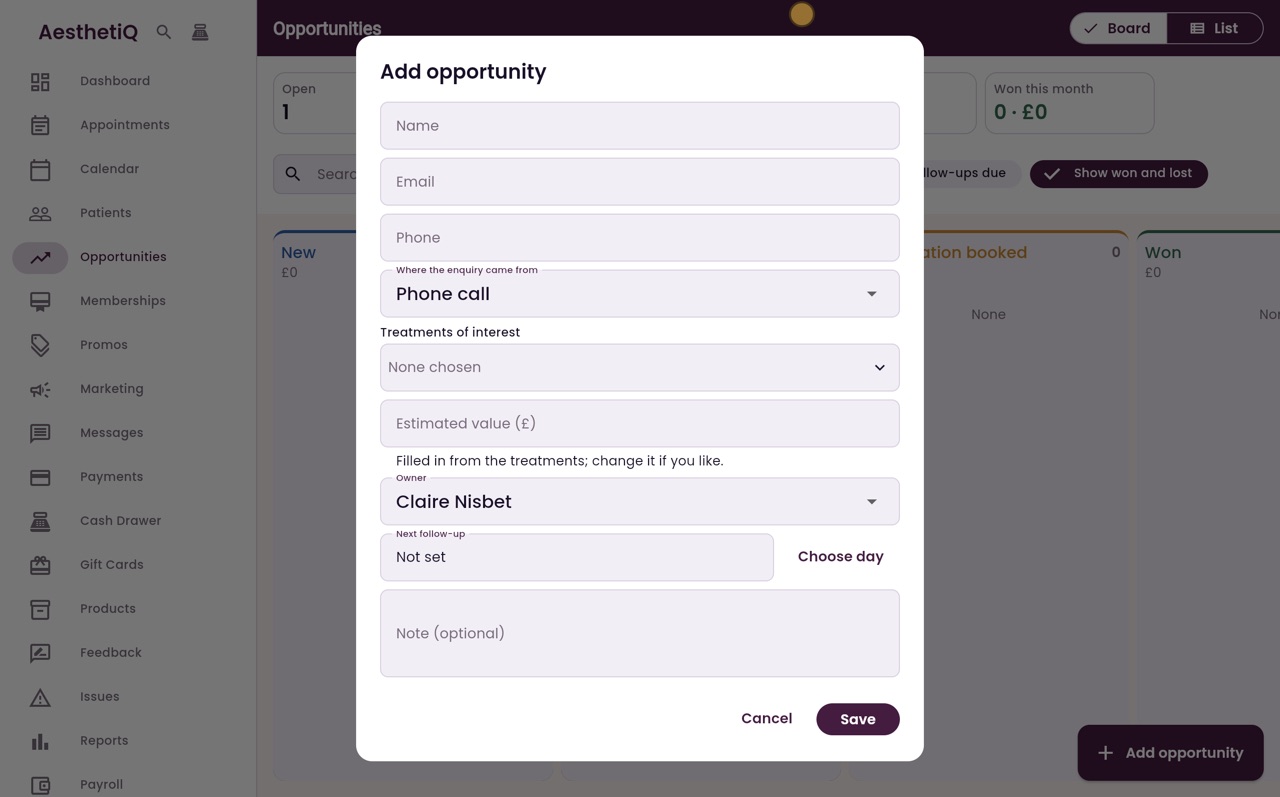
Thanks Libby. Click Opportunities in the menu. The board has a column for each stage, and the figures at the top show open enquiries and follow-ups that are due. To add a new enquiry, click Add opportunity.
- 03Ryan
Who is asking
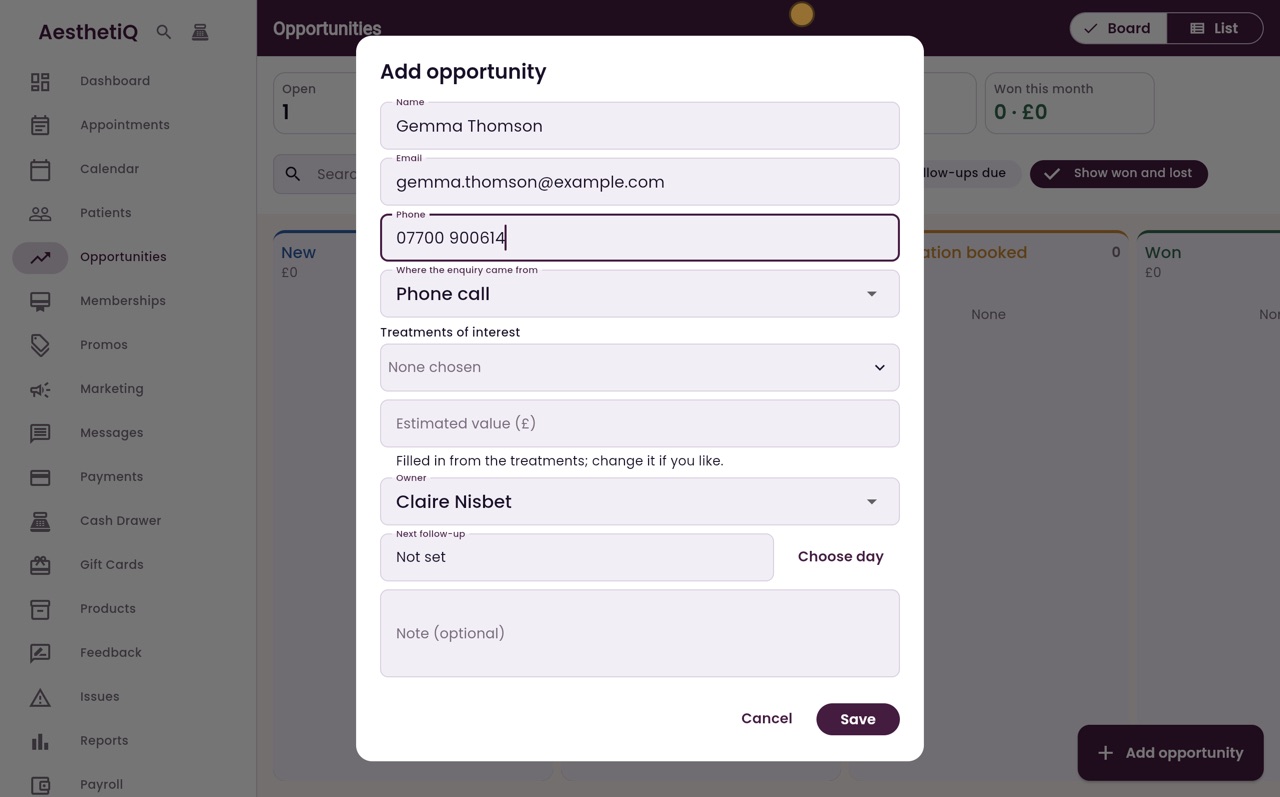
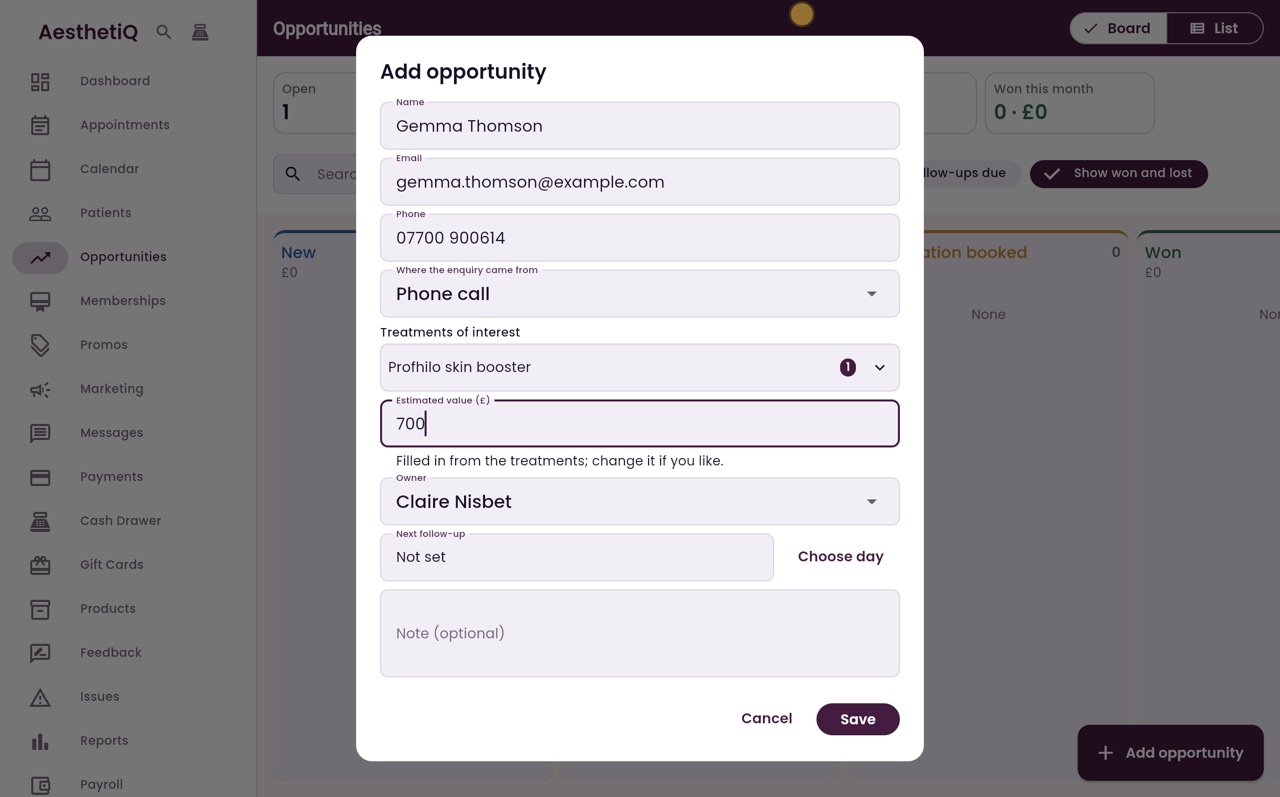
Type the person's name, email and phone number. Gemma Thomson rang the clinic, so where the enquiry came from stays as Phone call.
- 04Ryan
Treatment and value
Under Treatments of interest, choose Profhilo skin booster and click Done. The estimated value is filled in from the price. Gemma would like a course of two, so change it to seven hundred pounds.
- 05Ryan
Follow-up day and note
Claire Nisbet is the owner who follows it up. Click Choose day and pick tomorrow for the next follow-up. Add a note about what Gemma asked, then click Save.
- 06Ryan
On the board
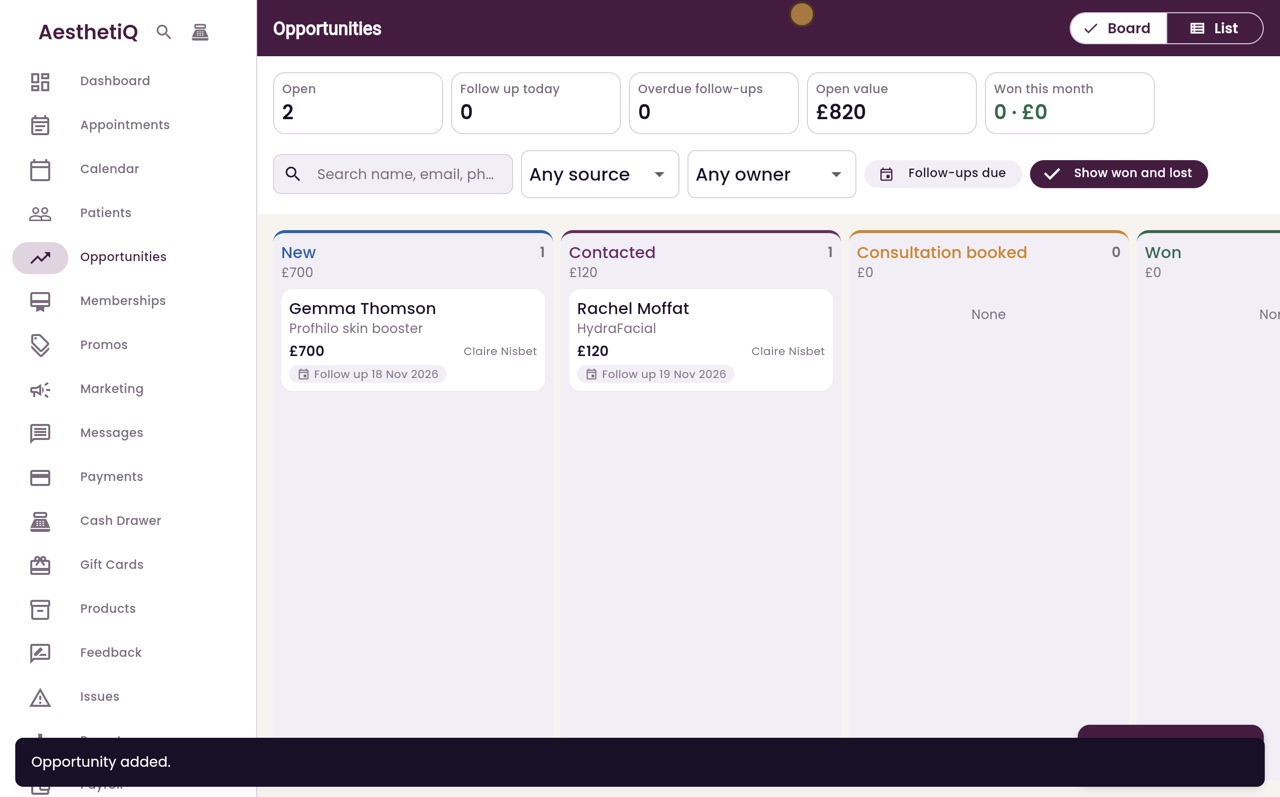
Gemma is now in the New column, with the value and the day to follow her up. Click her card to open the opportunity.
- 07Ryan
Move it on
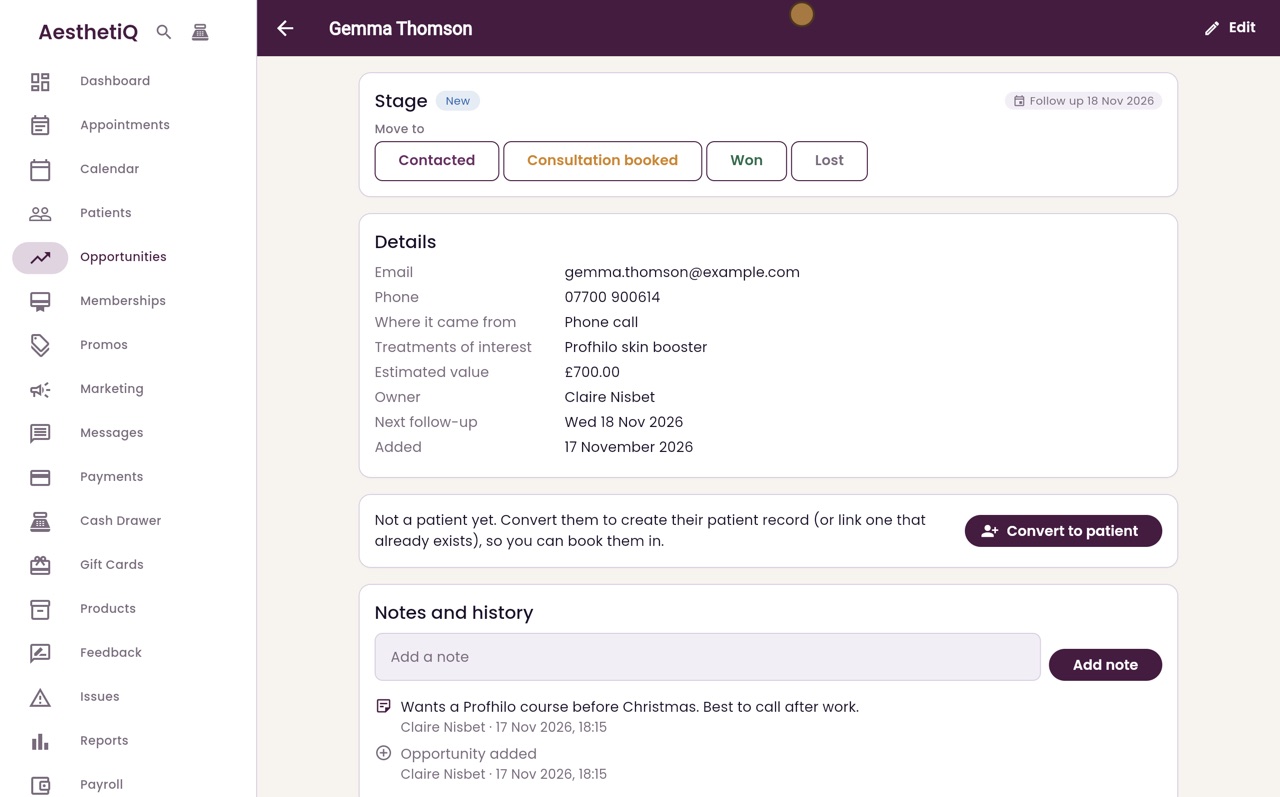
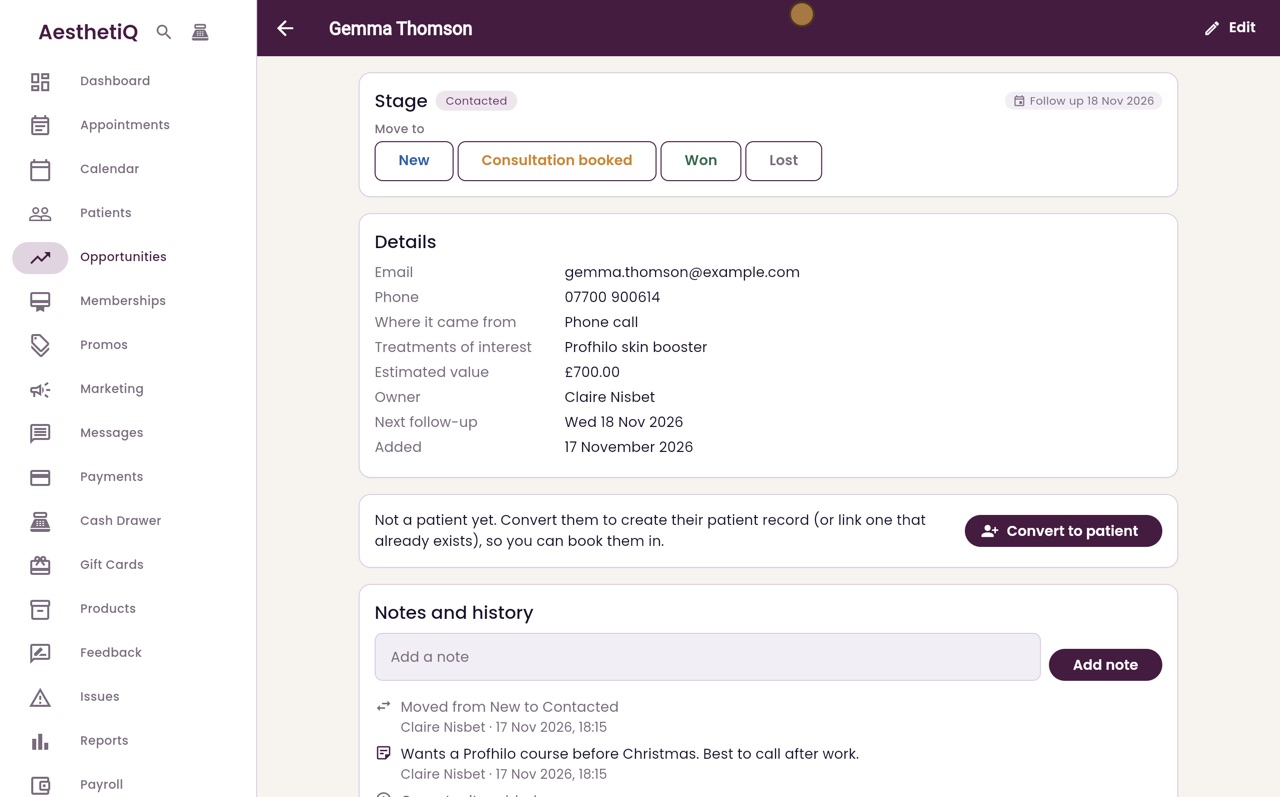
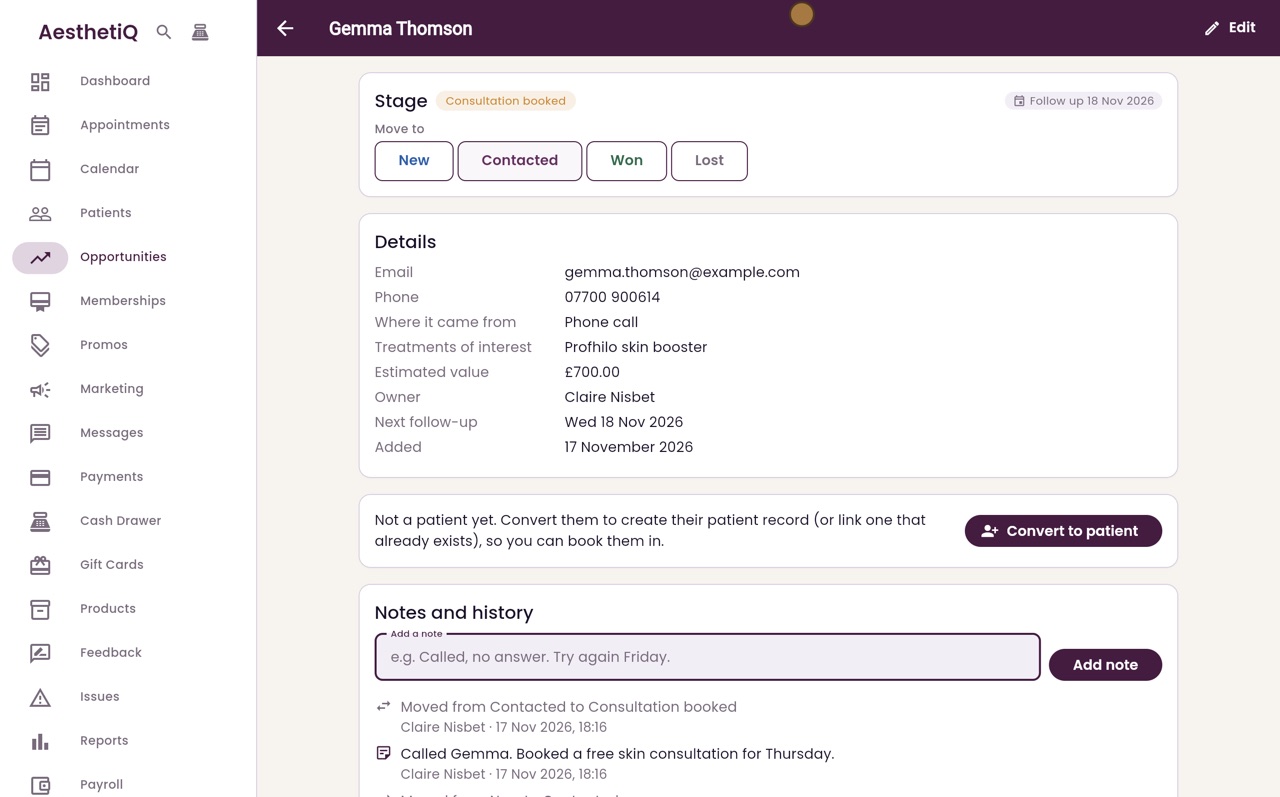
The opportunity shows the stage, the details and the notes and history. Claire has called Gemma, so under Move to, click Contacted. Every move is added to the history.
- 08Ryan
Add a note
Type what happened in Add a note, and click Add note. Gemma has booked a skin consultation, so click Consultation booked.
- 09Ryan
Won and convert
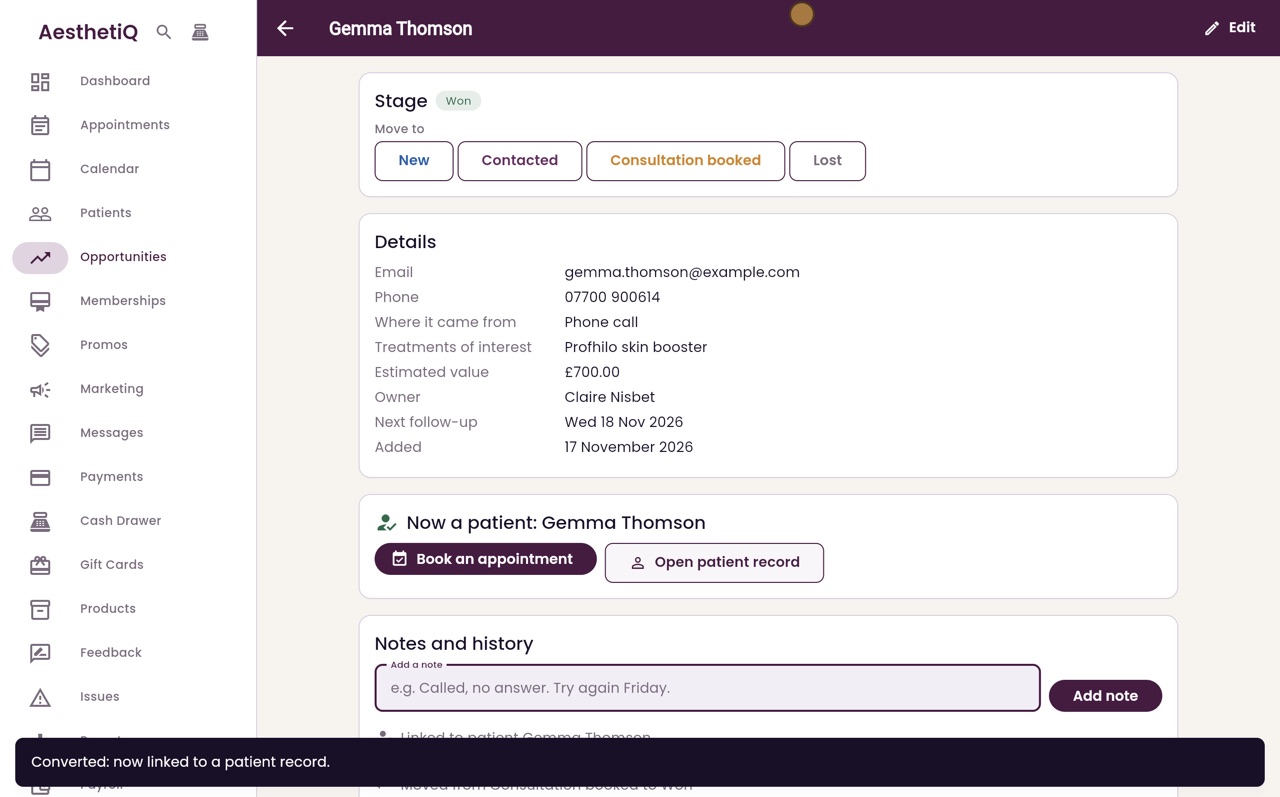
After her consultation Gemma books the course, so click Won. To book her in, click Convert to patient. Her details are filled in from the opportunity. Click Create patient.
- 10Ryan
Now a patient
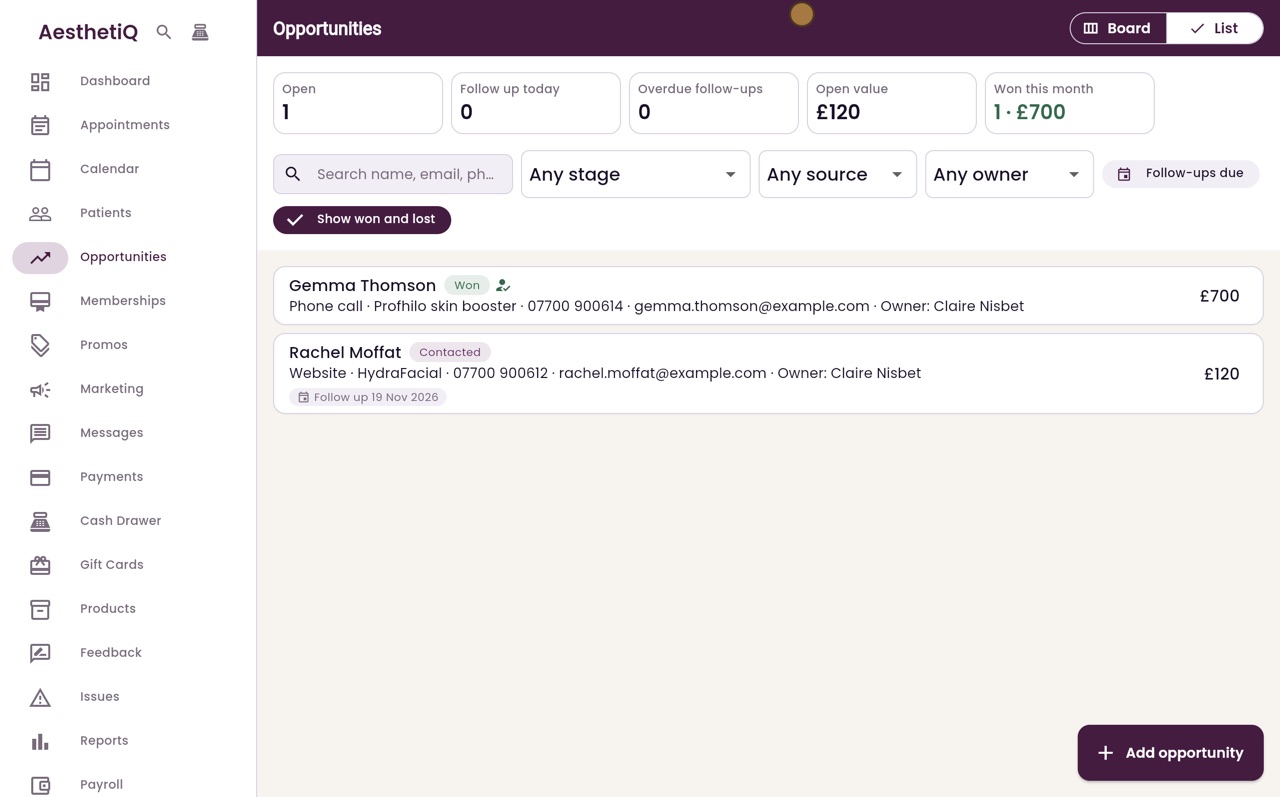
Gemma now has a patient record, with buttons to book an appointment or open her record. Click Back, then List, to see every opportunity with its stage.
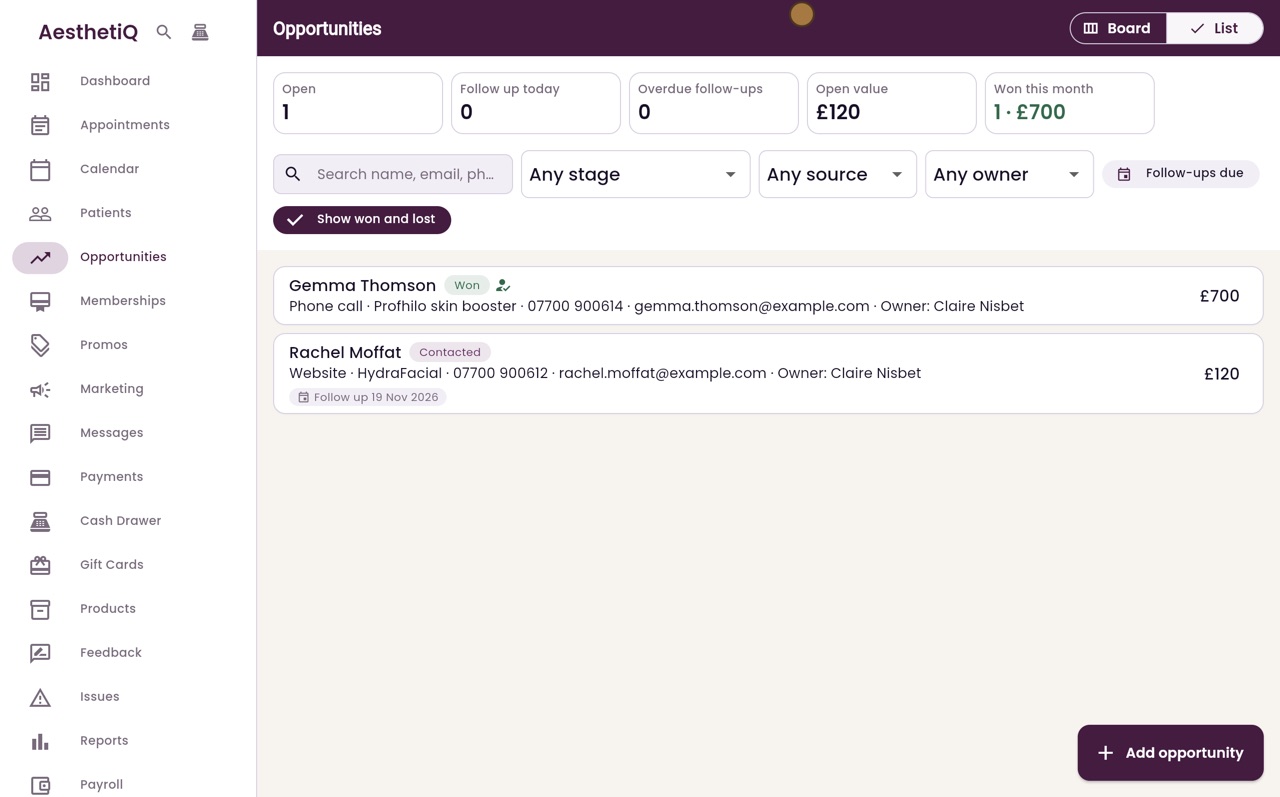
- 11Libby
Done
That is sales opportunities. If someone decides not to go ahead, click Lost and type the reason, so you can see why enquiries are lost.