The media library
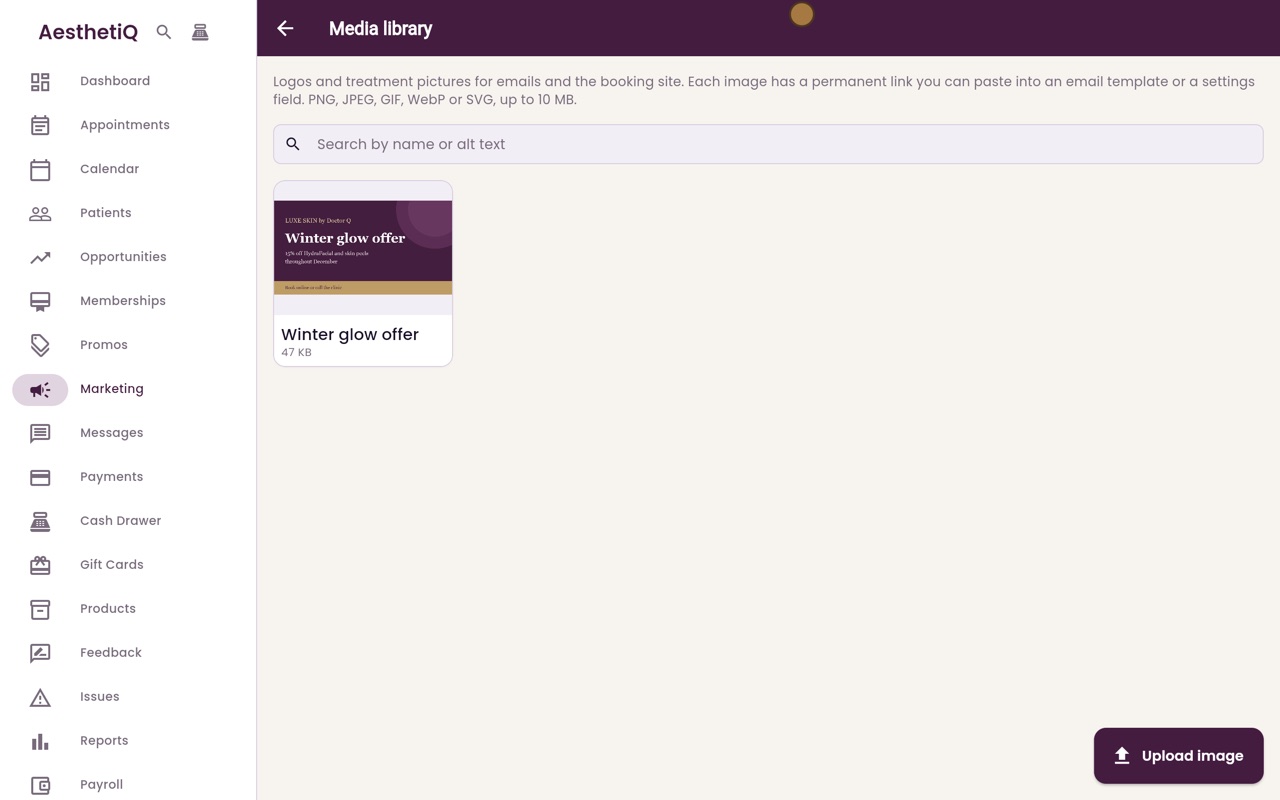
Keep the clinic's logo and treatment pictures in one place. Each picture has a permanent link for email templates, the booking site and settings.
Where
Marketing, then Media.
Upload
PNG, JPEG, GIF, WebP or SVG, up to 10 MB each.
Use
Copy link and paste it into an email template or a settings field, or choose it from the library in Business details and the email template editor.
Step by step
- 01Libby
What the media library is for
Hi, I am Libby. The media library holds the clinic's own pictures, such as the logo and treatment offers, ready to use in emails and on the booking site.
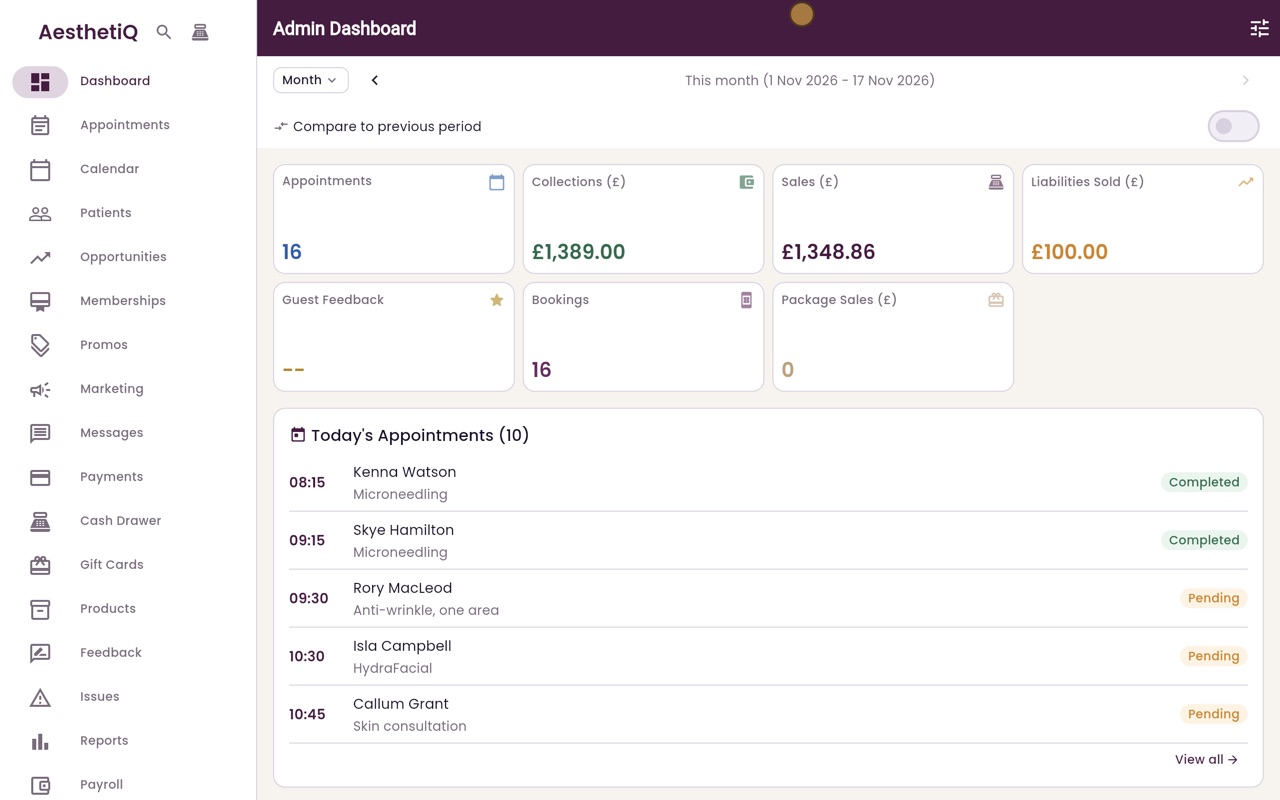
- 02Ryan
Open Media
Thanks Libby. Click Marketing in the menu, then Media at the top. The library takes PNG, JPEG, GIF, WebP or SVG pictures, up to ten megabytes each.
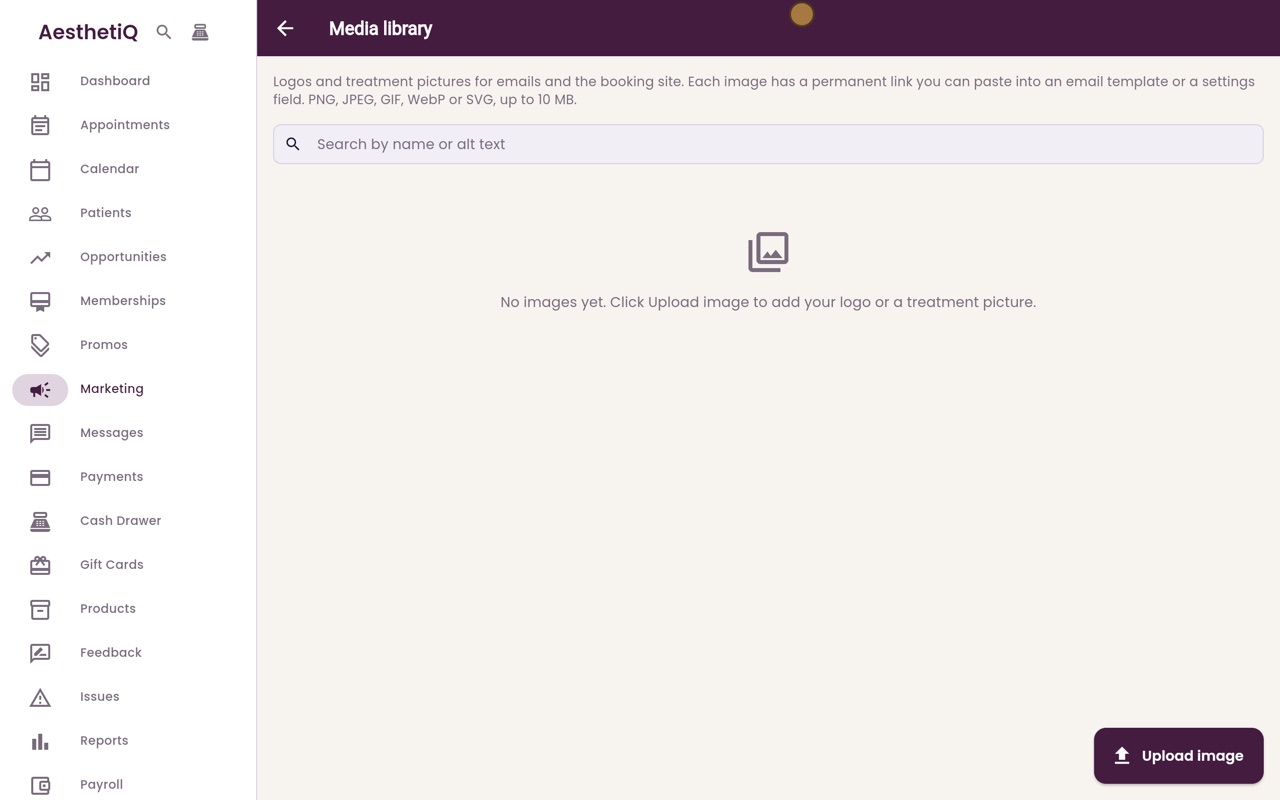
- 03Ryan
Upload a picture
Click Upload image and choose the picture on your computer, here the winter glow offer. AesthetiQ says it has been added to the media library.
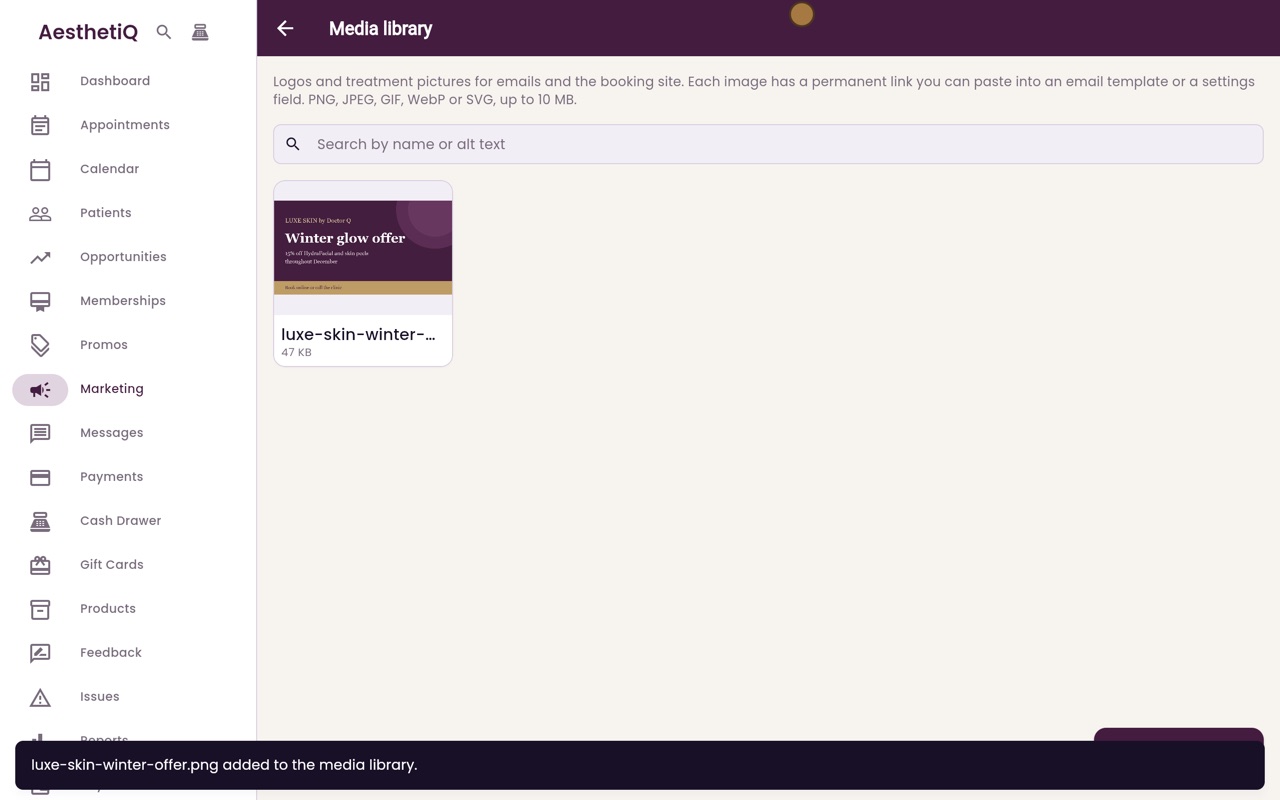
- 04Ryan
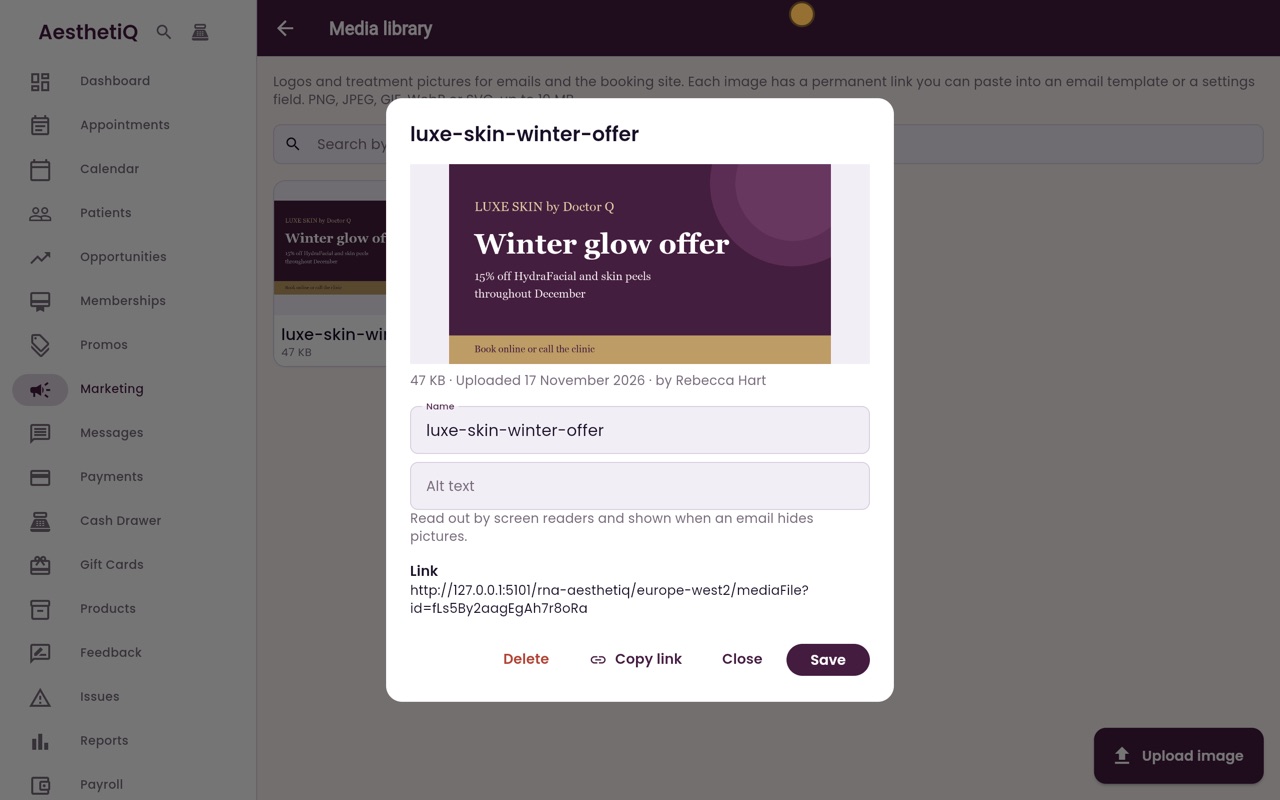
Open the picture
Click the picture to open it. Under the picture are its size, the date it was uploaded and who uploaded it.
- 05Ryan
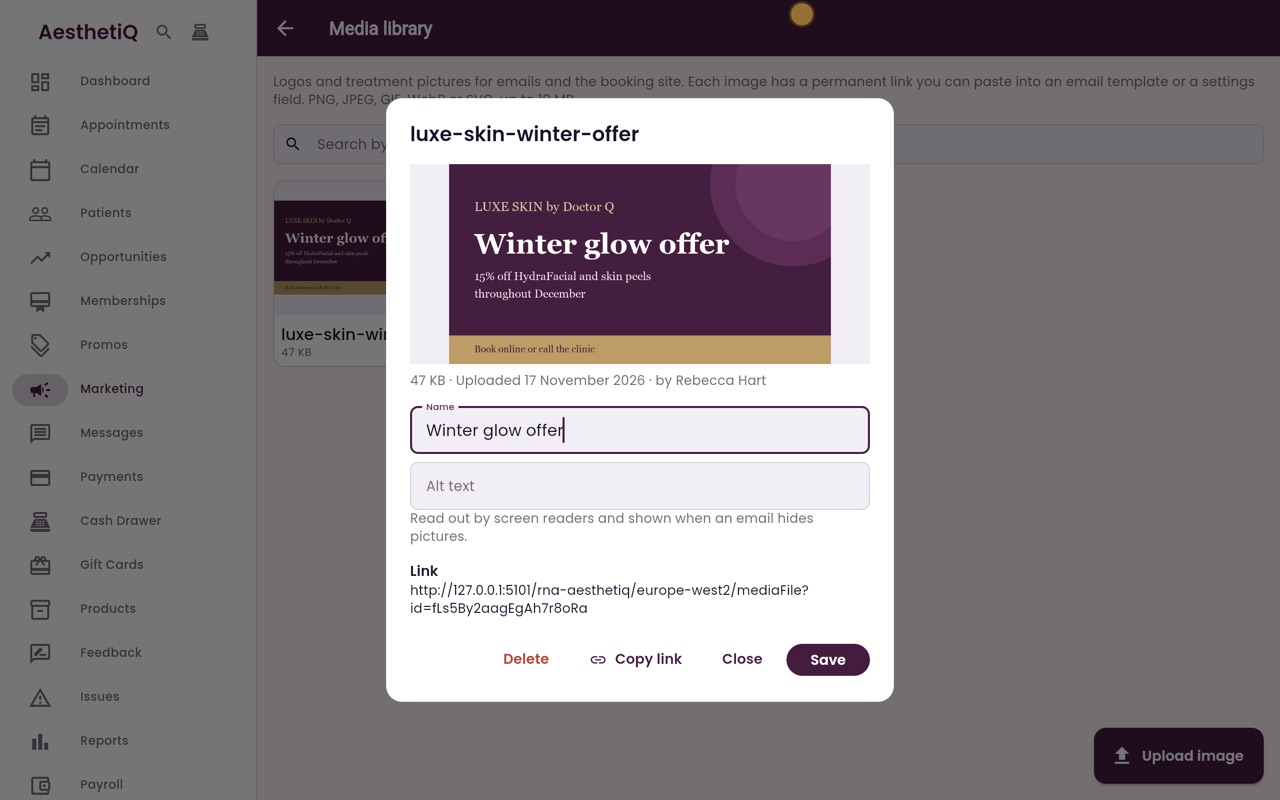
Name
Give it a clear name, so it is easy to find later.
- 06Ryan
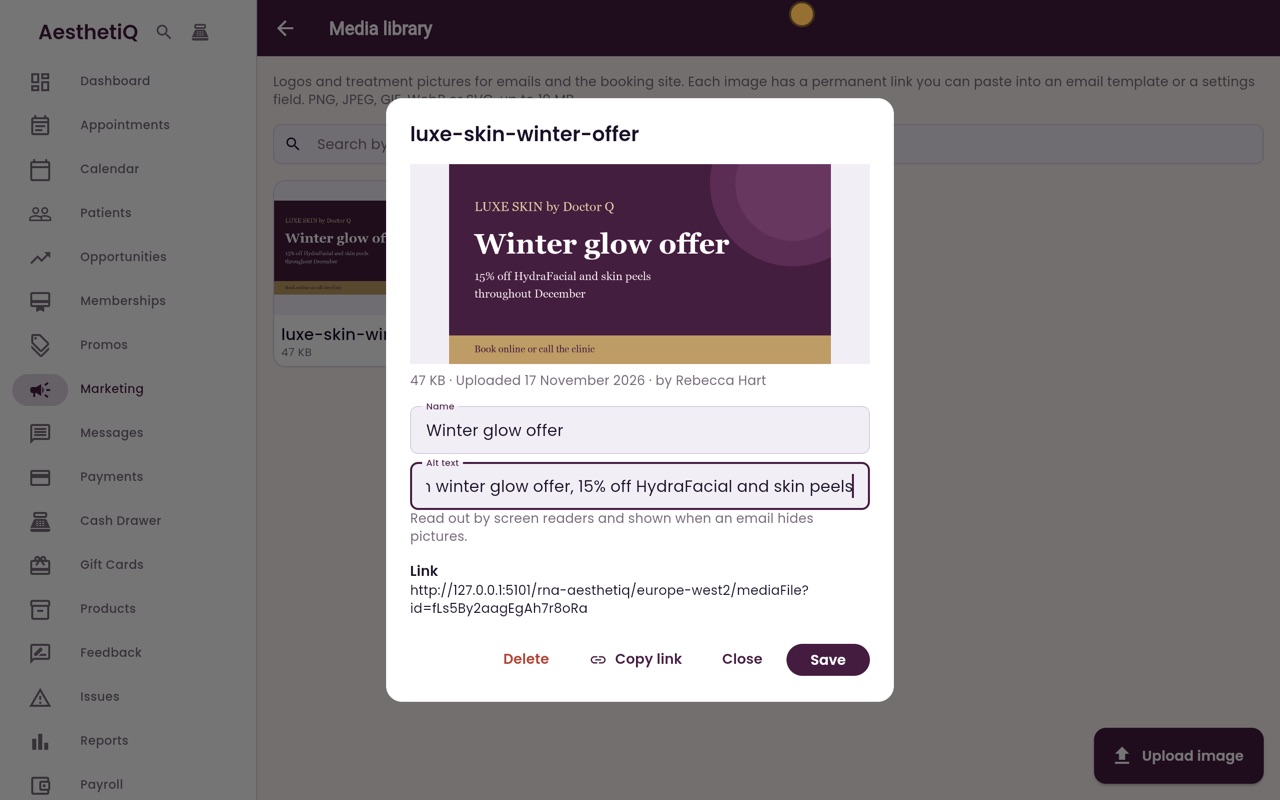
Alt text
Then type alt text that describes the picture. It is read out by screen readers, and shown when an email hides pictures.
- 07Ryan
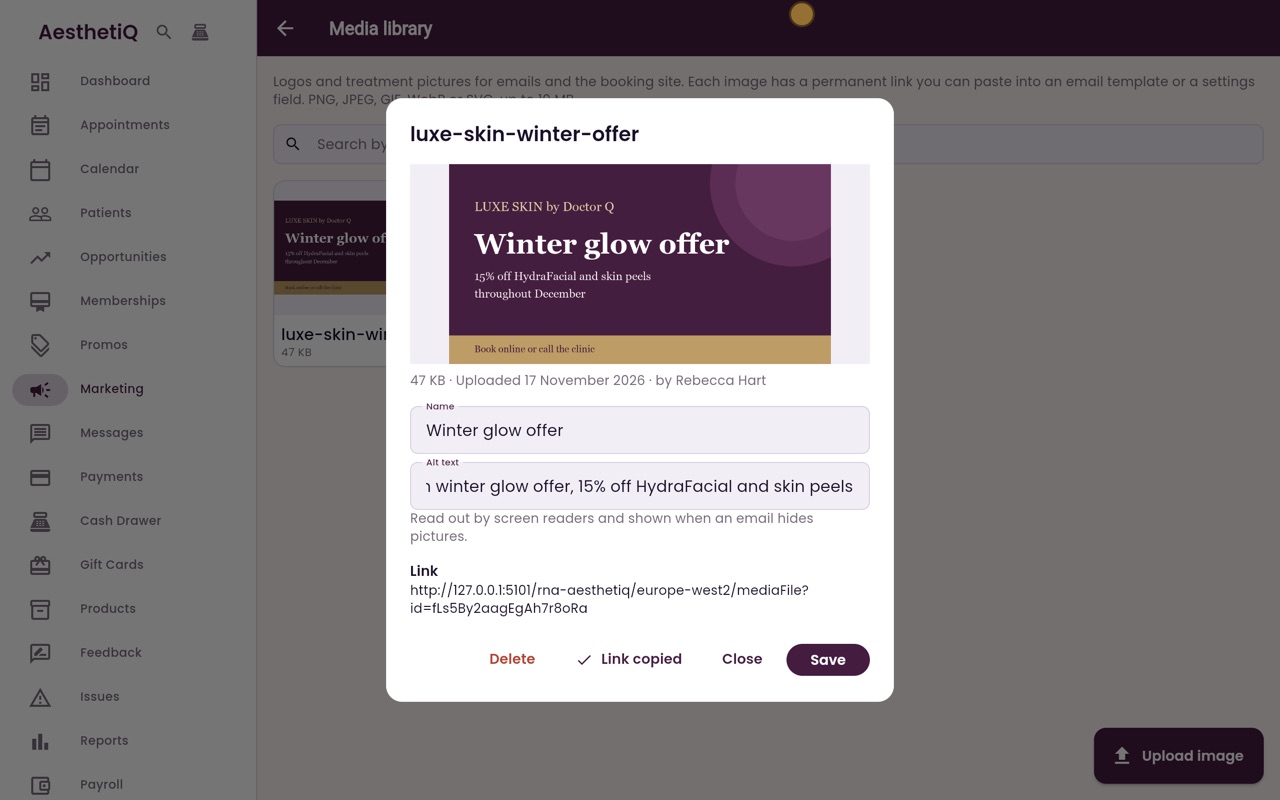
Copy link
Each picture has a permanent link, which you can paste into an email template or a settings field. Click Copy link, and the button changes to Link copied, with a tick.
- 08Ryan
Save
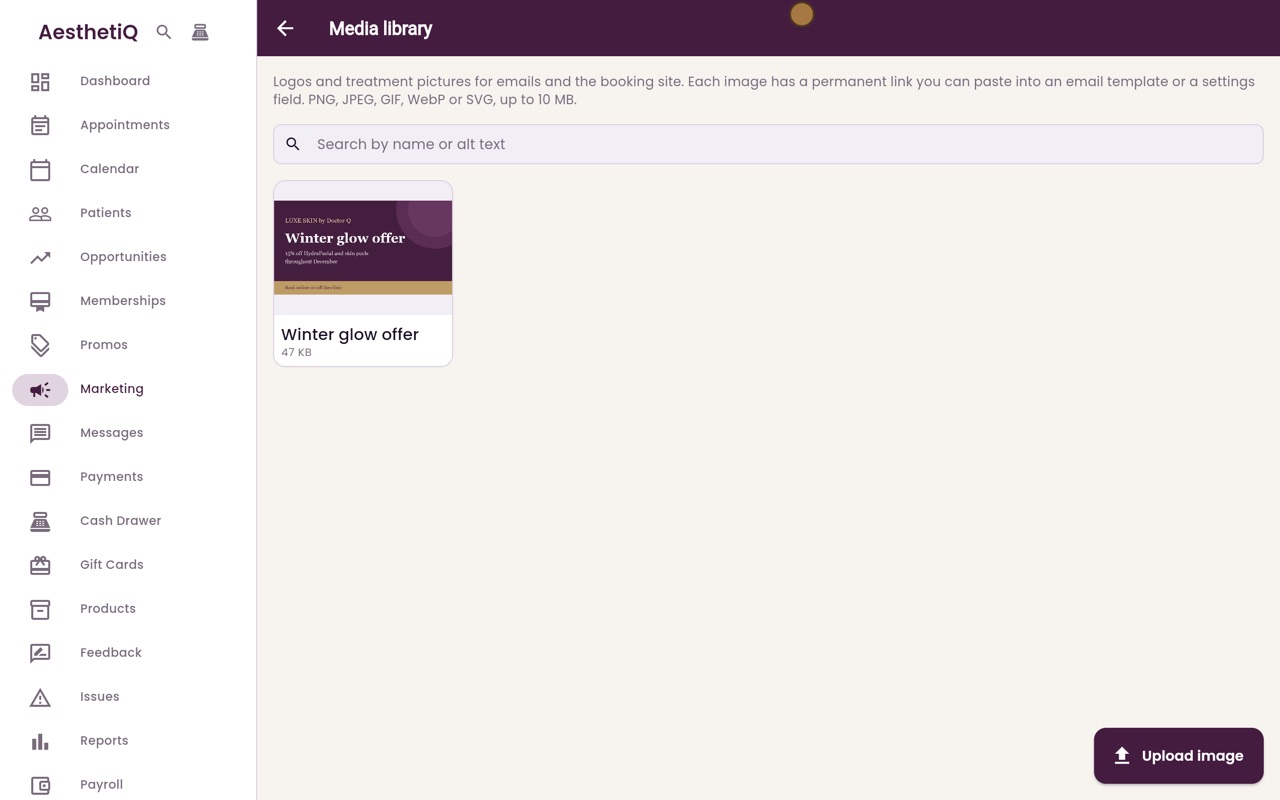
Click Save. The picture is in the library under its new name. The search box finds pictures by name or alt text.
- 09Libby
Done
That is the media library. In Business details, Choose from media library puts in the logo link, and the email template editor can insert a picture from the library.